
Glitch Cut
A glitch transition that cuts on the beat
Two bold title cards, one hard cut at the midpoint, and a full signal failure in between: RGB split, sliced bands sliding out of register, scanlines, a static shader and a white flash across the frame.
- 6s
- duration
- 4
- aspect ratios
- 6
- controls
- 720p
- free, unlimited exports
Transitions · 6s · 9:16
Glitch · RGB split · Scanlines · Transition
Signal failure, authored rather than filtered
A glitch filter applied to a finished clip lands the same way every time, because it does not know where the cut is. This template is built the other way round: the two title cards, the band slicing and the static are all layers on one timeline, so the failure peaks exactly at the changeover and resolves as the second card settles. Each card is sliced into three bands that displace independently, with coloured ghost copies of the word offset behind them for the chromatic split.
The static is a shader pass over the whole frame with its own strength control, from a light dusting at 0.4 up to full snow at 3. A rolling bar sweeps down the frame, a scanline layer sits over everything, and a white flash fires at the cut. The two words and their two card colours are the controls.
6 seconds, three beats
What is on screen, and when. Every element named here is a layer in the document — you can click any of them on the canvas and change it.

Beat 1 · 1.1s
Card A holds
The first word is set with its accent block, the ghost copies barely offset, and the scanline layer running over the whole frame.

Beat 2 · 2.9s
Full signal failure
The bands have slid out of register, the RGB ghosts are wide apart, the static shader is at strength and the rolling bar is crossing the frame.

Beat 3 · 5.2s
Card B settles
The second word has resolved over its own colour block, the glitch has cleared, and the clip holds.
Three steps to a glitch cut
- 01
Type the two words
Card A's word and card B's word are separate controls, set in a heavy poster face. Short, hard words cut best — the shipped pair is SIGNAL and LOST.
- 02
Set the two colours
Each card takes its own accent, which drives its block, its ghost copies and its band fills. Picking a complementary pair makes the changeover read harder.
- 03
Dial the static and export
Static strength runs 0.4–3. Push it up for a full signal-loss read, keep it low if the clip is going in front of something legible. Then export.
Timed, not filtered
The failure peaks exactly at the cut
Band displacement, RGB ghosting, the rolling bar and the flash are all keyed to the midpoint rather than applied evenly across the clip. That is what makes it read as a transition instead of a texture.
Real chromatic split
Ghost copies, offset in two directions
Each word is drawn three times — a warm copy offset one way, a cool copy offset the other, and the solid on top. Because they are all the same live text layer, your word gets the split automatically.
Complete clip
Six seconds you can post on its own
This is not an overlay that needs footage underneath. Card A holds, the cut happens, card B holds — so it works as a standalone title sequence, or you export it and cut it into a longer edit at the changeover.
What you can change
Six controls. Nothing else is in the frame: two words, two colour blocks and the failure between them.
- Click any element on the canvas to edit it directly
- Or describe the change in a sentence and let the assistant make it
- Export 9:16, 16:9, 1:1, 4:5 from the same document
Studio controls
6 named
- Card A wordTextSIGNAL
- Card B wordTextLOST
- Card A colourColour#FF5A1F
- Card B colourColour#1F3DFF
- Static strengthSlider 0.4–32.2
- SpeedSlider 0.5–21
Why not a preset pack
Glitch presets assume you already own the editor and already have an edit to apply them to. This is the whole clip: two cards, a cut, and a failure timed to it, in a document where the words are text fields. If you need the same treatment on ten different phrases, that is ten edits of one page rather than ten exports through a plugin chain.
Glitch Cut: questions, answered
Is the glitch effect template free?+
Free to open and edit, with unlimited free 720p exports with a small LazyKiwi mark. Clean 1080p is included with any paid plan.
What aspect ratios can I export?+
9:16, 16:9, 1:1 and 4:5. The scanlines and static are computed per frame, so they stay the right scale in every aspect rather than stretching.
Can I change the words and the colours?+
Both words, both accent colours and the static strength are named controls, and the two subtitle lines are canvas-editable text.
Do I need After Effects?+
No plugin, no project file, no install. The RGB split, band slicing and static shader are all part of the document and render in the browser.
How long is the clip?+
Six seconds, with the cut just before the three-second mark. The speed control runs 0.5× to 2× if you need a snappier version.
More transitions
All transitions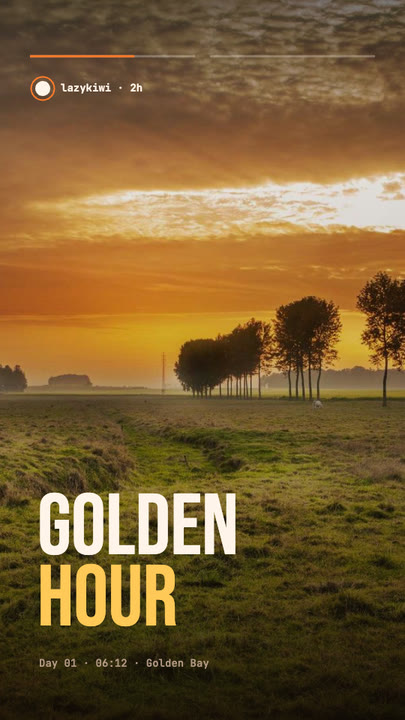 Stretch Cut StoryTwo photos trade places with a horizontal stretch-and-blur cut; the poster words stretch with them under story-style progress bars.
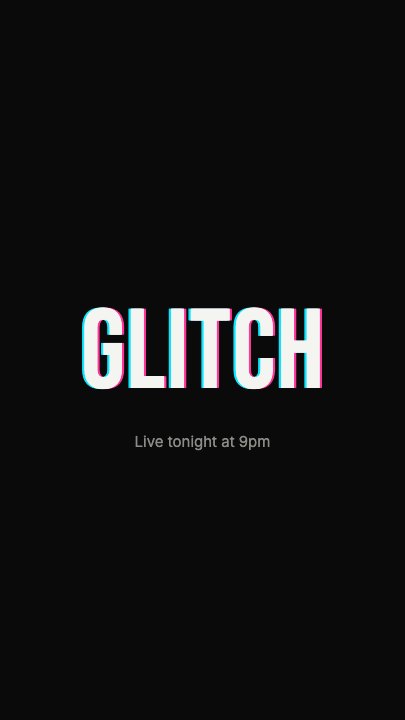 Glitch RevealA display headline stutters in through RGB-split ghosts, horizontal slice tears and hard flicker, holds with a faint colour fringe and one more twitch, then tears apart on the way out
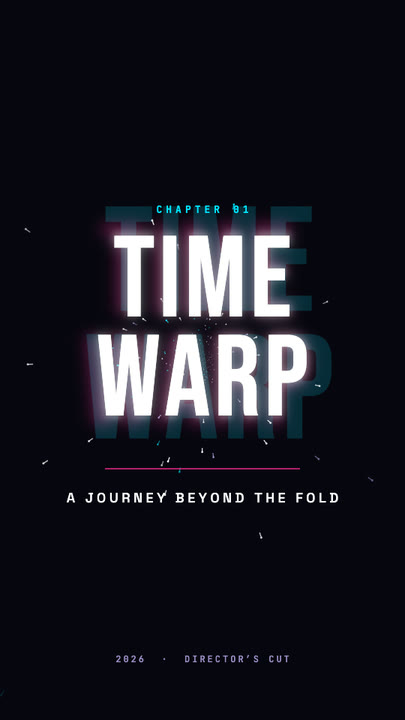 Time Warp TitleA two-line display title rushes out of deep focus — stretched, blurred, trailing cyan and magenta afterimages — lands with a flash, then blasts past the lens.
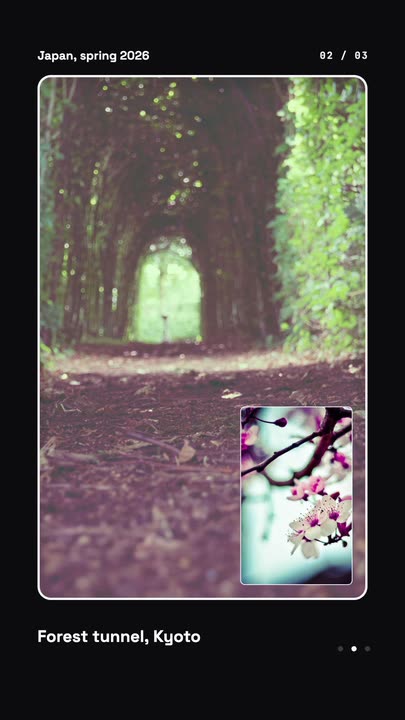 Nested Photo EditPicture-in-picture photo edit: a small inset grows into the main frame, then the next one nests inside it, three deep on a seamless loop.
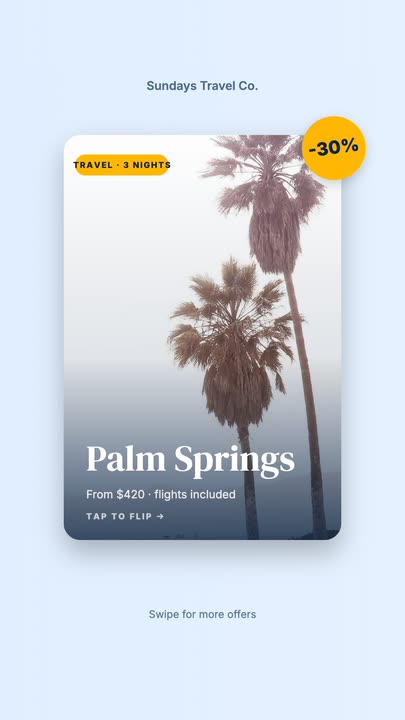 Offer Card FlipA photo offer card flips on its Y axis to reveal what is included, the price and a button, then flips back.
Break the signal on cue.
Two words, two colours, one static slider — and a cut that lands exactly where it should.