
25 YouTube Shorts Ideas Without Showing Your Face (2026)
YouTube Shorts ideas you can make without a face: 25 formats built on loops, remixes and series, each with a template or tool, plus specs and free options.
 Priya Sharma 9 min read
Good YouTube Shorts ideas are built around a mechanic the Shorts feed rewards: a loop that replays, a reveal that lands in the first second, or a series the viewer recognizes on sight. None of those need your face. This post lists 25 faceless Shorts formats in five groups, names the LazyKiwi template or tool that produces each one, and then covers the parts most idea lists skip: the current Shorts specs, how to script a 30-second loop, the step-by-step build, and what is free. Long-form channel concepts live in a separate post; this one is only about the vertical feed.
What makes a YouTube Short work in 2026?
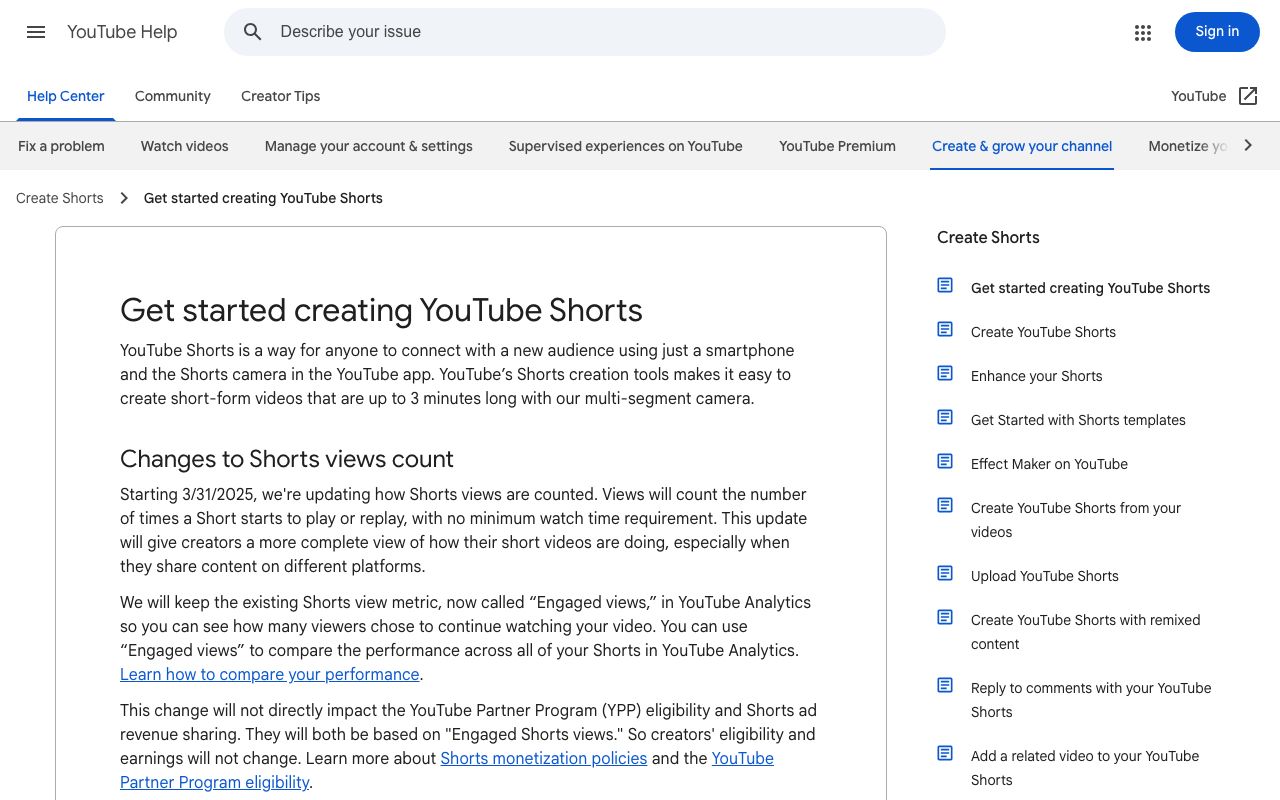
Start with the container. A Short is a vertical video of up to 3 minutes, uploaded at a maximum of 1080p, according to the YouTube Help page on creating Shorts (2026). The 3-minute ceiling is newer than most idea lists assume, and it changes what fits: a full recipe or a three-step tutorial is now a Short, not just a teaser for one.
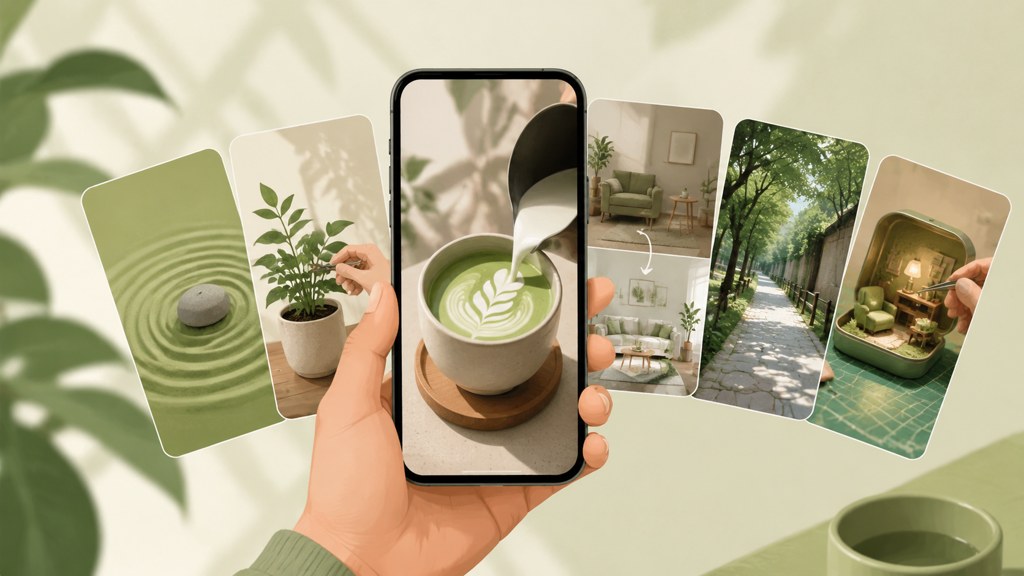
The feed autoplays and loops, so the two moments that decide a Short are the first frame and the last one. The first frame has to show the subject or the question before any title card; the last frame should either hand back to the first (a loop) or set up the next episode (a series). Everything in the middle is pacing.
Monetization has its own Shorts door. The Partner Program's Shorts route is 1,000 subscribers and 10M qualified public Shorts views across a 90-day window, per YouTube Help (2026), and eligible US creators can tag Amazon products in Shorts through the Shopping affiliate program, per the YouTube Official Blog (2026). Faceless Shorts qualify on the same terms as any other, as long as they are not templated mass production.
Watch your own Short three times on a phone with the sound off before you publish. If the third loop still makes sense, the structure is right.
What are the best YouTube Shorts ideas without showing your face?
People searching 'youtube shorts ideas without showing face' or 'faceless youtube shorts ideas' usually get a list of topics, and the same goes for the singular 'youtube short ideas' query. Topics are the easy part. The 25 ideas below are formats, each paired with the Shorts mechanic it exploits (loop, reveal, caption, series or remix) and with the LazyKiwi template or tool that produces the visual, so you can go from idea to upload in one session.
Loop-first ideas (1 to 5)
| Idea | Shorts mechanic | What you upload | LazyKiwi shortcut |
|---|---|---|---|
| 1. Infinite zoom into a photo | Loop: the last scene opens into the first | One still with a strong center | Infinite Zoom template |
| 2. Earth zoom-out reveal | Reveal in the first second, loop on the return | One landmark or map photo | Earth Zoom Out template |
| 3. Day-to-night scene transition | Loop: two images that blend both ways | Two photos of the same place | Image Transition template |
| 4. Countdown to a reveal | Anticipation: numbers tick to a payoff | A number range and one end image | Number Counter template |
| 5. Bullet-time freeze | Reveal: a frozen 360 around one moment | One action photo | Bullet Time template |
Loop formats are the cheapest Shorts to make because they carry no script. The earth zoom out template takes one landmark photo and pulls back to the planet; end the Short on the wide shot and the feed's replay brings the viewer back to the close-up, which reads as a loop without any editing.
Caption-led explainers (6 to 10)
| Idea | Shorts mechanic | What you upload | LazyKiwi shortcut |
|---|---|---|---|
| 6. One-line myth check | Caption states the myth, the visual disproves it | Screen recording or one generated clip | Animated text generator for the verdict card |
| 7. Three shortcuts stacked | Series: same intro card, new trio every day | Screen recordings | Animated text generator for the intro card |
| 8. Price of one thing in five cities | Counter: figures animate while the city changes | Five city photos plus your sourced figures | Number Counter template |
| 9. A definition in 15 seconds | Caption carries the whole video | One generated scene as background | Motion Studio text tool |
| 10. Timeline in ten captions | Series: one decade per beat | Archive stills you have rights to | Slow Zoom In template over each still |
Caption-led Shorts replace the presenter with text, so the text has to move. Static subtitles read as an afterthought; a title that lands with the beat reads as the host. The animated text generator exports the card as a clip you layer over the footage, which is faster than keyframing in an editor.
Transformation and reveal Shorts (11 to 15)
| Idea | Shorts mechanic | What you upload | LazyKiwi shortcut |
|---|---|---|---|
| 11. Sketch-to-photo reveal | Reveal: the sketch fills in | One photo | Photo to Sketch tool, reversed in the edit |
| 12. Landmark as a watercolor | Restyle: real place, painted world | One travel photo | Anime Watercolor Art template |
| 13. Room restyle before and after | Reveal: the same room, new style | One interior photo | AI Interior Design tool |
| 14. Five outfits, one pose | Series: the outfit changes on the beat | One full-body photo | AI Outfit Generator |
| 15. Archive photo, colorized | Reveal: grey to color on the beat | One black-and-white photo | AI Photo Colorizer |
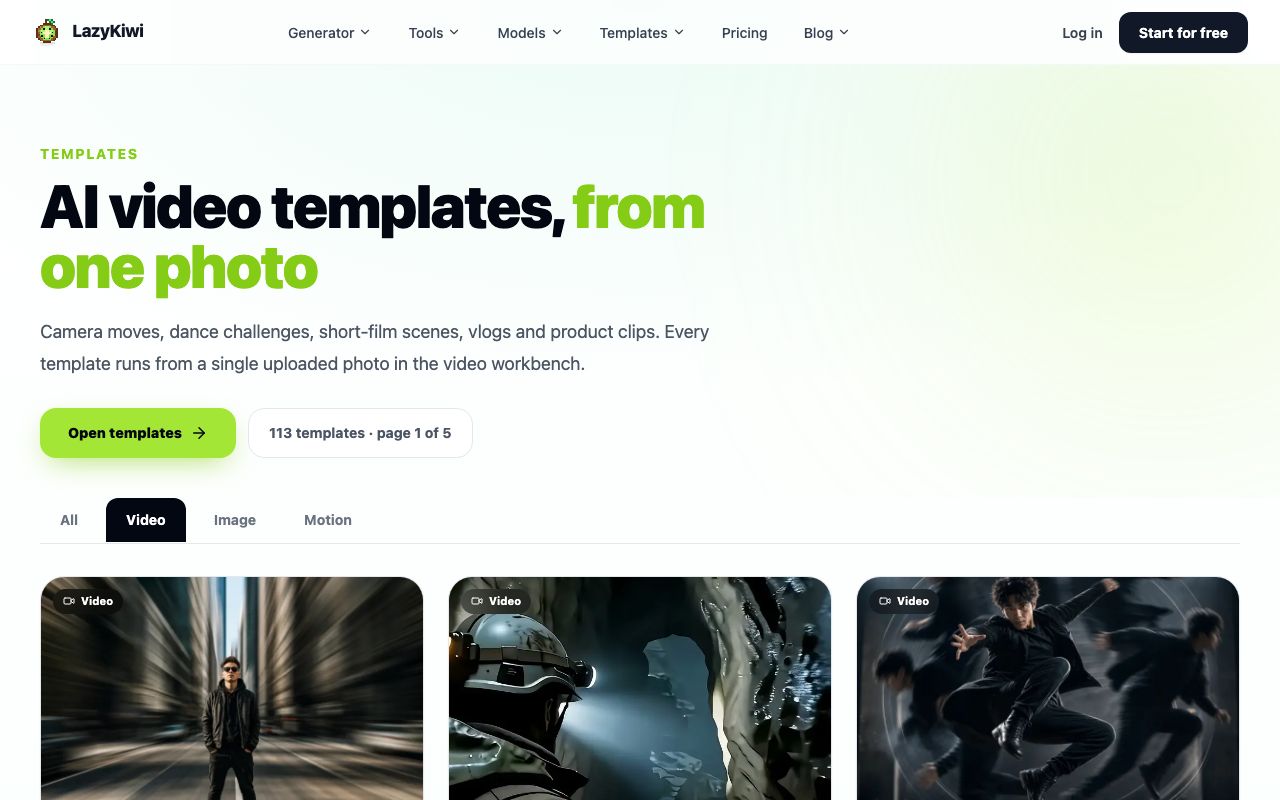
Reveal Shorts work because the viewer can predict the ending and still wants to see it. Keep the before and the after in the same frame position so the cut is the only thing that changes; the video templates hub is sorted by that kind of single-photo effect.
Story and point-of-view Shorts (16 to 20)
| Idea | Shorts mechanic | What you upload | LazyKiwi shortcut |
|---|---|---|---|
| 16. Two-line horror | Loop: the last line is the first line | A text prompt | Seedance 2.5 text-to-video at 9:16 |
| 17. Alternate-history frame | Reveal: a familiar place, one detail wrong | A text prompt plus a reference photo | Seedance 2.5 image-to-video |
| 18. Object point of view | Series: a new object each episode | A text prompt | Seedance 2.5 text-to-video |
| 19. Dream sequence | Transition: waking scene to dream scene | Two images as start and end frames | Seedance 2.5 start-and-end frames |
| 20. Comment-driven sequel | Series: viewers pick the next scene | Top comment as the prompt | Seedance 2.5 with the comment quoted on screen |
Story Shorts are where generated video earns its credits. In LazyKiwi, Seedance 2.5 renders 4 to 30 seconds at any second in between, at 480p or 720p, in six ratios including 9:16, from a text prompt, one reference image, or a start-and-end frame pair. A generated scene presented as fiction needs no label; one presented as a real place or event does.
Series and remix mechanics (21 to 25)
| Idea | Shorts mechanic | What you upload | LazyKiwi shortcut |
|---|---|---|---|
| 21. Part 1 / Part 2 cliffhanger | Series: the cut lands mid-reveal | One long clip split in two | AI VFX generator for the cliffhanger beat |
| 22. Same card, one fact a day | Series: identical intro card, new fact | Daily fact plus one visual | Animated text generator, saved preset |
| 23. Trend remixed into your niche | Remix: known audio or format, new subject | The format, your subject | Whip Pan or Seamless Transition template |
| 24. Long-form cut into three Shorts | Series: the same episode, three angles | Your own long-form upload | Manual cut or a clipping tool |
| 25. Weekly three-item roundup | Series: fixed template, weekly slot | Three screenshots and sources | Number Counter as the 3-2-1 frame |
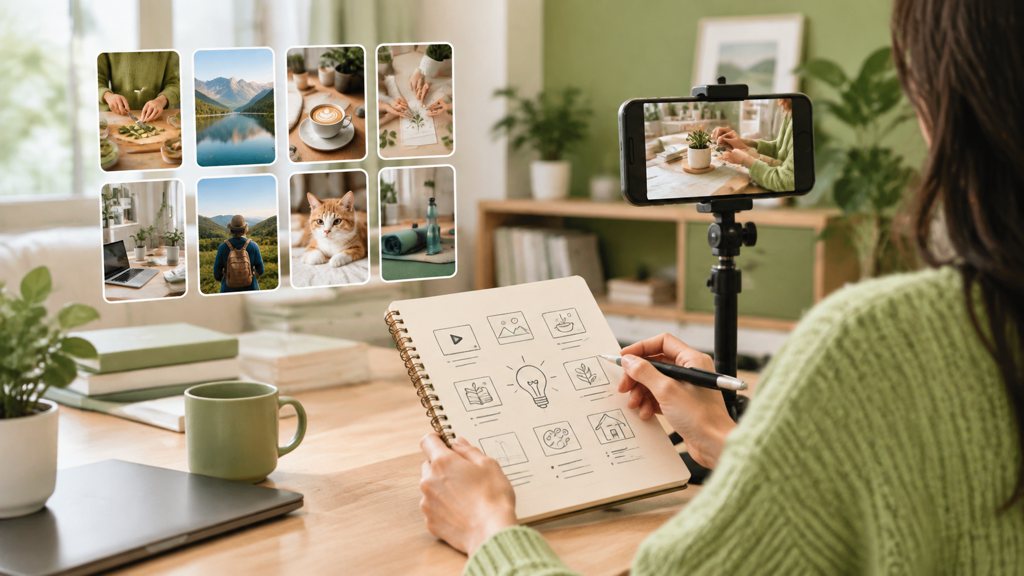
The last five are less about the individual video than about the channel. A remix takes a format the feed already understands and swaps in your subject; a series gives the viewer a reason to open your channel page. Both compound; a one-off, however good, does not.
How to turn a Shorts idea into a script
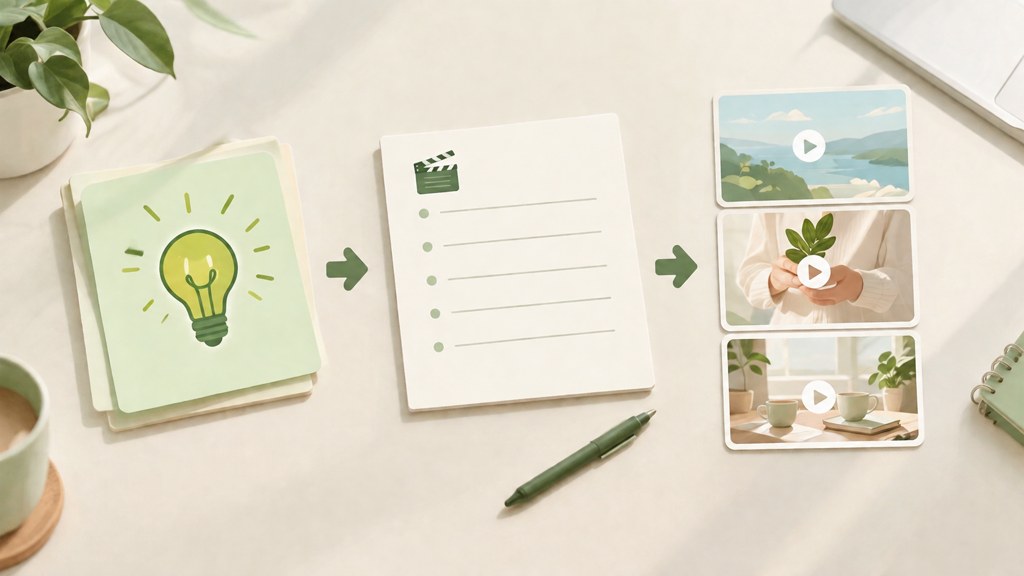
A faceless Short has three lines that matter: the hook (what the first frame shows and the first caption says), the payoff (what the viewer gets), and the loop line (the last caption, written so it also works as the first). Everything else is optional. Write those three before you generate anything, then build the visuals to fit them.
HOOK (0 to 1 s, caption over the first frame): 'The lighthouse keeper logged the same visitor every night.'
VISUAL: 9:16, slow push toward a lit lighthouse window at dusk, rain, no people visible.
PAYOFF (12 s, caption): 'The lighthouse has been automated since 1987.'
LOOP LINE (last caption, also the first): 'The lighthouse keeper logged the same visitor every night.'
VIDEO PROMPT: 'Vertical 9:16, rain at dusk, a stone lighthouse on a cliff, one lit window, slow dolly toward the window, cold blue light, no people, cinematic, 12 seconds.'
Notice that the prompt describes the shot and never the story. Models render what is in the frame; the story lives in the captions and the cut. Keep the year in the payoff line only if you can source it, otherwise make the story explicitly fictional.
Read the three lines aloud with a stopwatch. If the hook takes more than two seconds to say, it takes more than two seconds to read, and the viewer has already moved.
How to make a faceless Short with AI step by step
This is the build we use for ideas 16 to 20; templates (ideas 1 to 5 and 11 to 15) skip steps 2 and 3 because the template sets the motion.
- 1
Pick the route: template or text-to-video
Open the AI video generator. A template needs one photo and no prompt; text-to-video needs the prompt from your script. Set the ratio to 9:16 before anything else.
- 2
Generate the base clip with Seedance 2.5
Paste the shot description, choose 480p for tests and 720p for the upload, and set the duration to match your script (12 seconds for the horror example). Seedance charges per second in LazyKiwi, 100 credits at 480p and 230 at 720p, so a 5-second 480p test is 500 credits and the cost is shown before you run it.
- 3
Regenerate only the failed beat
If the window is dark instead of lit, change that phrase alone and rerun; do not rewrite the whole prompt, or you lose the parts that worked.
- 4
Add the moving captions
Build the hook, payoff and loop line as animated text in Motion Studio, export each as a short clip, and stack them over the base in your editor.
- 5
Add one effect beat, at most
A single VFX hit on the payoff (a flicker, a glitch, a light burst) marks the moment. The AI VFX generator applies it to the finished clip; two effects in 20 seconds read as noise.
- 6
Export for upload
MP4, the same frame rate you generated at, 1080 by 1920 if you upscaled, and around 8 Mbps for 1080p SDR, which is YouTube's recommended bitrate on its upload encoding page (2026).
- 7
Label it if it needs a label
A fictional scene needs no disclosure. If the Short shows a realistic depiction of a real place or event that did not happen, tick the altered content option at upload, per the YouTube disclosure policy (2026).
The whole build for a 12-second story Short takes under an hour once the script exists, and most of that is caption timing. For the long-form side of the same channel, the faceless YouTube channel ideas post covers the 8-minute formats that feed watch hours.
Are there free ways to make YouTube Shorts with AI?
Yes, in three layers: YouTube's own tools, the free tiers of editing and clipping apps, and LazyKiwi's free credits. What each one covers, as checked on 5 September 2026:
| Free option | What it covers for Shorts | Limit or catch |
|---|---|---|
| YouTube app (Shorts camera and editor) | Record, trim, add text and Audio Library music inside the app | Phone-only workflow; no generated visuals |
| YouTube Audio Library | Tracks and sound effects YouTube itself calls copyright-safe; usable on monetized Shorts | CC-licensed tracks need an artist credit |
| CapCut | Vertical editing, auto captions, text to speech, free to start | Some features are paid; check export rules |
| OpusClip free plan | Cuts long videos into Shorts-ready clips, 60 minutes of processing a month | A 7-day Pro trial adds 90 minutes; paid plans after that |
| LazyKiwi free plan | 40 credits every month, templates and image tools | A 5-second Seedance 2.5 clip at 480p is 500 credits, so free credits cover image templates and tests rather than weekly video |
Two of those deserve a note. The YouTube Audio Library (2026) is the only music source YouTube itself calls copyright-safe, and standard-license tracks need no attribution; a paid catalog such as Epidemic Sound (2026) is the usual next step when you need a specific mood. OpusClip (2026) is the quickest way to turn a long upload into idea 24; its free-forever plan refreshes 60 minutes of processing a month, per its site today.
For voice, ElevenLabs (2026) has a free tier, and CapCut (2026) bundles text to speech into the free editor. Neither is a substitute for checking the commercial-use terms once the channel is monetized, which is the point at which most free tiers stop being free.
What mistakes make Shorts underperform?
- A horizontal clip letterboxed into 9:16: the feed shows black bars and a tiny subject. Generate or crop at 9:16 from the start.
- A title card before the subject: the first frame is the thumbnail of the feed. Show the thing, then name it.
- Reusing the same generated clip across episodes: viewers notice, and templated repetition is what the monetization policy names as inauthentic.
- No captions on a faceless Short: with no face to read, silent viewers have nothing to follow. Burn the hook and payoff in as text.
- A loop line that does not match: if the last caption cannot serve as the first, the replay feels like a restart rather than a loop.
- Effects on every beat: one VFX hit marks the payoff; five of them hide it.
- Skipping the disclosure on a realistic scene: it is free to tick and expensive to be caught without.
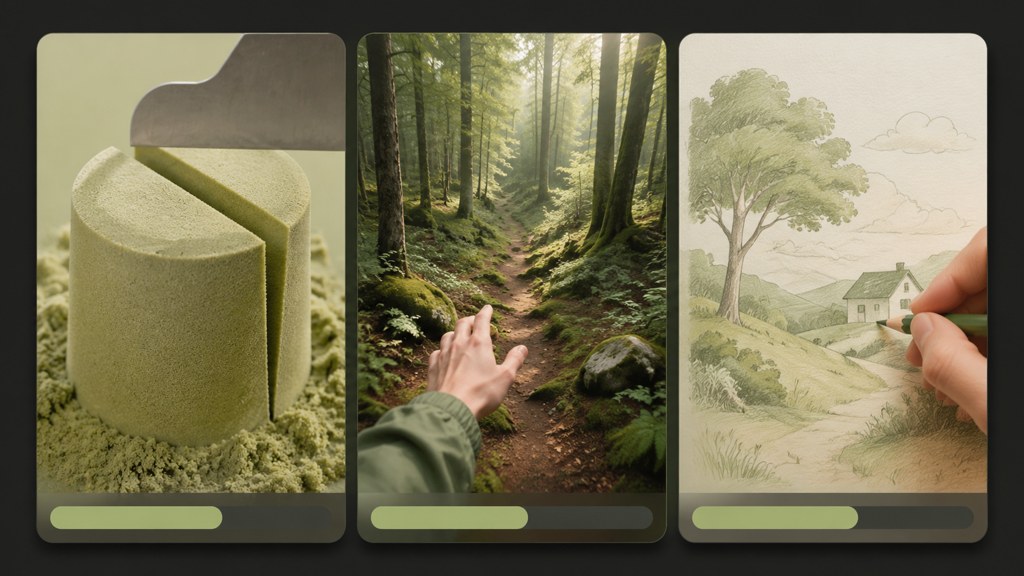
Most of these are visible in the first loop on a phone, which is why the three-watch check in the first section is worth the minute it costs. The ideas for YouTube Shorts that keep working are the ones you can rebuild next week with a new subject and the same skeleton; the list above is a set of skeletons, not a set of videos.
Key takeaways
- A Short is vertical, up to 3 minutes and up to 1080p per YouTube Help; the 3-minute ceiling makes full tutorials and recipes Shorts, not just teasers.
- Build each idea on a feed mechanic: loop (ideas 1 to 5), moving captions (6 to 10), reveal (11 to 15), generated story (16 to 20) or series and remix (21 to 25).
- Seedance 2.5 in LazyKiwi renders 4 to 30 seconds at 9:16 from text, one image or start-and-end frames, at 100 credits per second (480p) or 230 (720p).
- Write three lines before you generate anything: hook, payoff and a loop line that works as both the last and the first caption.
- Free routes exist (the YouTube app, the Audio Library, CapCut, OpusClip's 60 free minutes a month, 40 LazyKiwi credits), but check commercial terms before the channel is monetized.
Creator Growth Editor
Priya Sharma
I study what makes short-form content spread, then turn the pattern into something you can repeat on a Tuesday afternoon without a studio.
FAQ
Common questions
How long can a YouTube Short be?
Up to 3 minutes, uploaded vertical at up to 1080p, according to YouTube's help page on creating Shorts as of September 2026. Most faceless formats in this list run 12 to 30 seconds because a loop or a reveal loses force past that, but a three-step tutorial can use the full length.
Do faceless Shorts get monetized?
Yes, on the same terms as any Short. The Shorts route into the Partner Program is 1,000 subscribers and 10M qualified public Shorts views over 90 days. The missing face is irrelevant; what blocks monetization is inauthentic content, meaning templated, mass-produced clips or narration-free slideshows.
How many Shorts should I post per day?
YouTube publishes no recommended number. The practical constraint is quality per upload: a daily fixed-frame series (one fact, one card, one visual) can sustain one a day because the skeleton is reusable, while story Shorts that need a new generated scene usually settle at two or three a week.
Can I turn TikToks into YouTube Shorts?
You can reuse your own content, but re-export it from the original project rather than downloading it from another platform, so it arrives without a third-party watermark and at full resolution. Re-time the captions for a 9:16 YouTube frame and swap the audio for a track you hold rights to on YouTube, such as one from the Audio Library.
Does YouTube label AI-generated Shorts?
YouTube's disclosure rule covers three cases: a real person shown saying or doing something fabricated, real footage that has been altered, and a realistic depiction of an event that never took place. Disclosed Shorts get a label in the player or the description. Obviously fictional or animated scenes, AI-written scripts and a clone of your own voice need no label.
Make a Short from one photo tonight
Pick a template in the LazyKiwi video generator, upload one photo, and download a 9:16 clip for YouTube Shorts. Every new account gets 40 credits a month to test with.
Keep reading
25 Faceless YouTube Channel Ideas You Can Start Today
Find a realistic faceless YouTube niche, validate your concept, and turn simple scripts, visuals, narration, and editing into consistent videos.
8 min read
21 TikTok Video Ideas You Can Adapt to Any Niche
Use these TikTok video ideas to build recognizable series, test strong hooks, create aesthetic posts, and publish without waiting for inspiration.
8 min read
How to Use an AI Reels Generator for Instagram
Turn an idea, product, or raw clip into an Instagram-ready Reel with the right prompt, edit structure, and platform-specific finishing touches.
8 min read
Turn One Photo Into a Week of Short-Form Content
A batching workflow that takes one strong photo and stretches it into a full week of short-form posts without the week feeling repetitive.
5 min read