
Movie effects, typed not composited.
The AI VFX generator adds effects straight into footage you already shot. Upload a clip, describe what should happen — sparks, rolling fog, a lightning strike, a portal opening — and it lands in the scene.
What it is
VFX without a VFX artist.
Compositing an effect normally means tracking, masking, layers and a render queue. Here you describe the effect and the AI places it in the shot, matching the perspective and the light so it sits inside the scene instead of floating on top of it.
How it works
Your result in three steps
Upload your video
Start with the clip that needs the effect. Steady, well-lit shots hold effects best.
Describe the effect
Type what should happen: thick fog rolling in from the left, the sign catching fire, sparks off the metal.
Generate & download
Play it back, refine the wording if the scale or timing is off, then download the clip.
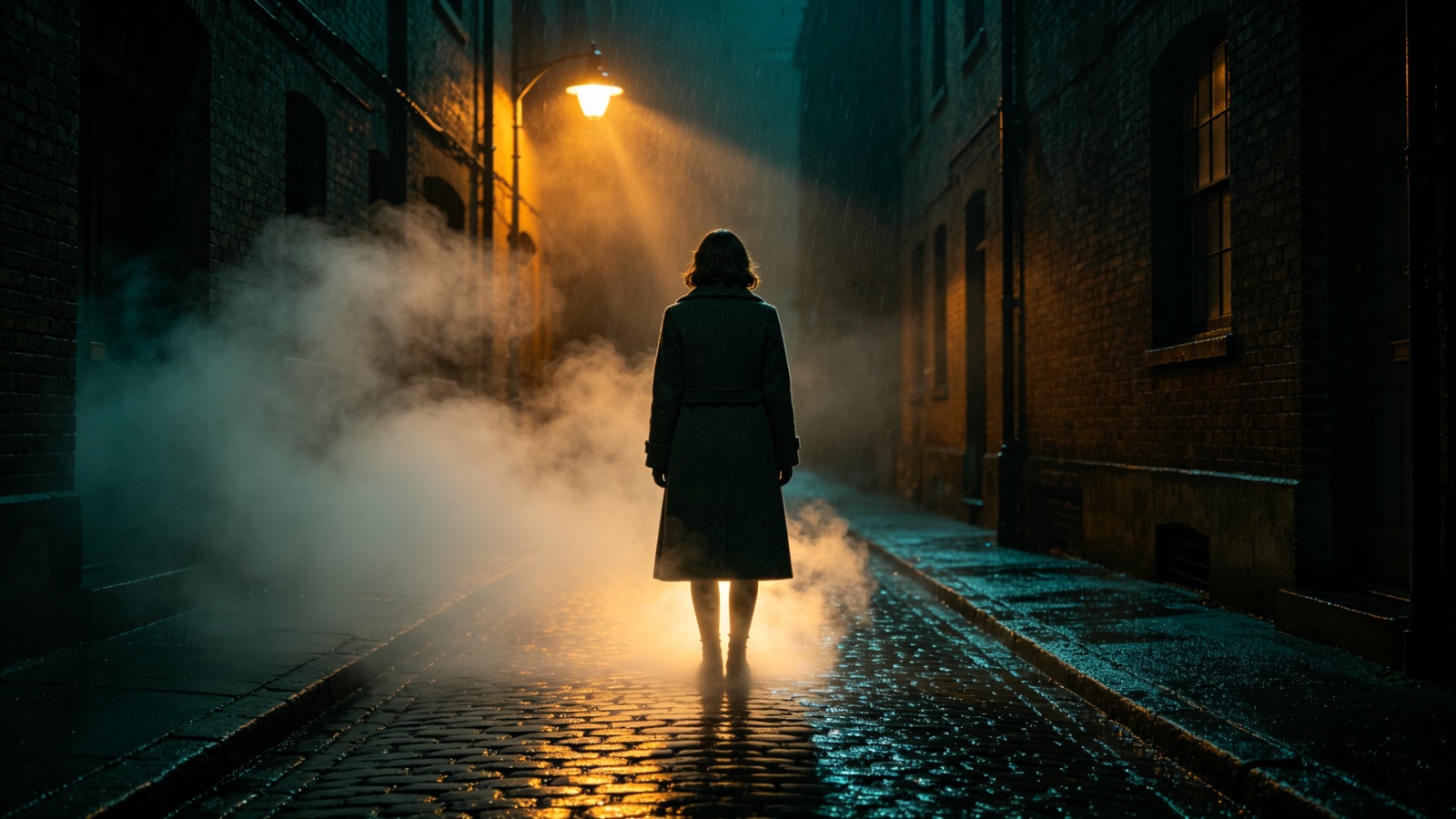
Grounded
Effects that sit in the scene
An effect only works when the perspective and lighting agree with the footage. The AI reads the shot and matches angle, scale and color so the effect belongs where you put it.
- Matches perspective and scale
- Picks up the scene's lighting
- Stays put through the camera move
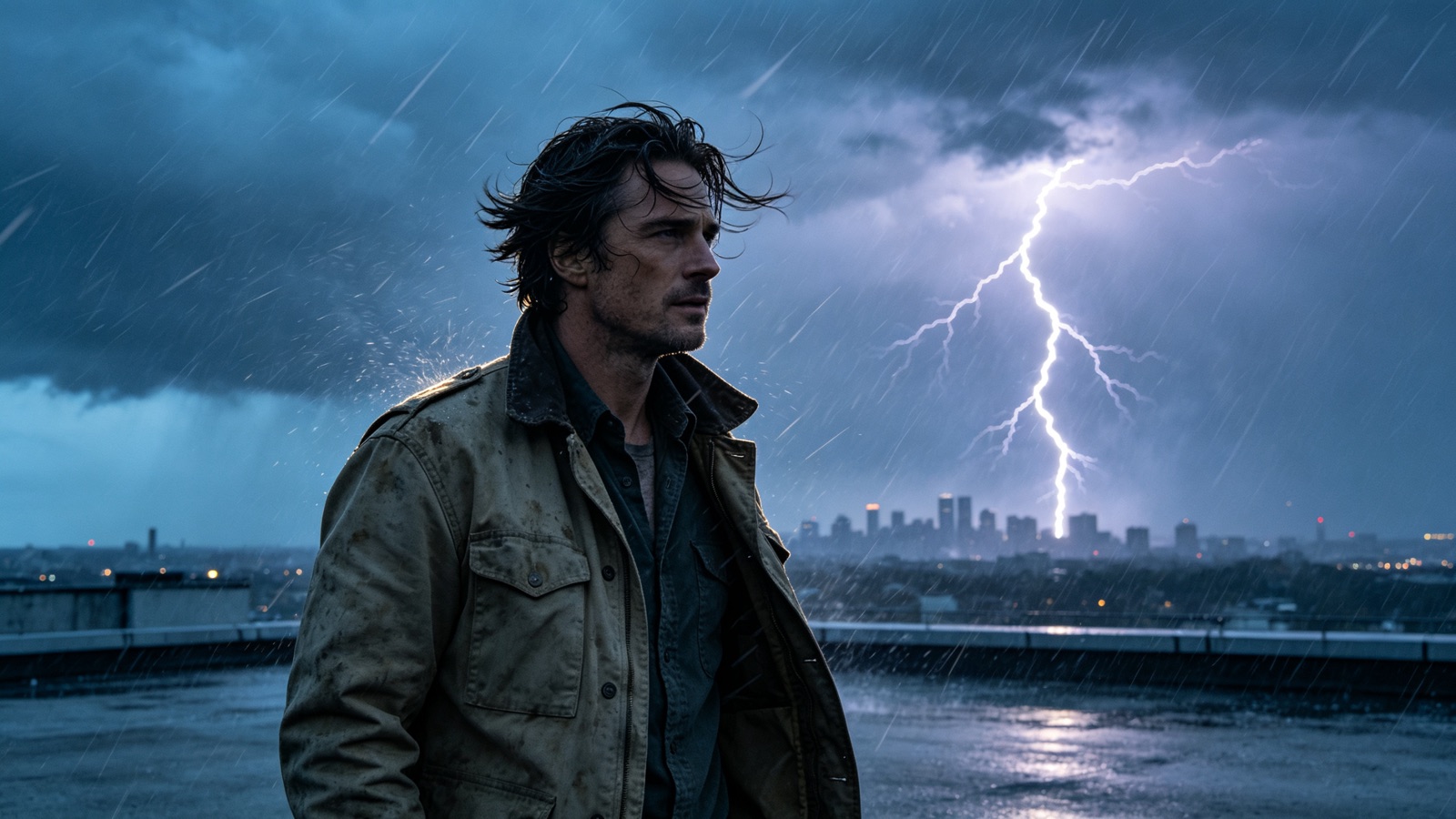
Prompt driven
Describe it, don't composite it
No tracking markers, no layer stack, no overnight render. Write what should happen and run it again with new wording until the beat lands.
- Plain-language effect prompts
- Re-run for a different look
- No compositing software
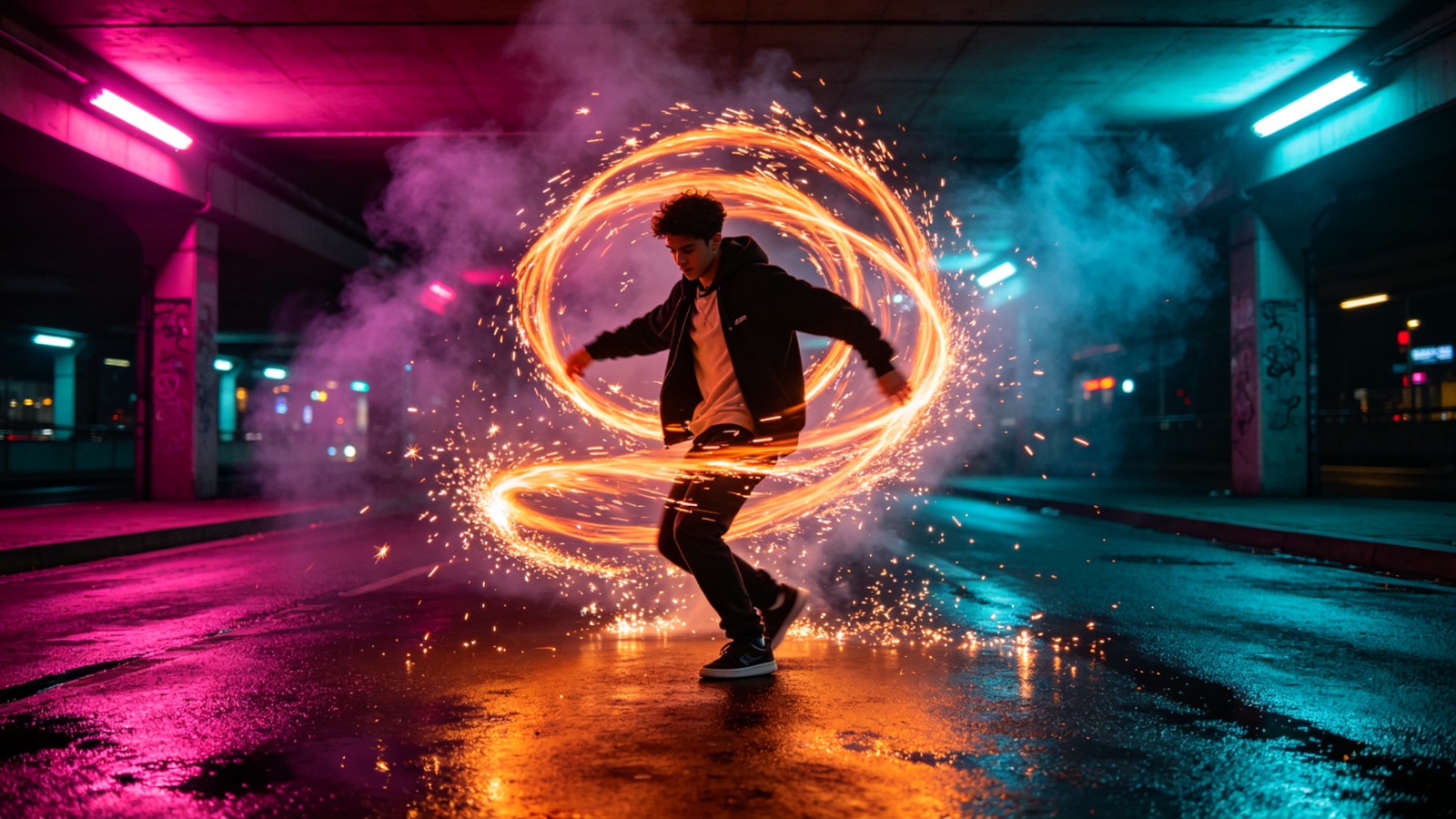
Short-form ready
Built for clips you'll post
Effects render into the clip at its original length and aspect ratio with the audio intact, so it's ready for the platform you're cutting for.
- Vertical and widescreen
- Original audio kept
- Same resolution in and out
Why LazyKiwi
Built to sit inside the shot
Minutes, not render nights
One prompt replaces the track, mask, composite and render loop.
Private by default
Your footage is processed securely and never sold. What you upload stays yours.
Free to start
No credit card. Put an effect into one of your own clips and judge it before you pay.
The plate stays as filmed
Your framing, subject and audio are left alone. The effect is added on top of the shot.
Iterate cheaply
Reword the prompt and generate again until the effect fits the beat you wanted.
No VFX skills needed
No After Effects, no plugins, no particle systems to learn first.
FAQ
Questions, answered
Is the AI VFX generator free to use?+
Yes. Upload a clip, describe an effect and generate it for free, with no credit card.
What effects can I ask for?+
Weather, fire, smoke, sparks, energy and light effects, plus objects appearing or vanishing in the shot.
How long can the clip be?+
Short clips work best — a few seconds up to about a minute keeps the effect consistent.
Is my footage private?+
Yes. Uploads are processed securely, never sold and never published by us.
Use cases
Who uses the AI VFX generator
Short-film makers
Add the one effect shot the budget wouldn't cover — a fire, a storm, a wall coming down.
TikTok and Reels creators
Land a transition or a magic beat in a clip filmed on a phone, with no plugins involved.
Promo editors
Drop launch effects — light bursts, smoke, drifting particles — into a client cut without a VFX vendor.
More answers
More about adding effects to video
How do I control when the effect happens?+
Put the timing in the prompt — "the fog rolls in as she turns" — and trim the clip so the moment you care about is inside it.
Can I stack more than one effect?+
Yes, in passes. Generate the first effect, download it, then run that clip through again for the second.
Does the audio change?+
No. Your original audio passes through. Add effect sound in your editor afterwards.
What footage gives the best result?+
Steady framing, even light and a clear subject. Heavy motion blur makes an effect harder to place convincingly.
Put the effect in the shot.
Upload your clip, describe the effect you want, and download it in minutes — free to try.
No credit card · Free to try · Results in seconds