Longer takes, wider frames with Seedance 2.5
ByteDance Seed's newest video model — up to 30 seconds a clip, 21:9 through 9:16.
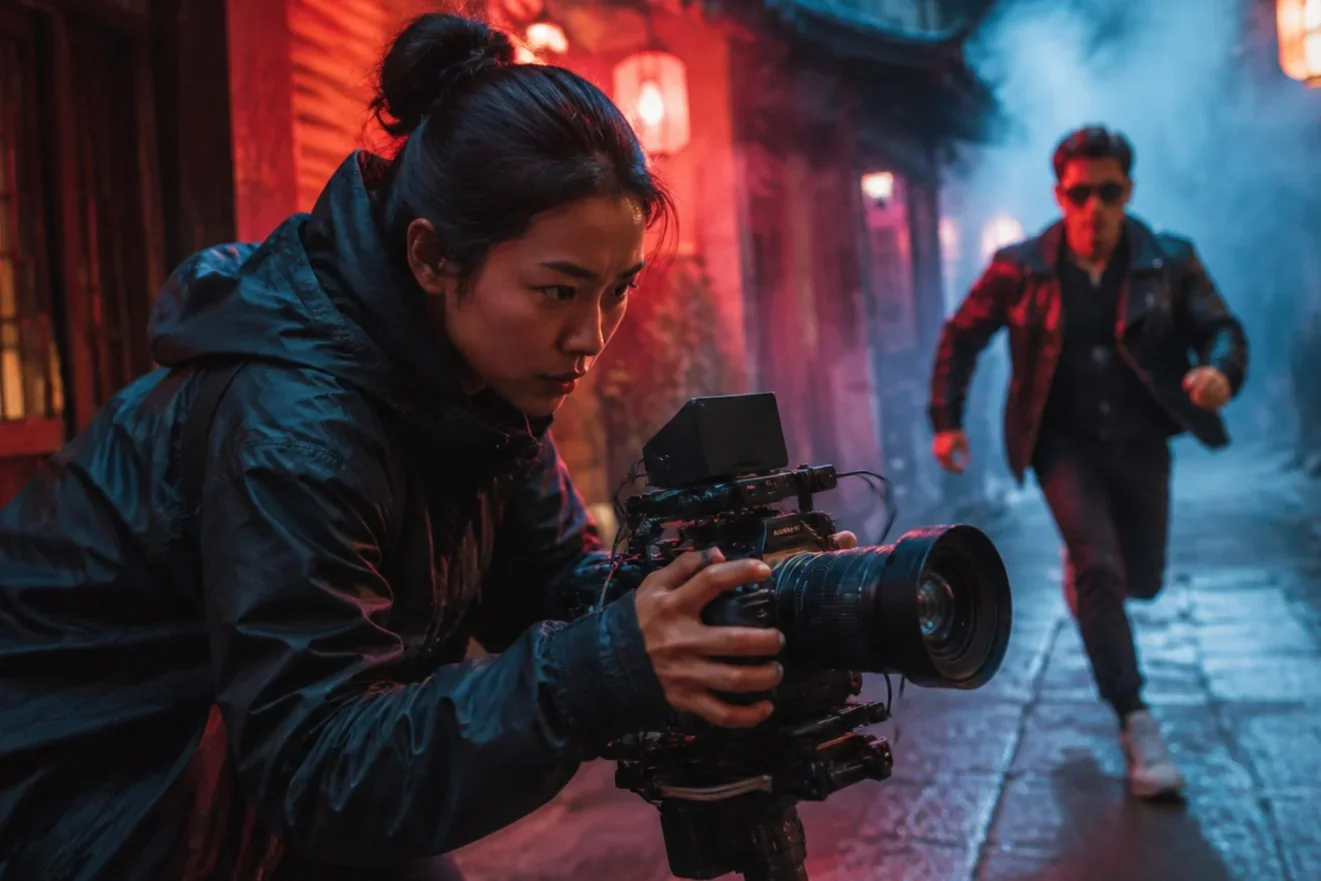
Seedance 2.5 is the current generation of ByteDance Seed's video model, and it is the widest-ranging video option in the LazyKiwi workbench. Where Seedance 2.0 caps aspect ratio at 1:1 and steps duration in fixed jumps, 2.5 opens every second from 4s to 30s and adds cinematic 21:9 and 4:3 / 3:4 framing. It accepts a text prompt, a single reference image, or a start and end frame pair, takes prompts up to 2,000 characters, and reads up to nine reference images in one run. Specs: up to 480p or 720p.
- Provider
- ByteDance Seed
- Duration
- 4s – 30s
- Aspect ratios
- 6 (21:9 → 9:16)
- Resolution
- 480p / 720p
How it works
Use Seedance 2.5 in three steps
Open the LazyKiwi video workbench, pick Seedance 2.5, and generate without leaving the page.
 1
1Choose the model
Select Seedance 2.5 in the model list. The workbench swaps in its parameter set: six aspect ratios, every duration from 4s to 30s, and 480p or 720p output.
 2
2Set the shot
Write the prompt (up to 2,000 characters), then pick the frame. Add one reference image for image-to-video, or two for a start-and-end-frame transition; up to nine references are accepted.
 3
3Generate and download
Credits are charged per second — 100 per second at 480p, 230 at 720p — so a 5-second 720p clip costs 1,150 credits. Preview in the player and download the MP4.
Why Seedance 2.5
What Seedance 2.5 is built for
Seedance 2.5 is the longest-form and widest-framed video model in the LazyKiwi lineup. These are the capabilities the workbench actually exposes.

Duration range
Every second from 4 to 30
Most video models offer three or four fixed lengths. Seedance 2.5 exposes 27 discrete durations, so a clip can be cut to the beat of a track or the length of a voiceover instead of being padded or trimmed afterwards.
- 4s to 30s in one-second steps
- Same range for start-and-end-frame runs
- Credits scale linearly per second

Framing
21:9 cinematic through 9:16 vertical
Six aspect ratios cover the full spread: 21:9 for a letterboxed hero cut, 16:9 for YouTube, 4:3 and 3:4 for feed posts, 1:1 for grid tiles, and 9:16 for Reels, Shorts and TikTok. One prompt can be re-run across all six.
- 21:9, 16:9, 4:3, 1:1, 3:4, 9:16
- Widest ratio set of any LazyKiwi video model
- Re-run the same prompt per platform

Inputs
Text, single image, or a keyframe pair
Seedance 2.5 runs all three workbench modes. Text-to-video builds from the prompt alone, image-to-video animates one still, and start-and-end frames interpolate a transition between two images you supply.
- Text → video
- Image → video
- Start & end frame transitions
- Up to 9 reference images

Prompt headroom
2,000 characters of direction
The prompt field accepts 2,000 characters, which is room for a shot list, a negative-prompt block and a style section in the same brief — useful when identity consistency and camera behaviour both need spelling out.
- 2,000-character prompt limit
- Room for shot list plus negatives
- Same field across all three modes
Sample directions
Ideas to try with Seedance 2.5
Start from these directions in LazyKiwi, then refine the prompt to match your brand or story.
30-second product story
Still photo brought to life
Two-frame scene transition
Specs
Seedance 2.5 at a glance
Capabilities as exposed through the LazyKiwi workbench. Upstream limits may differ.
- Provider
- ByteDance Seed
- Type
- Video generation
- Modes
- Text→video, image→video, start & end frames
- Duration
- 4s to 30s, one-second steps
- Resolution
- 480p or 720p
- Aspect ratios
- 21:9, 16:9, 4:3, 1:1, 3:4, 9:16
- Reference images
- Up to 9
- Prompt limit
- 2,000 characters
- Credits
- 100 / s at 480p · 230 / s at 720p
- Best for
- Long-form cuts, cinematic 21:9 framing, keyframe transitions
When to use it
Seedance 2.5 vs other LazyKiwi video models
Pick 2.5 for length and framing range, 2.0 for 1080p output, MiniMax H3 for 2K.
| Model | Strength | Best for | Speed |
|---|---|---|---|
| Seedance 2.5 | Widest duration and aspect-ratio range | Cuts that must land on an exact length, or 21:9 / 4:3 framing | Standard |
| Seedance 2.0 | Goes to 1080p and up to 60s | When output resolution matters more than framing choice | Standard |
| MiniMax H3 | 2K output, 7,000-character prompts | Short high-resolution clips with a long written brief | Standard |
Use cases
What creators build with Seedance 2.5
Workflows where the duration and framing range earn their keep.
Ad cuts at an exact length
Match a 15s or 30s media slot without trimming in post.
Cinematic 21:9 openers
Letterboxed hero shots for a landing page or a trailer cold open.
Photo to motion
Animate a single product still or portrait into a short loop.
Keyframe transitions
Give a start and end image and let the model build the move between them.
FAQ
Seedance 2.5 FAQ
What is Seedance 2.5?
Seedance 2.5 is the current generation of ByteDance Seed's video generation model. In LazyKiwi it runs text-to-video, image-to-video and start-and-end-frame modes, producing 4 to 30 second clips at 480p or 720p across six aspect ratios.
How is Seedance 2.5 different from Seedance 2.0?
2.5 covers a wider frame range (21:9, 4:3 and 3:4 in addition to 16:9, 1:1 and 9:16) and exposes every duration from 4s to 30s rather than fixed steps. Seedance 2.0 trades that flexibility for a higher ceiling: 1080p output and up to 60 seconds.
Can I use Seedance 2.5 for free?
New LazyKiwi accounts start with free credits, which is enough to run Seedance 2.5. Generation is charged per second — 100 credits per second at 480p and 230 at 720p — so a 5-second 480p test costs 500 credits.
What is the longest clip Seedance 2.5 can make?
30 seconds in a single run, at any second in between. Longer pieces are usually built by generating several clips and cutting them together.
Does Seedance 2.5 support start and end frames?
Yes. Upload two images and the model interpolates the motion between them, using the same 4 to 30 second duration range as the other modes.
Try Seedance 2.5 in LazyKiwi
Generate with Seedance 2.5 in the same workspace as your other video and image models.
More models
Other video models available in the same workbench.