
Best AI Video Dubbing Tools in 2026: 7 Compared for Creators
Seven AI video dubbing tools compared on prices and language counts checked today, how the pipeline works, the free routes, and the consent and label rules.
 Marcus Tan 10 min read
For a solo creator, the AI video dubbing tool to start with is ElevenLabs if the voice matters most, HeyGen if you want lip sync on a talking-head clip, and YouTube's own automatic dubbing if the channel is the only place the video lives. Those picks come from the seven official pricing pages we opened on 6 September 2026, listed below with the figures each vendor shows. LazyKiwi does not dub; it generates and repairs the picture and can re-voice a still portrait, so this guide places it where it belongs in the chain and leaves the translation to the tools that do it.
What are the best AI video dubbing tools in 2026?
Language counts and prices below are copied from each vendor's own page on the day of writing; accuracy claims are theirs, not ours. Two things separate the field: whether the dub keeps the speaker's voice (a clone) or swaps in a stock voice, and whether the tool also moves the speaker's mouth to match.

| Tool | Languages (vendor figure) | Free tier (checked 2026-09-06) | Paid entry | Voice clone / lip sync |
|---|---|---|---|---|
| ElevenLabs Dubbing | 90+ | Free plan, 10k credits/month | Starter $6/month; Creator $22/month | Clone yes; sync-aware timing |
| HeyGen Video Translate | 175+ | 3 videos/month, up to 1 minute | Creator $29/month | Clone on Creator; lip sync yes |
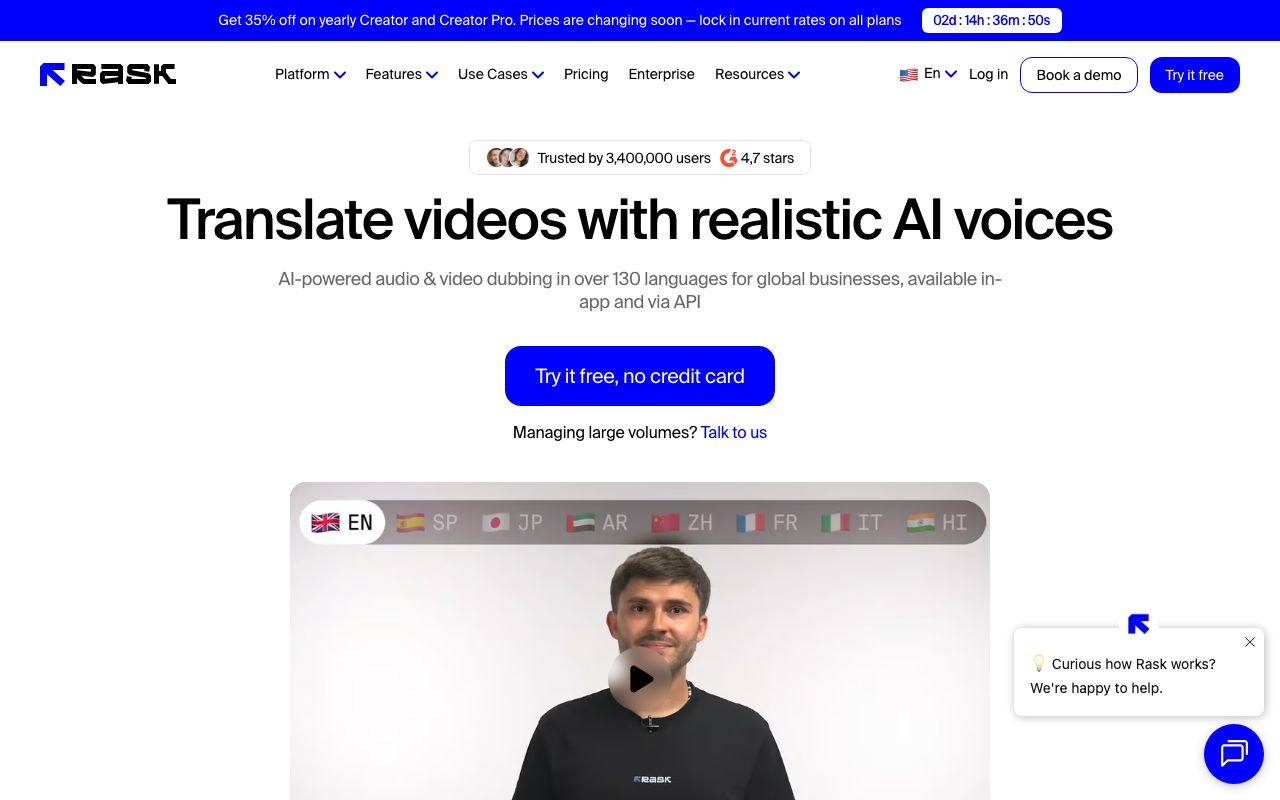
| Rask AI | 130+ | 3 minutes included | Creator $60/month for 25 minutes | Clone in 32 languages; lip sync on Creator Pro |
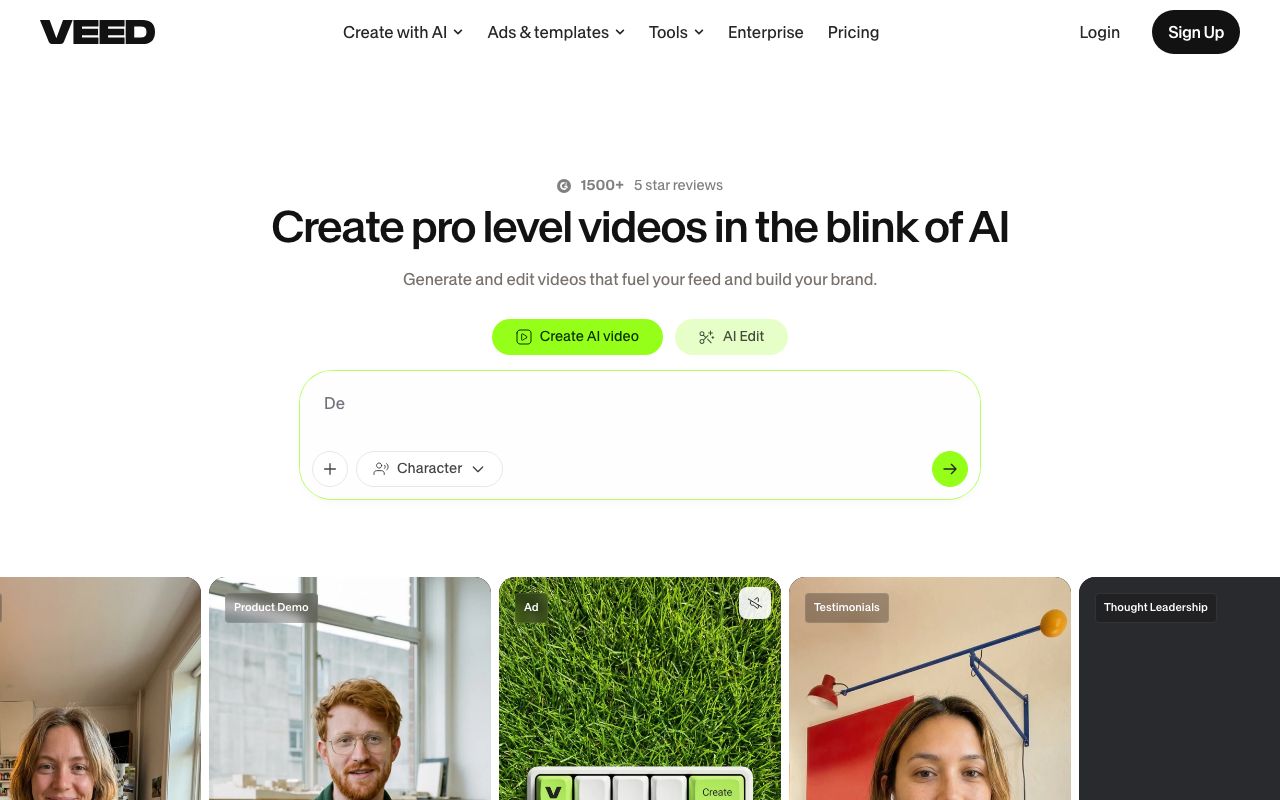
| VEED Video Translator | 125+ subtitle languages; voice kept in 29 | Try without a card | See pricing page | Voice preservation; lipsync option |
| Descript | 30+ for translate and dub (higher tiers) | Free plan exists | Hobbyist $16/month annual ($24 monthly) | Clone yes; no lip sync stated |
| Captions | 100+ (captions); AI Translate and AI Lipdub listed | Free tier exists | Max $24.99/month | Lipdub feature listed |
| YouTube automatic dubbing | Not stated on the help page | Free for eligible channels | None | Synthetic voice; lip sync in early access |
Table sources: ElevenLabs Dubbing (2026), ElevenLabs pricing (2026), HeyGen pricing (2026), Rask AI pricing (2026), VEED video translator (2026), Descript pricing (2026), Captions pricing (2026) and YouTube Help (2026).
How does AI video dubbing work?
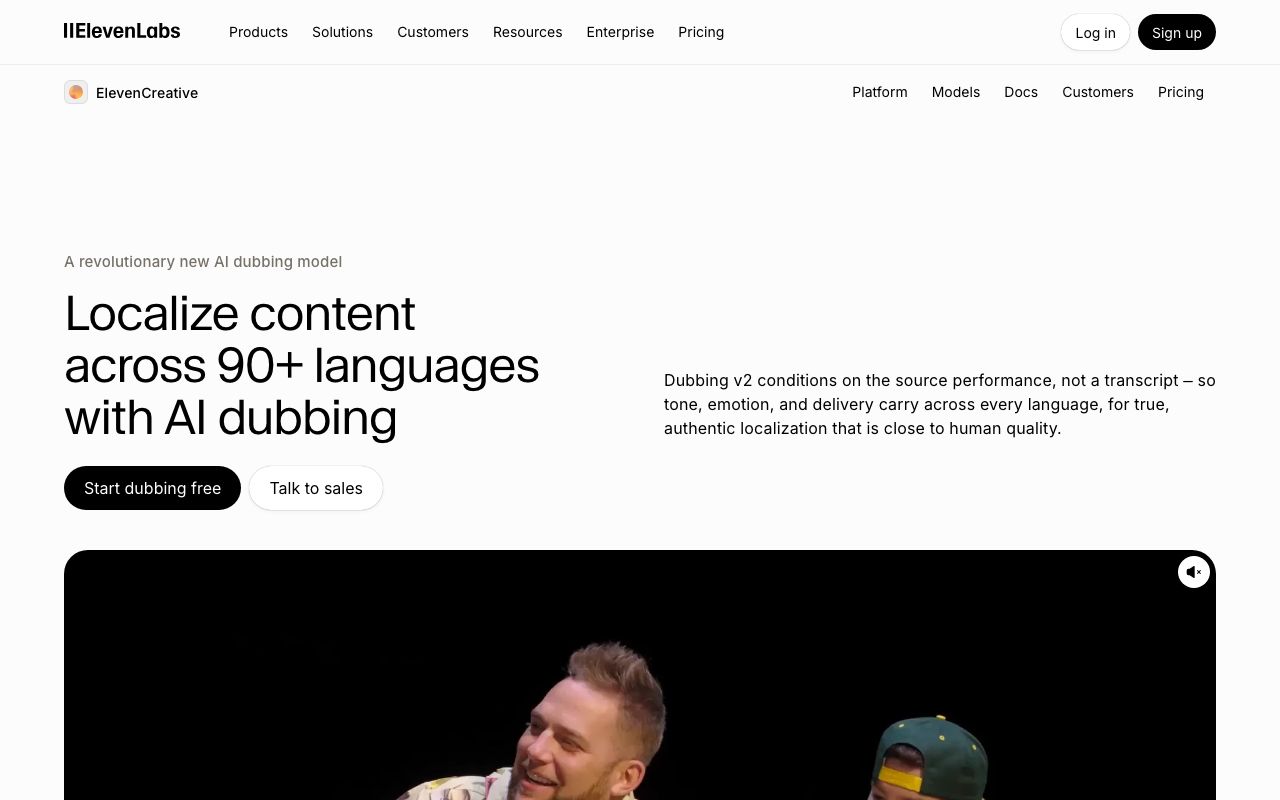
Every product on the list runs the same five stages, and the differences are in which stages you are allowed to touch. First the tool separates speech from music and room sound. Second it transcribes the speech and, in the better tools, detects who is speaking. Third it translates the transcript. Fourth it generates the new speech, either from a clone of the original voice or from a stock voice. Fifth it fits that speech back into the timeline, stretching or trimming so the sentences end where the original ones did.
ElevenLabs describes its current model as conditioning on the source performance rather than on the transcript, so tone and delivery carry across, per ElevenLabs (2026). HeyGen adds a sixth stage, lip sync, which re-renders the mouth region so the speaker appears to say the translated words, per HeyGen (2026). Rask lists the intermediate controls a creator actually needs: an editable transcript and translation, a translation dictionary, multi-speaker detection and SRT upload, per Rask AI (2026).
Where does the quality break?
- Stage one: crowd noise or music under the voice leaks into the transcript and the clone; record clean or fix it before upload.
- Stage two: product names, numbers and homophones; a single wrong noun repeats in every language.
- Stage three: idioms and length; Spanish and German run longer than English, so the fitted speech speeds up.
- Stage four: a clone built from ten seconds of audio sounds like you at a distance; give it a clean minute.
- Stage five: fast speakers leave no room; the dub either talks over the next shot or gets clipped.
Test with a 60-second clip that contains a name, a number, a joke and a fast sentence. A tool that survives that clip will survive the rest of the channel.
AI video dubbing tools compared one by one
ElevenLabs Dubbing Studio
The voice specialist. Its dubbing page promises 90+ languages with every dub delivered in a clone of the original speaker, and its pricing page lists a Free plan with 10k credits a month, Starter at $6 a month and Creator at $22 a month, with dubbing metered at 2,000 credits per minute for automatic dubbing with a watermark, per ElevenLabs pricing (2026). No lip sync on the page; the picture stays as filmed.
HeyGen Video Translate
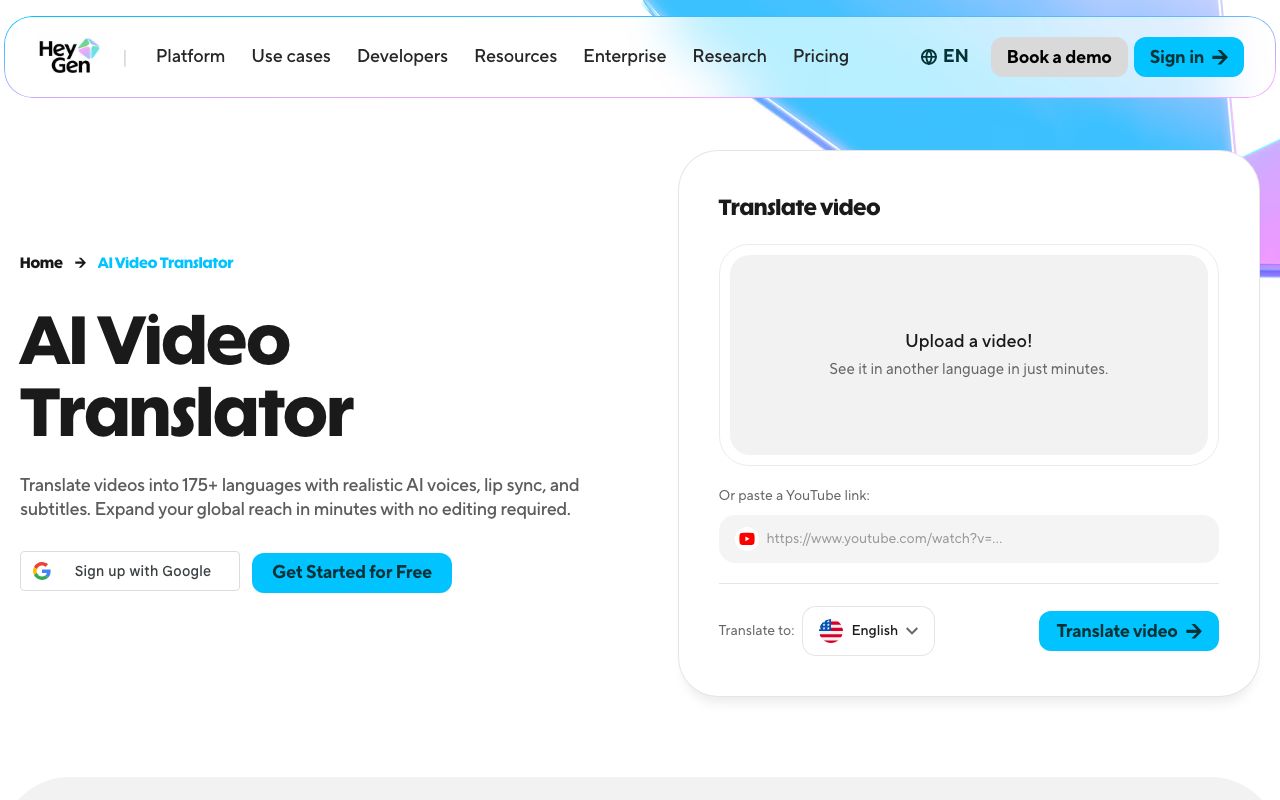
The lip-sync specialist. The translate page claims 175+ languages with voice cloning, lip sync and subtitles from an upload or a YouTube link, and the pricing page puts the Free plan at 3 videos a month of up to 1 minute, Creator at $29 a month with voice cloning and 175+ languages and dialects, and Pro at $49 a month, per HeyGen pricing (2026). Pick it for talking-head footage where the mouth is large in frame.
Rask AI
The localisation workbench. Rask's site quotes dubbing in over 130 languages (the feature list says 135) with voice cloning in 32, and its pricing page lists a free tier with 3 minutes included, Creator at $60 a month billed monthly with 25 minutes included, and Creator Pro at $150 a month with 100 minutes and lip sync, per Rask AI pricing (2026). Its banner warned that prices are changing soon, so re-check before you subscribe.
VEED Video Translator
The browser editor. VEED's translator page lists 125+ subtitle languages, AI voice translation that keeps the speaker's voice across 29 languages, an optional lipsync pass and background-audio retention, with no credit card required to try, per VEED (2026). Its dedicated dubbing URL returned a 404 on the day we checked, so use the translator page as the entry point.
Descript
The transcript editor. Descript's pricing page lists Hobbyist at $16 per person per month on annual billing or $24 monthly, and reserves translate-and-dub in 30+ languages with proofreading for higher tiers, per Descript pricing (2026). Choose it when the same project also needs cutting, because you edit the dub by editing text.
Captions
The phone-first option. The pricing page lists a Free tier, Max at $24.99 a month and Scale from $69.99 a month, with captions in 100+ languages and AI Translate and AI Lipdub in the feature grid, per Captions pricing (2026). Best for short vertical clips you already caption there.
YouTube automatic dubbing
The free default. YouTube generates translated audio tracks for eligible channels, marks the video as auto-dubbed in the description, lets viewers switch between original and dubbed audio, offers a setting to review dubs before they publish, and describes lip sync as an experimental early-access feature, per YouTube Help (2026). You can turn it off per channel in Studio.
Is there a free AI video dubbing tool?
Yes, with limits that are worth reading twice. YouTube's automatic dubbing costs nothing and needs no upload elsewhere, but you only get the languages YouTube picks and the synthetic voice it assigns. ElevenLabs' Free plan gives 10k credits a month against a 2,000-credits-per-minute automatic dubbing rate with a watermark. Rask includes 3 minutes free. HeyGen's Free plan allows 3 videos a month of up to 1 minute. VEED lets you try the translator without a card. All figures are on the pricing pages linked above.
- Free and automatic: YouTube automatic dubbing, with the review-before-publish box ticked.
- Free to test voice quality: ElevenLabs' credit allowance, watermarked.
- Free to test lip sync: HeyGen's three one-minute videos.
- Free to test the editor: Rask's 3 minutes, VEED's no-card trial.
- Not free: any export without a watermark on a talking-head clip longer than a minute.
A useful pattern is to dub the same 60-second clip on two free tiers, send both to a native speaker, and pay for whichever one they did not laugh at. Voice quality and translation quality fail independently, and a free trial is the cheapest way to find out which one your tool gets wrong.
How to dub a video with AI step by step
This is the order that avoids re-doing work. LazyKiwi's part is the picture: the AI video generator produces or repairs the footage, and Kling v3 Omni renders 3 to 60 second clips at 720p or 1080p from a text prompt, one image or a start-and-end frame pair, per its model page. The words come from you; the translation comes from the tool you picked above.
- 1
Clean the source audio
Remove music and room noise before upload; every dubbing tool clones and transcribes whatever it hears. If a line was mumbled, re-record it now rather than fixing it in five languages later.
- 2
Fix the picture before the sound
If the source clip is soft or compressed, run it through the AI video enhancer first; the workbench panel offers an upscale factor and frame interpolation and shows the credit cost on the button. Dubbing tools re-encode your upload, so start from the best frame you can.
- 3
Swap the presenter only if you must, and do it first
The AI character swap tool replaces the person on screen while keeping the original motion and audio, according to its page, which is why it belongs before the dub, not after. Its FAQ is blunt that you may not swap in a real person without permission.
- 4
Transcribe, then correct names and numbers
Approve the source-language transcript inside the dubbing tool before you translate. Rask and Descript expose the transcript; ElevenLabs and HeyGen let you edit the translation script after generation.
- 5
Translate with a glossary
Give the tool a list of terms to leave untranslated: product name, interface labels, your channel name. Then read the translation for length; a sentence that grew by a third will be spoken too fast.
- 6
Choose the voice deliberately
Clone your own voice only from clean audio you own, or pick a stock voice and keep it consistent across languages. Regenerate individual lines rather than the whole file when one sounds off.
- 7
Re-voice a still if the clip has no usable face
For a photo-based explainer, LazyKiwi's Avatar Talking takes one portrait and a script of up to 1,000 characters in Speech mode with a voice and emotion picker, so you can paste the translated lines and get a talking version per language. It is text-driven; there is no audio upload. Our AI lip sync guide covers what portrait and script work best.
- 8
Export, label, publish
Export one file per language plus the subtitle track, tick the platform's AI disclosure where it applies, and keep the corrected transcripts as masters for the next video. LazyKiwi's own workbench numbers for August 2026 show 9:16 on 22 of 39 external video jobs, so plan the dub for a phone screen first.
AI dubbing vs AI video translator vs subtitles: which should you use?
The three terms overlap on vendor pages, so define them by output. AI dubbing replaces the voice track. An ai video translator usually bundles translated subtitles with an optional voice track, which is how HeyGen and VEED label their products. Subtitles leave the audio alone and add text. The right one depends on who watches, where, and what it costs per minute.
| Question | AI dubbing | AI video translator (voice + subtitles) | Subtitles only |
|---|---|---|---|
| Audience watches muted on a phone | Wasted | Subtitle track does the work | Best |
| Audience listens while doing something else | Best | Good | Useless |
| On-screen text and tutorials | Voice can conflict with UI labels | Subtitles carry the labels | Best |
| Entertainment and talking heads | Best, with lip sync | Good | Reads as foreign |
| Cost per minute | Highest (metered minutes or credits) | Middle | Lowest; free on YouTube |
| YouTube multi-language | Extra audio tracks or auto-dubbing | Audio track plus caption file | Caption file only |
If you are leaning toward text, our AI subtitle generator comparison covers the same seven-tool format with the readability standards. If you are leaning toward voice, ai voice dubbing on its own (audio only, picture untouched) is the cheapest place to start, and video dubbing AI with lip sync is the upgrade for clips where the face fills the frame.
Is AI video dubbing safe and what should you disclose?
Safe for your own voice and footage, with two rules. Consent: clone only voices you own or have written permission to use; Synthesia's responsible-AI page describes consent requirements for avatars and moderation at the point of creation as core controls, per Synthesia (2026), and LazyKiwi's character swap page answers the question of swapping in a real person without asking with a flat no. Disclosure: label synthetic audio and video where the platform or the law asks for it.
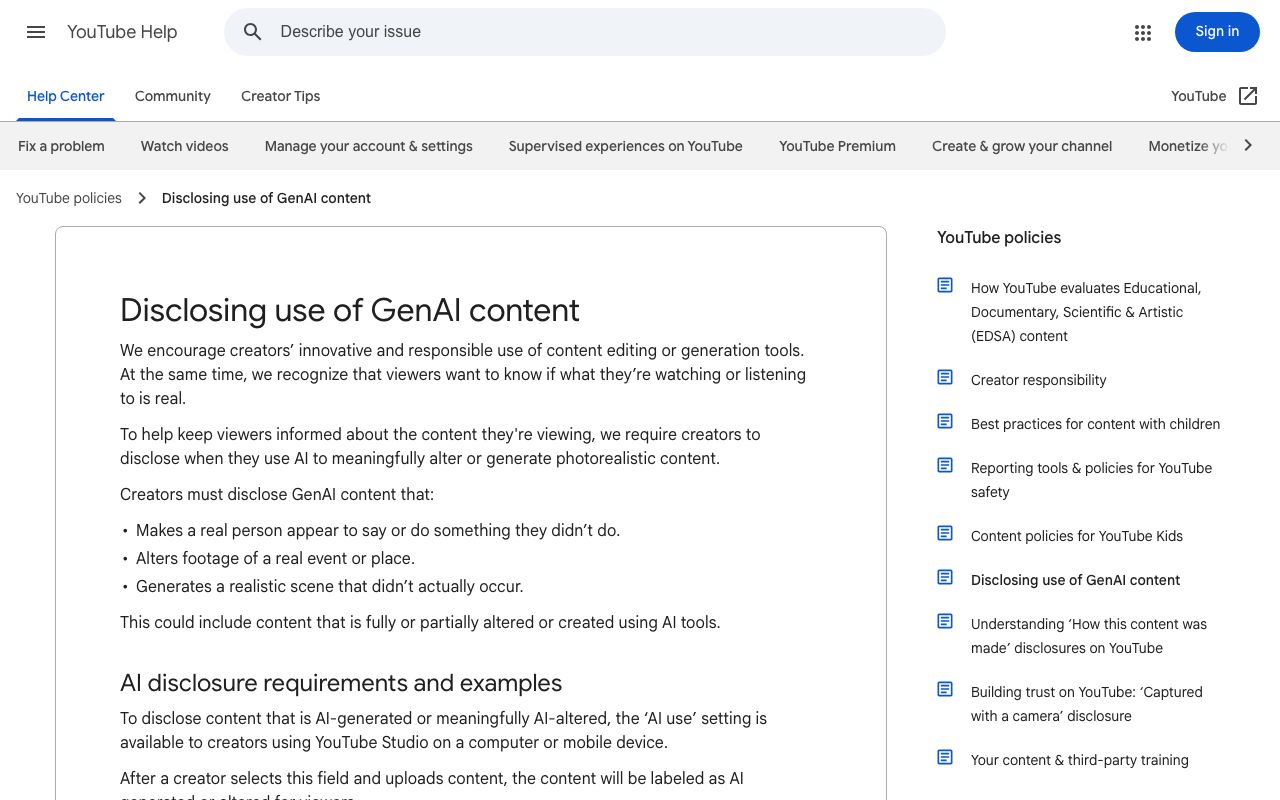
YouTube requires creators to disclose content that makes a real person appear to say something they did not say, and the AI-use field in Studio adds an altered-or-synthetic label for viewers, per YouTube Help (2026). Automatic dubbing is labelled by YouTube itself in the description. In the EU, Article 50 of the AI Act requires deployers of systems that generate or manipulate audio or video amounting to a deep fake to disclose that the content was artificially generated or manipulated, and the article applies from 2 August 2026, per the EU AI Act text (2026).
A disclosure checklist that takes one minute
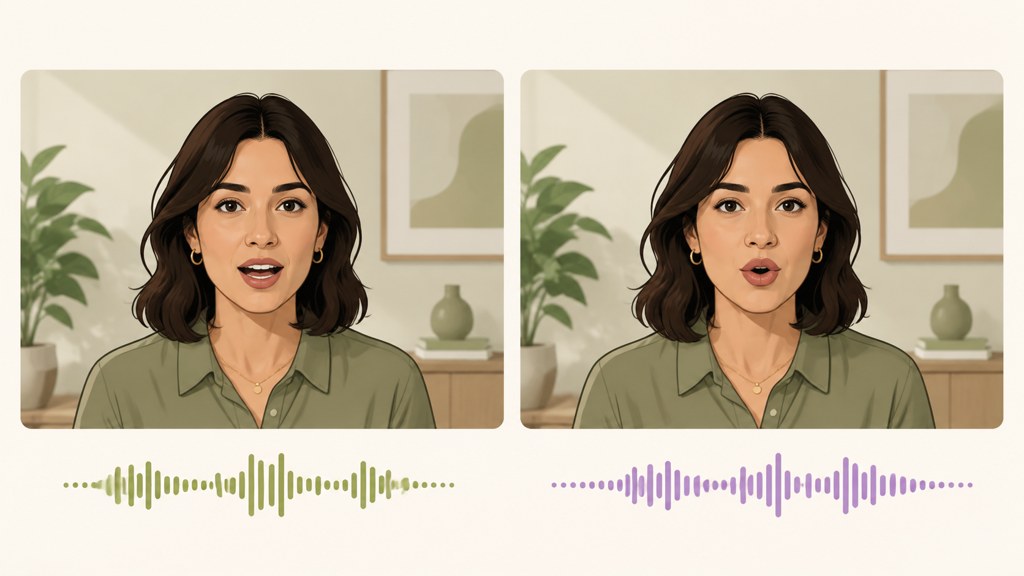
- Your own voice, cloned by you, saying your own translated words: tick the AI-use field on YouTube; add a line in the description.
- A stock voice on your own footage: same disclosure; the picture is real, the voice is not.
- Lip sync applied to your face: disclose; the mouth movement is synthetic.
- Someone else's voice or face: written permission first, or do not publish.
- EU audience: Article 50 disclosure applies to deep-fake output regardless of platform; the LazyKiwi Free plan's 40 monthly credits on the pricing page do not change your obligations.
Key takeaways
- Best AI video dubbing tools 2026 by need: ElevenLabs for the cloned voice (90+ languages, Starter $6/month), HeyGen for lip sync (175+ languages, Creator $29/month), YouTube automatic dubbing when the channel is the only destination.
- Free routes: YouTube auto-dubbing with review-before-publish, ElevenLabs' 10k free credits at 2,000 credits per dubbed minute (watermarked), Rask's 3 free minutes, HeyGen's 3 one-minute videos.
- The pipeline is separate, transcribe, translate, voice, fit; correct the transcript before translating or one wrong noun repeats in every language.
- LazyKiwi's role is the picture: Kling v3 Omni for 3 to 60 second clips at up to 1080p, the video enhancer at 2x before upload, character swap before the dub, Avatar Talking to re-voice a still with a 1,000-character script.
- Disclose: YouTube's AI-use field for synthetic voice or lip sync on a real person, and EU AI Act Article 50 for deep-fake output, in force since 2 August 2026.
Tools & Reviews Editor
Marcus Tan
I open every competitor's pricing page myself before writing a comparison, and I say plainly when another tool is the better pick.
FAQ
Common questions
What is AI dubbing for video?
It is software that replaces the spoken track of a video with a translated one. The tool separates the voice from the background, transcribes it, translates the transcript, generates new speech in a cloned or stock voice, and fits it back to the original timing. Some tools, such as HeyGen and Rask's higher tier, also re-render the mouth so the speaker appears to say the new words.
Can YouTube dub my videos automatically?
Yes, for eligible channels. YouTube's automatic dubbing generates translated audio tracks, marks the video as auto-dubbed in the description, and lets viewers switch between the original and dubbed audio. In Studio you can tick a box to review dubs before they publish, turn the feature off for the channel, and lip sync is offered as an experimental early-access feature.
How accurate is AI dubbing?
Vendors do not publish a comparable accuracy number for dubbing, so judge it on your own clip. Transcription errors on names and numbers are the common failure, followed by translations that run long and get spoken too fast. Correct the transcript before translating, give the clone a clean minute of audio, and have a native speaker listen to a 60-second test before you pay for a plan.
Is AI dubbing safe to use with my own voice?
Using your own voice is the safe case: you own it and you consent. Keep the clone inside the tool's account controls, do not upload other people's voices without written permission, and disclose synthetic audio where required. YouTube's AI-use field covers a real person appearing to say something they did not, and the EU AI Act's Article 50 requires disclosure of deep-fake audio or video.
How much does AI dubbing cost per minute?
It depends on the plan, and vendors meter differently. ElevenLabs' dubbing page lists extra-minute prices between $2.23 and $4.91 depending on plan, on top of monthly credits. Rask's Creator plan is $60 a month for 25 included minutes and Creator Pro is $150 for 100 minutes. HeyGen and Descript sell monthly plans with credits or media hours rather than a per-minute rate.
Re-voice a portrait in the translated language
Upload one portrait, paste the translated script and pick a voice. Avatar Talking is text-driven, so bring the corrected translation, not the audio.
Keep reading
Best AI Video Editor in 2026: 7 Picks, Free and Paid
Seven of the best AI video editors compared on prices checked today, free tiers, captions, text-based cuts and generative tools, plus where LazyKiwi fits.
9 min read
AI Lip Sync: How to Make a Talking Video Look Natural
AI lip sync from phonemes to export: the portrait and audio that work, a step-by-step LazyKiwi walkthrough, tool prices checked in 2026 and artifact fixes.
9 min read
7 HeyGen Alternatives for 2026 (Prices and Free Tiers)
Seven HeyGen alternatives ranked by price, free tier and avatar type: Synthesia, Colossyan, D-ID, Elai.io, VEED, Captions and LazyKiwi, checked Sept 2026.
8 min read
Best AI Video Upscaler in 2026: Free and Paid Tools Compared
Six AI video upscaler options with prices verified today, free routes and output limits, plus the LazyKiwi enhancer steps and the signs of over-upscaling.
9 min read