
How to Tell If a Video Is AI Generated: 7 Checks That Work
How to tell if a video is AI generated in seven checks: frame continuity, hands and text, audio, channel signals, detectors, C2PA provenance and context.
 Noah Berger 11 min read
Here is how to tell if a video is AI generated in practice: slow it down, check the things generators still get wrong (hands, text, physics, room tone), look for the platform's label, run a detector and a provenance check, then weigh all of it against where the clip came from. No single test settles it, and the newest models pass most of the old visual tells. This guide rebuilds the process around seven checks, with reference clips rendered in the LazyKiwi workbench so you can compare a known-AI clip against real footage, and with every policy and tool claim linked to the page it came from.
How can you tell if a video is AI generated?
Treat it as a case, not a quiz. Each check below produces a signal that is weak on its own and useful in combination; a clip that fails three of them is probably synthetic, a clip that fails one is probably compressed. Guides on how to tell if a video is AI generated that promise one giveaway (six fingers, no blinking) are describing models from several generations ago.
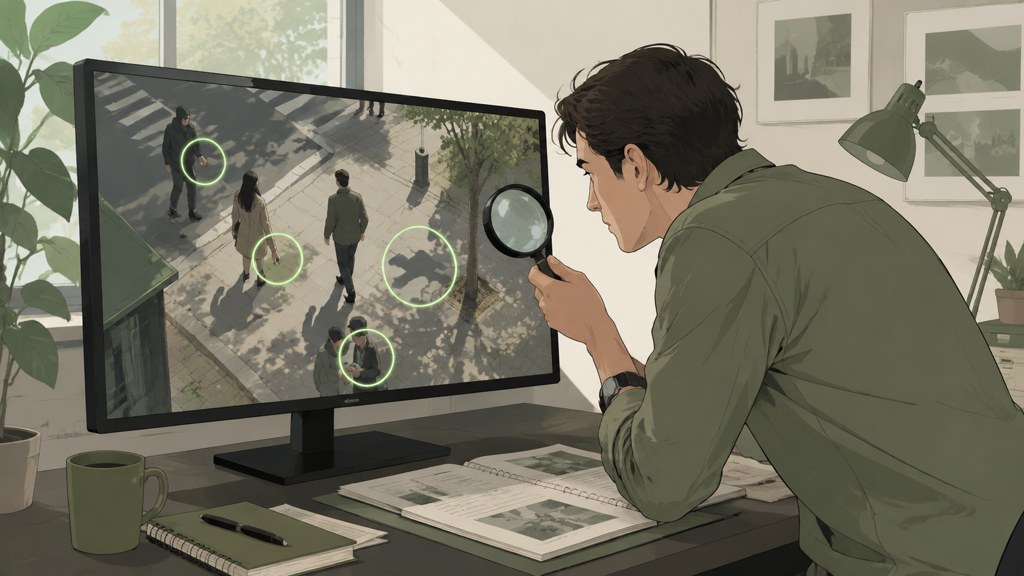
- Continuity: scrub around cuts and fast motion for identity, object and background drift.
- Hands, text and physics: the three things current models still fumble under stress.
- Audio: cadence, breaths, room tone and lip timing, listened to without the picture.
- Channel and account signals: upload cadence, disclosure labels, description and history.
- Detector tools: a probability from more than one model, never a verdict from one.
- Provenance: C2PA Content Credentials, SynthID and platform labels, where they exist.
- Context: earliest upload, independent coverage, and whether the claim even needs the video to be fake.
Why build your own real-or-AI reference set?
The fastest way to calibrate your eye is to make a synthetic clip that mimics footage you shot yourself. Record ten seconds on a phone (a hand picking up a labelled bottle, a person turning to speak), then prompt the same scene in the LazyKiwi AI video generator and play the two side by side. The Kling v3 Omni page lists 3 to 60 second clips at 720p or 1080p from a text prompt or a single image, which is enough range to match most phone footage; the 5-second 720p render was priced at 829 credits on the button when we captured it. The live catalog (2026-09-05) lists ten video models, Kling v3 Omni, Veo 3.1 Lite, Hailuo, MiniMax H3, Seedance 2.5, Wan 2.7, Happy Horse, Grok Imagine Video, Hunyuan and LTX, so a reference pair can be rendered on the same family the suspect clip most resembles.
If you would rather test your eye on someone else's set, the MIT Media Lab built a public site for exactly that: its Detect Fakes project lets you view manipulated and unaltered videos and see whether you can tell them apart, per MIT Media Lab (2026). Do that once before you judge a viral clip; most people are less accurate than they expect.
What visual signs show a video is AI?
Single frames lie in both directions: a generated frame can be flawless and a real frame can be a smear of motion blur. What generators still struggle with is keeping the world consistent across time, so the useful signs are the ones you can only see by scrubbing.
| Where to look | Sign that points to AI | Innocent explanation to rule out |
|---|---|---|
| Face after a turn or cut | Jawline, ear shape or hairline differs from the frames before | Beauty filter, focus pull, lens distortion |
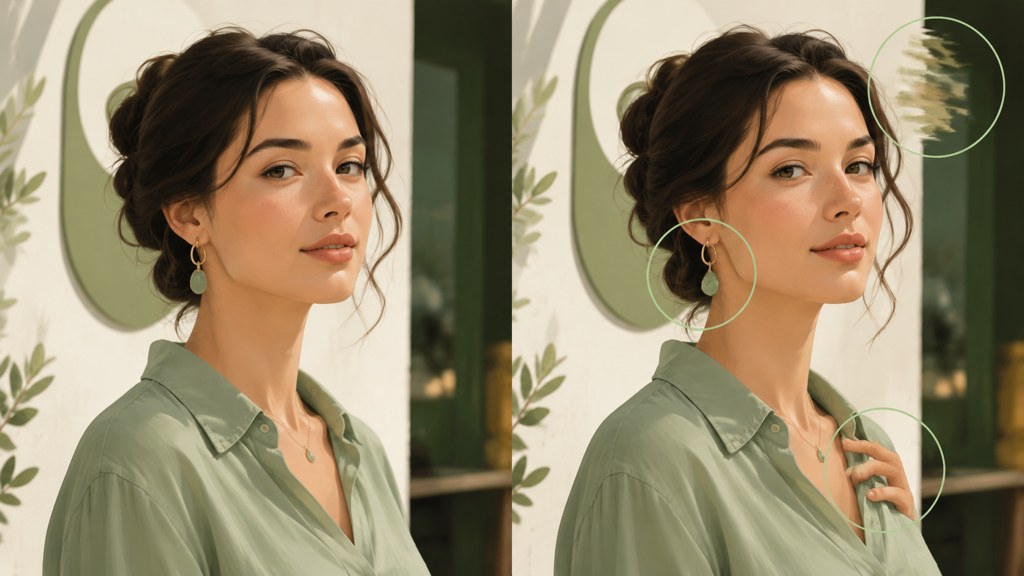
| Hands during a grip | Finger count changes, a grip passes through the object, a ring migrates | Motion blur, a finger hidden behind the object |
| Printed text and logos | Letters reshuffle or melt between frames while the surface stays still | Low resolution, mirrored footage, autofocus hunting |
| Reflections and shadows | A mirror omits an object; a shadow lags or points the wrong way | Multiple light sources, tinted glass, off-screen objects |
| Background geometry | Door frames bend, crowd members duplicate, edges pulse around a moving subject | Digital stabilisation, wide-angle lens, depth-of-field blur |
| Physics of a contact | Liquid pours without weight, cloth ignores the body, an impact makes no ripple | Slow motion, a cut hiding the contact |

Which frames should you scrub?
- The frames on either side of every cut: identity drift hides at edit points.
- Any fast gesture: step through at quarter speed and count fingers on the way in and the way out.
- Every occlusion: a hand crossing a face, a person passing behind a pole; things change while hidden.
- Any pass over text: a sign, a shirt print, a phone screen.
- The last second: many generators lose coherence at the end of a clip, which is why creators trim it.
Prompt your reference clip to include a labelled object being handled, because it forces hands and text into the same frames. Then scrub your own render the way you would scrub a suspect clip; the failure pattern you find is the one to look for elsewhere.
How to check audio and lip sync for AI generation
Close your eyes first. Cloned or synthesised speech tends to keep an even pace with breaths in the same places, flatten emotional peaks, and sit in a room tone that never changes when the speaker moves. Real speech speeds up, trips, and picks up the room: a door, a chair, a change of reverb when the head turns.
Lip timing is only evidence when the audio and picture are actually aligned. Screen recordings, wireless earbuds and platform transcodes introduce a constant offset on real footage, so a fixed lag proves nothing. What you are looking for is the offset that changes, or specific mouth shapes that never match their sounds: a closed-lip 'm' on an open mouth, a 'th' with no tongue, repeated across the clip.
A useful reality check: several models in the LazyKiwi workbench render picture only. The Veo 3.1 Lite page lists 16:9 or 9:16 output at 720p or 1080p, durations from 4 to 60 seconds and a 1,000-character prompt, and audio is not part of this tier here. Any voice on a clip made this way was laid over it in an editor, and the room tone will belong to a different room than the one in frame. That mismatch is one of the more reliable audio tells.
- Listen once with the picture off and mark where the pace or breathing sounds metronomic.
- Compare the voice with a verified recording of the same person; pronunciation habits are hard to clone.
- Follow one physical event (a cup set down, a door) and check that the sound arrives with the image.
- Note whether the room tone shifts when the camera or speaker moves; a static bed under a moving shot is a flag.
- Look for lip shapes that mismatch the same sound repeatedly, not a constant lag.
How to tell if a YouTube channel or video is AI generated
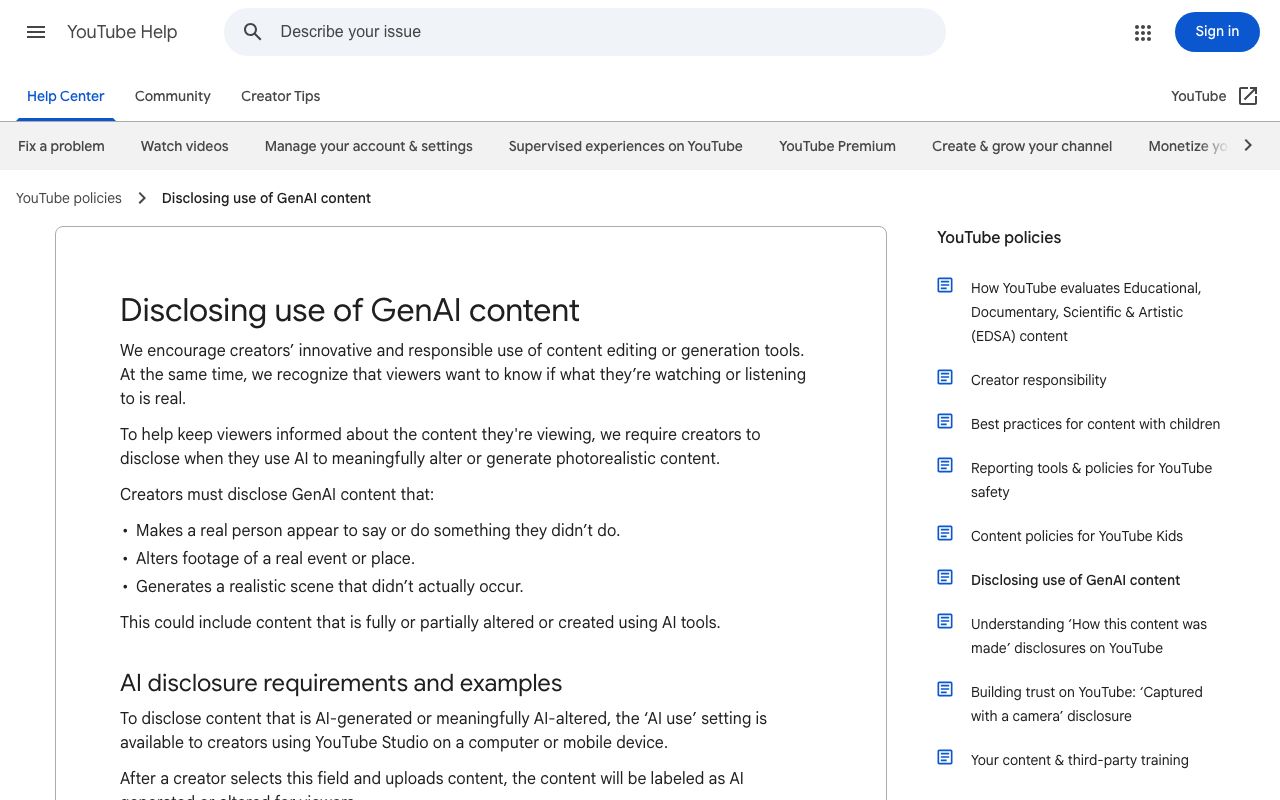
YouTube gives you one signal the clip itself cannot: a disclosure. Its policy requires creators to disclose when they use AI to meaningfully alter or generate photorealistic content, with three named cases (a real person made to say or do something, altered footage of a real event or place, a realistic scene that did not occur), and the content is then labelled as AI generated or altered for viewers, per YouTube Help (2026). The absence of a label proves nothing, because the disclosure is set by the uploader.
How to tell if a YouTube video is AI generated in one minute
- Open the description and expand it: look for the altered-or-synthetic label, a 'how this content was made' note, tool credits or source links.
- Watch the first cut and the last second at quarter speed with the checks from the visual section.
- Mute it, then unmute it with your eyes closed; a stock-sounding narration over silent B-roll is the common pattern.
- Search a distinctive line from the title or transcript; an earlier upload elsewhere changes the question from 'is it AI' to 'is it stolen'.
How to tell if a YouTube channel is AI generated
Channel-level signals are about cadence and sameness. Several uploads a day with identical length, the same synthetic voice across unrelated topics, no on-camera person ever, thumbnails that share one rendering style, and a description with no location or name are the pattern of an automated channel. None of that is proof of generated video, and some legitimate faceless channels match most of it, so read it as a reason to run the other checks, not a conclusion. The same steps for how to tell if a video is AI generated apply to the channel's most-viewed upload, which is the one that earned the traffic.
Other platforms label differently. TikTok's policy requires people to label AI-generated content that contains realistic images, audio or video, and the company said it would test automatic labelling, per TikTok Newsroom (2023). Meta applies 'AI info' labels to video, audio and images when it detects industry-standard AI indicators or when people disclose, per Meta Newsroom (2024).
Which AI video detector tools can you use?
Detectors fall into three kinds: classifiers that estimate a probability from pixels and audio, provenance readers that look for a signed manifest or a watermark, and toolkits that help you do the manual checks faster. The table summarises what each vendor says on its own site as of 2026-09-06; none of these rows is a test result of ours.
| Tool | Kind | What the site says (2026-09-06) | Free access |
|---|---|---|---|
| Hive | Classifier | AI-generated and deepfake detection APIs for images, video and audio; a demo and free detection tools on the page | Demo and free tools |
| Sensity | Classifier | Enterprise deepfake detection; states a 98% accuracy figure on public datasets on its own site | Sales contact |
| Reality Defender | Classifier | Developer SDK; free tier described as 50 audio or image scans a month | Free tier (audio and image) |
| TrueMedia | Aggregator | Non-partisan, open source and free, hosted at Georgetown University; aggregates multiple detectors plus human verification | Beta access request |
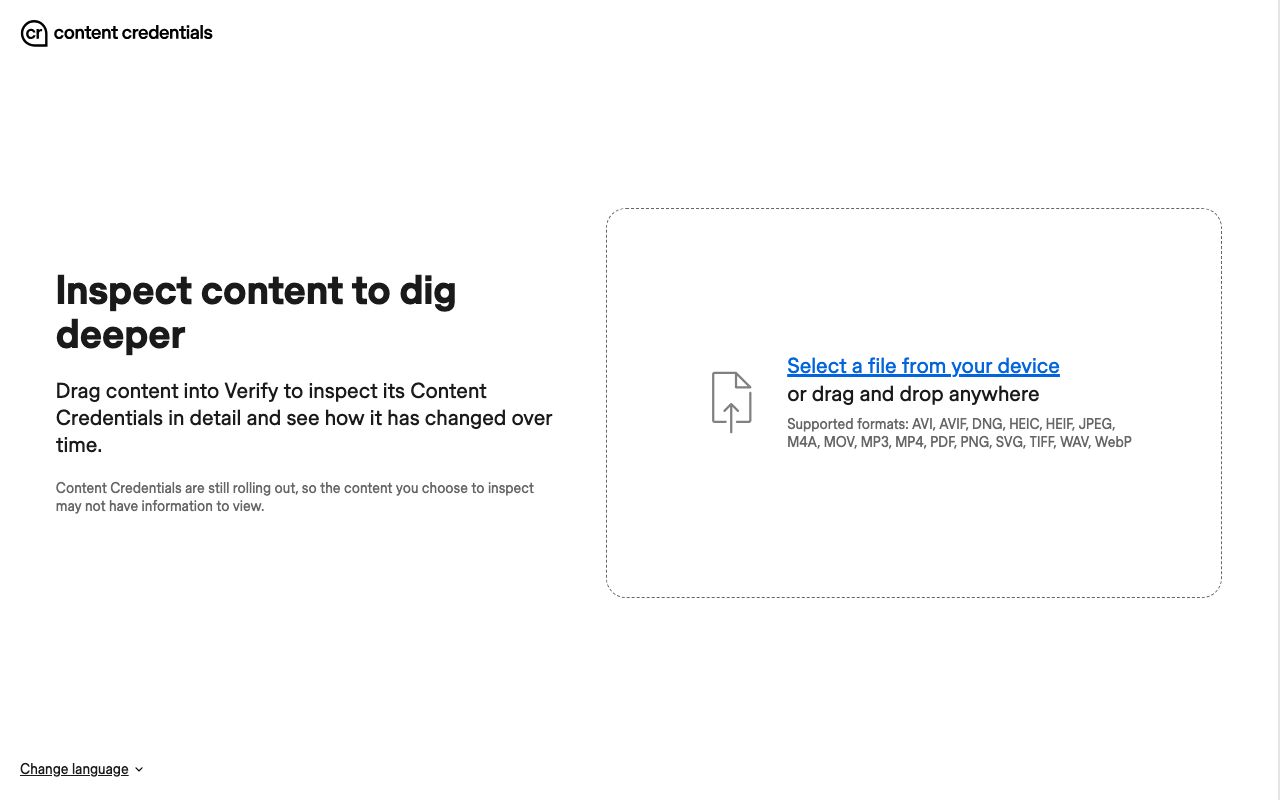
| Content Credentials Verify | Provenance | Reads C2PA manifests from a dropped file; supports MP4, MOV, AVI, MP3, WAV and more | Free |
| SynthID | Provenance (watermark) | Google's imperceptible watermark across its generative products; a checking portal in early testing with journalists | Waitlist |
| InVID plugin | Toolkit | Free Chrome plugin for journalists; keyframe extraction for reverse image search | Free |
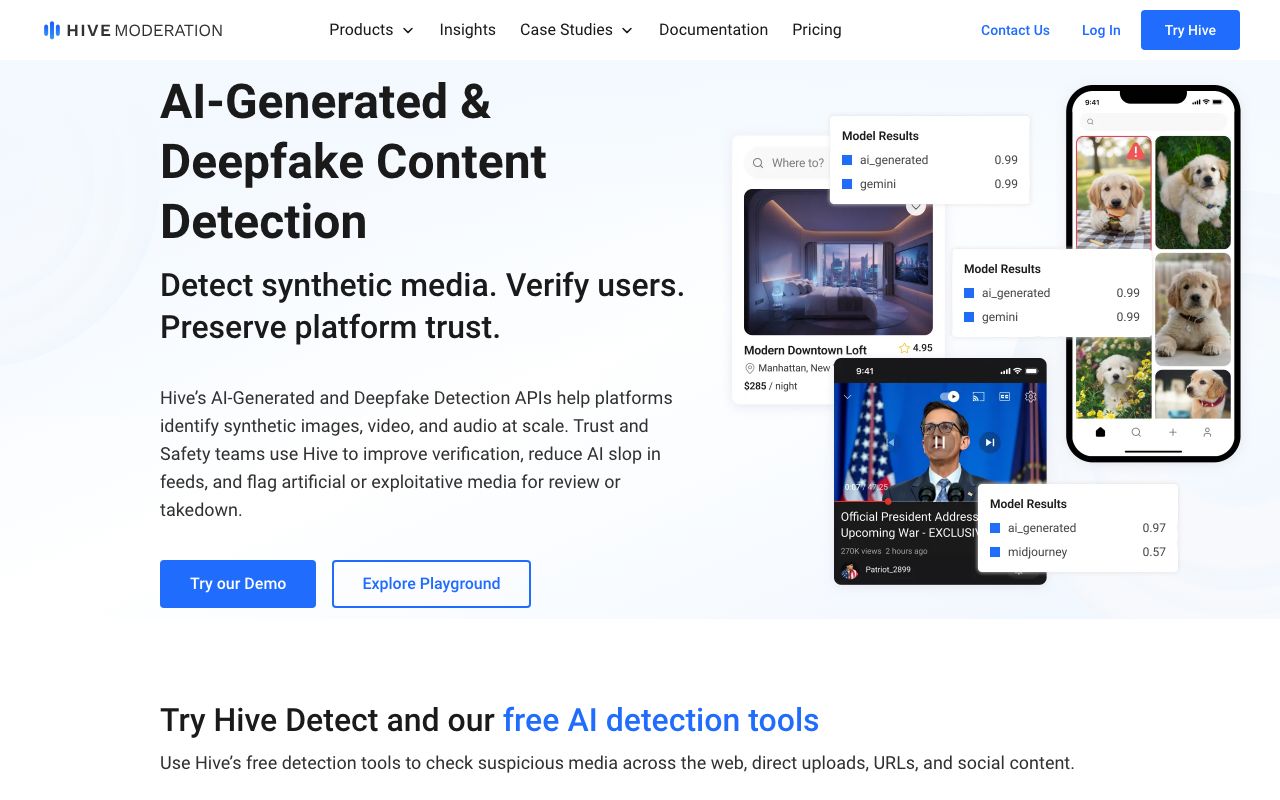
Hive (2026) positions its detection as APIs for platforms with a public demo. Sensity (2026) and Reality Defender (2026) sell to enterprises, with Reality Defender advertising a free tier limited to audio and image scans. TrueMedia (2026) is the non-commercial option, and its promise of transparent accuracy metrics and uncertainty is the behaviour to want from any detector. InVID (2026) is not a detector at all; it pulls keyframes so you can reverse-search them.
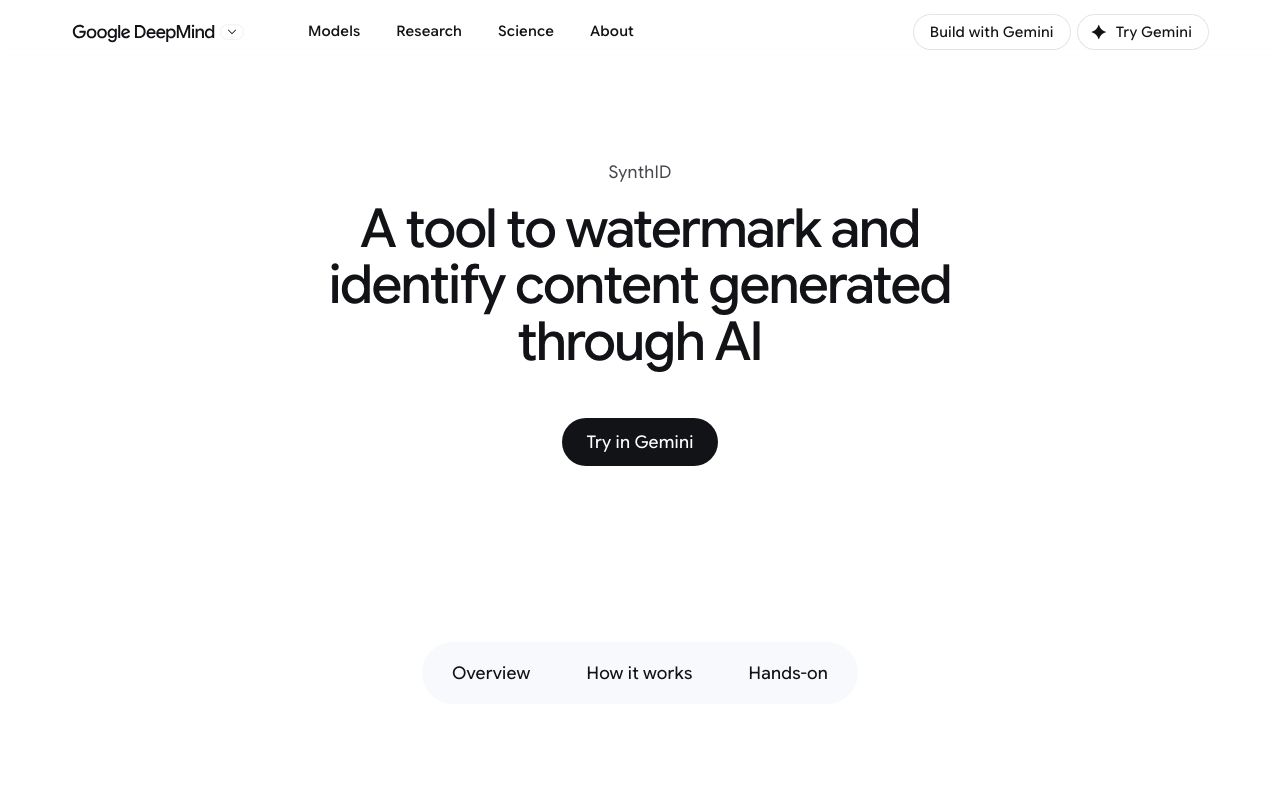
Read an AI detector video score as a probability from one model trained on one distribution. It drops on compressed, filtered or upscaled footage, it cannot see a clip that mixes real and generated elements as two things, and a watermark check such as SynthID (2026) only finds marks that Google's own products embedded. Two detectors that disagree are telling you the truth: the clip is inconclusive on pixels alone.
How to verify provenance with C2PA and Content Credentials
Provenance answers a different question from detection: not 'does this look generated' but 'who made this, with what, and what changed since'. The Coalition for Content Provenance and Authenticity publishes an open technical standard for exactly that record, branded Content Credentials, per C2PA (2026). When a camera, an editor or a generator signs the file, the record travels with it and a verifier can read it.
- 1
Get the original file, not a screen recording
A re-encode or a screenshot strips the manifest. Ask for the download, or use the platform's original-quality option where it exists.
- 2
Drop it into Verify
The Content Credentials Verify tool (2026) inspects the file's credentials and how it has changed over time; its upload box lists video and audio formats including MP4, MOV, AVI, M4A, MP3 and WAV alongside images and PDF.
- 3
Read the manifest for the three facts
Who signed it, which tool produced or edited it, and what actions were recorded. A generator's name in the tool field ends the argument; an editor's name with a 'placed' action means a composite.
- 4
Treat a missing manifest as silence
The Verify page itself warns that Content Credentials are still rolling out and the file you inspect may have no information. No manifest is not evidence of a fake; a stripped manifest is not evidence of one either.
- 5
Cross-check the platform label
Meta says it adds AI info labels when it detects industry-standard indicators, which is what a C2PA manifest is; YouTube and TikTok rely on uploader disclosure. A label plus a manifest is strong; a label alone is a claim.
Human-rights verifiers have thought about this longer than anyone. WITNESS publishes guidance on content authenticity technologies and their surveillance trade-offs, per WITNESS (2026), and its framing is the right one: provenance is a tool for trust, not a licence to disbelieve everything without a manifest.
What are the most common mistakes when judging AI videos?
Most wrong calls we have seen come from applying one check as if it were the whole method. These are the recurring ones, with the correction.
- Calling compression a tell: reuploads, low light and beauty filters produce mushy hands and drifting edges on real footage. A sign counts when it repeats and connects to another sign.
- Trusting a single detector: one score from one model is a probability, not a verdict. Run two, and if they disagree, say so.
- Ignoring context: the earliest upload and independent coverage decide more cases than pixels do. A real clip with a false caption is the more common fraud.
- Mistaking enhancement for generation: footage that went through an upscaler such as the AI video enhancer picks up smoothing and interpolated frames that classifiers flag. Ask whether the clip was processed before you ask whether it was generated.
- Reading a missing manifest as guilt: credentials are still rolling out, and most authentic phone video has none.
- Skipping the audio pass: a silent-model render with a voice laid over it fails the room-tone check even when the picture is clean.
- Forgetting the filters: in LazyKiwi's workbench data (August 2026) the content-safety filter was the most common failure reason for external image jobs, with 49 blocks in 30 days. Mainstream tools refuse a whole class of prompts before rendering, so a realistic clip of that class points to a tool without such filters, which narrows the provenance question rather than answering it.
How should you report what you found?
State the evidence, not the vibe. 'Likely synthetic: identity drift at two cuts, room tone static under a moving shot, no earlier upload found, two detectors above their thresholds' can be checked by someone else. Keep the URL, upload date, caption and a few frame grabs, because posts change after they get attention. Knowing how to tell if a video is AI generated is only half the skill; writing down why in a way that survives a challenge is the other half.
Key takeaways
- How to tell if a video is AI generated comes down to seven checks (continuity, hands and text, audio, channel signals, detectors, provenance, context) weighed together; a clip that fails three is probably synthetic, a clip that fails one is probably compressed.
- Build a real-or-AI reference pair: shoot ten seconds on a phone, prompt the same scene in Kling v3 Omni (3 to 60 s, 720p or 1080p, 829 credits for 5 s at 720p in our capture) and scrub both.
- YouTube requires disclosure for photorealistic altered or generated content and labels it for viewers; TikTok requires a label on realistic AI video; Meta adds 'AI info' labels when it detects industry-standard indicators. No label proves nothing.
- Detectors give probabilities: Hive offers a free demo, Reality Defender's free tier covers 50 audio or image scans a month, TrueMedia is free and open source at Georgetown, and SynthID only finds Google's own watermark.
- Content Credentials Verify reads C2PA manifests from MP4, MOV and other files for free, but credentials are still rolling out, so a missing manifest is silence, not evidence.
Research & Trust Editor
Noah Berger
I track how detection, labelling and platform policy keep moving, and I cite the source and the date so you can check the claim yourself.
FAQ
Common questions
Is there a free tool to check if a video is AI generated?
Yes, three kinds. To check if video is AI generated online free, drop the original file into Content Credentials Verify for a C2PA manifest, try Hive's free detection demo for a classifier score, and install the free InVID Chrome plugin to pull keyframes for reverse image search. TrueMedia is free and open source but requires beta access. Use at least two and weigh the result with context.
Can AI video detectors be wrong?
Regularly, in both directions. A classifier returns a probability from one model trained on one set of generators; compression, filters, upscaling and mixed real-and-generated edits push real footage toward 'AI' and can push new generators toward 'real'. TrueMedia aggregates several detectors with human review precisely because single scores are unreliable.
Does YouTube label AI-generated videos?
Yes, when the creator discloses. YouTube's policy requires disclosure when AI is used to meaningfully alter or generate photorealistic content, including a real person made to say something they did not, altered footage of a real event, or a realistic scene that never happened. The 'AI use' setting in YouTube Studio produces a viewer-facing label; an undisclosed clip carries none.
How do I check if a TikTok video is AI?
Look for TikTok's AI-generated label first; its policy requires one on realistic AI images, audio or video and the company has said it tests automatic labelling. Then run the manual checks on a downloaded copy: scrub the cuts and any hands, listen for static room tone, and search a line of the caption to find an earlier upload. A label plus a manifest is strong; either alone is a claim.
Is the old man meme AI generated?
We have not tested a specific clip, and the label is applied to many different videos, so treat it as a case. Find the earliest upload, scrub the first cut and the hands, check whether the room tone moves with the camera, drop the original file into Content Credentials Verify, and run one classifier. Two or more failed checks with no earlier source means likely synthetic; say why.
Make your own reference clip
Prompt the scene you filmed on your phone, then scrub the two side by side. The failure pattern you find is the one to look for in the wild.
Keep reading
AI Video Generation Trends 2026: What the Data Shows
AI video generation trends 2026 from dated sources: Semrush search indices for Kling, Veo and Sora, LazyKiwi template demand, and the Sora 2 API shutdown.
9 min read
How to Make an AI Face-Swap Video That Looks Convincing
Learn how to make a convincing AI face-swap video with compatible source media, controlled generation, frame-by-frame quality checks, clear consent, and responsible disclosure.
8 min read
AI Lip Sync: How to Make a Talking Video Look Natural
AI lip sync from phonemes to export: the portrait and audio that work, a step-by-step LazyKiwi walkthrough, tool prices checked in 2026 and artifact fixes.
9 min read