
Can ChatGPT Make Videos? What It Can and Cannot Do
Can ChatGPT make videos? Not directly. Here is what Sora is now, what the assistant is genuinely good at, and the handoff that gets you a finished clip.
 Daniel Okafor 9 min read
No. Can ChatGPT make videos on its own? It writes, it plans, it can generate a still image, but the assistant window does not hand you a rendered clip. That is a product boundary rather than a temporary gap, and knowing where the boundary sits saves an hour of prompting for something that will never arrive. What follows is the handoff that does work: the assistant does the thinking, a video model does the rendering, and you keep both. Pages named here were read on 7 September 2026 unless a date says otherwise.
Can ChatGPT make videos directly?
The chat window is a text and image surface. Ask it for a clip and you get a description of a clip, a shot list, or at best a single frame. There is no timeline, no render queue and no file to download at the end.
- It will happily write the script, the scene breakdown and the prompt you should paste elsewhere.
- It can produce a still that becomes the first frame of a generated clip.
- It cannot animate that still, add motion, or output an MP4.
- It cannot record your screen, edit footage you upload, or cut to music.
The people who arrive at this question are usually mid-task, having just been told no. That moment is the whole reason this article exists: the assistant is a very good pre-production partner and a non-starter as a renderer.
What is Sora and how does it relate to ChatGPT?
Sora is OpenAI's separate video model and app, not a mode inside the assistant. Its status has moved a lot, so treat any older tutorial with suspicion.
LazyKiwi's Sora 2 alternatives page, read on 7 September 2026, sets out the timeline it works from: Sora 2 arrived in September 2025 as a video-and-audio model with synchronised dialogue and sound effects, clips of up to 20 seconds at 720p and a Pro tier reaching 1080p; the Sora app was shut in April 2026; and its API is due to be withdrawn on 24 September 2026. The same page states plainly that LazyKiwi never ran Sora 2.
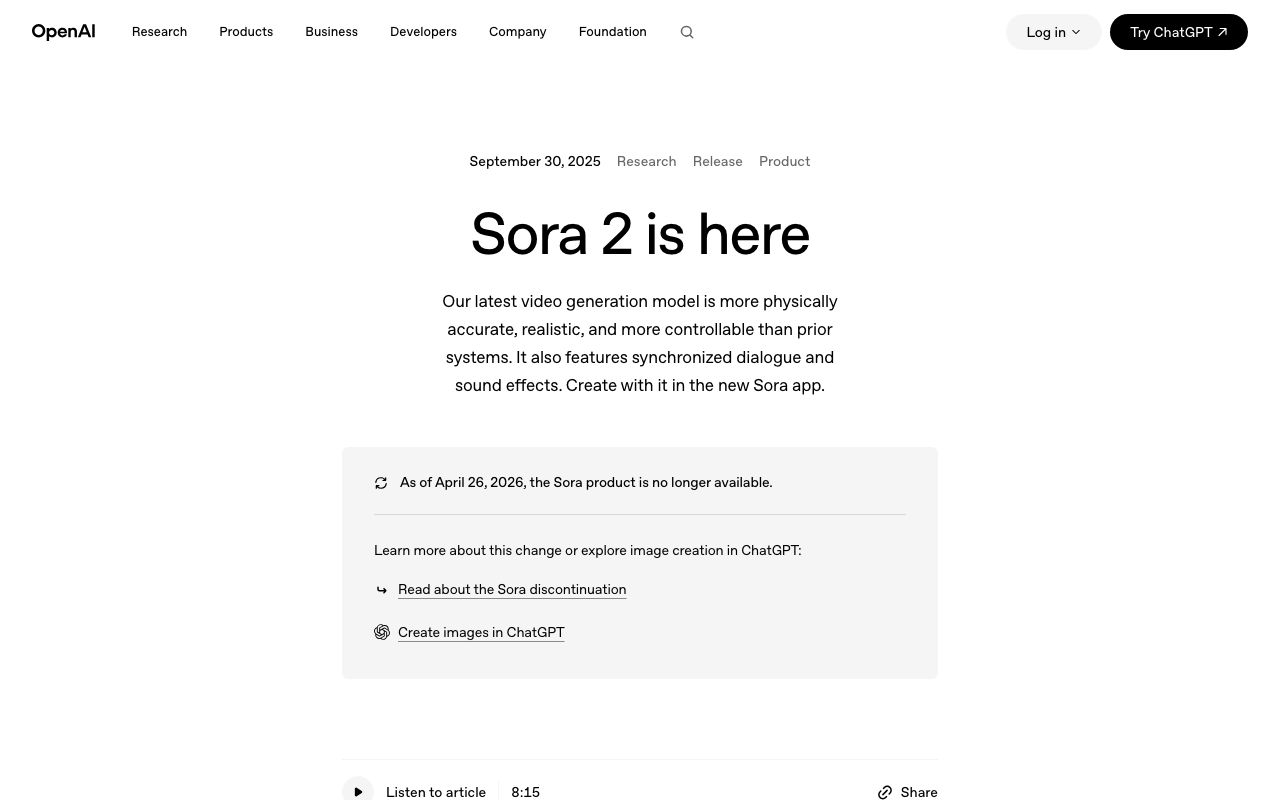
A caveat on sourcing, since this article is about accuracy. OpenAI's site refuses automated requests, so I could not re-read its announcement page myself on the day of writing; the screenshot above was captured on 6 September 2026 and the dates in the paragraph before it come from our own alternatives page. If you need the current terms, open openai.com in a browser rather than trusting any article, including this one.

What can ChatGPT do for a video even if it cannot render one?
Quite a lot, and it is the half of the job most people are worse at. Treat it as a writer's room rather than a studio.
- 1
The premise
Ten one-line ideas, then a brutal cut to the two that could actually be shot.
- 2
The script
Dialogue or voiceover with a target duration. Ask for word counts, because 150 words is roughly a minute of speech.
- 3
The shot list
One line per shot with framing and duration. This is the document a video model consumes.
- 4
The prompts
Ask it to rewrite each shot as a generation prompt with subject, action, camera and lighting in that order.
- 5
The metadata
Titles, descriptions, chapter markers and caption text, which is unglamorous and genuinely faster in a chat window.
Searches for how to make videos with chatgpt almost always mean this list rather than a render button. The gap between a good and a bad generated video is decided at the shot-list stage, not at the prompt stage.
How do you turn a ChatGPT script into a finished video?
Four moves, and only one of them happens in the chat window.
- 1
Get the shot list out of the assistant
Fix the number of shots and the duration of each before you generate anything. Six shots of five seconds is a thirty-second video.
- 2
Generate the shots
Paste each prompt into the video generator one at a time. Generating in a batch feels efficient and produces six unrelated clips.
- 3
Add the type
Titles and captions belong in a text tool rather than in a prompt. The animated text generator exports MP4 at 9:16, 16:9, 1:1 or 4:5 from one document, which covers most placements without a re-render.
- 4
Assemble and cut
Drop the clips into any editor, trim to the script timing, add sound, export once.
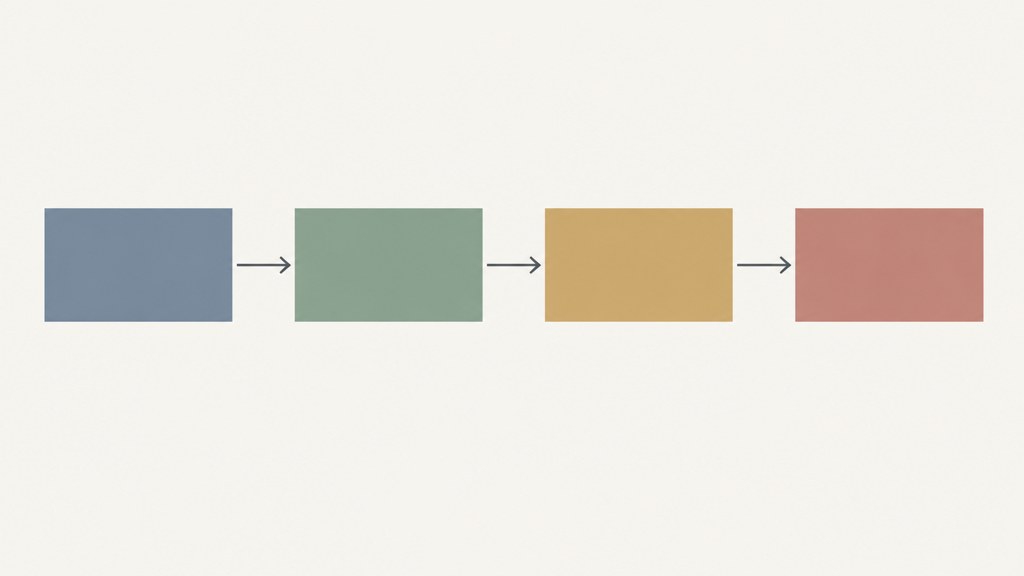
Keep the script open while you generate. Every model drifts from the brief, and the fastest correction is to compare the render against the line it was supposed to illustrate rather than against your memory of it.
Can ChatGPT make a video from an image?
It can make the image. It cannot animate it. This is the single most common misunderstanding behind queries like can chatgpt make videos from images, and the fix is a two-tool workflow rather than a better prompt.
- Generate or upload the still wherever you like, including the assistant.
- Move it to an image-to-video model, which takes a picture as the first frame and produces motion from it.
- Kling v3 Omni accepts text, an image, or a start and end frame pair, which is the route to a controlled move rather than a random one.
- Keep the still at the ratio you want the video in, because a portrait crop applied afterwards throws away the part the model worked hardest on.
The same logic answers can chatgpt make videos for you end to end: it can hand off cleanly, and the handoff is the workflow.
Can ChatGPT make videos with sound?
Not as a single output. Audio in generated video comes from the model, and models differ sharply on this point.
| Route | Audio | What you still have to do |
|---|---|---|
| Assistant alone | None | Everything after the script |
| Video model with native audio | Dialogue and effects generated with the picture | Check sync, replace anything that mispronounces a name |
| Silent video model plus voiceover | None from the model | Record or generate narration and mix it |
| Template or effect clip | Usually silent | Add a track and cut to it |

Google DeepMind's Veo page describes Veo as generating cinematic video with audio and currently fronts the 3.1 generation. On LazyKiwi the tier available is Veo 3.1 Lite, which is the silent one, so plan a separate audio pass rather than expecting a mixed master. Announcements about the wider family land on the Google DeepMind blog first.
Which video generators actually accept a prompt like ChatGPT does?
Most of them, and the phrasing conventions are similar enough that a prompt written for one is a decent starting point for another. Here is what each vendor's own site said today.
- Runway splits its offer into three platforms, of which Creative is the browser-based suite for making and editing media in a single place.
- Pika puts a working composer on its front page, defaulted to a 5s clip on Pika 2.5, with the controls locked behind a sign-up.
- Luma frames itself around agents rather than prompts, with Ray3.2 in front and relighting, product swap and motion transfer offered as things you direct.
- Kling AI puts the 3.0 generation at the top of its homepage, with two video entries in that family, the standard one and an Omni variant.
- Seedance describes multi-shot generation from text or an image, with 1080p output and consistency across shot transitions.
A prompt written in a chat window tends to be too literary for any of them. Cut the adjectives, name the camera move, and give one action per clip. A chatgpt video generator does not exist as a product; a chatgpt video brief pasted into one of the above is what people actually mean.
Is there a free way to make an AI video from a prompt?
Yes, in metered form. Every route above has a free entry point that exists to let you judge the output before paying, and none of them is a production allowance.
Our own pricing page, opened on 7 September 2026, puts the entry plan at 40 credits refreshed each month, with the template catalogue included, no card asked for at signup, and watermark-free export reserved for paid tiers. Across August 2026, LazyKiwi workbench figures show 15 external accounts reaching for the free five-second template, which is a fair picture of how far any free tier goes: a handful of tests rather than a series.
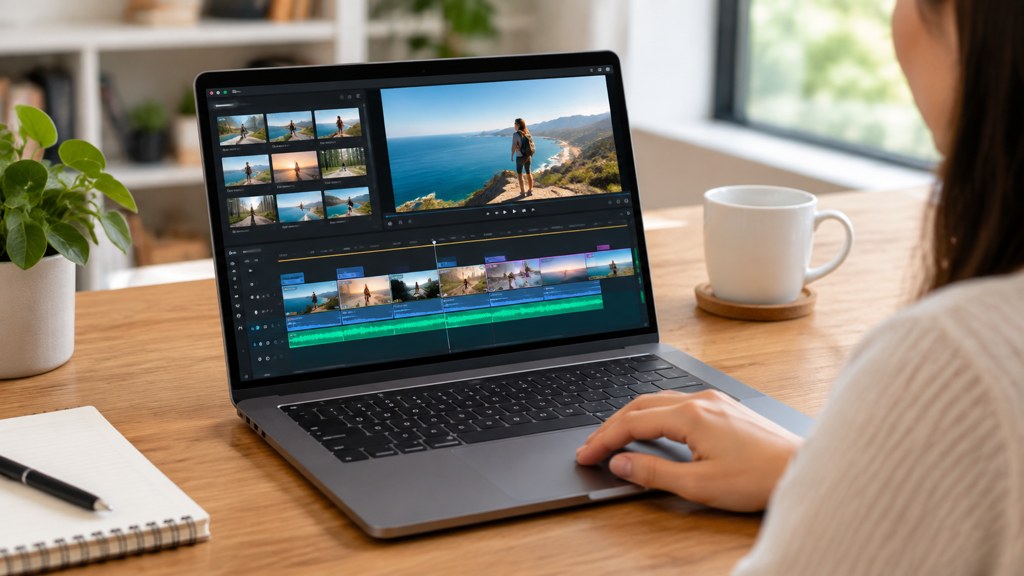
One practical warning about the phrase can chatgpt make videos clearer. Upscaling and repair are separate jobs from generation, they are handled by different tools, and no assistant does them in a chat window. Ask for the tool name, not for the result.
What should you not expect from AI video in 2026?
Five limits worth internalising before you plan a project around any of this.
- Long takes. Clips are short by design, and stitching them is your job.
- Character consistency for free. The same person across six shots takes deliberate work with references.
- Readable text inside the frame. Add type in a text tool afterwards.
- Precise timing to a beat. Models do not respond to a click track; you cut to it.
- Silence about provenance. Platforms increasingly read the file rather than asking you, and Content Credentials is the specification behind that, hosted by the Coalition for Content Provenance and Authenticity.
Disclosure is worth planning for rather than discovering. YouTube's GenAI disclosure page asks creators to declare realistic synthetic content at upload, and its label can also be applied automatically from provenance metadata. That is a two-minute step at the end of a workflow and an unpleasant surprise if it arrives afterwards.
The assistant is the best pre-production partner most people have ever had, and it is not a camera. Plan the handoff and the rest of the workflow gets simple.
— Daniel Okafor, Video Workflows Editor
Key takeaways
- The assistant writes, plans and can make a still. It does not render, animate or export a clip.
- Sora is a separate OpenAI product, not a mode in the chat window, and its availability has changed twice.
- The useful output from a chat session is a shot list with durations, which a video model can consume directly.
- Audio depends on the model. The Veo tier available here is silent, so budget a separate sound pass.
- Free tiers are metered testing budgets; plan disclosure at upload rather than after it.
Video Workflows Editor
Daniel Okafor
I run the same clip through every video model we ship and write down what actually changes: motion, timing, cost, and where each one falls apart.
FAQ
Common questions
Does ChatGPT have a video mode?
No. The chat surface handles text and images. Video generation lives in separate products with their own composers, queues and pricing. If a tutorial shows a render button inside the assistant, check its date, because the Sora product it refers to has changed availability more than once.
What should I ask the assistant for instead?
A shot list. Ask for a fixed number of shots, each with framing, action and a duration in seconds, then ask it to rewrite each line as a generation prompt in the order subject, action, camera, lighting. That document is what a video model can actually use.
Can I animate an image the assistant generated?
Yes, in a different tool. Take the still into an image-to-video model that accepts a picture as the first frame. Keep the still at the aspect ratio you want the finished clip in, because cropping afterwards discards the part of the frame the model worked hardest on.
Will the generated video have sound?
Only if the model produces audio, and many do not. Check the model page before you plan the edit. Where the model is silent, record or generate narration separately and mix it against the cut, which also gives you cleaner control over timing.
Is any of this free?
There are free entry points everywhere, but they are metered rather than open. The entry plan here refreshes 40 credits every month and asks for no card, as listed on the pricing page on 7 September 2026. Treat it as enough to judge whether a model suits your material.
Take the shot list somewhere it can render
Paste one prompt at a time, keep the script beside you, and build the video shot by shot.
Related reading
How to Make a Music Video on a Small Budget
Treatment, shot list, generation and edit: a repeatable pipeline for a music video made with AI clips, timed to the track.
8 min read
Animated Logo Ideas: 12 Reveals That Work
Twelve animated logo patterns sorted by build time, what each says about a brand, and the export settings every platform expects.
9 min read
Seedance Explained: Versions, Access and Limits
What Seedance is, how versions 2.0 and 2.5 differ, where Dreamina fits, and what the model does well compared with Veo and Kling on the same brief.
8 min read
How to Make AI Videos in 2026: Idea to Export, Step by Step
How to make AI videos in 2026: pick a generation mode, choose Kling v3 Omni or Seedance 2.5, prompt for clean motion, and export without wasting credits.
11 min read