
AI Comic Generator: How to Make Consistent Comic Strips
An AI comic generator workflow for strips that hold together: script beats, a character sheet, reference-image panels, manga styling and publishing rules.
 Maya Chen 10 min read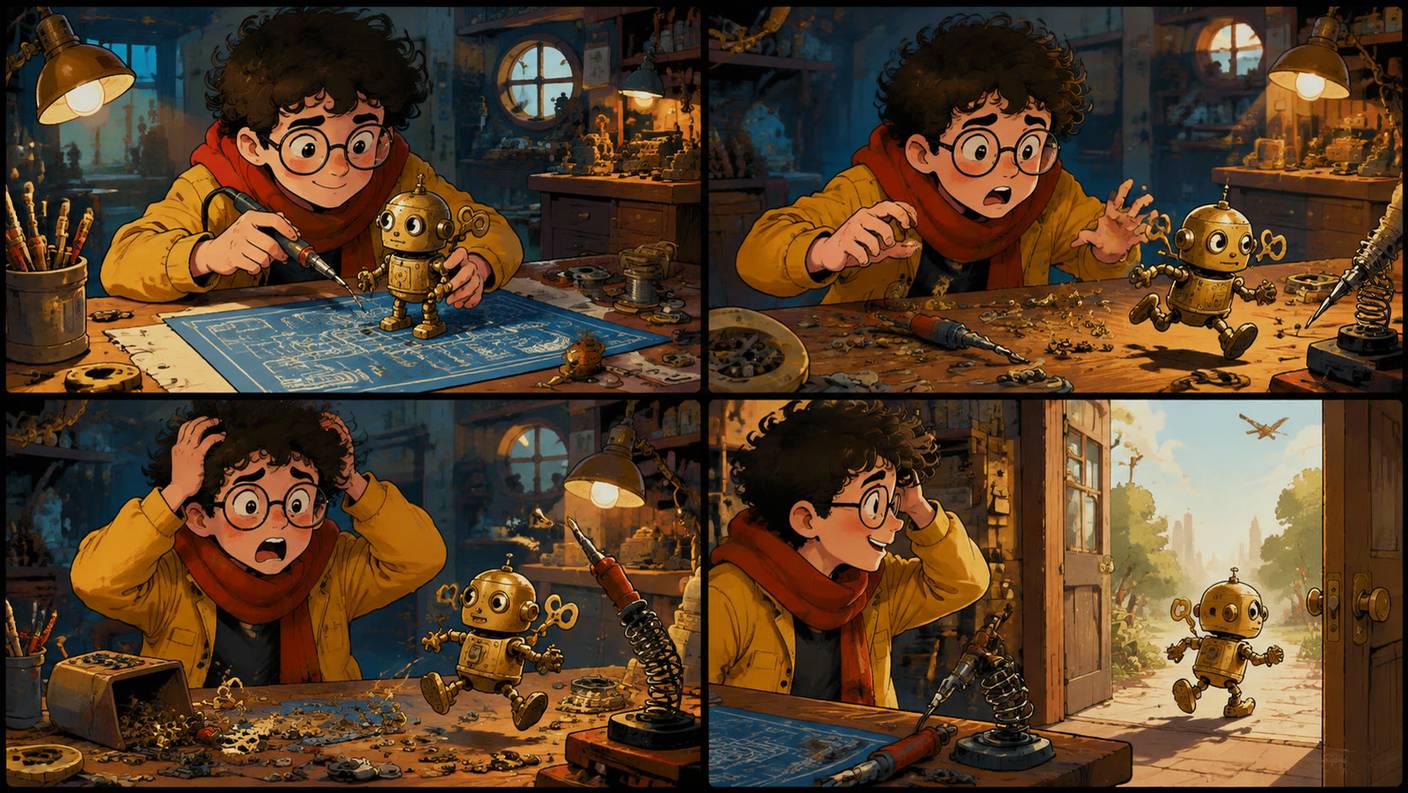
An AI comic generator gives you the panels; you still supply the script, the layout and the lettering. That division is the whole trick to comics that read as one story rather than four unrelated pictures, and it is why this guide is built around a character sheet and reference images rather than a single long prompt. The walkthrough scripts a four-panel strip, draws the lead in the LazyKiwi AI image generator, then generates every panel from that one reference in GPT Image 2. Below: the steps, the consistency levers ranked by how well they hold a face, manga styling, what is free, a tool comparison, and what WEBTOON, Tapas and Amazon KDP say about publishing AI work.
What is an AI comic generator and what can it make?
Strictly, it is an image model used panel by panel, sometimes wrapped in a layout tool. What comes out depends on how you feed it. Four separate prompts with a shared character reference give you a strip. Twenty prompts with the same reference plus a few location references give you a page. A tall stack of panels sized for a phone gives you a webtoon scroll. A black-and-white pass with screentone instructions gives you manga-style pages, which is the part of this guide that answers the ai manga generator search.
What the model does not do is as important. It does not letter reliably, so speech balloons and sound effects belong in an editor. It does not plan a page, so panel order and gutters are yours. And it has no memory between generations: the second panel only matches the first if you hand it the first as a reference. A comic ai generator that claims otherwise is doing these steps for you behind the scenes, usually with less control, and the same goes for any ai comic strip generator that promises a finished strip from one sentence.
Strip, page or scroll?
| Format | Panels per unit | Consistency load | Where AI helps most |
|---|---|---|---|
| Three- or four-panel strip | 3 to 4 | Low: one character, one setting | All panels, same session |
| Single comic page | 5 to 9 | Medium: camera changes expose drift | Establishing shots and reactions |
| Webtoon vertical scroll | 10 or more tall panels | High: dozens of images of one cast | Backgrounds and mid-shots; faces need tight references |
| Multi-page book | Hundreds | Very high | Concept art and covers; panels need a production pipeline |
How to make an AI comic step by step
The worked example: a bicycle courier named Mina delivers a parcel to a lighthouse keeper who turns out to be a cat. Four beats, two characters, one location. Everything below assumes a strip of that size; a page is the same loop run longer. If a beat needs a specific stance, our pose reference library sorts poses by use case, including dynamic poses for action panels.
- 1
Write the beats as shots
One line per panel, each with a camera and an action: 'wide, Mina cycles up the cliff road in rain'; 'medium, Mina knocks, parcel under arm'; 'close, door opens on a cat in a keeper's coat'; 'wide, Mina hands over the parcel, both deadpan'. If a beat needs a caption to make sense, rewrite the shot.
- 2
Draw the character sheet
In Seedream 5.0 for the richest render, or GPT Image 2 at 1K on the Free plan, ask in text mode for a front and side view of Mina on a white background: 'oval face, short black bob with straight bangs, amber eyes, teal windbreaker with one white chest stripe, yellow messenger bag, clean ink outlines, flat cel shading'. Download the best sheet. Do the same for the cat. These two images are the reference set for every panel.
- 3
Generate panel one with the reference attached
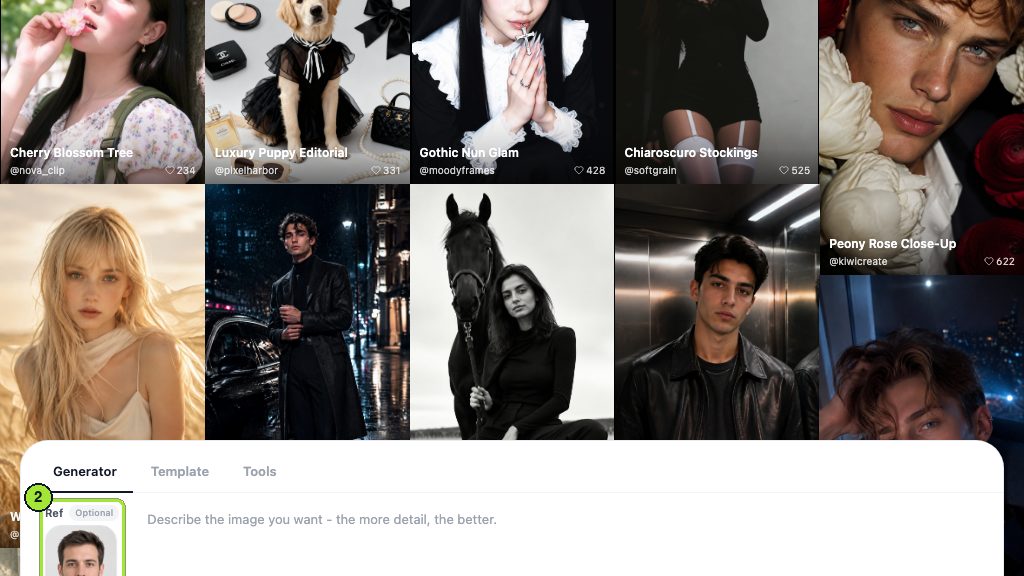
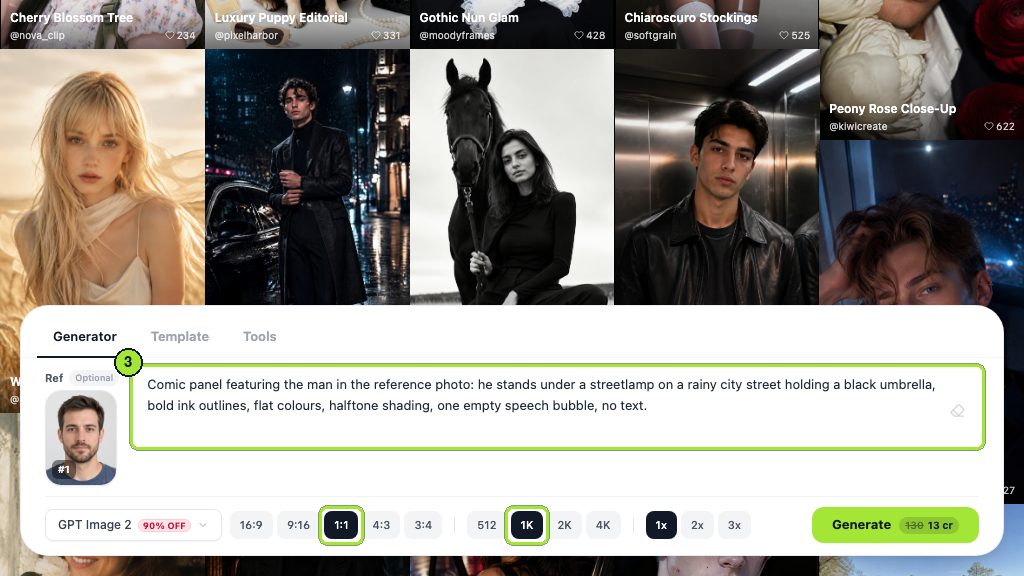
Switch to GPT Image 2, attach Mina's sheet, and prompt the first shot plus the style line. Ask for 'empty space top-left for a caption' if the beat needs one. Generate two or three, keep the one where the bag and stripe match the sheet.
- 4
Repeat for each panel, changing only the shot line
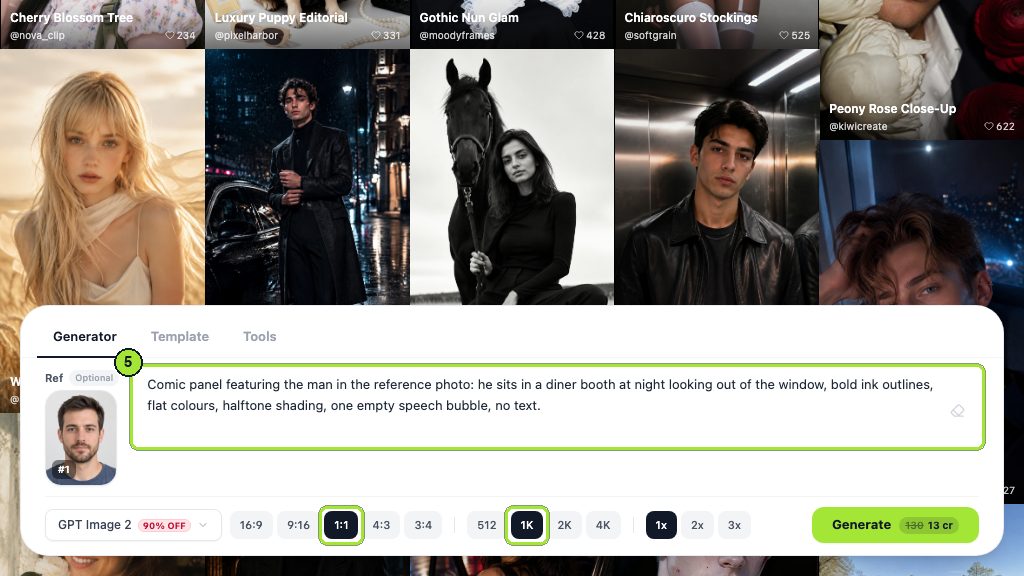
Same reference, same style line, new camera and action. When a panel needs both characters, attach both sheets. If a face drifts, do not rewrite the prompt; re-attach the sheet and regenerate.
- 5
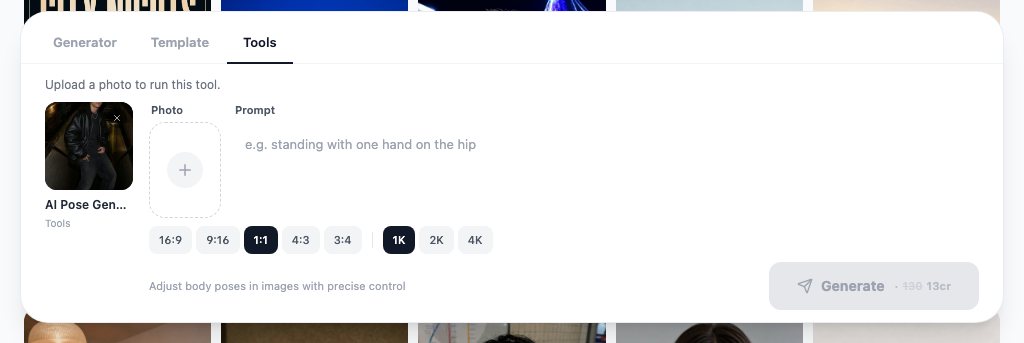
Fix poses with the pose tool
For the action beat, upload the panel to the AI pose generator and describe the stance in plain words. It moves the body and leaves face, hair and outfit in place, which is cheaper than regenerating the panel.
- 6
Put two subjects in one frame
When the model keeps merging the cat into Mina's coat, generate them separately and use the AI image combiner: subject in the first slot, scene in the second, and it relights the subject to match the scene's light and shadow direction.
- 7
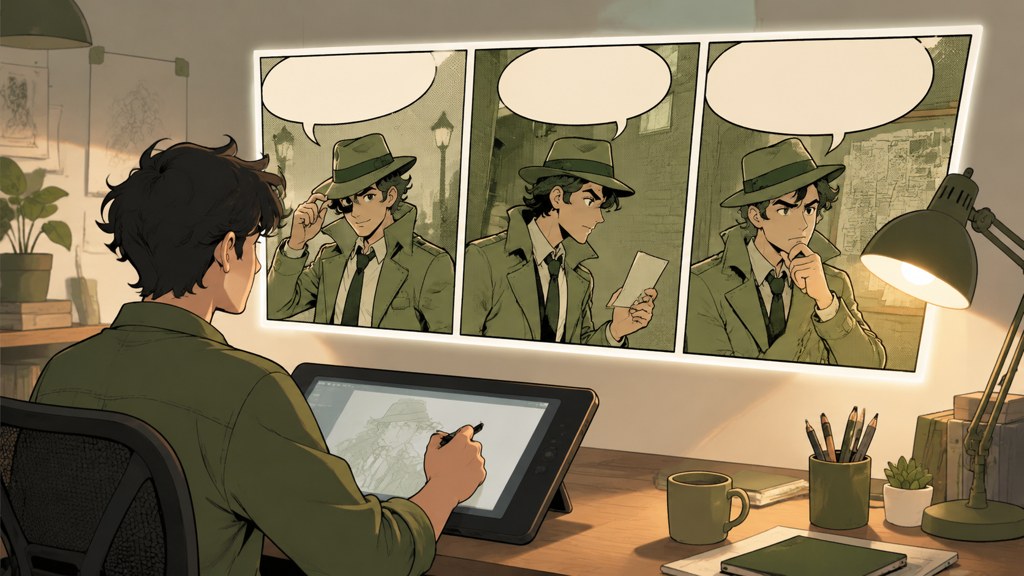
Lay out and letter
Export the panels at the same height, place them in a page layout or design tool with even gutters, then add balloons and lettering by hand. Read it once without the text to check that the pictures alone carry the beat.
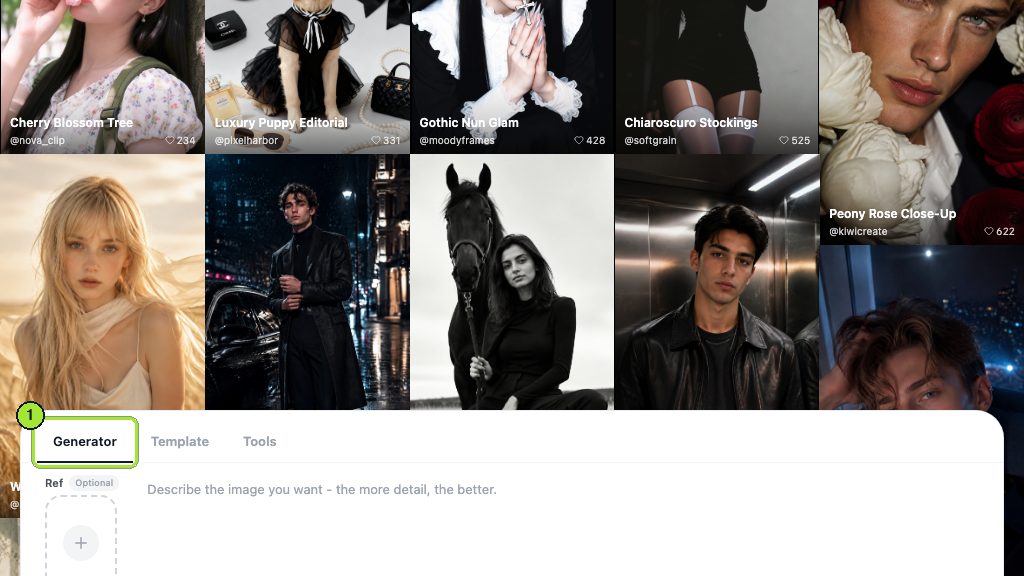
Session discipline
Generate all panels of a strip in one sitting with the same model. Switching models mid-strip changes line weight and eye shape, and those two things are what readers use to recognise a character.
How to keep characters consistent across comic panels
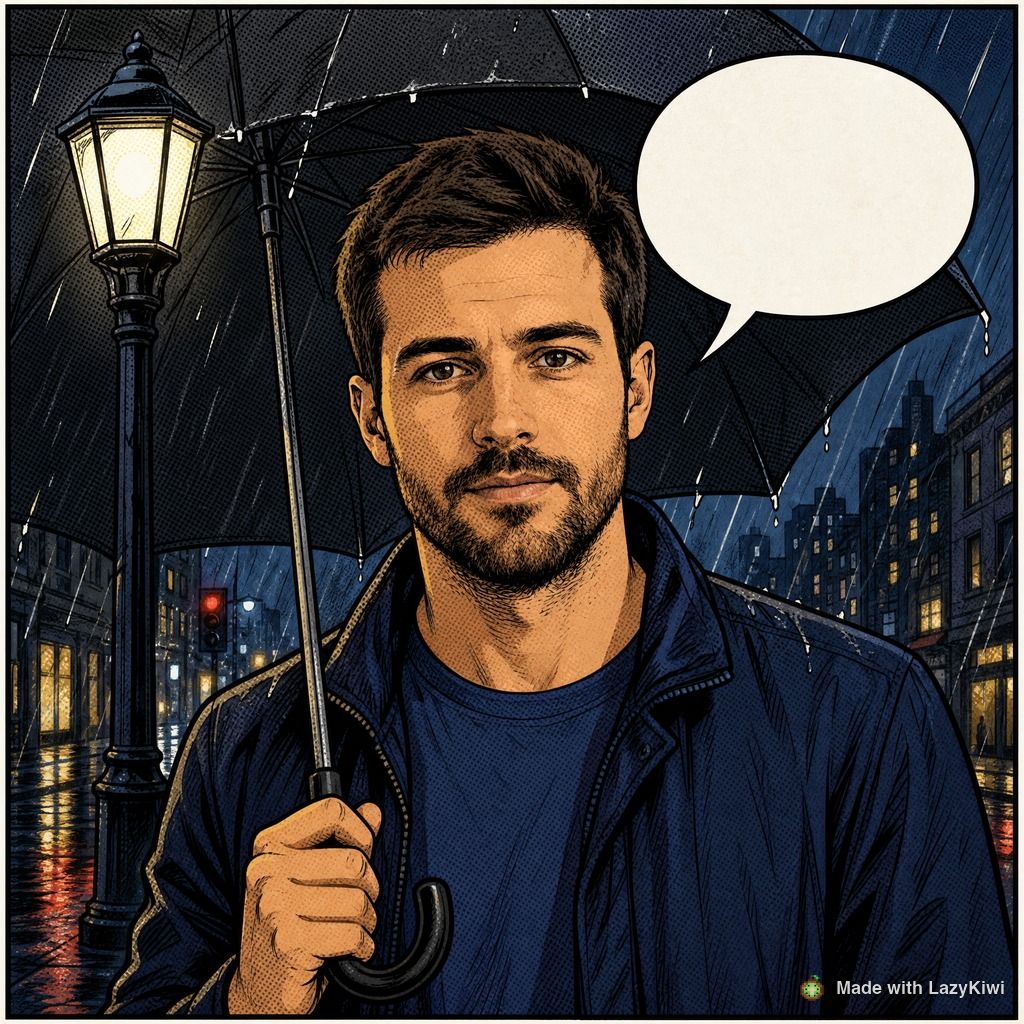
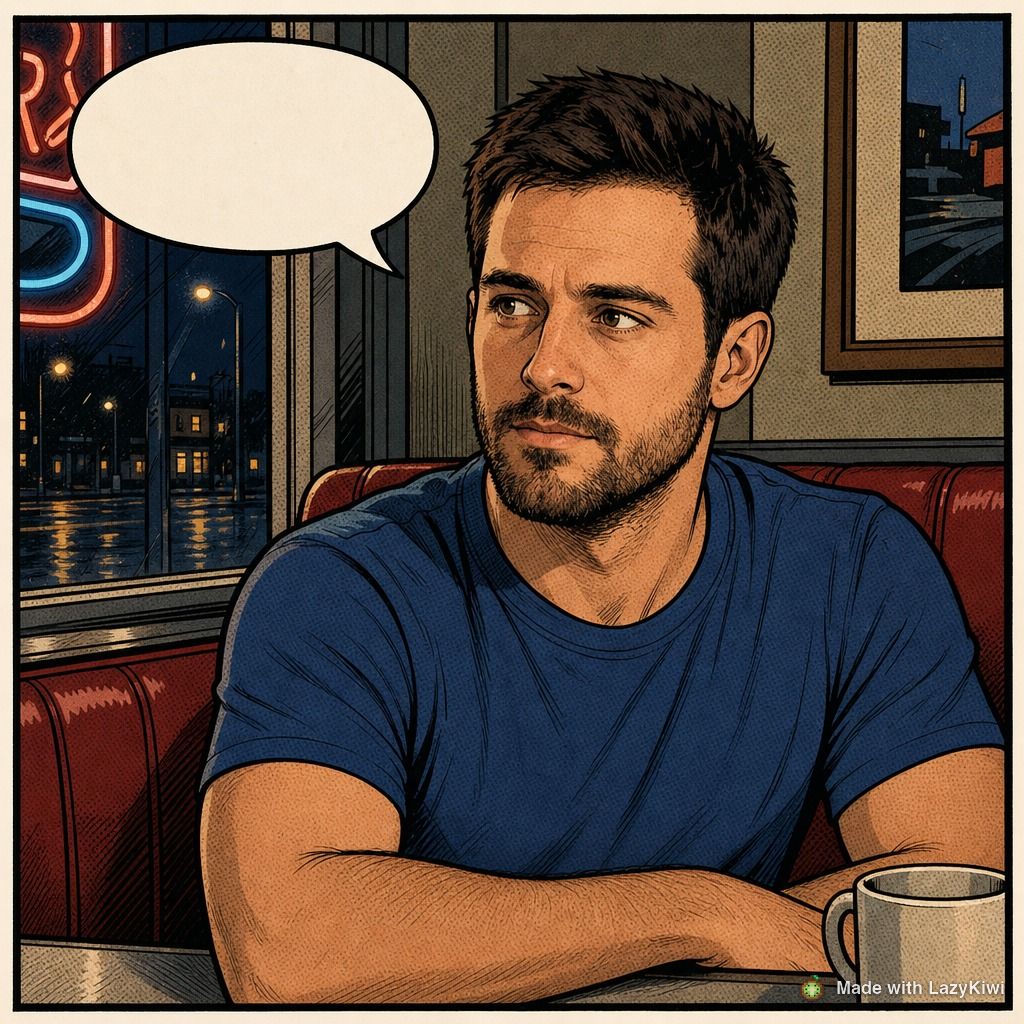
Consistency is a stack of levers, not one setting. The table ranks them by how well each holds a face and an outfit across a strip in any ai comics generator that supports them. Reference images win by a distance; everything else is a supplement.
| Lever | How it works in LazyKiwi | Holds the face | Holds the outfit | When to use it |
|---|---|---|---|---|
| Character sheet as reference image | Attach the sheet in GPT Image 2 or Seedream 5.0 for every panel | Strong | Strong | Always; it is the baseline |
| Several references at once | WAN 2.7 Image Pro accepts multiple images: face, outfit, prop, location | Strong | Very strong | Two characters plus a recurring set |
| Fixed style line | The same medium and line phrase in every prompt | Medium | Medium | Always, alongside references |
| Seed reuse | Same seed, same model, near-identical prompt | Weak once the camera moves | Weak | A/B testing one word |
| Pose generator | Repose an approved panel instead of regenerating | Strong | Strong | Action beats |
| Image combiner | Merge separately generated subjects into a scene | Strong | Strong | Two subjects, one panel |
Why do reference images beat prompts?
Because a prompt is a description and a reference is a measurement. The vendors say as much: OpenAI notes in its image guide that the model may struggle to keep recurring characters visually consistent across generations, per the OpenAI image generation guide (2026), which is why its edit path takes input images; Leonardo built a Character Reference mode for the same problem, per the Leonardo.Ai help center (2026); Recraft's current pitch is a style set that makes every image match once, per Recraft (2026). Different products, one lesson: give the model something to copy.
- Name the two or three traits a reader uses to recognise the character (bob and bangs, chest stripe, bag colour) in every prompt even with the sheet attached.
- Keep handedness and prop side fixed in the shot line: 'parcel under the left arm'.
- Approve a panel only at full size; drift hides at thumbnail scale and shows on a phone.
- Reject early. Building panel four on a drifted panel three doubles the rework.
How to make manga-style panels with AI
Manga is a different drawing grammar, not just a black-and-white filter: heavier line variation, screentone instead of flat grey, speed lines for motion, larger eyes with layered highlights, and a right-to-left reading order if you are keeping the convention. Any ai manga generator worth the name lets you say those things; the prompts below do it in text mode with the sheet attached.
Black-and-white manga panel, clean variable-weight ink lines, screentone shading (dot pattern) on shadows and clothing, no grey fills, white background, speed lines behind the figure for motion, expressive eyes with layered highlights, empty space at the top for a balloon.
Black-and-white manga panel, fine ink lines, light screentone on the sky, rain drawn as thin diagonal strokes, medium shot, character standing still at a lighthouse door, calm expression, lots of white space.
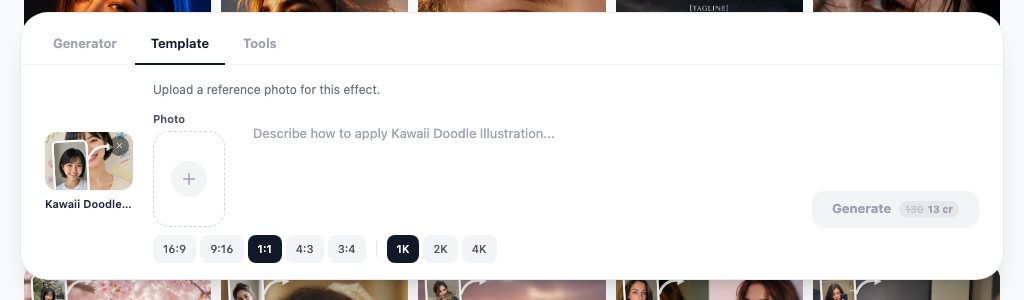
Anime-trained community models are the other route, and PixAI's library of anime-focused models and LoRAs is the usual example, per PixAI (2026); they nail the eyes and hair grammar but are weaker at holding a specific character without a reference. For a photo-based strip, where the cast is real people, run each portrait through the convert pic into cartoon template first so every panel starts from the same drawn version of the face. For a lighter, gag-strip register, the kawaii doodle illustration template keeps the photo and draws crayon marks around it, which reads as a one-panel joke on its own.
Is there a free AI comic generator?
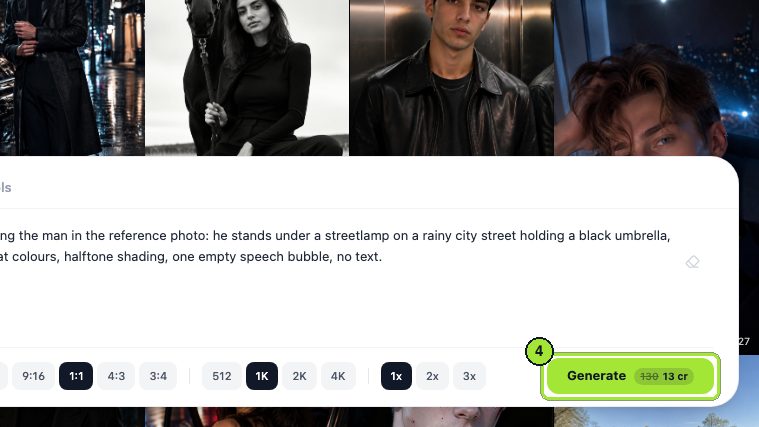
A free ai comic generator exists in the same sense a free camera does: free tiers give you enough to test a character and a couple of panels, and the paid tiers buy volume. On LazyKiwi the Free plan is a monthly allowance rather than a one-off trial, and the image models, the pose tool and the combiner all draw from it. Per-render costs are shown next to the Generate button before you commit; on 2026-09-05 the workbench listed GPT Image 2 at 1K and the pose and clothes tools at 13 credits each, per the GPT Image 2 workbench, so an ai comic generator budget on the Free plan is roughly three renders a month: a sheet and two panels, or one sheet and a repose.
- Budget the sheet first. Two or three character sheets are the only images you will reuse, so spend the free credits there before any panel.
- Generate panels at 1:1 or 4:5 and crop to the panel shape in layout; wide panels waste pixels.
- Keep the rejected panels. A failed close-up is often a usable reaction shot two strips later.
- Check the licence on any free tier before selling the strip; several free plans restrict commercial use.
Which AI comic book generator tools are worth comparing?
An ai comic book generator search returns three unrelated product types: image generators with a consistency feature, drawing software with comic tools, and design editors with comic templates. The table sorts them, with what we could confirm on each site on 2026-09-05; two vendors block automated visits, and those cells say so.
| Tool | Type | Free access (checked 2026-09-05) | Comics fit |
|---|---|---|---|
| LazyKiwi | Image generator with pose and combiner tools | Free plan, 40 credits a month | Reference-image panels, reposing, two-subject merges; letter elsewhere |
| Midjourney | Image generator | Paid subscription only | Character Reference parameter; no layout or lettering |
| Leonardo.Ai | Image generator | Free and paid plans, token based | Character Reference mode; preset styles |
| Clip Studio Paint | Drawing software with panel, tone and balloon tools | Perpetual desktop licence or subscription, see its purchase page | Best place to lay out and letter; AI-assisted features are minor |
| Canva | Design editor | Site blocked our check | Comic-strip templates and balloons; no character consistency |
| Recraft | Image generator with style sets | See its site | Locked styles across images; illustration-leaning |
Generators: LazyKiwi, Midjourney, Leonardo
All three solve the same problem with reference images and differ in what surrounds it. LazyKiwi adds the pose generator and the image combiner, which cover the two panel types that break most often, and runs several image models on one credit balance. Midjourney is paid only and prompt-driven, with its Character Reference documented in its help center. Leonardo has a free tier and a Character Reference mode, and its help center is the place to read the current token rules.
Drawing software: Clip Studio Paint
This is where finished comics get assembled. Clip Studio Paint sells a perpetual licence for Windows and macOS and subscriptions for tablets and phones, with an introductory free period listed on the Clip Studio purchase page (2026). Its panel rulers, screentone library and balloon tools are the ones to letter AI panels in, and it is where the manga reading order gets set.
Design editors: Canva
Comic-strip templates in a design editor are fine for a one-off social strip when the art already exists. They do nothing for consistency, so treat them as the layout step, not the generator.
Can you publish and sell AI comics?
Platform by platform, and the rules are about ownership and disclosure rather than a ban. WEBTOON's Canvas policy requires that you own all copyrights and other intellectual property rights to your uploads and that the content not infringe anyone else's rights, per the WEBTOON Canvas community policy (2026); the policy we read today contains no AI-specific clause, so the ownership warranty is the test. Tapas keeps its content policy in its help center, linked from Tapas (2026), which blocked automated visits on 2026-09-05; read it in a browser before uploading.
Amazon KDP is the strictest on disclosure. Its content guidelines define AI-generated content as text, images or translations created by an AI-based tool, even if you edited it afterwards, and AI-assisted content as work you created yourself and refined with AI; you must tell KDP about AI-generated content when publishing, and you are not required to disclose AI-assisted content, per the KDP content guidelines (2026). Generated panels with hand lettering are AI-generated images under that definition.
Copyright follows the same line. The U.S. Copyright Office's registration guidance asks applicants to disclose AI-generated material in a work and to describe the human contribution, per the Copyright Office AI guidance, and its later report on copyrightability holds that the script, the selection and arrangement of panels and any hand-drawn or edited elements are what a human can claim, per the U.S. Copyright Office (2026). For a comic that is good news: the story, the page design and the lettering are yours by construction. Keep the script and layout files dated.
Key takeaways
- Draw a character sheet first, then generate every panel in GPT Image 2 with that sheet attached; a reference is a measurement, a prompt is only a description.
- Write beats as shots (camera plus action), one line per panel, and leave balloon space in the prompt; add lettering in an editor, never in the generator.
- Use the AI pose generator for action beats and the AI image combiner for two-subject panels instead of regenerating and hoping.
- Manga is a grammar, not a filter: ask for variable-weight ink, screentone on shadows, speed lines and white space.
- WEBTOON requires ownership of your uploads, KDP requires disclosure of AI-generated images, and the Copyright Office protects your script, layout and edits, not the raw panels.
Image & Design Editor
Maya Chen
I spend my days inside image tools, testing prompts and settings on real photos so the steps here match what you actually see on screen.
FAQ
Common questions
How do I generate comics with AI?
Script each panel as a shot, generate a character sheet, then produce panels one at a time with that sheet attached as a reference image, keeping the same style line in every prompt. Export the panels at one height, lay them out with even gutters and add balloons in an editor. In LazyKiwi this runs in the image workbench; the Free plan's 40 monthly credits are on the pricing page.
Can AI make a full comic book?
It can produce the artwork for one, panel by panel, but not the book. A book needs a script, a page plan, a cast of consistent characters over hundreds of images, lettering and a print layout, and each of those is a human step. Treat the generator as the penciller and inker for individual panels and keep a production pipeline with a reference set per character and per location.
How do I add speech bubbles to AI comics?
Leave room for them in the prompt ('empty space top-left for a balloon'), then draw the balloons and set the text in a layout or drawing tool such as Clip Studio Paint or any design editor. Generated lettering warps and misspells, and editing it later means regenerating the panel; hand-placed balloons can be moved, resized and translated without touching the art.
Are AI comics allowed on WEBTOON?
The WEBTOON Canvas community policy we read on 2026-09-05 contains no clause banning AI-generated art; it requires that you own all copyrights and other intellectual property rights to what you upload and that it infringes no one else's rights. Check the policy page yourself before uploading, since platform rules change, and be ready to show the script and layout work that makes the strip yours.
Can I copyright an AI comic?
The parts a human made can be registered: the script, the arrangement of panels, hand-drawn or substantially edited artwork and the lettering. The raw AI-generated panels are not protected under current U.S. Copyright Office guidance, and the Office asks you to disclose AI-generated material when you register. Keep dated script and layout files and note which panels were edited by hand.
Draw your first panel from a reference
Open GPT Image 2 in text mode, attach a character sheet and prompt one shot at a time; the LazyKiwi Free plan covers a short strip.
Keep reading
How to Use an AI Character Generator for Consistent Designs
Turn a clear concept into reusable character art with an AI character generator, structured prompts, reference details, and a simple iteration workflow.
8 min read
How to Use an AI Cartoon Generator for Better Images and Videos
An ai cartoon generator can turn a portrait, product photo, or original idea into a polished cartoon visual. Here is how to choose a workflow, write useful prompts, and improve the result.
8 min read
Photo to Anime AI: A Complete Portrait-to-Video Workflow
Learn how to use photo to anime AI for polished portraits, consistent character design, platform-ready crops, and animated talking videos.
8 min read
How to Use an AI Pixel Art Generator for Game Assets
Learn how to use an AI pixel art generator to create, evaluate, clean up, and export consistent game-ready sprites, tiles, icons, and props.
8 min read