
Put two photos into one picture.
Upload a subject and a scene. The AI image combiner blends them with matching light, scale and shadows, so the result reads as one photo instead of a cut-and-paste collage.
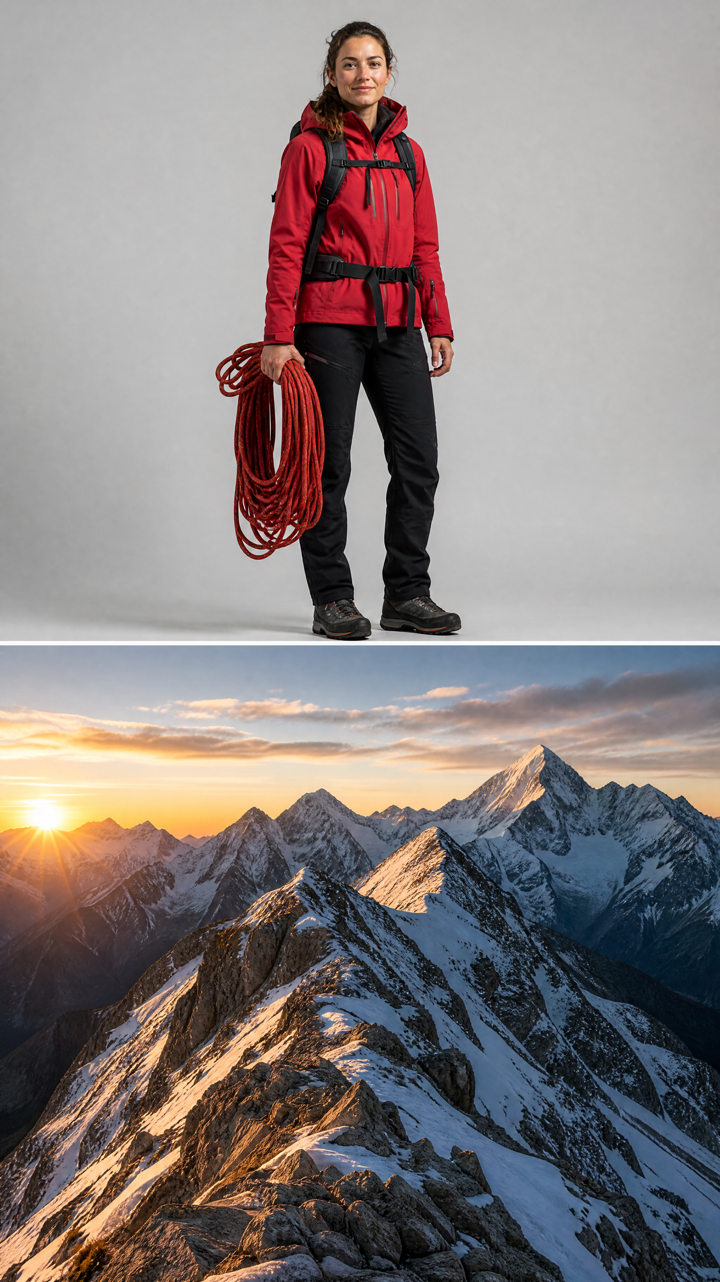 BEFORE
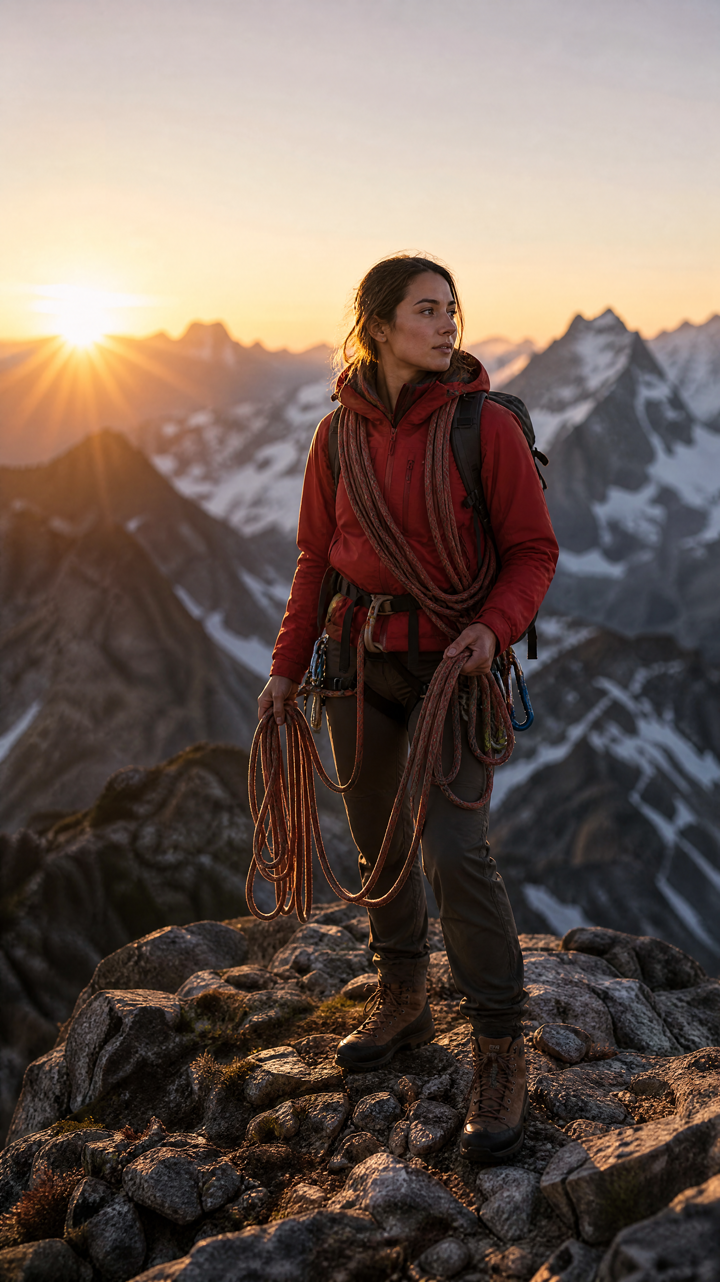 AFTER ✨
What it is
Two uploads, one believable photo.
Pasting one image over another shows immediately — wrong lighting, hard edges, a shadow going the wrong way. LazyKiwi takes your subject from the first image, places it into the second, and re-lights it to fit the scene it landed in.
How it works
Your result in three steps
Upload the subject
The first slot takes your subject or person — whoever or whatever should end up in the final picture.
Add the second image
The second slot takes the scene: a background, a room, a location or another photo to merge with.
Generate & download
Review the combined image, run it again if you want a different placement, then download.
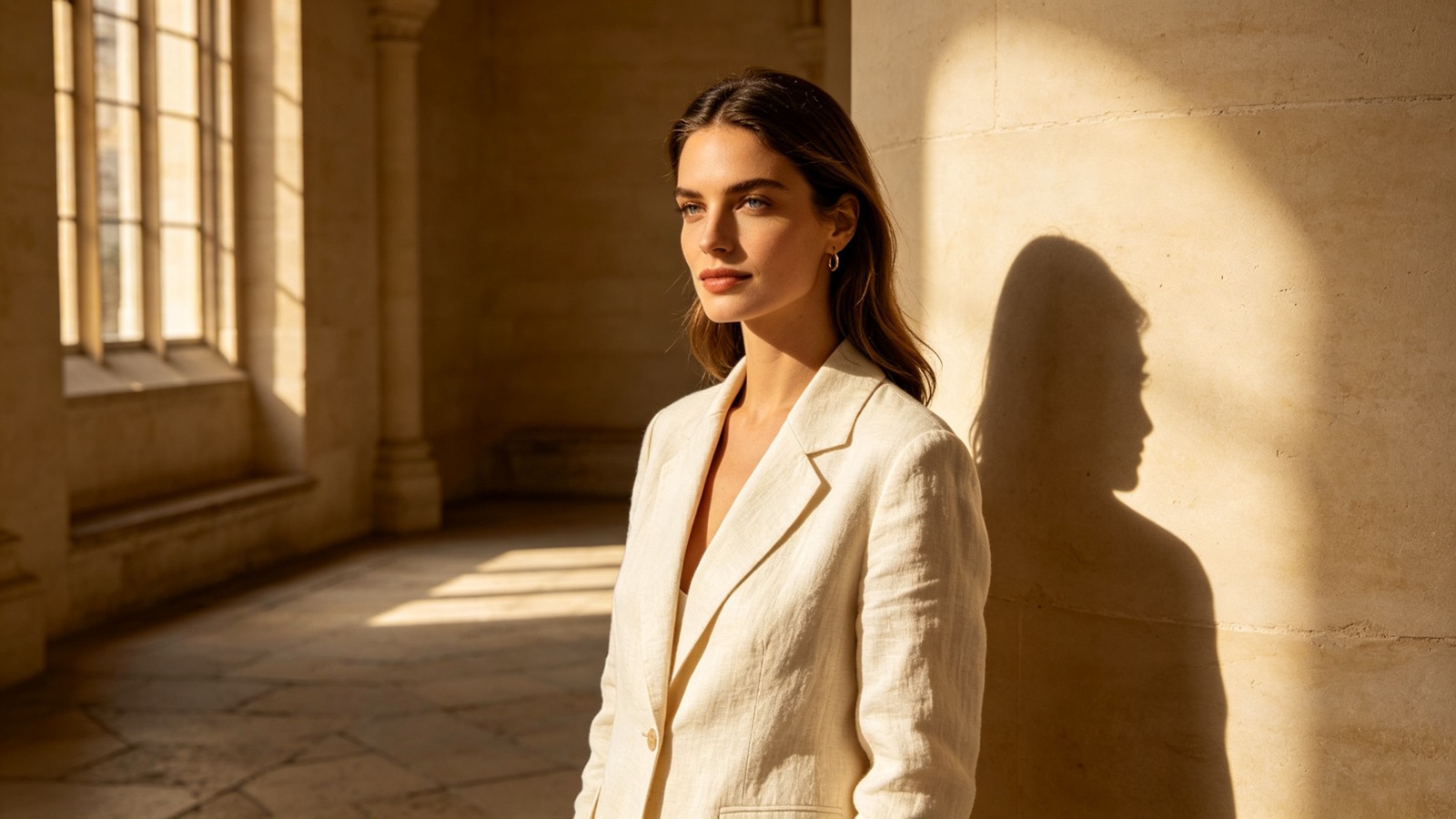
Believable blend
Light that agrees with the scene
The subject is relit to match the direction and warmth of the light in the second image, and gets a shadow that falls the right way.
- Matched color temperature
- Shadows that follow the scene
- Soft, natural edges
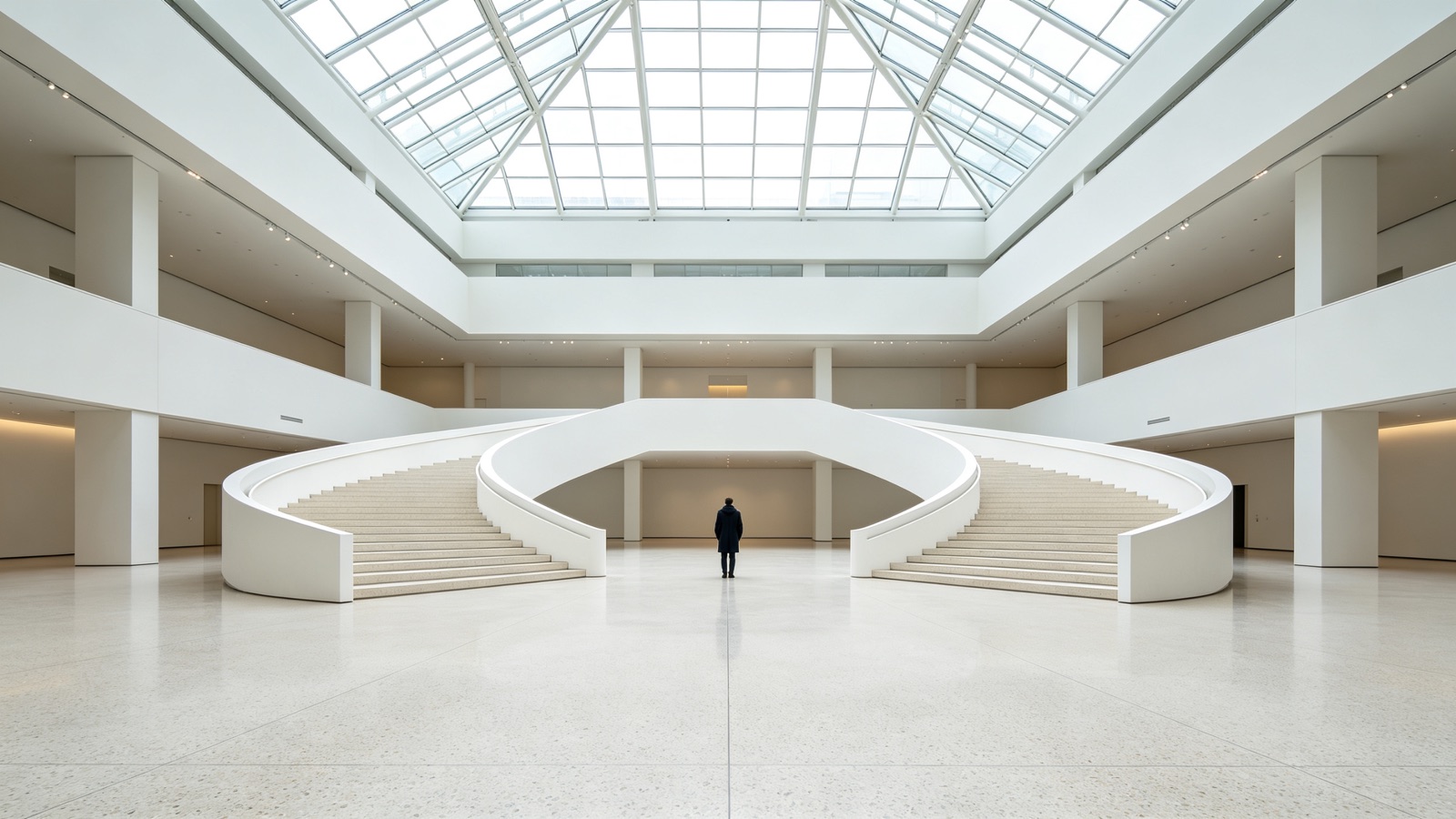
You decide the roles
Which photo is subject, which is scene
The two slots are explicit, so you control what gets carried over and what becomes the setting. Swap them and you get a different picture.
- Clear subject and scene slots
- Sensible scale and placement
- Run again for another take
Beyond collage
Merge two photos that were never taken together
Combine two photos of people who were in different rooms, or drop a product into a lifestyle shot you already have.
- Merge two images of different people
- Place a product into a scene
- Combine pictures from different days
Why LazyKiwi
Built to look like one shot
Seconds, not layer work
What used to take masking, feathering and color matching now takes two uploads.
Private by default
Both images are processed securely and never sold. What you upload stays yours.
Free to start
No credit card. Merge two of your own photos and see the blend before you decide anything.
Try different pairings
Swap the scene, swap the subject, run it again. Comparing versions costs you nothing but a few seconds.
Faces stay recognisable
The subject keeps their features and proportions — the scene changes around them, not the person.
No editing skills
No cut-outs, no clipping paths, no blend modes to learn. Upload two pictures and go.
FAQ
Questions, answered
Is the AI image combiner free?+
Yes. Upload two images and combine them for free, with no credit card.
How many images can I combine at once?+
Two per run — one subject and one scene. To bring in a third, download the result and use it as the subject in a new run.
Can I merge two photos of different people?+
Yes. Put one person in the subject slot and the photo of the other person as the second image, and they end up in the same shot.
Are my uploads private?+
Yes. Both images are processed securely, kept private and never sold or published.
Use cases
Who uses it
Small online sellers
Combine a clean product photo with a styled room or table shot, so a listing image looks shot on location without a photoshoot.
Families and friends
Merge two photos so the person who missed the group shot — or was behind the camera — is finally in the picture.
Social and content creators
Combine two images into one thumbnail: you in the first, the place or product you're talking about in the second.
More answers
More questions
What makes a good subject photo?+
A sharp, well-lit shot where the subject is fully visible and not cropped at an odd angle. Heavy motion blur or a very dark image gives the AI less to carry over.
Do the two photos need the same lighting?+
No. That is the point of the tool — the subject gets relit to match the scene. Wildly different conditions, like harsh midday sun into a dim interior, are simply harder, so check the result.
Can I combine more than two images?+
Not in one pass, but you can chain runs. Combine images one and two, download, then feed that result back in with your third image.
What file types and sizes work?+
Standard JPG, PNG and WebP files. Upload the highest-resolution versions you have — the output can only be as sharp as the pictures you put in.
Combine two photos into one shot.
Upload a subject and a scene, and get a single blended picture in seconds — free to try.
No credit card · Free to try · Results in seconds