Kawaii Doodle Illustration
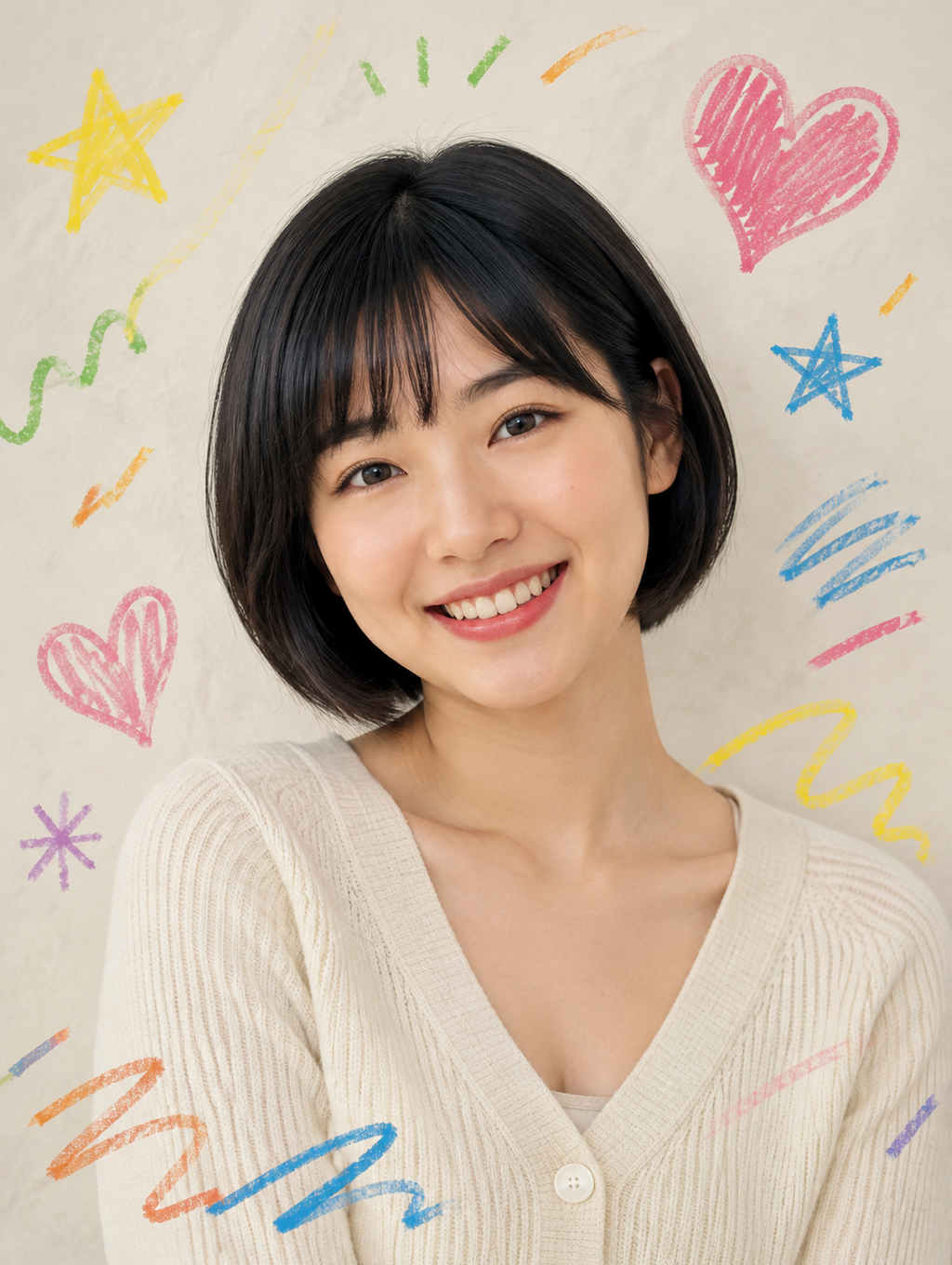
A kawaii filter that leaves the photo photographic and adds hand-drawn crayon doodles around the subject: a scribbled pink heart, yellow and blue stars, green squiggles and orange dashes on cream paper. Upload one head-and-shoulders photo; face and hair stay yours, and you pick the ratio.
Kawaii Doodle Illustration Template
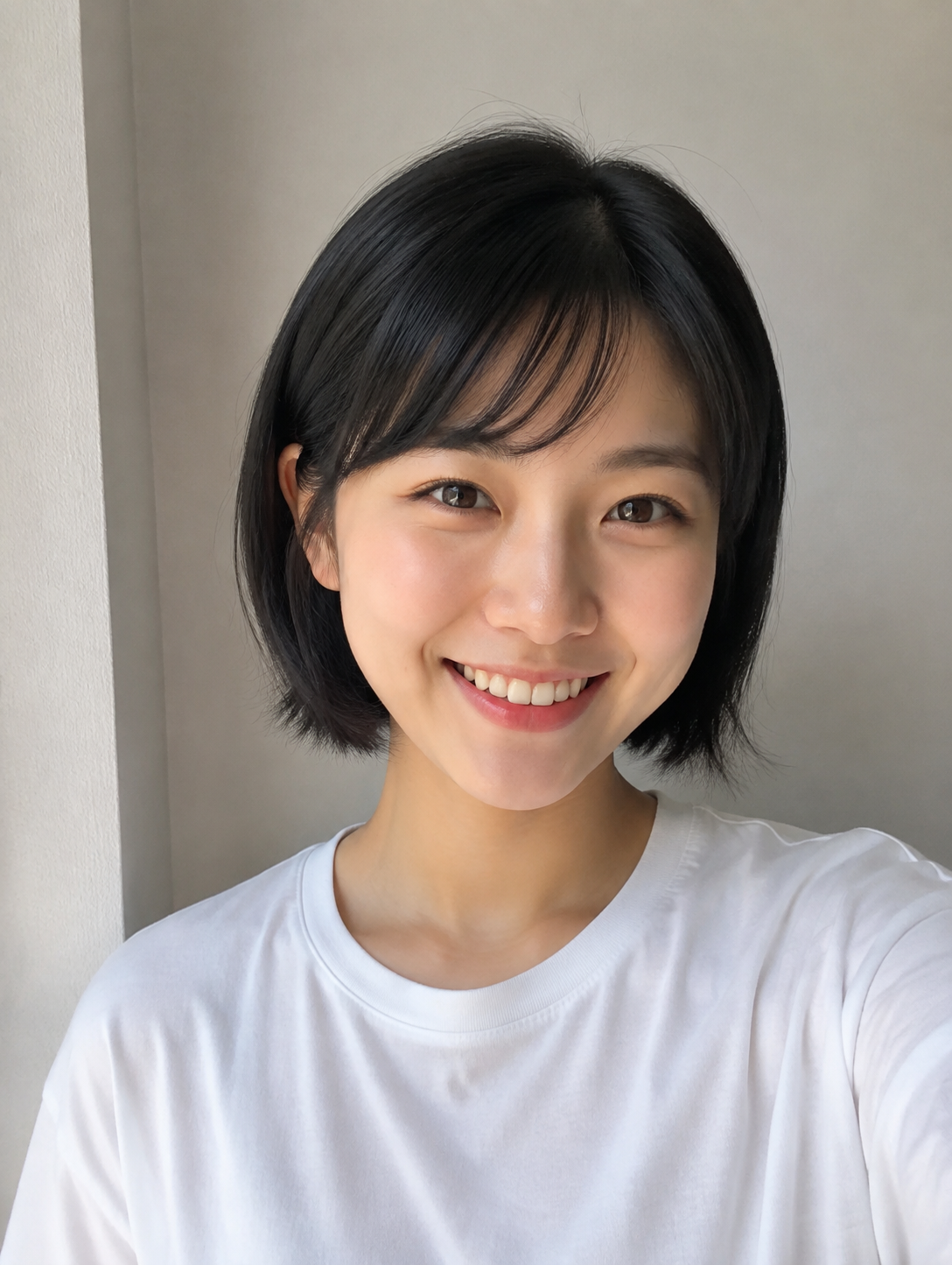
Upload one head-and-shoulders photo with the face lit evenly and a plain wall behind you; the template swaps the wall for cream paper and draws around your outline.
WHAT IT IS
A kawaii photo filter drawn in crayon, not a cartoon
Kawaii Doodle Illustration is a kawaii filter that keeps a portrait photographic and surrounds it with hand-drawn crayon doodles. The engine takes one photo, preserves the face, age, skin tone and hairstyle, and reframes the subject head-and-shoulders against an off-white sheet of textured paper. Around the outline it draws the set the sample shows: a scribbled pink heart top right, a yellow star top left, a smaller blue star, green and orange dashes, a purple asterisk, wavy underline strokes and short radiating lines above the head. The strokes sit on the paper, never on the face, so eyes, teeth and skin stay untouched. The outfit can be restyled toward a soft knit; in the sample a plain white tee became a cream ribbed cardigan with a single button. Output is one still image at the ratio you choose in the workbench. Both samples above are 3:4.
- Crayon strokes, waxy texture
- Each doodle has the broken, waxy edge of a crayon or oil pastel on textured paper, with visible pressure changes inside the fills. Nothing looks vector-clean, which is what separates this from a sticker pack.
- Face stays a photograph
- The portrait itself is not cartoonized. Skin, eyes, teeth and hair keep photographic detail, and the doodles are placed around the head and shoulders rather than over the features, so the person is still recognizable at thumbnail size.
- Cream paper background
- Whatever wall was behind you is replaced with an off-white sheet that shows creases and paper grain. The pale ground is what lets the pink, yellow, blue and green marks read at full saturation.
- Head-and-shoulders crop
- The engine reframes to a tight portrait with the head just above center and room at the edges for the doodles. A full-body upload gets cropped in; a selfie from arm's length is already the right distance.
USE CASES
Three posts the doodles were made for
Each one starts from a photo that was never going to be posted as-is.
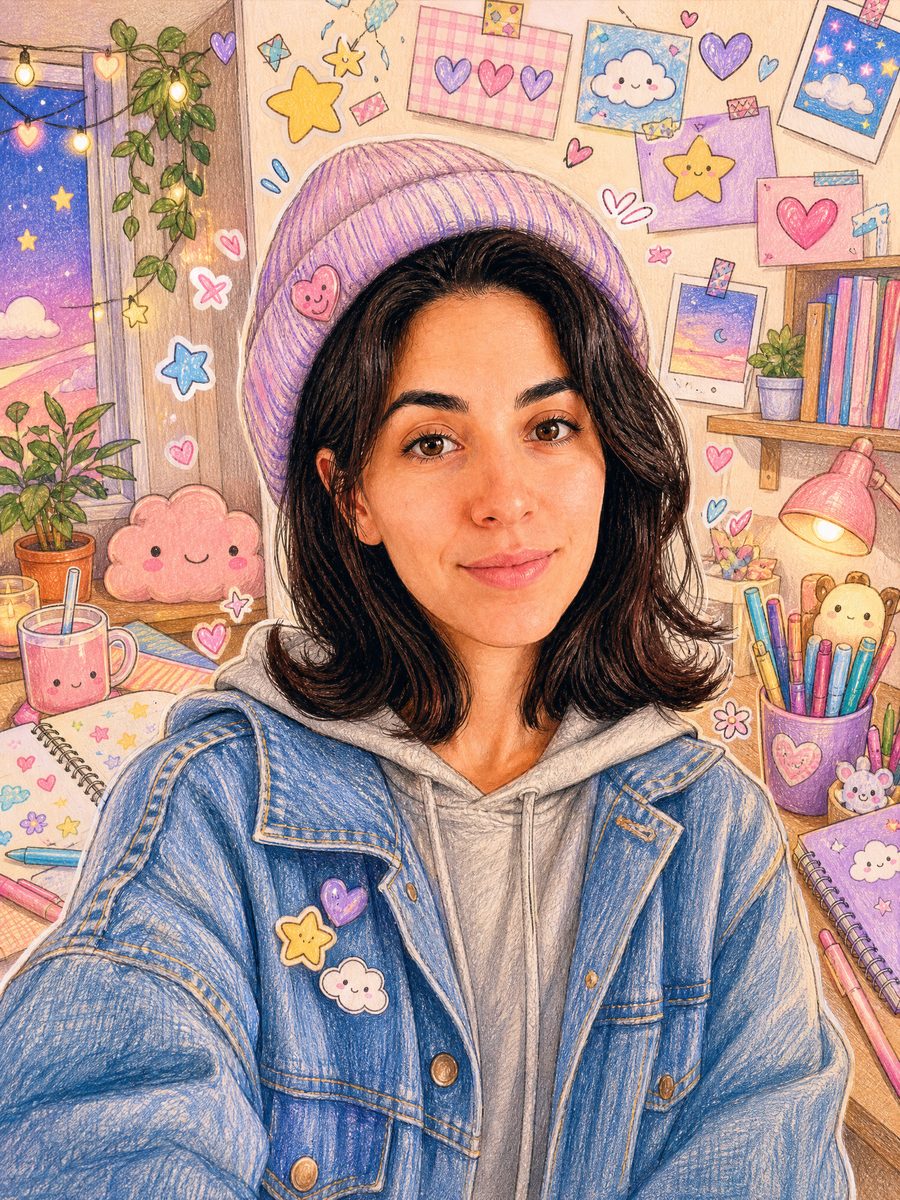
Birthday post without a photoshoot
Someone has a plain selfie taken under bathroom light and wants a birthday post that looks made rather than filtered. The result is the same face against cream paper with hearts and stars scribbled around it, generated 1:1 for the feed and again at 9:16 for the story.
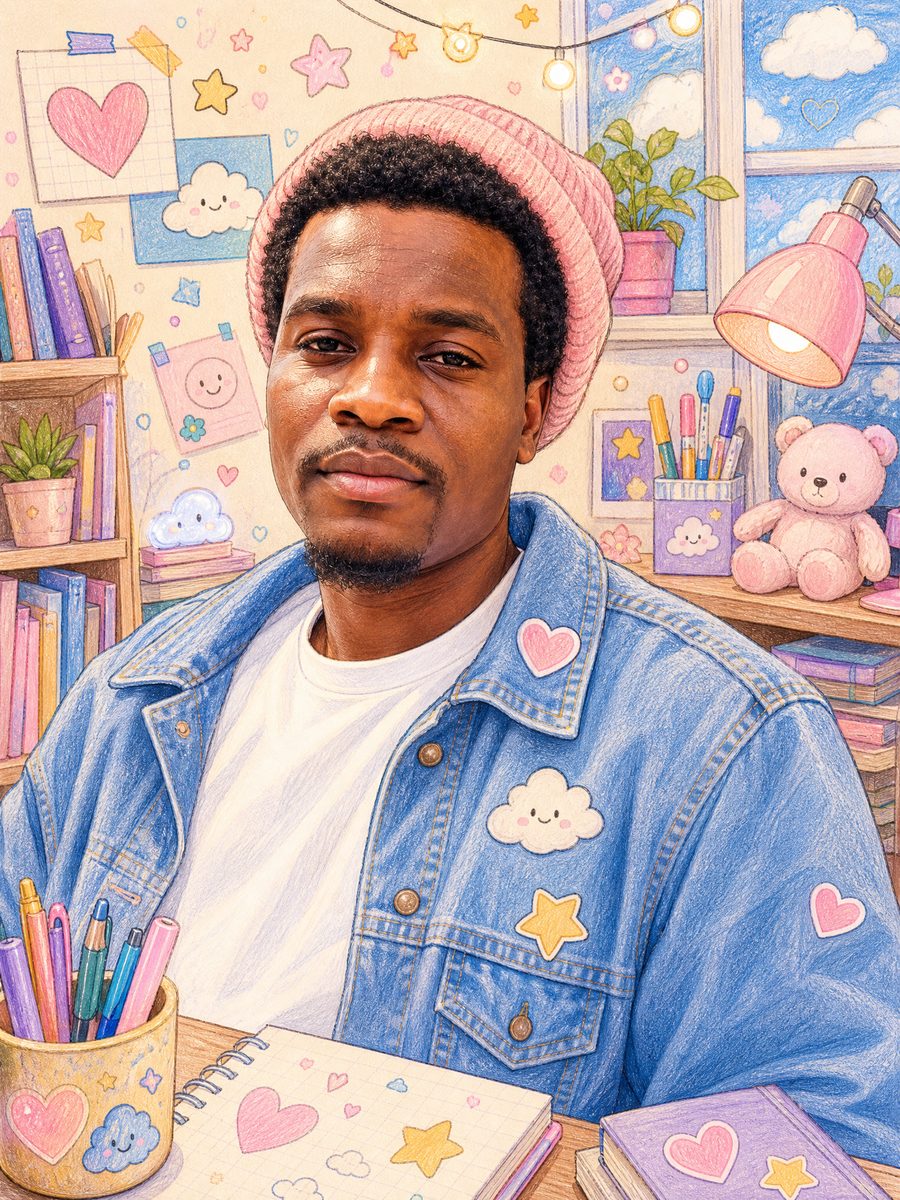
Fan account avatar in pastel
A fan account owner runs a portrait through the template and gets a kawaii photo filter look that matches the pastel doodle covers already on the account. Generated at 1:1, the face reads clearly at profile-picture size while the crayon marks fill the corners.
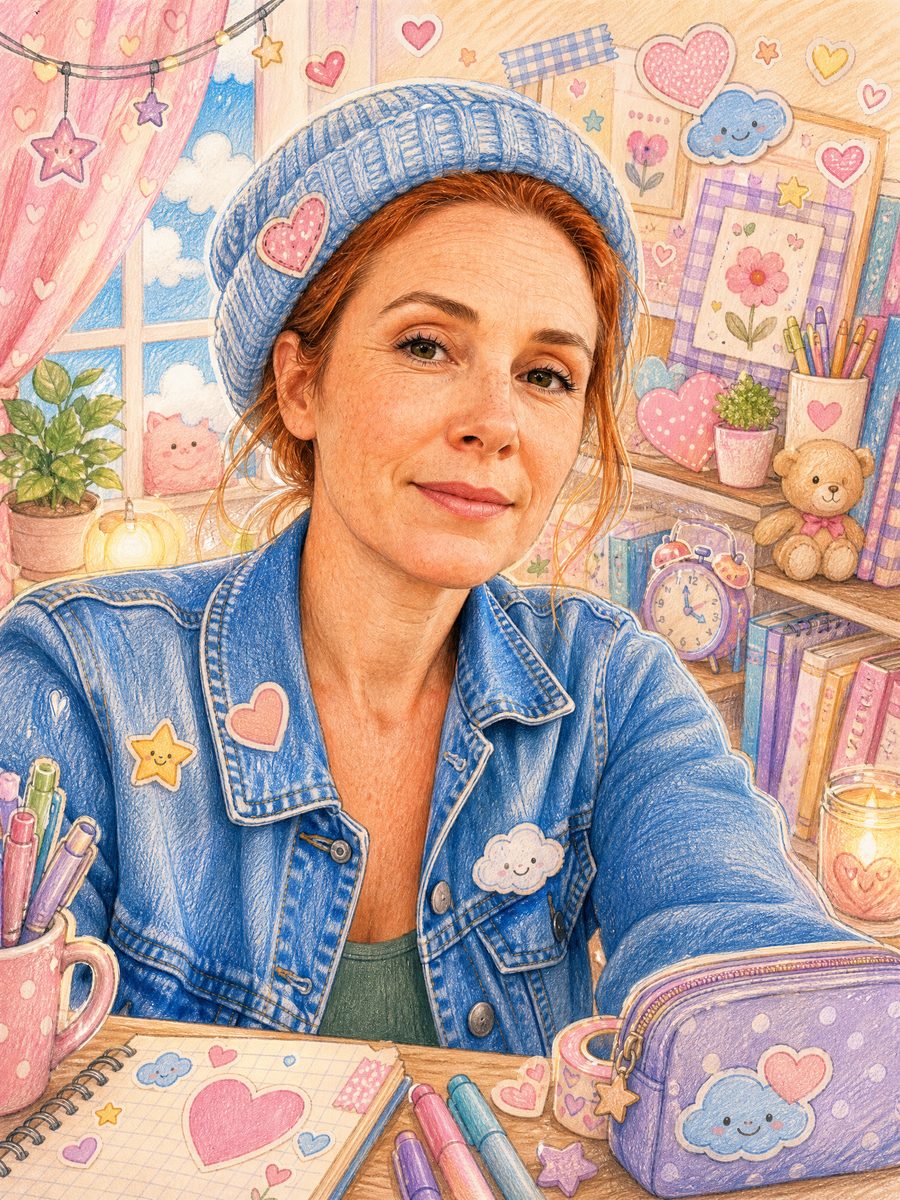
Stationery shop hero image
A small stationery brand photographs its owner in the shop under fluorescent tubes. The template turns that photo into a doodle on photo hero for the website, with strokes in the brand's pink and yellow, and the 4:3 output drops into the shop banner unchanged.
FAQ
Common questions
What is a kawaii filter?+
A kawaii filter is a photo effect that adds cute, hand-drawn elements such as hearts, stars, sparkles and scribbles around a subject in the style of Japanese cute culture. The LazyKiwi Kawaii Doodle Illustration is a kawaii filter that draws those elements in crayon on a paper background while leaving the portrait itself photographic.
What does the output look like and what size is it?+
Kawaii Doodle Illustration returns one still image at the ratio you pick in the workbench (16:9, 9:16, 1:1, 4:3 or 3:4, default 1:1). The samples on this page were rendered at 3:4. The subject is framed head-and-shoulders with the doodles in the margins, so the image crops to 1:1 without losing the face.
What photo works best for the doodle look?+
A head-and-shoulders photo with the face lit evenly and no hand or phone in front of it gives Kawaii Doodle Illustration the cleanest outline to draw around. Flat indoor light is fine. Busy backgrounds are replaced anyway, but a hat or hood that hides the hairline can confuse the crop.
Kawaii Doodle Illustration vs a doodle photo editor app: what is the difference?+
A doodle photo editor gives you a brush and a sticker pack and you draw on the photo yourself, which takes time and rarely looks like real crayon. Kawaii Doodle Illustration places the doodles for you, on a paper background it also builds, with waxy stroke texture the engine renders rather than a flat vector overlay.
Where do people post kawaii photo filter images?+
Generated at 1:1, a kawaii photo filter portrait works as an Instagram, X or Discord profile picture where the pink and yellow marks still read small. At 9:16 it fits Instagram Stories and TikTok photo posts. Creators also use the 16:9 version as a YouTube community post image or a stream-starting screen.
Does the doodle on photo effect change my face or outfit?+
Face, age, skin tone and hairstyle are preserved by the engine rule, and the doodle on photo effect never draws over the features. The outfit can be restyled toward a soft knit: in the sample the white tee became a cream ribbed cardigan, so upload the top you want to see if that matters to you.
Can I choose which doodles appear?+
Kawaii Doodle Illustration is a fixed template, so there is no picker for individual marks. The set is hearts, stars, squiggles, dashes and asterisks in pink, yellow, blue, green, orange and purple. Placement varies between runs, so generating twice gives you two layouts to choose between.
Other names for Kawaii Doodle Illustration
This template gets found under several names. Most people type kawaii filter or kawaii photo filter and mean this look: a real photo with cute hand-drawn marks around it. Others search for doodle on photo, doodle photo editor or a photo doodle app because they were planning to draw the hearts themselves. A third group searches by medium, crayon photo effect or scribble photo effect, or by outcome, cute doodle profile picture.
Draw crayon hearts and stars around your photo
Upload one portrait, get the doodled version. New accounts start with free credits.