
Akool Face Swap Alternatives: 6 Tools, Prices Checked
What Akool face swap includes on each plan, where the limits sit, and six alternatives for video, GIF, batch and self-hosted face swaps, checked Oct 2026.
 Marcus Tan 9 min read
Akool face swap is one of the better-known swap suites: a studio with six swap modes, live swapping for streams, batch jobs and an API for teams. It is also priced per seat and gated by plan, so the upload size, clip length and watermark you get depend on which tier you pay for. If you only need to swap faces in a few videos a week, or you want GIF output, or you would rather run the model on your own machine, an Akool alternative may fit better. Below is what Akool's face swap includes on each plan, then six tools compared on the jobs creators actually bring to a face swapper. LazyKiwi is listed first because it is our product; every competitor price and limit was read from that company's own pages when we checked (28 Oct 2026).
What is Akool face swap, and what is in the Swap Studio?
Akool groups its swap tools into what it calls the AI Swap Studio. According to its face swap page, there are six modes, each priced from a minimum number of credits: Face Swap (4+ credits), Character Swap (4+), Motion Swap (2+), Head Swap (5+), Hair Swap (6+) and Clothing Swap (4+). You can upload up to 50 files at once, in video (MP4, MOV, AVI, MKV, WebM) or image (JPG, PNG, WebP) formats, or paste video links.

Beyond the basic swap, the same page describes a ReAge mode that makes the swapped face look younger or older, group swaps for photos with several people, batch processing, generative face swap from prompts, and live face swap for livestreams, meetings and events. It also says exports go up to 4K depending on the asset. For a marketing team that wants swaps, presenters and dubbing under a single login, that range is the selling point.
- Six modes in one studio, from a plain face swap to swapping outfits or copying motion.
- Batch upload of up to 50 files per run.
- Live face swap, with minutes that depend on the plan.
- An Open API (akool.com/openapi), with API access on the Pro Max plan and above.
Akool pricing for face swap: what each plan allows
The plan you pick decides how big a clip you can swap. In the full comparison on Akool's pricing page, the Face Swap rows read as follows when we checked (28 Oct 2026): the Free plan accepts uploads at 720P, up to 150 MB and 30 seconds; Starter goes up to 1080P with 300 MB and 5 minutes; Pro lists 16K uploads, still 300 MB and 5 minutes; Pro Max allows 500 MB and 10 minutes; Business allows 1 GB and 15 minutes; Enterprise is custom.

The General rows on the same table show a full-screen watermark on the Free plan and watermark removal on every paid plan. Live face swap starts at 5 free minutes, then up to 5 minutes on Starter, 60 on Pro, 90 on Pro Max and 120 on Business. A pop-up on the page promises a 20-credit welcome bonus for new accounts.
- Starter: $12 per seat per month on annual billing ($144), personal licence, 2 videos and 4 images in parallel.
- Pro: $21 per seat per month on annual billing ($252), shown against a struck-through $30.
- Pro Max: $41.30 per seat per month on annual billing, API access and workspace collaboration.
- Business: $174.30 per seat per month on annual billing, business licence.
A "30% OFF" banner was running on the pricing page on the day we checked, so the yearly figures above may change when the offer ends. Check the page before you budget.
Why do creators look for an Akool alternative?
Nobody needs to leave a tool that fits, but four patterns come up when people compare Akool alternatives, and each one is a plan detail rather than a quality judgement:
- 1
The free tier is a test, not a workflow
Free uploads stop at 30 seconds and come back with a full-screen watermark, so posting the result means paying.
- 2
Seats add up
Prices are per seat, which matters for a two-person team that only swaps occasionally.
- 3
API and bigger clips sit higher up
API access starts on Pro Max, and clips longer than 10 minutes need Business.
- 4
Format and hosting needs
Akool's upload list names video and image formats but not GIF, and some teams want a self-hosted model so footage never leaves their machine.
If one of those is your reason, the alternatives below are sorted by the job they do best, not by size.
Akool face swap alternatives compared
| Tool | Video face swap | GIF in and out | Choose which faces | Free way to start | Paid from (checked Oct 2026) |
|---|---|---|---|---|---|
| LazyKiwi | Yes, MP4 back at source resolution with original audio | Yes, the loop and timing are kept | Yes: every face is found, you pick one or more | Free plan, no card needed | Starter $14, or $12 on annual billing |
| Akool | Yes, plus live and batch | Not in the upload list | Multi-face detection in the plan table | Welcome bonus; Free plan 720P, 30 s uploads | $12 per seat on annual billing |
| Magic Hour | Yes | Yes | Single or multiple faces | Account-free trial on stills | $12/mo annual, $19 month to month |
| A2E | Yes, charged per second | Not listed | You choose the faces | A small daily bonus, watermarked | Pro card: $14.90, paid once per month |
| Remaker | Yes, single, multi and batch | Yes | Multi-face mode | Free credits on sign-up | Packs from $5.99, one-time |
| FaceFusion | Yes, on your own computer | Depends on your setup | Yes, configurable | Free, open source | No subscription |
The table compares what each product says it does on its own pages. We did not run a side-by-side quality test, so treat it as a feature map and try two or three on the same clip before you commit.
LazyKiwi: video and GIF face swap where you pick the faces
LazyKiwi's AI video face swap is built for the most common creator job: one clip, one or several people in it, and a new face for some of them. When you upload the video, LazyKiwi scans it and shows each detected face as a numbered card. Select the cards you want changed and attach a reference picture to each, so a two-person podcast clip can swap just the guest. Nothing else in the footage is re-rendered: the camera, the edit and the soundtrack are left alone, and lip movement is taken from the source frames, so speech still lines up.

The same flow takes GIFs. The GIF face swap keeps the frame rate and the loop point, so a reaction GIF comes back as a GIF you can drop into a chat. Everything runs in the browser on a phone or a laptop, with no install. The face swap overview explains the difference between swapping a face, swapping a whole head with head swap, and replacing the entire person with character swap.
You can start on our Free plan without entering a card; its allowance tops itself up every month. Starter costs $14 billed monthly or $12 a month on a yearly bill, and every paid tier exports without a watermark and allows commercial use, as our pricing page showed when we checked (28 Oct 2026). What we do not offer: live face swap for streams, a public face swap API, or a photo face swap tool in the workbench. If those are the reason you use Akool face swap, keep reading.
Magic Hour: four swap modes across photo, video and GIF
Magic Hour's face swap page splits the job into four modes: one face, many faces, a whole head or a whole body, with stills, clips and GIFs for the first two. The still-image version can be used without an account or a watermark, with a small daily quota (the page counted down from five on 28 October).

For developers, the same page advertises a Face Swap Photo API from $0.009 per image. Paid plans on its pricing page run from Creator at $12 a month on annual billing ($19 monthly) to Business at $66 a month paid annually, with watermark-free exports, commercial use and API access listed on every paid tier. If an API brought you to Akool, this is the nearest equivalent on our list.
A2E: per-second video swaps alongside avatars
Face swapping is only one corner of A2E, which also sells talking avatars, voice cloning and image-to-video. Its face swap page takes stills or clips and asks which faces should change. The pricing page charges one credit for every second of swapped video and one credit per swapped image.

On A2E's $0 tier you can claim 30 bonus credits per day by checking in; output is capped at 720P and watermarked. Its Pro card reads $14.90 for a single month, paid once rather than as a subscription (three months cost $29.90, a year $89.90), and removes the watermark; note that the plan table further down quotes Pro at $19.90, so confirm the figure at checkout.
Remaker: bulk jobs without a subscription
Remaker's face swap tool has the most granular menu here: separate menus for still images and for clips and GIFs, each with single, multiple and batch modes, plus a choice of two model versions. The page notes that history keeps up to 80 results and deletes files after one day, so download promptly.

There is no subscription. The pricing page sells one-time credit packs from $5.99 for 200 credits up to $299 for 20,000, and its FAQ says purchased credits do not expire. The same FAQ lists crypto and Telegram as the payment methods, which is worth knowing before you plan a company purchase.
Vidnoz and FaceFusion: a free web option and a self-hosted one
Vidnoz runs its swapper in the browser for stills, clips and group shots and advertises daily free usage, 1080P support and clips up to 50 minutes. Face swap is not a separate line on its pricing page, which is built around the avatar video product, so treat the face swap page's daily free usage as the offer to test. We look at what that free tier covers in a separate guide.
FaceFusion is the open-source route: a face manipulation platform on GitHub with about 30,400 stars when we checked. You install it yourself and run jobs from the command line or its interface, including a batch-run mode. The README warns that installation needs technical skills and points beginners to its Windows and macOS installers.

Self-hosting means your footage stays local and there is no per-clip fee, but you supply the GPU, the updates and the troubleshooting.
Which Akool alternative fits your workload?
- A face swap video with several people in frame, a few times a week: LazyKiwi, because you choose exactly which faces change and the audio stays untouched.
- Looping reactions for group chats: LazyKiwi's GIF tool, or the GIF option at Magic Hour.
- An API for an app or a pipeline: Magic Hour's Face Swap API, or stay on Akool Pro Max.
- Livestreams and meetings: Akool is the one on this list that sells live face swap.
- Hundreds of stills at once: Remaker's batch mode or Akool's 50-file upload.
- Footage that cannot leave your machine: FaceFusion.
If what you really want is a new video rather than a swapped one, the AI video generator turns a photo or a prompt into a clip with models such as Seedance 2.5.
Before you swap: consent and labels
Every tool on this list asks you to use faces you have permission to use, and platforms increasingly require AI-altered video to be labelled. Get written consent from anyone whose face you add, avoid swaps that put words in a real person's mouth, and mark the clip as edited when you post it.
Key takeaways
- Akool face swap offers six swap modes, batch upload of up to 50 files, live swapping and an API from Pro Max; Starter is $12 per seat per month on annual billing.
- Free Akool uploads are capped at 720P, 150 MB and 30 seconds, with a full-screen watermark.
- LazyKiwi handles clips and GIFs, numbers every detected face so you choose the ones to replace, and leaves the soundtrack alone.
- For an API look at Magic Hour; for prepaid bulk jobs, Remaker; for running it on your own hardware, FaceFusion.
Tools & Reviews Editor
Marcus Tan
I open every competitor's pricing page myself before writing a comparison, and I say plainly when another tool is the better pick.
FAQ
Common questions
Is Akool face swap free?
You can try it: new Akool accounts get a 20-credit welcome bonus, and the Free plan accepts uploads up to 720P, 150 MB and 30 seconds. Results on the Free plan carry a full-screen watermark, so posting a clean video needs a paid plan from $12 per seat per month on annual billing.
Does Akool have a face swap API?
Yes. Akool lists an Open API, and its pricing page shows API access on the Pro Max plan and above. If you need a cheaper API for photo swaps, Magic Hour advertises a Face Swap Photo API from $0.009 per image on its face swap page.
What is the best Akool alternative for video face swap?
Pick by task. When a clip has two or more people in it, LazyKiwi finds every face and you decide which of them change, with the soundtrack kept. For an API, Magic Hour. For footage that must stay on your own computer, FaceFusion.
Can I swap more than one face in the same video?
Yes, on several tools. LazyKiwi shows each detected face and asks for one reference picture per face you select. Magic Hour and Remaker both include a many-faces mode, and Akool's plan table shows multi-face detection.
Is there an open-source alternative to Akool face swap?
FaceFusion is the best-known open-source option, published on GitHub. It runs on your own hardware, so it costs nothing per clip, but its README says installation needs technical skills and suggests the Windows or macOS installer for beginners.
Swap a face in your next clip
Upload a video or a GIF, pick the faces you want to change and add a photo for each. The cost is shown before you generate.
Related reading
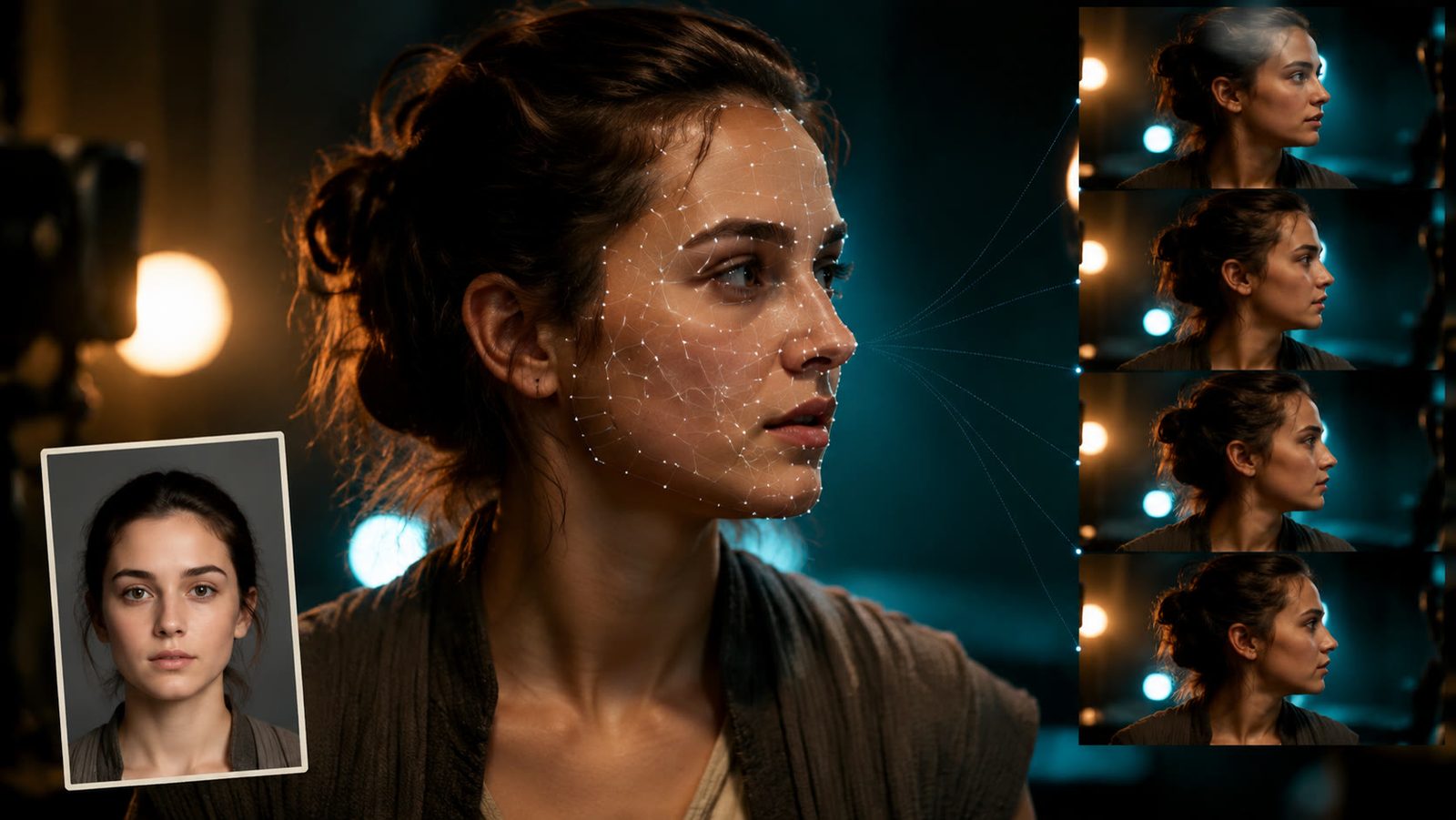
How to AI Face Swap Video Clips Responsibly (2026 Guide)
Here is how to AI face swap video clips with consent: the character swap tool, a GIF route, checked tool prices, artifact fixes and the label rules.
11 min read
Character Swap AI: How to Replace a Subject
Character swap AI replaces the person in a clip while the motion stays: what the tool needs, where identity drifts, and the consent rules you cannot skip.
8 min read
7 HeyGen Alternatives for 2026 (Prices and Free Tiers)
Seven HeyGen alternatives ranked by price, free tier and avatar type: Synthesia, Colossyan, D-ID, Elai.io, VEED, Captions and LazyKiwi, checked Sept 2026.
8 min read
Best AI Avatar Video Generator in 2026: 8 Tools Compared
Which is the best AI avatar video generator in 2026? HeyGen, Synthesia, D-ID, Colossyan, Elai, Vidnoz, Hedra and LazyKiwi, with free tiers checked for 2026.
12 min read