AI Cartoon Generator: Convert Pic Into Cartoon
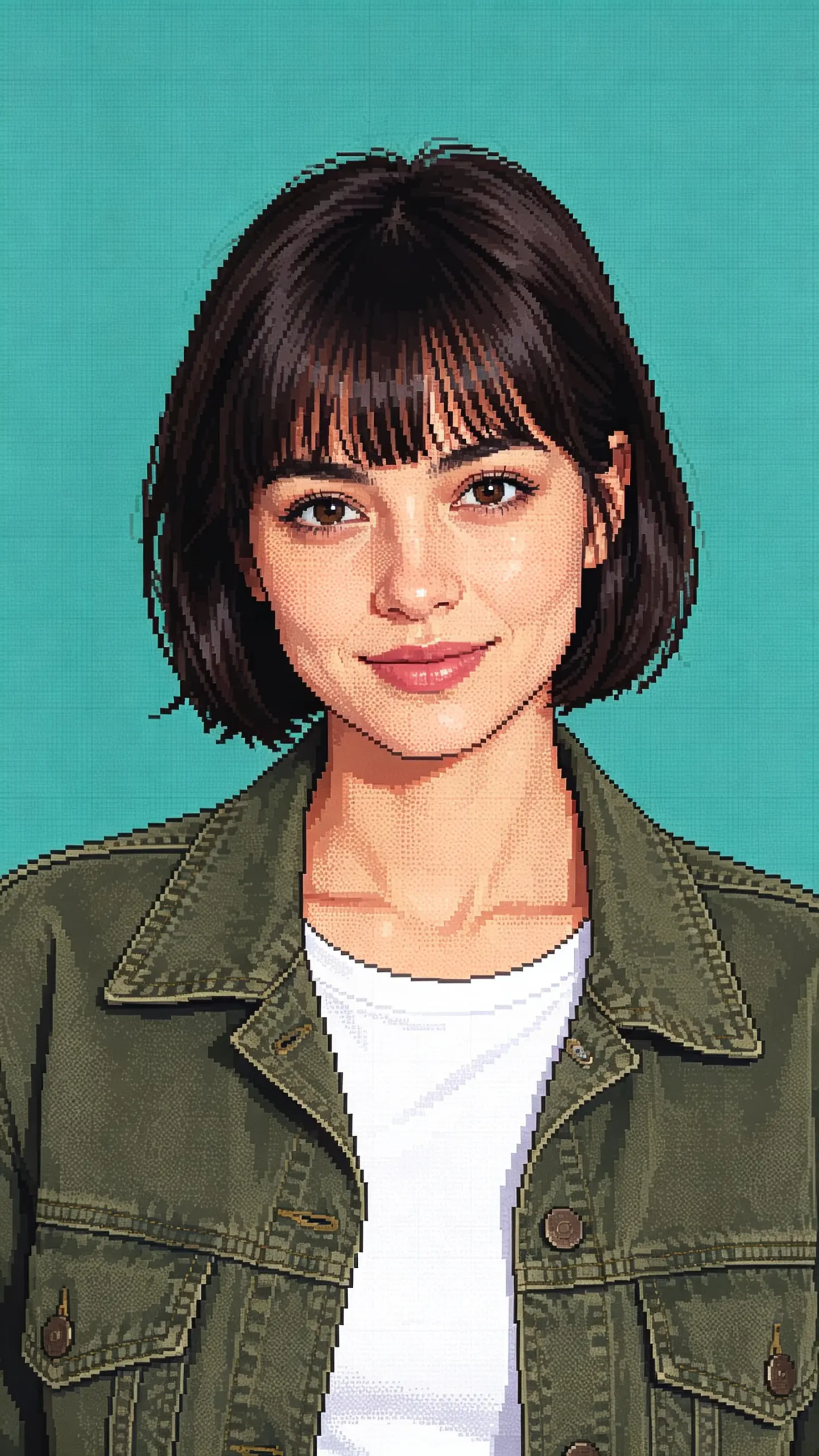
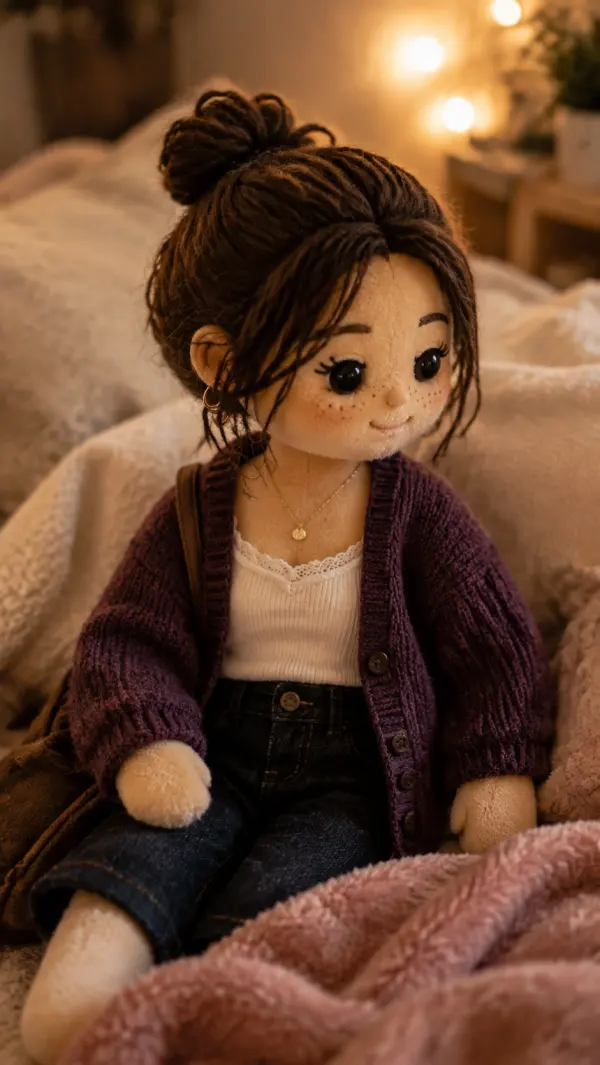
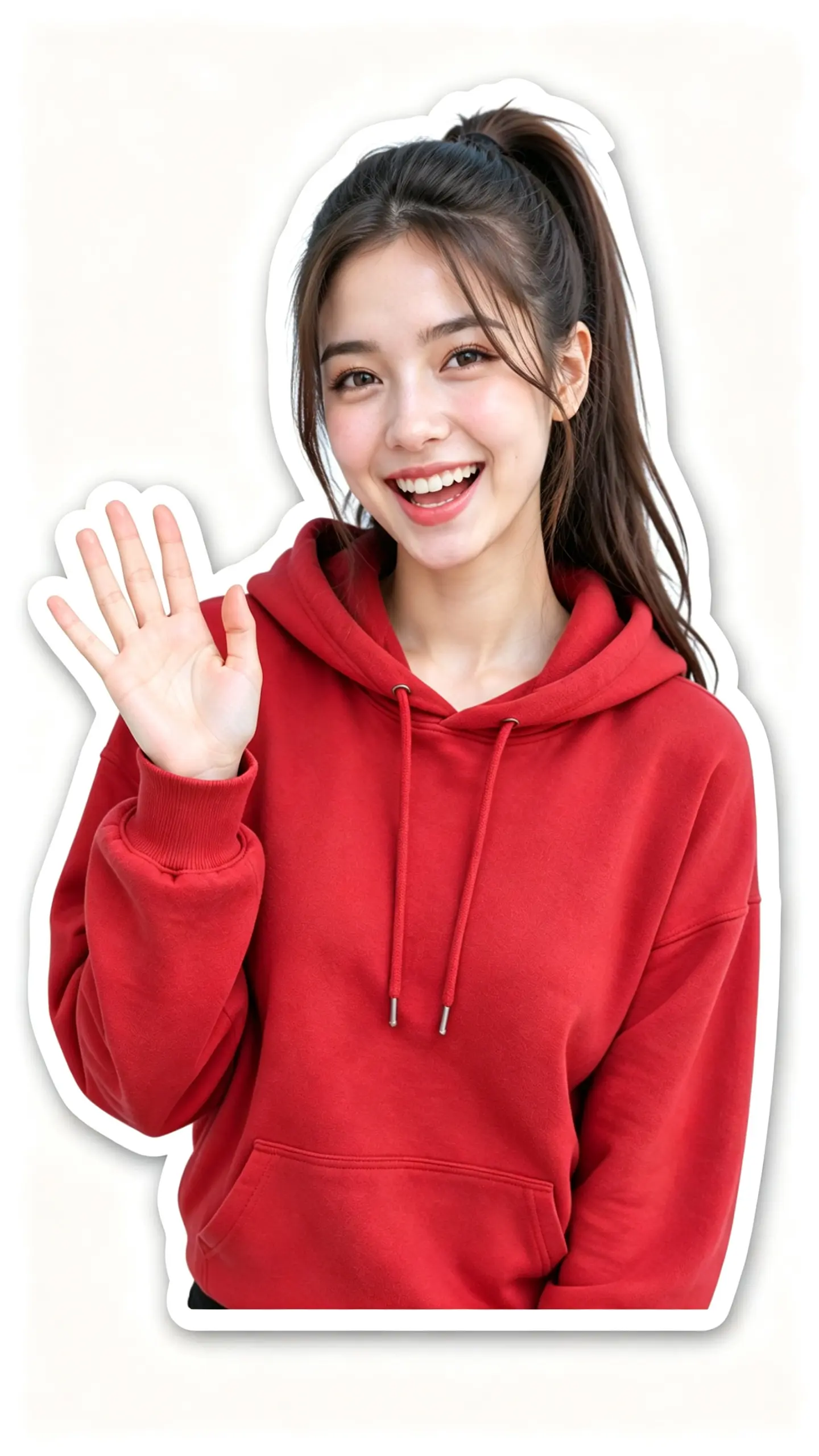
Turn any photo into a playful cartoon illustration in seconds with the AI cartoon generator. Perfect for eye-catching TikTok videos, Instagram Reels, YouTube Shorts, product reveals, outfit edits, and action shots. Give your social content and ads a unique, hand-drawn look that stands out.
WHAT IT IS
What makes an AI photo to cartoon conversion work?
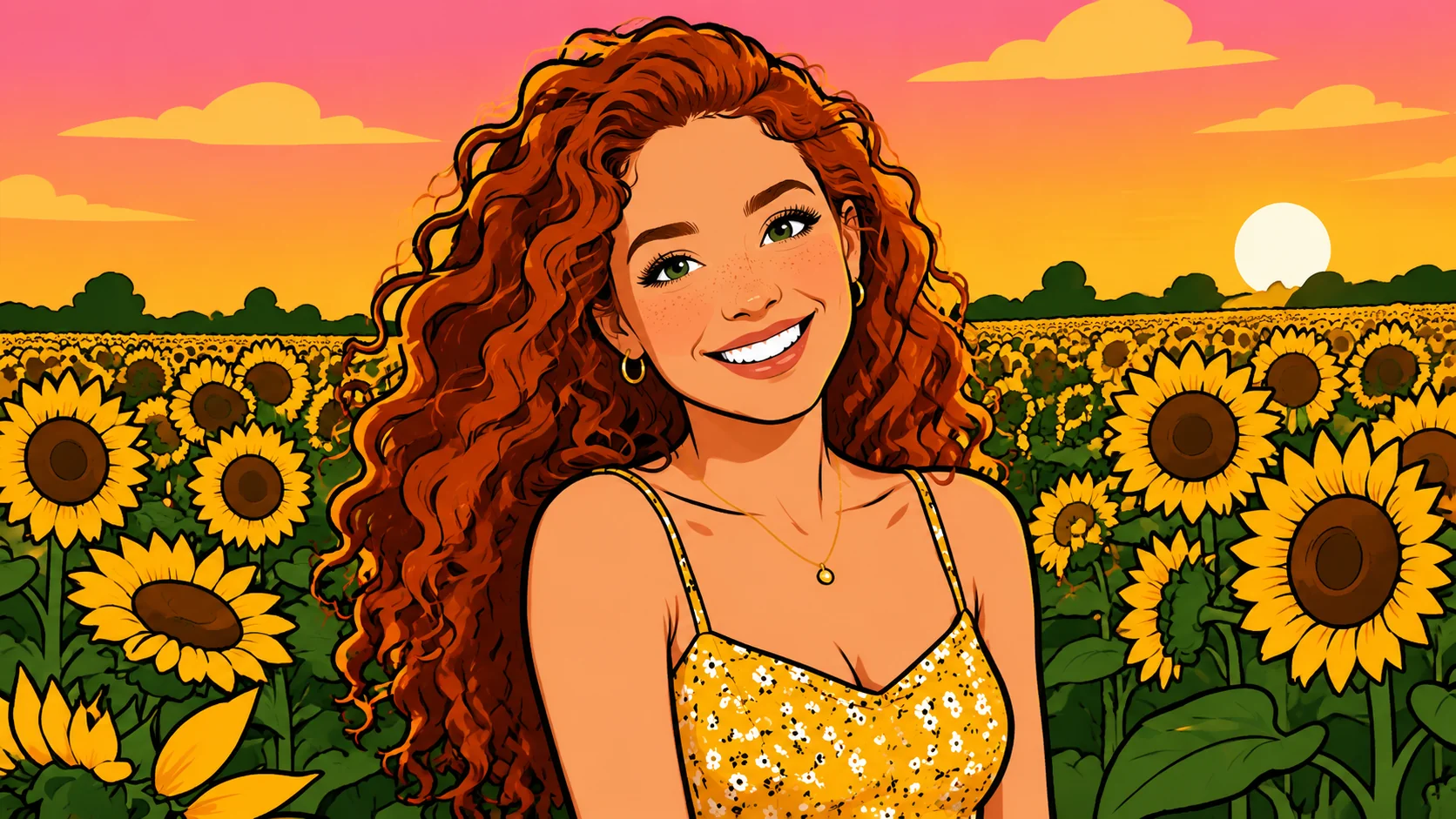
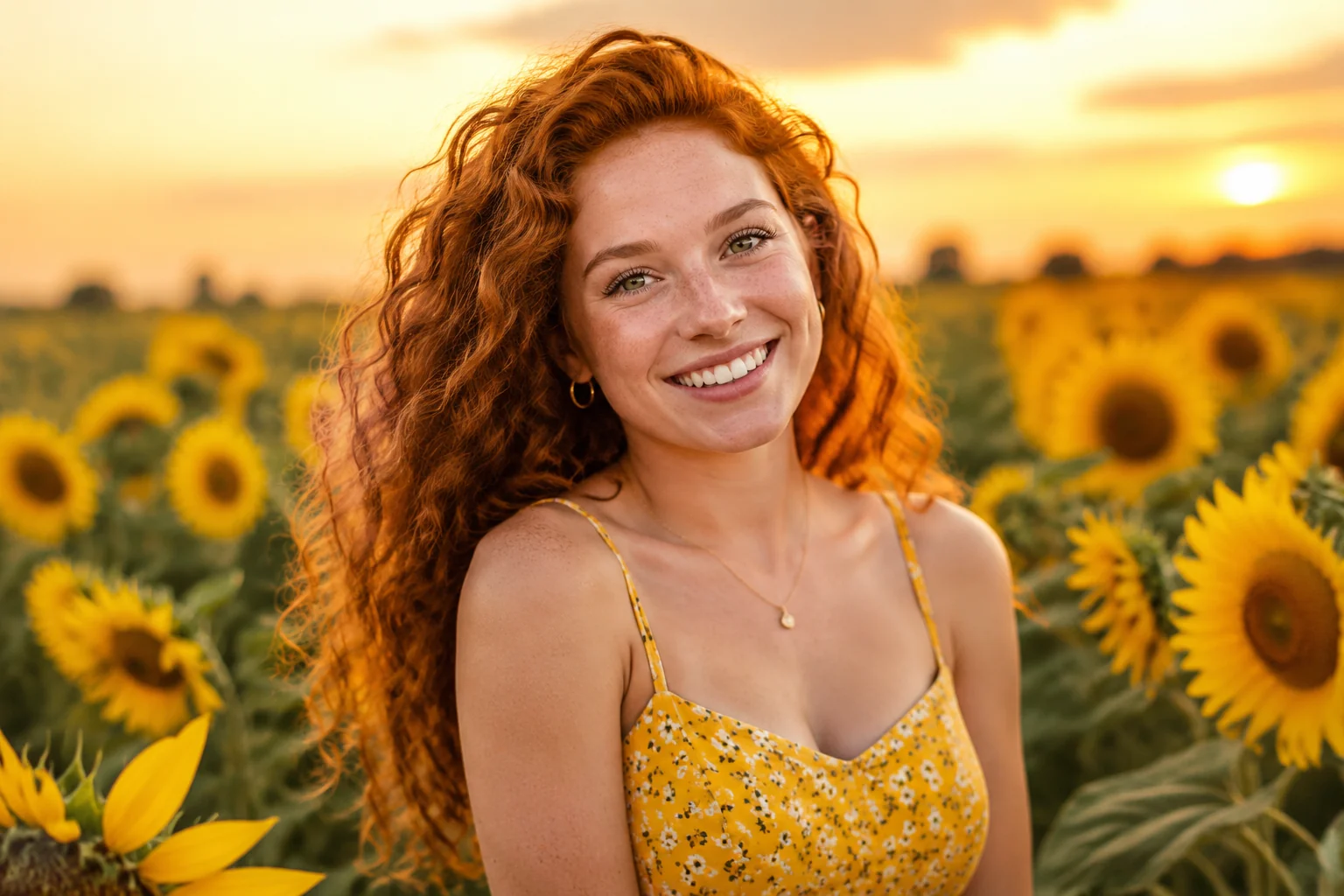
This effect reimagines a static still photo as a hand-drawn animated loop. By combining intelligent face tracking, art-style filters, and micro-motion, it turns portraits into expressive cartoon characters with subtle head tilts, blinking eyes, and flowing hair—all from a single image.
A Sharp, Well-Lit Portrait
Start with a front-facing photo where the subject’s face is clearly visible and evenly lit. Avoid busy backgrounds; a plain backdrop helps the cartoon filter apply cleanly.
Expressive, Centered Subject
The subject should face the camera with eyes open and mouth relaxed. Distinct facial features—like brows and lip line—give the cartoon render more character during motion synthesis.
Lifelike, Hand-Drawn Motion
The effect uses subtle tracking to generate micro-expressions: a slight head sway, blinking, and hair movement. The frame-by-frame style keeps it looking like a custom animation, not a filter.
Instantly Social-Ready
The cartoon video feels personal and playful, grabbing attention in crowded feeds. Perfect for TikTok intros, Reels showcases, or product ads that need a quick, shareable hook.
CREATOR USE CASES
Application Scenarios
See how creators apply the cartoon photo effect to everyday moments, motion content, and travel edits.
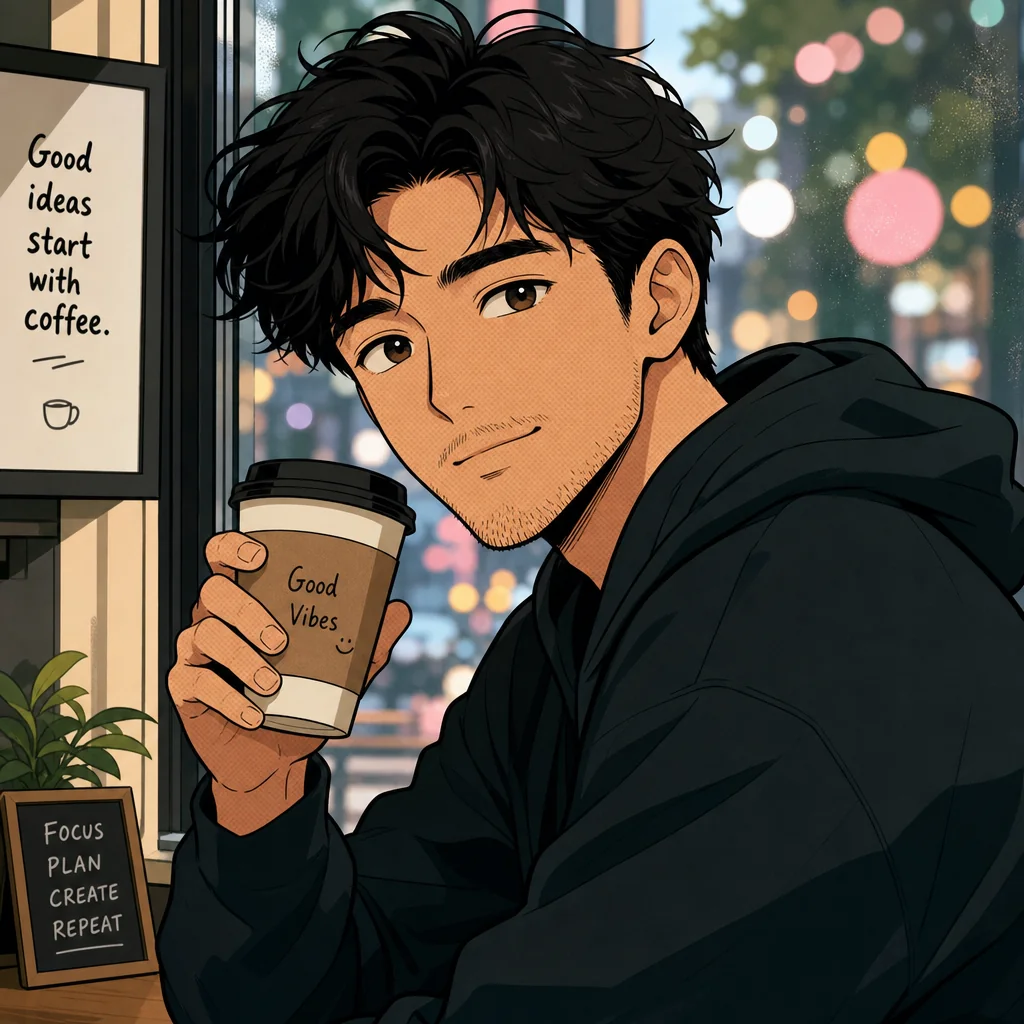
Street Scene Pull
Turn an everyday street scene into a cartoon-style opener that grabs attention instantly.
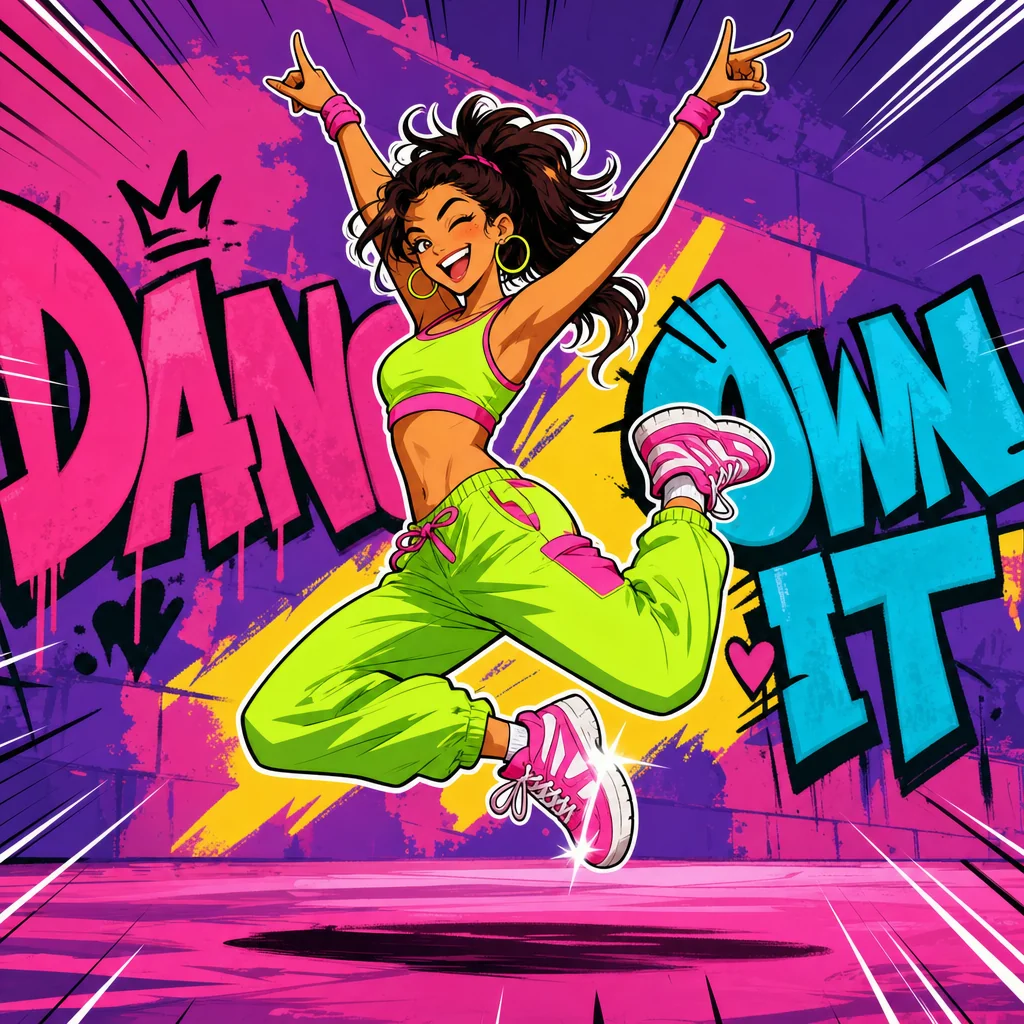
Mid-Air Energy Burst
Transform a mid-dance burst photo into a cartoon with energetic motion lines and pops of color.
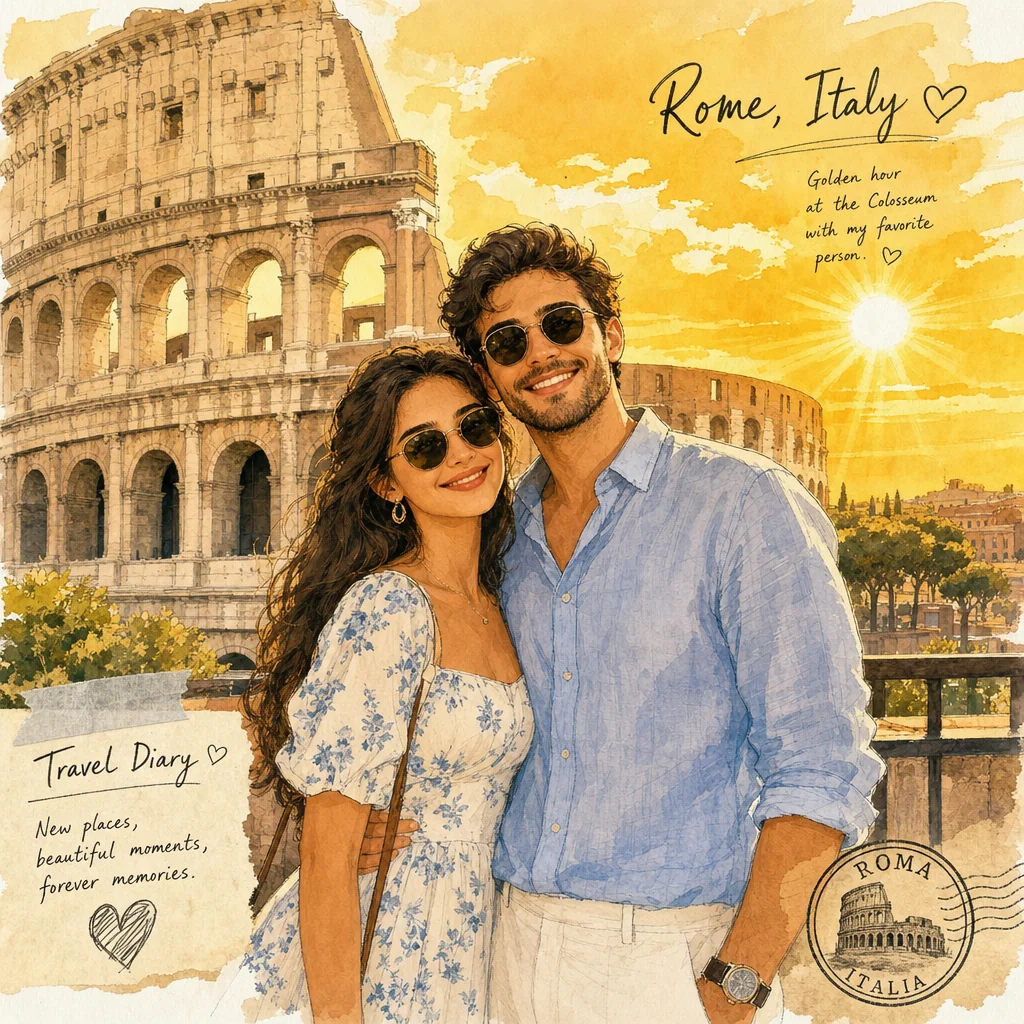
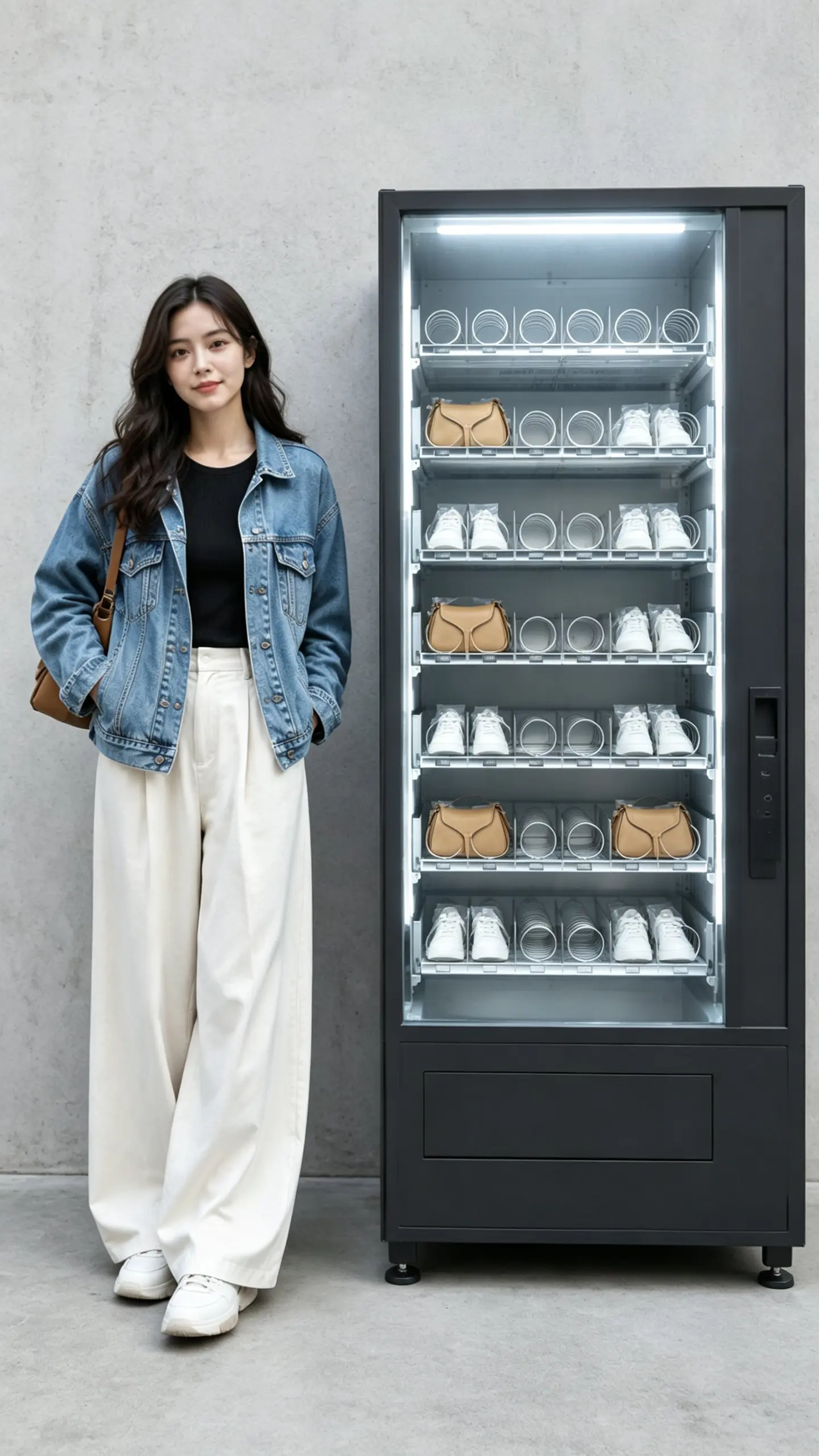
Travel Outfit Highlight
Make your outfit pop against a scenic backdrop by applying a clean cartoon finish to travel photos.
FAQ
Common questions
What is the convert pic into cartoon effect?+
It transforms your regular photo into a cartoon-style image by applying drawn or illustrated filters. The result looks like a hand-drawn or animated version of the original photo.
Is this an AI cartoon generator or a filter?+
It is an AI cartoon generator that redraws your photo: outlines, flat cel-shaded color and simplified shapes are rebuilt from the picture rather than laid over it like a filter. Upload one image to turn it into a cartoon; the result is a still illustration you can post or use as an avatar.
Why is the cartoon effect useful for TikTok, Reels, or Shorts?+
A cartoon look makes your content stand out in busy social feeds. It adds a creative, playful feel that often leads to higher watch time and interaction, especially for short-form videos.
Can I create a cartoon effect from just one uploaded image?+
Yes. You only need a single photo. Our tool processes that one image and outputs one or more cartoon versions instantly.
What kind of image works best for the cartoon effect?+
Photos with good lighting, a clear subject, and moderate contrast produce the most recognizable cartoon results. Portraits, objects, and scenes with defined edges work particularly well. Avoid extremely blurry or very dark images.
Can I use the cartoon effect for product, fashion, travel, or creator content?+
Absolutely. The effect adds a distinctive visual style to any subject. It works for showcasing products, styling fashion shots, giving travel photos a unique twist, or making creator content more engaging.
Other names for convert pic into cartoon
Users often search for this effect with different phrases—whether it’s turning a photo into a cartoon, applying an anime‑style filter, or creating a comic‑style portrait. Whatever name you use, LazyKiwi transforms these ideas into striking, short‑video‑ready visuals that stand out.
Turn Your Photo into a Cartoon in One Click
Start with an uploaded image, a text prompt, or a ready-made template.