
AI Dance Generator: Make Your Photo Dance Like Any Video
Upload one photo of a person and one 4–15 second dance clip — a TikTok routine you recorded, a choreography practice take, any single-dancer video. The AI makes the person in your photo perform the same moves for as long as the clip runs. It costs 2 credits per second of the clip, so a 5-second dance is about 10 credits.
What it is
Your photo, anyone's moves.
An AI dance generator turns a still photo of a person into a video of that person dancing. Most tools in this space give you a fixed menu of routines to choose from. This one takes the dance from a video you supply instead. You upload two things: a photo of the person you want to see dancing, and a short driving video of someone performing the moves. The model reads the body motion in the driving video — the steps, arm movements, turns and timing — and applies it to the person in your photo, keeping their face, hair and outfit as consistent as the photo allows. The technique is usually called motion transfer, and the model behind this tool is Wan Animate. Because the motion source is any clip you choose, you are not limited to whatever routines happen to be in a library: if a dance is trending this week, record it or save a clip of it, and use that. The output runs for the same length as your driving clip, between 4 and 15 seconds, and the price follows that length at 2 credits per second.
How it works
How to make a photo dance in three steps
Upload a photo of one person
A clear, well-lit photo, ideally full body or at least waist up, with the person facing the camera and their hands visible.
Upload a 4–15 second dance video
Any clip of a single dancer: a trending routine you recorded, a class video, a fitness move. The output will be as long as this clip.
Generate and download
The workbench shows the credit cost first — 2 credits per second of the clip. Play the result back, then download it to post or edit further.
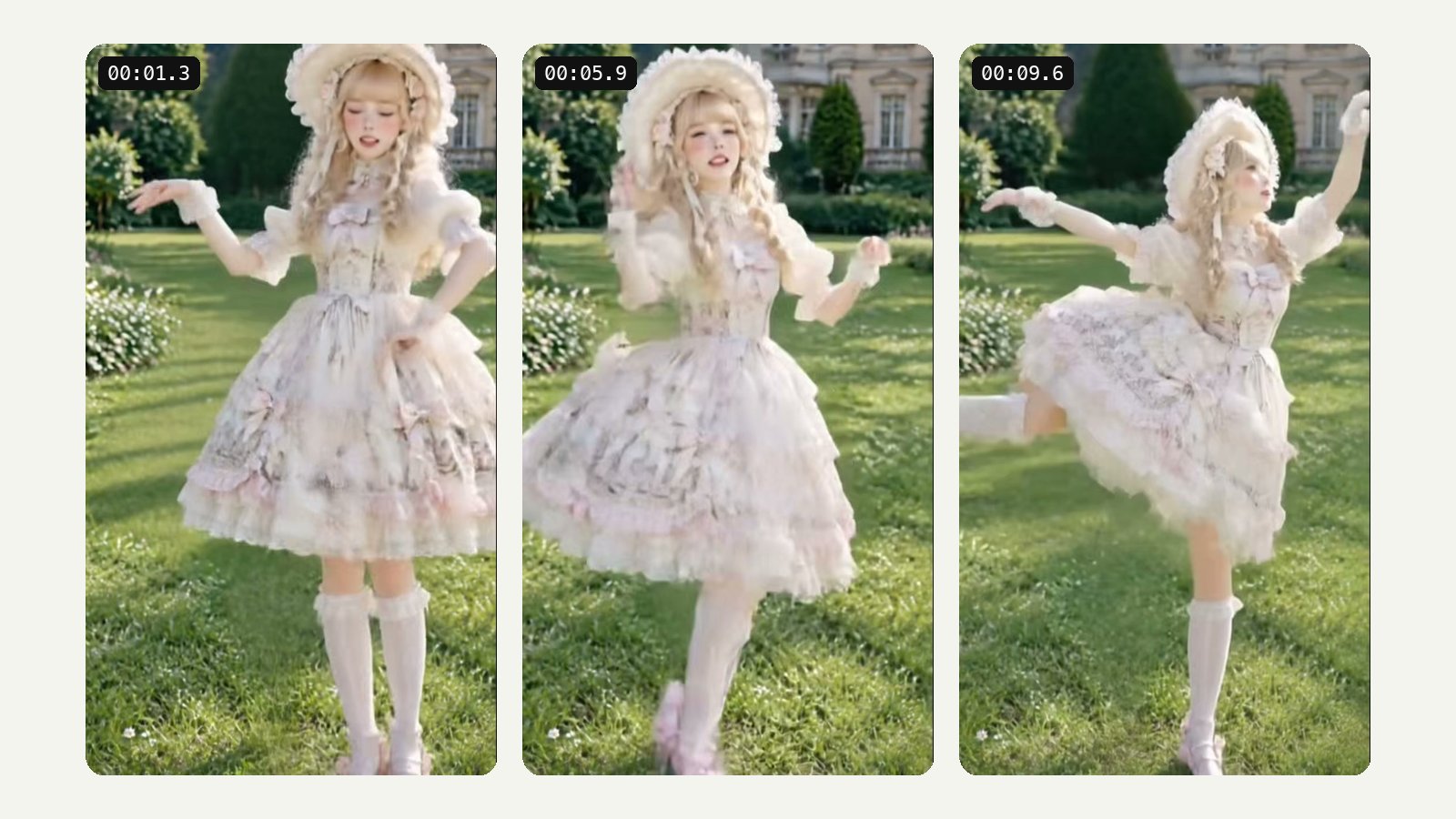
Your motion source
Use any dance video, not a template menu
Template-based dance apps decide which dances you can have. Here the dance is whatever your driving clip shows. That opens up a lot: this week's trending TikTok routine, a move from your own choreography, a dance class combination, a fitness demo, a goofy celebration you filmed at a party, or a reaction-meme gesture. Record it yourself, ask a friend to perform it, or use a clip you have the right to use, trim it to 4–15 seconds, and upload it alongside the photo. The photo supplies who is dancing; the video supplies how they move. If you would rather not find a clip at all, the workbench also has a ready-made AI Dance Generator template in the Template tab, where the routine is already chosen for you.
- Trending routines, choreography, fitness moves
- Record the moves yourself or use a clip you can use
- Prefer a ready-made routine? Use the dance template in the Template tab
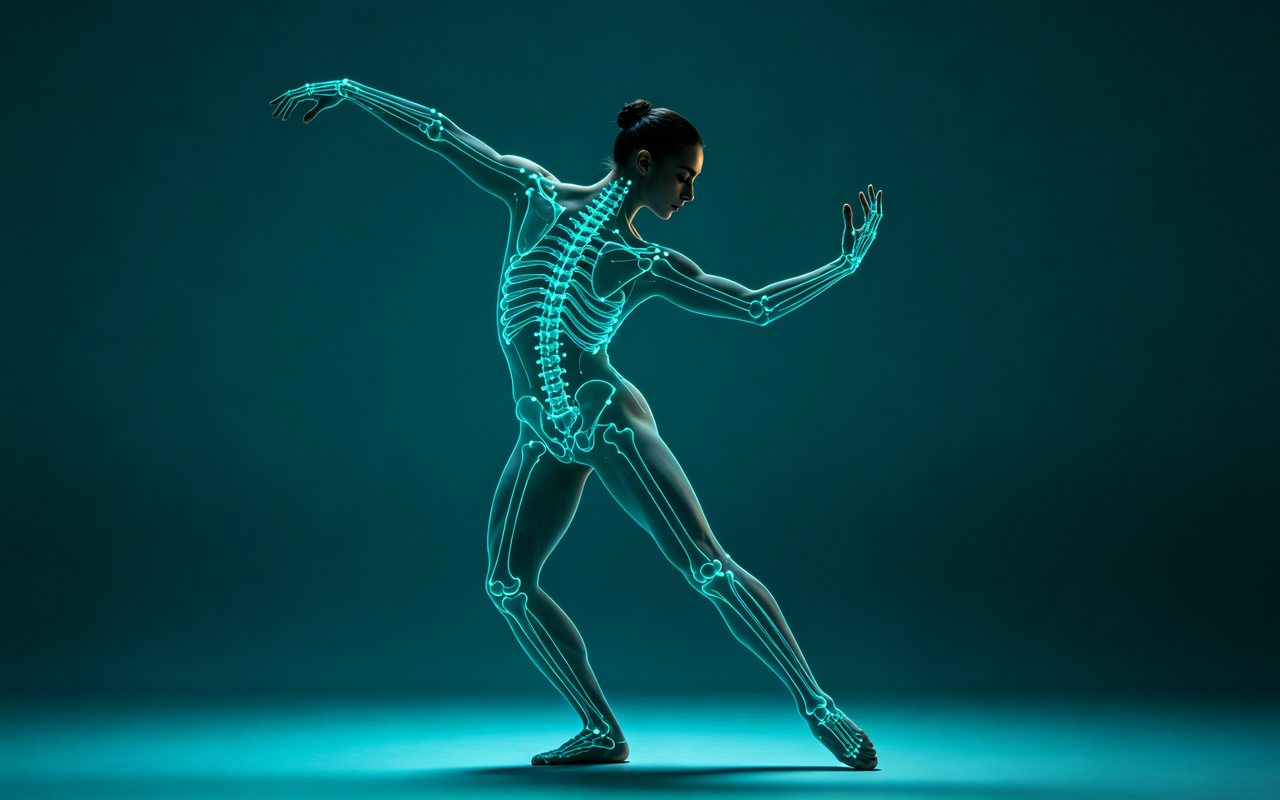
Powered by Wan Animate
AI motion transfer: copy any move from a video
Motion transfer is the general technique behind this tool: take the movement of a person in one video and apply it to a different person shown in a still image. The model tracks the performer's body through the clip — where the head, shoulders, arms, hips and legs are in every frame — and then renders the person from your photo in those same positions, frame after frame, filling in the parts of them the photo never showed, such as the back of a jacket during a spin. Dance is the most popular use, but the same approach works for any full-body motion: a workout move, a walk cycle, a wave, a gesture for a meme. This tool runs on Wan Animate, a model built specifically for animating a character from a reference image and a driving video. If you searched for AI motion transfer, this is the page for it.
- Tracks full-body motion through every frame
- Applies it to the person in your photo
- Works for dance, fitness moves, gestures and walks
Photo tips
Photos that give the best results
The model can only keep what it can see, so the photo decides how recognisable the dancer is. A full-body shot works best, because the model does not have to invent legs or feet that were cut off. Face the camera, or close to it, so the face is clear. Even, soft light is better than hard shadows across the face. Keep hands empty and visible; a phone, a drink or a bag in hand tends to warp once the arms start moving. Simple, fitted clothing holds together more reliably than long flowing fabric or busy patterns. And use a photo of exactly one person — if there are other people in the frame, crop them out before uploading. The more of these boxes a photo ticks, the more consistent the face and outfit will stay through the whole dance.
- One person, full body or waist up, facing the camera
- Even light, hands empty and visible
- Crop out anyone else in the frame
Driving video tips
Choosing a good dance clip
The driving clip is the choreography, and the cleaner it is, the cleaner the result. Pick a video with a single dancer, because the tool follows one person. Their whole body should stay in the frame for the full clip — if the feet leave the bottom of the picture, the model has to guess what they are doing. A fixed camera is better than a handheld one that zooms or pans, and a plain background makes the performer easier to track. Very fast spins, floor work and moments where limbs cross in front of the body are the hardest parts of any dance to transfer; if a routine has them, expect those beats to be the least precise. Trim the clip to the 4–15 seconds you actually want, since the output is exactly as long as the clip and you pay per second.
- Single dancer, whole body in frame throughout
- Steady camera, uncluttered background
- Trim to the part you want: you pay per second
Pricing
2 credits per second of the clip
The price is set by the length of your driving video and nothing else: 2 credits for every second. A 4-second clip costs about 8 credits, a 5-second clip about 10, a 10-second clip about 20 and a 15-second clip about 30. The workbench shows the exact figure before you generate, so you always know the cost first. The credits a new account starts with cover several short tries — enough to test a couple of photos and dances before you decide whether it is worth more. It is not unlimited: once those starting credits are used, more come with a LazyKiwi plan.
- 5 s ≈ 10 credits · 10 s ≈ 20 · 15 s ≈ 30
- Exact cost shown before you generate
- New-account credits cover several short tries
Why LazyKiwi
Why make a dance video this way
Any routine you can find
The dance comes from your clip, so trending moves are available the day they trend.
Straightforward pricing
2 credits per second of the clip. A 5-second dance is about 10 credits.
Designed to keep the look
Face, hair and outfit come from your photo and are kept as consistent as the photo allows.
Real motion transfer
Built on Wan Animate, a model made for animating a person from an image and a driving video.
Try it on starter credits
The credits a new account starts with cover several short tries before you decide.
Keep editing
Restyle it with video to video, change the background or sharpen it with the video enhancer.
FAQ
AI dance generator questions
What is an AI dance generator?+
It is a tool that turns a still photo of a person into a video of them dancing. This one uses motion transfer: you supply the dance as a short video, and the AI makes the person in your photo perform the same moves.
How do I make a photo dance with AI?+
Upload a clear photo of one person, then upload a 4–15 second video of someone doing the dance. Check the credit cost the workbench shows, generate, and download the result. The person in the photo performs the moves from the video for the length of the clip.
Can I use my own dance video or a TikTok dance?+
Yes — that is the point of this tool. Record the routine yourself, or use a clip you have the right to use, trim it to 4–15 seconds and upload it as the driving video. Clips with a single dancer, a steady camera and the whole body in frame give the best results.
How long can the dance video be?+
The driving clip must be between 4 and 15 seconds, and the output is the same length. If a routine is longer, trim it to the section you want before uploading; you pay per second, so there is no reason to include more than you need.
What kind of photo works best?+
A photo of one person, full body or at least waist up, facing the camera, in even light, with hands empty and visible. Simple clothing holds together better than flowing fabric. Crop out anyone else in the picture before uploading.
Does the AI keep my face and outfit?+
It is designed to keep the face, hair and outfit from your photo consistent throughout the dance. How close the result looks depends a lot on the photo: a sharp, well-lit, front-facing shot stays recognisable much better than a small, dark or side-on one. Parts the photo does not show, such as your back, have to be filled in by the model.
Can I make a group photo dance?+
No. The tool animates one person from one photo, following one dancer in the driving video. If your photo has several people, crop it to the one you want. For a group effect, make separate clips and combine them in an editor.
Can I make a cartoon or pet photo dance?+
The tool is built for photos of a person, and that is what we recommend. Cartoon characters, illustrations and animals have not been tested with it, so results with them are unpredictable.
How much does it cost to make an AI dance video?+
2 credits per second of the driving clip. A 5-second dance costs about 10 credits and a 15-second dance about 30. The exact price is shown in the workbench before you generate.
Can I try it with free signup credits?+
Yes. The free credits a new account starts with cover several short tries at this tool's price, so you can test a few photos and dances before deciding on a plan. They are a starting balance, not an unlimited allowance.
Use cases
Ideas for AI dance videos
Join a trending dance
Record the routine once, then make it look like you — or a friend who agreed to it — nailed it on the first take.
Birthday and celebration clips
A photo of the birthday person doing a victory dance lands better in the group chat than another card.
Brand characters and mascots
Have a photographed spokesperson or costumed mascot perform a short routine for a launch post.
Choreography previews
Dance teachers and choreographers can show a routine on a different body type or look without reshooting it.
Fitness demonstrations
Transfer a workout move onto a trainer's photo for a short explainer clip.
Memes and reaction clips
Any gesture or move you can film becomes a short, shareable reaction video.
Dance class practice
Record the combination you are learning, then see it performed on a photo of yourself to spot where the timing or the shapes need work.
More answers
More on AI dance and motion transfer
What is AI motion transfer?+
Motion transfer takes the movement of a person in one video and applies it to a different person shown in an image. The model tracks the body through the driving clip and renders the person from your photo in the same poses, frame by frame. Dance is the most common use; workout moves, walks and gestures work the same way.
What AI model powers the dance generator?+
Wan Animate, a model built for animating a character from a single reference image using the motion in a driving video.
Is the music from the dance video kept?+
Do not count on it. The tool transfers the motion, and the output is built around the picture. Plan to add the song in your editor or in the app you post to, where you can also pick a licensed track.
How long does it take to generate?+
It depends on the length of your clip and how busy the service is; a 15-second dance takes longer to render than a 5-second one. For your first try, a short clip gives you a result to judge sooner.
Is there a library of ready-made dances?+
Not in this tool — here you bring the dance as a video. If you prefer a ready-made routine, pick the AI Dance Generator template in the workbench's Template tab, where the dance is already chosen for you.
Can I post the dance video on TikTok, Instagram or YouTube Shorts?+
You can download the result and post it like any other video. What you are allowed to post depends on the people and material in it: you need permission from the person in the photo, and the platforms' rules on AI-generated content and labels apply. Adding the platform's AI label where it is offered is good practice.
Is it okay to use someone else's photo?+
Only with their permission. Making a video of a real person doing something they never did can mislead people or hurt them, even as a joke. Use your own photos, or photos of friends who have agreed, and never use the tool to impersonate someone or put them in a video they would object to.
Can I improve the dance video afterwards?+
Yes. Restyle the whole clip with video to video, place the dancer somewhere new with the video background changer, or clean it up with the AI video enhancer.
Put your photo on the dance floor
Upload a photo of one person and a 4–15 second dance clip. 2 credits per second of the clip, with the exact cost shown before you generate.
No credit card · Free to try · Results in seconds