
Comic Book Filter
This comic book filter redraws a photo the way a penciller, an inker and a colorist would hand it along: bold contour lines that vary in weight, flat blocks of color inside them, halftone dots doing the shading, and a warm paper tone underneath with the color plates very slightly out of register.
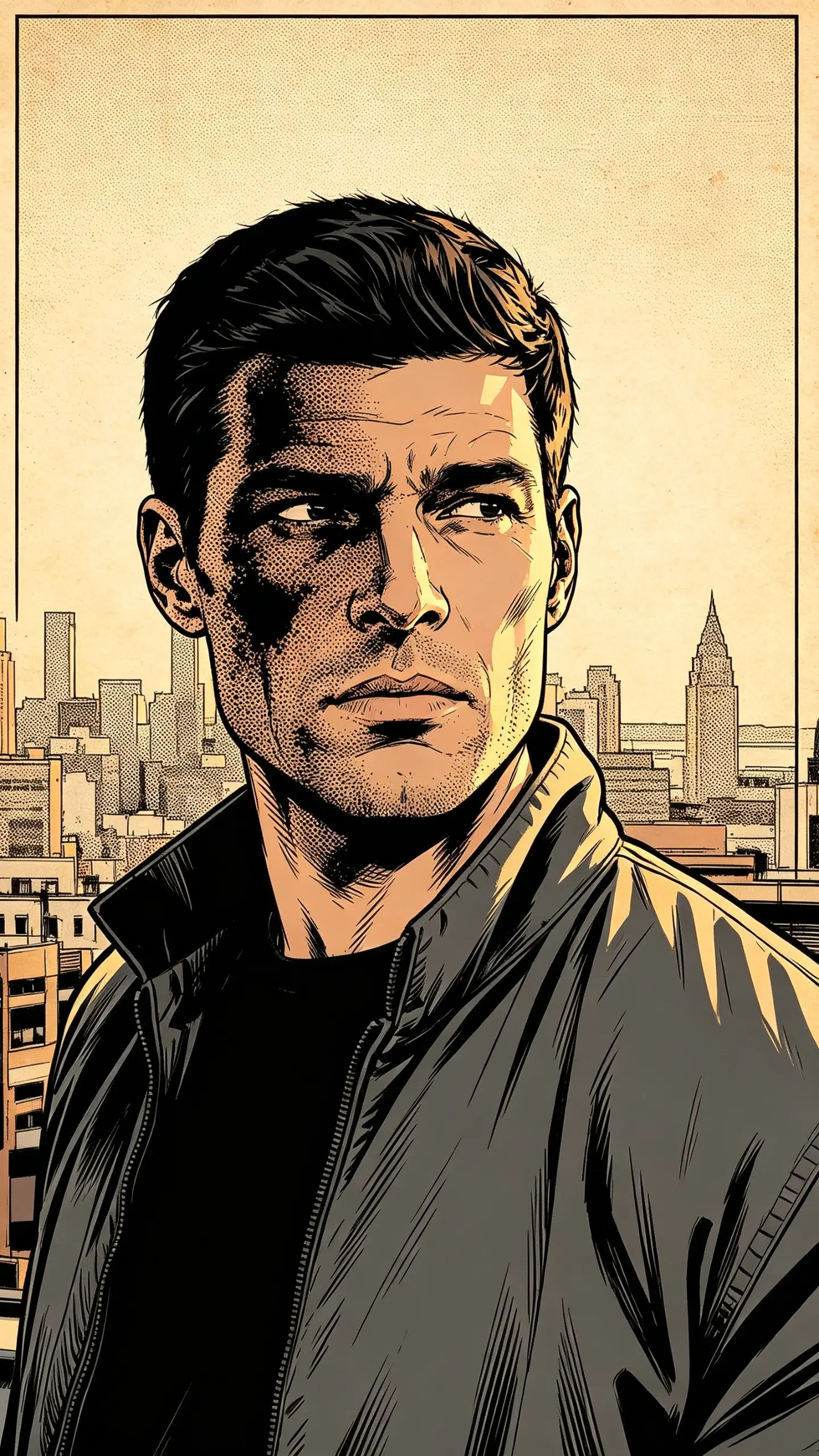
Comic Book Filter Template
Upload one photo with strong, directional light and a clear subject. Inking depends on contrast: a face lit flatly from the front gives the linework nothing to follow, while a shot with real shadow on one side comes back with the cross-hatching a comic panel needs.
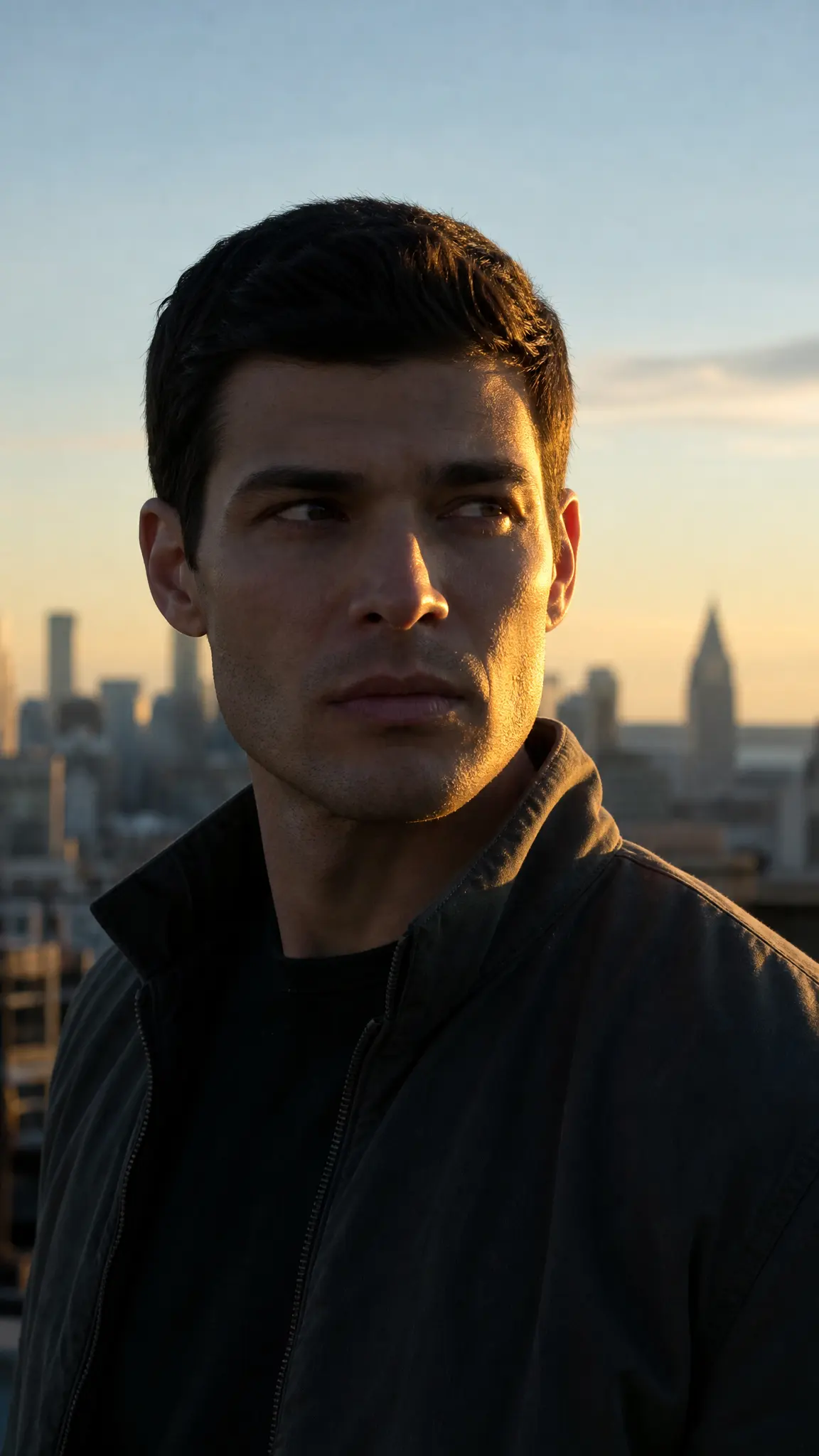
WHAT IT IS
Four things that make a photo read as printed comic art
American comic art looks the way it does because of how it was made and printed. An inker put down black contour lines that thicken where a form turns away from the light, a colorist filled the shapes with flat color rather than blends, and the press reproduced the mid-tones with halftone dots, a pattern named after Benjamin Day, whose method dominated comic coloring for decades. Cheap newsprint added a warm paper tone and enough registration drift that the color plates never quite lined up with the black. Miss any of those four and the result reads as a cartoon or a poster, not as a comic. This template applies all four to your photo and returns one still image at the ratio and resolution you pick in the workbench.
- Line weight that varies
- A uniform outline is the mark of a filter. Inkers taper the line: thick where a form turns away from the light or sits nearest the viewer, thin where it catches the light, and broken entirely where an edge dissolves. That variation is what gives a flat drawing depth.
- Flat color, no gradients
- Colorists working for print laid down flat areas inside the ink, with one darker tone for shadow. Nothing blends. Photographic gradients are the fastest way to break the illusion, which is why the template quantises the tones rather than smoothing them.
- Halftone dots, not noise
- Mid-tones on a comic page are made from dots at a regular angle and spacing, so a shaded cheek is a grid of magenta dots rather than a gray wash. Scale a real comic scan up and you see the pattern; scale a filtered photo up and you usually see nothing at all.
- Paper and registration
- Newsprint is warm and slightly absorbent, so nothing on the page is pure white and the ink spreads a little. Color plates drift a fraction out of register at the edges. Those two flaws are the difference between a print and a screen render.
USE CASES
Where a comic panel does the job
Three uses for an inked version of an ordinary photograph.
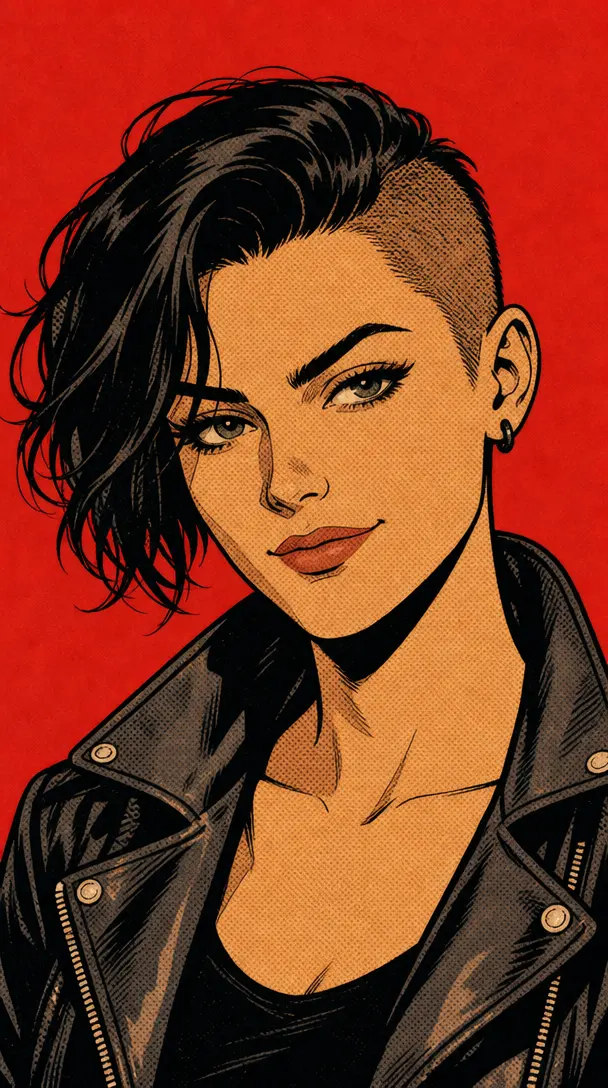
A profile picture with an edge
Inked art holds up at small sizes far better than a photograph does, because the whole style is built on hard contour and flat color. A headshot with directional light comes back as a panel that still reads at avatar scale.

Event and party art
Comic styling is a standing request for birthday invitations, band posters and shop window art, because it prints cleanly in few colors. A group photo becomes a panel you can add your own lettering to in any layout tool afterwards.
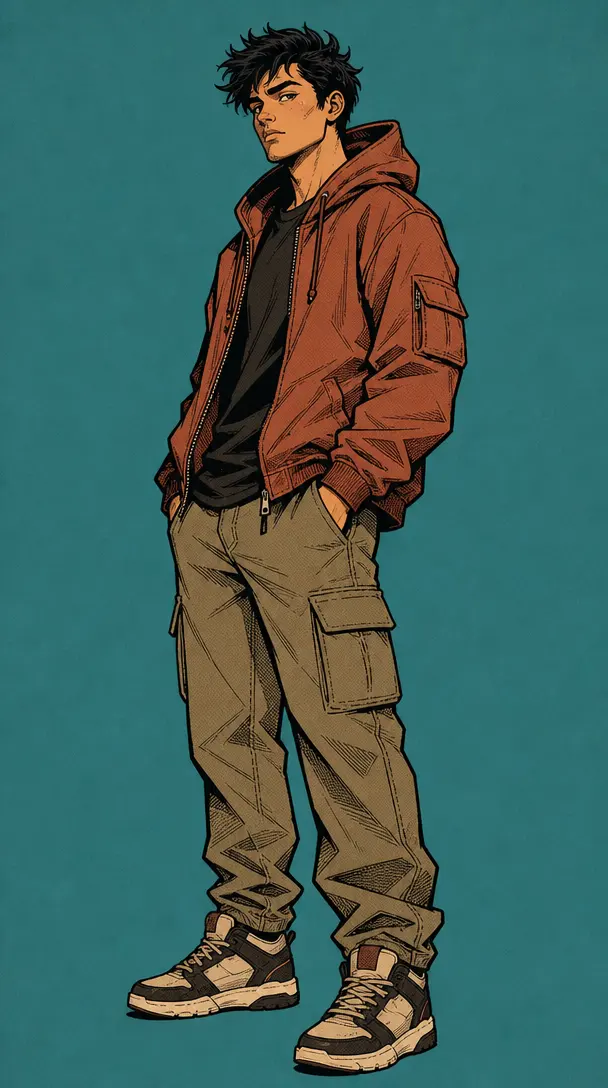
A reference frame before a full comic
People making an actual comic often start by establishing how a character should look in ink before drawing pages. One photo run through this template gives a fixed reference for face, hair and costume that the rest of the work can match.
FAQ
Common questions
What is a comic book filter?+
A comic book filter converts a photograph into the look of printed comic art: bold inked contour lines, flat blocks of color instead of photographic gradients, halftone dot shading in the mid-tones, and a warm paper ground with the color plates slightly out of register. It is a style, not a face edit, so your features are redrawn rather than preserved exactly.
Will it add speech bubbles and captions?+
No, and you should not want it to. Image models render lettering unreliably, which means invented words, doubled letters and characters that are close to but not actual type. The template is built to leave the frame clean so you can add bubbles and captions yourself in any layout tool, where the wording is yours and the type is real.
Can I make a full comic with several panels?+
Not from this template. It returns one still image, one panel, from one photo. For a sequence with consistent characters across several panels, you need a multi-panel comic tool built around keeping the same character recognizable from frame to frame. This page is the cheaper single-image route when all you need is one striking panel.
What photo works best for the comic book filter?+
One with directional light and real contrast. Inking follows the boundary between light and shadow, so a face lit hard from one side comes back with the spotted blacks and cross-hatching that make a panel look drawn. Flat frontal light, a very dark photo or a heavily smoothed selfie all give the ink nothing to follow and return a washed, poster-like result.
How is this different from an anime or cartoon filter?+
Different traditions, different marks. Anime Fusion Filter uses even-weight linework, large eyes and airbrushed cel shading. convert pic into cartoon simplifies toward a friendly modern illustration. American comic ink is heavier and rougher: variable line weight, spotted blacks, cross-hatching and visible halftone, all of it derived from cheap print.
Can I print the result?+
Yes, and the style suits print better than most. Render at 2K or 4K and the halftone pattern stays a pattern rather than turning to mush. Because the palette is already flat and limited, the result reproduces well on a home printer, on a poster, and on anything screen printed in a small number of colors.
Other names for the comic book filter
The style words are comic book filter, comic filter and comic book effect. The action words are photo to comic, turn photo into comic and comic book photo editor. A separate group of searches names the printing detail instead, which is where halftone filter and pop art filter come from, and those describe a nearby but flatter look. All of them arrive wanting a photograph that reads as an inked page.
Put your photo through the ink and the press
Varied line weight, flat color, halftone dots and warm newsprint.


