
Stacked Testimonial
A testimonial video template your customer's words fit into
Six seconds, cream and clay-orange, built vertical. A big serif quote mark, the quote landing line by line beneath it, then the avatar, name, role and five stars arriving together at the end.
- 6s
- duration
- 4
- aspect ratios
- 7
- controls
- 720p
- free, unlimited exports
Social Hooks · 6s · 9:16
Testimonial · Review · Quote · Social
Social proof, without the stock-footage look
Most testimonial videos are a screenshot on a coloured rectangle, or a stock clip of someone smiling at a laptop with a caption pasted over it. Neither reads as real. This template takes the other route: the quote is the design. It is set in an editorial serif at 92px, it fills the top two-thirds of the frame, and it arrives the way someone reads it — one line at a time, with a small overshoot on each so the stack feels typed rather than faded in.
Under it sits the attribution block: a circular avatar with a ring, a bold name, the role and company in lighter type, a thin rule and five stars. That whole block lands after the quote has finished, which is the beat that makes the clip feel like evidence rather than decoration. The cream background and the clay-orange accent are both single colour controls, so the same document turns into your brand's palette in two clicks.
6 seconds, three beats
What is on screen, and when. Every element named here is a layer in the document — you can click any of them on the canvas and change it.

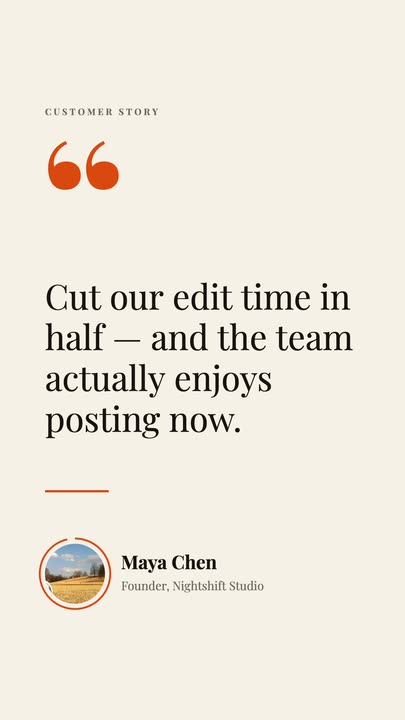
Beat 1 · 1.1s
The kicker and the quote mark
CUSTOMER STORY sets in small caps at the top, the oversized serif quote mark has scaled in under it, and the quote is already dropping in line by line.
Beat 2 · 2.4s
The quote finishes, the attribution lands
The last line settles, the rule draws under it, and the avatar pops into its ring with the name and role beside it.
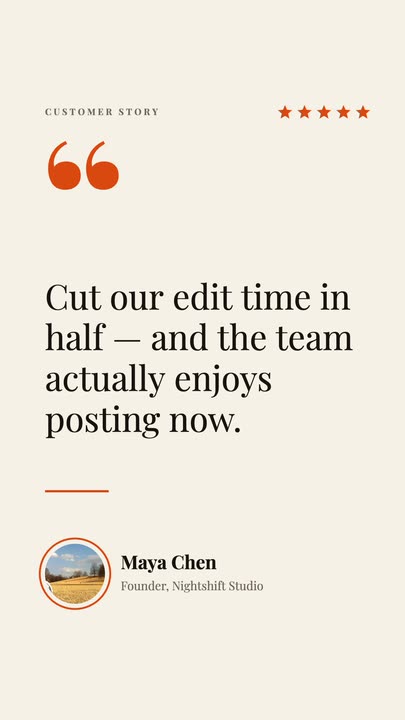
Beat 3 · 3.4s
Five stars land
The star row arrives one by one at the top right of the frame, with the avatar, name and role settled under the quote. This is the frame that works as a still.
Three steps to a finished testimonial
- 01
Paste the quote
Drop your customer's sentence into the Quote control. The line breaks and the drop-in timing recalculate from your text, so a longer quote does not run off the frame or land on top of the avatar.
- 02
Add the name, role and photo
Type the name and the role or company, then upload the avatar — it is a named image slot, so your photo lands inside the same circular frame with the same ring around it.
- 03
Set the accent and export
The clay-orange runs the quote mark, the rule, the stars and the ring. Change it to your brand colour, pick 9:16 for a story or 4:5 for feed, and export.
Line by line
The quote reads, it does not just appear
Each line of the quote drops in on its own beat with a small settle at the end of the move. That is the whole difference between a testimonial that gets watched and a static card that gets scrolled past — the viewer's eye is pulled down the stack instead of being handed the whole thing at once.
Real type
Set in an editorial serif, not rendered as pixels
The quote is drawn from a real font file at export time, so it stays crisp at any size and your own words inherit the same treatment. Nothing is baked into an image, which is why you can rewrite the quote a dozen times and never see a blurry or misspelt letter.
One document, five posts
Change the quote, export again
Because the template stays an editable document rather than becoming a flat file, a run of five customer quotes is five edits of the same page — not five projects. The layout, timing and palette stay identical across the set, which is what makes them read as a series.
What you can change
Seven named controls, exactly as they appear in the studio panel. Everything else in the frame — the star row, the rule, the attribution block — is authored motion that retimes around whatever you type.
- Click any element on the canvas to edit it directly
- Or describe the change in a sentence and let the assistant make it
- Export 9:16, 16:9, 1:1, 4:5 from the same document
Studio controls
7 named
- QuoteTextCut our edit time in half — and the team actually enjoys posting now.
- NameTextMaya Chen
- Role · companyTextFounder, Nightshift Studio
- AccentColour#D9480F
- Quote sizeSlider 72–10492
- Avatar photoPhoto
- SpeedSlider 0.5–21
Why this one instead of a screenshot
A pasted review screenshot carries someone else's UI, someone else's type and a compression artefact or two. It also cannot be a video, which means it cannot hold a feed slot that rewards motion. This template gives you the same words with your own typography, your own colour and six seconds of movement that has a reason to exist — and it takes about a minute to fill in.
Stacked Testimonial: questions, answered
Is the testimonial video template free?+
Opening and editing it is free, and free accounts get unlimited free 720p exports with a small LazyKiwi mark. Clean 1080p is included with any paid plan if you need full HD without the mark.
What aspect ratios can I export?+
9:16, 16:9, 1:1 and 4:5 from the same document. It is authored at 1080×1920, and the other three retarget the layout rather than centre-cropping it, so the avatar and the stars never fall off the edge.
Can I change the quote and the colours?+
Yes — the quote, the name, the role, the accent colour, the quote's type size and the avatar photo are all named controls. Change any of them and the animation rebuilds around the new content.
Do I need After Effects?+
No. There is no .aep file, no plugin and nothing to install. The template renders in your browser canvas, and the preview you watch is the same renderer that writes the MP4.
How long is the clip?+
Six seconds, with the attribution block landing at 3.4s. There is a speed control between 0.5× and 2× if you want it slower for a wider frame or faster for a hook.
More social hooks
All social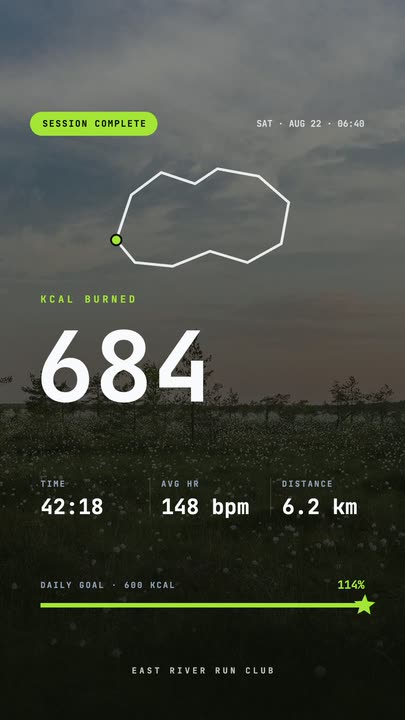 Workout Summary CardA fitness-app session recap over a darkened photo: the calorie count rolls up, three stats rise in and the goal bar draws itself to a star.
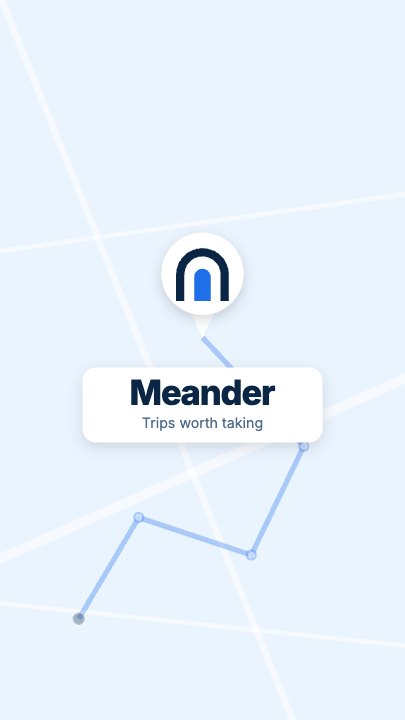 Route Logo RevealOn a pale map of white streets a route draws itself from a start pin through three waypoints; at the destination a map pin carrying your mark drops in and a label card with the brand name pops up under it
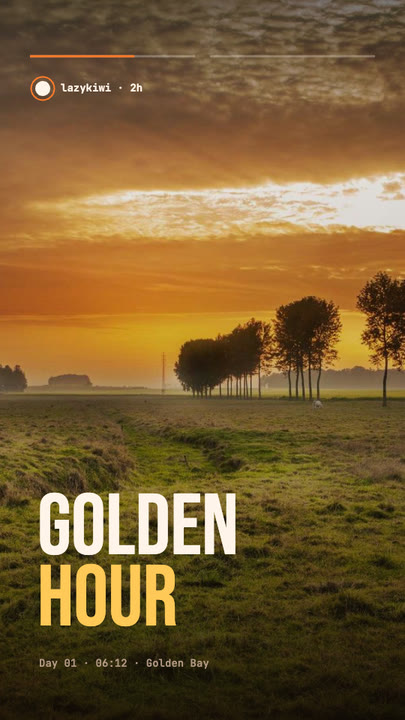 Stretch Cut StoryTwo photos trade places with a horizontal stretch-and-blur cut; the poster words stretch with them under story-style progress bars.
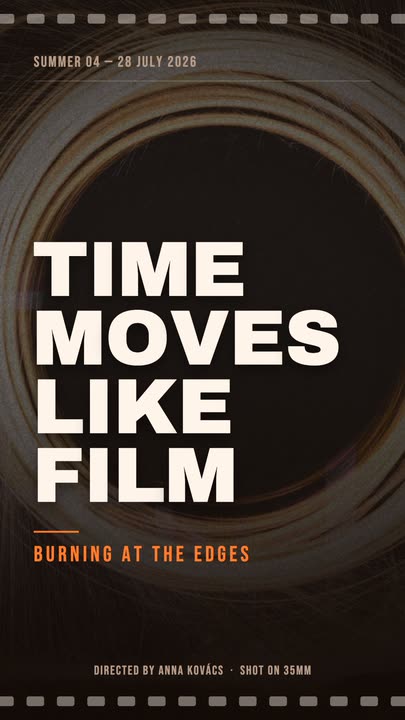 Film PosterCinematic poster: a dimmed photo, four lines of heavy uppercase type rising in one by one, an orange kicker and a condensed dateline.
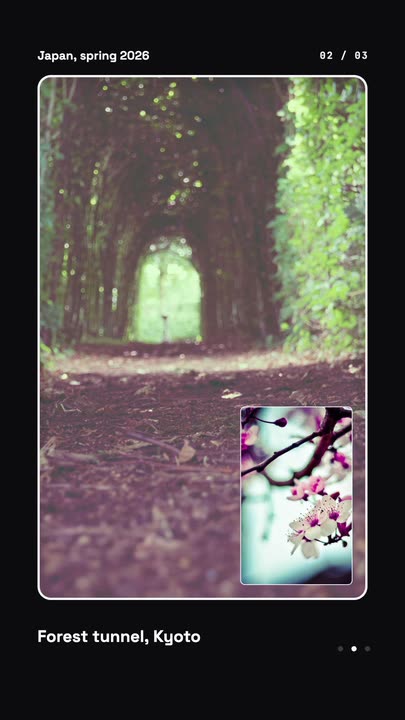 Nested Photo EditPicture-in-picture photo edit: a small inset grows into the main frame, then the next one nests inside it, three deep on a seamless loop.
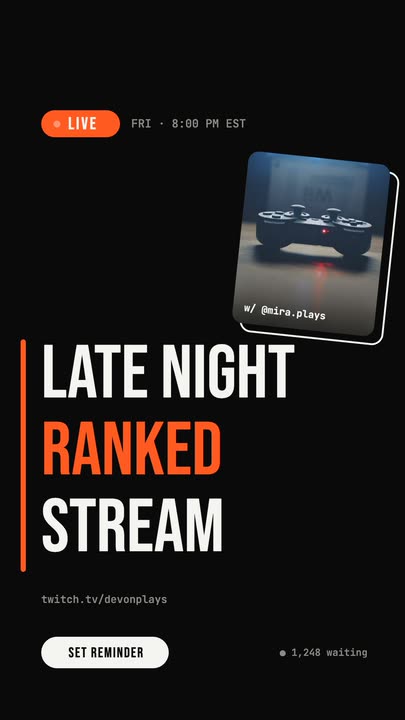 Livestream AnnouncementA LIVE badge and time slide in, three poster-size title lines snap in from the left, and a sticker-style guest photo lands top-right.
Put a real customer in it.
Paste the quote, drop in the avatar, set your accent colour and export a vertical testimonial in about a minute.