
Spin Logo
A spinning logo maker: drop in your logo and it spins
Upload your logo and it spins one full turn while it grows into place on a full-bleed tangerine stage, then a thin rule draws beside it and a serif wordmark slides out with its tagline. Five seconds, a flat 2D spin — not a 3D model — and no After Effects.
- 5s
- duration
- 4
- aspect ratios
- 6
- controls
- 720p
- free, unlimited exports
Logos · 5s · 9:16
Logo · Spin · Wordmark · Sting
The logo spin everyone reaches for
A spinning logo animation is the most common brand move there is, and the one most often overdone. This version keeps it to a single, confident turn: the mark starts small, rotates a full 360 degrees while it scales up and eases to a stop, and only then does the rest of the lockup arrive. A thin vertical rule draws beside the mark, and the brand name and tagline slide out from behind it to the right.
It is a flat, two-dimensional rotation — the logo turns in the plane of the screen, like a coin spun on a table seen from above — not a 3D extrusion. The logo is an image slot, so your own PNG or SVG spins exactly like the sample mark. The background colour, the brand name, the tagline and the logo size are all named controls.
5 seconds, three beats
What is on screen, and when. Every element named here is a layer in the document — you can click any of them on the canvas and change it.
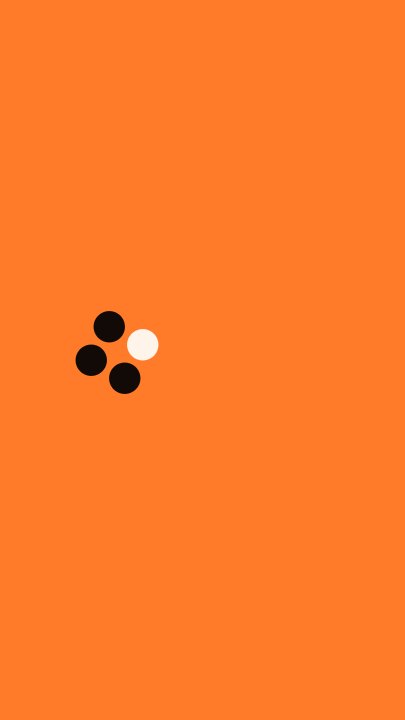
Beat 1 · 0.5s
Spinning in
The dot-grid mark is mid-turn, growing as it rotates on the tangerine stage.
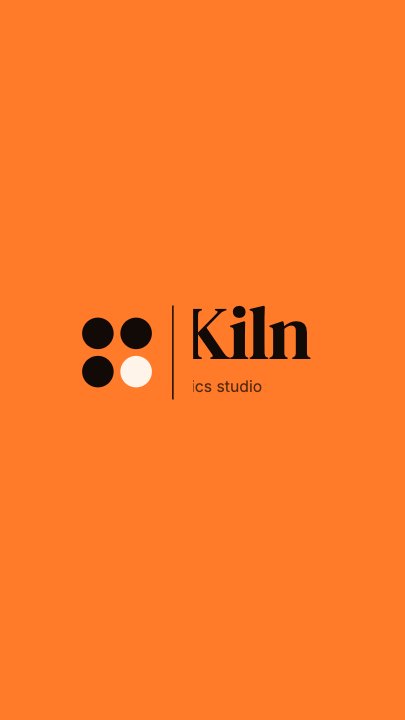
Beat 2 · 1.3s
The name slides out
The mark has landed, the thin rule has drawn beside it, and the serif wordmark is sliding out with the tagline half revealed.
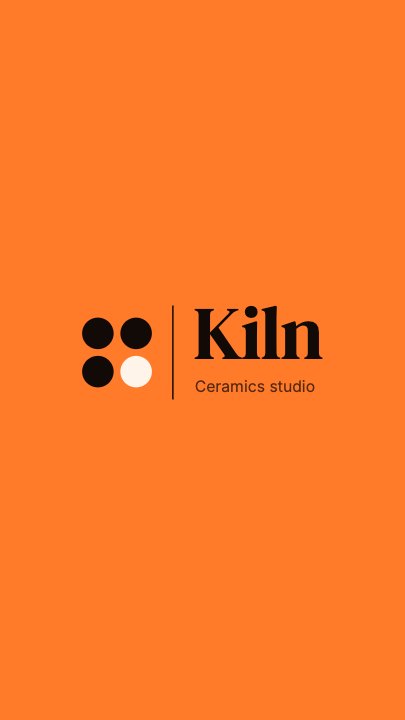
Beat 3 · 2.2s
The full lockup
Mark, rule, wordmark and tagline are all in place — the frame that works as a still.
Three steps to a spinning logo
- 01
Upload the logo
Drop a transparent PNG or SVG into the Logo slot. A dark mark reads best on the tangerine stage; change the background if yours is light.
- 02
Type the name and tagline
The brand name is set in a display serif to the right of the rule; the tagline sits beneath it in a clean UI face.
- 03
Set the background and size, then export
Background is one colour control; Logo size scales the mark from 0.7× to 1.3×. Pick your aspect and export.
One full turn
Spin and grow, then stop
The mark rotates 360 degrees while scaling up and settles with an ease-out, which reads as deliberate — not as a loading spinner.
Then the name
The wordmark slides out from the rule
A thin rule draws beside the mark and the name and tagline slide out from behind it, so the lockup builds left to right.
Your mark
Upload once, it spins the same
The logo is a photo slot, so your file gets the same rotation, scale and timing as the sample — no keyframes to set.
What you can change
Six named controls, exactly as in the studio panel. The rule and the layout of the lockup are authored motion that retimes with the speed control.
- Click any element on the canvas to edit it directly
- Or describe the change in a sentence and let the assistant make it
- Export 9:16, 16:9, 1:1, 4:5 from the same document
Studio controls
6 named
- Brand nameTextKiln
- TaglineTextCeramics studio
- LogoPhoto
- BackgroundColour#FF7A29
- Logo sizeSlider 0.7–1.31
- SpeedSlider 0.5–21
Spin once, or loop forever?
This template is a one-shot opener: the logo spins in, the name arrives, it holds and clears. If you need something that keeps moving — a stream holding screen, a website corner ident — the logo loop animation template runs on a seamless cycle instead. Both take the same logo file.
Spin Logo: questions, answered
Is the spinning logo maker free?+
Opening and editing is free, and free accounts get unlimited free 720p exports with a small LazyKiwi mark. Clean 1080p is included with any paid plan.
Is this a 3D logo spin?+
No — it is a flat rotation in the plane of the screen. It does not extrude your logo into 3D.
What aspect ratios can I export?+
9:16, 16:9, 1:1 and 4:5 from the same document.
Can I change the background colour?+
Yes — Background is a named colour control, alongside the brand name, the tagline, the logo and the logo size.
How long is the clip?+
Five seconds, with the full lockup in place by about 2 seconds and a speed control from 0.5× to 2×.
More product & ui
All product Gradient Sweep LogoA blue-to-lilac gradient opens from the centre and fills the frame, a white mark and a serif wordmark settle on it, then the gradient folds back to paper for a seamless loop
 Letter Bars LogoOn pure black two deep-red bars and one bright diagonal rise in turn and lock into a tall N letter mark, then a red wordmark lights up below — the streaming-service sting
 Route Logo RevealOn a pale map of white streets a route draws itself from a start pin through three waypoints; at the destination a map pin carrying your mark drops in and a label card with the brand name pops up under it
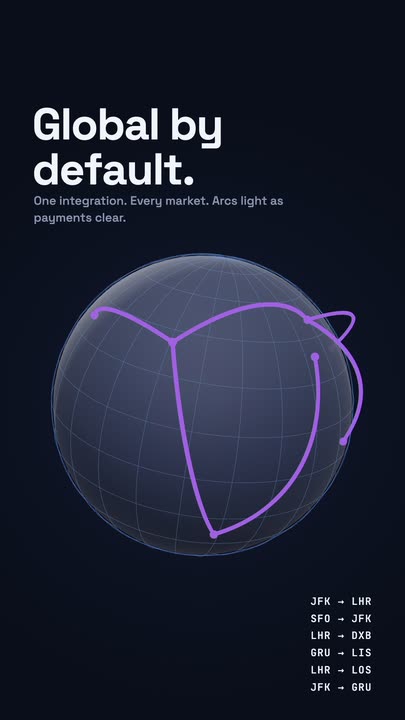 Globe ArcsA wireframe globe turns slowly on a midnight stage while six city-to-city arcs light up in sequence, with a route table ticking along beside it.
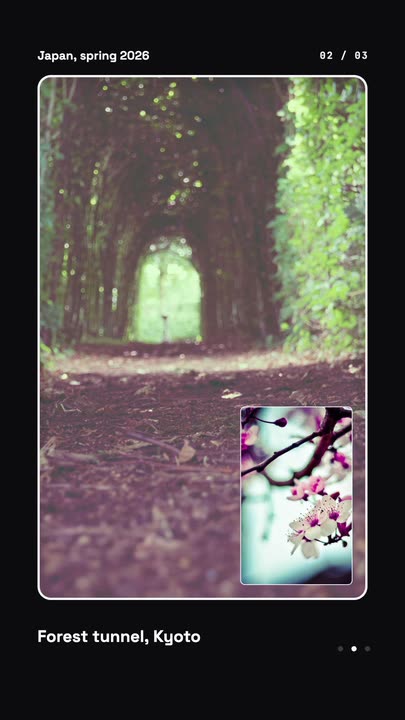 Nested Photo EditPicture-in-picture photo edit: a small inset grows into the main frame, then the next one nests inside it, three deep on a seamless loop.
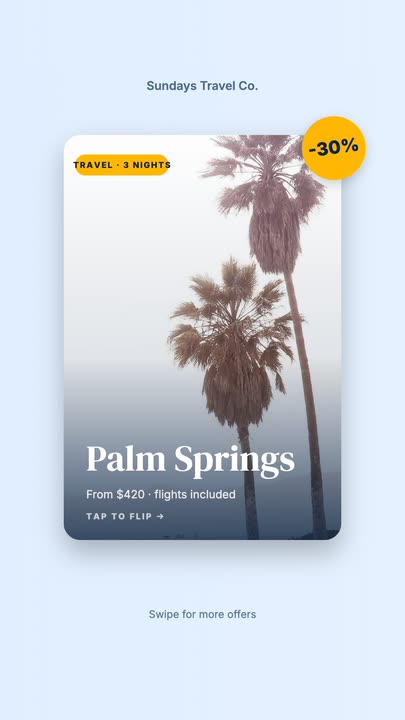 Offer Card FlipA photo offer card flips on its Y axis to reveal what is included, the price and a button, then flips back.
Give your logo a spin.
Upload the mark, type the name and export a spinning logo animation in the aspect you need.