
Orbit Logo Loop
A logo loop animation that can run all day
A thin tilted orbit cuts through your mark on a flat midnight stage. Two dots travel it at different speeds, slipping behind the logo and swinging back in front, while the brand name and a short line sit beneath. Six seconds, built to loop.
- 6s
- duration
- 4
- aspect ratios
- 6
- controls
- 720p
- free, unlimited exports
Logos · 6s · 9:16
Logo · Orbit · Loop · Ident
A looping logo built to be left on
Most logo animations are one-shot: in, hold, out. A looping logo animation has a different job — it has to sit on a screen for minutes without ever showing where it restarts. This one is calm on purpose. The logo stays still in the centre; a thin elliptical orbit, tilted slightly, passes through it, and two dots ride that orbit — a larger accent dot once per loop, a smaller white one twice.
The dots really go behind the mark: on the back half of the orbit they are hidden by the logo, on the front half they pass over it and grow slightly, which is what gives a flat design a sense of depth. Every position is computed from time on a six-second period, so the dots come back round to their starting points. The logo, the brand name, the tagline and both dot colours are named controls.
6 seconds, three beats
What is on screen, and when. Every element named here is a layer in the document — you can click any of them on the canvas and change it.
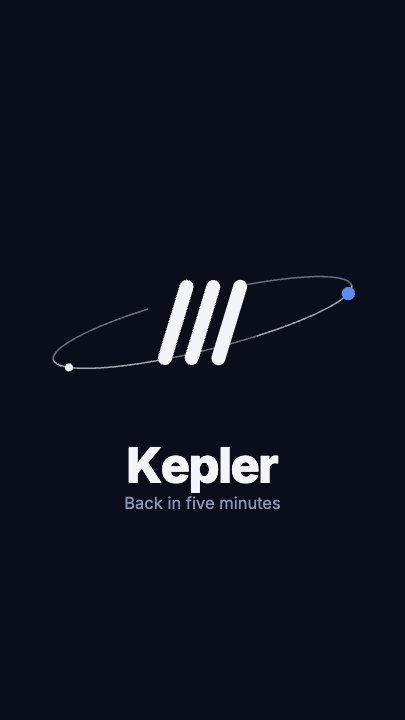
Beat 1 · 0.25s
Dots on the orbit
The mark sits in the centre with the tilted orbit through it, the blue dot riding the front of the ring and the name and tagline beneath.
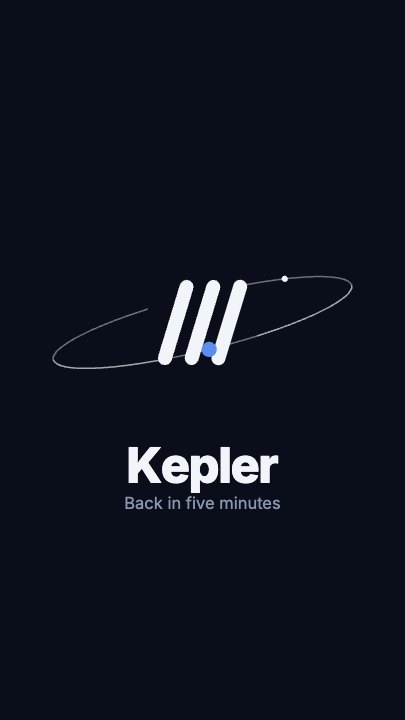
Beat 2 · 1.5s
Round the end
The blue dot is swinging round the right-hand end of the orbit, about to pass behind the mark.
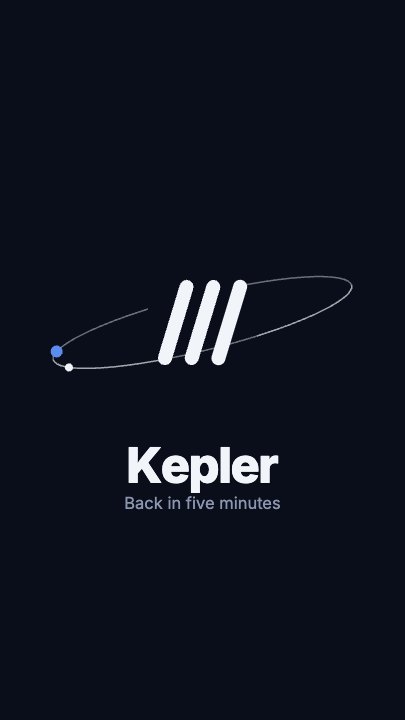
Beat 3 · 3.25s
The far side
The blue dot has reached the far-left end of the orbit; the name and tagline have held throughout.
Three steps to a looping ident
- 01
Upload the logo
Drop a transparent PNG or SVG into the Logo slot. A light mark reads best on the midnight stage.
- 02
Type the name and the line
The tagline defaults to "Back in five minutes" — the holding-screen use — but it can be a slogan, a URL or left short.
- 03
Colour the dots and export
Accent colours the larger dot, Second dot the smaller one. Export once and loop the file for as long as you need.
Seamless
Built to repeat
The orbit positions are computed from time on a six-second period, so the dots come back round to where they started and the file can play on repeat.
Depth, flat
Dots pass behind and in front
Each dot is hidden on the back half of the orbit and drawn over the logo on the front half, so a 2D mark reads as something being circled.
Calm
Movement that does not distract
Only two small dots move. That makes it suitable for a stream holding screen, a lobby display or an end ident, where anything louder gets tiring fast.
What you can change
Six named controls, exactly as in the studio panel. The orbit's tilt and path are authored motion; the speed control slows or quickens the whole loop.
- Click any element on the canvas to edit it directly
- Or describe the change in a sentence and let the assistant make it
- Export 9:16, 16:9, 1:1, 4:5 from the same document
Studio controls
6 named
- Brand nameTextKepler
- TaglineTextBack in five minutes
- LogoPhoto
- AccentColour#5B8DEF
- Second dotColour#F1F5F9
- SpeedSlider 0.5–21
Loop, or spin once?
Use this template wherever the logo has to stay on screen: a livestream "starting soon" or "be right back" screen, a website hero corner, the tail of every video. If you need a one-time opener where the logo arrives with energy, the spinning logo maker template does that. Both take the same logo file, so you can export a matching pair.
Orbit Logo Loop: questions, answered
Is the logo loop animation free?+
Opening and editing is free, and free accounts get unlimited free 720p exports with a small LazyKiwi mark. Clean 1080p is included with any paid plan.
Can it run on a loop?+
It is built for it: the orbit runs on a six-second period, so the dots return to their starting points and the file can play on repeat.
What aspect ratios can I export?+
9:16, 16:9, 1:1 and 4:5. 16:9 suits a stream holding screen; 1:1 suits a profile or a corner ident.
Can I change the colours?+
Both dot colours are named controls. The midnight stage and the orbit line are part of the design, and the assistant can change them if you describe it.
Do I need After Effects?+
No. It renders in your browser and exports an MP4.
More product & ui
All product Gradient Sweep LogoA blue-to-lilac gradient opens from the centre and fills the frame, a white mark and a serif wordmark settle on it, then the gradient folds back to paper for a seamless loop
 Letter Bars LogoOn pure black two deep-red bars and one bright diagonal rise in turn and lock into a tall N letter mark, then a red wordmark lights up below — the streaming-service sting
 Route Logo RevealOn a pale map of white streets a route draws itself from a start pin through three waypoints; at the destination a map pin carrying your mark drops in and a label card with the brand name pops up under it
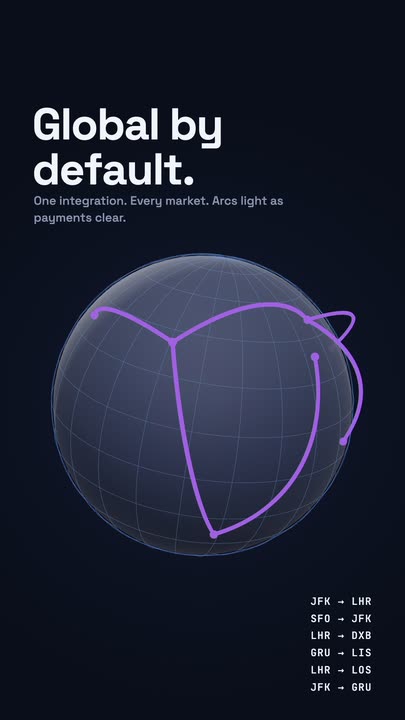 Globe ArcsA wireframe globe turns slowly on a midnight stage while six city-to-city arcs light up in sequence, with a route table ticking along beside it.
 Spin LogoOn a full-bleed tangerine stage a dot-grid mark spins a full turn while growing into place, a thin rule draws beside it and a serif wordmark slides out with its tagline
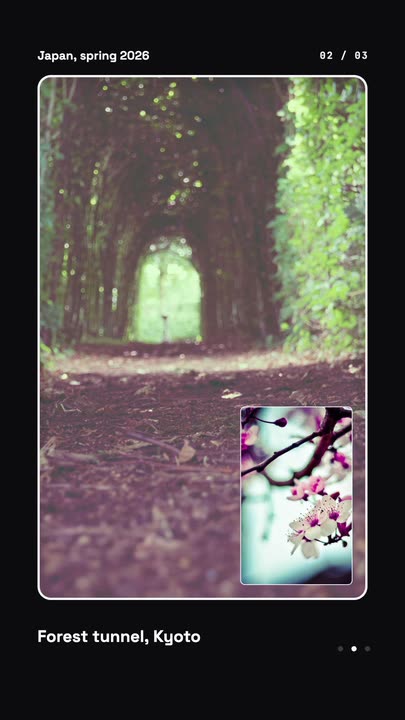 Nested Photo EditPicture-in-picture photo edit: a small inset grows into the main frame, then the next one nests inside it, three deep on a seamless loop.
Leave your logo running.
Upload the mark, set two dot colours and export a seamless loop for streams and screens.