Slow Zoom In (ken Burns Effect)
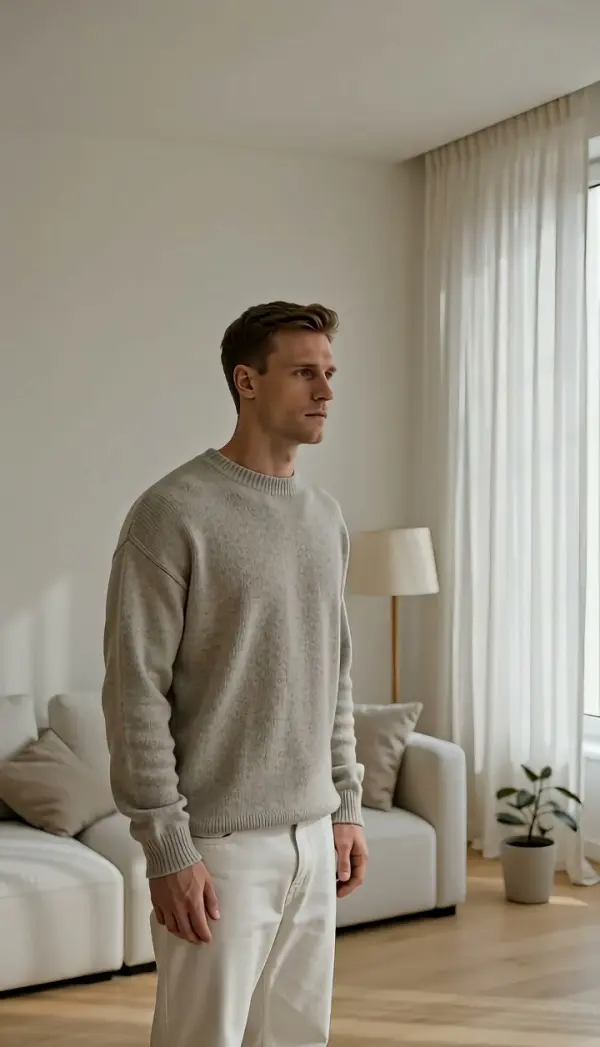
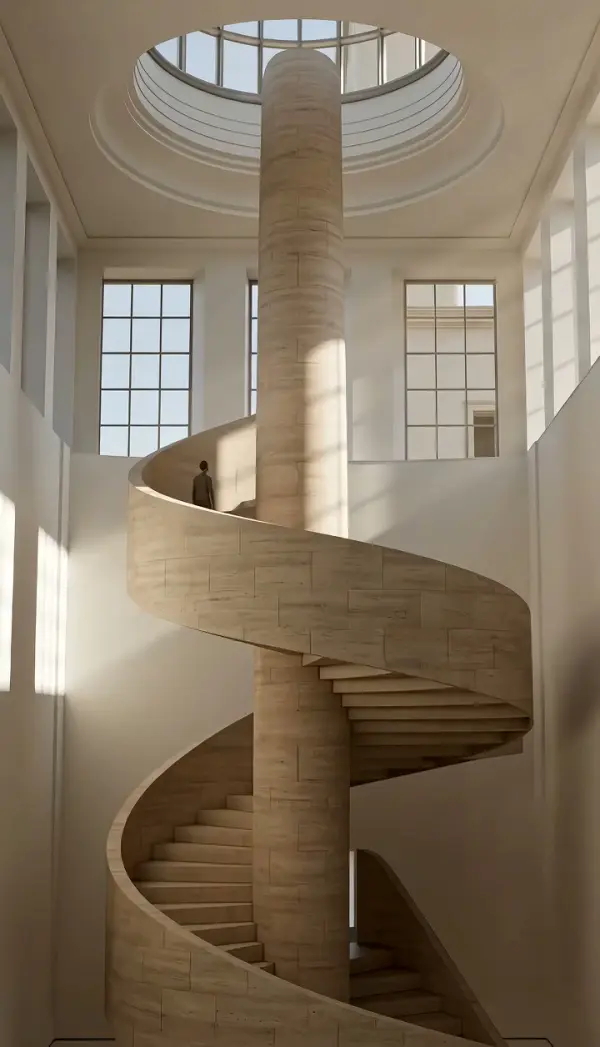
Slow Zoom In gives a still photo the Ken Burns effect: the focal length increases gradually, the frame tightens toward the subject, and the subject stays sharp in the visual center until the clip settles on a close-up. Upload one photo and get a short clip, vertical or landscape, with no keyframing.
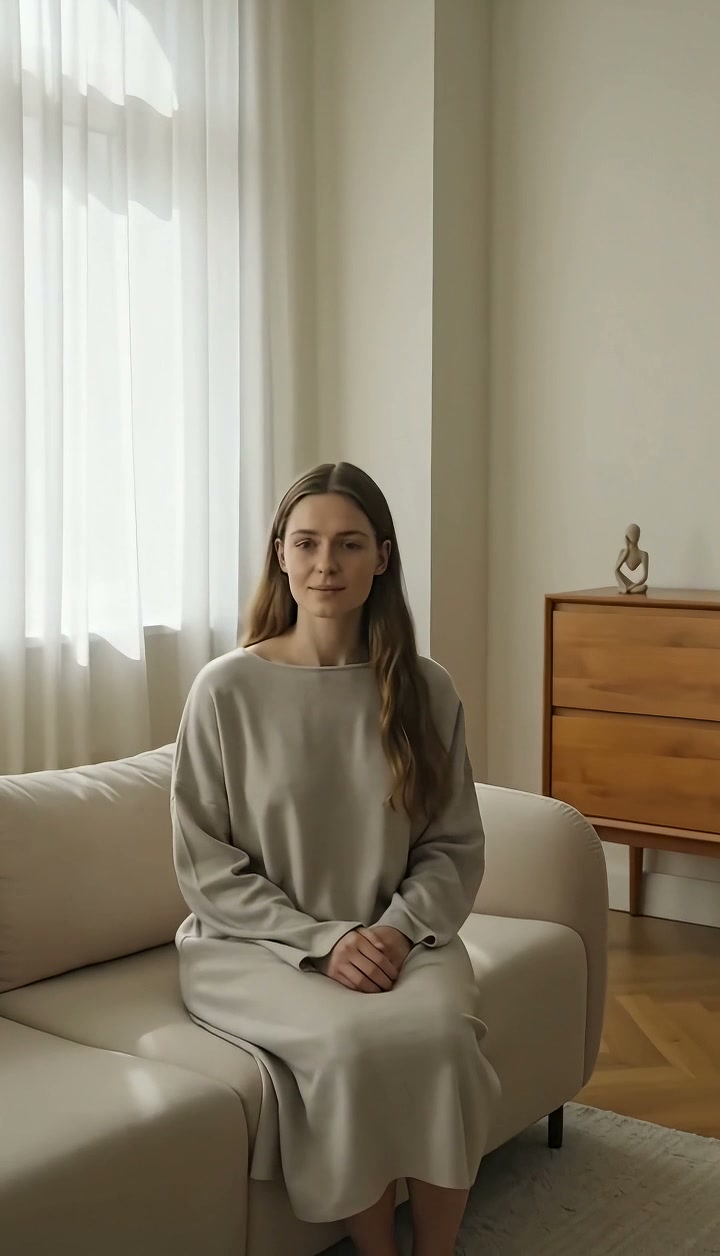
Slow Zoom In Template
Upload one photo with a clear subject near the center; portraits, archive photos and product shots all work, the sharper the better.
WHAT IT IS
What the Ken Burns effect is and how the template creates it
The Ken Burns effect is a slow zoom in across a still photograph, named after the documentary filmmaker who used it to bring archival images to life, and it works because a gradual change in focal length gives a flat picture a sense of time and attention. The template generates that zoom in effect from one uploaded photo. The engine takes your still as the first frame, then gradually increases the focal length and tightens the framing toward the subject. The subject stays sharp and at the visual center the whole way, and the spatial relationships in the photo do not change, because a zoom magnifies rather than travels. The clip ends on a steady medium shot or close-up. Output is a short vertical 9:16 or landscape 16:9 clip, produced with no keyframes, no editing software and no source footage.
- Gradual focal-length change
- The zoom is slow enough to feel like attention rather than motion. Nothing in the picture shifts position; the frame simply closes in on the subject over the length of the clip.
- Subject sharp and centered
- Faces, hands and objects keep full detail as they grow in the frame. The engine avoids the softening that a scaled-up JPEG shows when you zoom it in an editor.
- Ends on a settled close-up
- The move finishes on a stable medium or close framing, so the last frame can hold under narration, a caption or a name card without drifting further.
- No keyframes needed
- Doing this by hand needs two scale keyframes and easing curves per photo. Here you upload one image and the engine does the move, which matters when you have forty photos.
USE CASES
Where a slow push into a photo belongs
Archive material, tributes and quote cards: three places where a gentle zoom keeps a still on screen without boring the viewer.
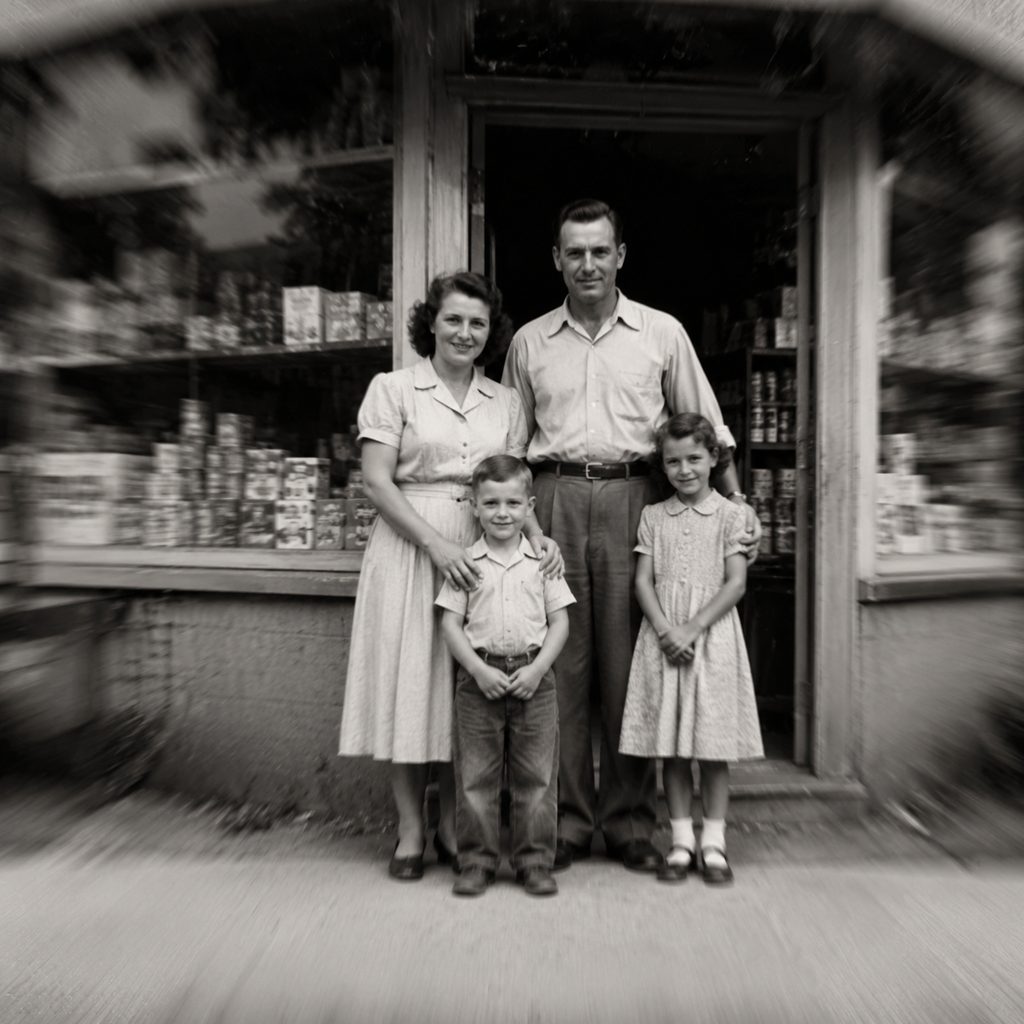
Documentary archive photo
A scanned black-and-white photo of a 1950s storefront. The push closes slowly on the faces in the doorway while a narrator speaks. History channels on YouTube use this in 16:9 to give static archive material a pulse without fake shake.
Memorial or tribute slideshow
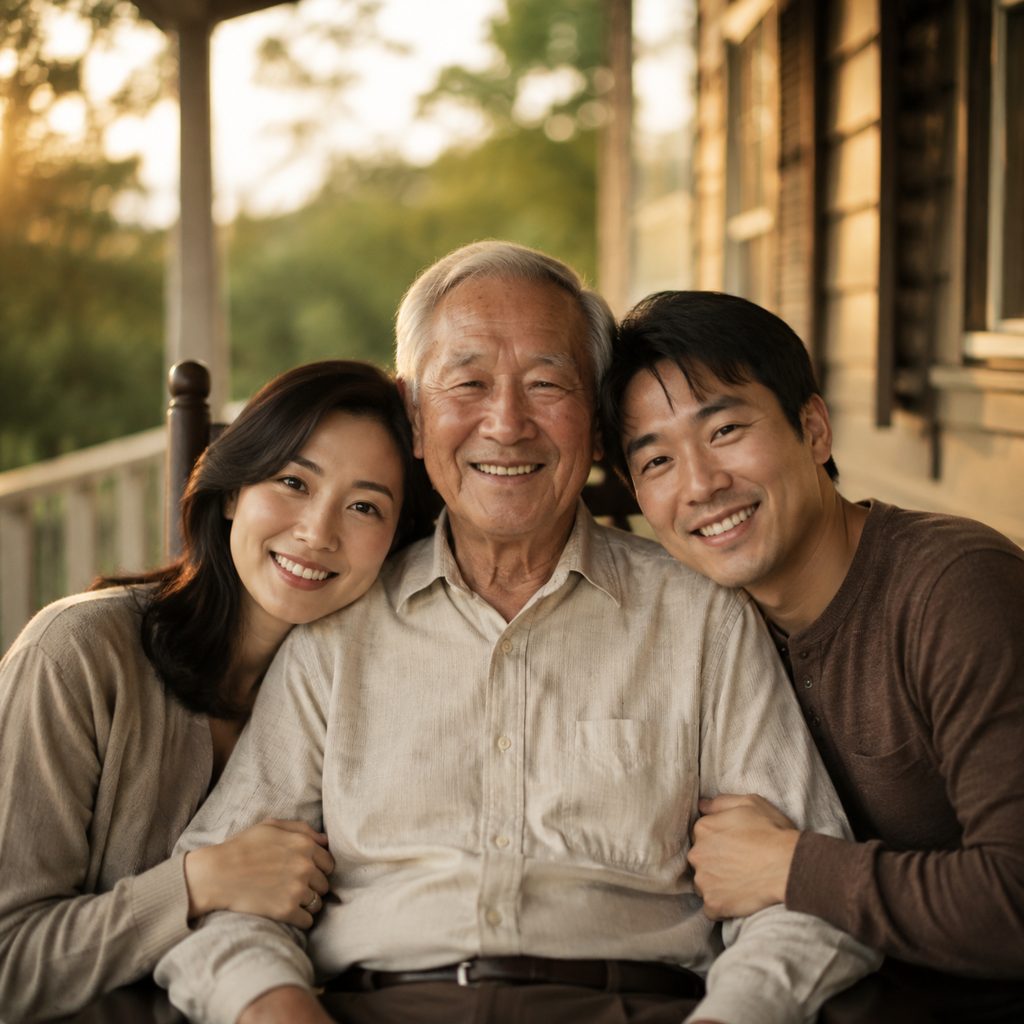
A family portrait for a remembrance video. The slow zoom drifts in toward the person being remembered, slow enough to feel respectful. Editors assemble a sequence of these clips in 16:9 for a service, or 9:16 for a shared phone video, with music underneath.
Podcast quote card
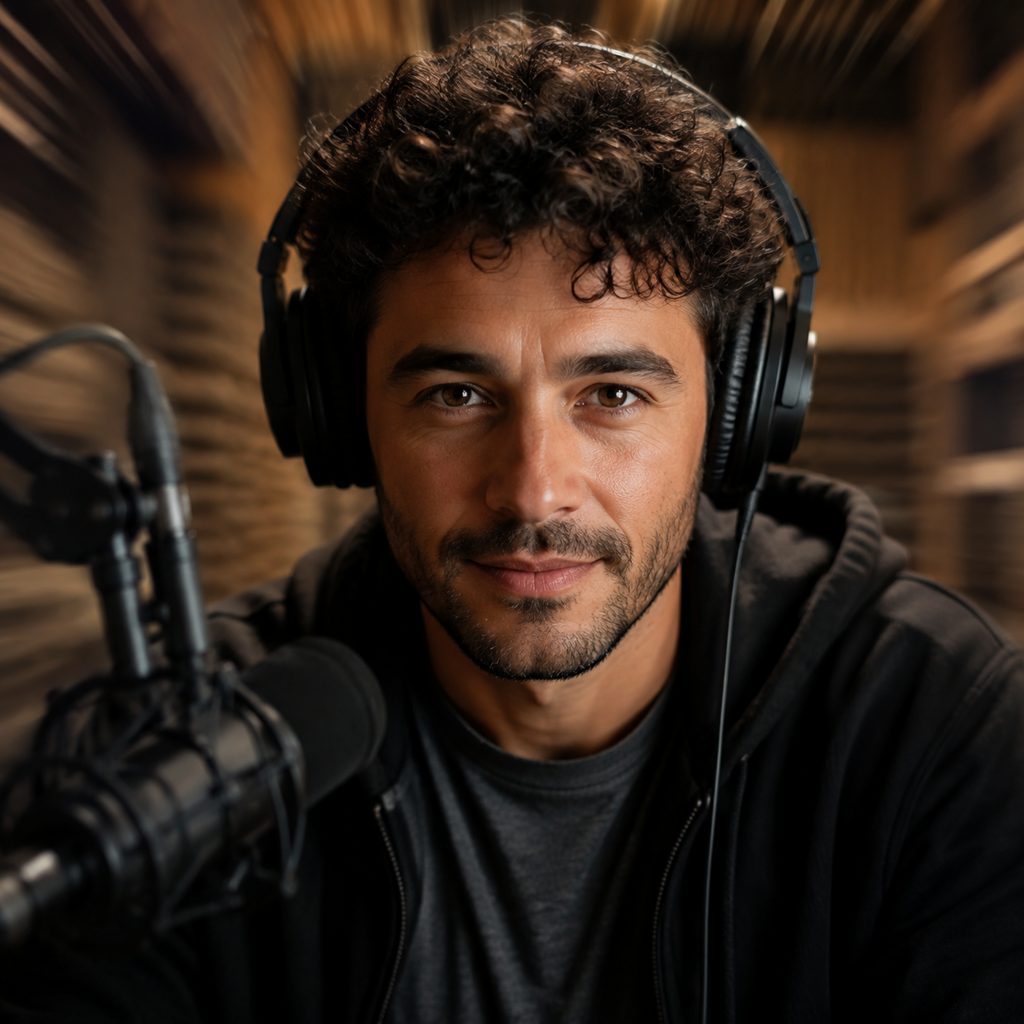
A headshot of a guest with a quote overlay. The clip plays behind the text in a 9:16 audiogram, pulling toward the eyes across the length of the clip. Because the subject stays centered, the caption never collides with the face.
FAQ
Common questions
What is the Ken Burns effect?+
The Ken Burns effect is a technique for animating still photographs by slowly zooming and, often, panning across them so a static image gains movement and focus. Named after the documentary filmmaker Ken Burns, the effect is standard in documentaries, slideshows and tribute videos.
How does LazyKiwi create a slow zoom in from one photo?+
LazyKiwi generates the move as image-to-video from a single uploaded photo. The engine uses the still as the first frame, increases the focal length gradually, keeps the subject sharp and at the visual center, and stops on a settled close-up. Spatial relationships in the image stay fixed. No keyframes, editing software or footage are required.
Ken Burns zoom vs dolly in: what is the difference?+
The Ken Burns move is a zoom, so the picture is magnified and every object keeps its position relative to the others. A dolly in physically moves the camera forward, so foreground and background shift against each other and perspective changes. On a flat photograph, the zoom is the honest choice; the dolly version invents depth.
What photo works best for a zoom in effect?+
A sharp, high-resolution photo with the subject near the center and a little space around it works best, since the frame tightens toward that point. Portraits, group photos and product shots are reliable. Very small faces, heavy grain or low-resolution scans lose detail as they grow, so upscale or rescan before uploading.
How long is the clip and what format do I get?+
LazyKiwi returns a short clip in vertical or landscape orientation. A 16:9 landscape version fits YouTube documentaries and slideshow projects, while a 9:16 vertical version works for Reels, TikTok tributes and audiograms. Generate a clip per photo and lay them end to end in CapCut or Premiere Pro.
Does the effect work on old or damaged photos?+
Yes, within limits. Scanned prints with fading or scratches keep those flaws, since the engine magnifies the image rather than restoring it. For best results, run a photo restoration or upscale first, then apply the zoom. Faces should be at least a few hundred pixels wide in the original scan.
Other names for Slow Zoom In
Documentary editors say Ken Burns effect or Ken Burns zoom; motion designers say slow push zoom, slow zoom effect or gentle zoom in; social creators search for zoom in effect, slow zoom video and photo zoom animation. Software-specific queries such as Ken Burns in iMovie, a gentle zoom in CapCut or zoom in effect in Premiere Pro describe hand-keyframed versions of the clip this template generates automatically.
Give any photo the Ken Burns effect in one click
Upload one image, choose the template, generate. Free credits on signup.