AI Smile Generator
This AI smile generator takes one still portrait and animates a few seconds of video in which the face eases into a smile: the mouth opens, the cheeks lift and the eyes narrow together. The expression is generated, not recovered, so treat it as a keepsake rather than a rediscovered moment.
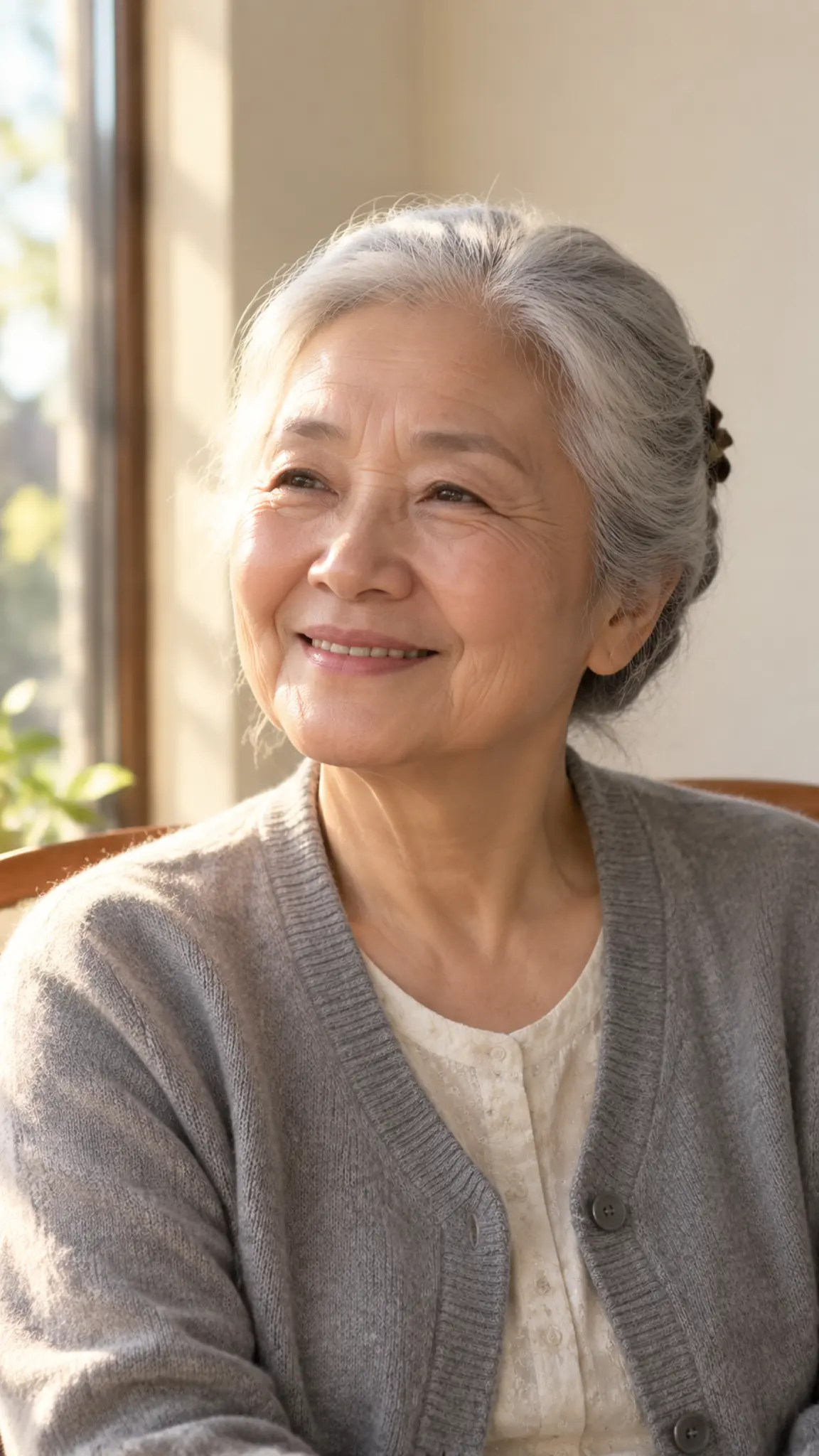
AI Smile Generator Template
Upload one photo with the whole face visible and roughly front-on. Scans of printed photos are fine, crop out the album page and avoid glare across the face.
WHAT IT IS
A smile the whole face agrees with
A smile that only happens in the mouth reads as wrong within half a second, and that is the failure mode of every static smile filter: teeth appear, the rest of the face stays frozen, and the result looks like a mask. This template drives the expression as motion instead. Over a few seconds the corners of the mouth rise, the cheeks push up under the eyes, the eyelids narrow slightly and the eyebrows settle, the ordering that separates a genuine smile from a posed one. Identity is held from the upload throughout: bone structure, skin texture, hairline and the lines around the eyes stay where they were, because a smoothed face is a different person. The template is most useful on photographs that were never going to contain a smile, formal studio portraits, identity photos, wartime and mid-century family pictures where sitting still was the instruction. If your source is a damaged print, run it through photo restoration first, and if it is black and white, AI photo colorizer before this step; both give the model more to read. Output is a single short clip with no audio, no captions and no watermark.
- The eyes join in
- Cheeks lift, the lower lids rise and the outer corners of the eyes crease as the mouth moves. That combination is what makes a smile read as felt rather than pasted on, and it is what a still filter cannot fake.
- The face stays the same face
- Bone structure, skin texture, hairline, moles and eye lines are held from the upload. No skin smoothing, no teeth whitening, no quiet slimming of the jaw; the person is meant to stay recognizable to the people who knew them.
- Built for scans, not only selfies
- Film grain, print texture and slightly soft focus are treated as part of the picture rather than noise to be scrubbed out, so a photographed album page still animates instead of turning plastic.
- A clip, not a new still
- The output is a short MP4 with the smile forming inside it, which is what you need for a slideshow, a memorial video or a post. There is no generated audio, so any music is yours to add afterwards.
USE CASES
Where a generated smile earns its place
Three situations where the still you have is the only still there will ever be.
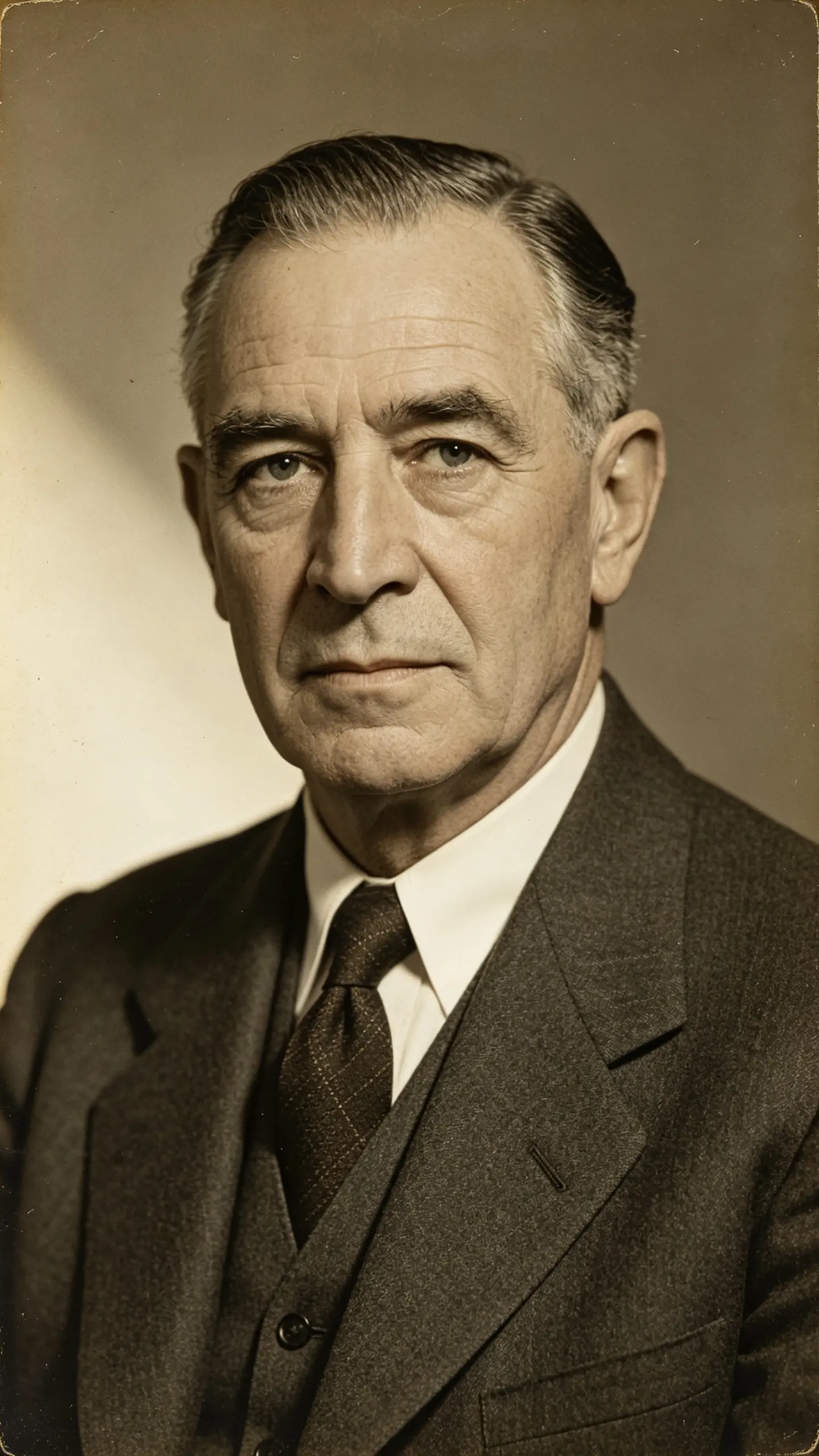
The relative who never smiled for a camera
A grandfather photographed in 1958 with the formal, closed-mouth expression of the era. One scan produces a few seconds where his face softens into a smile, a keepsake for the family group chat, understood by everyone as an imagined expression rather than a rediscovered one.

A profile photo that came out stiff
The only usable headshot from a work shoot has a flat, tense expression. The template produces a version where the smile arrives naturally, which you can either export as a short clip for a profile that supports video or freeze on the frame you like best.
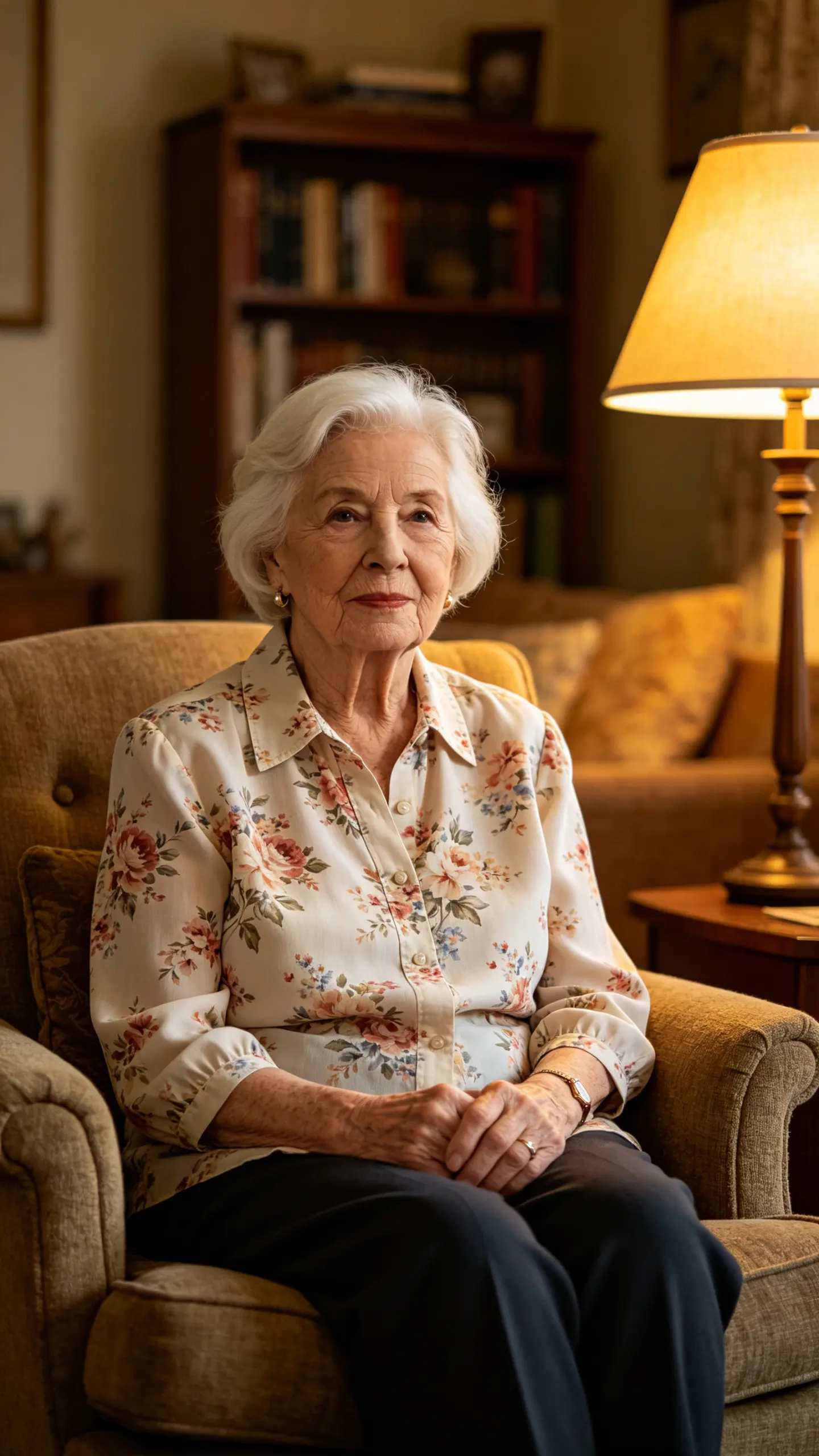
A memorial slideshow that needs one moving frame
A funeral or anniversary slideshow made of stills gains one clip in the middle where a face moves. Families use it as the closing image; it carries more weight than a cross-dissolve, and it is honest about being made rather than found.
FAQ
Common questions
What is an AI smile generator?+
An AI smile generator is an image-to-video tool that animates a still portrait so the face moves from its original expression into a smile. Unlike a smile filter, which paints teeth onto a static image, this one produces a short clip in which the mouth, cheeks and eyes move together over a couple of seconds.
Can I make an old photo smile?+
Yes, and it is the strongest use of this template. Scanned prints from the 1940s onwards animate well because formal portraits of that era are front-on and evenly lit. Repair tears and creases with photo restoration first, and colorise black-and-white sources with the AI photo colorizer if you want color, since both steps give the model a cleaner face to work from.
Is the smile real, or is it invented?+
It is invented. The model produces a smile that is plausible for the geometry of that face; it has no information about how the person actually smiled, and the result is not evidence that the moment happened. Treat the clip as a portrait study or a keepsake, and say so when you share it with family, that framing is what keeps it a warm thing rather than a misleading one.
What kind of photo works best?+
A front-on photo with both eyes open, the mouth unobstructed and the face at least a few hundred pixels wide. Results degrade with strict profile shots, sunglasses, masks, heavy motion blur and faces smaller than a thumbnail in a group photo. Crop to the person first, a wide family group animates far worse than the same face cropped in.
How long is the clip and what can I export?+
Most image-to-video models here run between 3 and 10 seconds, at 720p or 1080p, in 16:9, 9:16 or 1:1. A smile needs about two seconds to form and hold, so the shorter settings are usually the better trade: longer clips give the model room to drift the face after the expression has landed.
Can I use a photo of someone else?+
Only with that person permission, or where you are the rights holder, a family photograph you own, for example. Do not use photographs of public figures, and do not present a generated smile as a real recording of anyone. If you also want a then-and-now treatment of the same person, the then vs now transition template covers that.
Other names for the AI smile generator
People look for this in two ways. Some search for the tool (AI smile generator, smile filter, smile maker) and some describe the outcome, as in make a photo smile, add a smile to a picture, or make an old photo smile. A smaller group is looking for the video form specifically: photo to smiling video, smile animation from a photo. All of them end up in the same place, because the only way a smile looks real is if it moves.
Give a still portrait a moment of movement
One photo in, a short clip out. No filming, no editing app.