AI Walking Generator
This AI walking generator takes one full-body photo and produces a few seconds of that person walking: weight shifting from heel to toe, arms swinging out of phase with the legs, clothing moving a beat behind the body. You choose where the walk happens, on a runway, along a street, or down a corridor toward the camera.
AI Walking Generator Template
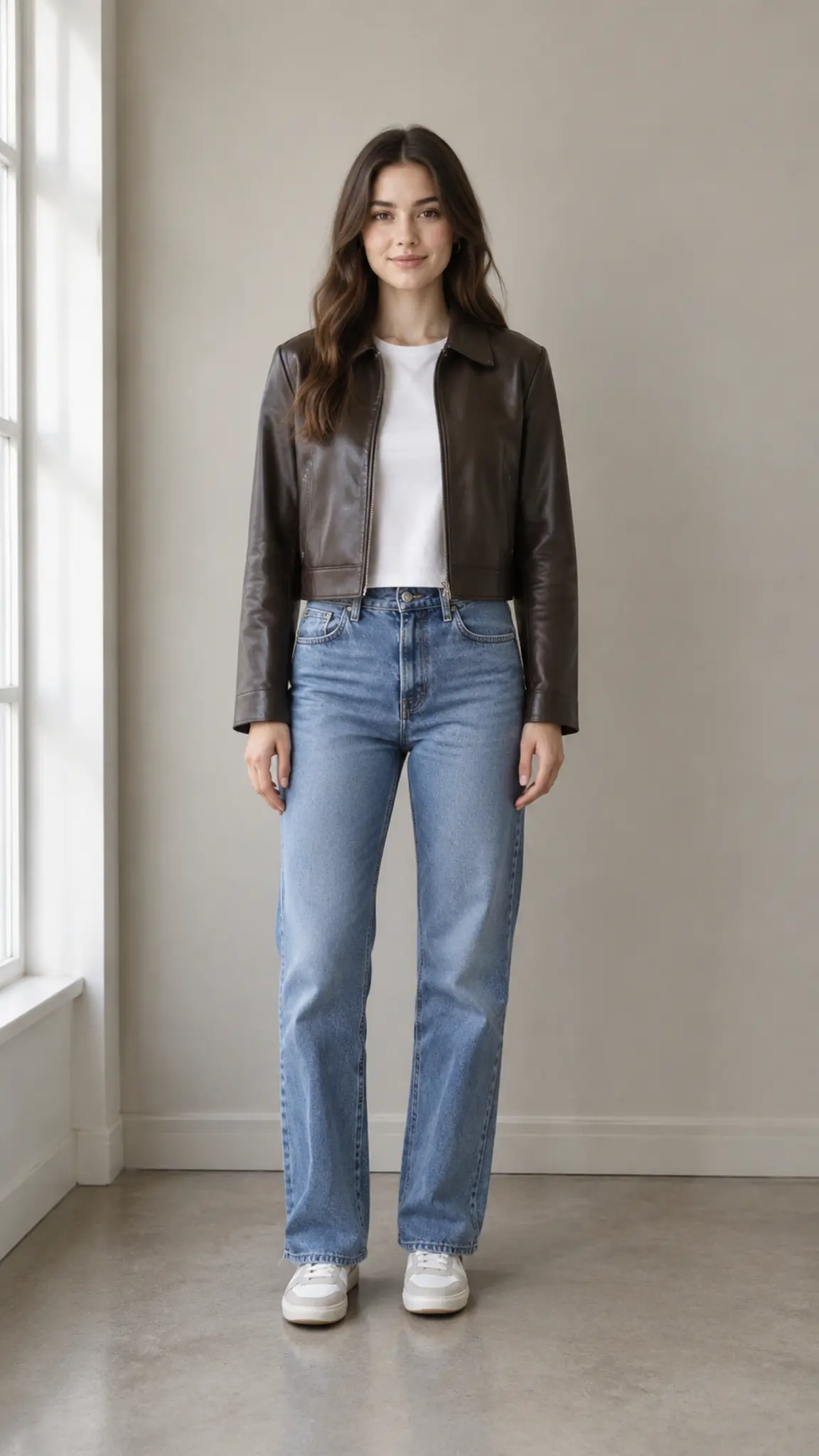
Upload a full-body or knee-up photo with space above the head and floor visible below the feet. A tight head-and-shoulders crop leaves the model nowhere to put a walk.
WHAT IT IS
A walk cycle is mostly about the floor
Walking looks simple and is the motion most generated video gets caught on, because the giveaway is not the legs but the contact between foot and ground. When a model loses that contact the feet slide, the stride length changes between steps, and the person appears to be moving on a treadmill while the background slides past. Two things reduce it, and both are decided before you generate. The first is framing: leave headroom above and floor below, because a crop that ends at the waist gives the model no ground plane to plant a foot on. The second is the background, which needs perspective, meaning a pavement, a corridor, a runway or a road with lines converging away from the camera. Give it a flat studio wall and the walk has nothing to travel against. A five-second clip is roughly eight to ten steps, which is enough for a full entrance and an exit from frame. Fabric behavior is where the effect earns its keep: coats, long skirts and wide trousers carry the motion and forgive small errors, while a tight pencil skirt or a long gown that hides the feet is the hardest case. For the camera-side versions of the same idea, reverse tracking walk and talk walks a subject backwards ahead of the lens, tracking shot follows from behind, and side tracking runs parallel to the subject.
- Foot contact, not a treadmill
- The stride is generated against a visible ground plane so the feet plant rather than slide. Sliding feet are the single clearest tell in generated walking footage, and framing is what prevents them.
- Perspective in the background
- Pavements, corridors, runways and roads give the walk somewhere to go. Flat backdrops with no converging lines make the subject look like it is marching in place.
- Fabric carries the motion
- Coats, wide trousers and skirts swing a beat behind the body and make the walk read as real. Tight clothing that hides the ankles gives the model less to work with.
- Toward, across or away
- The same photo runs as an approach into close-up, a side-on pass across frame, or a walk away into depth. Each one changes what the viewer looks at first.
USE CASES
Where a generated walk gets used
Three jobs that a single walking clip covers.
A runway walk without a runway
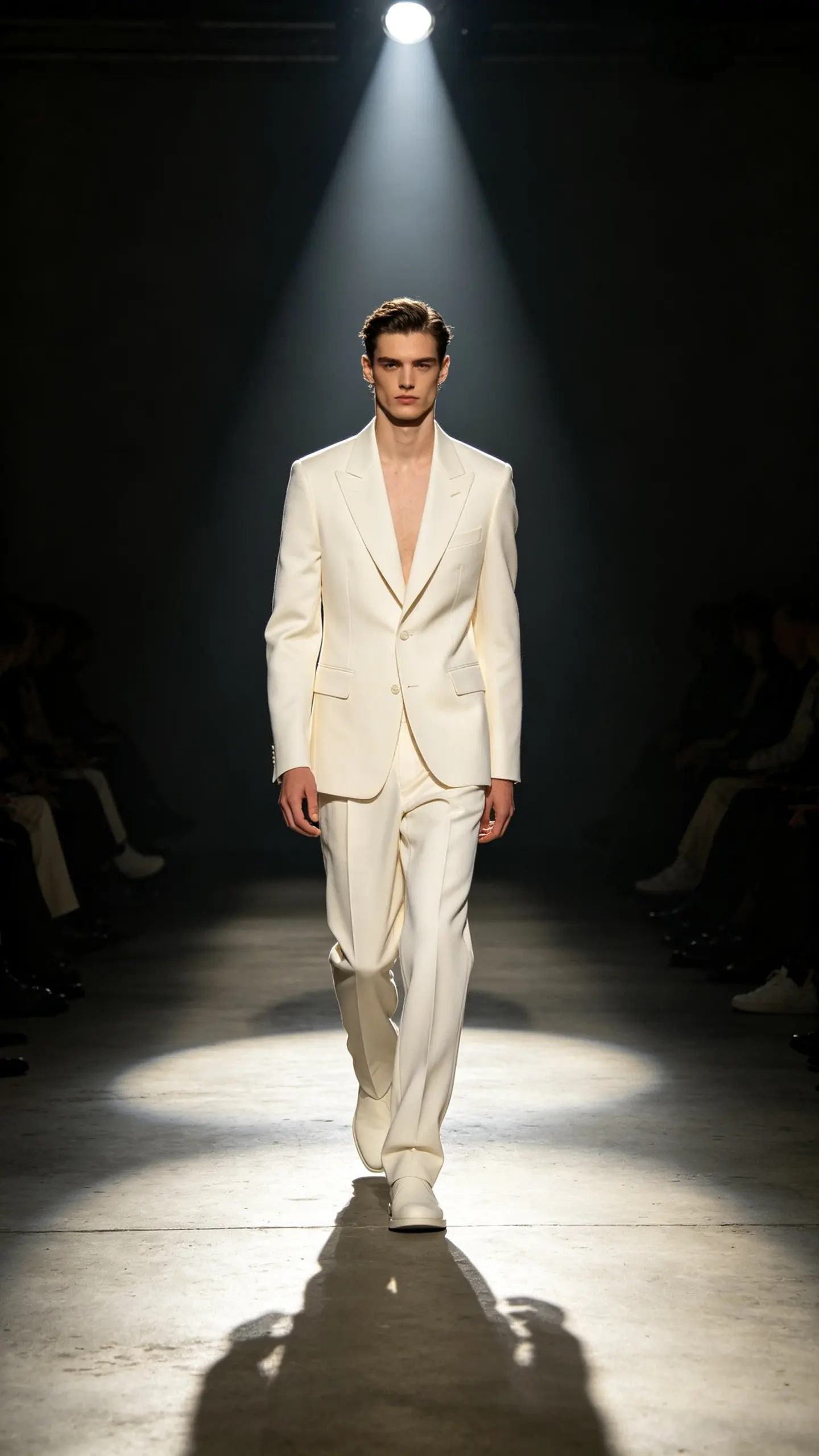
Fashion accounts and small labels use a catwalk pass as the hero shot of a look. One full-body photo of the outfit produces the walk, with the lighting rig and the audience implied rather than hired.
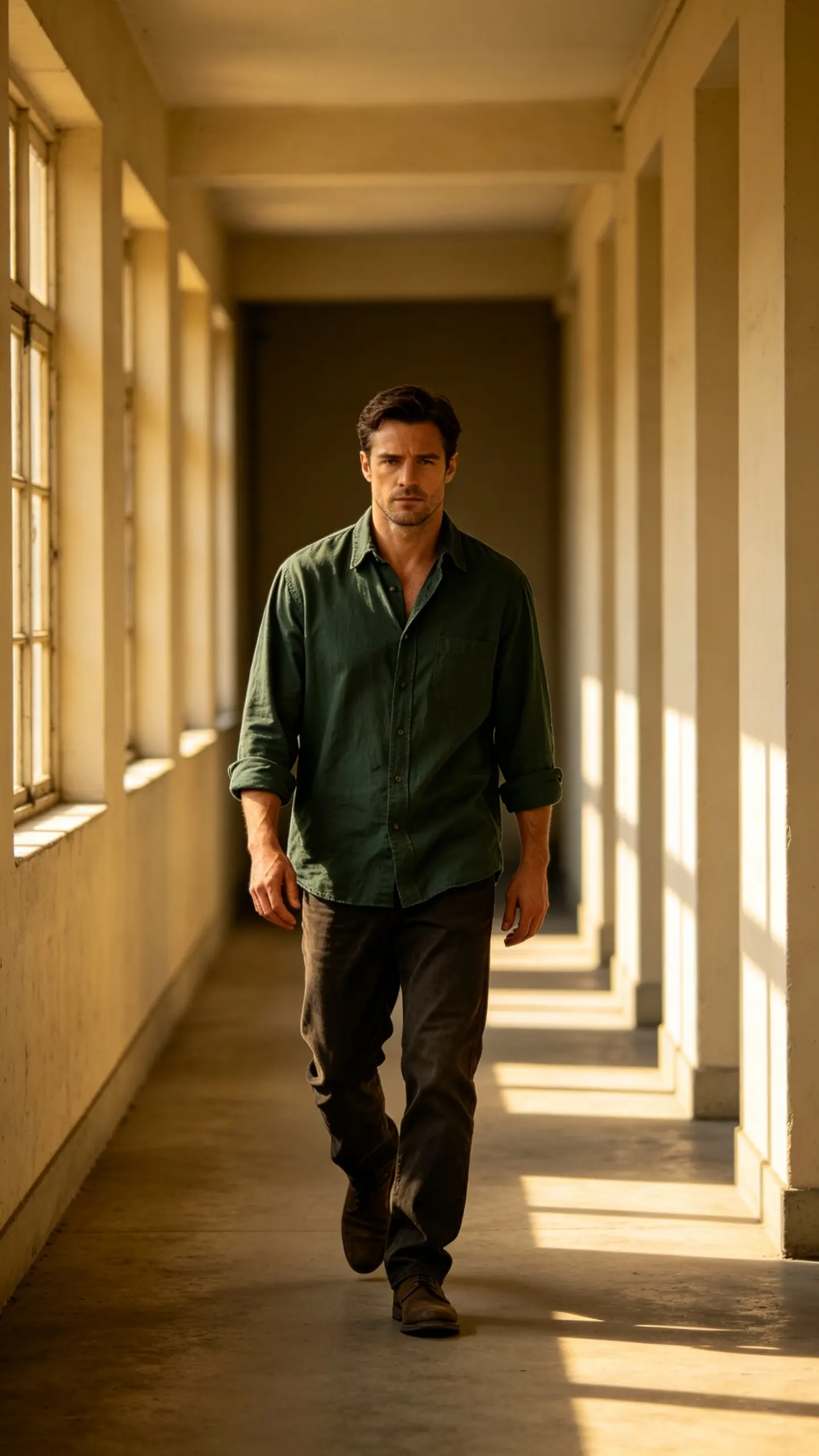
An entrance for a channel or a profile
A presenter who wants a moving intro but has only stills gets a walk toward camera that ends in a medium shot. It is a two-second beat that gives an intro somewhere to start, and it cuts cleanly into whatever follows.
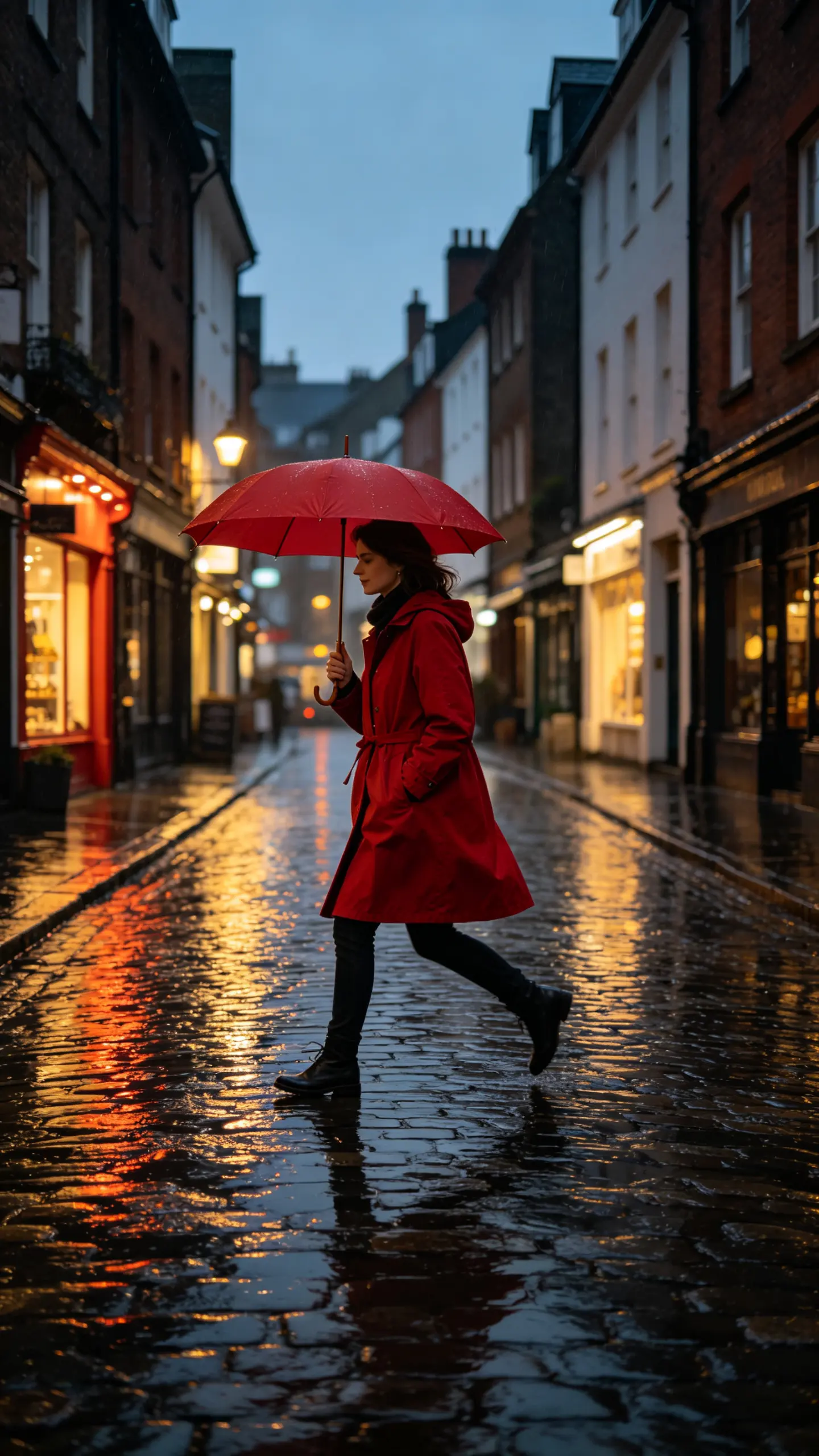
A street shot the weather never allowed
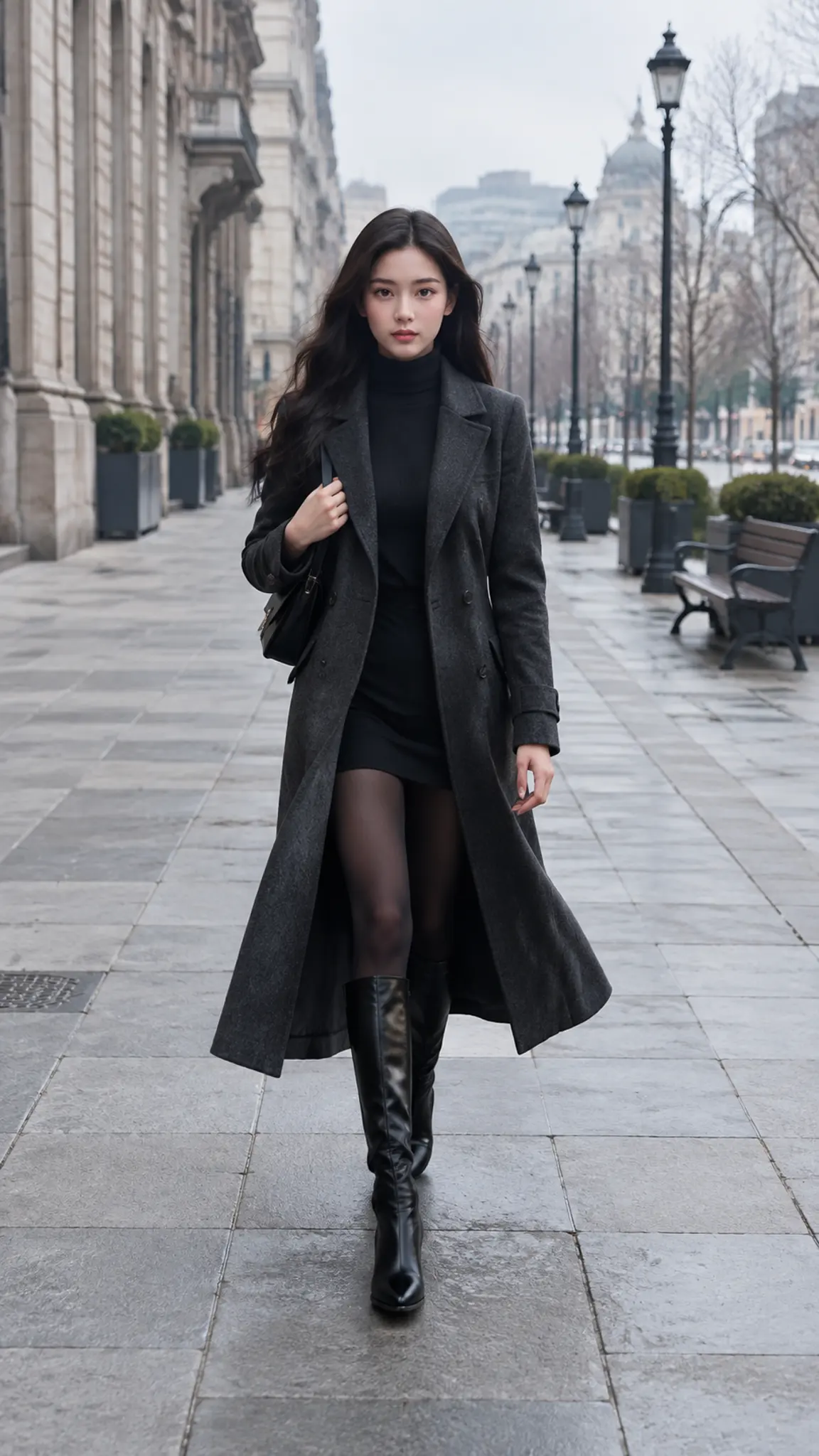
Travel and lifestyle posts often need a walking shot in a place or a season that is not available. The template generates the street, the light and the walk from one photo, at whatever time of day the post calls for.
FAQ
Common questions
What is an AI walking generator?+
It is an image-to-video tool that animates a still photo of a person into a walking shot. The model builds the stride, the arm swing and the clothing movement, and generates the environment the walk happens in, whether that is a runway, a pavement or a corridor.
What photo do I need?+
A full-body or knee-up photo with headroom above and floor visible below the feet. This matters more than image quality: a portrait cropped at the chest gives the model no ground plane, and the result is a person hovering while the background scrolls. Even light and a clear silhouette help too.
Why do the feet slide in some clips?+
Foot-to-ground contact is the hardest part of a generated walk cycle, and it fails when the frame has no visible floor or the background has no perspective. Choose a location with converging lines, keep the feet in shot, and use shorter clips, since every extra second is another chance for the stride to drift.
Can it do a catwalk or runway walk?+
Yes, and it is the strongest use of the template, because a runway supplies exactly what the effect needs: a floor, a straight line into depth and hard overhead light. Structured clothing that swings, such as coats and wide trousers, reads better on camera than close-fitting fabric.
How long should the clip be?+
Five seconds is about eight to ten steps, which covers an entrance and an exit from frame. Models here run between 3 and 10 seconds at 720p or 1080p, in 16:9, 9:16 or 1:1. For a longer sequence, generate two passes from different angles and cut them together.
Does it work for a full body in a long dress?+
Partly. Long gowns and floor-length coats hide the feet, so the model has no visible contact point and the walk can float. If the outfit reaches the floor, favour a side-on pass across frame over a walk toward camera, since lateral movement makes the drift much less obvious.
Other names for the AI walking generator
This one is searched by outcome. People type make a photo walk, walking animation from a photo, or photo to walking video, and fashion users search catwalk and runway walk instead. A separate group is after the camera language rather than the subject, as in walk mode or walking shot. All of them are asking for the same two things, which are a believable stride and a background that proves the person is actually moving through it.
Give a still photo somewhere to walk
Runway, street or corridor, generated around one full-body shot.