
Restore Old Photos with Lazykiwi AI: Bring memories back
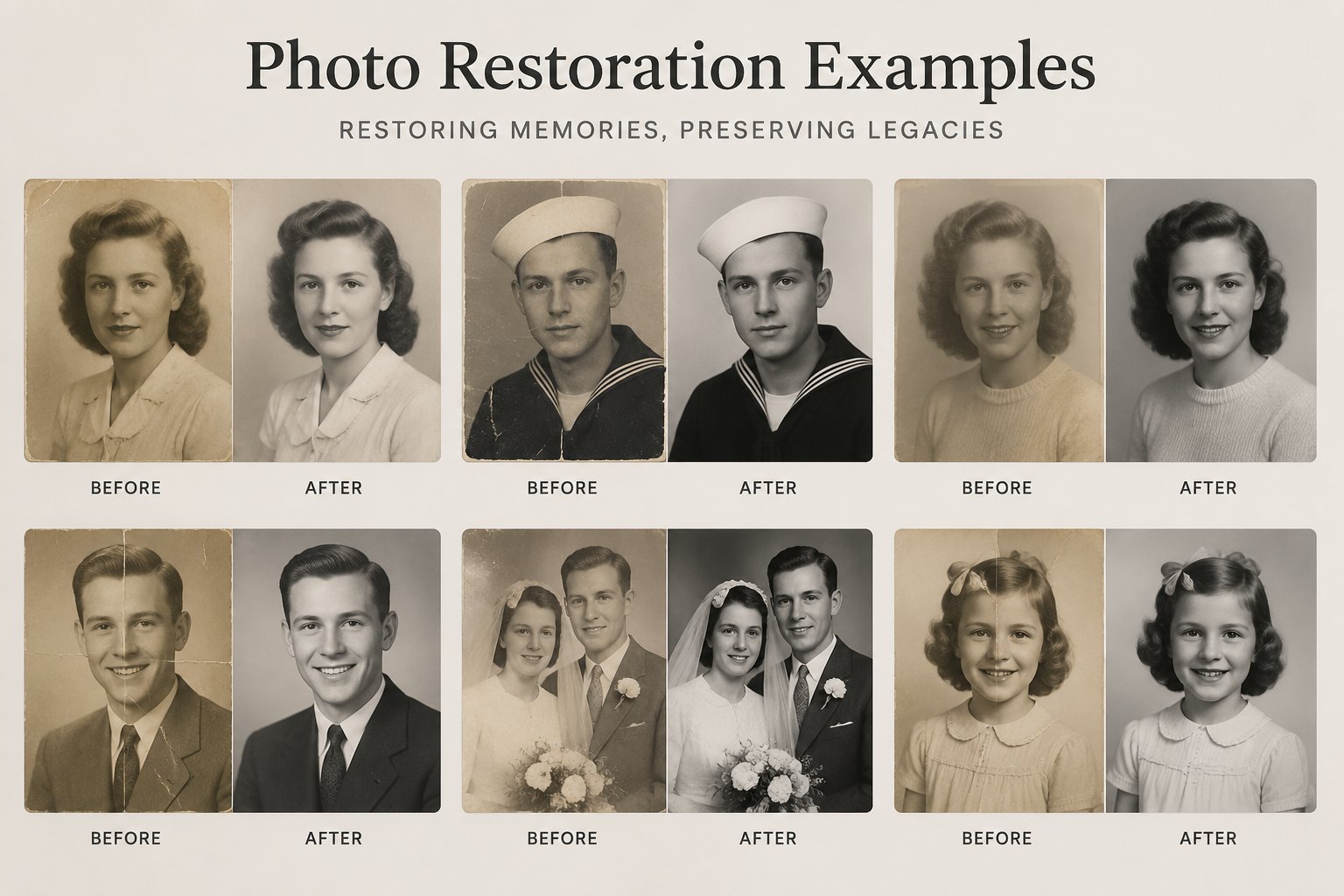
Upload an old or damaged photo and let LazyKiwi repair scratches, tears and fading, recover faces, and restore clarity — a worn print becomes a clear keepsake.
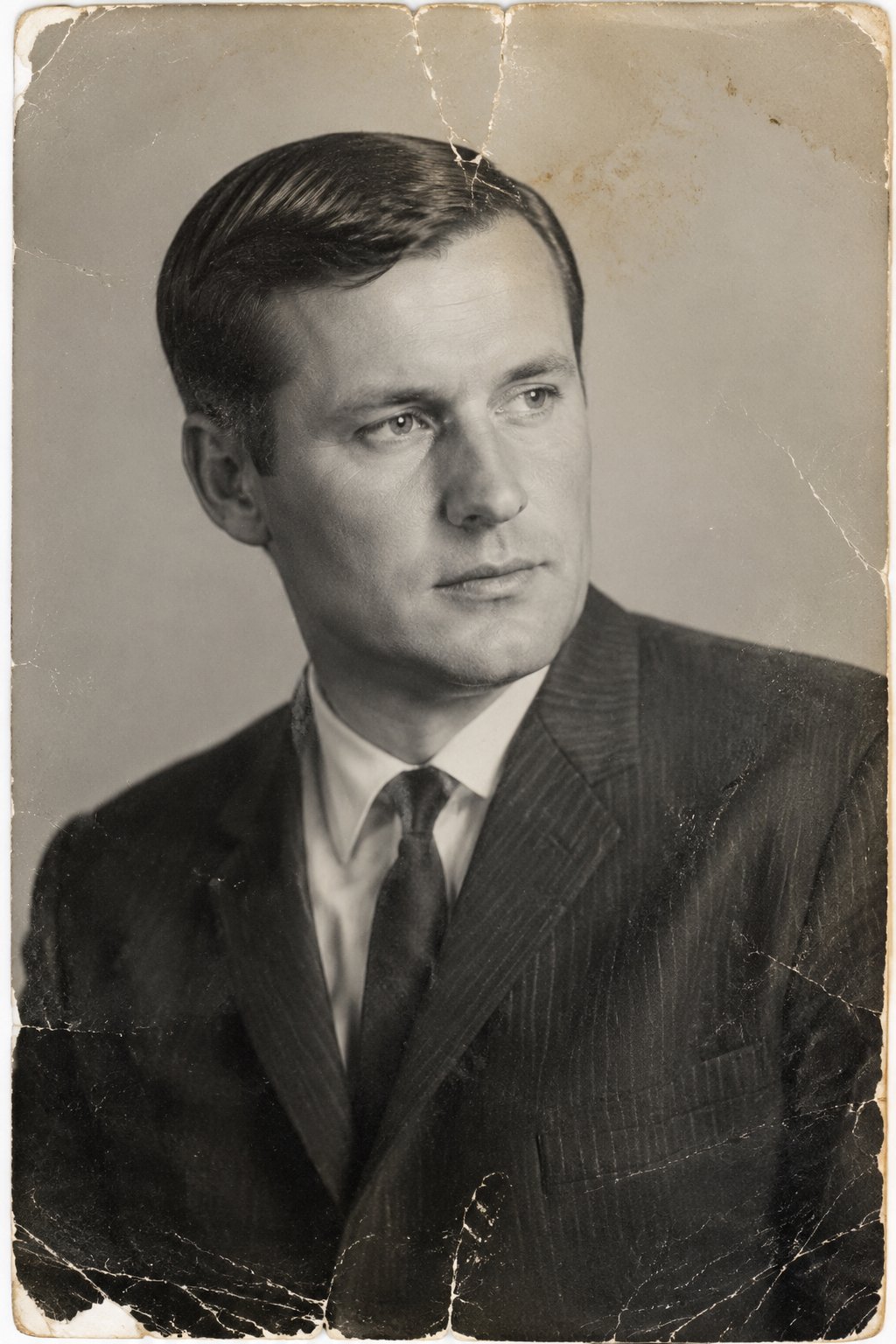 BEFORE
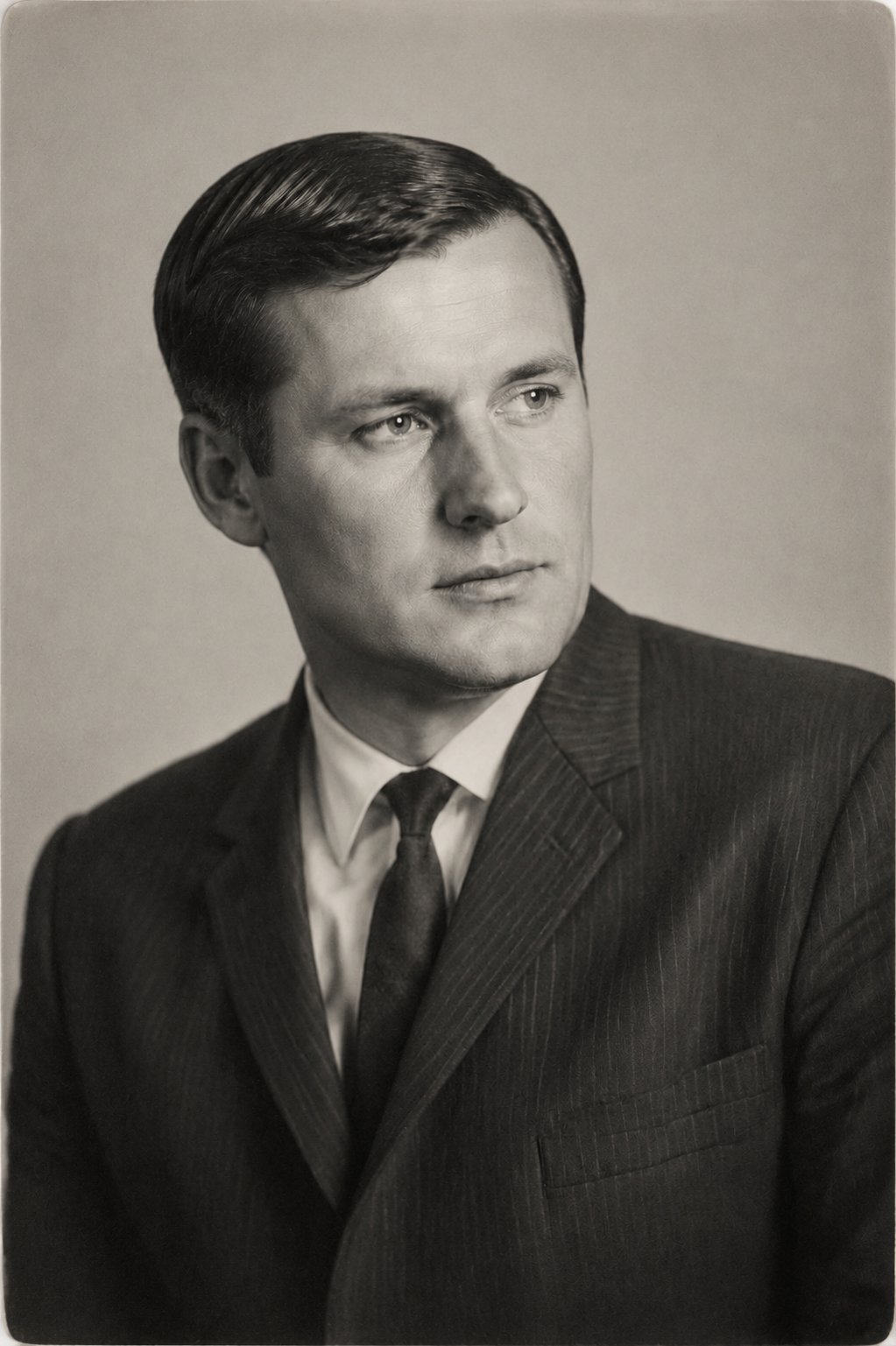 AFTER ✨
What it is
Repair what time has worn down.
Old prints fade, crack and yellow with the years. LazyKiwi AI photo restoration rebuilds the missing detail — repairing damage and recovering faces — so a fragile memory becomes a sharp, shareable picture again.
How it works
Your result in three steps
Upload your photo
A clear, well-lit photo is all you need. Scan a print or snap a photo of it — even worn images work.
Pick what to fix
Let the AI restore automatically, or note specific fixes.
Generate & download
Compare before and after, then download the restored photo.
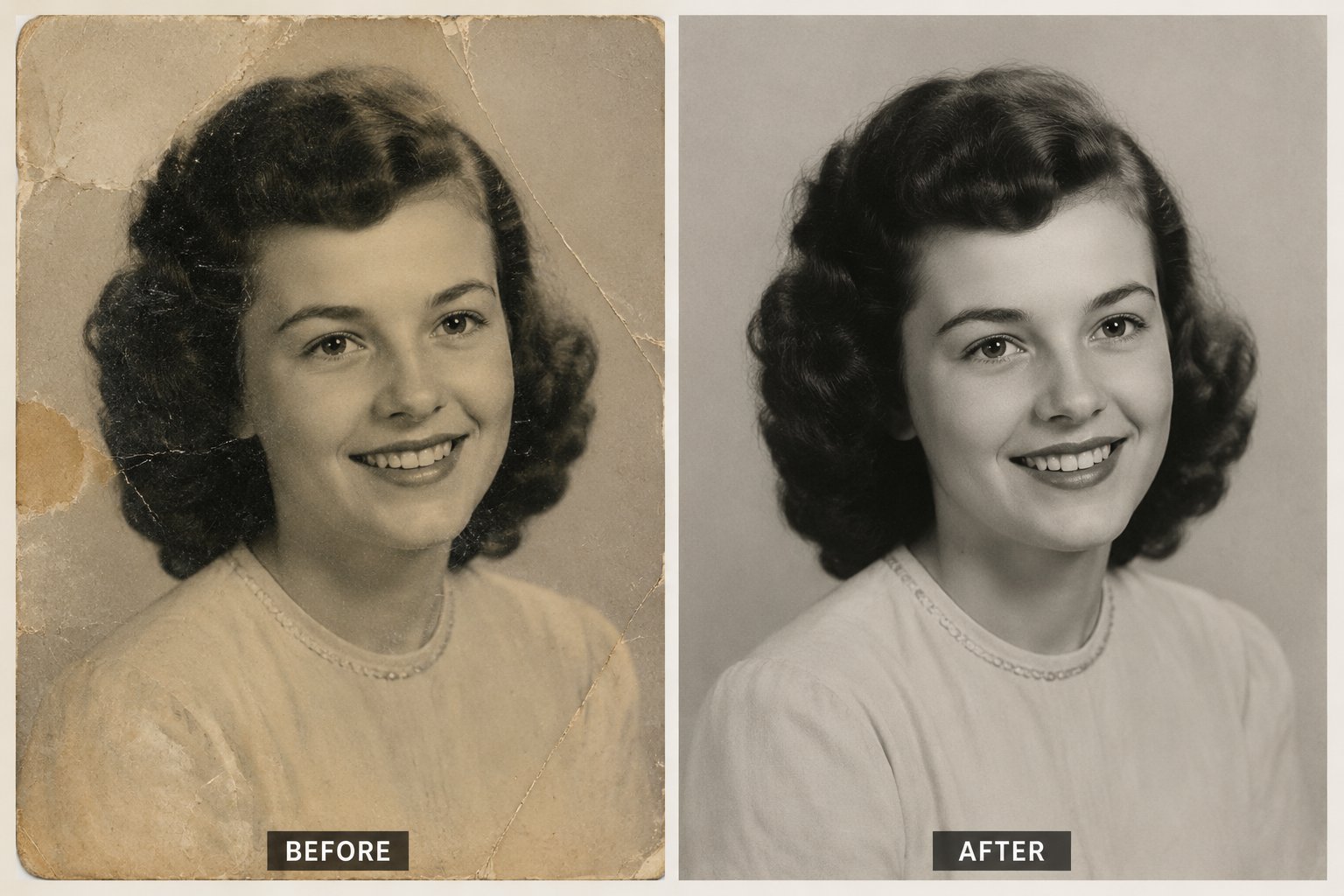
Repair damage
Scratches, tears and stains, gone
The AI rebuilds creased corners, dust and water damage on scanned prints, cleanly and faithfully.
- Removes scratches and dust
- Repairs torn and creased areas
- Keeps the original scene intact
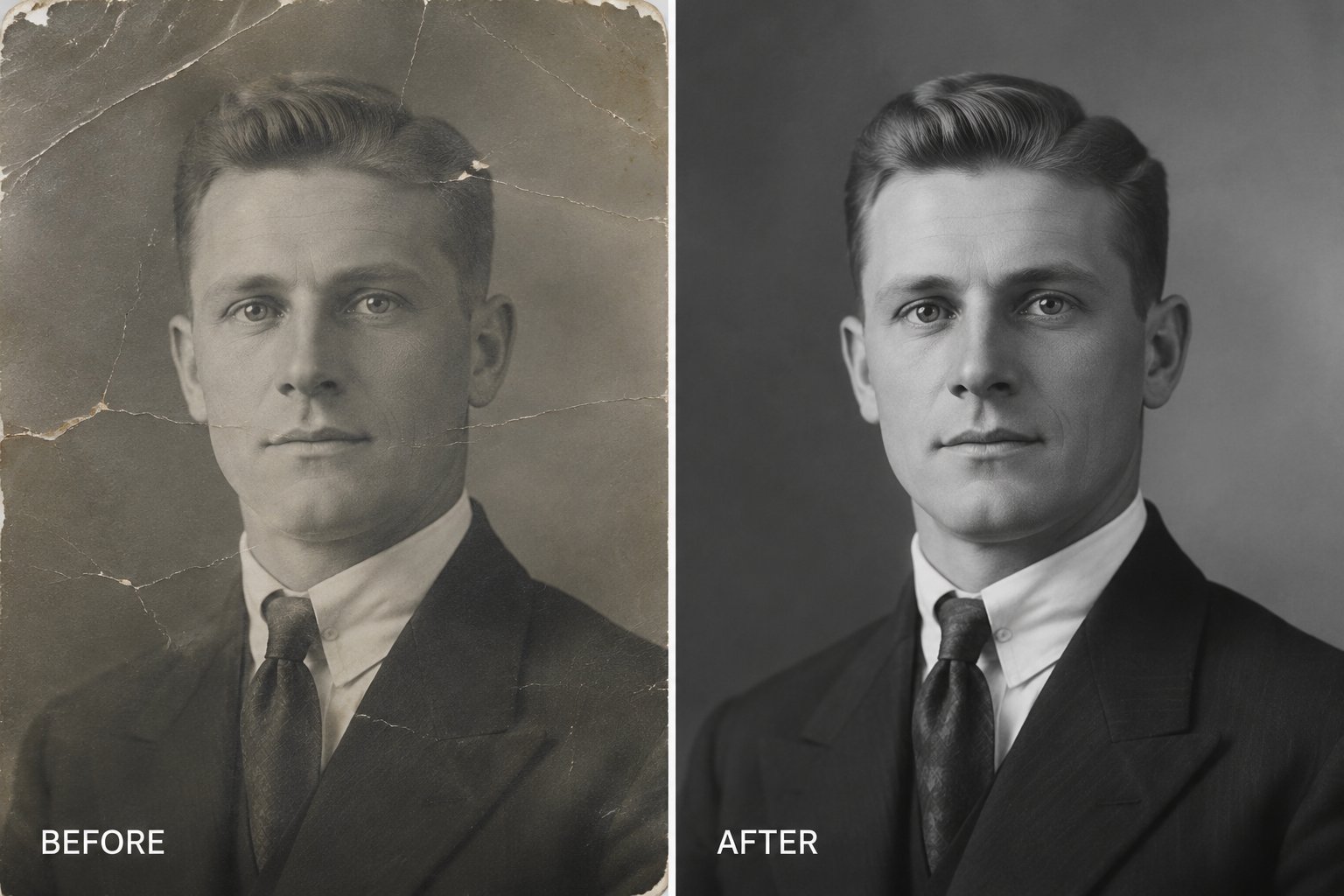
Recover faces
See loved ones clearly again
Soft or blurred facial detail is reconstructed so people look like themselves, not a smudge.
- Restores facial detail
- Sharpens soft, small prints
- Natural, faithful results
Undo time
Colour and clarity, restored
Correct yellowing, low contrast and washed-out tones from age and sun, then export at high resolution.
- Fixes fading and colour cast
- Boosts clarity and resolution
- Ready to print or share
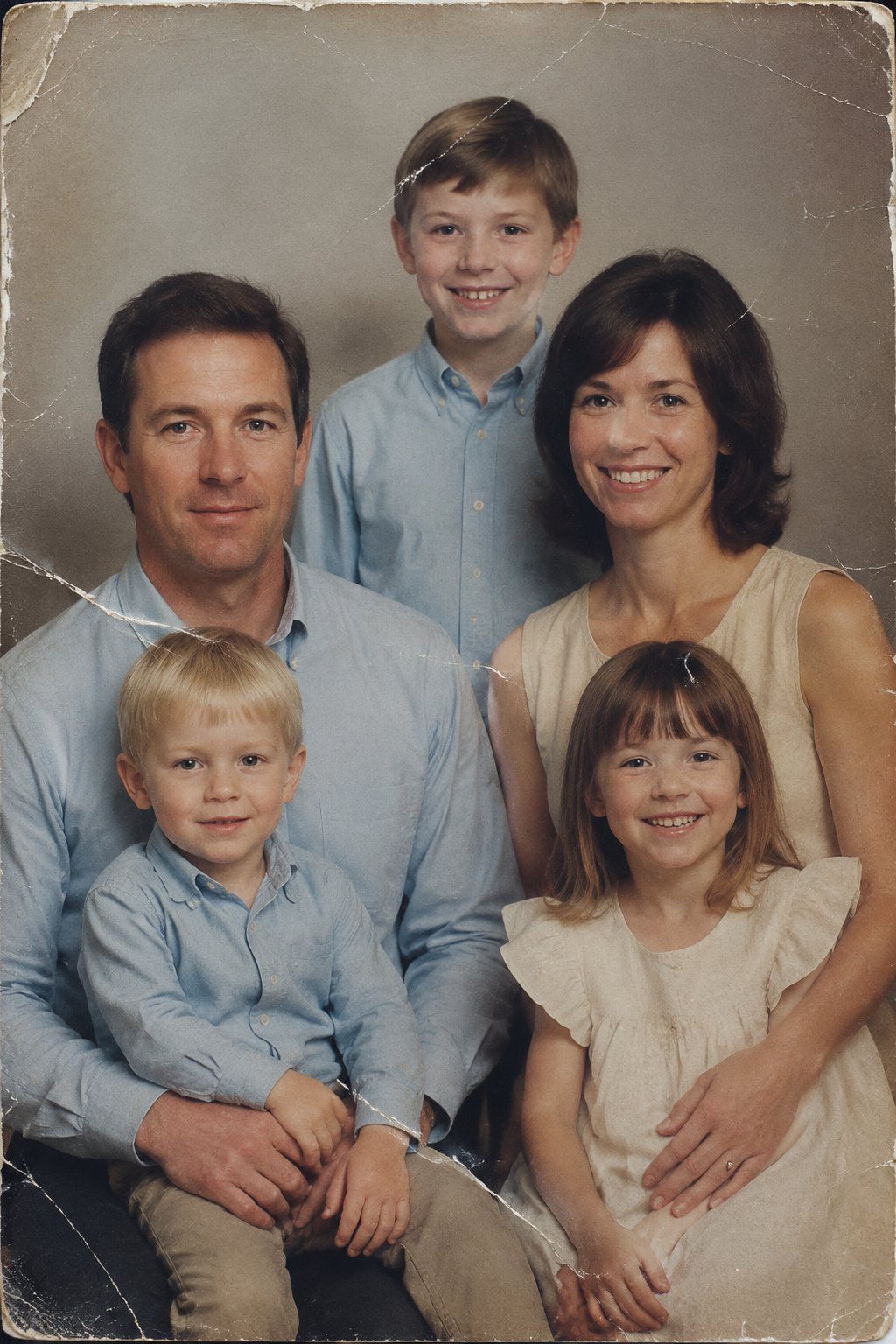
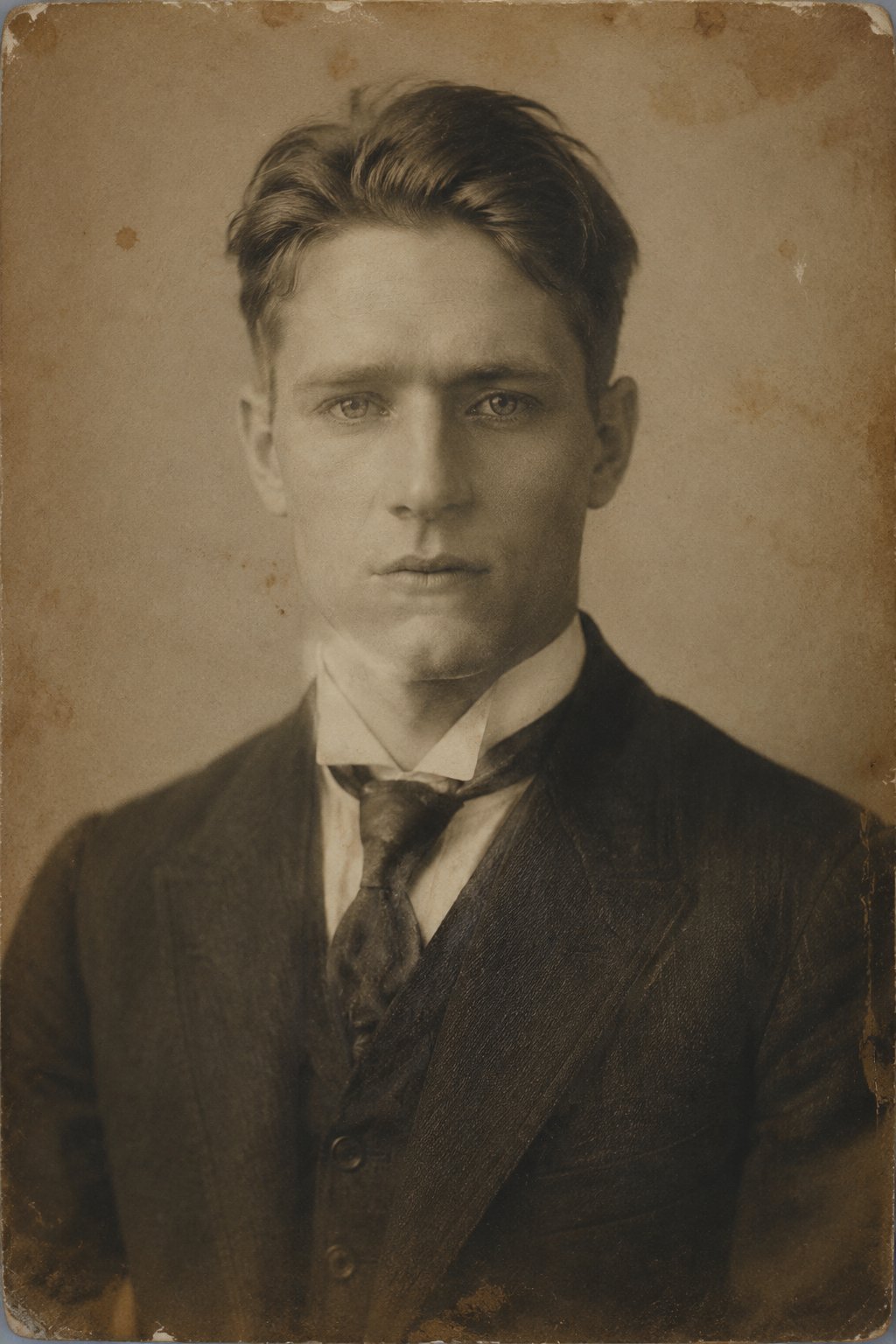
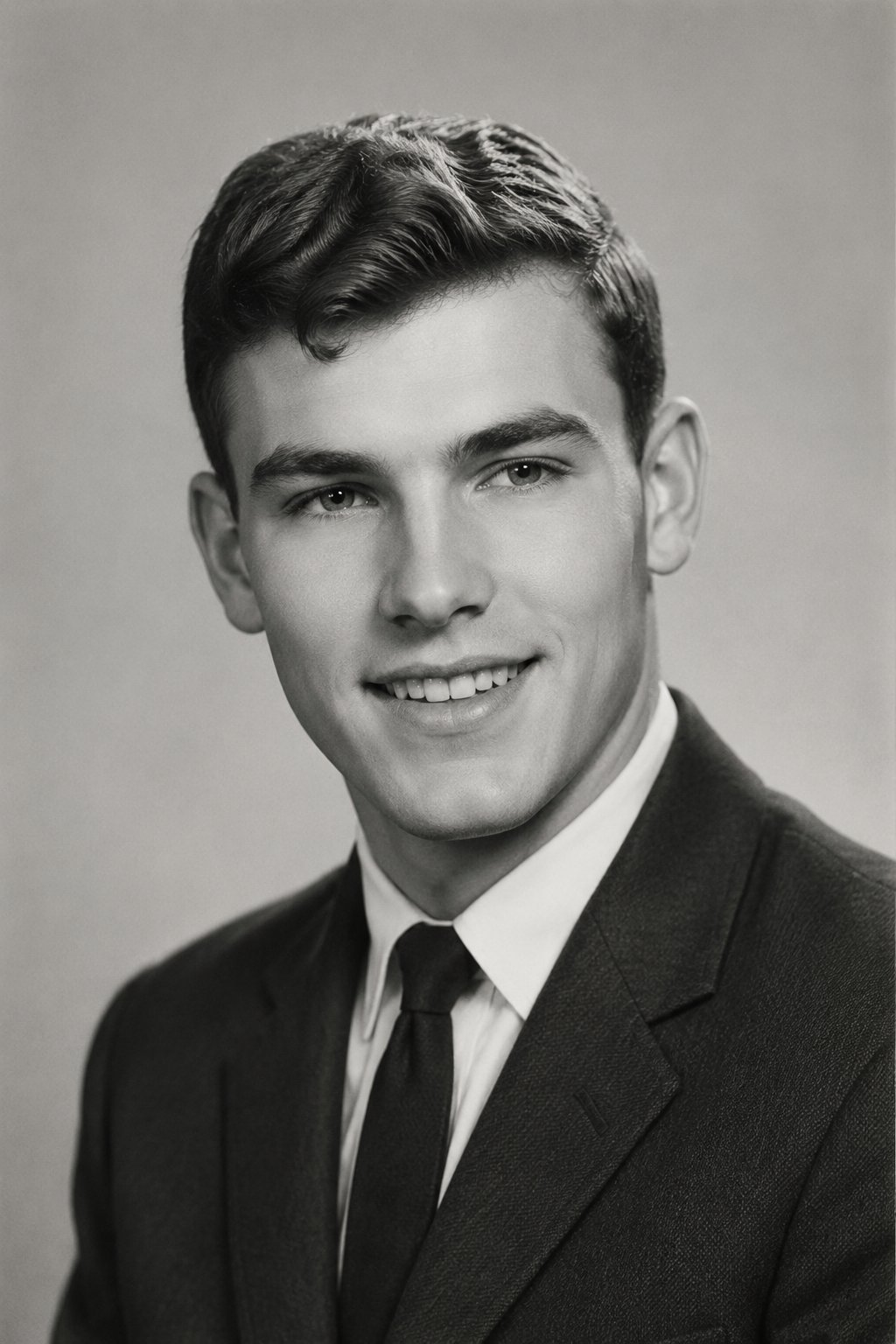
Examples
Memories, restored
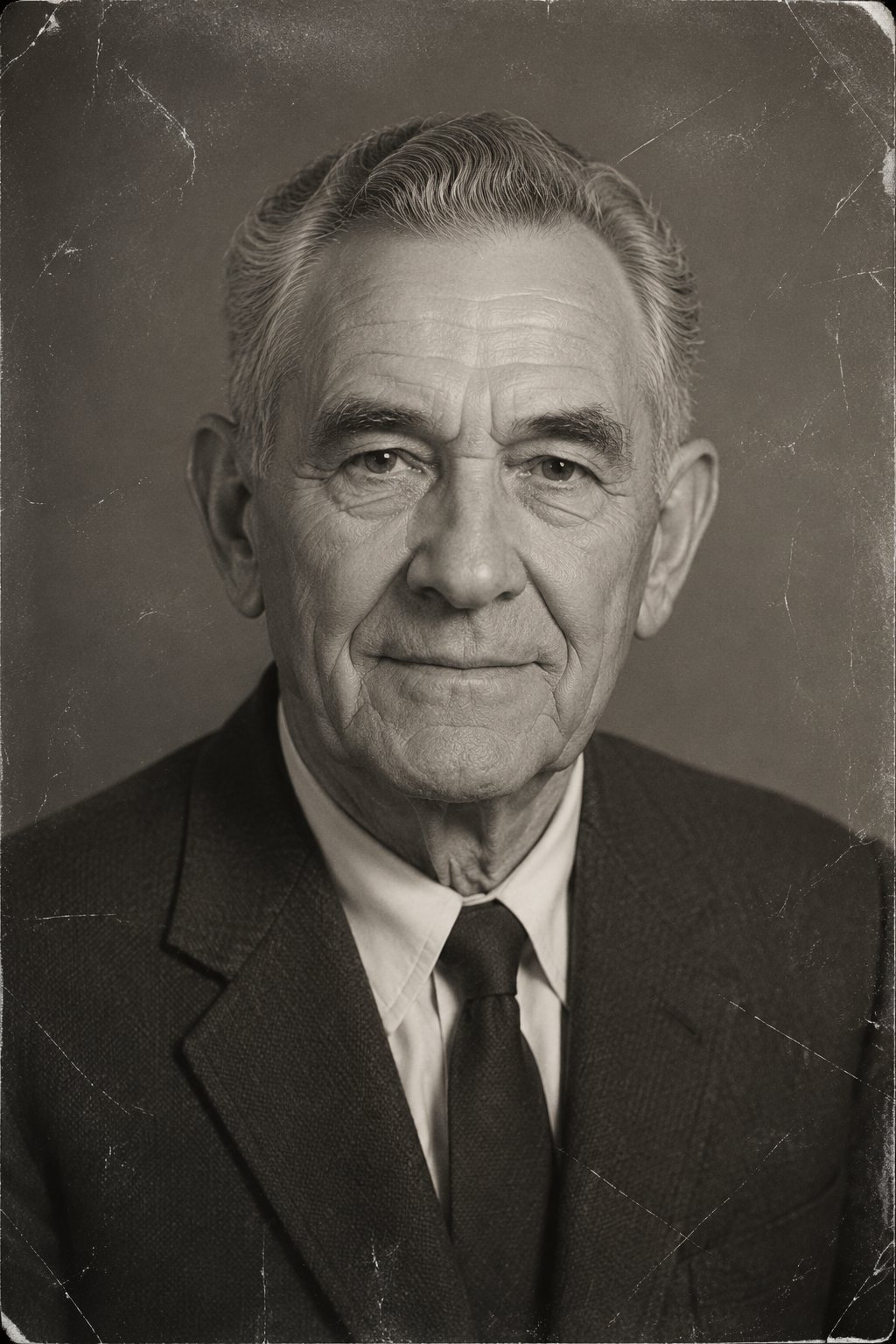
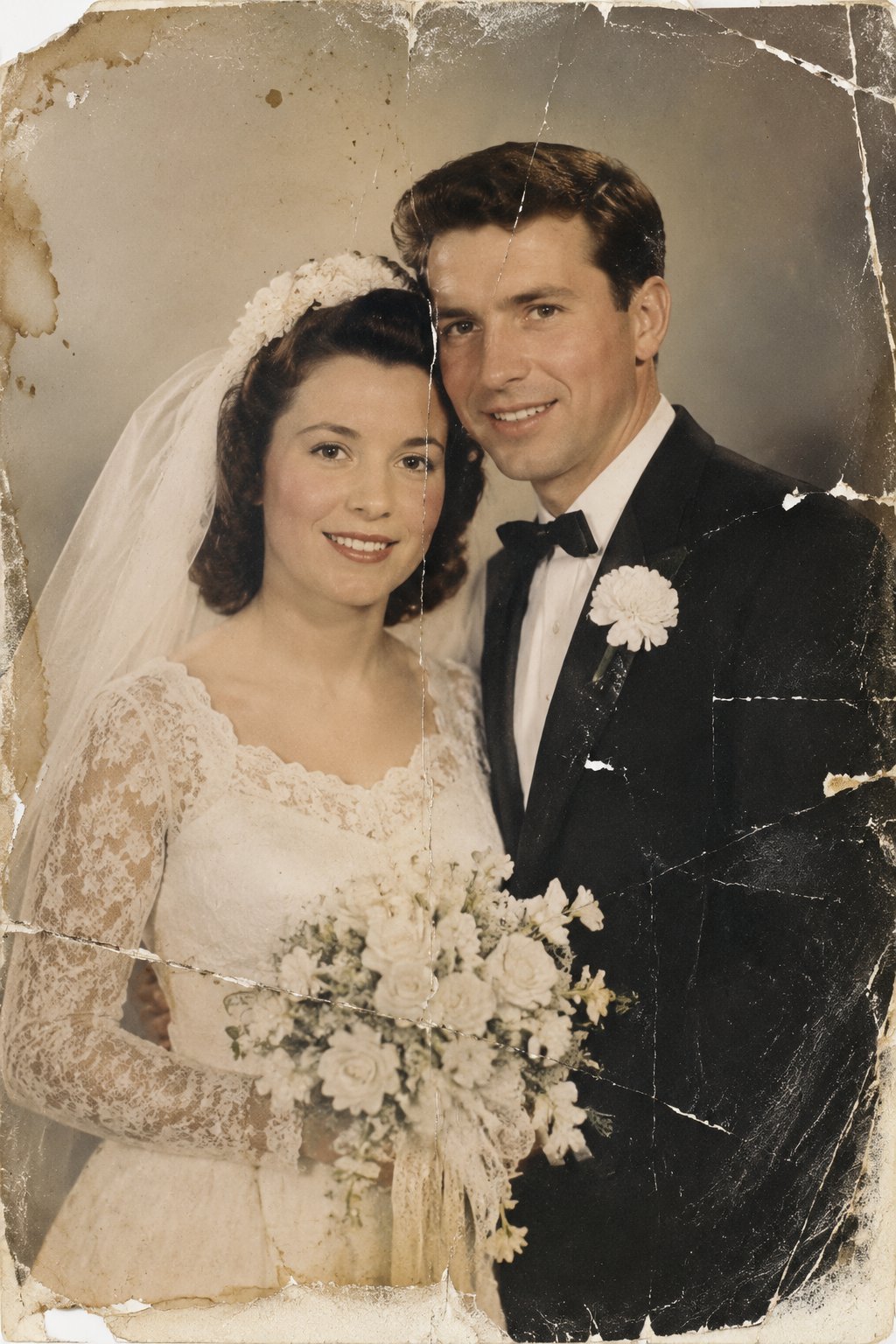
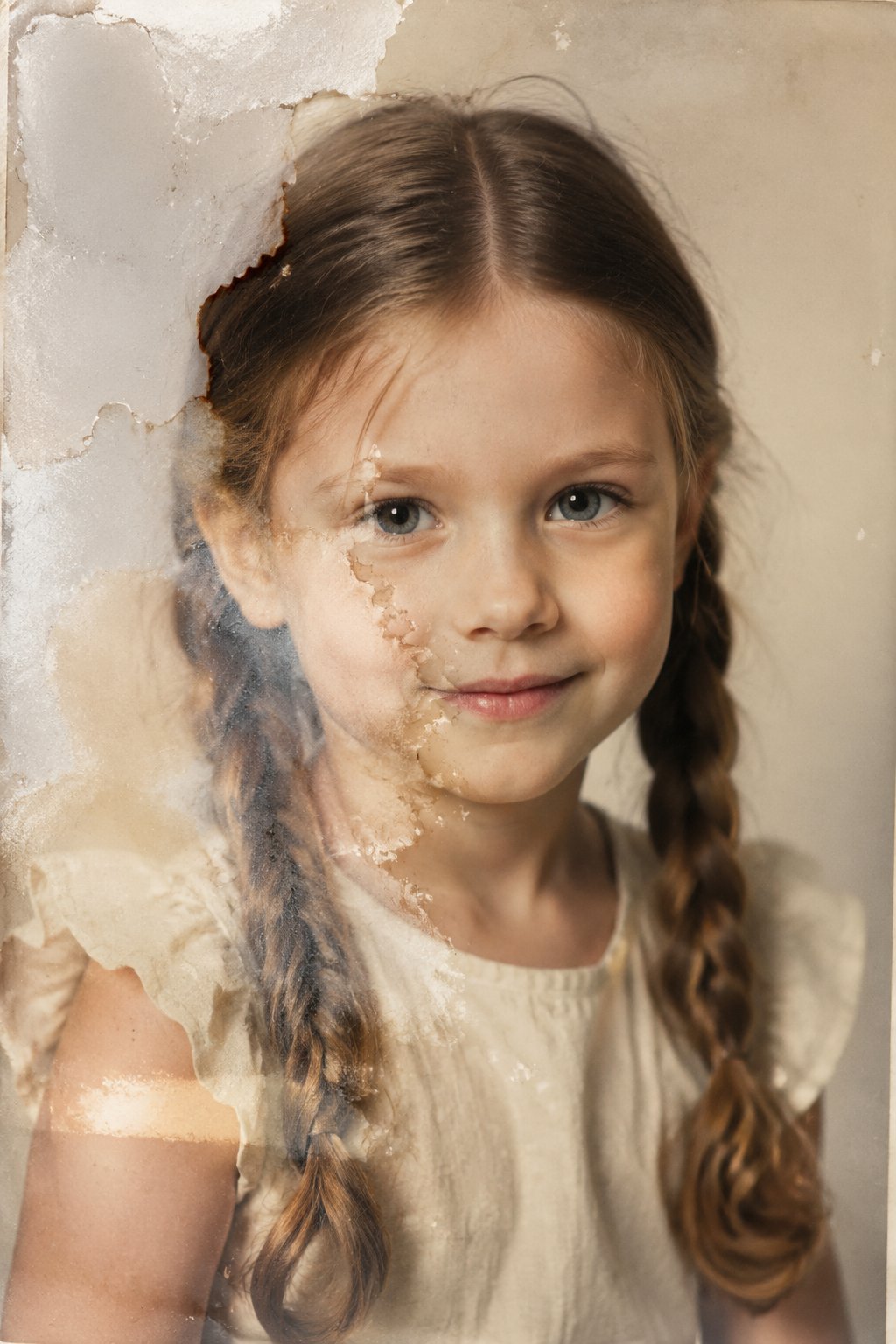
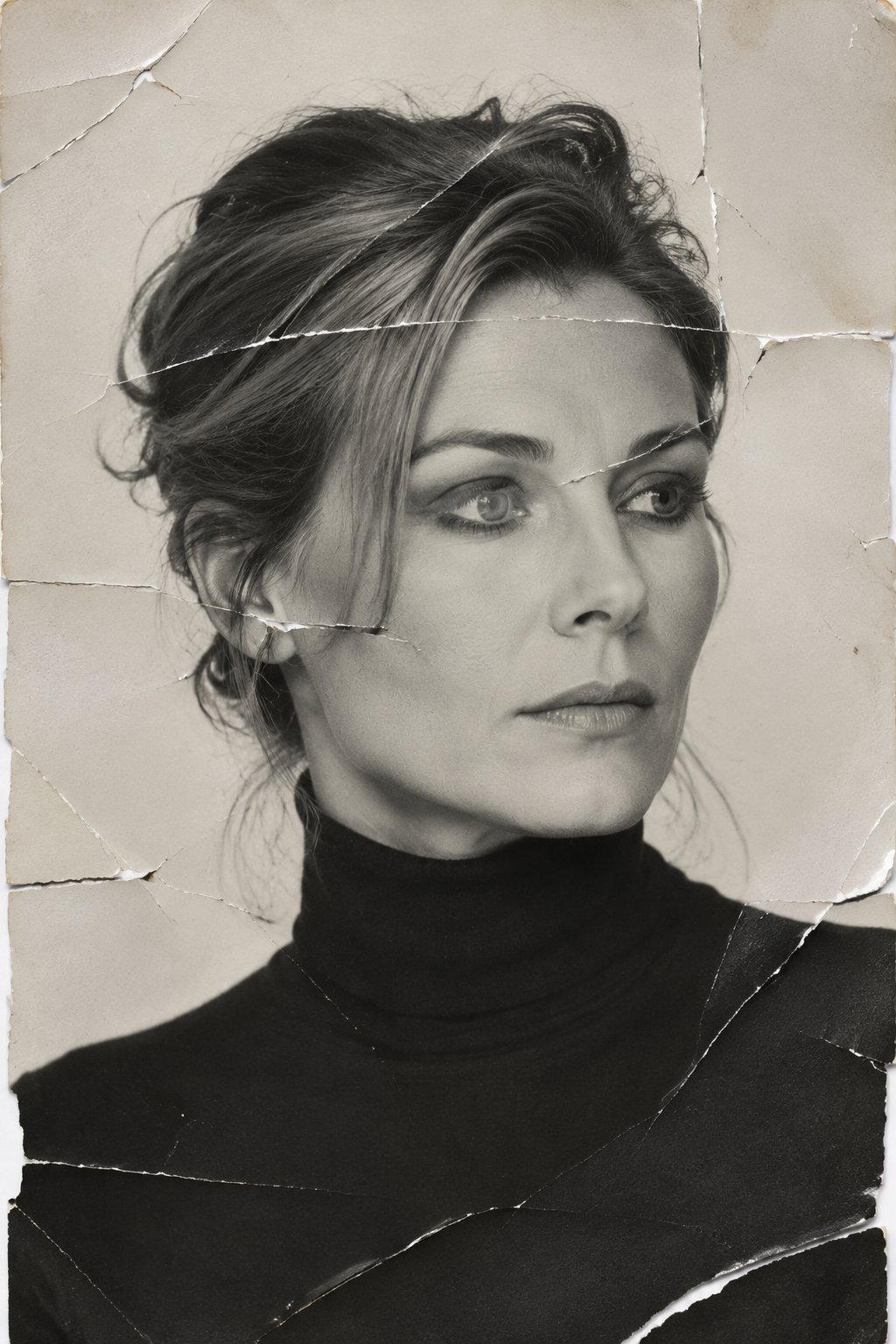
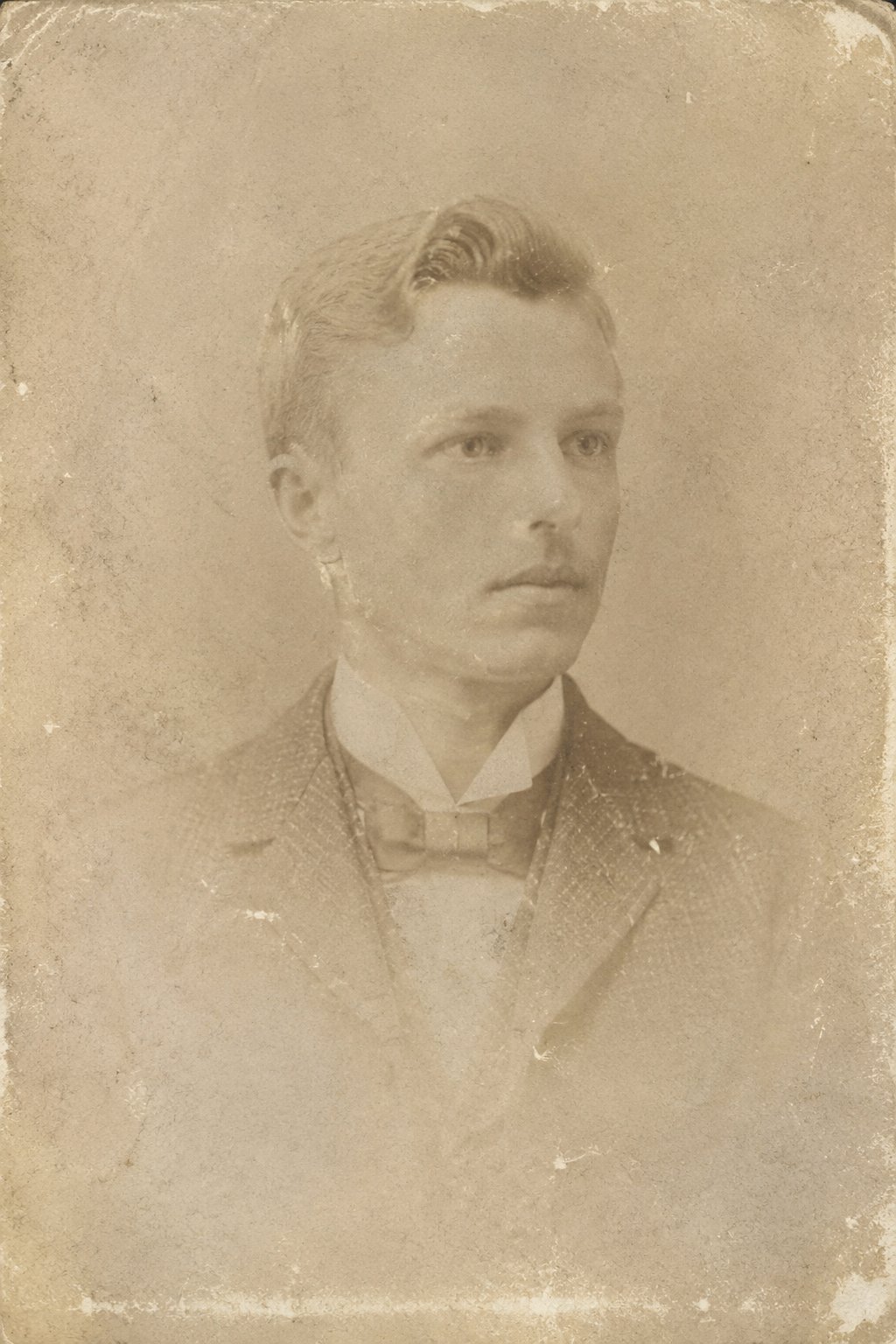
From cracked portraits to faded snapshots — repaired and revived.
Why LazyKiwi
Built to look real
Seconds, not days
Results render almost instantly, so you can compare options before your coffee's cold.
Private by default
Your photos are processed securely and never sold. What you upload stays yours.
Free to start
No credit card to try. Get a real result on your own photo at zero cost.
No regret
Test the change risk-free and decide with your own eyes.
Made for you
Tuned for natural, believable results — not a filter slapped on top.
No skills needed
No Photoshop, no prompts to master. Upload, tap, done.
FAQ
Questions, answered
Can AI restore very old or damaged photos?+
Yes. It repairs scratches, tears, creases and heavy fading, and rebuilds soft facial detail, even on old scans.
Will it still look like the original?+
Yes. The restoration repairs damage and recovers detail without changing who is in the photo or the scene.
Do I need to scan my photo?+
A scan gives the cleanest result, but a clear phone photo of the print works too.
Can it colorize black-and-white photos?+
Restoration focuses on repair and clarity; for color, pair it with the LazyKiwi photo colorizer.
Restore old photos and bring faded memories back to life.
Upload an old or damaged photo and let LazyKiwi repair, recover and restore it in seconds.
No credit card · Free to try · Results in seconds