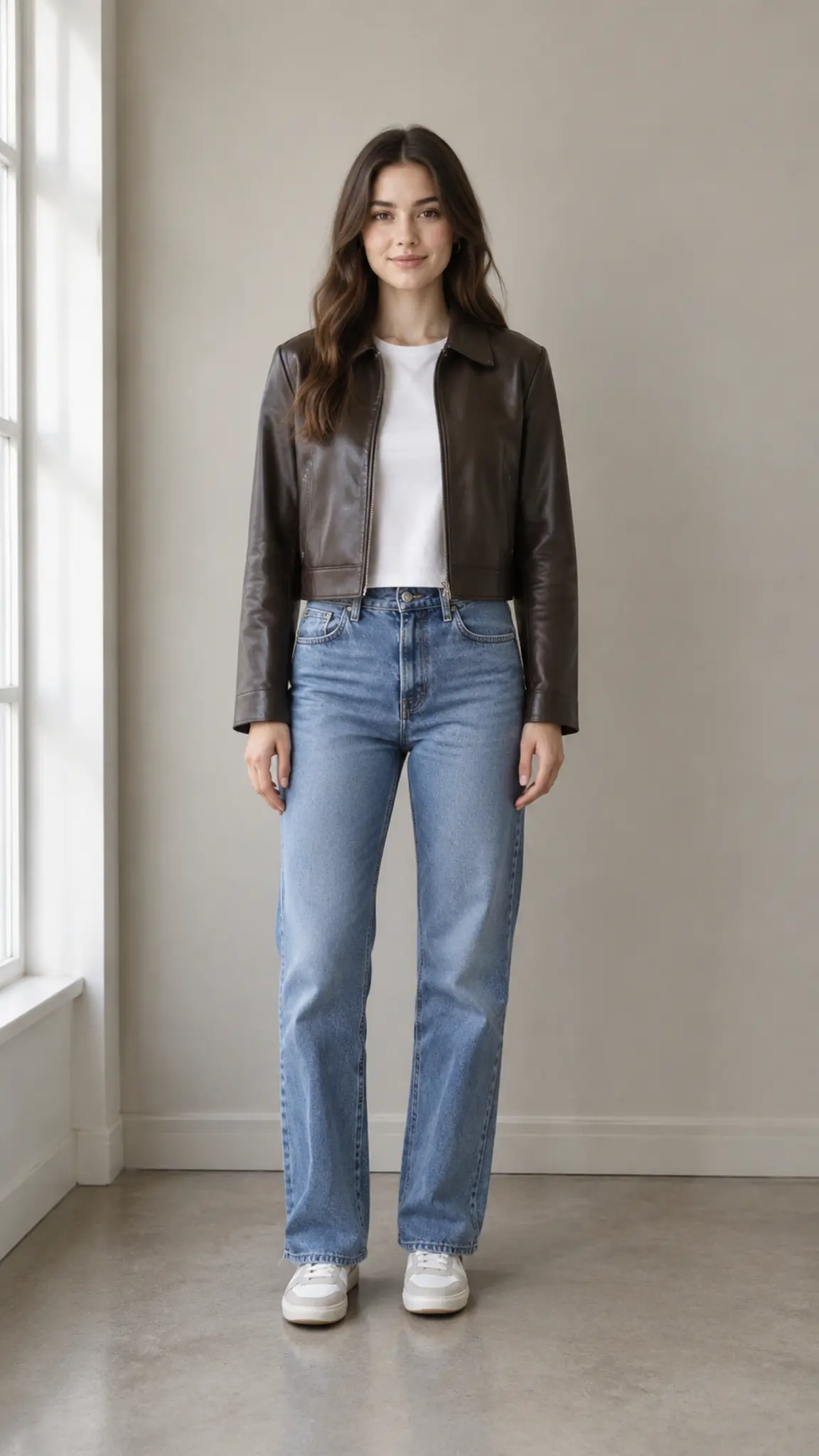
Then Vs Now Transition
Then vs Now Transition turns two portraits into one then and now video. The earlier photo holds, then ages through believable in-between years into the present-day photo on the beat, with no cut and no face swap. Upload an old photo and a recent one and get a 10-second 9:16 clip.
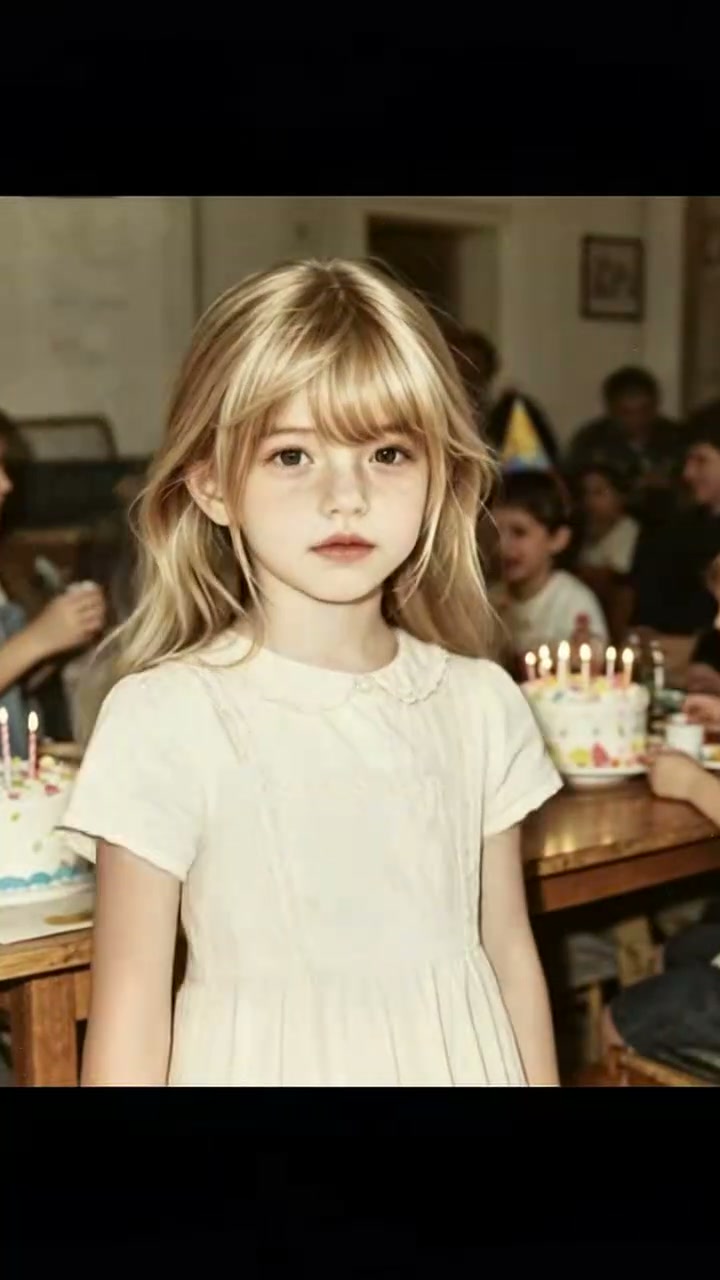
Then vs Now Transition Template
Upload two photos in order: the earlier portrait first, the present-day portrait second, both facing the camera with the eyes clearly visible.
WHAT IT IS
How the then and now transition is timed
Then vs Now Transition is a then and now video template that morphs an earlier portrait into a present-day portrait of the same person, timed to the beats of the template's reference audio track. The first uploaded photo is treated as the earlier image and the second as the present day. The engine aligns eyes, head angle, and facial landmarks between the two, holds the earlier image steady through the musical pickup, begins the transformation on the first strong beat, places the biggest age and scene changes on later accents, and completes the present-day reveal on the final emphasized beat. Background, hairstyle, and clothing evolve toward the second photo instead of jumping. Once the reveal lands, the subject makes small living movements: a gentle lean toward the camera, one blink, a small head tilt, and a soft confident expression. Output is 10 seconds in 9:16 portrait with identity preserved throughout.
- Two photos, ordered
- The upload order is the story order. Photo one is the past, photo two is the present. Keep both facing the camera with the eyes visible, because the engine uses eye position and head angle as the anchors for the whole morph.
- Beat-timed transformation
- The morph does not run at a constant speed. The earlier face holds through the pickup, changes start on the first strong beat, and the present-day face is fully revealed on the last accent, so the edit already fits the track.
- No cut, no face swap
- The engine avoids hard cuts, visible face replacement, and split-screen labels. Instead the face passes through believable intermediate ages while hair, clothes, and background follow, which reads as time passing rather than a filter.
- A living ending
- After the reveal the present-day subject leans slightly toward the camera, blinks once, tilts the head, and settles into a soft confident expression. Those few frames turn a static before-and-after into a moment that feels filmed.
USE CASES
Where a before and after video transition lands
Three occasions where two portraits and ten seconds say more than a side-by-side photo.
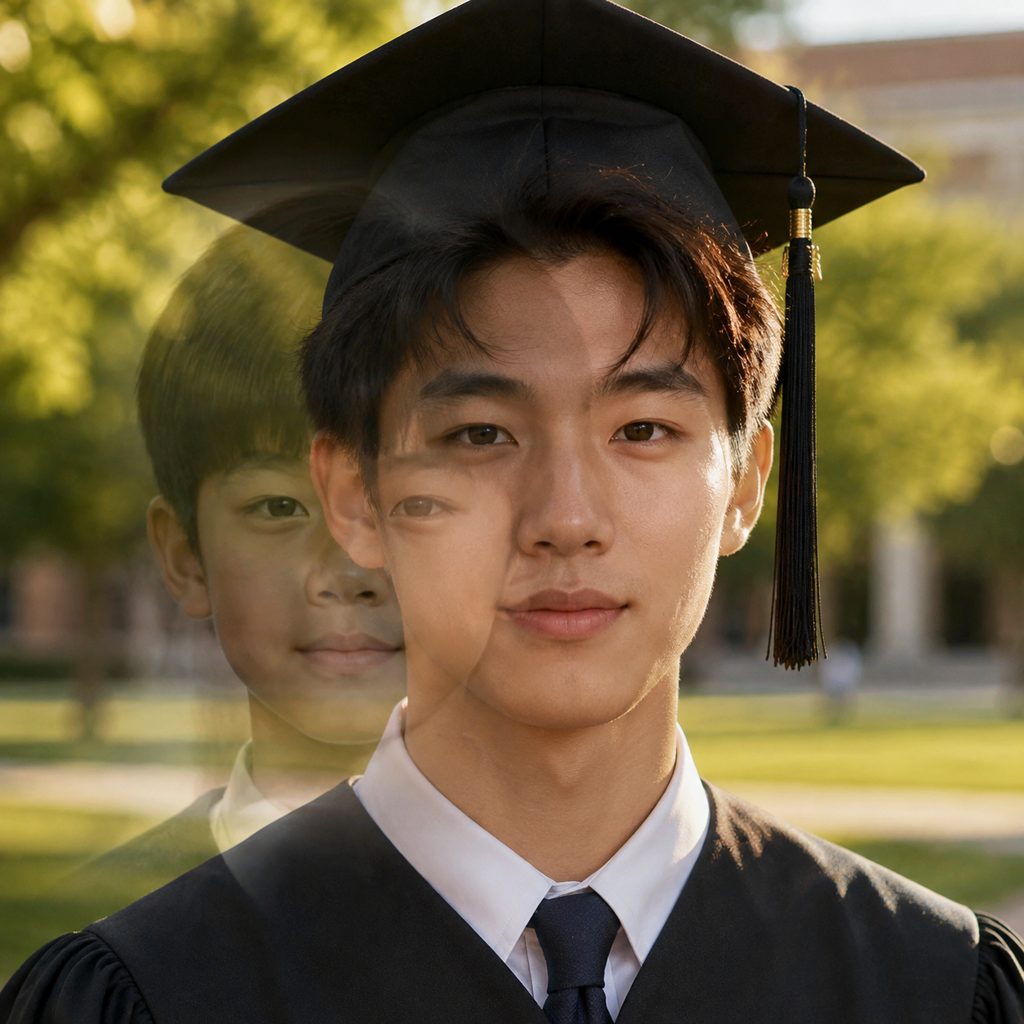
Graduation glow-up
A student uploads a middle-school yearbook photo and a cap-and-gown portrait. The clip holds the younger face, then ages through the teen years on the beats until the graduation photo resolves and the graduate blinks at the camera. Posted as a 9:16 Reel for family.
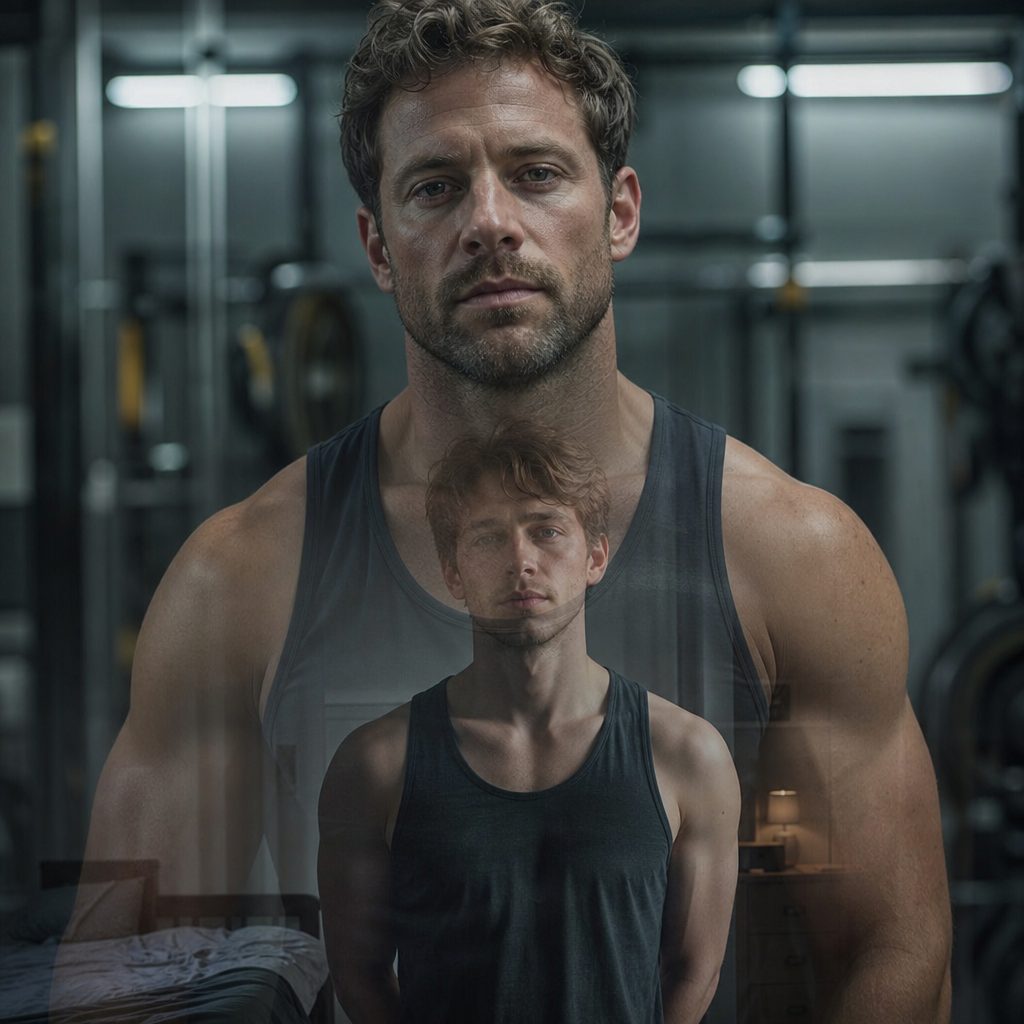
Ten years of training
A gym-goer pairs a 2016 phone selfie with a recent studio shot. The hairstyle grows out, the room shifts from a bedroom to a gym floor, and the present-day version leans in with a small nod, all inside a 10-second Short cut to the trainer's track.

Milestone birthday tribute
For a seventieth birthday, a daughter uploads her mother's wedding portrait and a photo from last week. The transition carries the same eyes across the decades while the veil gives way to reading glasses, and the clip ends on a warm, steady smile.
FAQ
Common questions
What is a then and now video?+
A then and now video pairs an older image of a person with a current one and shows the change between them. Then vs Now Transition makes that change a continuous morph rather than a side-by-side: the earlier portrait ages through in-between years into the present-day portrait, timed to musical beats, in a 10-second vertical clip.
How long is the output and what format?+
Then vs Now Transition produces a 10-second clip in 9:16 portrait, sized for Reels, TikTok, and Shorts. Two first-frame photos go in, and the Seedance video model handles the morph. The transition is timed to the template's reference audio, so the reveal lands on the final accent without manual keyframing.
What photos work best for a then and now transition?+
Two front-facing portraits with the eyes open and clearly visible give the engine the landmarks it needs to align the faces. Avoid sunglasses, heavy motion blur, and photos where one face is tiny in a group, since the morph is built around the face.
Does the order of the two uploads matter?+
Yes. The first uploaded photo is treated as the earlier portrait and the second as the present-day portrait. Swapping them makes the subject grow younger instead of older, which can be a deliberate choice for a reverse-aging clip, but for a standard aging clip put the older image first.
Then vs Now Transition vs. a before and after video transition in an editor?+
A before and after video transition in an editor is usually a wipe, a swipe, or a hard cut between two stills. Then vs Now Transition generates the in-between frames, so the face passes through believable intermediate ages and the background changes with it. The editor method is faster to set up; this template produces the aging itself.
Where should I post a then and now transformation?+
The 9:16 output fits Instagram Reels, TikTok, and YouTube Shorts. Common uses are birthday and anniversary posts, graduation reels, fitness progress clips, and reunion teasers. Because the reveal lands on a beat, the clip also works as the closing shot of a longer transformation video maker sequence.
Other names for Then vs Now Transition
Search phrasing varies. Common forms are then and now video, then vs now video, then and now transition, and now vs then. People who think of it as a morph search for before and after video transition, age transition video, or face morph transition. People who think of it as a tool search for transformation video maker, glow up video maker, or then vs now video maker. Each of those leads to the same two-photo, 10-second vertical clip this template generates.
Age one portrait into another on the beat
Free credits on signup cover your first two-photo transitions.