
Character Swap AI: How to Replace a Subject
Character swap AI replaces the person in a clip while the motion stays: what the tool needs, where identity drifts, and the consent rules you cannot skip.
 Daniel Okafor 9 min read
Character swap AI replaces the person on screen while the take you already shot keeps running: same walk, same timing, same audio. It is not a face swap bolted onto a clip. The good tools rebuild build, hair and clothing and then track that character through turns and gestures. Below: what the swap actually touches, the files you need to hand it, the eight-step run, the frames where identity slips, and the disclosure rules that apply the moment a real person is involved. Platform policies here were read on 7 September 2026.
What does character swap AI actually replace?
The honest answer is: appearance, and nothing else. Motion, framing, lens, lighting direction and audio all stay as filmed. The model reads the performance out of your clip and re-renders the body that performs it. The vendor's own wording is worth borrowing here: an AI character swap video tool substitutes the person on screen, not the scene around them.
- Replaced: face, hair, body proportions, clothing and skin.
- Kept: the walk cycle, head turns, hand gestures, camera move and the original sound.
- Not touched: the background, unless the new character is a different size and the model has to fill in behind them.
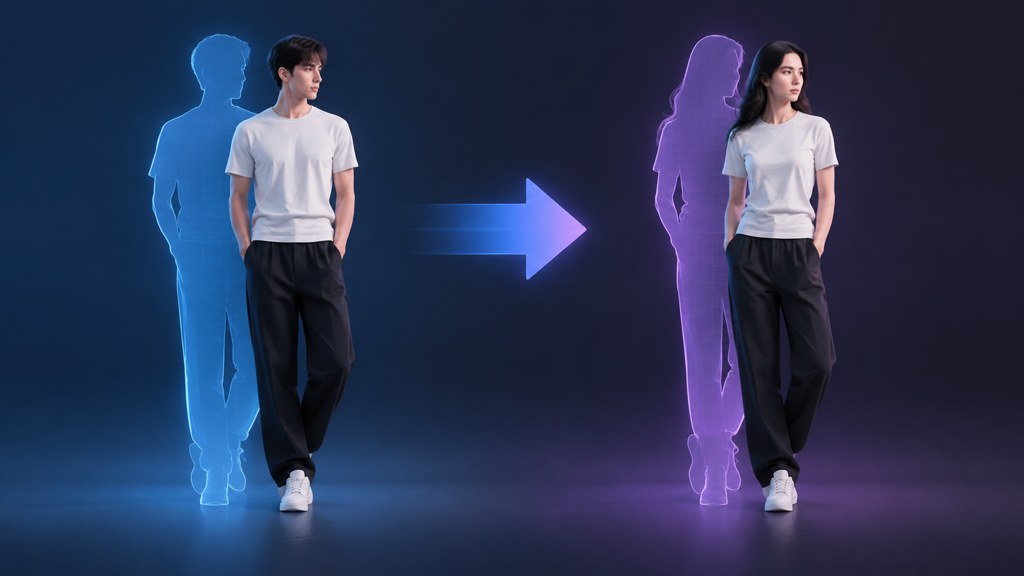
That distinction sets your expectations for casting. A reference whose build is far from the performer's will force the model to invent shoulders and hips every frame, and invention is where flicker comes from. The AI character swap tool states it plainly on its own page: build, hair and clothing move to the reference while the original motion and audio are kept.
What input does a character swap need?
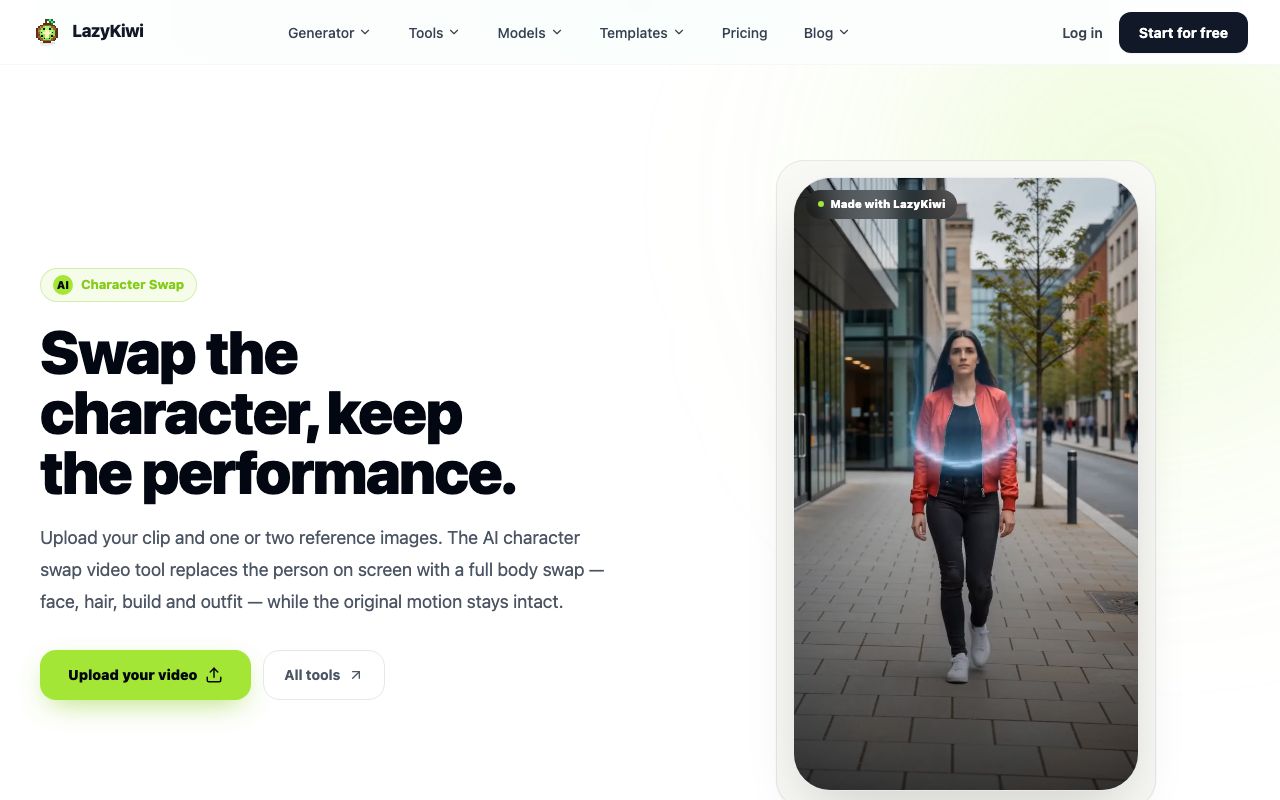
Two things: a clip where the performer is clearly visible, and one or two reference stills of the character who should be there instead. The tool page notes that two references let you take the face from one image and the outfit from another.
| Input | What works | What ruins the run |
|---|---|---|
| Source clip | Steady framing, even light, subject filling a decent part of the frame | Heavy motion blur, a subject smaller than a thumbnail, hard backlight |
| Reference still | Front-facing, sharp, whole head and shoulders visible | Sunglasses, extreme angle, a group shot the model has to guess from |
| Second reference | Outfit shot at a similar distance to the first | A different lighting colour, which bleeds into the swapped skin |
| Clip length | A single continuous action | Several cuts in one file, which the tracker treats as one shot |
Export at the ratio you intend to publish. The tool returns the resolution and aspect ratio you uploaded, so a widescreen source cropped to vertical afterwards throws away the pixels you paid to render.
How do you swap a character in a video step by step?
This is the run I use on a real clip. It assumes you have permission for both the footage and the character; the section on consent below is not optional reading.
- 1
Cut the clip down first
Trim to the single action you want swapped before uploading. Shorter renders cost less and fail less.
- 2
Open the tool
Go to the Tools tab of the video workbench and pick the character swap tool, so the composer opens with the right upload boxes.
- 3
Upload the clip
Use the upload box for your footage. Pick a take where the performer is lit and in focus for most of the duration.
- 4
Add the reference
Drop in one front-facing still of the character. Add a second only if the outfit should come from a different image.
- 5
Write the prompt
Name what must stay as well as what changes: the outfit colour, the hair length, and any detail like a scar or a logo you want carried across.
- 6
Check the price on Generate
The Generate button carries the credit cost before you spend, so read it, then run.
- 7
Watch the profile frames
Scrub to the moments where the head turns past three-quarters. That is where a swap gives itself away first.
- 8
Re-run with a tighter reference
If the identity drifts, change the reference before you change the prompt. Nine times out of ten the reference is the problem.
Where does a character swap drift or break?
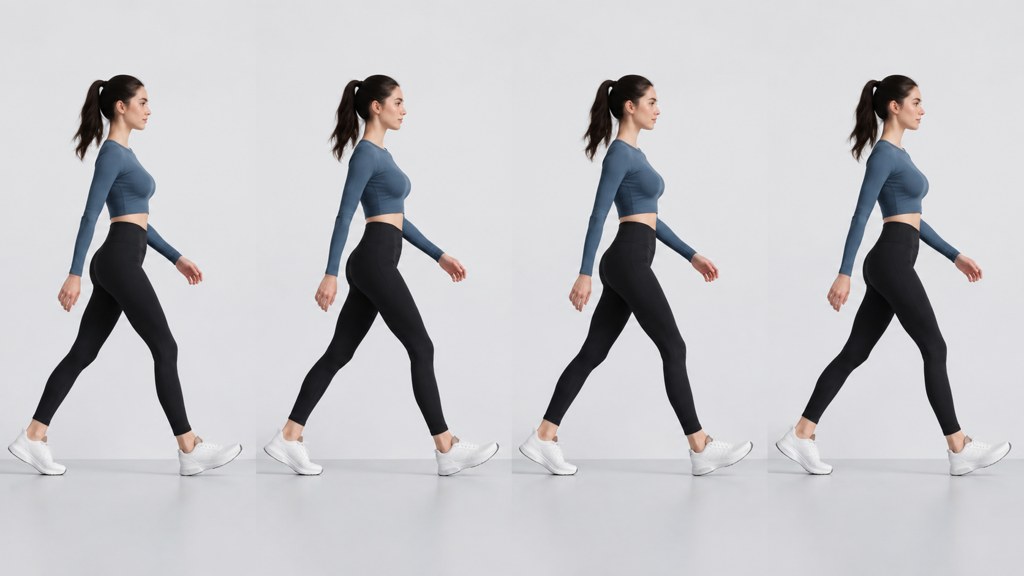
Failures cluster in predictable places, and knowing them tells you how to shoot for a swap in the first place. Rival tools fail in the same spots for the same reasons: Runway sells its creative suite as one workspace for generating and editing video, images and audio, and Kling AI fronts its 3.0 series of video models, but neither escapes the geometry problem below.
- Profile turns: the model has the least reference data at ninety degrees, so the jaw and nose wander.
- Occlusion: a hand across the face, a passing pole, a drink raised to the mouth. The character often reassembles slightly different on the far side.
- Fast motion: motion blur removes the edges the tracker locks onto.
- Two people close together: the swap can leak onto the wrong body.
- Loose clothing: a coat that flaps has no fixed shape to inherit, so the outfit reshapes frame to frame.
Shoot the plate for the swap
If you know a clip will be swapped, keep the performer front-on for the first second. The opening frames set the identity that later frames are matched against.
Content filters are the other stop. LazyKiwi's workbench data (August 2026) counts 49 safety blocks on external image jobs across a thirty-day window, making that filter the single largest cause of failed runs, so wording that strays into explicit territory never reaches a render at all.
How do you keep the same swapped character across several clips?
Series work needs the character to survive across shots that were never filmed together. The trick is to freeze everything the model reads as identity and change only the scene.
- 1
Lock one reference file
Use the identical still for every clip. A second photo of the same person from a different day will shift the face slightly, and viewers notice across a cut more than within a shot.
- 2
Reuse the prompt wording verbatim
Keep the description of hair, outfit and colour word for word between runs, and only change the clause that describes the action.
- 3
Match the source lighting
Shoot the plates under similar light. A swap inherits the scene's light, so a warm interior and a cold exterior produce two different-looking characters.
- 4
Render at one resolution
Mixing resolutions across a sequence makes the character read as two different renders when the shots sit side by side.

For shots you never filmed at all, generate them instead of swapping them. Kling v3 Omni takes a still and produces a clip from it, which is a cheaper route to a cutaway than staging a plate purely to overwrite it.
What are the consent and likeness rules for character swaps?
Start from a simple rule: you need the right to the footage and the right to the face. Both, separately, in writing where money is involved. A performer who agreed to appear in one video did not thereby agree to have their body reused as a costume in another.
- Do not swap a real person's likeness onto footage without their agreement, and never onto anything sexual, political or defamatory.
- Fictional or licensed characters still carry rights: a design you do not own is not made yours by rendering it.
- For paid or promotional work, the FTC's endorsement guides FAQ is the reference point. It states that endorsements from people who do not exist are clearly deceptive, and that both the buyer and the seller of such endorsements can face enforcement action. A generated presenter praising a product is exactly that situation.
- Keep the release, the reference file and the render together. If a claim ever arrives, the chain of permission is what answers it.
The technical question is whether the swap holds up. The one that actually matters is whether you were allowed to make it.
— Daniel Okafor, Video Workflows Editor
How do you label a swapped video on each platform?
Every major platform now has a control for this, and a swapped performer sits squarely inside what they ask you to declare. All three were read on 7 September 2026.
- YouTube: its GenAI disclosure page asks creators to declare synthetic content that shows an identifiable person saying or doing things they never did, and the switch itself is the 'AI use' field under Attributes during upload in YouTube Studio. That page also warns of enforcement for creators who repeatedly skip it, up to losing Partner Program access.
- Meta: its labelling policy post describes an 'AI info' label applied when industry-standard indicators are detected in a file or when the uploader self-discloses, with the label moved into the post menu for content that was only edited by AI.
- TikTok: its AI transparency announcement describes automatic labelling of AI-generated content arriving from other platforms by reading Content Credentials, alongside the requirement that creators label realistic AI content themselves.
Those automatic routes lean on provenance metadata rather than on pixel forensics. Content Credentials is the specification behind it, hosted by the Coalition for Content Provenance and Authenticity, and its site describes the visible pin that reveals how a file was made and edited. Assume the signal travels with your export, and disclose deliberately instead of being labelled by a system.
What makes a character swap obvious?
Viewers rarely spot the face. They spot the seams around it.
- Edges that shimmer where hair meets background, especially against a busy scene.
- A head that sits slightly wrong on the neck, which reads as uncanny long before anyone can say why.
- Skin tone that does not match the hands, because hands are often outside the swapped region.
- Jewellery, glasses or a lanyard that appears and disappears between frames.
- A mouth that does not fit the audio, since the swap follows the original performance rather than the words.

Fixes are mostly editorial. Cut away during the worst two seconds rather than trying to render them again. If a background object keeps interfering, remove it first with the video object remover and swap the cleaned plate, which gives the tracker one less thing to fight.
On search terms, one clarification worth making. Queries such as "character swap ai video free", "character swap ai video online free" and "how to character swap ai" all describe the same job, and the answer is the same in each case: the free route exists, it is metered in credits, and the limits are on volume rather than on features.
Key takeaways
- A swap changes appearance only. Motion, framing, camera move and audio come straight from your plate.
- One sharp front-facing reference beats a clever prompt; when identity drifts, change the reference first.
- Profile turns, occlusion and loose clothing are where swaps break, so shoot the first second front-on.
- Across a series, freeze the reference file and the prompt wording and change only the action clause.
- Get rights to the footage and the face, then disclose on upload: YouTube, Meta and TikTok all have a control for it.
Video Workflows Editor
Daniel Okafor
I run the same clip through every video model we ship and write down what actually changes: motion, timing, cost, and where each one falls apart.
FAQ
Common questions
Is character swap the same as a face swap?
No. A face swap replaces the face region and leaves the body alone, which is why the neck and hairline often give it away. A full character swap rebuilds build, hair and clothing as well, then tracks that character through the shot, so the result holds up on turns and wider framing.
How long can the clip be?
Trim to one continuous action rather than working to a maximum. A file containing several cuts is treated as a single shot by the tracker, so identity slips at every edit. Short, single-action clips also cost fewer credits per attempt, which matters while you are still testing references.
Can I use a celebrity as the reference?
Not without permission. A real person's likeness is theirs, and platforms treat realistic depictions of people doing things they never did as disclosable at best and removable at worst. Use a character you own, a licensed design, or a performer who has signed a release for this specific use.
Why does the swapped character keep changing between shots?
Almost always because the reference or the wording changed. Use the identical reference file for every clip in the sequence, repeat the hair and outfit description word for word, and render every shot at the same resolution so the sequence does not read as two different jobs.
Do I have to label a swapped video?
If it shows a realistic person, yes. YouTube's disclosure page requires it when content makes a real person appear to say or do something they did not, and Meta and TikTok apply their own labels from provenance signals or self-disclosure. Declaring it on upload is simpler than appealing a label later.
Swap the character, keep the take
Upload a clip and one clear reference still, then judge the result on your own footage before you commit a project to it.
Related reading
How to Make a Music Video on a Small Budget
Treatment, shot list, generation and edit: a repeatable pipeline for a music video made with AI clips, timed to the track.
8 min read
Whip Pan Transition: Shoot It or Fake It
How to shoot a whip pan that cuts cleanly, how to build one from two static clips, and when a generated camera move beats both.
8 min read
How to Remove Objects From Video Without Smears
Erase a passer-by, a boom mic or a logo from a clip: masking across frames, what breaks tracking, and the free routes that hold up.
8 min read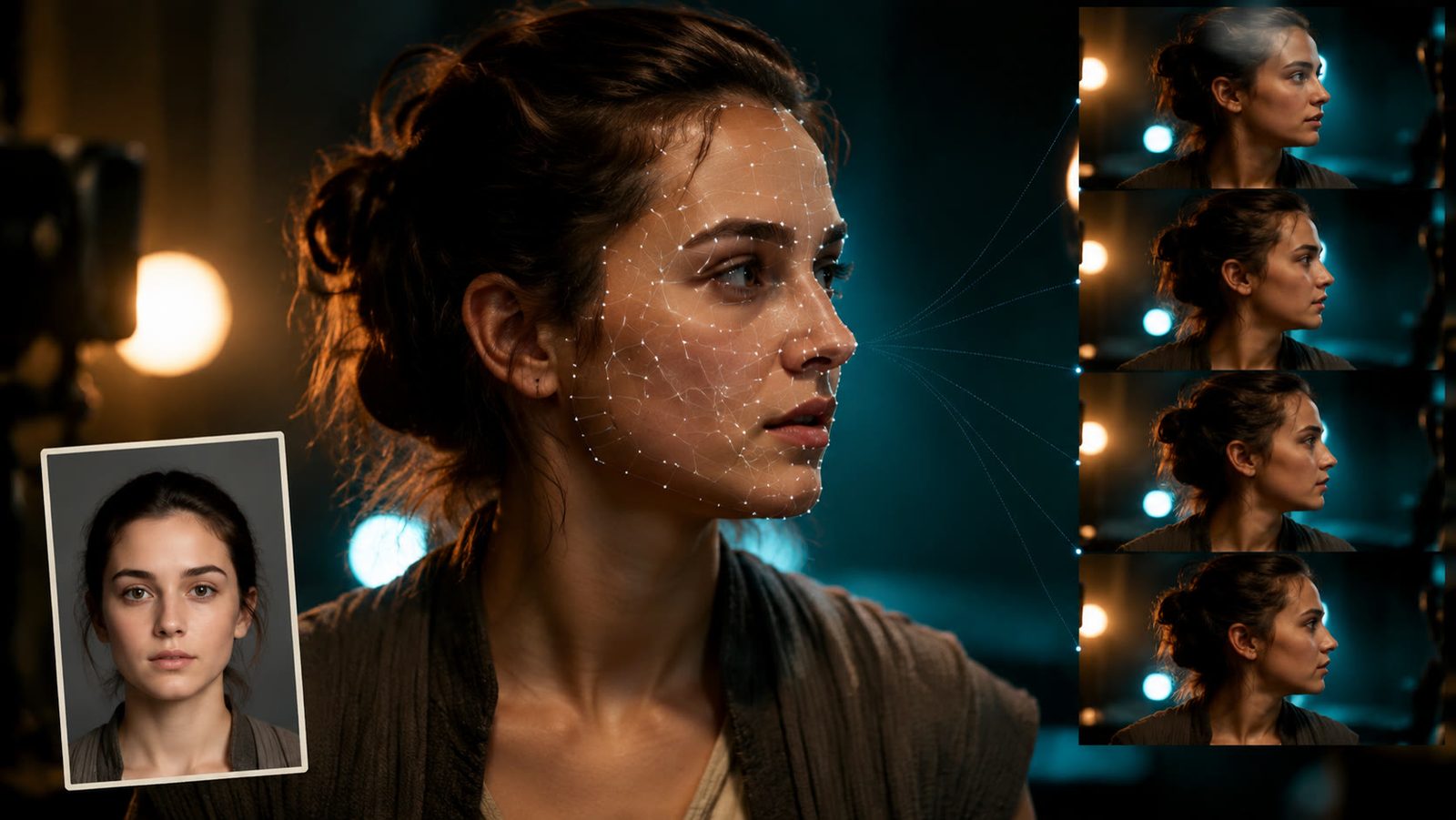
How to AI Face Swap Video Clips Responsibly (2026 Guide)
Here is how to AI face swap video clips with consent: the character swap tool, a GIF route, checked tool prices, artifact fixes and the label rules.
11 min read