
How to Make a Music Video on a Small Budget
How to make a music video with no crew: treatment, markers on the track, a shot list, generated or filmed shots, and cuts that land on the beats.
 Daniel Okafor 9 min read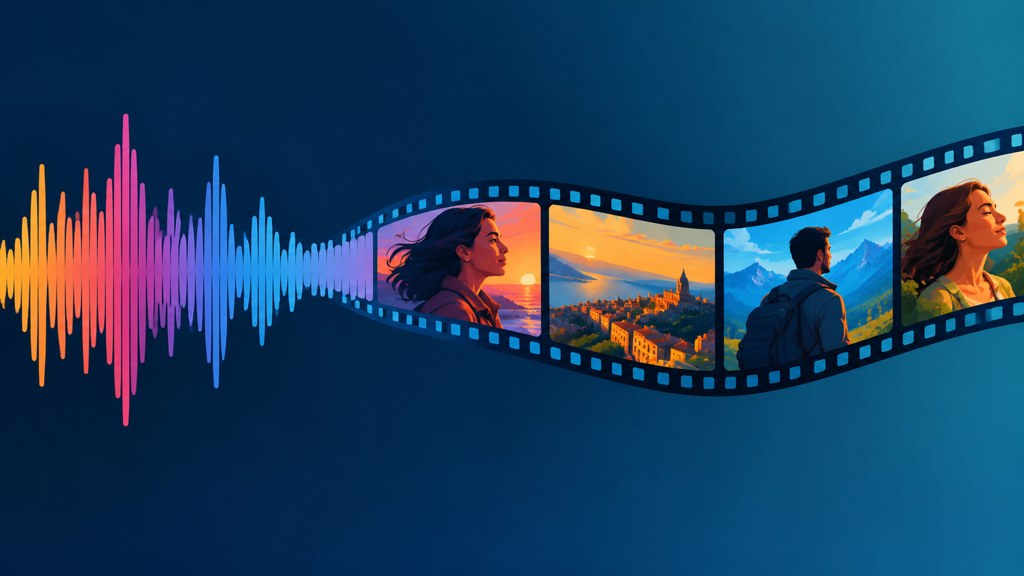
Working out how to make a music video without a crew comes down to one discipline: everything is timed to the track, and nothing is timed to the prompt. Write a treatment, mark the track, build a shot list against those marks, generate or film to the list, then cut on the beats you already chose. Do it in that order and a video assembled from generated clips reads as a piece rather than as a folder of experiments. Rights rules and vendor claims below were read on their own pages on 7 September 2026.
What does a music video actually need to work?
Three things, and a budget is not one of them. A point of view, a repeated visual idea, and cuts that agree with the music. Everything a viewer calls production value comes out of those.
- A point of view: whose story is this, and where is the camera standing in relation to it.
- A repeated element the viewer learns: a colour, a location, a gesture that returns on each chorus.
- Edit points that land with the track rather than near it.
- One shot good enough to be the thumbnail, which you should identify before you shoot anything.
Notice what is missing from that list: coverage. A three-minute song does not need sixty shots. It needs a dozen good ones that can be revisited, which is exactly what a small budget can produce.
How do you write a music video treatment?
A treatment is a page that tells everyone involved what they are making. Keep it to five parts and refuse to write more.
- 1
The one-line idea
What happens, in a sentence a stranger could repeat. If it takes a paragraph, it is not an idea yet.
- 2
The look
Three or four reference images, and one sentence on colour and light. Not a mood board of thirty pictures.
- 3
The structure
Which sections of the song get which visual treatment. Verse, chorus, bridge, out.
- 4
The rule
One constraint you will not break, such as never cutting away from the performer during a chorus. Constraints make small productions look deliberate.
- 5
The deliverables
Aspect ratios and lengths for every place it will be posted, decided now rather than at export.
Write the rule first
On a low budget the constraint does more work than the concept. A video shot entirely in one room with one lighting change reads as a choice; the same footage without the rule reads as a limitation.
How do you build a shot list from a track?
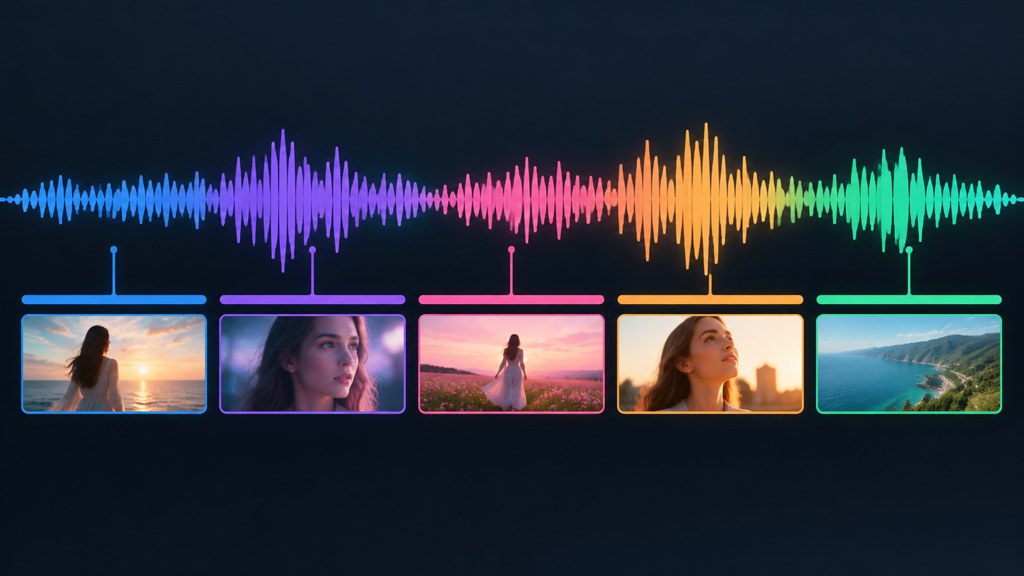
Open the song in any editor and mark it before you think about pictures at all.
- 1
Mark the structure
Drop a marker at every section change. Most songs give you six to ten.
- 2
Mark the accents
Add markers where something in the arrangement changes: a drum entry, a drop, a held note.
- 3
Count the gaps
Write the seconds between markers. Those numbers are your shot durations, and they are usually shorter than you expect.
- 4
Assign a shot to each gap
One line each: subject, framing, movement. A four-second gap gets one idea, not three.
- 5
Flag the repeats
Mark which shots return, because those are the ones worth spending your effort on.
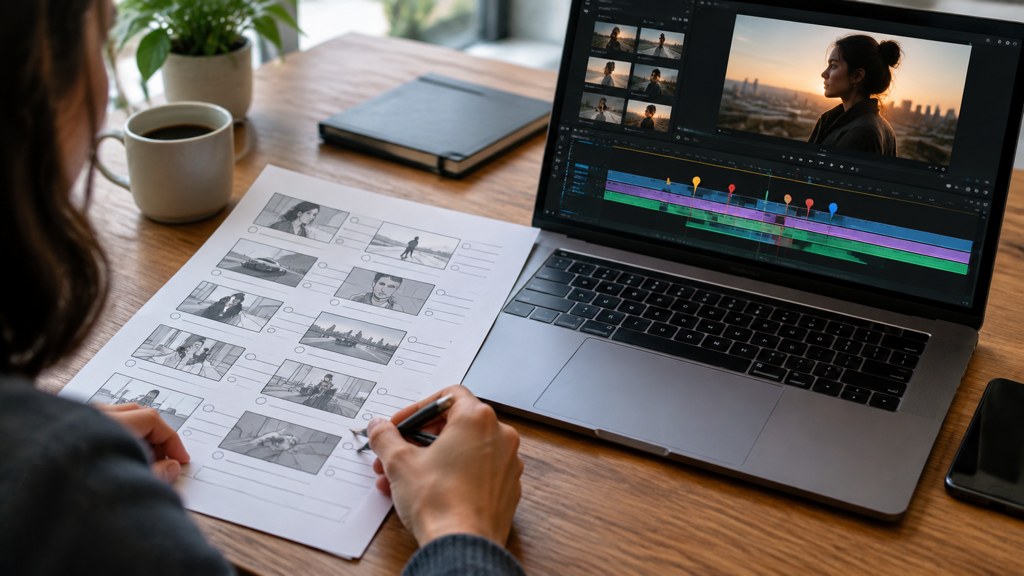
This is also the document that makes generated footage viable. A model has no idea how long your chorus is; the shot list turns the song into a set of clip durations it can actually fill.
How do you generate the shots for a music video?
Generate against the list, one entry at a time, and resist the urge to browse. Anyone working out how to make a music video with ai usually loses the day here, generating attractive clips that belong to no song in particular.
- 1
Start with the repeats
The shots that return carry the video. Get those right before you generate anything that appears once.
- 2
Fix the ratio first
Pick the frame shape in the video generator before the first render, because a later crop discards framing you paid for.
- 3
Use camera-move templates for connective tissue
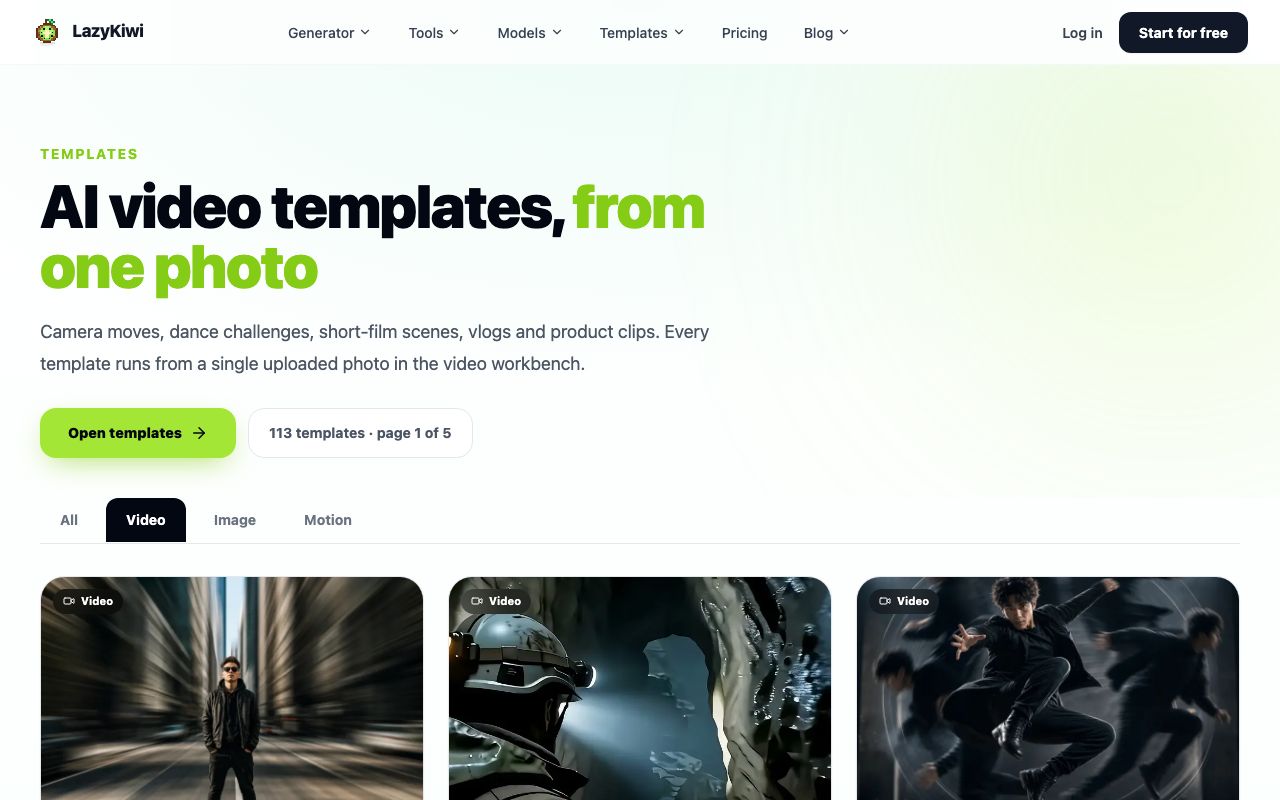
A crash zoom or an orbit gives you a transition that reads as intent rather than as a jump cut.
- 4
Add effects to real footage where you have it
If part of the video is filmed, the AI VFX generator puts an effect into that clip and keeps its length, ratio, resolution and audio, per its tool page.
- 5
Keep a naming convention
Name every render after its shot-list line. By clip forty you will not remember which one was the second chorus.
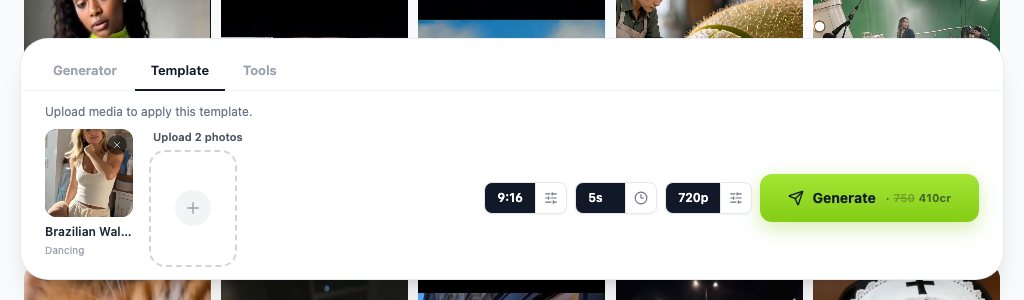
For performance shots that need a person to stay recognisable across the whole piece, use a model that takes a reference rather than a fresh description each time. Kling v3 Omni accepts text, an image or a start and end frame pair, which is what keeps a character stable between the first verse and the last chorus.
How do you cut a music video to the beat?
Cutting on every beat is a beginner tell. Cut on the beats that matter and hold through the rest.
- Lay the markers you made earlier onto the timeline before any footage goes down.
- Cut on the downbeat of a section change, not on every kick drum.
- Let a shot run through two or three beats when the vocal is carrying the moment.
- Cut on movement inside the frame, so the next shot inherits the motion.
- Save your fastest cutting for one section, usually the last chorus, so it means something when it arrives.
The edit is not where you find the video. The edit is where you execute the shot list you already timed to the track.
— Daniel Okafor, Video Workflows Editor
Vertical delivery deserves a decision rather than a crop. LazyKiwi workbench figures for August 2026 put 22 of 39 external video jobs at 9:16, so if the piece is heading to a phone feed, frame for that from the first render.
What music video ideas work with generated footage?
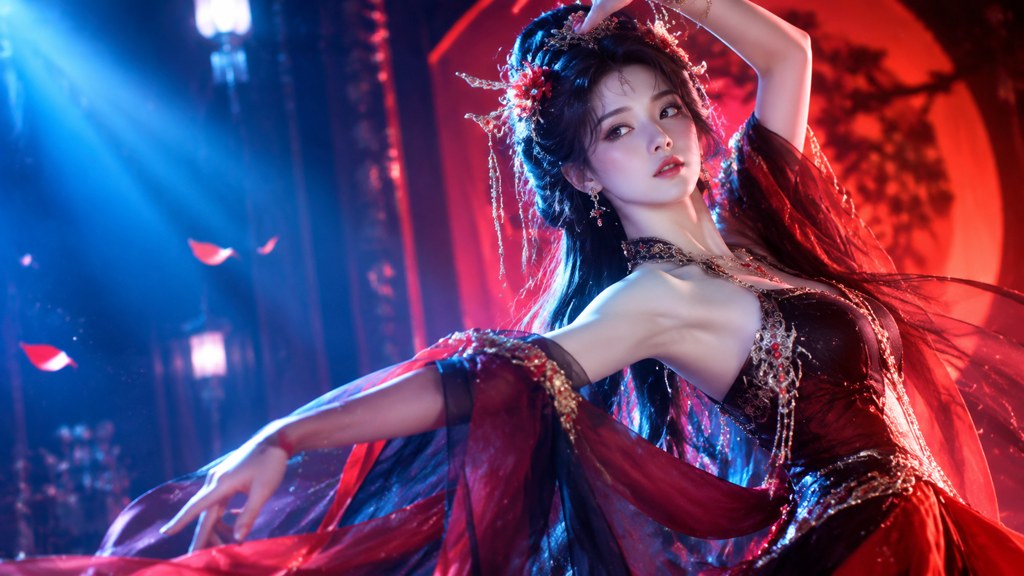
Generated clips are strong at atmosphere and weak at continuity. Good music video ideas for this route lean into the first and design around the second.
- A single journey: one subject moving through changing environments, so continuity is only ever between neighbouring shots.
- Object narrative: the song is told through things rather than people, which sidesteps face consistency entirely.
- A performance plate with generated worlds behind it, filmed in one room and composited.
- Repeated symmetry: the same framing returning in four different settings, which turns model inconsistency into a structure.
- Abstract motion tied to the arrangement, where nothing has to persist between shots at all.
What does not work: dialogue, crowds, and any idea that needs the same background twice from different angles. Those are the three places a generated sequence falls apart in front of an audience.
How do you handle music rights?
If the song is not yours, assume a claim and plan for it. YouTube's own help page on copyright claims, read on 7 September 2026, explains exactly what happens.
- A Content ID claim can block a video, monetise it on the owner's behalf, or track its viewership, and the outcome can differ by country.
- For videos over three minutes, a claimed video stays viewable and the page notes that monetise is the most common policy applied to music claims.
- Shorts between one and three minutes with an active claim are blocked regardless of the policy chosen.
- Your options are to leave the claim, erase the song or trim the claimed segment, or dispute it.
- Format changes and policy updates surface on the YouTube blog before they reach most tutorials.
Generated music is the other route, and its terms deserve reading rather than assuming. Suno advertises free signup and ten free songs a day on its homepage today, and ElevenLabs lists music alongside its speech products; what neither homepage tells you is what you may commercially release, which lives in their pricing and terms pages. Read those before a release, not after.
How do you make a music video with just a phone?
Entirely feasible, and the constraints are the same ones that make good low-budget work. People searching how to make a music video with your phone are usually one accessory away from a real result.
- Lock exposure and focus before every take, so the image does not breathe mid-shot.
- Shoot at the highest frame rate you will actually use, and only overcrank the shots you plan to slow down.
- Record a scratch audio track on every take, which is what you will sync against later.
- Use one light and one reflector rather than three lights you cannot control.
- Shoot the repeated shot four times in different setups instead of finding forty new shots.
Editing follows the same logic. Working out how to make a music video on capcut, in a desktop editor, or in whatever you already know is far less important than having marked the track first. CapCut is the common phone answer and lists auto captions, text to speech and noise reduction among its audio tools, while Runway sits at the other end as a browser suite for generating and editing in one place. And for anyone planning how to make a music video with suno as the source of the song, the workflow is identical: the track exists first, the markers come off it, and the pictures follow.
What makes a low-budget music video look cheap?
Six things, and money fixes none of them.
| Tell | Why it reads as cheap | The fix that costs nothing |
|---|---|---|
| Cuts near the beat | The eye notices the miss before the ear does | Snap every cut to the marker you already placed |
| Auto exposure drift | The image breathes when nothing else moves | Lock exposure per take |
| Too many locations | Nothing is established, so nothing feels intentional | One location, four setups |
| Mixed colour temperature | Faces change colour between shots | One light source per scene |
| Generated shots that never repeat | Reads as a folder of tests | Reuse three hero shots across the track |
| Text on screen as an afterthought | Default fonts date instantly | Set type once and reuse it |
One last habit worth stealing from bigger productions: watch the cut with the sound off. Anything that only works because the music is carrying it will show itself immediately, and those are the shots to replace. Trade coverage such as No Film School is a decent place to keep reading once the mechanics are solved. Anyone still asking how to make a music video on youtube specifically should note that the platform question is a delivery question, and it comes last.
Key takeaways
- Mark the track before you think about pictures; the gaps between markers are your shot durations.
- A one-page treatment with a rule you will not break does more for a small production than a concept.
- Generate against the shot list, starting with the shots that repeat, and name every render after its line.
- Content ID can block, monetise or track a claimed video, and claimed Shorts of one to three minutes are blocked outright.
- Cut on section changes and on movement, and save the fast cutting for one section so it lands.
Video Workflows Editor
Daniel Okafor
I run the same clip through every video model we ship and write down what actually changes: motion, timing, cost, and where each one falls apart.
FAQ
Common questions
How many shots does a three-minute video need?
Around a dozen distinct ideas, several of them reused. Mark the song's structure and accents first; the number of markers tells you how many cuts you need, and reusing three or four hero shots across the track is what makes a small production read as deliberate.
Can I use a commercial song?
You can upload it, but expect a Content ID claim. YouTube's help page says a claim can block, monetise or track the video and that monetise is the most common policy on music claims, while a claimed Short of one to three minutes gets blocked regardless of policy. Licence it or use music you own.
Should the video be vertical or widescreen?
Decide before the first render rather than cropping later. If the piece is aimed at phone feeds, frame vertical from the start; workbench figures for August 2026 put 22 of 39 external video jobs at 9:16. Deliver a second export for other placements if you need one.
How do I keep the performer consistent across generated shots?
Use a model that accepts a reference image rather than describing the person again in each prompt, keep that reference file identical for every clip, and repeat the wording that covers hair and clothing. Change only the clause describing the action and the setting.
What is the fastest way to test whether the edit works?
Watch it with the sound muted. Any shot that only holds up because the music is carrying it will expose itself in a few seconds, and those are the ones to replace or shorten before you spend anything more on the video.
Build the video shot by shot
Bring your marked shot list, set the ratio once, and render each line of it in order.
Related reading
AI Video Effects: 30 Worth Trying in 2026
Thirty AI video effects grouped by what they do to a shot, with the input each one needs and where each belongs in an edit.
9 min read
How to Make a Stop Motion Video From Scratch
Frame rate and hold, the home rig, lighting that will not flicker, and where AI simulation helps or gets in the way.
9 min read
Animated Logo Ideas: 12 Reveals That Work
Twelve animated logo patterns sorted by build time, what each says about a brand, and the export settings every platform expects.
9 min read
How to Make AI Videos in 2026: Idea to Export, Step by Step
How to make AI videos in 2026: pick a generation mode, choose Kling v3 Omni or Seedance 2.5, prompt for clean motion, and export without wasting credits.
11 min read