
Free GIF Face Swap
Drop in a reaction GIF, pick the face, add one photo, and every frame comes back with the new face on the same beat as the original.


Results
GIF face swap results: same GIF, new face
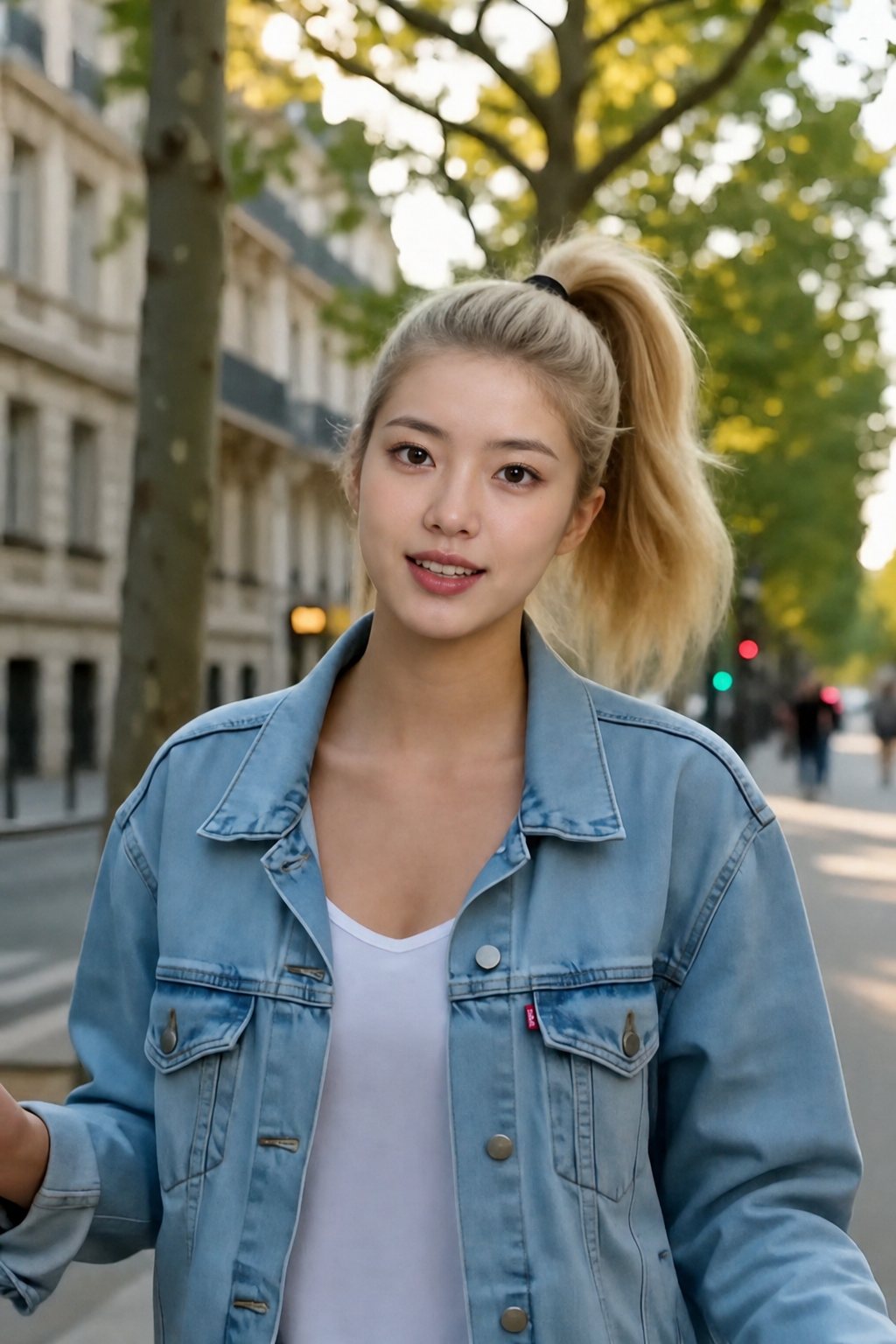
Frames from the original GIFs and the swaps. The small photo in the hero is the face that went in.
Original GIF frameFace swappedOriginal GIF frameFace swappedOriginal GIF frameFace swappedSpecs
GIF face swap specs
- GIF in
An animated GIF from any meme site or a short MP4 or WebM you want turned into one, plus a face photo
- Loop
The swap follows the source frame by frame, so the eyebrow raise or the wink lands on the same beat
- Frames
Every frame gets the swap individually; nothing is skipped or re-generated, so the pacing of the joke is intact
- Out
An animated GIF of the swapped loop, ready to drop into a chat; a short MP4 or WebM you upload comes back as a GIF too
How to face swap a GIF in 3 steps
One GIF, one photo, one download. No frame editing, no app.
Step 1
Drop in the GIF
Upload the GIF file, or a short MP4 or WebM. Reaction GIFs with the face in view the whole loop work best.

Step 2
Pick the face
The faces in the GIF are found for you. Tap the one to change and add a selfie or a friend's photo (with their OK).
Step 3
Watch it, then save
Play the result and download the GIF for iMessage, WhatsApp, Discord or Slack.
The joke lands on the same frame
Reaction GIFs work because of timing: the eyebrow raise, the double take, the wink on the last frame. The swap is matched to every frame of the source, so the moment that made the GIF funny arrives at the same instant with the new face.
- Every frame swapped
- Same beat as the original
- No frames added or dropped
Made for the places GIFs live
GIFs live in group chats and comment threads. The swap comes back as a GIF, so it goes straight into iMessage, WhatsApp, Discord, Slack or Reddit. Instagram and TikTok do not take GIF uploads; for those, turn it into a video with GIF to MP4.
- Comes back as a GIF
- Plays inline in chats and comments
- MP4 for feeds via GIF to MP4
Memes, reactions, stickers
Trending reaction GIFs, a clip of your own turned into a loop, a sticker-style close-up. Short, steady loops with one visible face come out cleanest; a face that spins away from the camera for most of the loop is where the result weakens.
- Upload a GIF or a short clip
- Several faces? Pick the one to change
- Close-ups swap cleanest
For videos and photos, use the other two
A clip with sound belongs in the AI Video Face Swap, which keeps the audio and lip sync. The AI Face Swap overview covers both tools and explains face swap versus head swap.
- Video with audio: video face swap
- Overview and consent rules: AI Face Swap
- Whole head with hair: head swap
FAQ
GIF face swap FAQ
Is the GIF face swap free?+
Your first face swap is free when the loop is 5 seconds or shorter, which most reaction GIFs are. After that, a GIF is one of the cheapest things to swap because it is short, and the credit cost appears on the button before the swap starts.
Will the swapped GIF flicker?+
Short, steady reaction loops come out clean because the face is matched to each frame's angle and light individually. Flicker shows up when the source itself is blurry or the face leaves the frame for part of the loop; pick a GIF where the face is visible throughout.
Does the GIF keep its timing?+
Yes. The swap follows the source frame by frame, so the moment that made the GIF funny lands on the same beat. Nothing is slowed down, sped up or re-timed.
Do I get a GIF or an MP4 back?+
A GIF. Upload a GIF and the swapped loop comes back as a GIF with the same frames and timing; upload a short MP4 or WebM and it is turned into a GIF for you. For Instagram, TikTok or Shorts, convert it with GIF to MP4.
Where can I use the GIF?+
Anywhere a GIF plays inline: iMessage, WhatsApp, Discord, Slack, Reddit, Teams and comment sections. Instagram and TikTok need a video, so run it through GIF to MP4 first.
What about the face photo, several faces, and permission?+
Use one front-facing photo in good light. If the GIF has several people, every face is shown to you and you pick which ones change. The consent rules shared by all the swap tools are on the AI Face Swap overview: only use faces you have permission for.
More swap tools

Same loop. Same joke. Your face.
Drop in a GIF, pick the face, add a photo; download the swapped loop.
First swap free · Cheapest swap there is · Faces with permission only