
Free AI Face Swap
Put one person's face on another video, GIF or photo. Upload the clip or the picture and one photo of the face, and the swap blends it into the original hair, head shape, lighting and motion. Nothing else changes. Start with a video, or scroll down for GIFs and photos.
Results
One face swap, three formats
The same swap on a video frame, a GIF and a photo. Left is the original, right is the result; in every case the hair, the pose and the light are the original's.
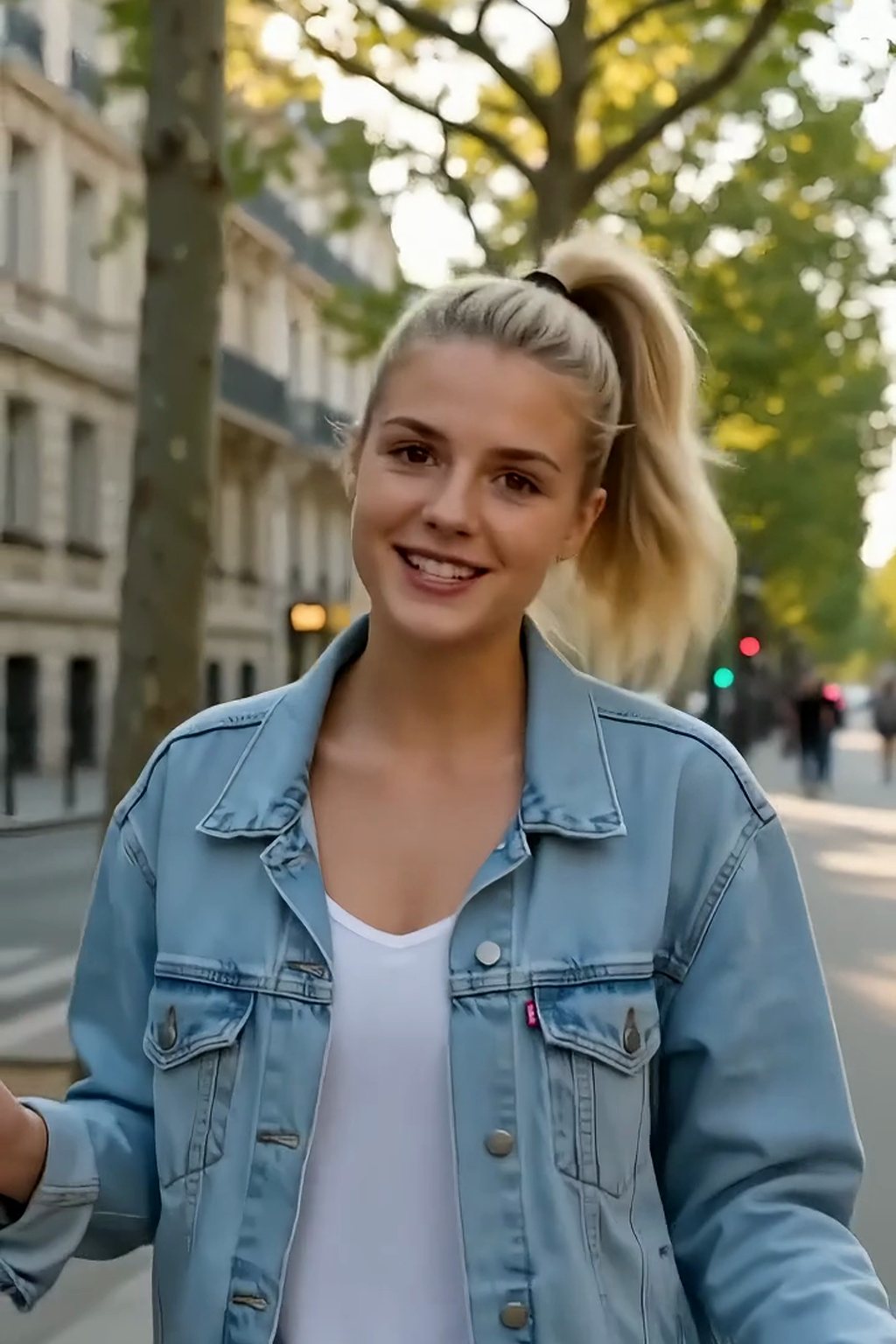 Original
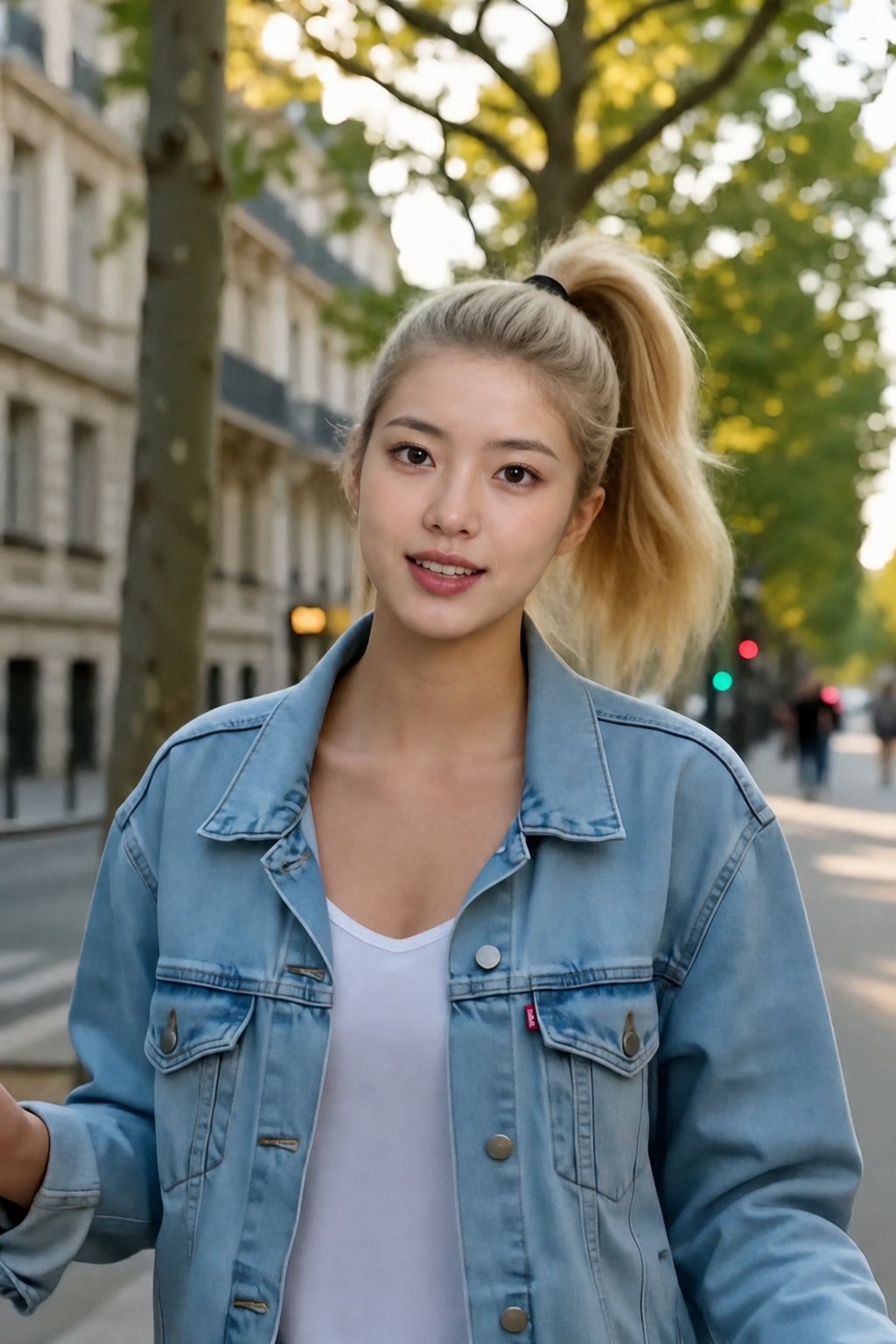 Face swapped
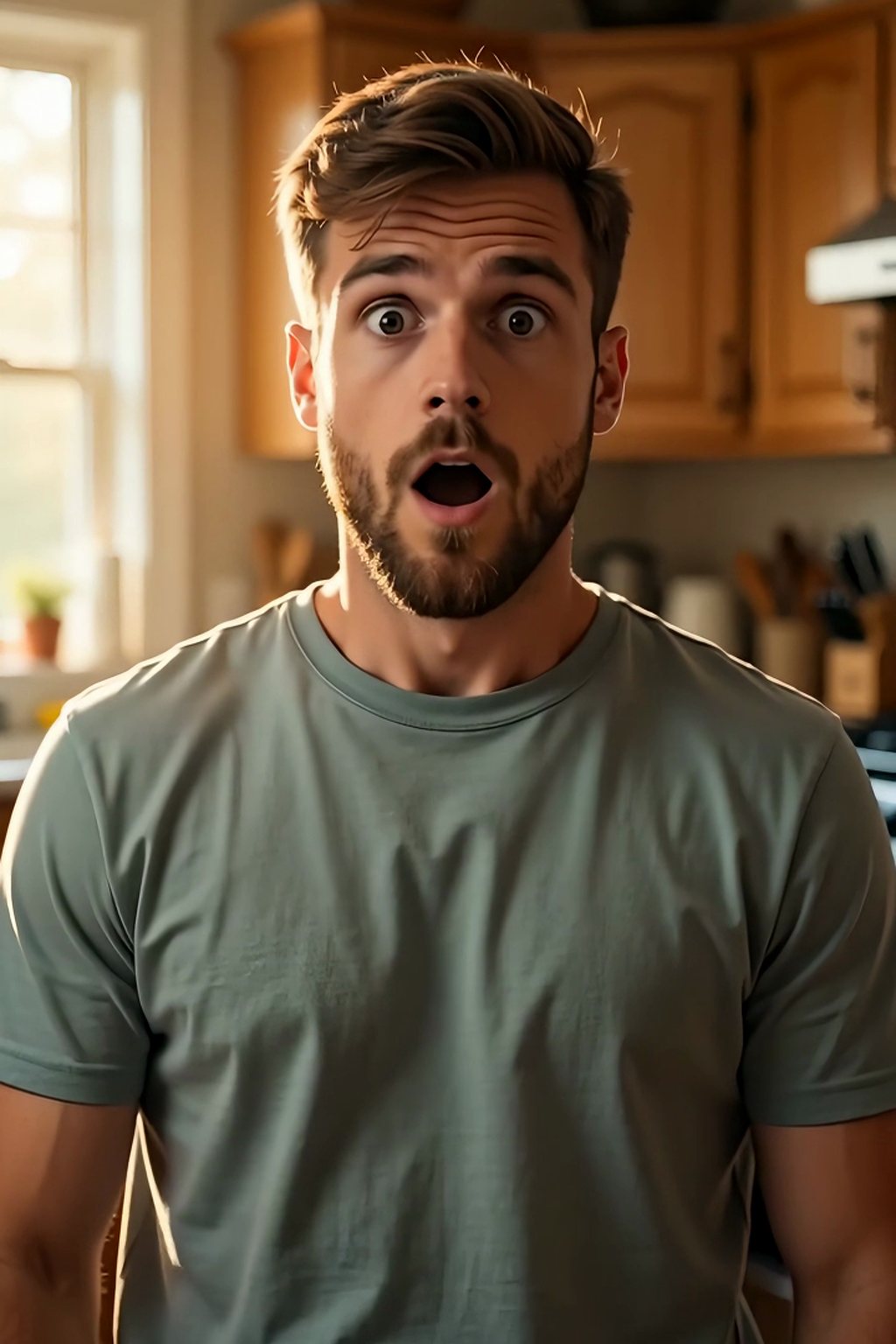 Original
 Face swapped
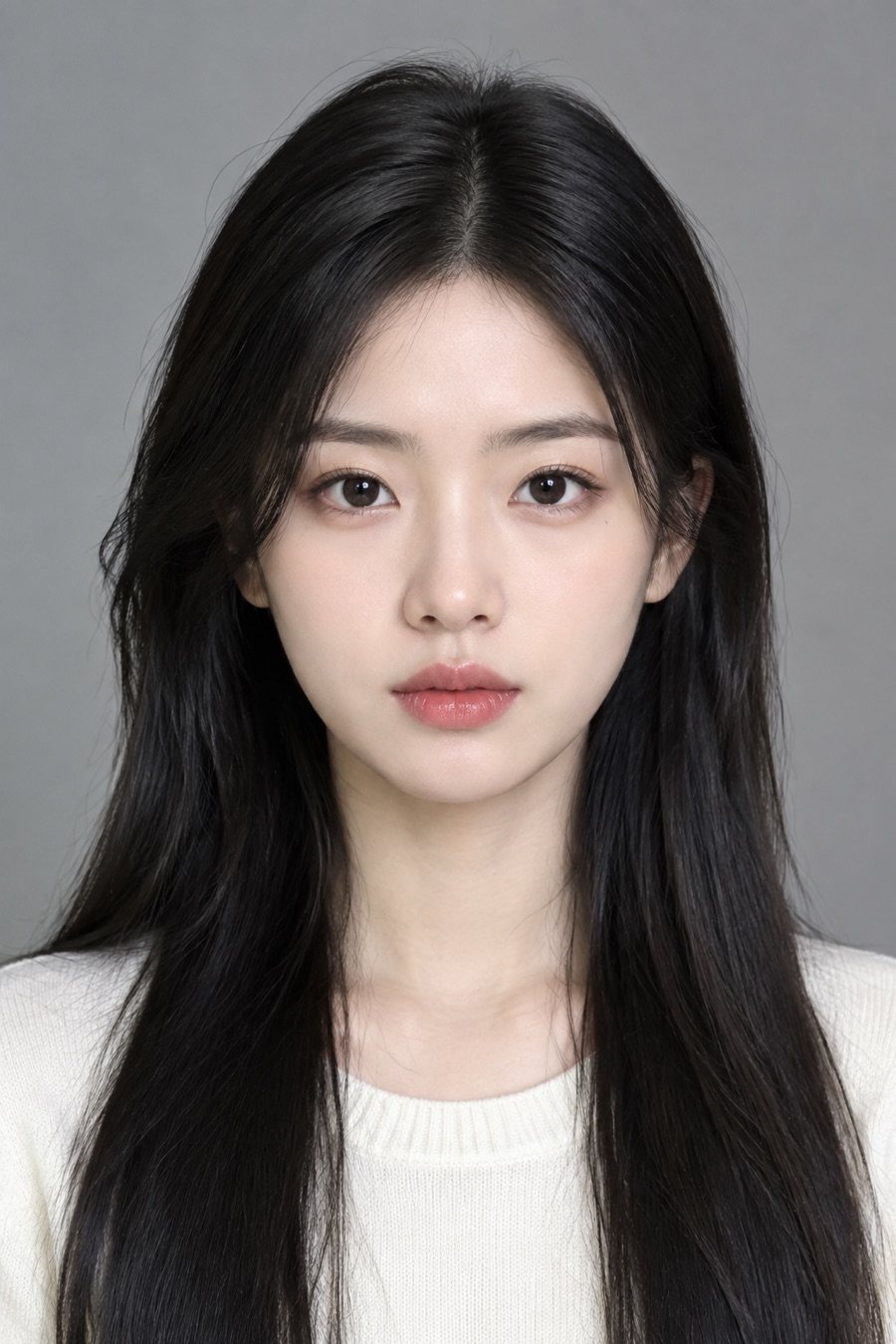 Original
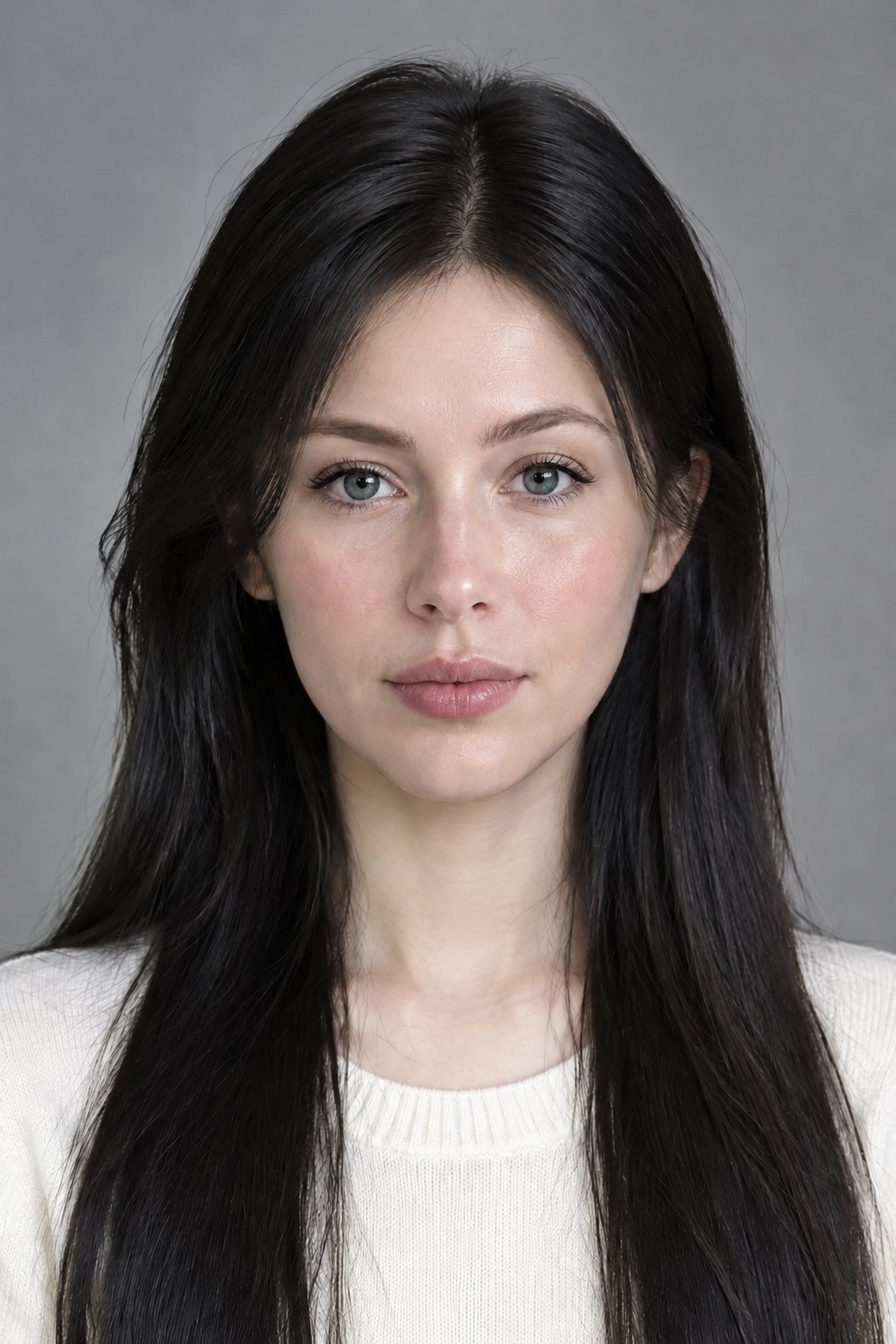 Face swapped
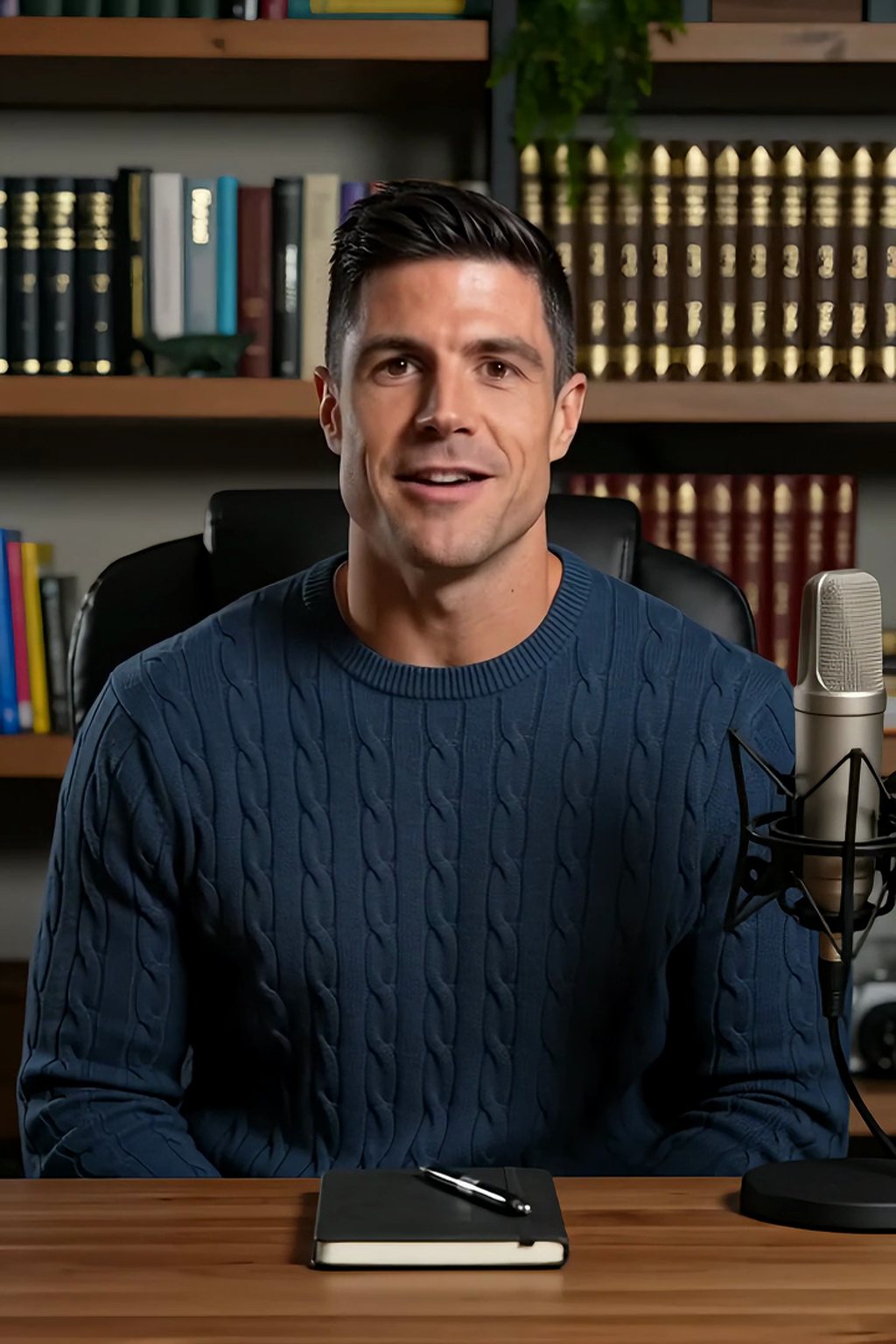 Original
 Face swapped
 Original
 Face swapped
 Original
 Face swapped
Specs
AI face swap specs: what goes in, what comes out
- Input
A video (MP4, MOV, WebM), a GIF, or a photo (JPG, PNG, WebP), plus one clear photo of the face
- What changes
The face only: eyes, nose, mouth and skin. Hair, head shape, expression, body, background, motion and audio stay
- Videos and GIFs
Swapped frame by frame, so the timing, the loop and the lip movement follow the original
- Output
MP4 with the original audio for videos, GIF for loops, JPG or PNG for photos
How to face swap in 3 steps
Same three steps for a video, a GIF or a photo.
Step 1
Upload the video, GIF or photo
The clip or picture you want to change. One clear face in frame gives the cleanest result.
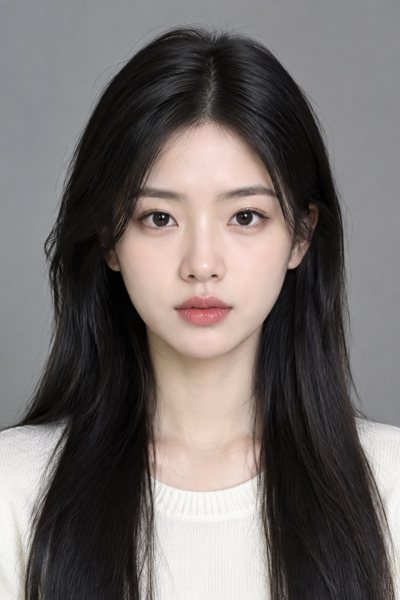
Step 2
Add the face photo
One person, facing the camera, good light, no sunglasses. That face goes onto every frame.
Step 3
Preview and download
Check the result, then download the MP4, GIF or image. Videos keep their original audio.
Video face swap: every frame, same motion
Vlogs, memes, movie scenes, dance clips. The face is matched to each frame's angle and light while the camera move, lip sync, cuts and audio stay as shot. The dedicated page has longer examples and the full FAQ: AI Video Face Swap.
- Original motion and lip movement
- Original audio kept
- MP4 out at the source resolution
GIF face swap: the loop stays the loop
Reaction GIFs with your face, or a friend's, with the timing and the loop point untouched. Export as GIF for chats or MP4 for feeds. Quick version with its own examples: GIF Face Swap.
- Same frame rate and loop
- GIF or MP4 export
- Built for short reaction clips
Photo face swap: one picture, one face
Portraits, group shots, old photos. The face is blended into the original hairline and skin, so the picture keeps its hair, head shape, outfit and light. Download as JPG or PNG at the original size.
- Hair and hairline kept
- Lighting and skin tone matched
- Original size, JPG or PNG
Pick the swap that matches the job
A face swap changes the features and keeps the hair and body. A head swap replaces the whole head, hair included. A character swap replaces the entire person, body and outfit, by re-generating the clip around a reference character.
- Face swap: features only
- Head swap: whole head with hair
- Character swap: whole person
FAQ
AI face swap FAQ
Is the AI face swap free?+
Signing up is free and comes with free credits to try it. Each swap shows its price before anything is charged, and you can preview the result before you download.
Can I face swap a video, not just a photo?+
Yes. Upload the clip and one face photo; the swap runs on every frame, so the motion, the lip movement and the audio stay the original's. The video face swap page shows longer examples.
Can I face swap a GIF?+
Yes. GIFs are swapped frame by frame like videos and exported as GIF or MP4, with the loop and timing untouched. See the GIF face swap page.
What is the difference between a face swap and a head swap?+
A face swap changes the eyes, nose, mouth and skin and keeps the original hair, head shape and body. A head swap replaces the whole head, hairline and hair included, which suits a different haircut or a very different head shape.
What face photo works best?+
One person, facing the camera, eyes open, even light, no sunglasses or heavy filters. A phone selfie in daylight is usually enough; the clearer the photo, the cleaner the swap.
Can I swap a face when there are several people?+
Yes, when one face is clearly the subject. If several faces are the same size, the swap goes to the most prominent one; crop the photo or trim the clip first if you want a different person.
Does the video keep its sound?+
Yes. The original audio is kept as it is, and the lip movement follows the original speaker, so dialogue stays in sync.
Can I use someone else's face?+
Only with their permission. Do not upload faces of people who have not agreed, and do not use the result to mislead anyone. Public figures and celebrities are not supported.
More swap tools
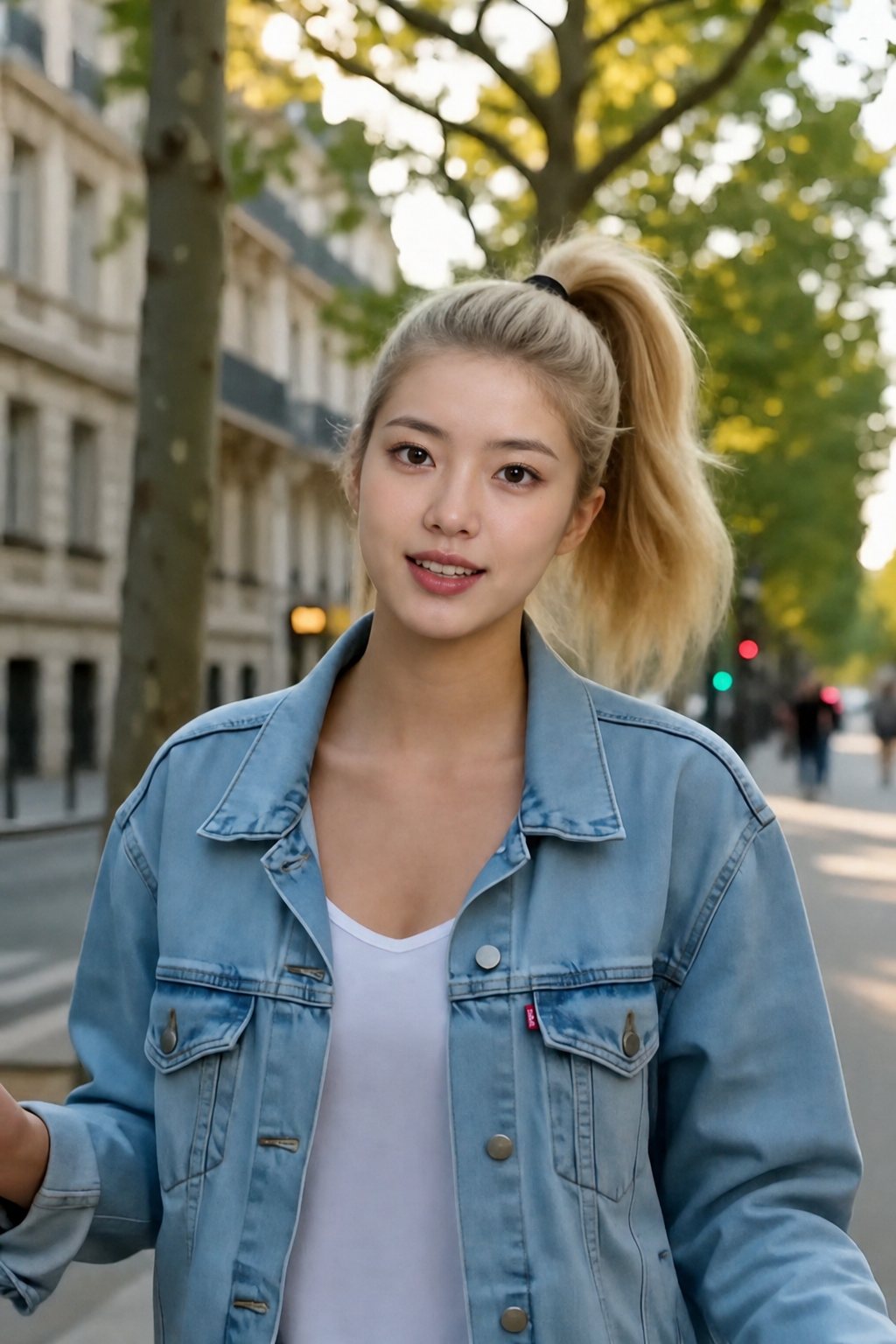
Your face. Any video, GIF or photo.
Upload the clip or picture and one face photo; the face changes, everything else stays.
Free to try · Price shown before you generate · Faces with permission only