
AI Wedding Photos: 3 Jobs They Do Well
Pre-wedding test shots, save-the-date portraits and album gap-fills: the three jobs AI wedding photos do well, and the uses that cross a line.
 Maya Chen 9 min read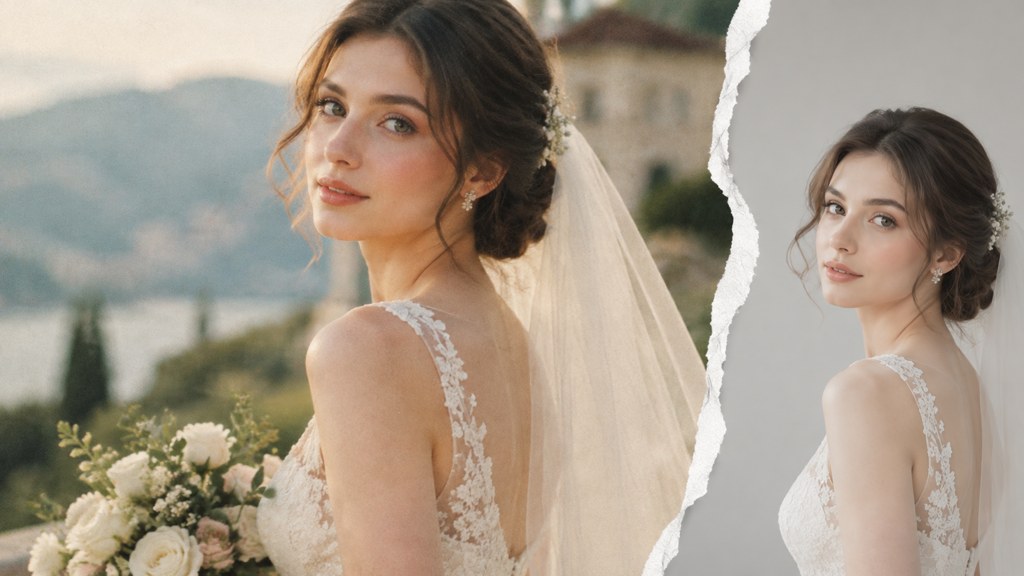
AI wedding photos are portraits of a bride, a groom or a couple that a model builds or heavily rebuilds from a source photo. Three jobs suit them: trying a look before the fitting, producing a portrait for a save-the-date card, and repairing a frame the photographer could not save. Everything past that runs into the same wall, because a wedding picture is supposed to be a record of a day that happened. I ran the bridal template on our own test faces for this piece, and the runs that earned their credits were the dull ones: one face, one plain source photo, one instruction.
What can AI wedding photos actually be used for?
The honest list is three items long, and each one has a different owner. The first belongs to the couple before the day. The second belongs to whoever is designing the stationery. The third belongs to the photographer, after the shoot, and comes with conditions.
- 1
Testing a look
Hair up or down, veil or no veil, a warm palette against a cool one. You are checking a silhouette, not ordering a dress.
- 2
A stationery portrait
Save-the-date cards, invitation inserts and a website header. Nobody reading a card believes it is documentary coverage of an event that has not happened yet.
- 3
A repair on a real frame
A bin in the corner of an otherwise good aisle shot, a blown highlight, a guest blinking in one frame of a burst you have three copies of.
The fourth use is where people get into trouble: generating something that never happened and letting it sit in a gallery beside real coverage. That is not a technical problem, it is a labelling one, and it is the difference between a helpful preview and a lie about someone's wedding.
Demand for this kind of image editing is not theoretical. In LazyKiwi's workbench data (August 2026), image tools were the most used feature on the platform: 57 external users ran image template or tool generations in the window, against 17 for video templates.
How do you test a wedding look before the day?
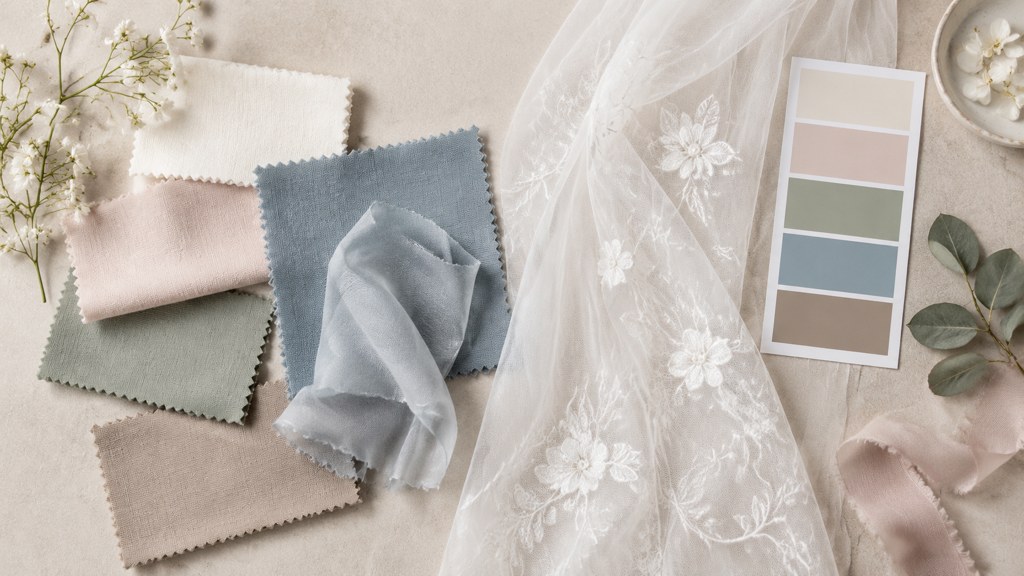
Upload a plain, front-lit head-and-shoulders photo, run the same template twice with one variable changed, and compare the two side by side. That is the whole method. A preview answers questions about proportion and colour: does a wide brim overpower your face, does deep burgundy fight the dress, does the hair read as too tall in a portrait crop.
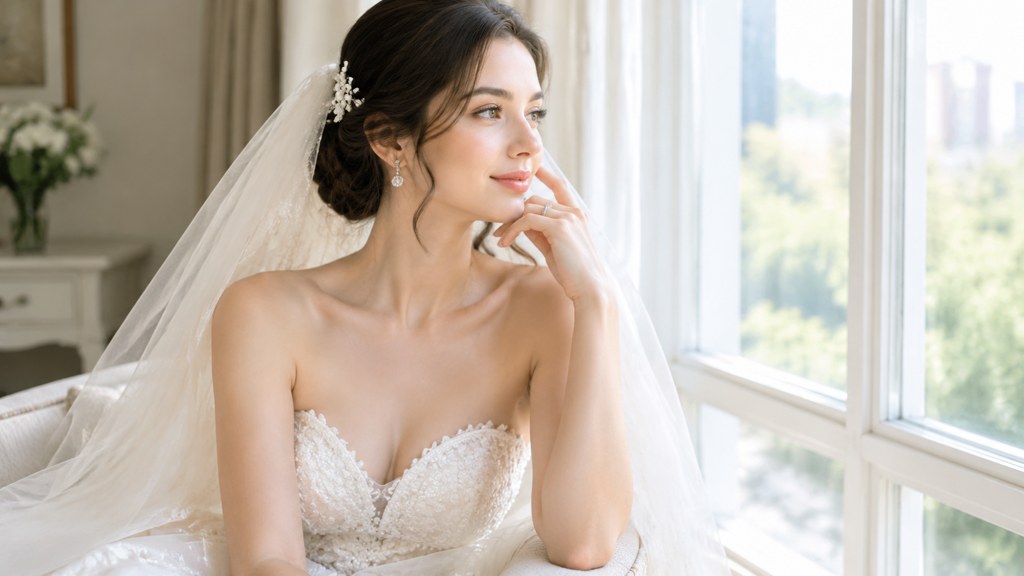
It answers nothing about fabric. Drape, weight, how a train behaves when you turn, whether a bodice holds after four hours of standing: none of that is in the image. The New York Institute of Photography's article library is a more useful guide to lighting and posing a real fitting than any generator (NYIP (2026)), and a fitting room mirror still beats both.
One limitation worth knowing before you spend credits: the bridal editorial template is built around a single subject. We fed it a two-person photo on the second run, at the same 3:4 ratio and 1K resolution, and it returned one styled bride rather than the pair. If you want both partners in frame, that is a different job and a different tool.
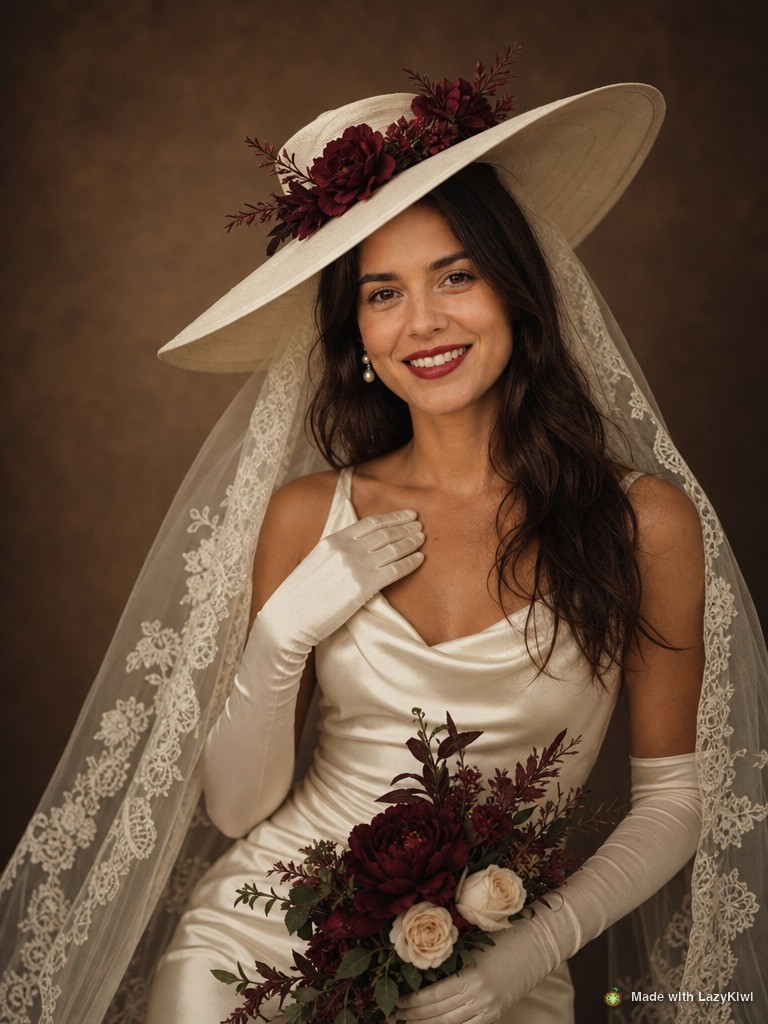
Source photo rules
Plain background, even light on the face, no sunglasses, shoulders square to the camera. A busy source photo is the most common reason a preview comes back with a strange jaw or a melted hairline.
How do you make an AI portrait for a save-the-date or invitation?
This is the job the templates were built for, and it takes about a minute. Here is how to create AI wedding photos for stationery in the workbench, using the vintage bridal editorial template as the example.
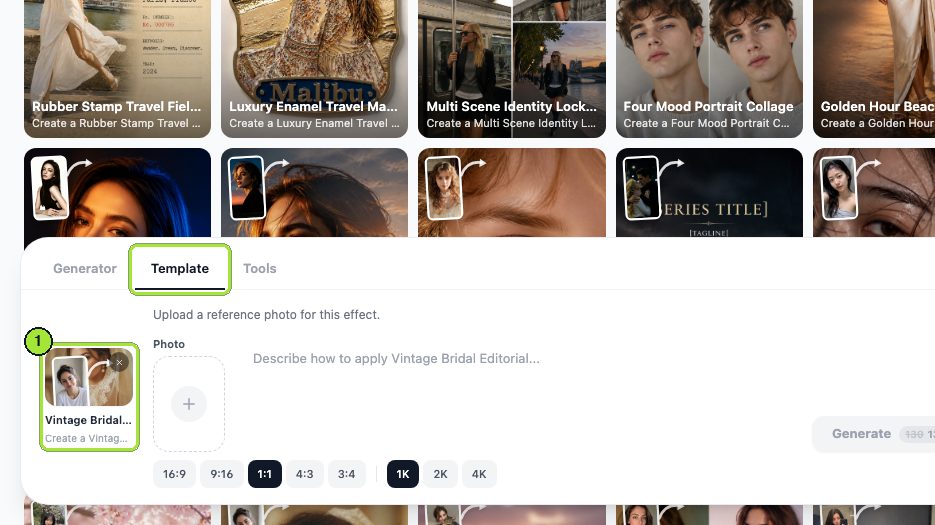
- 1
Open the template
The Template tab loads with the template chip selected, so there is nothing to search for.
- 2
Load one photo
Click the Photo box and upload a single head-and-shoulders portrait. This template takes one image, not two.
- 3
Set the shape and size
Pick 3:4 in the ratio chips for a portrait card, then choose a resolution chip: 1K for screen, 2K when the file is going to a printer.
- 4
Generate
The Generate button shows the price before you commit, which was 13 credits for a 1K run on our test account.
- 5
Download from My Image
Open the finished card in My Image and click Download. The file goes to your stationery designer, not straight to a print order.
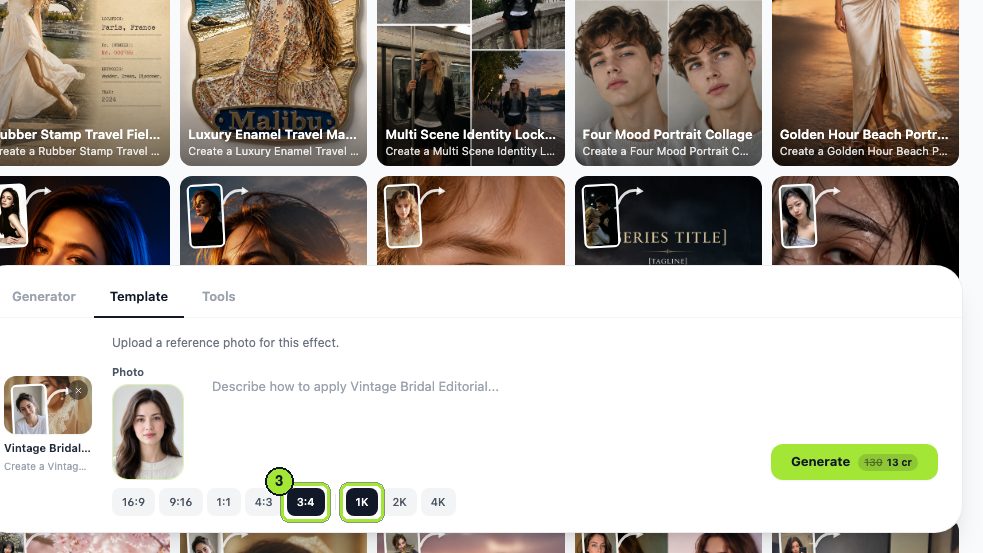
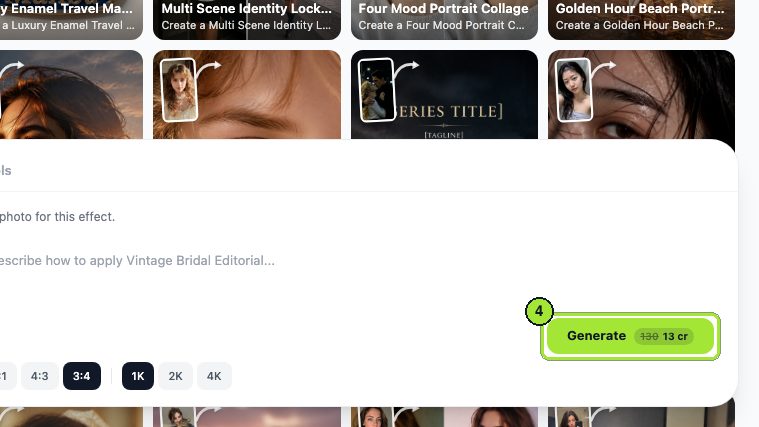
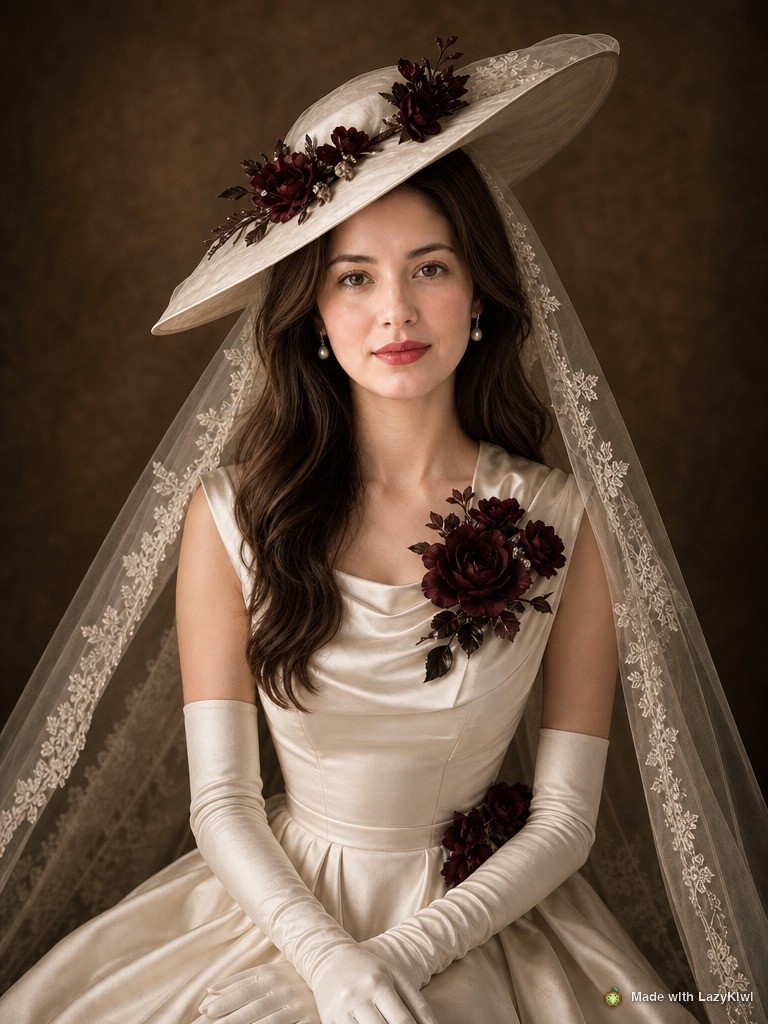
Resolution is the only thing worth arguing about here. A 1K file looks fine on a phone and thin on a printed 5x7 card; the 2K chip costs 17 credits instead of 13, which is a cheap insurance policy against a card that arrives soft. Every one of these runs goes through GPT Image 2, so the output ceiling is a property of the model, not of the template you picked.
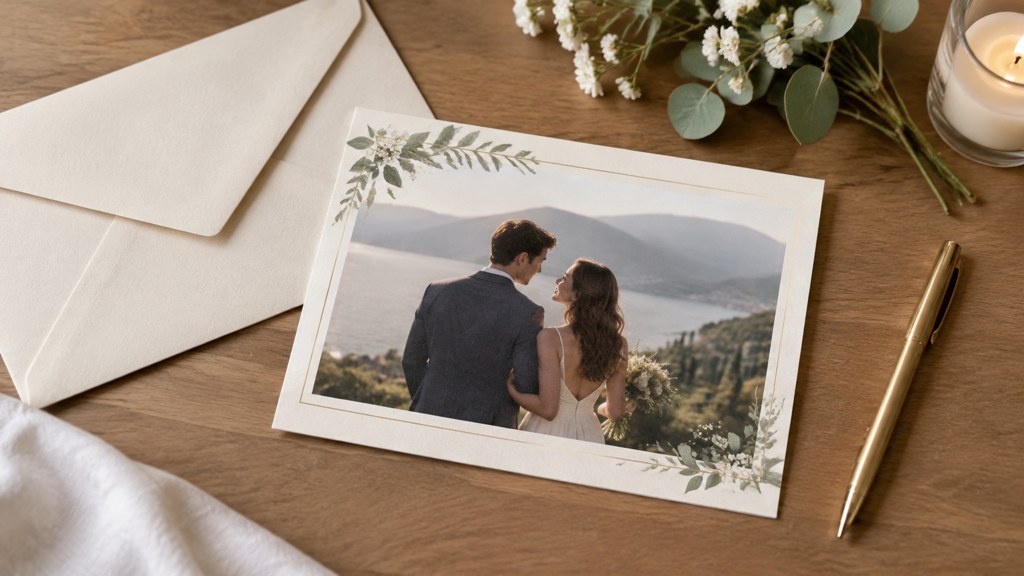
How do you fill a gap in a wedding album responsibly?
There is a narrow case for this and a wide case against it. The narrow case is a real frame with a fixable flaw: a fire exit sign behind the couple, a smudge on the lens, a chair somebody left in the aisle. You are not adding an event, you are cleaning a record of one.
- Ask the couple first, in writing, before anything leaves your machine.
- Keep the untouched original in the delivery, so the edit is a version rather than a replacement.
- Never add a person who was not there, and never move one who was.
- Say what was changed in the file name or the album note, not in a conversation nobody will remember.
Provenance metadata makes the last point durable. Content Credentials, the specification hosted by the Coalition for Content Provenance and Authenticity, records how a file was made and what was done to it afterwards, and its backers now number in the hundreds of companies (Content Credentials (2026), checked 7 September 2026). A credential travels with the file. A promise made over email does not.
What does AI wedding photo editing do that manual editing does not?
Scale, mostly. A wedding gallery is hundreds of frames shot across changing light, and the boring half of wedding photo editing is making frame 480 match frame 12. A model applies the same instruction across a batch without drifting the way a tired human does at two in the morning.
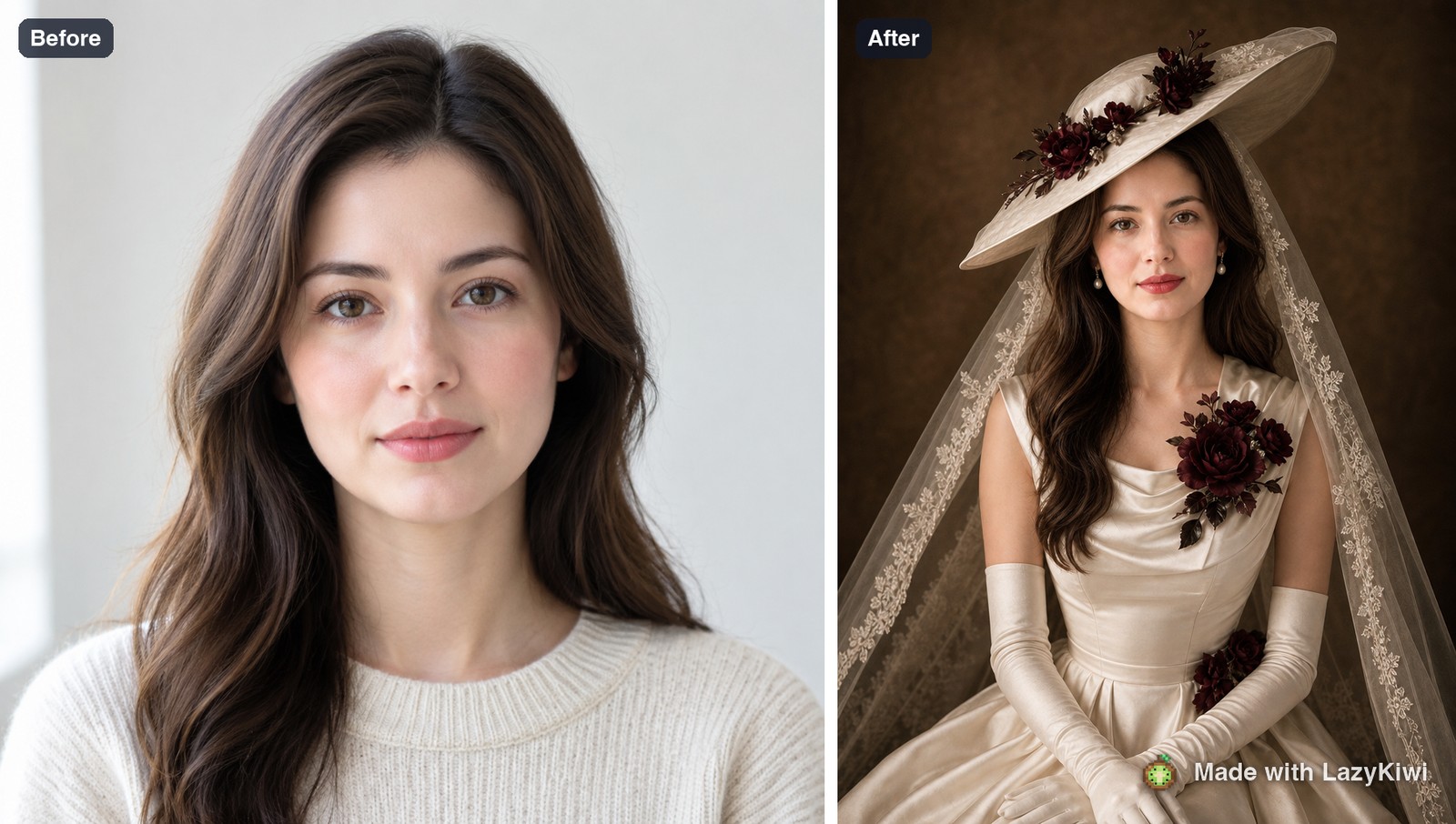
What it should not touch: faces of guests, ring detail, anything a family member will study at close range, and any frame where the fix would change what the picture says. The AI photo editor is good at a background tidy and a colour pass. It is not a retoucher who knows that the woman in the third row is the bride's grandmother.
Batch consistency is the real win. Everything else a good retoucher already does better.
— Maya Chen
Can you replace a wedding photographer with AI?
No, and the reason has nothing to do with image quality. A photographer is being paid for the four hours in the middle of the day when nothing can be repeated: the walk down the aisle, the first look, the speech that made your father cry. A generator cannot be in the room, cannot ask the groomsmen to move two steps left, and carries no second camera body when the first one dies.
Those figures come from the US Bureau of Labor Statistics occupational profile (BLS (2026), read 7 September 2026). A profession of mostly self-employed people with roughly flat projected employment is not a profession being deleted; it is one where the routine work is getting cheaper and the day-of work is not.
Couples usually ask how many photos in a wedding gallery is normal, and how many photos should you get from a wedding photographer. Both are contract questions rather than technical ones. Directories such as WeddingWire exist to compare vendors on exactly these terms, and its own homepage described a marketplace of more than 157,000 local professionals when we checked it (WeddingWire (2026), 7 September 2026). Get the delivered-image count written into the agreement and the question answers itself.
What should you never do with an AI wedding photo?
- Present a generated frame as documentary coverage of the day.
- Insert a guest who could not attend, unless the caption says so in the same breath.
- Publish one on a vendor portfolio as an example of work you delivered for a client.
- Send one to a publication or a competition that asks for photographs.
The third item is the one with legal teeth. The Federal Trade Commission's endorsement guidance is explicit that an endorsement has to reflect the honest opinion of the endorser and cannot make a claim the marketer could not legally make (FTC (2026), read 7 September 2026). That FAQ predates the current wave of generated imagery and does not mention it by name, but a portfolio of work you did not shoot is a claim about your service either way.
Is there a free way to make AI wedding photos?
There is a free way to try one. There is no free way to run a stationery job at print resolution across a dozen variations. Here is what three routes gave on 7 September 2026, read off their own pages.
| Route | What you get without paying | Resolution ceiling | What to check |
|---|---|---|---|
| LazyKiwi | 40 credits on signup, which covers three 1K template runs at 13 credits each | 1K, 2K at 17 credits, 4K on the resolution chips | Credits are shared with every other tool in the workbench |
| PhotoRoom | A start-for-free flow; the pricing page lists credits and export counts per paid tier rather than a free allowance | Export limits apply up to 2K, with 4K on the top tier | The listed plans are quoted per month billed yearly |
| Picsart | A free plan exists, though the pricing page details only the paid tiers | Not stated on the pricing page | Pro was listed at $10.5 a month billed yearly, against a $15 struck-through price |
Sources for that table: PhotoRoom pricing (2026) and Picsart pricing (2026), both read on 7 September 2026. Prices on these pages change with regional offers, so read them again before you commit to a plan.
An AI wedding photo generator is cheap enough per image that the real cost is attention, not money. In LazyKiwi's workbench data (August 2026), the median time from signup to a first generation was about a minute and a half, and 103 of 108 first generations happened inside ten minutes. The credits go fast when every run is a guess, so decide what you are testing before you spend them. For a wider view of how photographers and editors are using this class of tool, the trade press is a better weather vane than any vendor blog (PetaPixel (2026)).
Key takeaways
- AI wedding photos do three jobs well: previewing a look, producing a stationery portrait, and repairing a real frame.
- The bridal editorial template is single-subject: a couple photo came back as one styled bride at 3:4 and 1K.
- Pick 2K on the resolution chips when the file is going to a printer; 1K is a screen file at 13 credits.
- Disclose any edit that changes what a picture says, and keep the untouched original in the delivery.
- No generator covers the day itself, which is what a photographer is actually paid for.
Image & Design Editor
Maya Chen
Maya Chen edits LazyKiwi's image and design coverage. She works through every template and tool herself before writing about it, and keeps the receipts: the settings used, the credits spent and the runs that did not work.
FAQ
Common questions
How many photos should I expect from my wedding photographer?
It depends entirely on the contract, the hours booked and the size of the party, so ask for a delivered-image count in writing before you sign. Vendor directories let you compare packages on those terms rather than on a headline price alone.
Is an AI wedding photo generator good enough for a printed invitation?
For stationery, yes, if you generate at 2K rather than 1K and hand the file to whoever is designing the card. A 1K image looks fine on a phone and can arrive soft on a 5x7 card once the printer has trimmed and bled it.
Can I put a generated portrait in the wedding album?
Only with the couple's agreement and a label. Repairing a flaw in a real frame is defensible; adding a moment that never happened is not, whatever the image quality. Keep the original file in the delivery so the edit is a version, not a replacement.
Does the template work with a photo of both partners?
The vintage bridal editorial template composed a single subject in our test: fed a two-person source photo it returned one styled bride at the same 3:4 ratio and 1K resolution. For two people in one frame, use a combiner tool built for two uploads.
Do I have to disclose that a listing or portfolio image was generated?
For anything advertising a service, yes. Endorsement rules require honest representation of what a business delivers, and provenance credentials attached to the file are a more durable disclosure than a line in an email that nobody keeps.
Test the look before the fitting
Run one plain portrait through the vintage bridal editorial template, compare two versions, and keep the one that answers your question.
Related reading
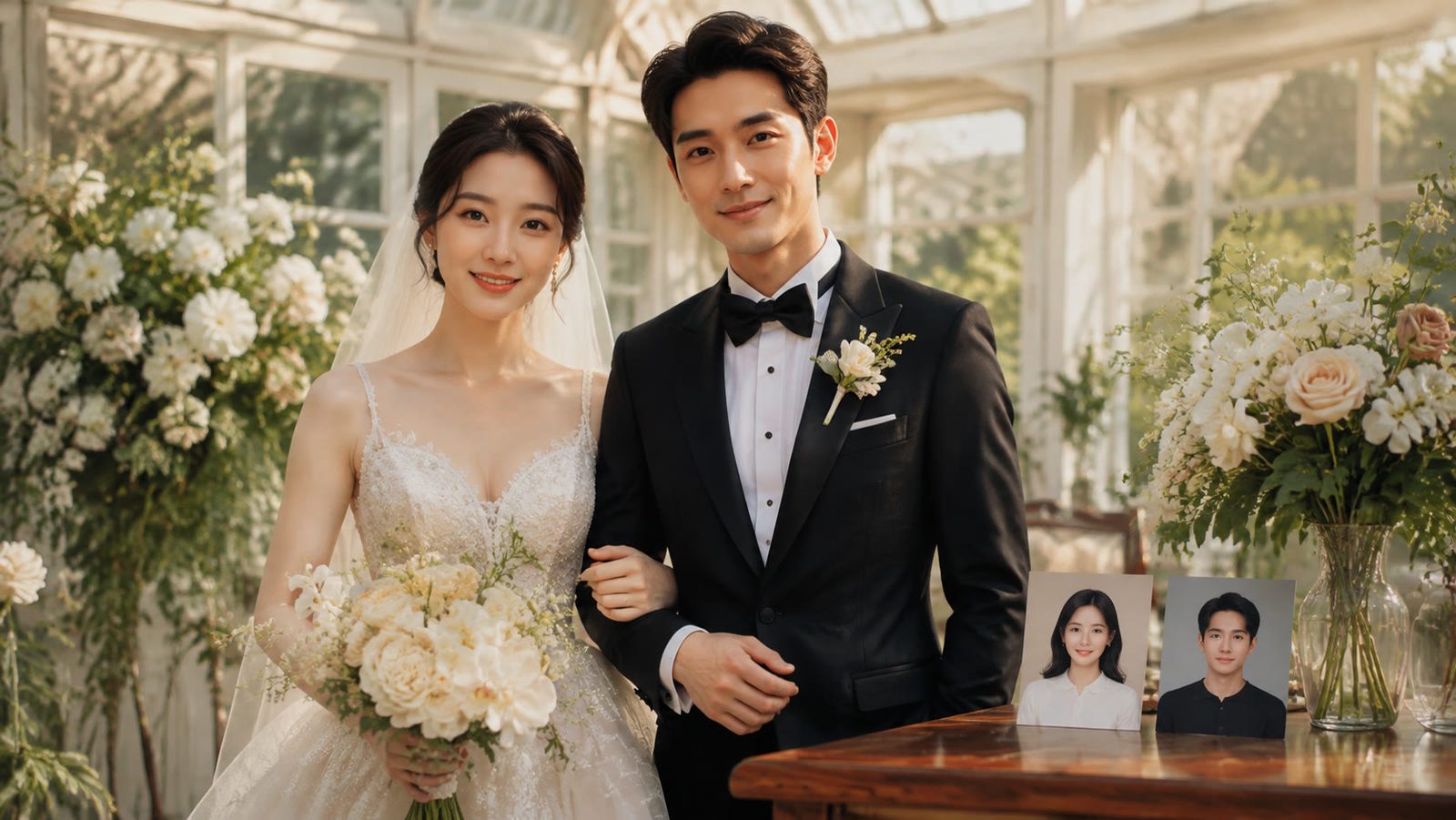
AI Couple Photo Generator: How to Make Natural Couple Photos
Use an AI couple photo generator to merge two selfies into one scene: the image combiner, instant couple and bridal templates, a video route, free credits.
8 min read
Best AI Profile Picture Generator in 2026: 7 Tools Compared
Seven AI profile picture generator options compared on prices checked today, likeness, style range and photo retention, plus LinkedIn and Instagram sizes.
8 min read
Content Repurposing: Turn One Photo Into a Week of Posts
Content repurposing from one photo: pick a source that survives recuts, run seven multiply steps in LazyKiwi, and post a Day 1 to Day 7 plan on three apps.
8 min read