
AI photo editor: edit any photo by describing the change.
The LazyKiwi AI photo editor turns a sentence into an edit. Remove a stranger, brighten a dull shot, change a jacket to navy. It is an online photo editor with no layers and no tools to learn.
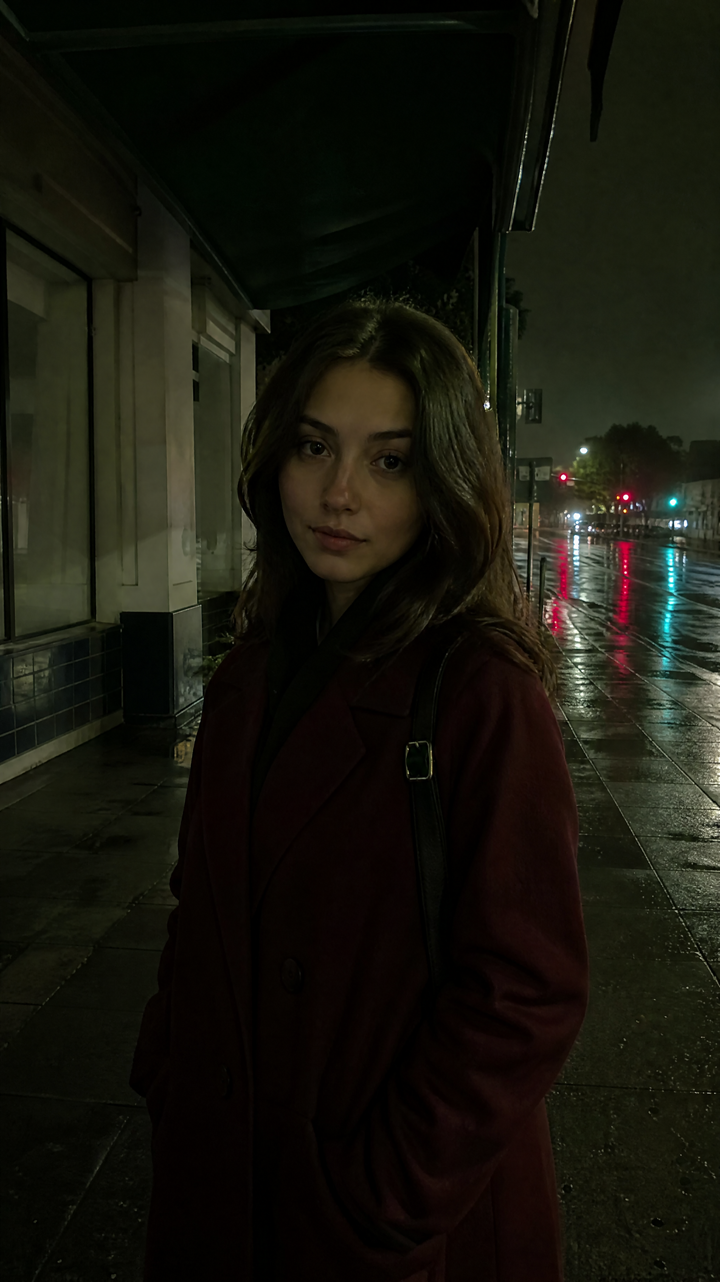 BEFORE
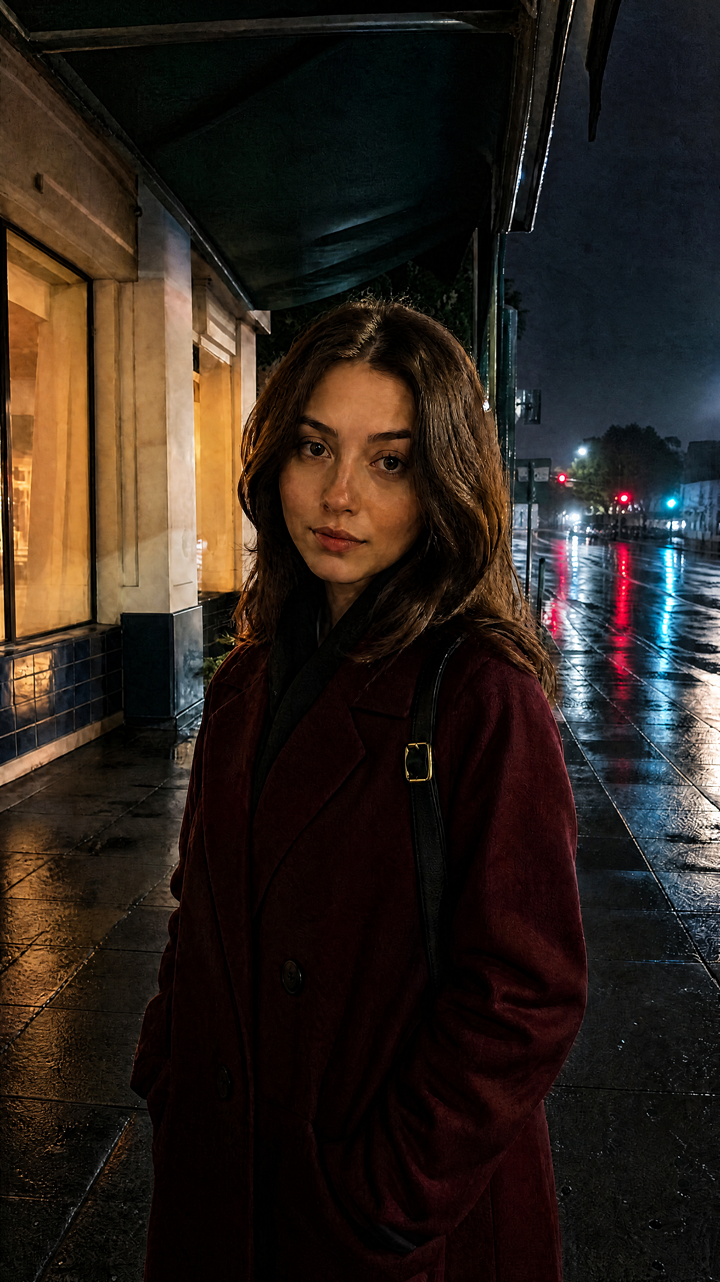 AFTER ✨
What it is
An AI image editor that takes instructions.
Upload a photo, type what should be different, and the editor rewrites just that part of the frame. It's the short route for edits that would cost twenty minutes of masking in a traditional photo editor.
How it works
Your result in three steps
Upload your photo
One image is all you need. Portraits, products, interiors and travel shots all work.
Describe the edit
Type what to change: "remove the bin on the left", "clear the sky", "make the jacket navy".
Generate & download
Review the result, reword if it missed, then download the version you want.
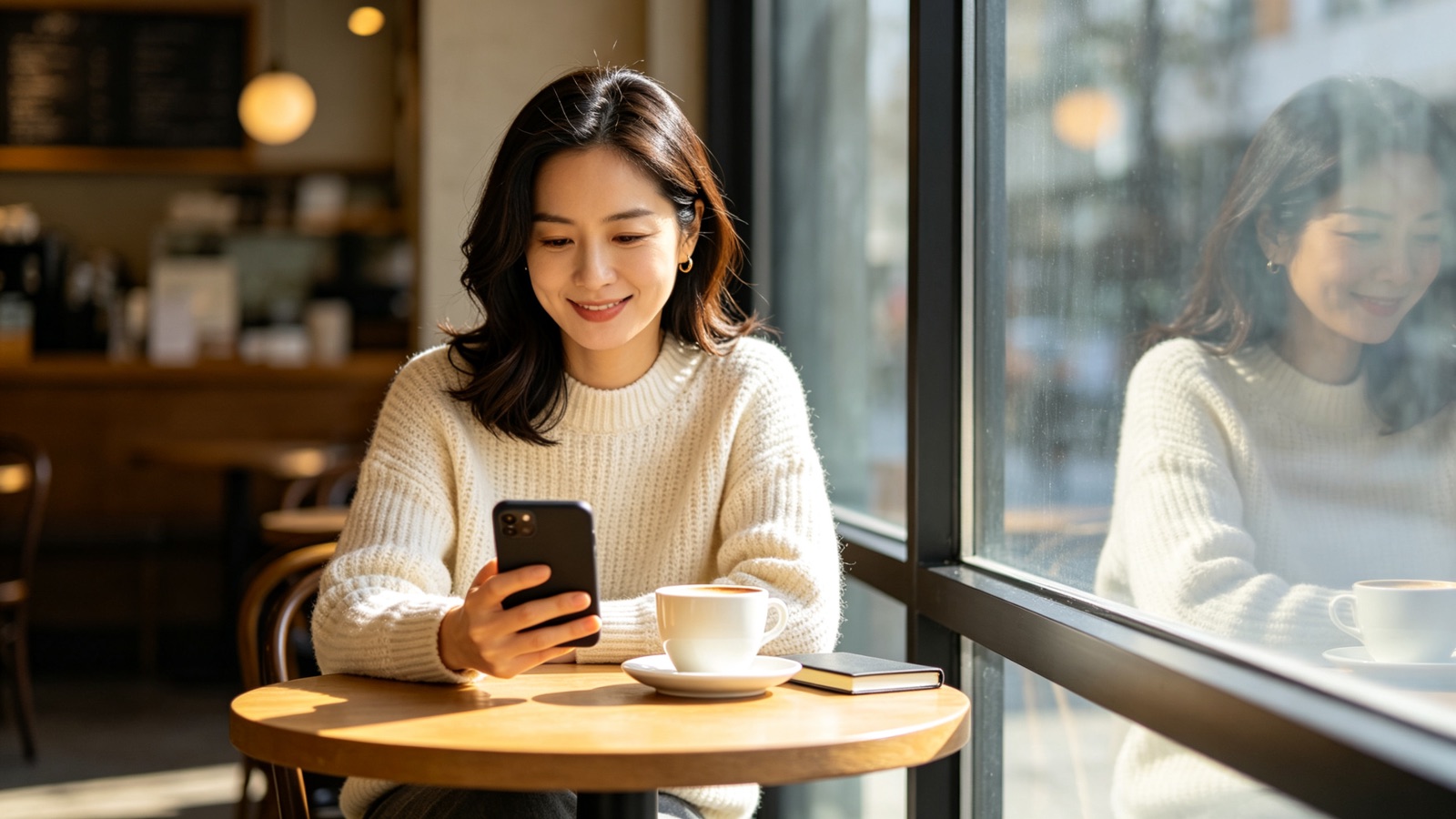
No tools to find, just a sentence
Instead of hunting for the right brush, you write the instruction. The AI image editor handles the selection, the blending and the cleanup.
- No layers or masks
- Refine by rewording
- Start over any time
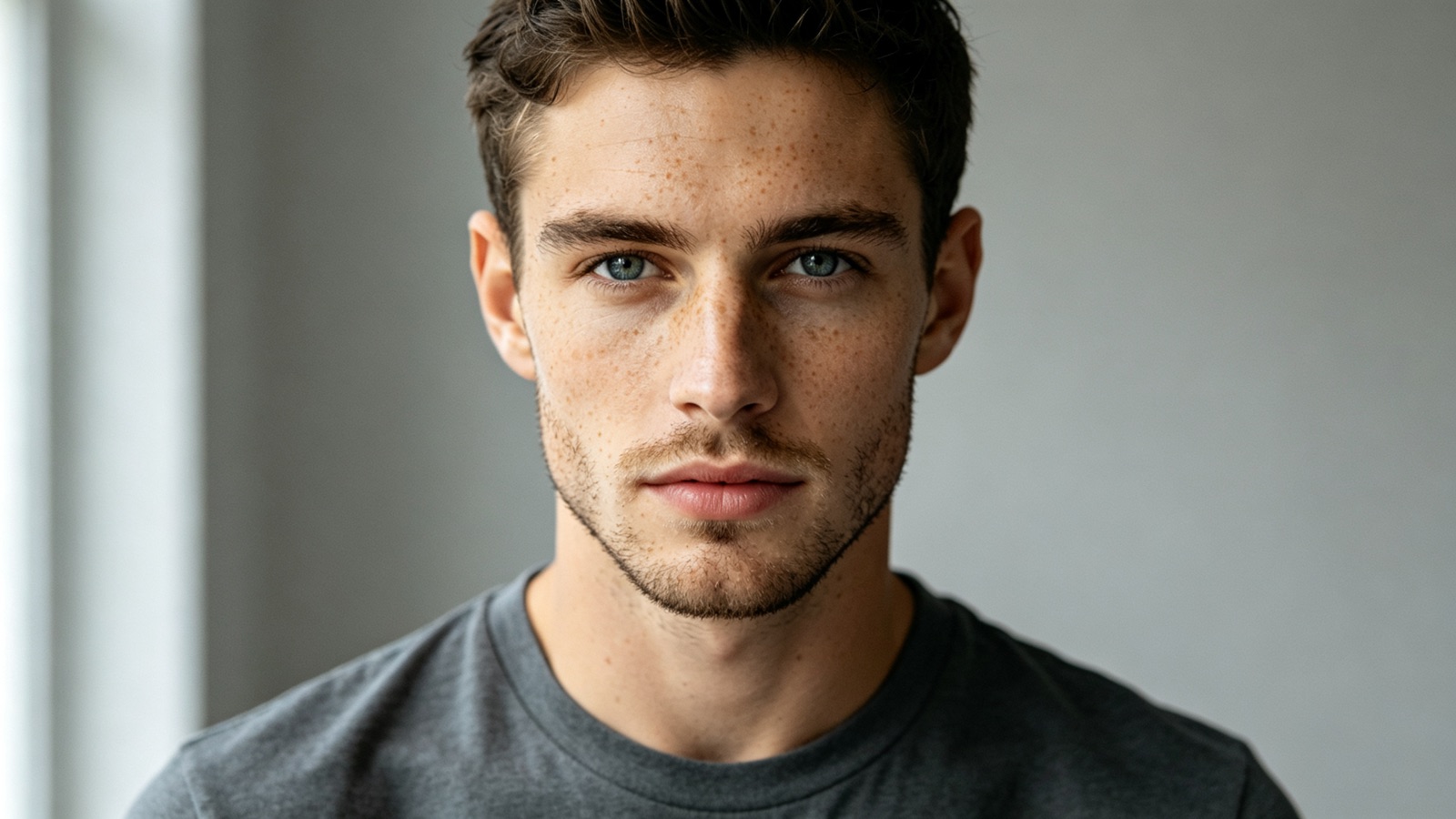
Edits that survive a zoom
Grain, shadows and reflections around the edit are rebuilt to match the rest of the frame, so the changed area doesn't turn into a soft smudge.
- Matches grain and lighting
- Keeps faces recognizable
- High-resolution export
The everyday edits, in one place
Remove a photobomber, clean a background, lift a flat sky, cover a blemish or restyle a color — without opening a desktop app.
- Object and people removal
- Color and light fixes
- Background cleanup
Why LazyKiwi
Built to take direction
Faster than masking
An edit worth twenty minutes of selection work lands in seconds.
Private by default
Your uploads are processed securely and never sold or shared. What you upload stays yours.
Free to start
Run a real edit on your own photo before paying for anything.
Nothing to install
It runs in your browser — no licence, no plugins, no desktop machine.
Say it, don't build it
If you can describe the change, you can make it. There is no prompt syntax to memorize.
Reversible by design
Your original stays as uploaded, so a different edit is always one run away.
FAQ
Questions, answered
Is the AI photo editor free?+
Yes. Upload a photo and run an edit for free before choosing a plan.
Is this an online photo editor, or do I need an app?+
It is an online photo editor that runs in your browser, on a computer or a phone. There is nothing to install: upload a photo, describe the edit, download the result.
Do I need photo editing experience?+
No. You describe the change in one sentence. There are no layers, masks or sliders to learn.
What file types does it accept?+
Common image formats such as JPG, PNG and WEBP. A higher-resolution upload gives a sharper result.
Is my photo data safe?+
Uploads travel over an encrypted connection, are used only to produce your image, and are never sold or shared.
Is an AI image editor the same as an AI photo editor?+
Here, yes. AI image editor, photo editor AI and plain "AI editor" all describe the same thing on this page: you say what should change and the AI does the selecting, blending and filling. It works on photos, product shots, screenshots and generated images alike. To edit by chat-style prompts the way people try in ChatGPT, see the ChatGPT photo editor alternative.
Use cases
What people edit here
Online sellers
Tidy product photos for Etsy, eBay or Shopify: drop the clutter, even out the light, and make every listing match.
Real-estate agents
Take the bin off the driveway and lift a gray sky, so a rushed viewing photo still sells the house.
Social creators
Fix the one thing ruining an otherwise good shot, minutes before it goes out.
More answers
More about editing with AI
How is an AI image editor different from a normal photo editor?+
A traditional editor hands you tools and expects you to do the work. Here you name the outcome and the AI does the selecting, blending and filling for you.
Can I remove a person or object from a photo?+
Yes. Say what should go — "remove the man in the red jacket" — and the background behind them is rebuilt from the surrounding scene.
Can I edit product photos for my store?+
Yes. Clean the surface, even out the lighting and remove reflections or stray props, so a phone photo looks close to a studio shot.
Can I keep editing the same image?+
Yes. Download a result and upload it again to stack another change. One instruction per run keeps the edits predictable.
Keep going
Guides for this tool
AI Wedding Photos: 3 Jobs They Do Well
Pre-wedding test shots, save-the-date portraits and album gap-fills: the three jobs AI wedding photos do well, and the uses that cross a line.
OpenHow to Take a Professional Headshot at Home
How to take a professional headshot with one window, one phone and a sheet of card: the distances, the phone settings, twelve frames and how to pick one.
OpenInstagram Photo Dump: How to Plan a Good One
What an Instagram photo dump is, why the unpolished format holds attention, how to sequence ten frames, and the caption structures that fit the tone.
OpenPolaroid Filter: How to Get a Real Instant Look
A polaroid filter has to copy five faults: warm cast, lifted shadows, soft corners, coarse grain and an uneven border. Do them in the right order.
OpenDescribe the edit. Get the photo.
Upload one photo, type what should change, and download the edited version in seconds.
No credit card · Free to try · Results in seconds