AI Storyboard Generator: Turn Your Script into Frames
Paste a scene and get 16:9 storyboard pages — wide shots, close-ups and inserts, the same characters in every frame, dialogue lettered in.
More pages drawn in the Cinematic format
Two chapters made in Comic Studio with the same Cinematic layout, in 3:4 instead of 16:9.
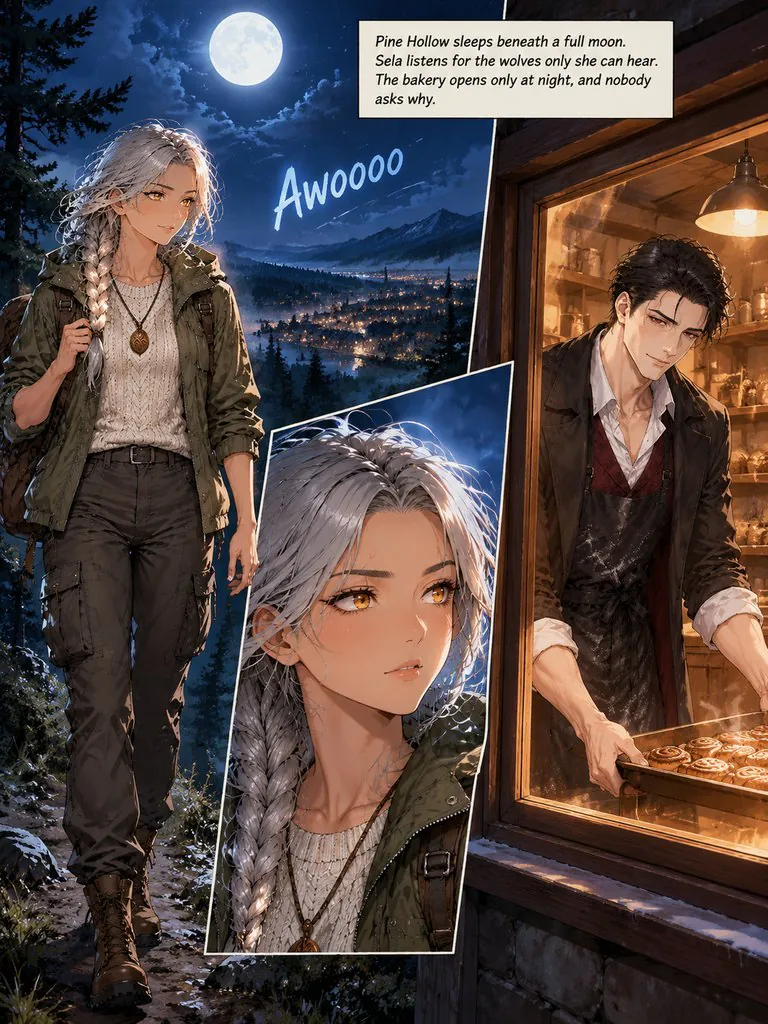
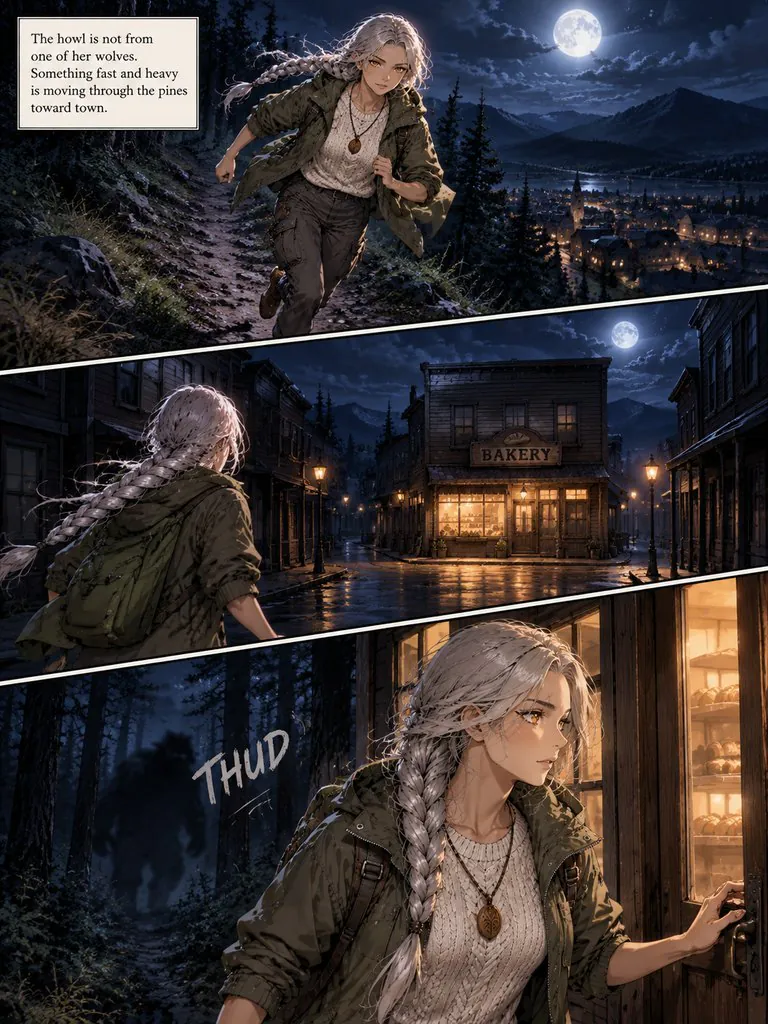
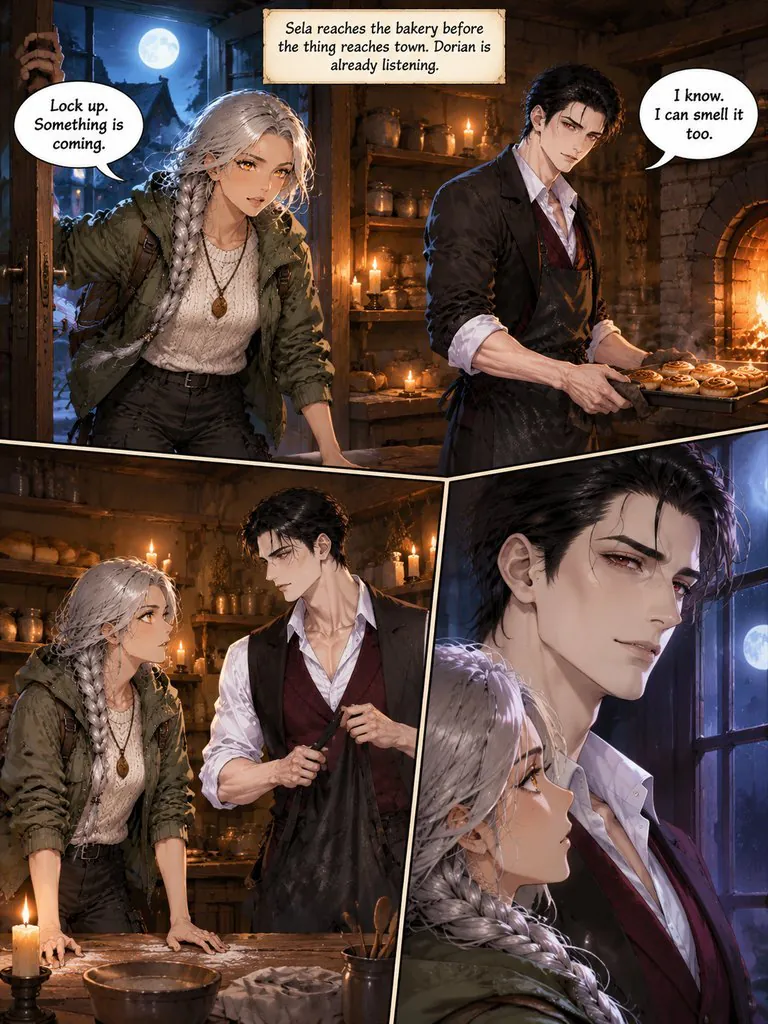
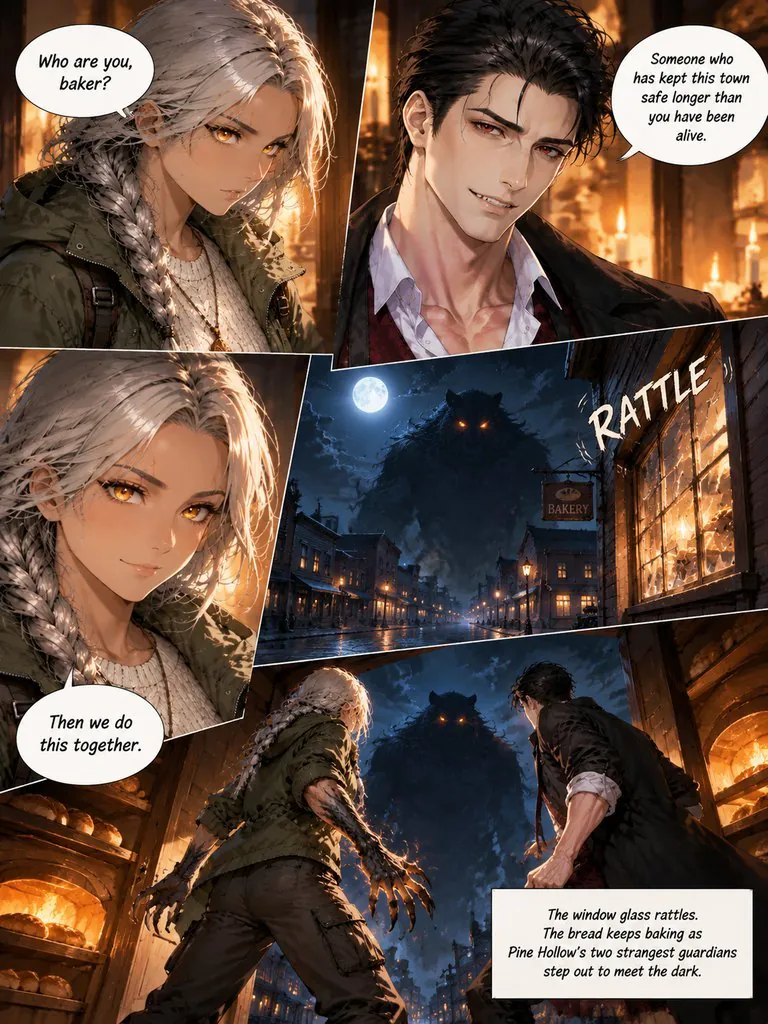
Guardians of Pine Hollow
A werewolf ranger and a vampire baker find out they guard the same mountain town on the night something worse comes out of the pines.
Read this chapter →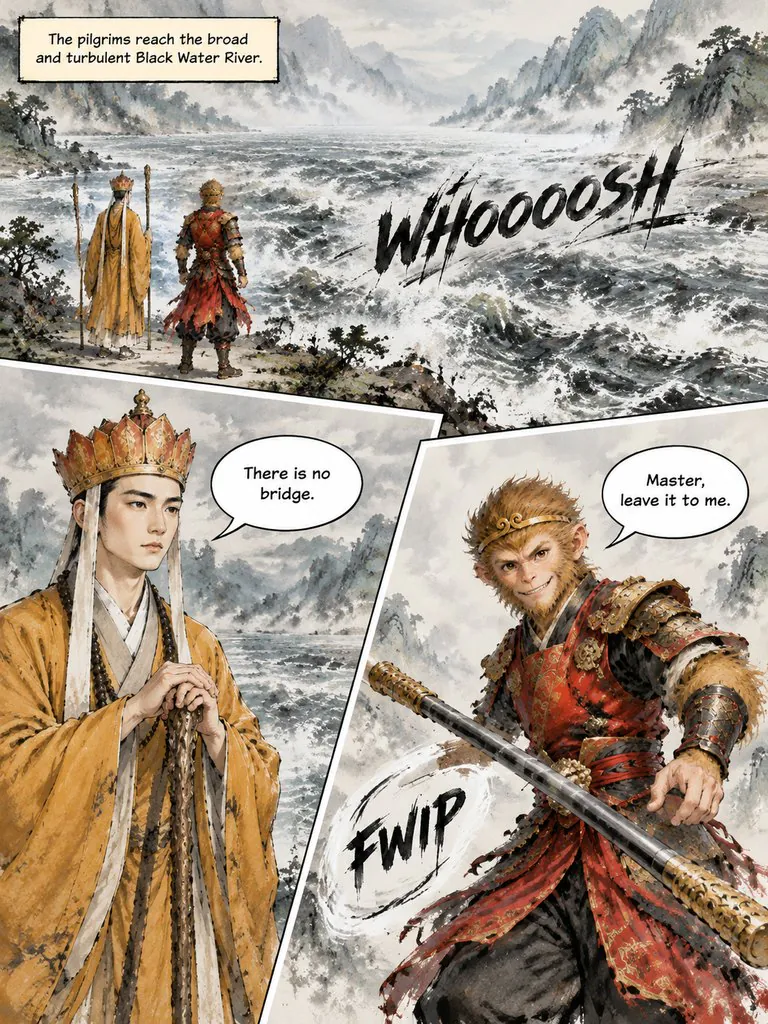
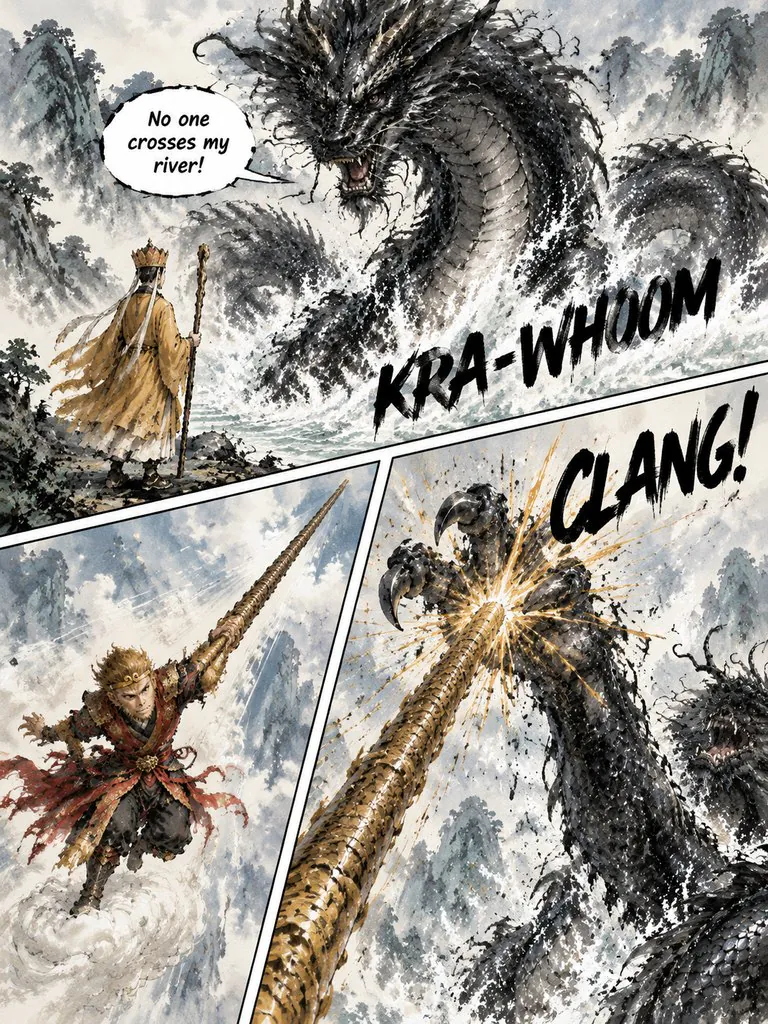
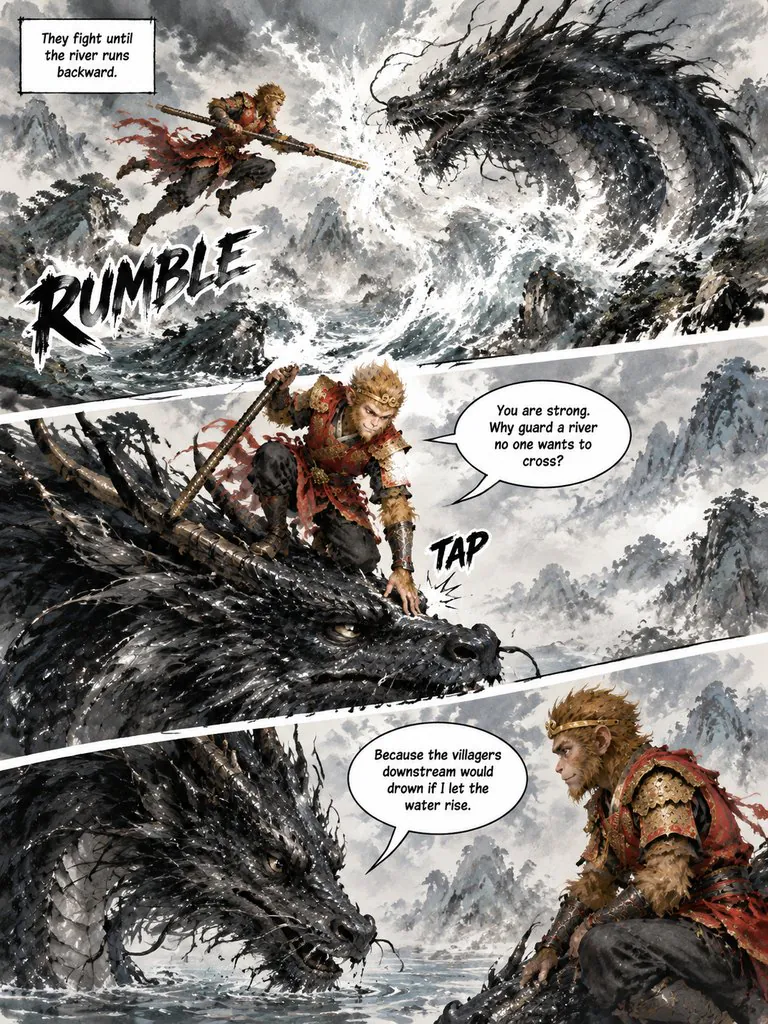
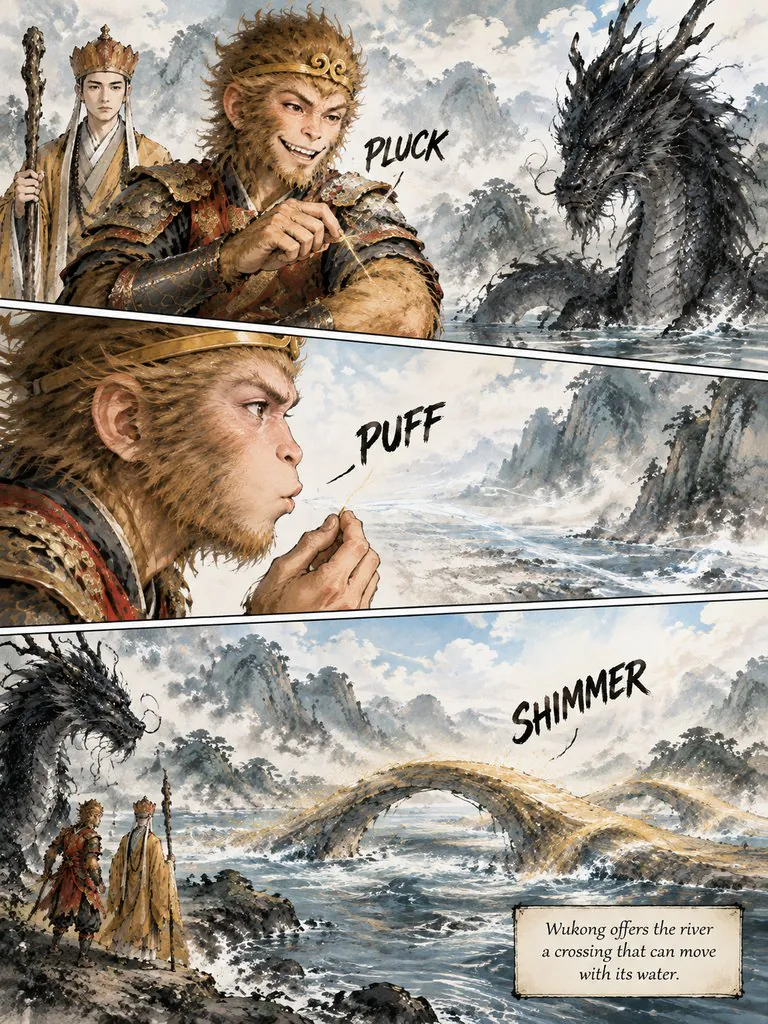
The Monkey King and the River Dragon
Sun Wukong takes on a black dragon that will not let the pilgrims cross its river — and finds out why it guards the water.
Read this chapter →How the AI storyboard generator works
Storyboards in LazyKiwi are made in Comic Studio with the Cinematic page format. Paste a scene or a short script (up to 1,000 words), set the frame to 16:9 and pick an art style. The studio draws a reference sheet for each character, splits the script into pages, and gives every page two to four overlapping shots — each one tagged wide, medium or close-up — with the dialogue lettered in. You can edit the scene, the shot list and the lines of any page before it is drawn; the breakdown is free and each drawn page or character sheet costs credits, shown before you start. Export the pages as a ZIP of images or a PDF.
Turn a script into a storyboard in 3 steps
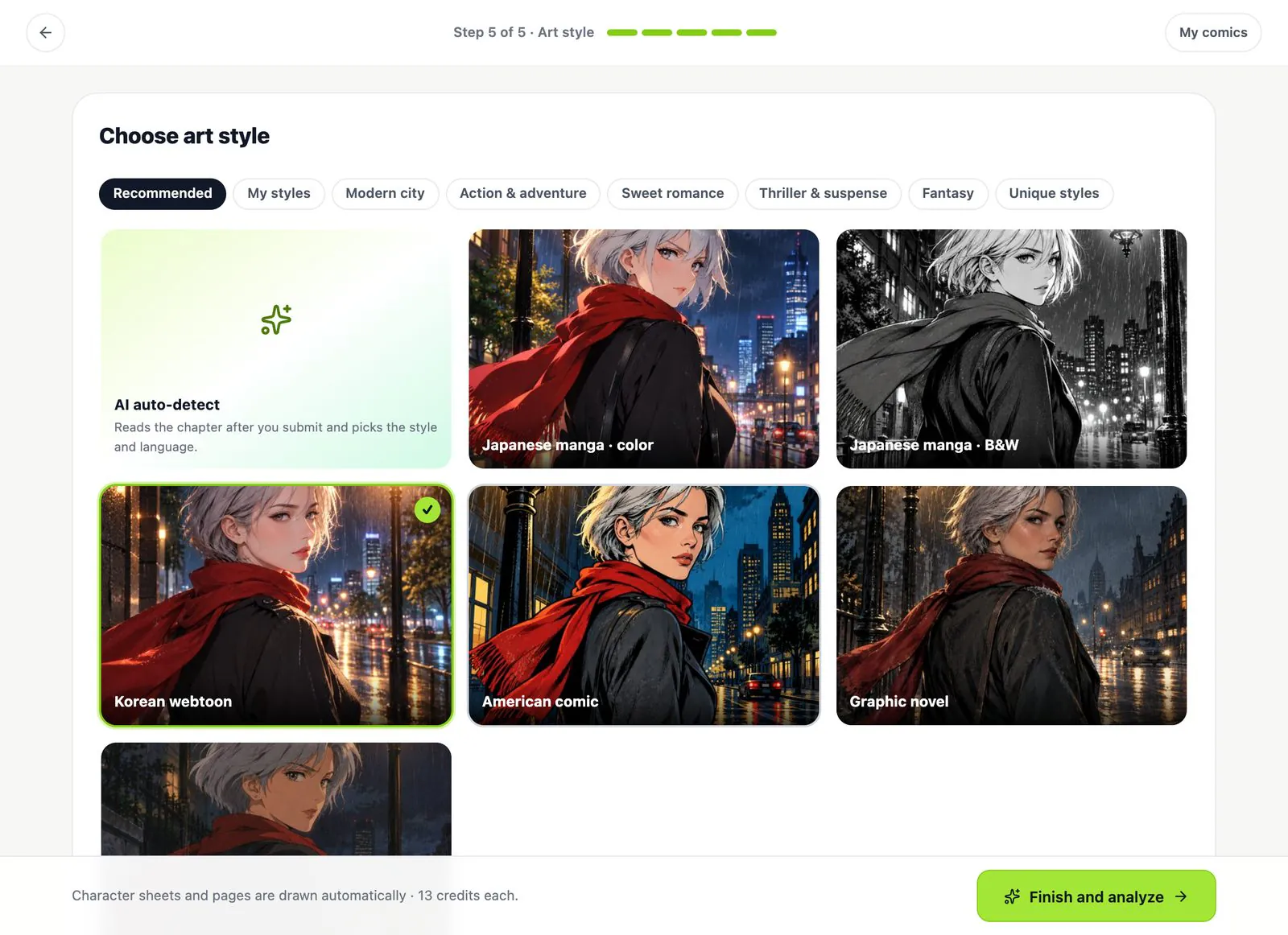
1Choose Cinematic and 16:9
In the style step pick the Cinematic format, a 16:9 frame and an art style — graphic novel, noir ink and anime styles all work for boards.
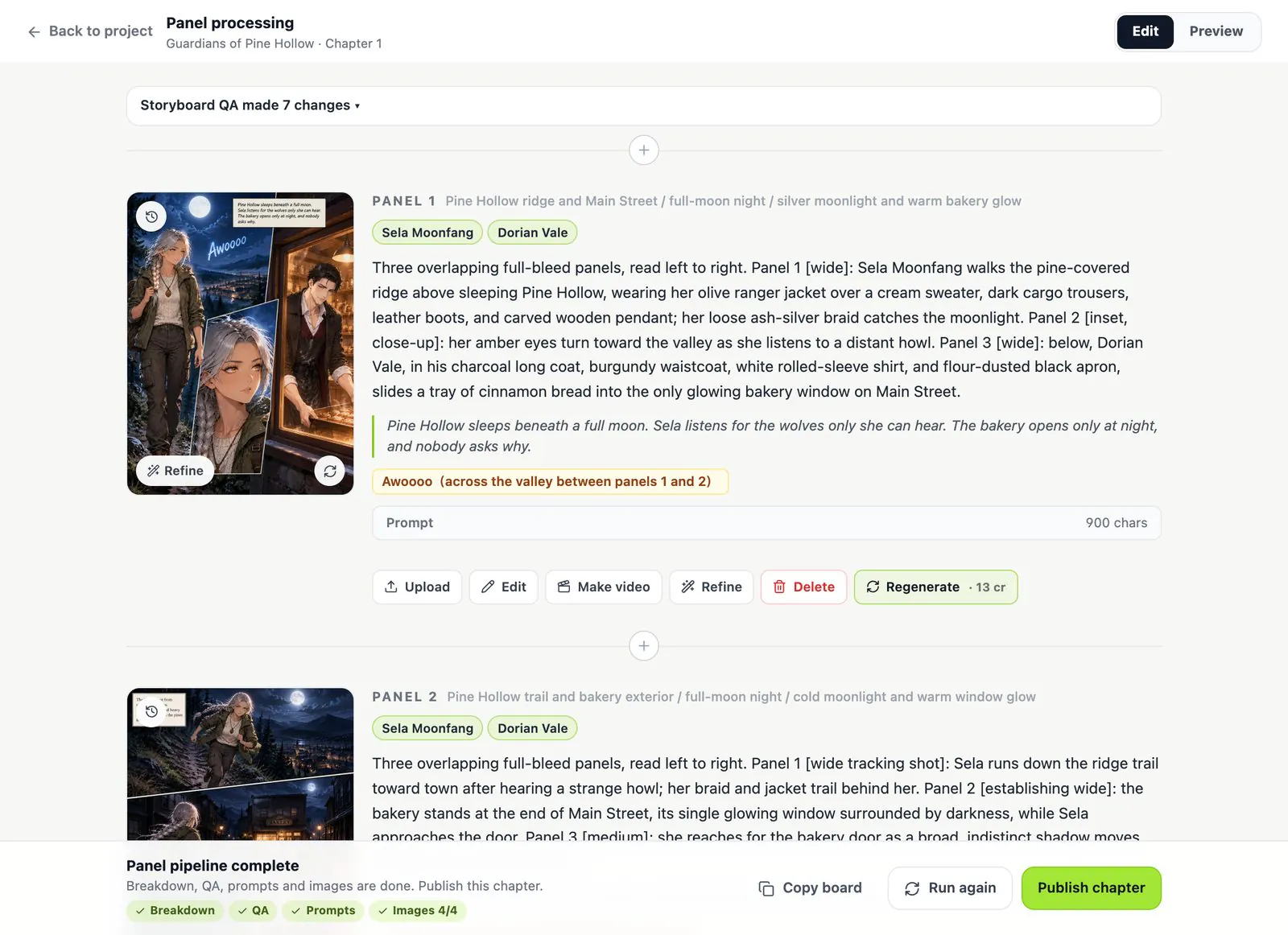
2Check the shot list
Every page gets a scene line, the cast, a shot-by-shot layout (wide, medium, close-up), dialogue and sound effects. Change anything; the breakdown is free.
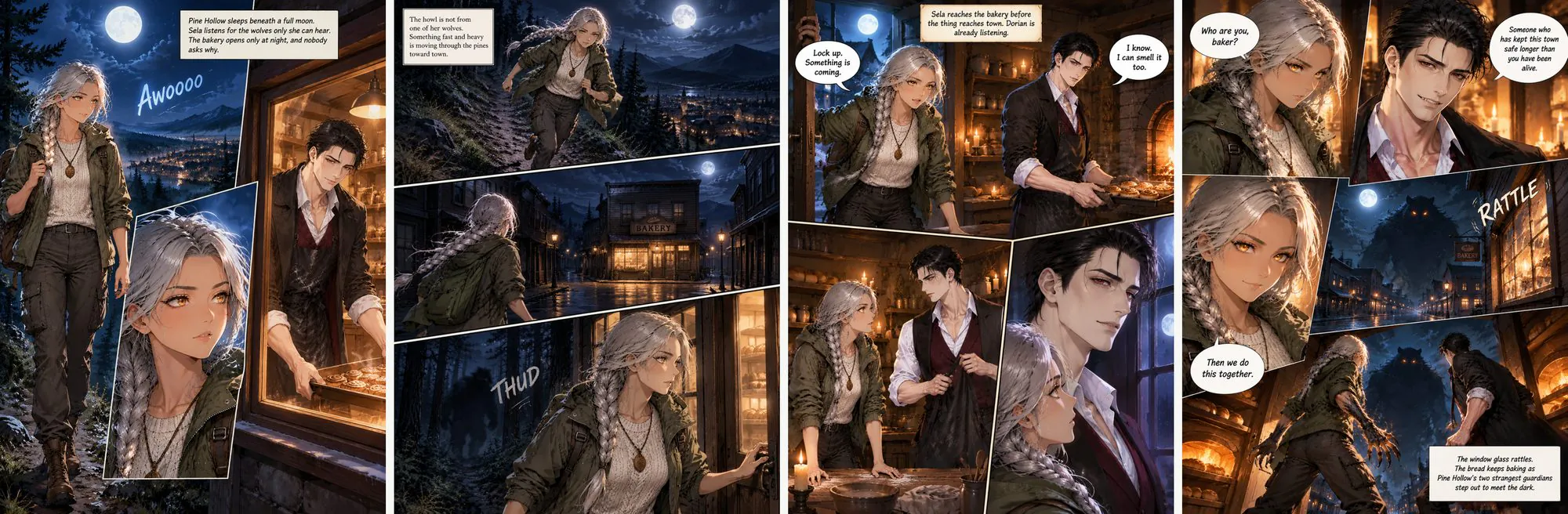
3Draw and export
Pages are drawn with the same characters throughout. Fix any frame with one sentence, then export a ZIP of images or a PDF for the team.
Storyboard settings in Comic Studio
- Input
- A scene, a short script or a story outline, up to 1,000 words (2,000 characters in Chinese, Japanese or Korean).
- Frame
- 16:9, 4:3, 1:1, 3:4 or 9:16 — pick 16:9 for film and video boards, 9:16 for vertical shorts.
- Each page
- Cinematic format: two to four overlapping shots, each tagged with a shot size, read left to right.
- Characters
- One reference sheet per character, drawn before any page, so faces and costumes stay the same frame to frame.
- Dialogue
- Lines, captions and sound effects lettered in the frame.
- Export
- A ZIP of page images or a PDF of the whole board.
- Cost
- Breakdown and shot list free; 13 credits per character sheet and per page; failed images are refunded.
AI storyboard generator: LazyKiwi vs other storyboard tools
What each one does with a script, from their own pages. Pick LazyKiwi when you want drawn, lettered comic-style boards.
 LazyKiwi Comic Studio | Boords AI Storyboard | Storyboarder.ai | |
|---|---|---|---|
| Script in, drawn frames out | Paste a scene or script | Paste a screenplay or brief | Upload a script |
| Same characters in every frame | Reference sheet per character | Saved cast, called by name | Characters kept consistent |
| Dialogue lettered inside the frame | Balloons, captions and SFX | Dialogue text with each frame | — |
| Comic and manga looks | 18 art styles, manga to noir | — | — |
| Page layouts | Cinematic, grid, manga, webtoon, 4-panel | One frame per shot | One image per shot |
Script in, drawn frames out
LazyKiwi Comic StudioPaste a scene or script- Boords AI Storyboard
- Paste a screenplay or brief
- Storyboarder.ai
- Upload a script
Same characters in every frame
LazyKiwi Comic StudioReference sheet per character- Boords AI Storyboard
- Saved cast, called by name
- Storyboarder.ai
- Characters kept consistent
Dialogue lettered inside the frame
LazyKiwi Comic StudioBalloons, captions and SFX- Boords AI Storyboard
- Dialogue text with each frame
- Storyboarder.ai
- —
Comic and manga looks
LazyKiwi Comic Studio18 art styles, manga to noir- Boords AI Storyboard
- —
- Storyboarder.ai
- —
Page layouts
LazyKiwi Comic StudioCinematic, grid, manga, webtoon, 4-panel- Boords AI Storyboard
- One frame per shot
- Storyboarder.ai
- One image per shot
Competitor details from their own pages, checked 2 Nov 2026; — means not stated there: Boords · Storyboarder.ai
AI storyboard generator questions
Can it turn a script into a storyboard?
Yes. Paste a scene or a short script; Comic Studio splits it into pages, plans the shots on each page and draws them with the dialogue lettered in.
Is it one image per shot?
Each page holds two to four shots in the Cinematic format, like a storyboard sheet. If you want a single shot per frame, pick the Picture book format: one full illustration per page with a caption.
Can I make 16:9 storyboard frames?
Yes. Set the aspect ratio to 16:9 in the style step. 9:16 works for vertical shorts and ads.
Do characters stay consistent?
Each character gets a reference sheet before any page is drawn, and every page is drawn from it. See how character consistency works.
Can I change a shot?
Edit the scene, the layout, the lines or the sound effects of any page before it is drawn, or fix a drawn page with one sentence.
Is it free?
The breakdown and the shot list are free. Drawing costs 13 credits per character sheet and per page; new accounts get free credits to start.
Can I make it in black and white like a classic storyboard?
Yes. Pick a Noir or Japanese manga · B&W style for ink-only frames, or a graphic-novel style for painted ones.
How much does storyboard AI cost?
The script breakdown and the shot list are free. Drawing costs 13 credits per character sheet and per page, the total is shown before you start, and failed images are refunded.
Can I make a storyboard if I can't draw?
Yes. You write the scene in words; the studio plans the shots and draws every frame, with the same characters throughout.
Can I export the storyboard?
Yes — download a ZIP of the page images or one PDF of the whole board to share with your team.
Your script, as storyboard frames
Paste a scene. The shot list is free; you only pay for what gets drawn.