
Pro AI Transitions Between Any Clips
Use video transition ai to turn one person photo into a short, atmospheric sequence with a clear aesthetic emotional shift. Change the lighting, styling, pose, and overall mood while keeping the subject recognizable. Blend clips with smooth, pro-grade AI transitions. Free AI video transition maker, ready in seconds for TikTok, Reels and Shorts. Head to the [AI video generator ](/video-generator)to try it free.
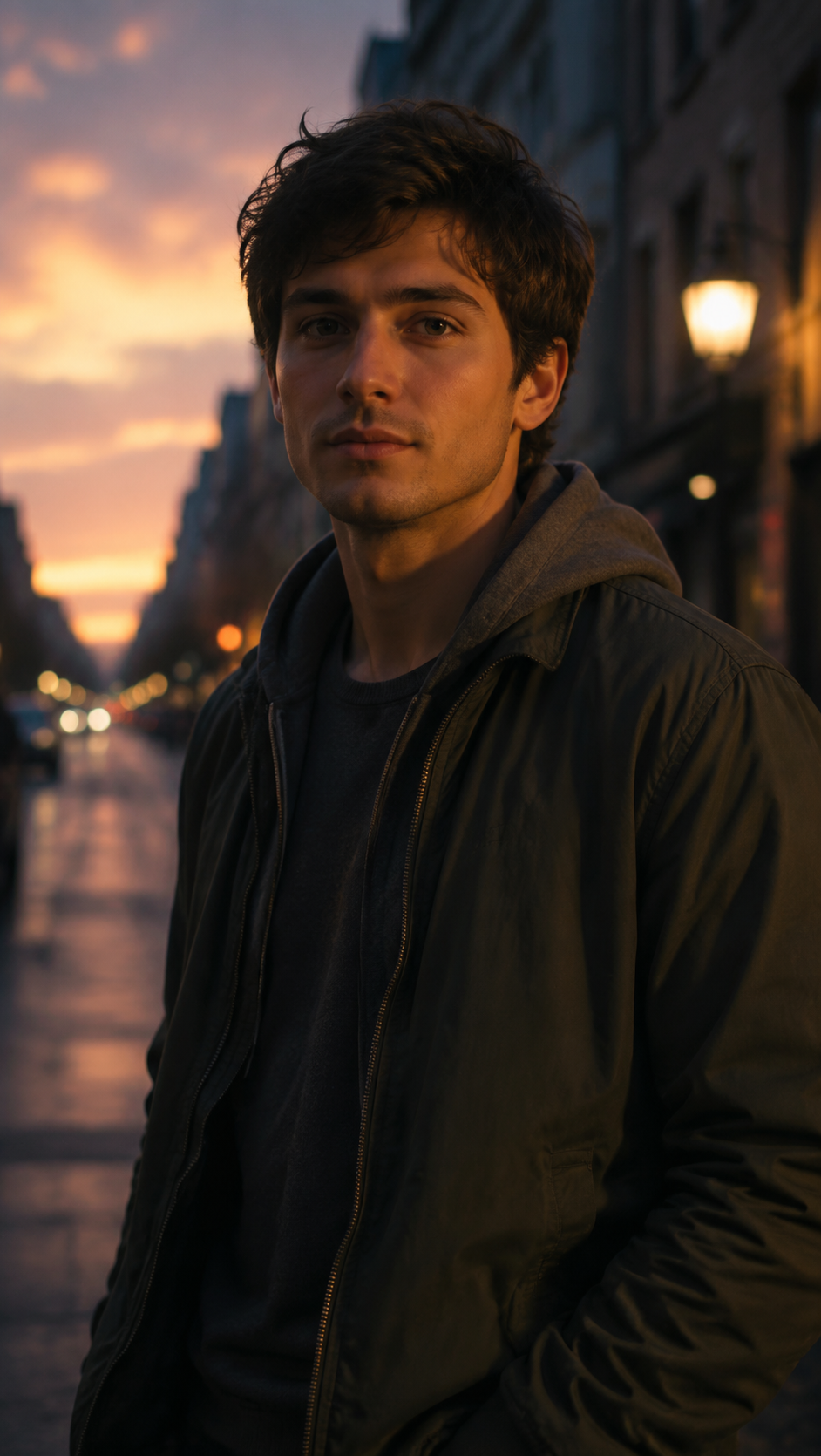
WHAT IT IS
What Makes AI Transitions Look Professional
This template creates a mood atmosphere transition rather than hiding a cut through a seamless technique. Its ai transition effect builds an aesthetic emotional shift around one person by evolving the scene, lighting, expression, styling, or time of day. Clean cuts need smooth motion. Read the best AI video editor first, then branch into Whip Pan.
A clear starting portrait
A well-lit photo with one visible person gives the transition a stable face, pose, and composition to develop from.
A readable mood change
The strongest results move between distinct emotional states, such as relaxed to dramatic, hopeful to reflective, or daylight to night.
Connected visual layers
Coordinated changes to lighting, color, background atmosphere, clothing, and posture make the transformation feel intentional.
Controlled movement
Subtle camera motion and a concise pose change help the scene evolve without distracting from the subject or emotional direction.
CREATOR USE CASES
Application Scenarios
Create short social edits, fashion reveals, and story moments where the atmosphere changes around a recognizable subject.
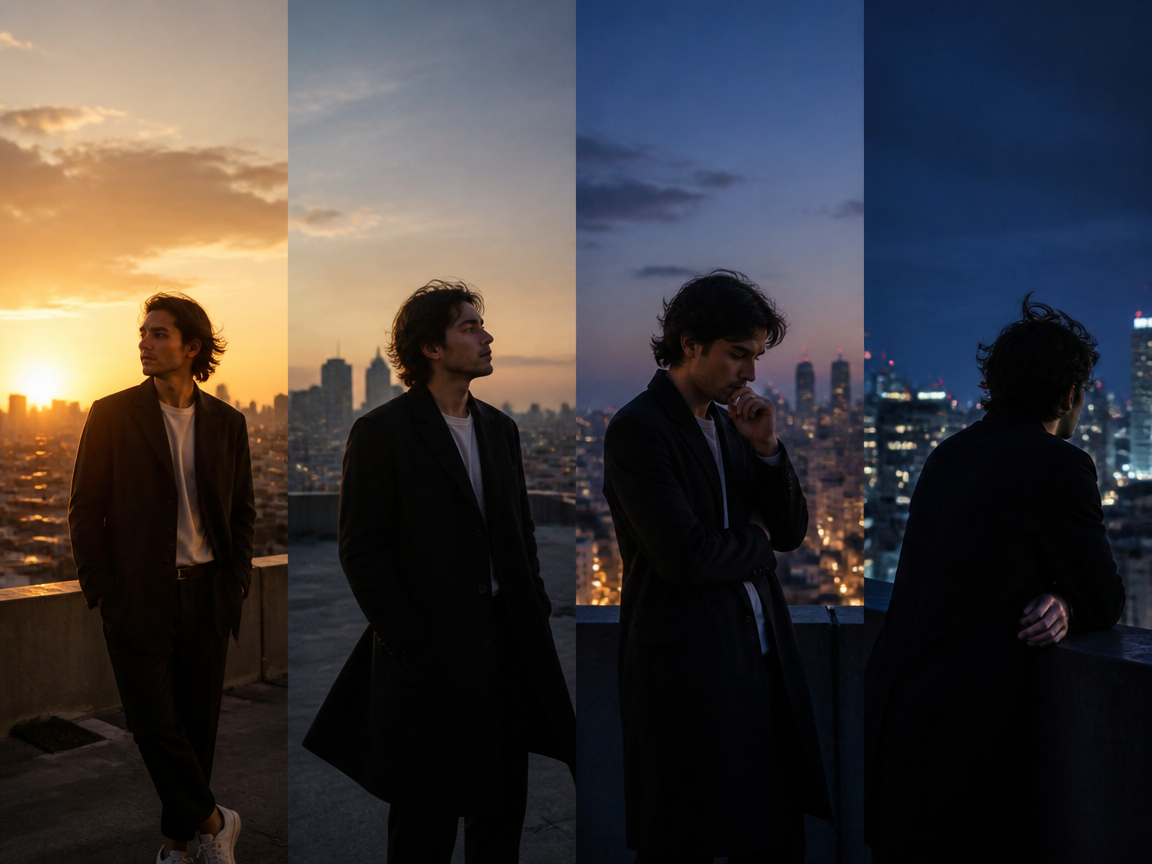
Day-to-night mood transition
Transform a bright daytime portrait into a cinematic evening scene by shifting the color temperature, shadows, expression, and background ambience. This works well for travel diaries, music edits, and reflective storytelling. For transitions focused on technically concealing the cut, use Seamless Transition at /templates/seamless-transition.
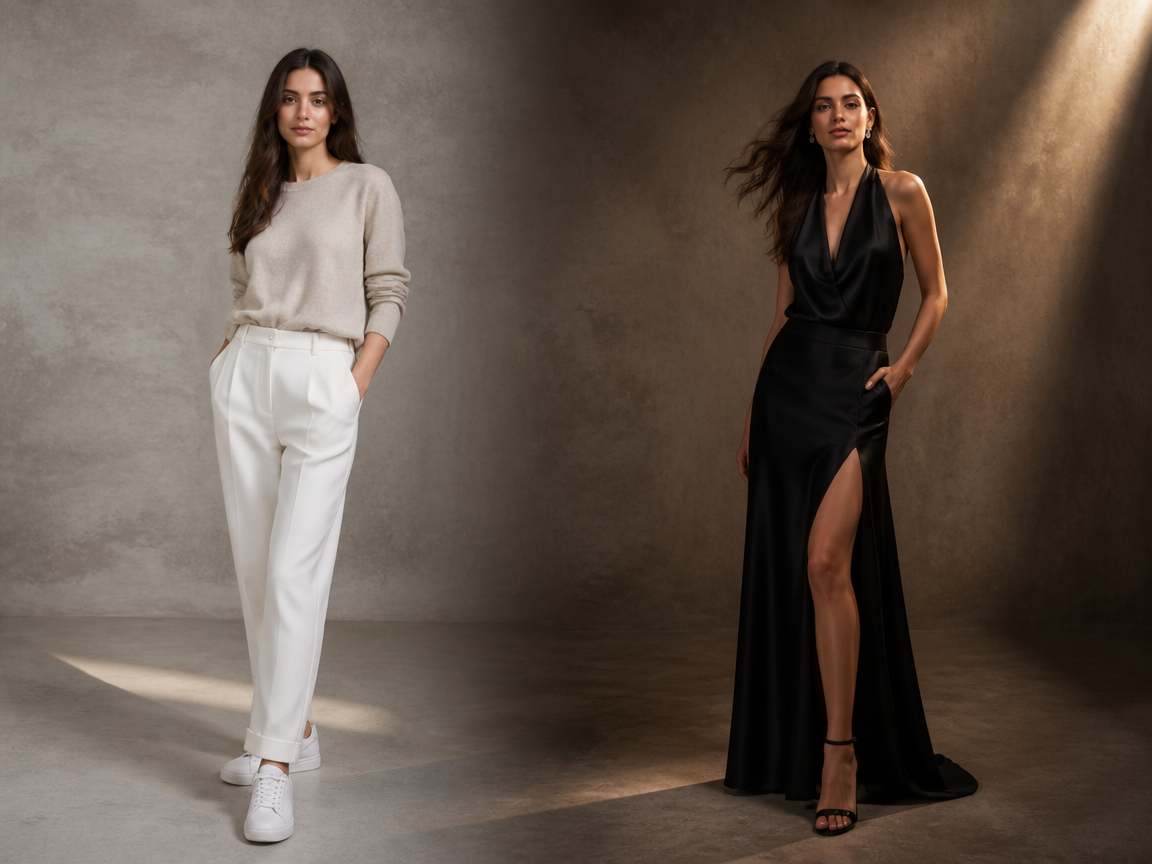
Casual-to-glamorous aesthetic shift
Move from a simple everyday portrait to an elevated editorial look with richer lighting, confident posture, and polished styling. The transition emphasizes fashion and attitude while preserving the person's identity. If you want broader ways to animate a still portrait, explore Photo Animation AI at /templates/photo-animation-ai.
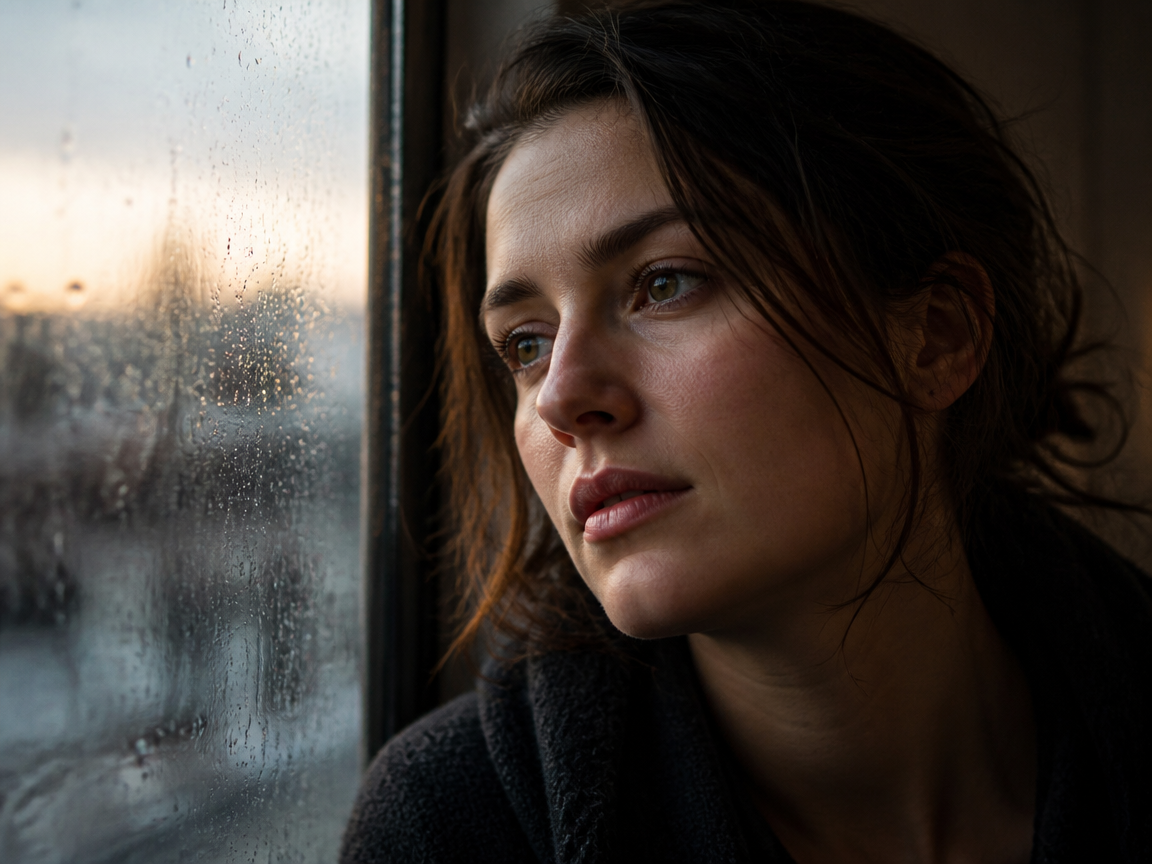
Emotional scene transition
Show an internal change by evolving the subject's expression, body language, palette, and surrounding weather. A calm portrait can become bittersweet, hopeful, or intense, giving short-form edits a clear emotional arc without requiring multiple source images.
FAQ
Common questions
What is AI video transition?+
AI video transition is a generated video effect that changes the mood, appearance, pose, or atmosphere of a source image over time. This template focuses on an emotional and aesthetic transformation while keeping the person recognizable.
How is this different from seamless transition?+
This template emphasizes a visible mood atmosphere transition and aesthetic emotional shift. A seamless transition is a technique designed to hide or smoothly connect cuts between shots. For that editing style, visit /templates/seamless-transition.
Can I make an aesthetic mood transition from one photo?+
Yes. Upload one clear photo of a person, and the template can develop changes in lighting, styling, expression, pose, and scene atmosphere to produce a short aesthetic transition.
What photo works best for the AI transition effect?+
Use a sharp, well-lit image with one person clearly visible and minimal obstruction around the face and body. A simple background and a natural pose give the effect more room to introduce controlled visual changes.
Will the transition keep the person recognizable?+
The template is designed to preserve the subject's core facial features while changing the surrounding mood and aesthetic. Results are usually more consistent when the face is unobstructed, reasonably large in the frame, and photographed from a clear angle.
Can I animate the photo without a major mood change?+
For subtle portrait movement rather than a pronounced emotional transition, try /templates/photo-animation-ai. It is better suited to adding motion while retaining more of the original photo's atmosphere and styling.
Other names for AI Video Transition
Creators may use these terms when looking for tools and templates that generate mood-led, aesthetic, or emotional transitions. AI transitions go by many names, from smart cuts to auto transitions, all meaning cleaner joins between clips.
Create AI Video Transition From a Frame, Clip, or Template
Upload a clear portrait and turn it into a concise transition shaped by mood, lighting, movement, and visual atmosphere.


