Push Extreme Zoom Into Eyes
Zoom Eyes creates a dramatic close-up effect that magnifies the subject's eyes in sync with the beat, perfect for reaction videos, comedic timing, product reveals, and eye-catching social content on TikTok, Reels, and Shorts. Push an extreme zoom straight into the eyes for a dramatic reveal. Free AI video effect, ready in seconds for TikTok and Reels. Open LazyKiwi AI video generator to get started.

WHAT IT IS
Why the Zoom Into the Eyes Hooks Viewers
Zoom Eyes videos combine a locked-on face shot with a rapid scale-in on the eyes, often enhanced by motion blur. The effect relies on a clear, front-facing subject and a smooth or snappy zoom that isolates the eyes. The sudden focus shift creates emphasis, humor, or intensity in just a second. The push into the eyes wants smooth framing. Line it up with Dolly In Zoom Out, and scroll-stopping effect videos has more ideas in the same vein.
A front-facing, eye-level shot
Choose a frame where the eyes are fully visible, well-lit, and sharply in focus. Front-facing, eye-level angles work best for maximum impact.
Still subject, direct gaze
The subject should hold a steady posture and look straight into the lens. Subtle expression shifts, like a raised eyebrow, make the zoom funnier.
Smooth, blurred zoom-in
A fast or gradual scale-up on the eyes, often with motion blur and centered keyframes, creates a disorienting yet captivating effect that demands attention.
Perfect for short-form trends
Zoom eye clips thrive on TikTok and Reels because they instantly amplify reactions, punctuate comedic timing, and are easy to loop, making them shareable and memorable.
CREATOR USE CASES
Application Scenarios
Real examples of how creators use Zoom Eyes to transform short-form content across different channels.
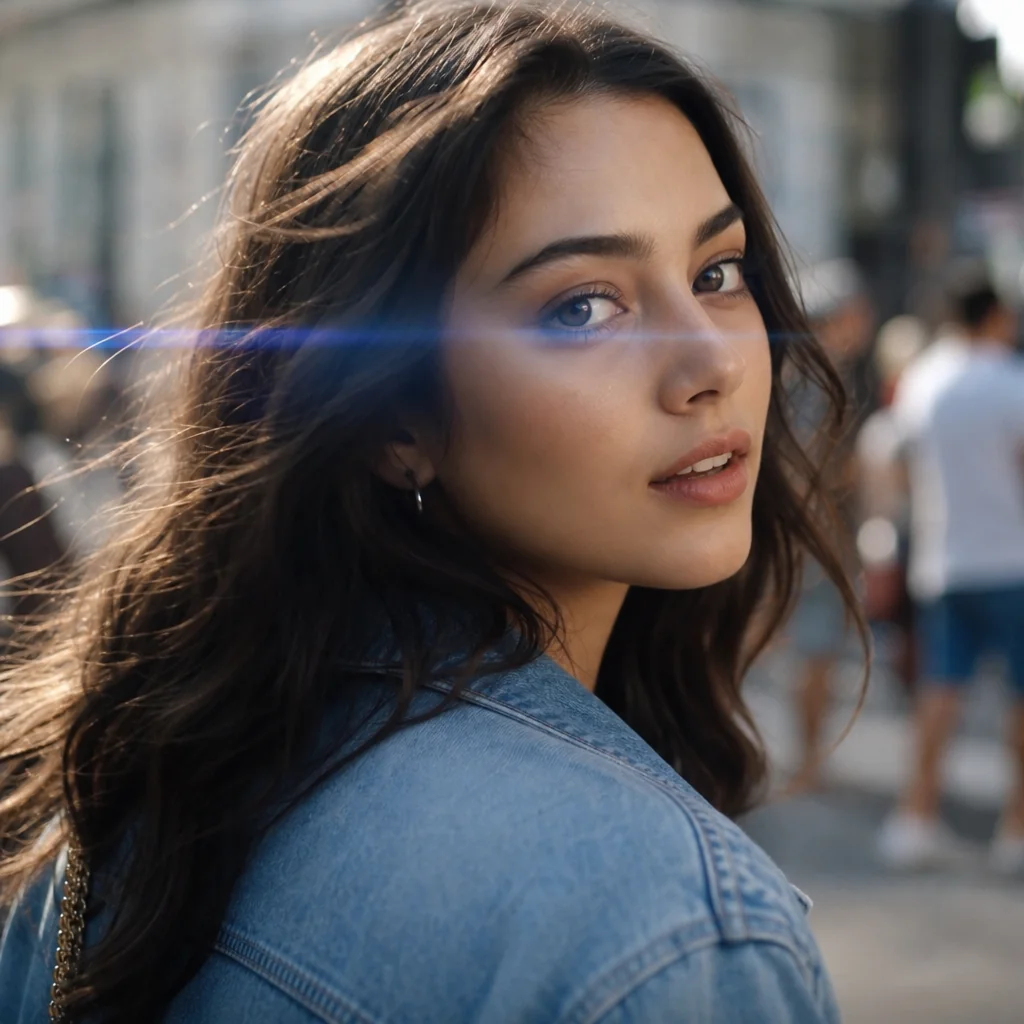
Casual Street Turn-Around
A simple sidewalk moment becomes a strong short-video hook with the eye zoom.
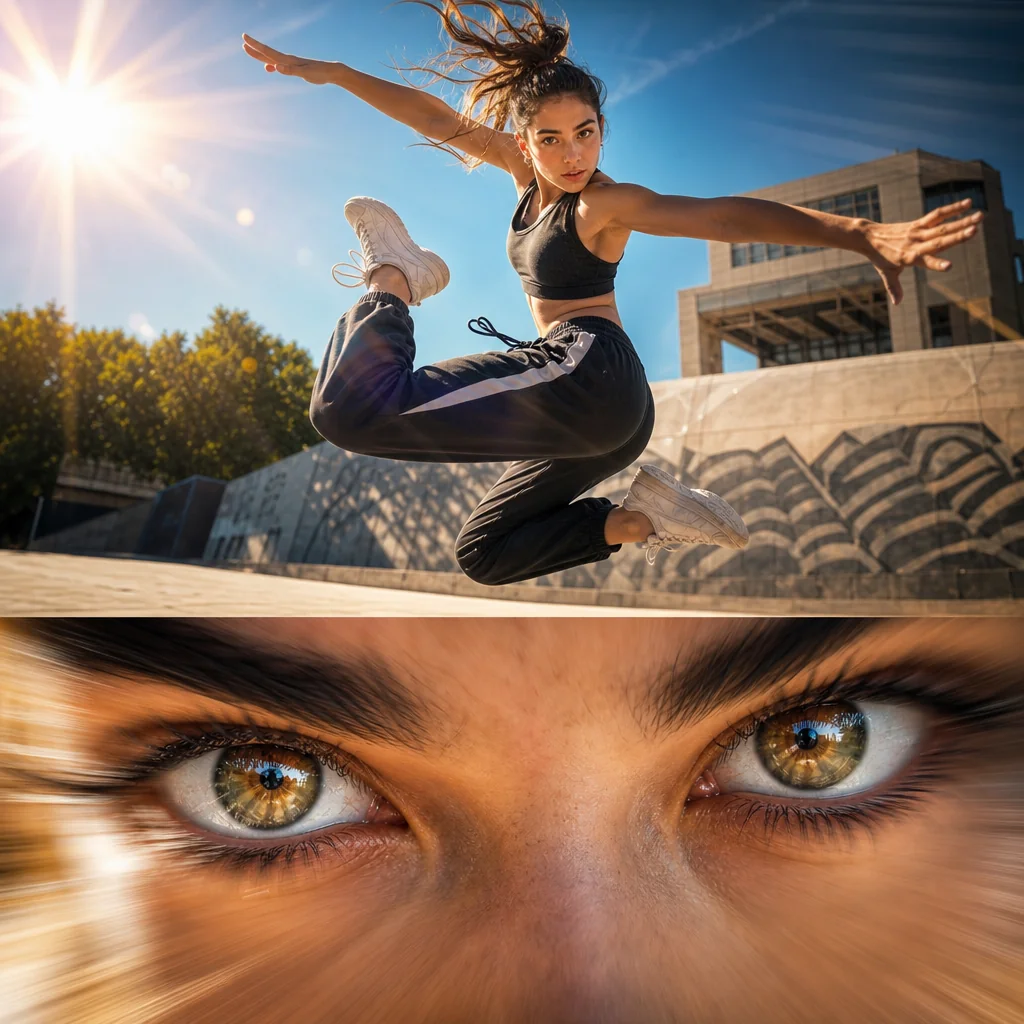
Dance Move Freeze
The effect locks onto a dancer's intense gaze mid-jump, adding motion energy.
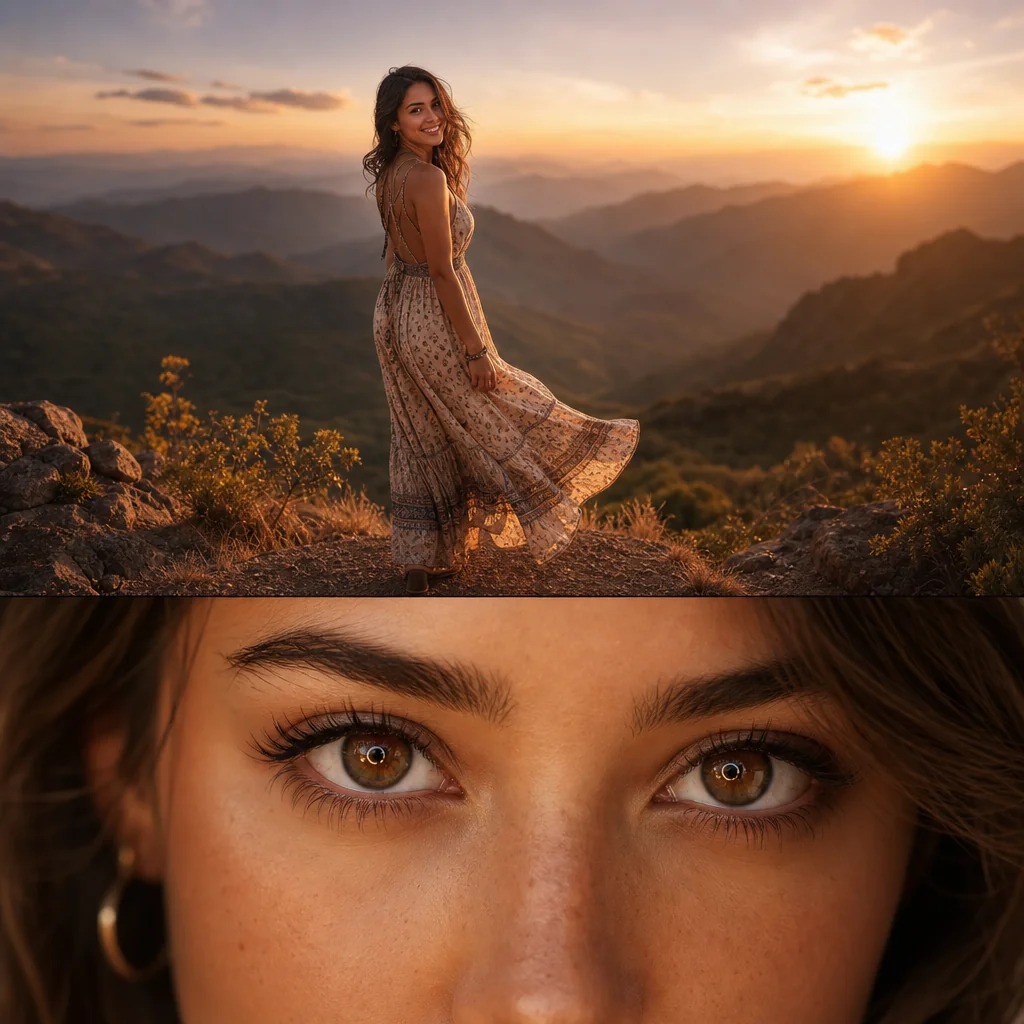
Travel Look Reveal
A scenic viewpoint outfit edit instantly draws attention to the eyes for travel content.
FAQ
Common questions
What is the Zoom Eyes effect?+
The Zoom Eyes effect is a short-form video edit that rapidly zooms into a person’s eyes, often synced with a beat or sound. It grabs attention by creating an intense, focused close-up that works well on fast-paced platforms.
Why is Zoom Eyes useful for TikTok, Reels, or Shorts?+
A strong opening second decides whether someone keeps watching. The Zoom Eyes effect creates immediate visual impact and high contrast, which helps stop the scroll and improves retention on feed-style platforms.
Can I make the Zoom Eyes effect from one uploaded image?+
Yes. You can apply the Zoom Eyes effect to a single high-resolution still image by animating a zoom in and centering the motion on the eyes. Some tools also let you add motion blur for a more polished result.
What kind of image or video works best for this effect?+
Use a well-lit, front-facing shot where both eyes are clearly visible and sharp. Higher resolution files give better zoom quality. Avoid heavy shadows across the eyes, extreme angles, or low-light footage that loses detail when scaled.
Can I use Zoom Eyes for product, fashion, travel, or creator content?+
Yes. It works beyond close-up portraits. Use it on a product detail shot, a fashion look close-up, or a travel portrait to highlight a specific focal point in your content and guide the viewer’s attention immediately.
What pairs with the zoom into the eyes?+
The eye zoom builds tension, so it works right before a twist. If you like this, Earth Wave and Earth Zoom Out are natural next picks.
Other names for Zoom Eyes
When searching for the perfect video effect, users often describe Zoom Eyes in a variety of ways. You might come across terms like eye zoom transition, funny eye enlargement, or zoom in on eyes meme. No matter what you call it, LazyKiwi helps turn these creative ideas into captivating, short-video-ready visuals with ease. Eye zoom, iris zoom, extreme close-up on the eyes, all names for the same dramatic push into a stare.
Turn a single shot into an intense zoom-in on the eyes
Start with a prompt, uploaded clip, or template to apply the effect in seconds.