Crash Zoom
Crash Zoom creates a rapid push-in or pull-out effect that adds instant energy and focus to a single clip. This technique is ideal for product reveals, outfit transitions, action shots, and thumb-stopping social content on TikTok, Reels, and Shorts.

WHAT IT IS
What makes a Crash Zoom video work?
A Crash Zoom effect delivers a rapid, high-impact scale shift that rockets the viewer’s eye directly to a focal point. By combining sudden motion, blur, and tight framing, it transforms a flat shot into a dynamic moment—perfect for grabbing attention in social videos, product highlights, or high-energy edits.
High-res source
Start with a crisp, well-composed shot where the subject is isolated; this preserves clarity during the rapid scale change.
Subject stays centered
Keep the main element locked in the center of the frame so the zoom amplifies drama without losing the focal point.
Motion blur & speed
The effect combines a fast zoom with directional blur, mimicking a sudden camera lurch that injects raw energy.
Scroll-stopping impact
Abrupt motion commands attention in feeds, making it a go-to for product reveals, transitions, and viral video content.
CREATOR USE CASES
Application Scenarios
See how creators use the Crash Zoom effect across lifestyle, motion, and travel content to create scroll-stopping moments.

Street Style Freeze Moment
Transform a casual walk into a high-impact social clip with a sudden zoom.
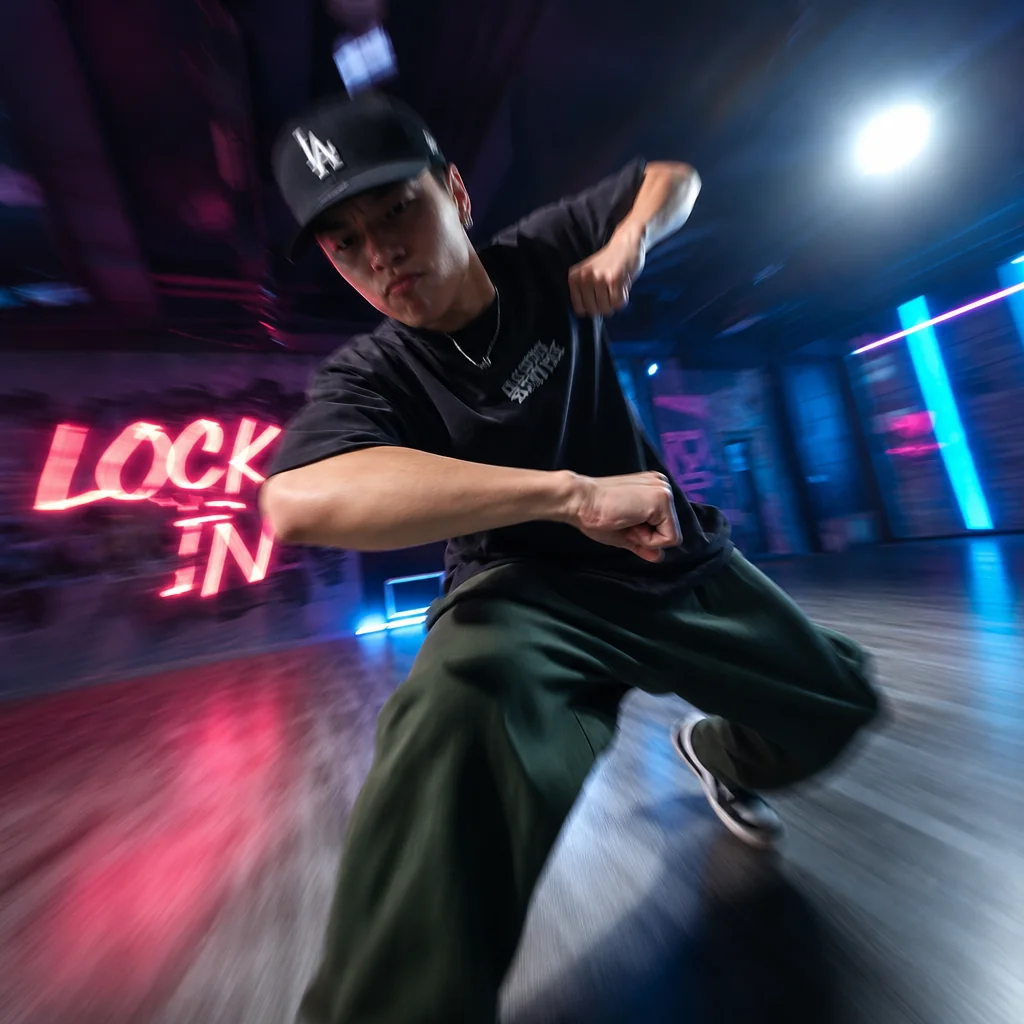
Dance Move Energy Burst
Add explosive momentum to dance steps with a quick crash zoom on the beat.
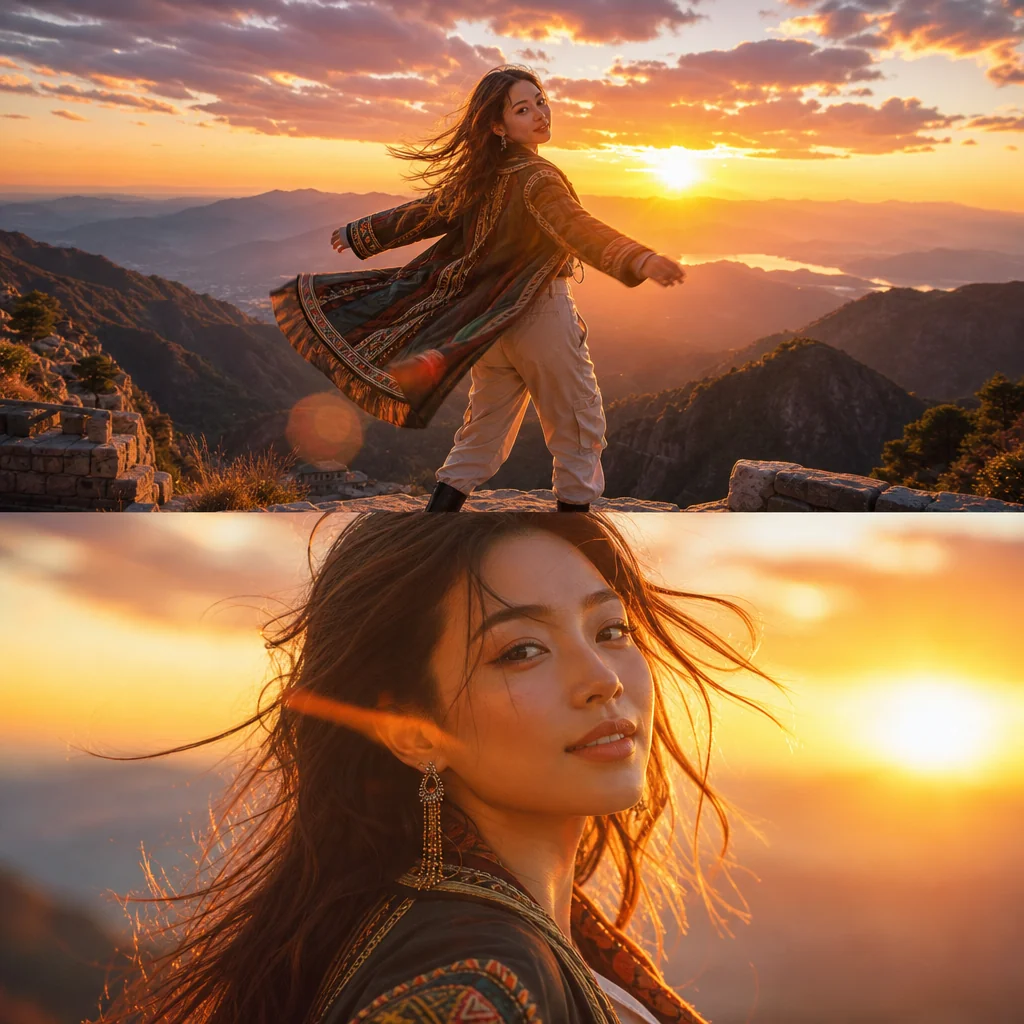
Travel Look Reveal Zoom
Highlight your outfit and backdrop with a fast zoom into the final pose.
FAQ
Common questions
What is the Crash Zoom effect?+
A crash zoom is a fast, sharp zoom-in (or zoom-out) with motion blur, instantly directing viewer focus. It’s used in videos to emphasize a subject, create a dramatic transition, or add a burst of energy.
Why is Crash Zoom useful for TikTok, Reels, and Shorts?+
Crash zooms grab attention in the first second, match fast-paced editing trends, and make even simple clips feel dynamic. They help your content stand out in feeds where quick impact matters.
Can I create Crash Zoom from one uploaded image?+
Yes. Many apps let you add a crash zoom effect to a still photo by animating the scale and adding motion blur. This turns a single image into an engaging short video clip.
What kind of image or video works best?+
Media with a clear focal point (a face, product, or object) works best. Use high-resolution files to avoid quality loss when zooming, and avoid busy backgrounds that distract from the zoom movement.
Can I use Crash Zoom for product, fashion, travel, or creator content?+
Absolutely. It highlights product details, emphasizes outfits, brings travel scenes to life, and adds impact to creator reaction or highlight moments. The effect works across many content categories.
Other names for Crash Zoom
When looking for ways to add dramatic emphasis, the Crash Zoom effect can be described using different names. You might search for a snap zoom, whip zoom, rapid zoom, or zoom burst—whatever you call it, LazyKiwi helps you turn these ideas into short-video-ready visuals instantly.
Create dramatic zoom-in moments from any video
Start with a prompt, uploaded media, or a ready-made template.