Pregnant Filter On Your Photo
Generate lifelike pregnancy visuals on any photo for creative social content. Perfect for TikTok pregnancy pranks, maternity-themed Reels, and humorous ads. Upload a full-body portrait and instantly create a realistic baby bump. See a playful pregnant version of your photo with AI. Free video effect, ready in seconds for a fun TikTok, Reels and Shorts reveal. Head to LazyKiwi AI image generator to try it free.
WHAT IT IS
What Makes the Pregnant Look Natural
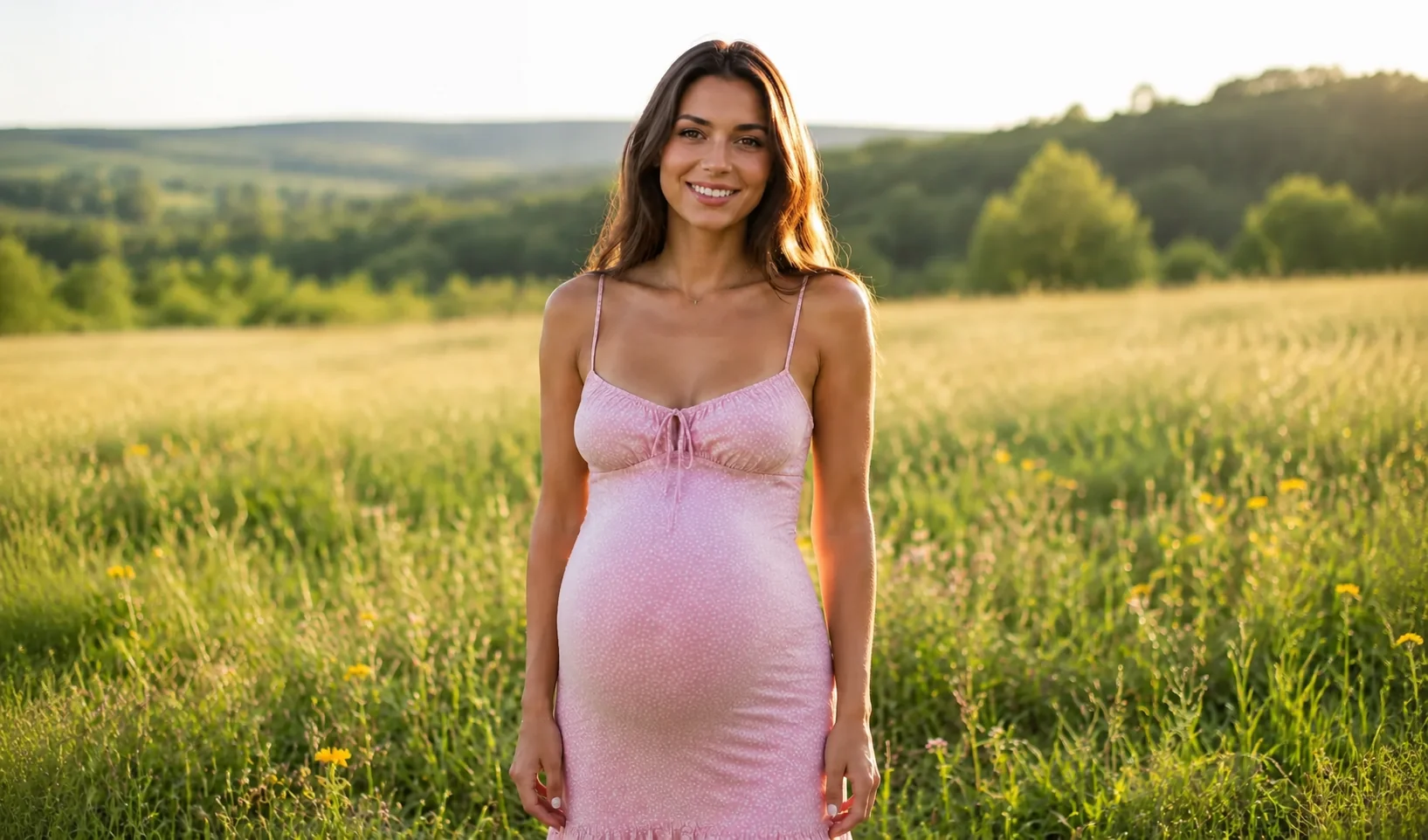
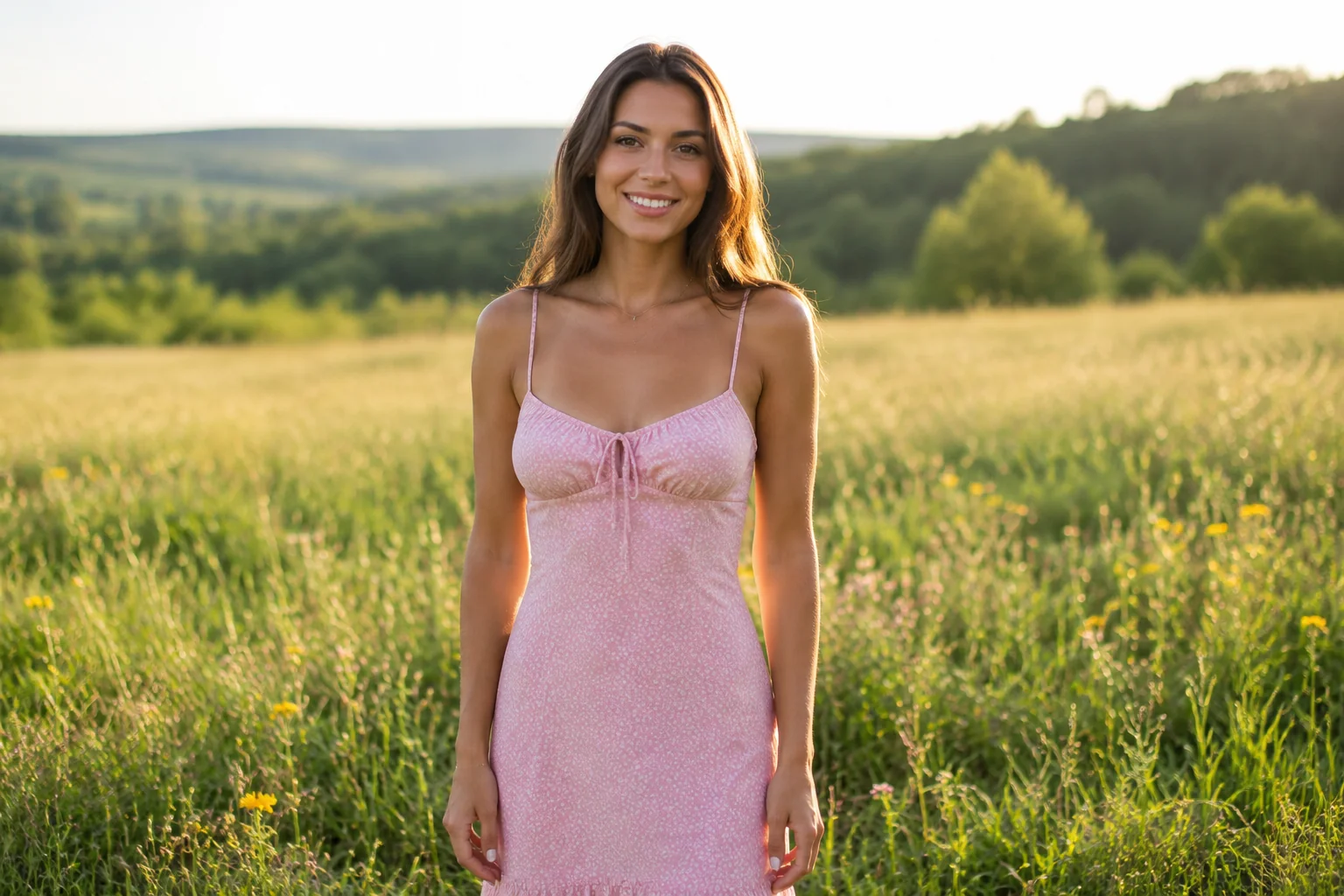
The pregnant AI generator effect turns a single photo into a short video that smoothly progresses a baby bump. It works by identifying body contours and applying step-by-step shape changes that mimic real growth. Key visual ingredients are a clean front-facing shot, stable lighting, and a neutral background. When these align, the AI delivers a clip that feels authentic and fits perfectly into any short-form video feed. A natural bump reads best with clean detail. Try American Glam Makeup Filter next, or read the AI baby-meme trend for extra tips.
A clear front-facing photo
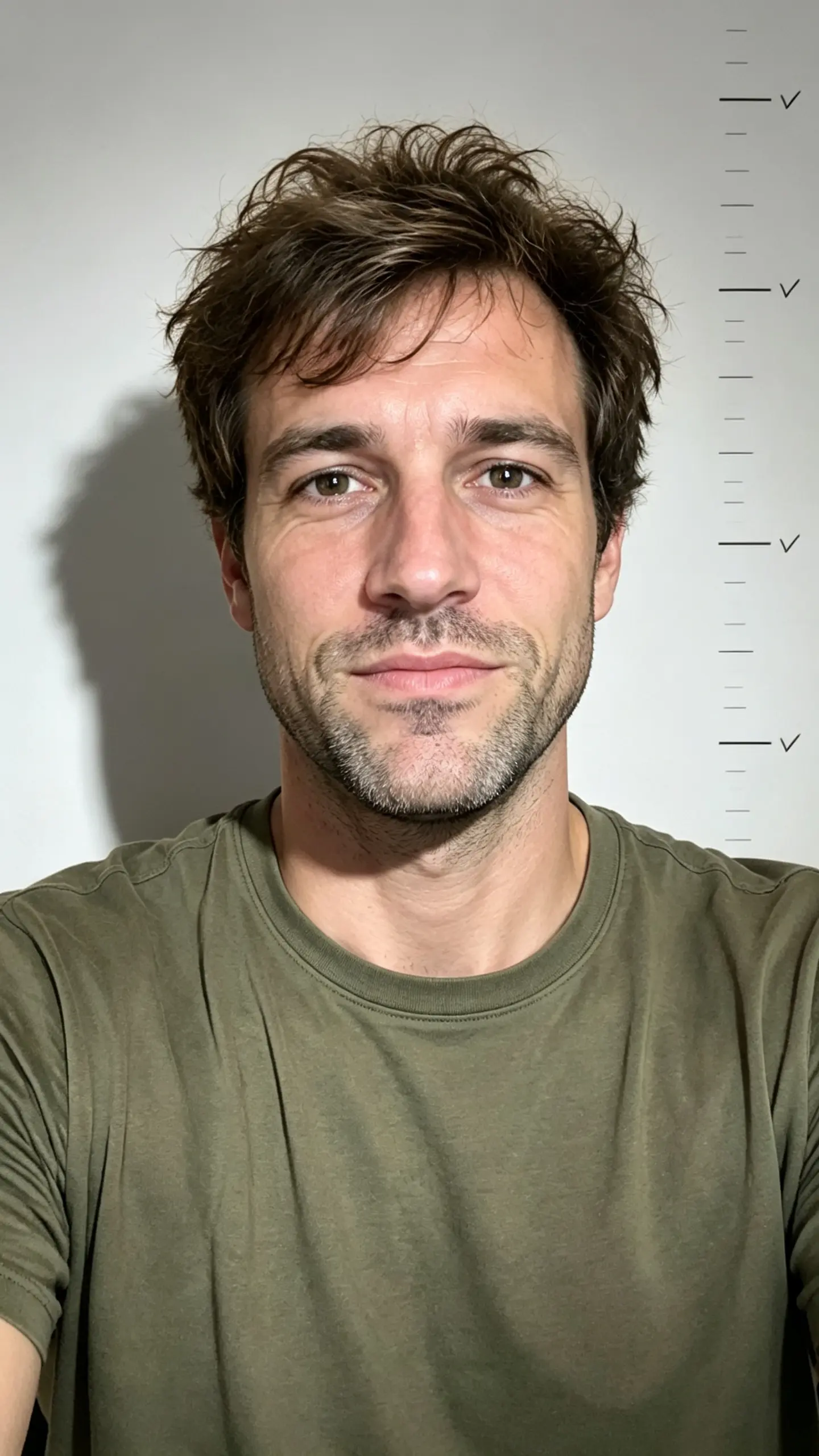
Start with a well-lit, front-facing portrait where the subject stands upright, arms relaxed. Avoid busy backgrounds and harsh shadows for the AI to track body shape accurately.
Centered subject with minimal movement
Keep the subject centered and facing the camera, with a relaxed stance. Little to no motion in the original frame prevents distortion and keeps the AI progression smooth.
Seamless AI morphing with consistent lighting
The AI generates a smooth belly growth animation by morphing between keyframes. Consistent lighting and background from the input photo ensure the transition looks natural.
High engagement for social feeds
The pregnancy reveal effect captures attention instantly in fast-scrolling feeds. Its emotional hook and unexpected visual change drive shares, comments, and saves across platforms.
CREATOR USE CASES
Application Scenarios
See how creators use the pregnant AI generator effect in lifestyle, motion, and travel edits.
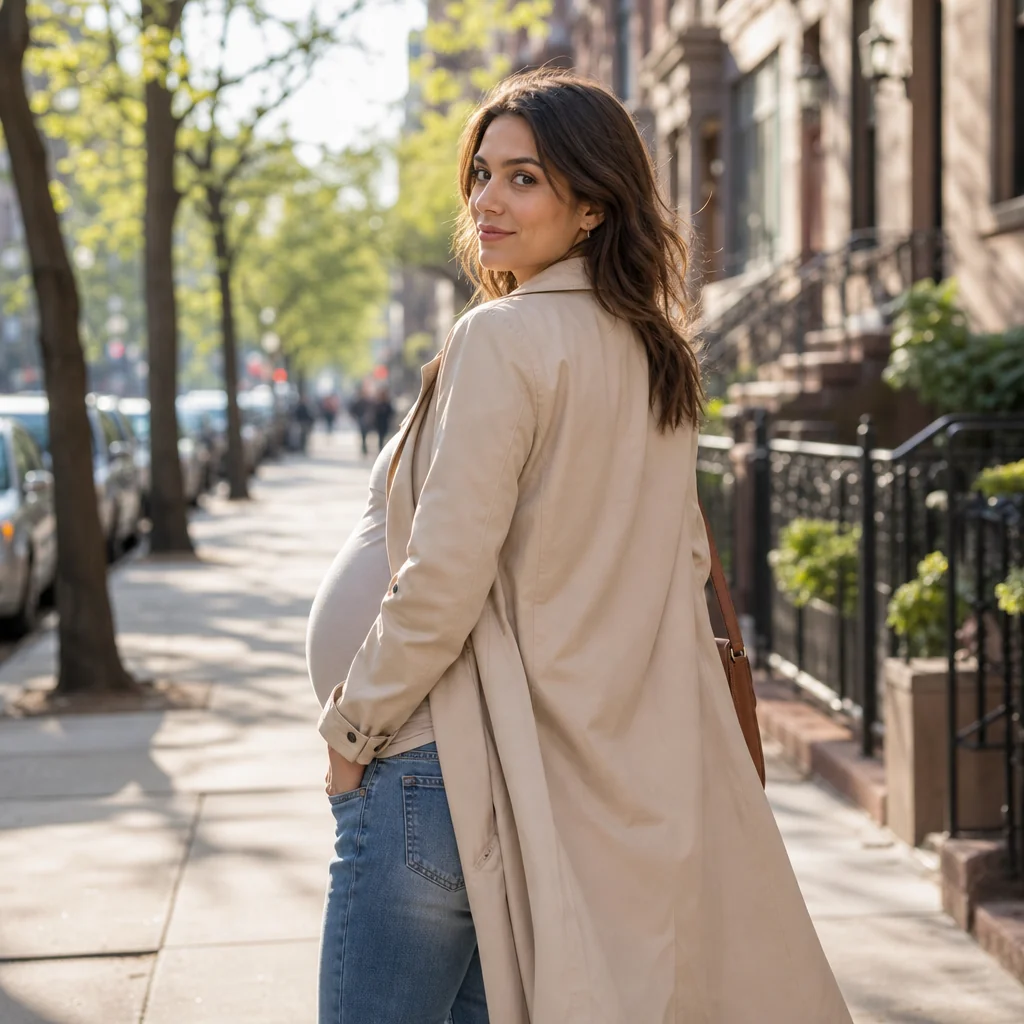
City Stroll Bump Tease
A simple street walk becomes a hook when the effect reveals a baby bump mid-turn.
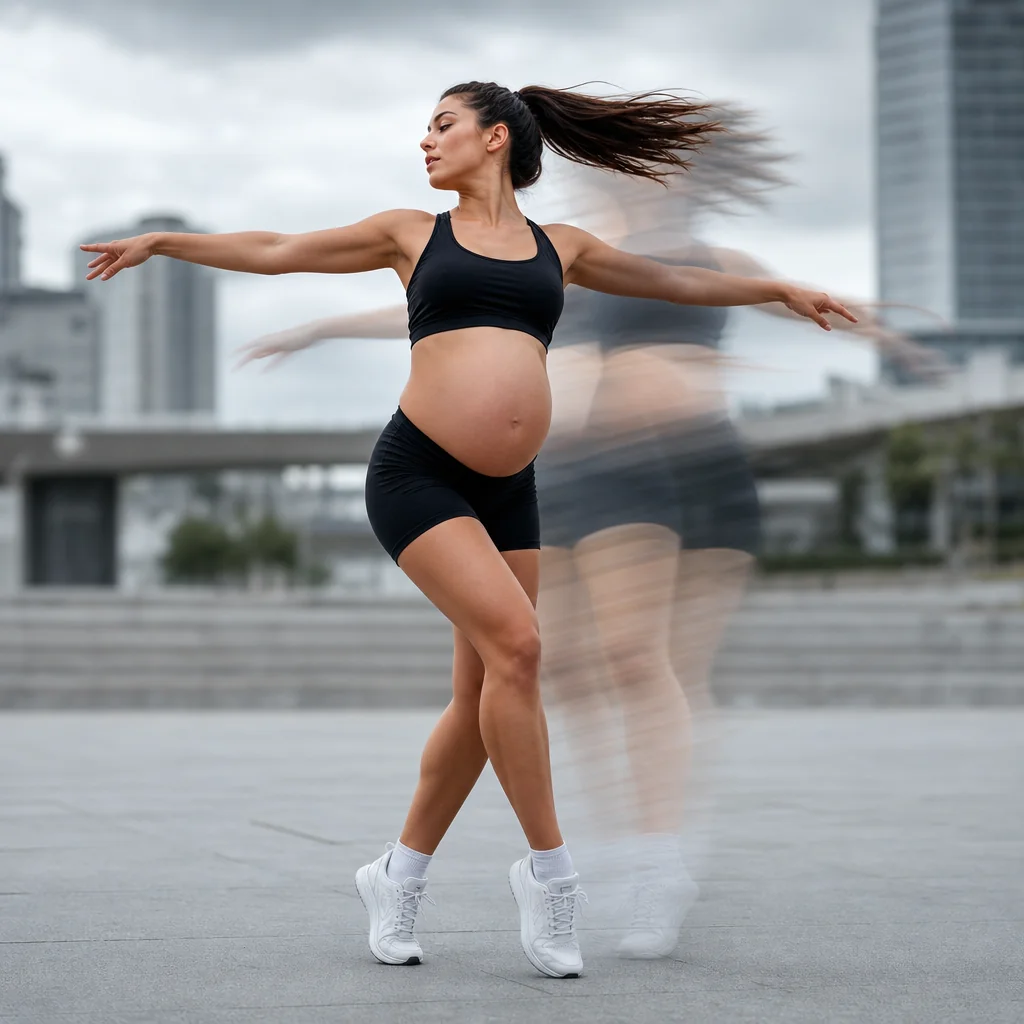
Dance Move Energy
A freestyle dance moment gets extra visual impact as the bump moves with the motion.
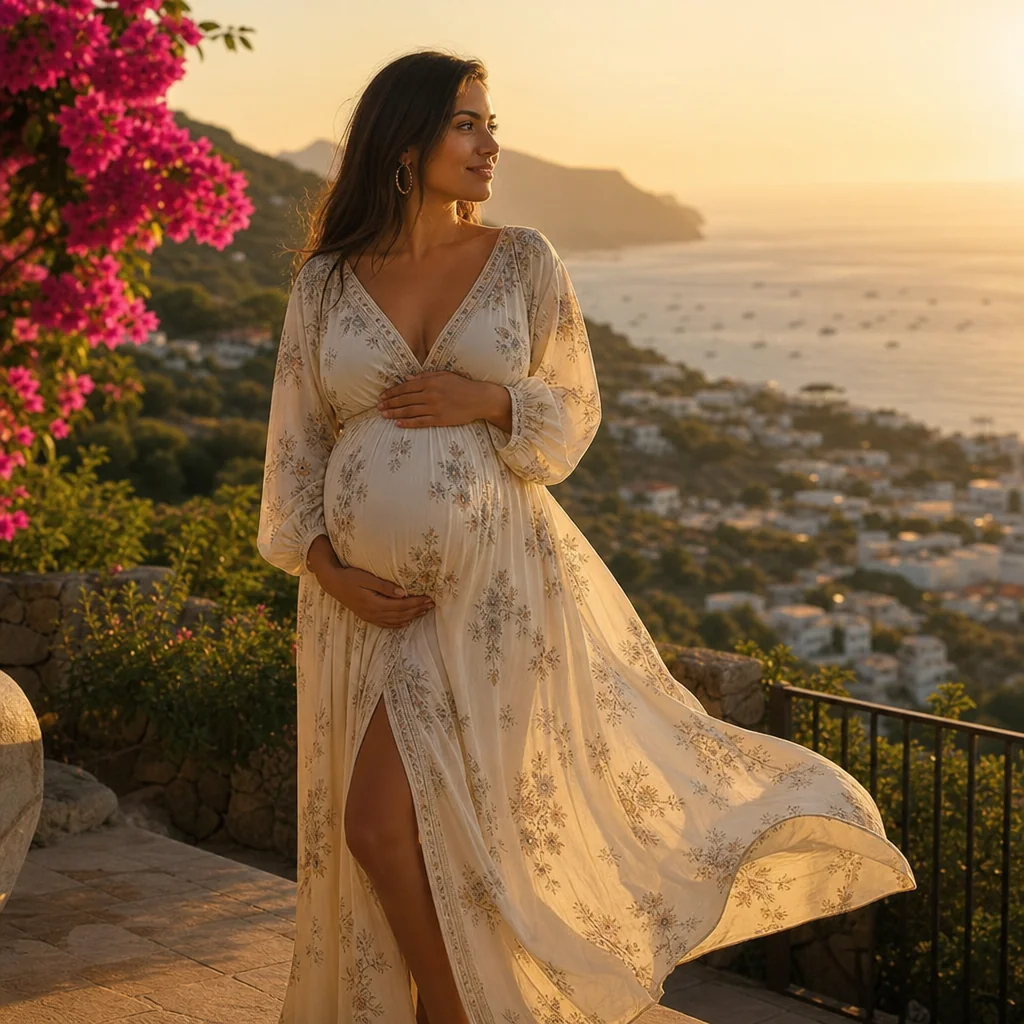
Golden Hour Look Highlight
A travel outfit edit where the pregnant effect frames the pose and scenic backdrop together.
FAQ
Common questions
What is the pregnant ai generator effect?+
It is an AI tool that applies a realistic pregnancy visual to a person in a photo or video. The effect adjusts body shape and clothing while preserving facial identity and background details.
Why is the pregnant ai generator useful for TikTok, Reels, or Shorts?+
This effect creates surprising before-and-after content that grabs attention quickly. Creators use it for skits, announcements, and trend-based videos that perform well on short-form platforms.
Can I create the pregnant ai effect from one uploaded image?+
Yes. You can upload a single front-facing photo, and the generator will produce a modified version with the effect applied. Some tools also support multi-image input for higher accuracy.
What kind of image or video works best?+
A clear, well-lit, full-body or mid-body shot with minimal background clutter gives the most realistic result. Avoid baggy clothing, heavy shadows, or obstructed body outlines.
Can I use it for product, fashion, travel, or creator content?+
Yes. The effect is used across marketing, storytelling, and social media. Fashion brands test visual concepts, travel creators use it for narrative content, and product campaigns apply it for relatability-driven ads.
What goes with the pregnant filter?+
The baby-bump preview is a playful surprise. Mix it with Baby Ice Cream Filter, or switch to Beardless Filter.
Other names for pregnant ai generator
While most users search for “pregnant AI generator,” you might also describe this effect as a virtual pregnancy try-on, AI belly bump filter, or future baby simulator. Whether you're curious to see your own maternity transformation or crafting a playful reveal, LazyKiwi helps turn these creative ideas into short-video-ready visuals with just a few clicks. Pregnant filter, baby-bump effect, pregnancy preview, they all describe a playful pregnant version of your photo.
Create a realistic pregnancy portrait from your photo
Start with a text prompt, upload your own image, or choose from ready-made templates.