AI Mascot
An AI mascot is easy to generate once and hard to generate twice. This template makes a flat-colored brand character with a silhouette that reads at small sizes, then gives you the method for the harder half: getting the same creature back in a second pose and a third expression.
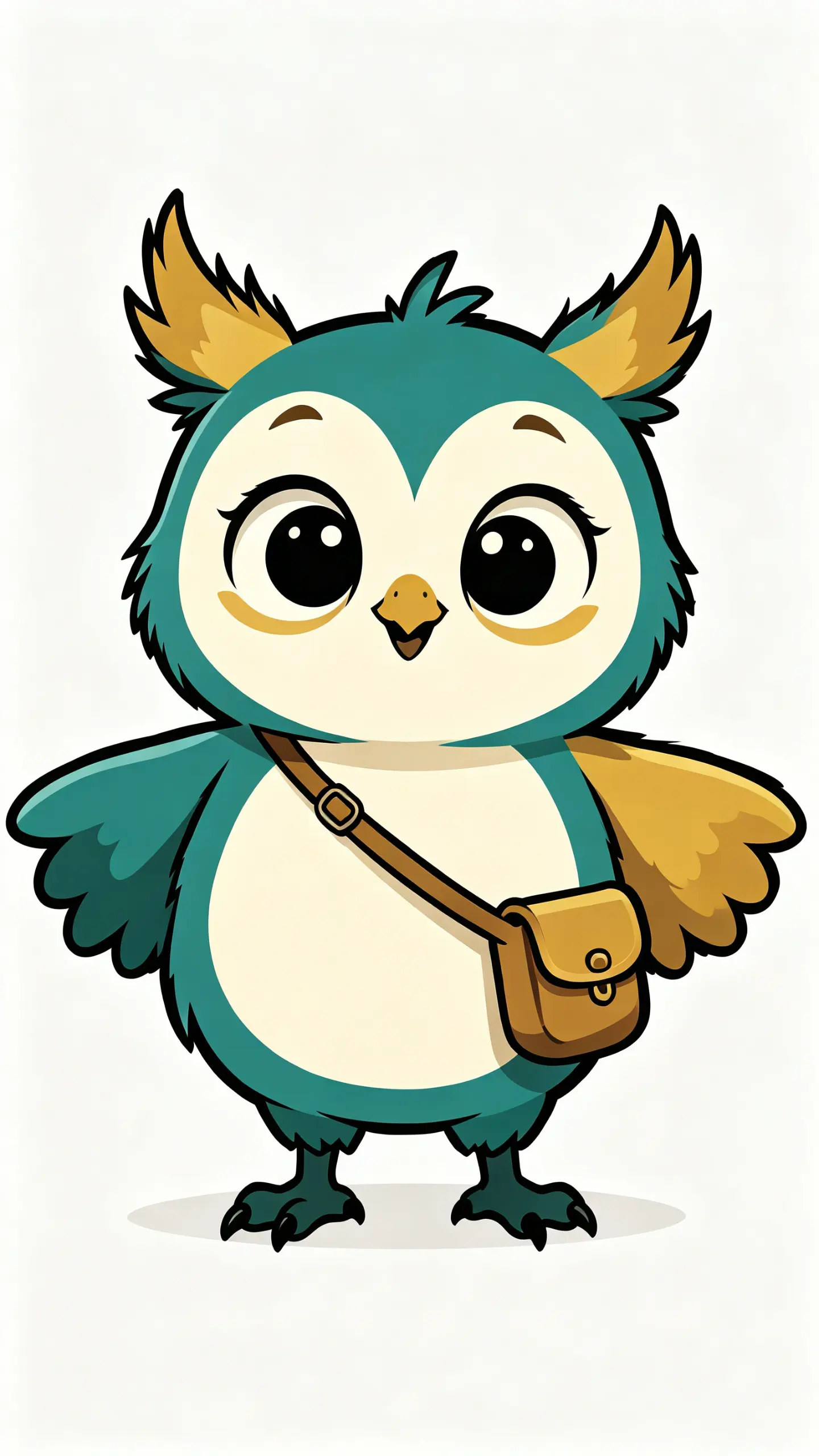
AI Mascot Template
Upload a sketch, a product photo or an existing character drawing to build from, or start from a written description of the animal, the two or three fixed traits and the brand colors. Whatever you use becomes the reference for every later pose, so keep it.

WHAT IT IS
A mascot is a set, not a picture
A brand character is only worth having if it can appear more than once. That is why the traditional deliverable is a model sheet rather than a single drawing: front, three-quarter and side views drawn to a fixed height, plus a row of expressions, so that every later drawing has something to measure against. Illustrators also run the silhouette test, filling the character in solid black to check it is still identifiable, because a mascot spends most of its life at the size of an app icon or a coffee cup. Generated images make the first drawing trivial and the set difficult, since each render is independent and small details drift between them. This template is built around the flat-color, strong-silhouette look that survives that process best, and the cards below describe the method that actually holds a character together.
- Poses and expressions, not one image
- What a small business actually needs is the same creature waving on the homepage, pointing at a price on a poster, and looking apologetic on an error page. That is a set of five or six drawings of one character, which is a different problem from making one good drawing.
- Consistency is the hard part
- Each generation is independent, so a second pose drifts: the teal shifts a shade, an ear changes shape, a button appears or vanishes. The workable method is to generate one master pose you are happy with, then feed that render back in as the reference image for every new pose rather than re-describing the character in words.
- Write down the fixed traits
- Keep a short list of the things that must never change, three or four at most: the animal, the color codes, one signature accessory, one proportion rule such as head equal to body height. Long descriptions dilute; a short list of non-negotiables is what you check each render against.
- Test it as a black silhouette
- Fill the character in solid black and see whether it is still recognizable. A mascot lives at favicon size, on a stamp, on the side of a van. Distinctive ears, a hat or a tail shape survive that test, while detail in the face and the fur pattern does not.
USE CASES
Who needs a character rather than a logo
Three situations where a mascot does work a wordmark cannot.

A local shop or cafe
Independent shops use a character on the window, the loyalty card and the takeaway cup because it does the greeting a wordmark cannot. One master pose plus three expressions covers almost everything a single site needs for a year.
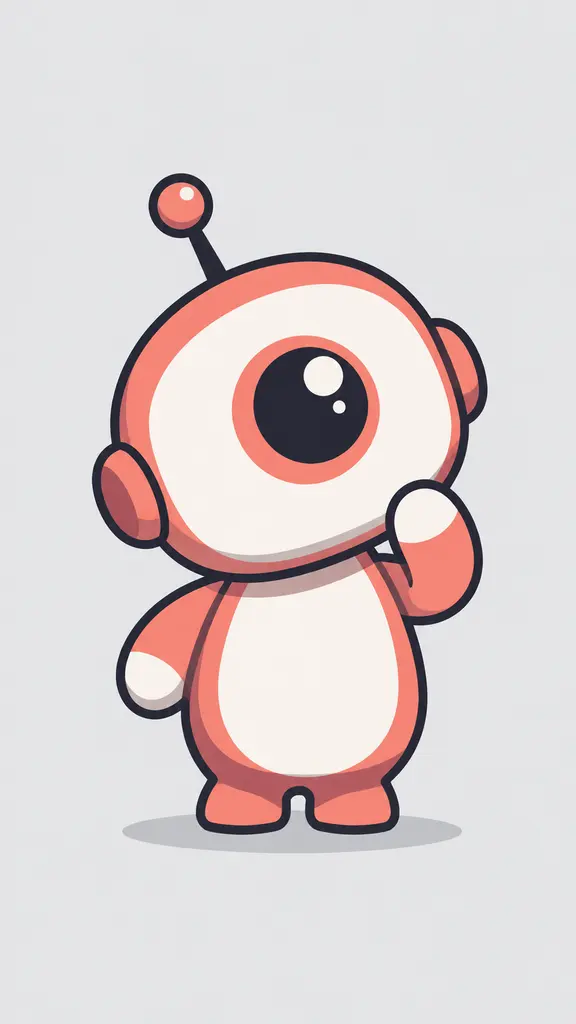
A product or app that needs a guide
Onboarding screens, empty states and error pages read better with a character doing the explaining. The set matters more than the drawing here, since the same creature has to look pleased, confused and apologetic without becoming a different animal.

Sports teams, schools and clubs
Clubs want the character on a shirt, a banner and a social avatar, which means it has to work in one flat color on fabric as well as in full color on screen. Designing toward a strong silhouette from the start is what makes that possible.
FAQ
Common questions
What does the AI mascot template make?+
It produces a flat-colored brand character built for reuse: a simple readable silhouette, a limited palette with one shadow tone per area, an even-weight outline and a shadow ellipse so it sits on a page. Output is one still image per generation, at the ratio and resolution you choose in the workbench.
Can I get the same mascot in several poses?+
Yes, but not automatically, and it is worth knowing the method before you start. Generate one master pose you are happy with, then use that render as the reference image for each new pose instead of describing the character in words again. Keep a short written list of the fixed traits, the animal, the color codes, one signature accessory, and check every result against it. Expect to generate two or three and pick one.
How consistent will the character actually be?+
Close enough for a website and social posts, not exact enough for a printed brand manual without cleanup. Colors drift by a shade, small details such as button count, ear angle and accessory placement change between renders, and complex costumes drift the most. The practical fix is to design a simple character on purpose: fewer parts drift less.
Can it produce a full character model sheet?+
Not as a single deliverable. A proper model sheet is front, three-quarter and side views drawn to one fixed height plus an expression row, and each generation here is independent, so heights and proportions will not line up precisely across separate renders. You can assemble something close by generating each view from the same master reference and correcting alignment in a layout tool.
Can I use the mascot commercially?+
That depends on your own plan and your local rules on what can be registered as a trademark, so check both before you build a brand on it. What we can say about the image itself is practical: keep your master render and your written trait list, because those are what let you produce consistent new poses later rather than starting the character again.
What pairs with a mascot?+
convert pic into cartoon is the route if you want a character based on a real person or pet rather than invented. AI Poster Generator places the finished character into layouts, and Logo Motion animates a static mark for a video intro once the character is settled.
Other names for AI Mascot
The tool words are ai mascot, mascot generator and mascot maker. The brand words are brand mascot generator, company mascot maker and logo mascot generator, which come from people who already know they want a character rather than a wordmark. A third group names the output, as in cartoon mascot design and mascot character creator. All of them want a reusable character rather than a single illustration.
Design a character your brand can reuse
Flat color, strong silhouette, and a method for keeping it the same creature.