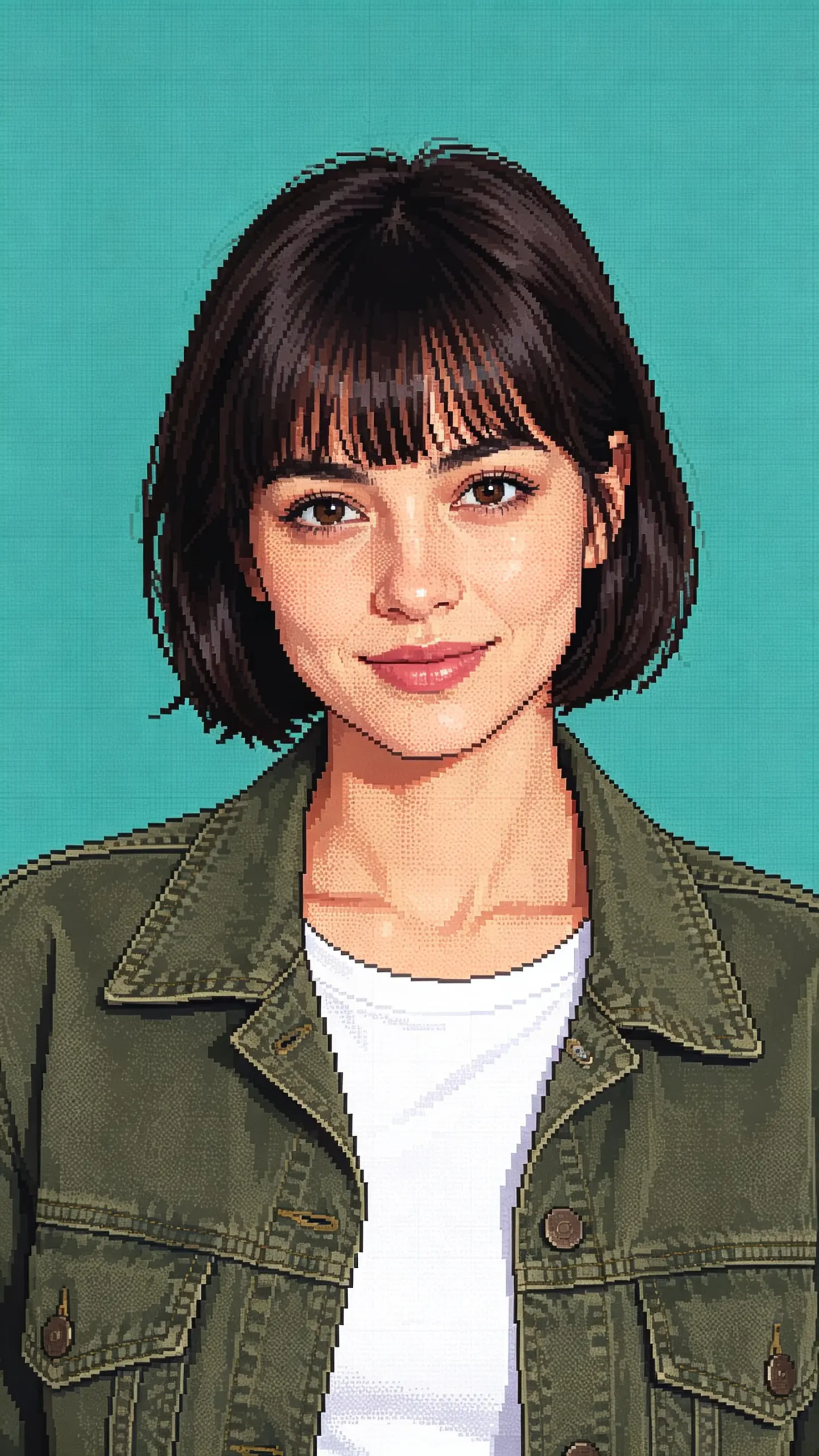
Turn Photos Into 3D Movie Characters
Transform ordinary photos into vibrant, Pixar-style animated characters with smooth 3D shading and expressive detail. Ideal for eye-catching social posts, profile pictures, product reveals, outfit edits, action shots, and social media ads that stand out with a polished cartoon aesthetic. Restyle your photo into a glossy 3D animated-movie character. Free AI photo effect, ready in seconds. Head to LazyKiwi AI image generator to try it free.
WHAT IT IS
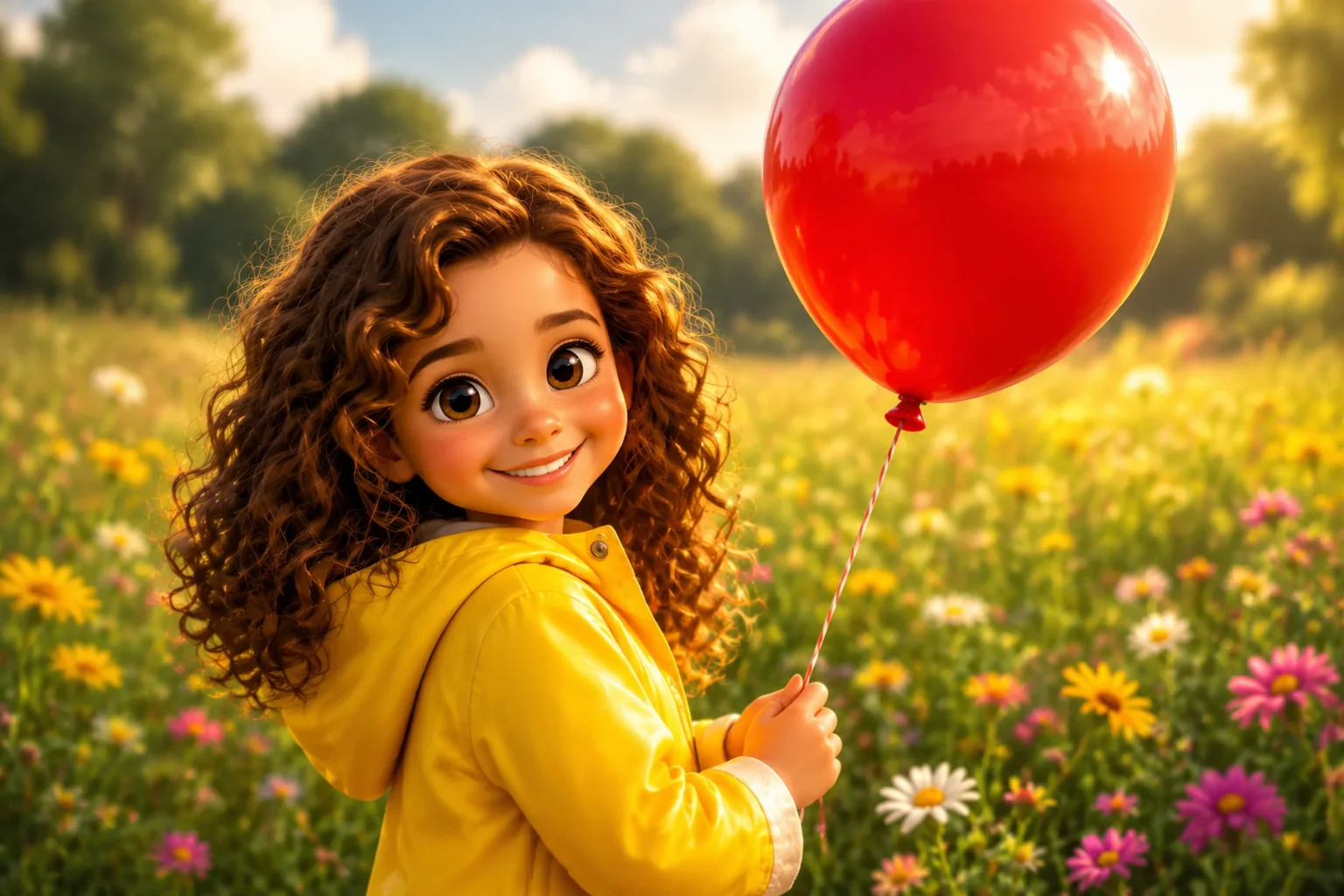
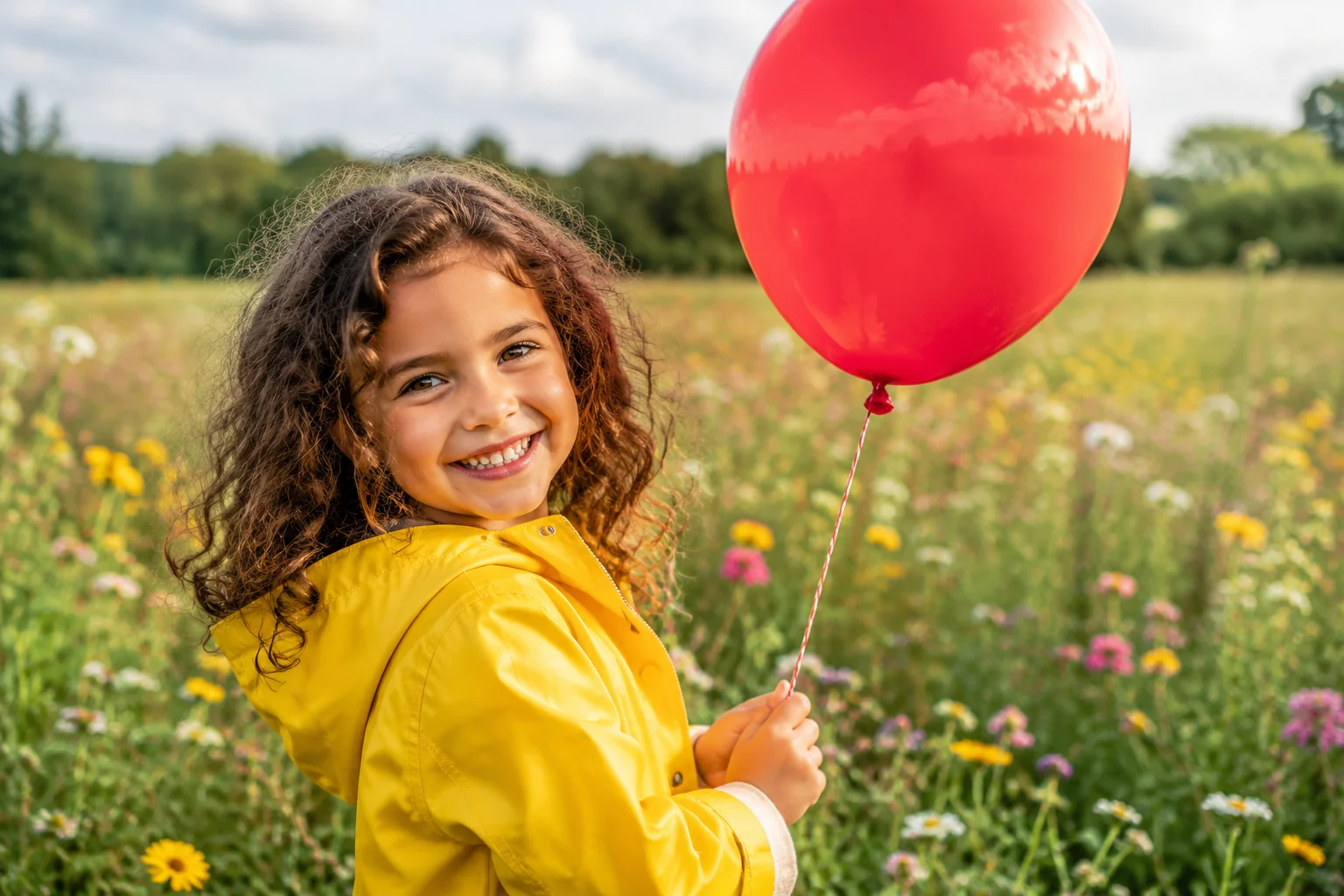
What Makes the 3D Movie Character Pop
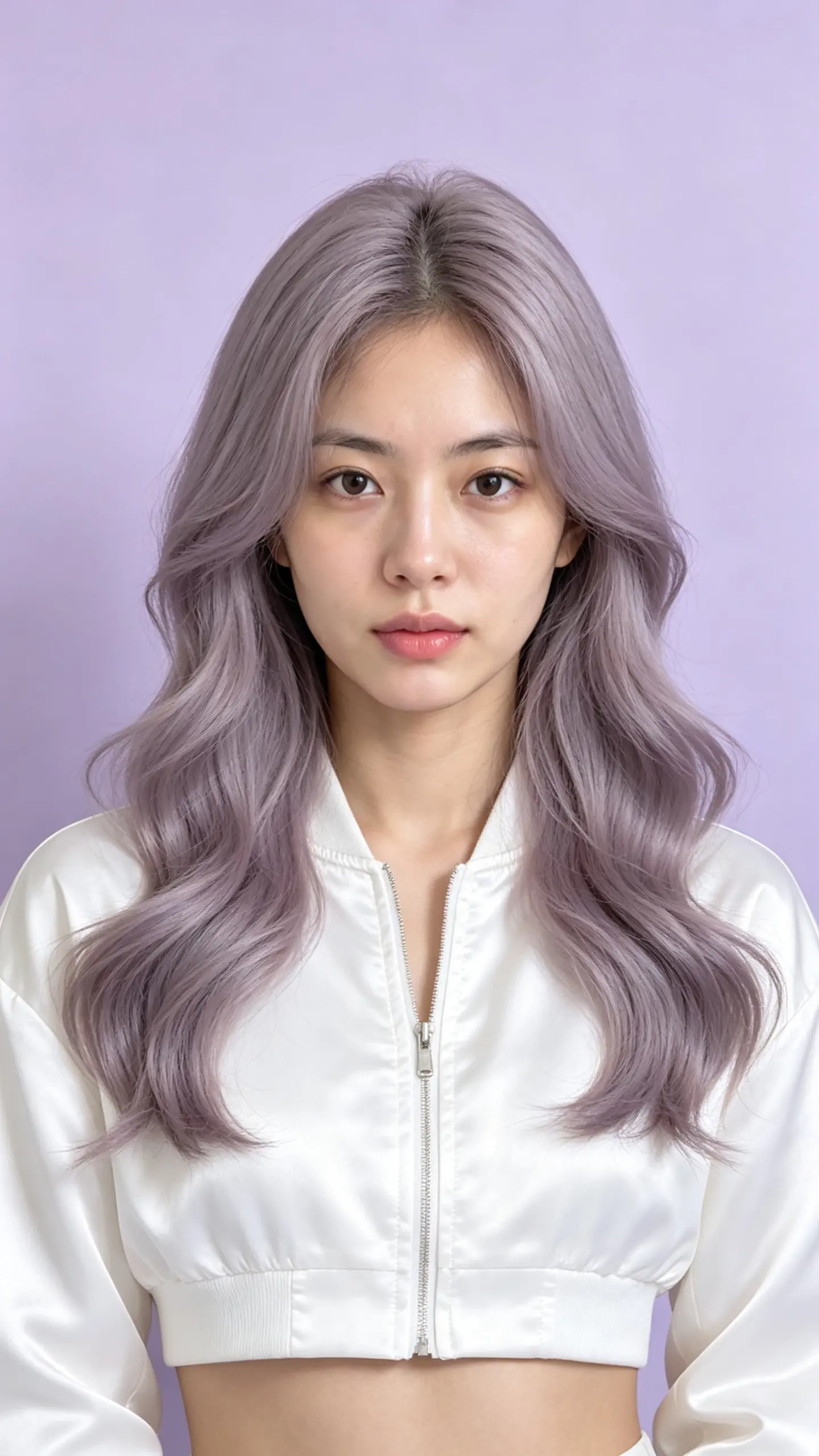
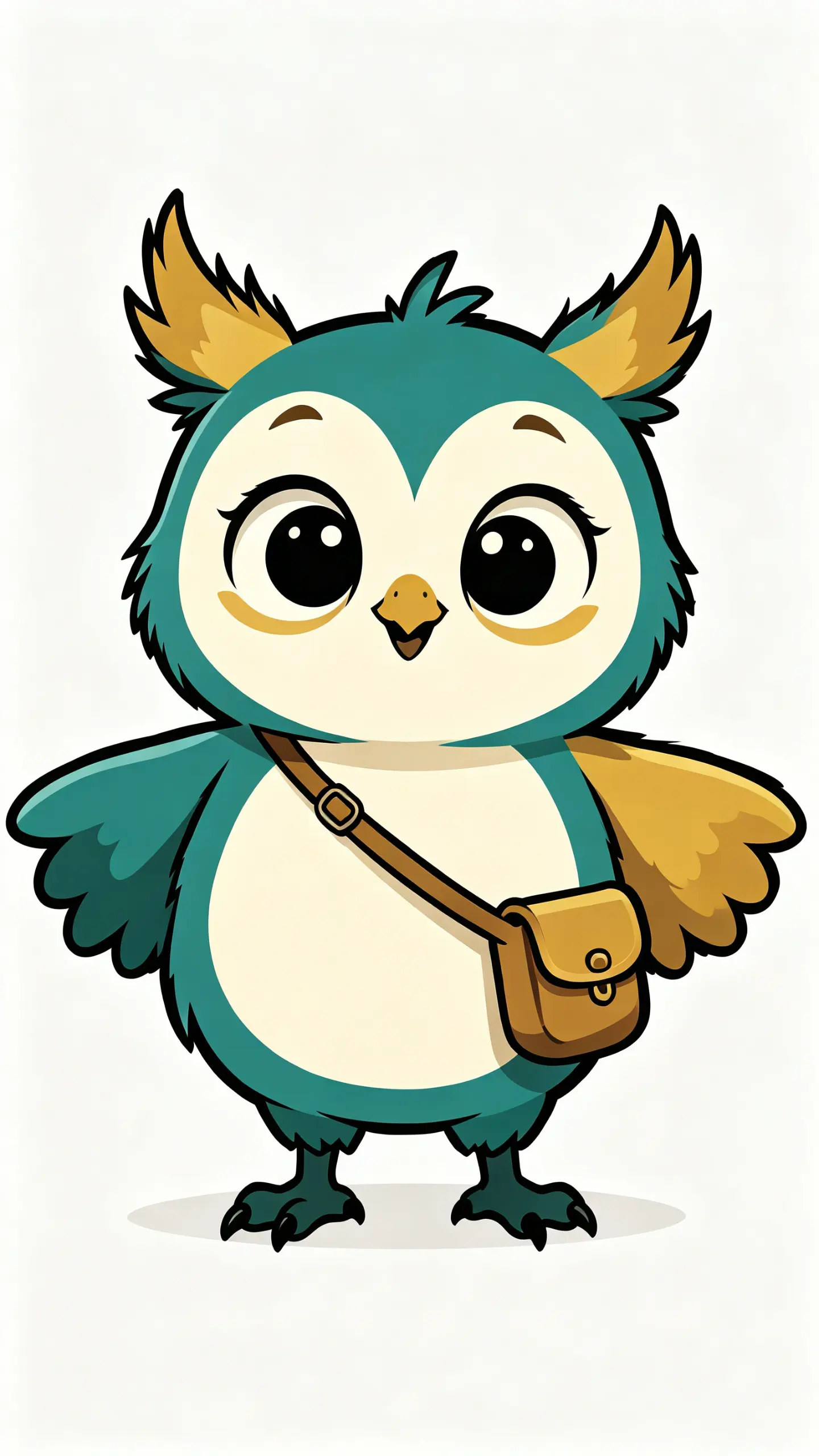
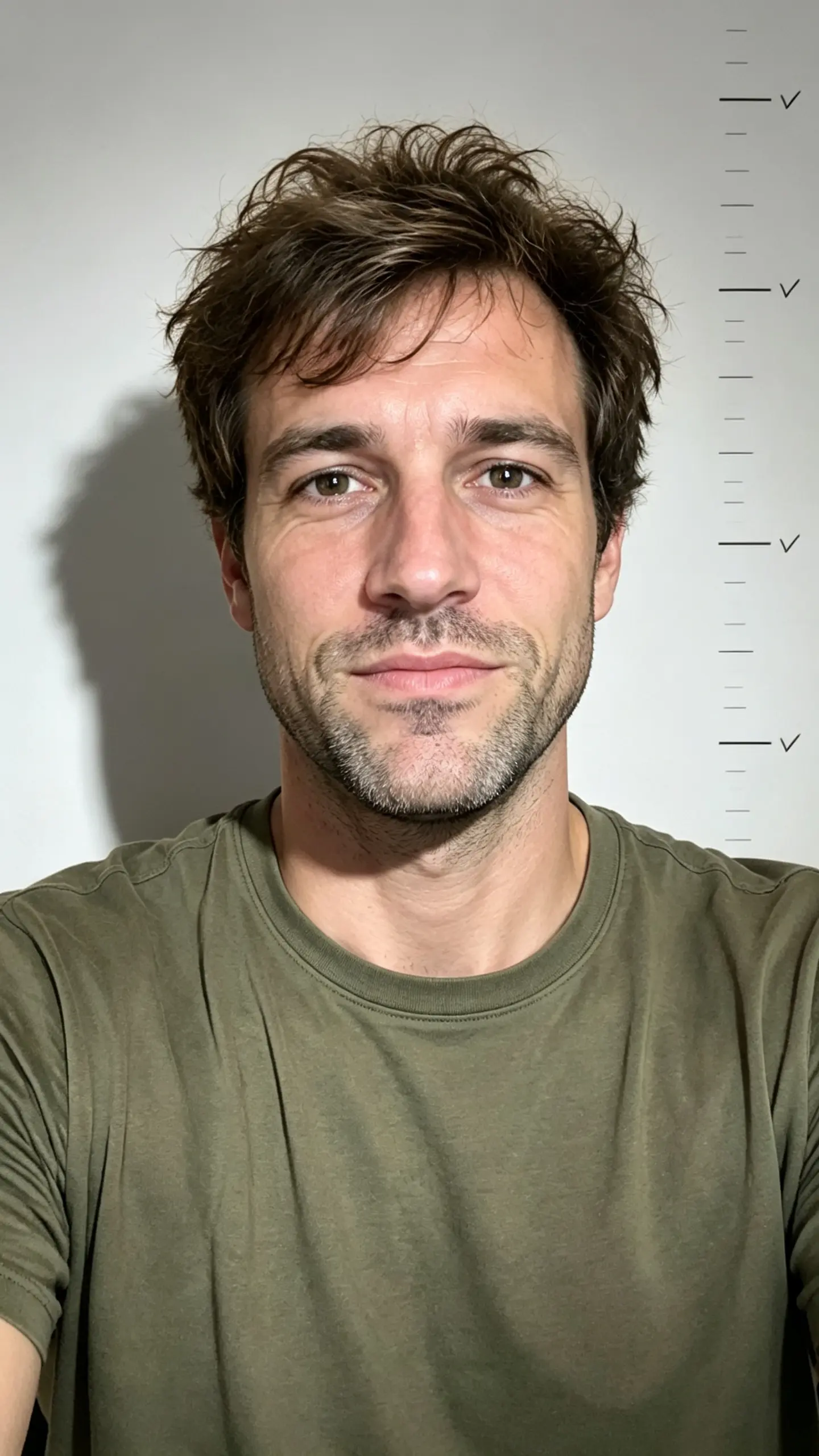
The Pixar AI effect turns a simple photo into a stylized 3D character portrait. Strong results come from a clear, front-facing face, a clean background, and a natural pose. The AI maps facial landmarks onto a detailed, soft-textured character model to create a cinematic, emotive still. The 3D look shines with fine detail. Line it up with Minecraft Filter, and the AI character generator has more ideas in the same vein.
Clear, front-facing portrait
A photo with even lighting and a neutral background works best. The AI needs sharp facial details to accurately map features onto the character model.
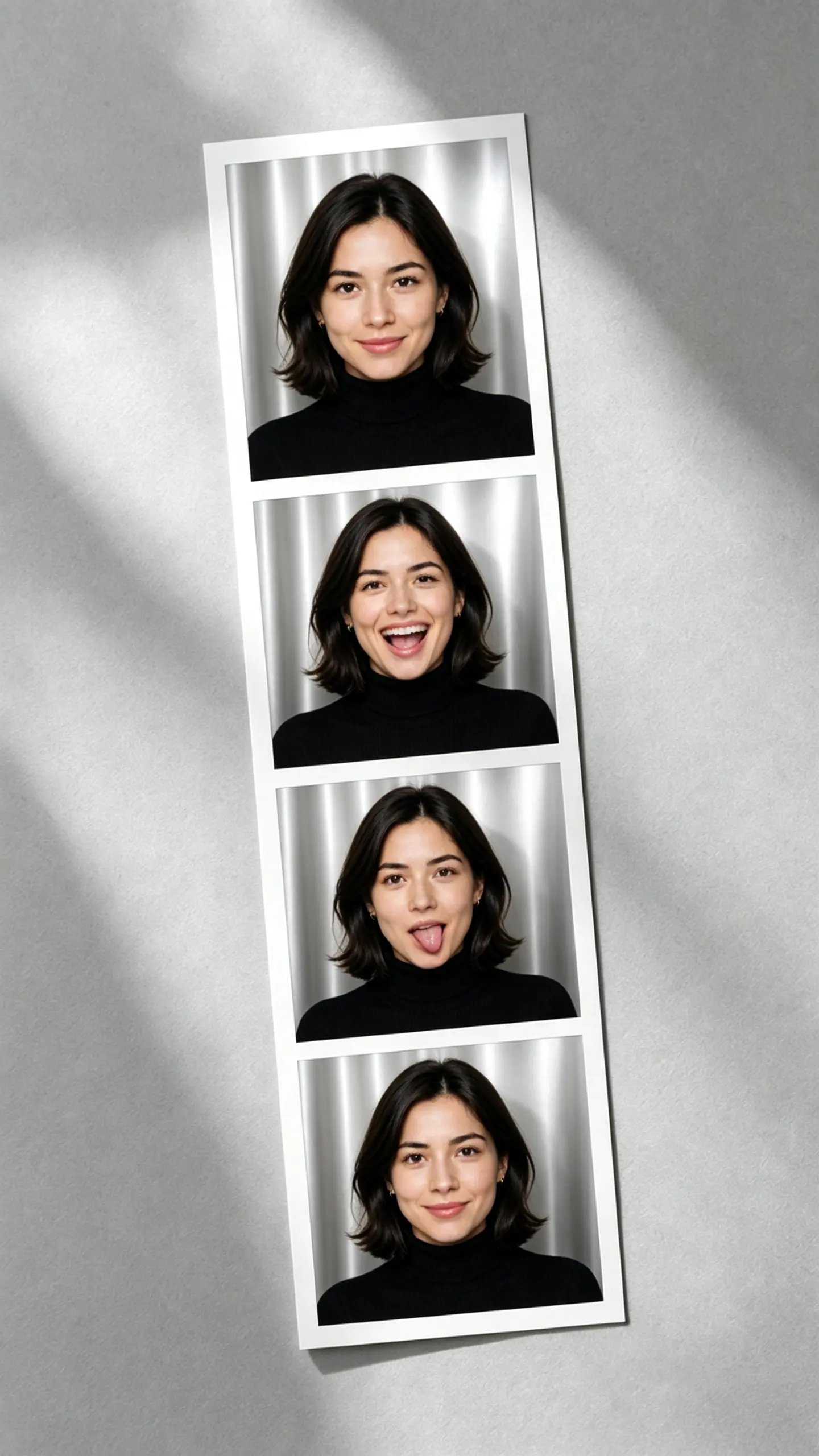
Expressive, subtle posing
The subject stays centered with gentle poses like a head tilt, a soft smile, or a relaxed gesture. Exaggerated expressions or blurry action shots can break the stylized look.
Smooth frame interpolation
The effect relies on a consistent transformation across face, hair, and clothing to maintain the Pixar-like quality. Clean shading and textures keep the render polished and cohesive.
Instant visual appeal
The effect’s recognizable style grabs attention fast. It’s ideal for social posts and ads where first-glance impact drives engagement.
CREATOR USE CASES
Application Scenarios
See how creators use the Pixar AI generator to turn everyday photos into shareable 3D character portraits across social channels.
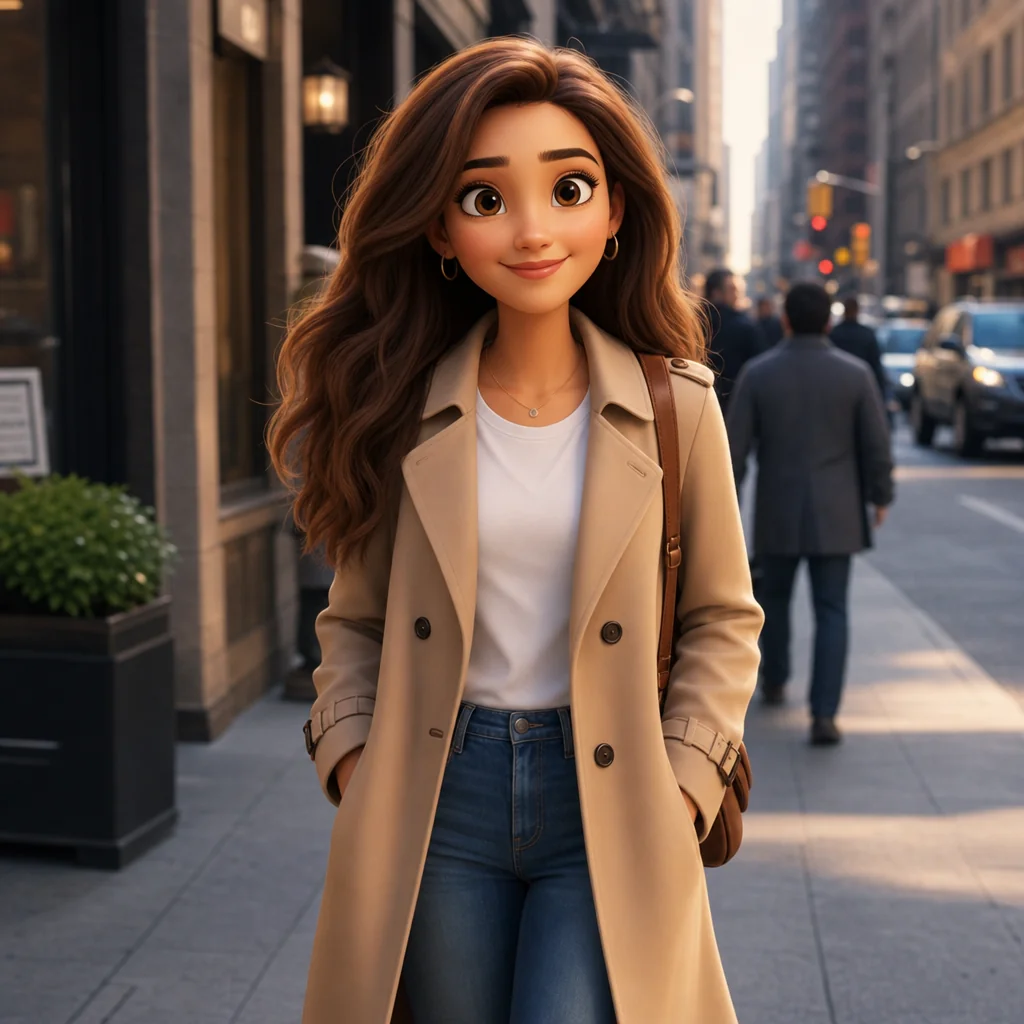
Street Look, 3D-Styled
Turn a simple street glance into an eye-catching Pixar character moment that stops the scroll.
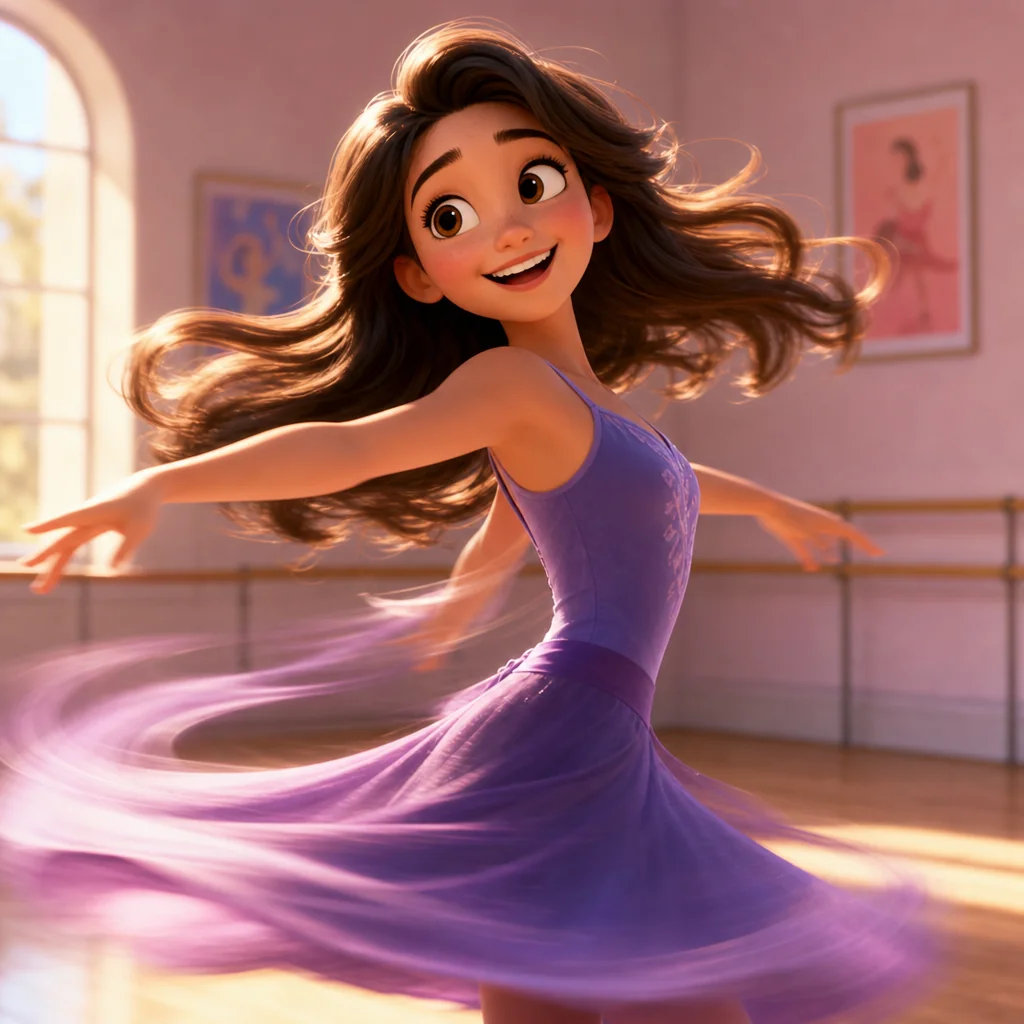
Action Shot, Pixarized
Give dance and action shots a 3D animated-film look for a burst of visual energy and engagement.
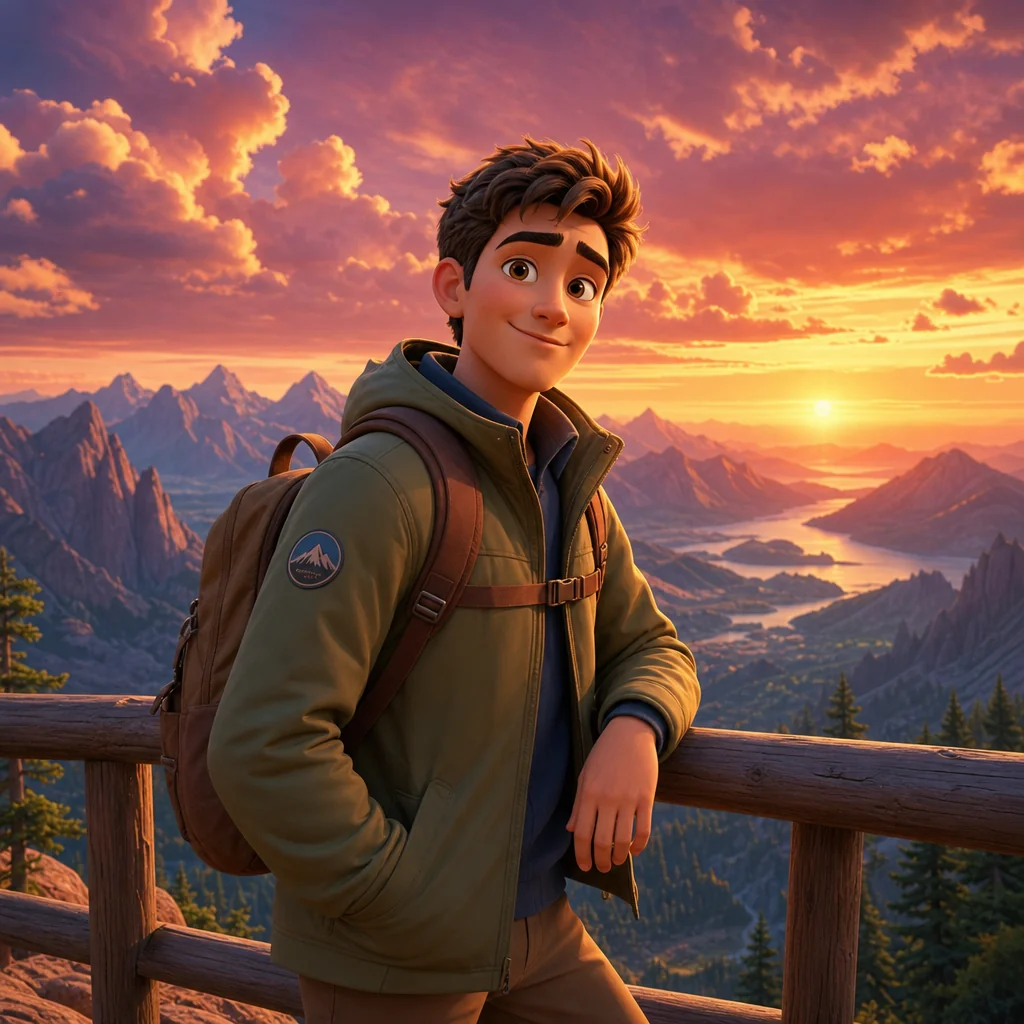
Travel Outfit, Pixar Touch
Transform outfit and landscape shots into share-worthy Pixar-style travel memories.
FAQ
Common questions
What is the pixar ai generator free effect?+
It is an AI-powered tool that transforms regular images into a style resembling Pixar animated characters or scenes, available at no cost.
Why is the pixar ai generator free useful for social media posts?+
The effect creates eye-catching, animated-film-style images that can stop viewers from scrolling, making your posts more memorable and shareable.
Can I create pixar ai generator free from one uploaded image?+
Yes, you can upload a single photo and the AI will process it into a Pixar-style version without needing multiple angles or extra input.
What kind of image works best?+
Clear, front-facing portraits with even lighting and uncluttered backgrounds produce the most accurate Pixar-style results. Avoid low light or heavy obstructions.
Can I use it for product, fashion, travel, or creator content?+
Absolutely. The effect works on product photos, fashion shots, travel scenes, and portraits, giving any type of content a distinct animated look.
What other 3D looks can I try?+
The 3D movie-character style is glossy and family-friendly. If you like this, One Piece Group Photo and Pixar Style 3D Animation Look are natural next picks.
Other names for pixar ai generator free
When hunting for that beloved 3D cartoon look, people often describe the pixar ai generator free effect in varied ways. You might hear it called a Pixar-style character maker, a free AI Disney filter, or even a photo-to-Pixar animation tool. At LazyKiwi, we recognize that creative ideas come with many names—so we’ve tuned our platform to understand these different search terms and transform your concepts into share-ready images in seconds. 3D movie character, animated-film look, glossy 3D avatar, all names for the same polished 3D makeover.
Turn your photo into a Pixar character
Start from a text prompt, upload an image, or use a ready-made template.