Rebuild Your Photo In A Blocky Voxel World
Transform any photo into a blocky, pixel-art world inspired by Minecraft. Ideal for creating eye-catching social posts or giving product reveals and outfit edits a playful, retro-gaming twist. Rebuild your photo in a blocky voxel game world. Free AI photo filter, ready in seconds. Make yours in LazyKiwi AI image generator.

WHAT IT IS
How the Blocky Voxel Look Comes Together
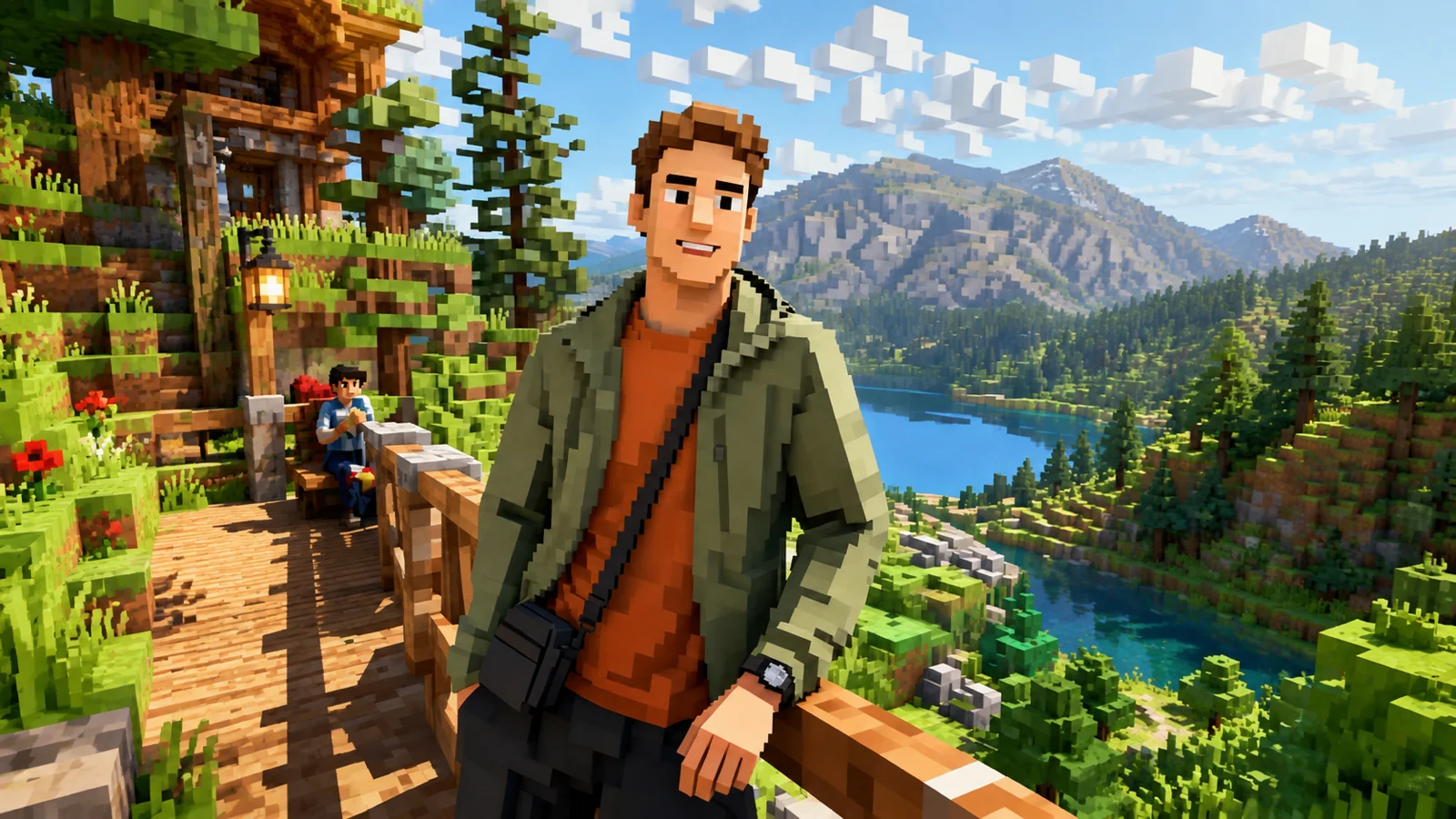
The Minecraft filter instantly reimagines any photo as a blocky, pixelated realm reminiscent of the iconic game. This effect works by converting flat images into 3D-like cubes, creating a playful, retro aesthetic. A clear subject, strong lighting, and simple backgrounds amplify the transformation, making your content stand out in feeds with a touch of nostalgic charm. The blocky build wants crisp edges. For the technique, see the AI character generator; AI Anime Video pairs nicely alongside.
Clear, High-Contrast Source
Start with a photo or frame where the main subject is well-lit and separate from the background. Soft, even lighting prevents blocks from blending into noise.
Bold Outlines, Steady Pose
Keep the person or object framed clearly. Sharp, well-defined shapes help the block effect read better, while motion blur disrupts the grid.
Voxel Grid Rendering
The whole image is split into a mosaic of cubes. Subtle shading between blocks gives depth, turning a flat scene into a tangible miniature world.
Instant Nostalgia, High Shareability
The familiar blocky look stands out in crowded feeds, boosting engagement. It's ideal for brand teasers, product reveals, or personal posts that need a playful, memorable twist.
CREATOR USE CASES
Application Scenarios
See how real creators use the Minecraft Filter to level up their content across platforms.

Minecraft Let's Play Thumbnail
Create eye-catching YouTube thumbnails that instantly show your blocky adventure.
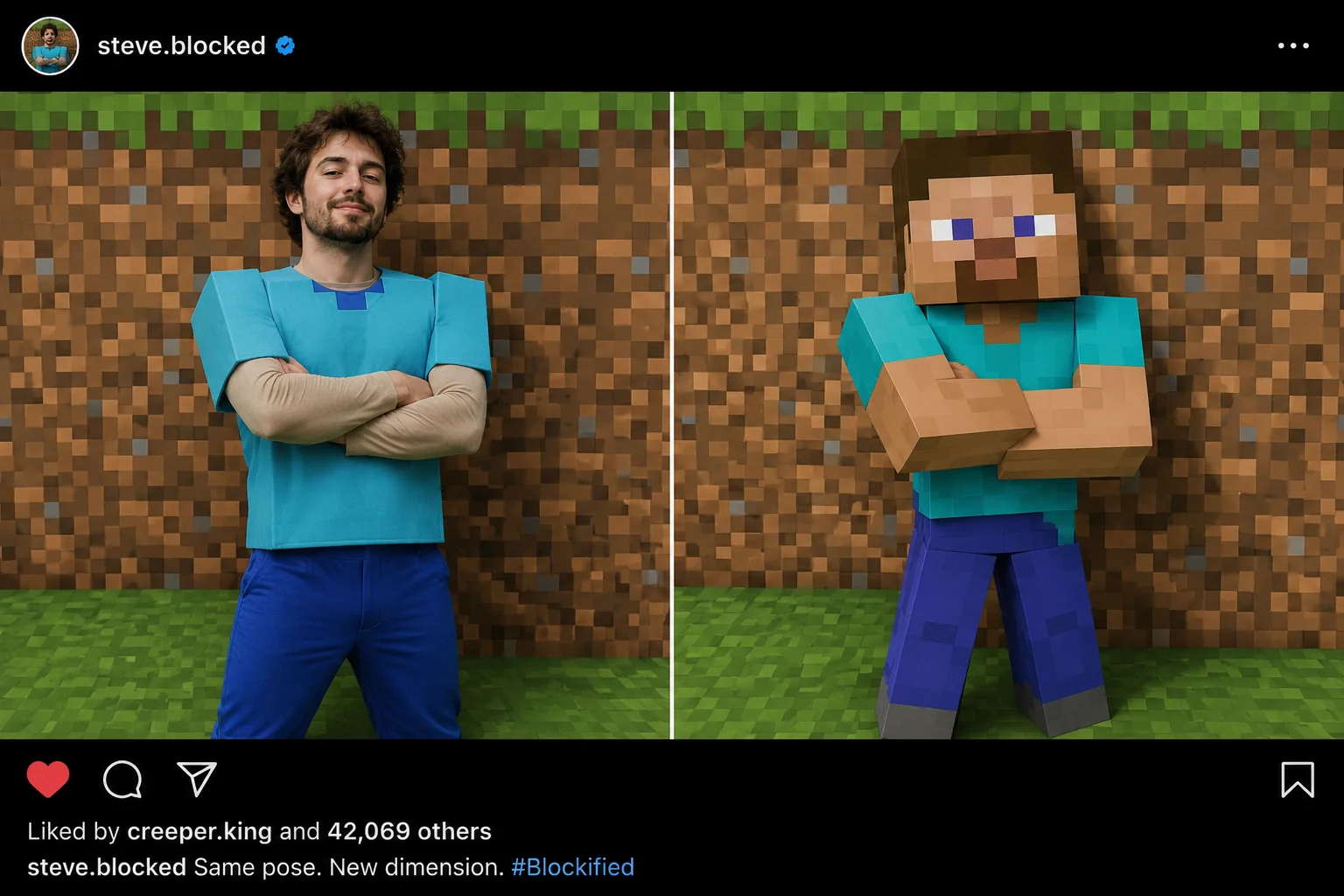
Cosplayer Profile Picture
Turn your real Minecraft cosplay into authentic block art for social media.
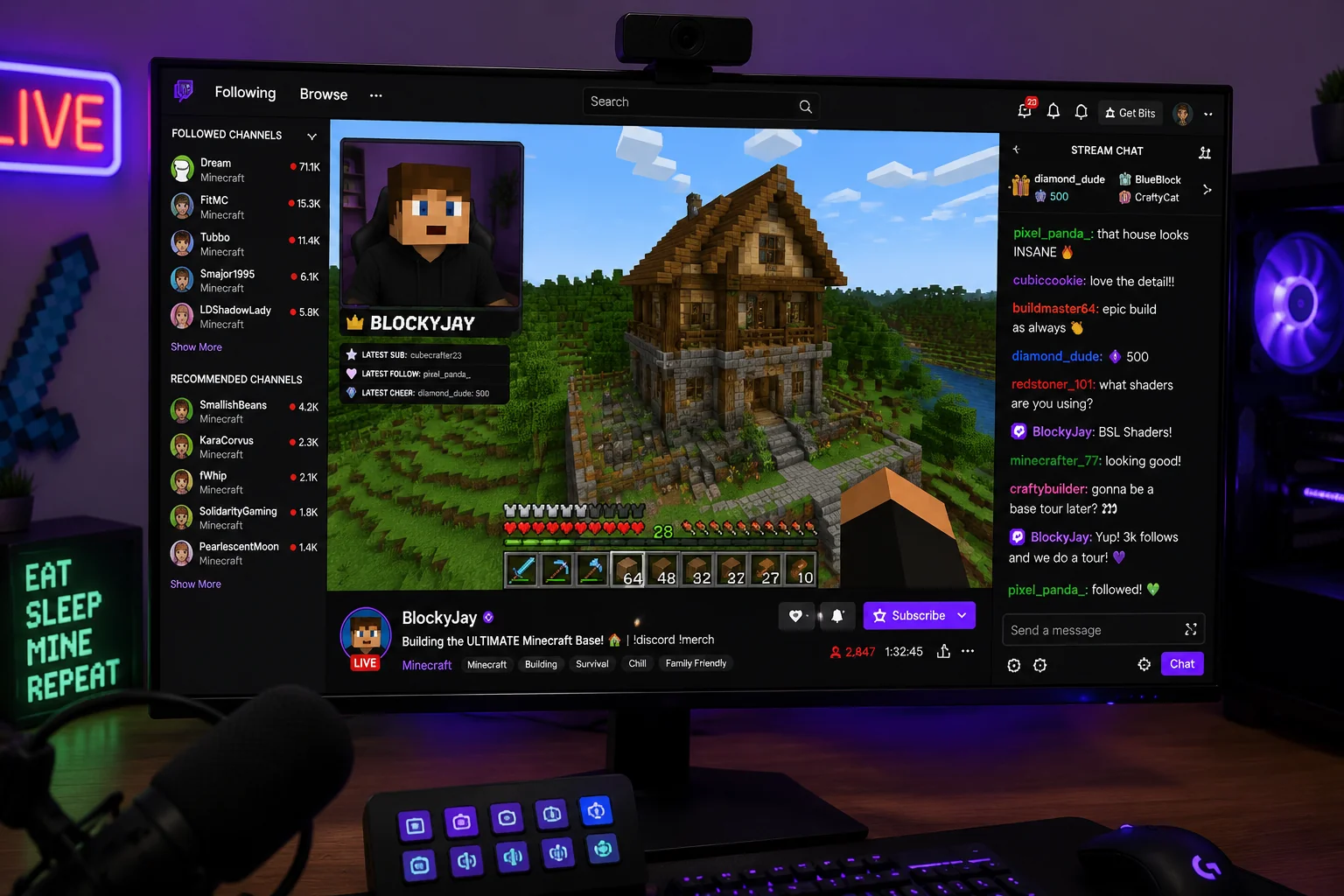
Streamer Face Cam Overlay
Add a blocky twist to live streams with a Minecraft-style face cam filter.
FAQ
Common questions
What is the Minecraft Filter effect?+
The Minecraft Filter transforms your photo into a blocky, pixelated style inspired by the Minecraft game. It turns real-world scenes into cube-based visuals with a retro game look.
Why is the Minecraft Filter useful for social media posts?+
It grabs attention fast with a recognizable game aesthetic, which helps your content stand out in feeds. The pixel art style fits trending challenges, memes, and humor-based posts.
Can I create a Minecraft Filter from one uploaded image?+
Yes, you can apply the effect to a single photo. Upload your image, and the tool converts it into a Minecraft-style block composition ready to download or share.
What kind of image works best with the Minecraft Filter?+
Images with clear subjects, strong contrast, and simple backgrounds produce the most readable block conversion. Portraits, landscapes, and objects with distinct shapes work well.
Can I use the Minecraft Filter for product, fashion, travel, or creator content?+
Yes, you can use it across these categories. It adds a playful, game-inspired twist to product showcases, outfit posts, travel scenes, and creator branding without needing complex editing.
What pairs with the blocky voxel look?+
The cube-world style fits gaming posts. Creators often follow it with AI Doodle Generator or AI GTA.
Other names for Minecraft Filter
Looking for the Minecraft Filter effect? You might know it by a handful of different names—blocky filter, cubic character style, or even that signature pixelated look from Mojang's universe. Whatever you call it, LazyKiwi makes it simple to turn your ideas into eye-catching, share-ready images that capture the iconic, retro charm of a Minecraft world. Blocky voxels, cube world, pixel-block filter, the name changes but the blocky build of your photo doesn't.
Create Minecraft Art from Photos, Frames, or Templates
Start with a prompt, upload an image, or choose a template to instantly apply the iconic blocky look.