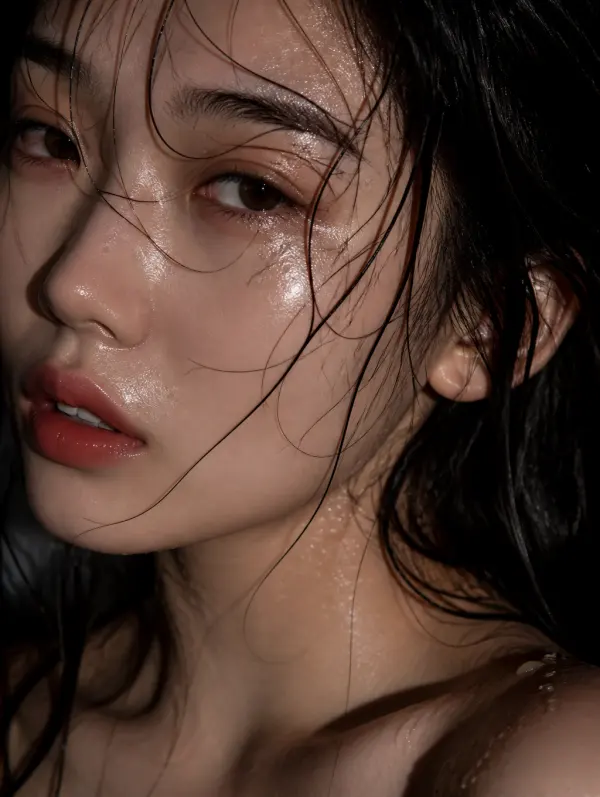
Aquarium Portrait Filter
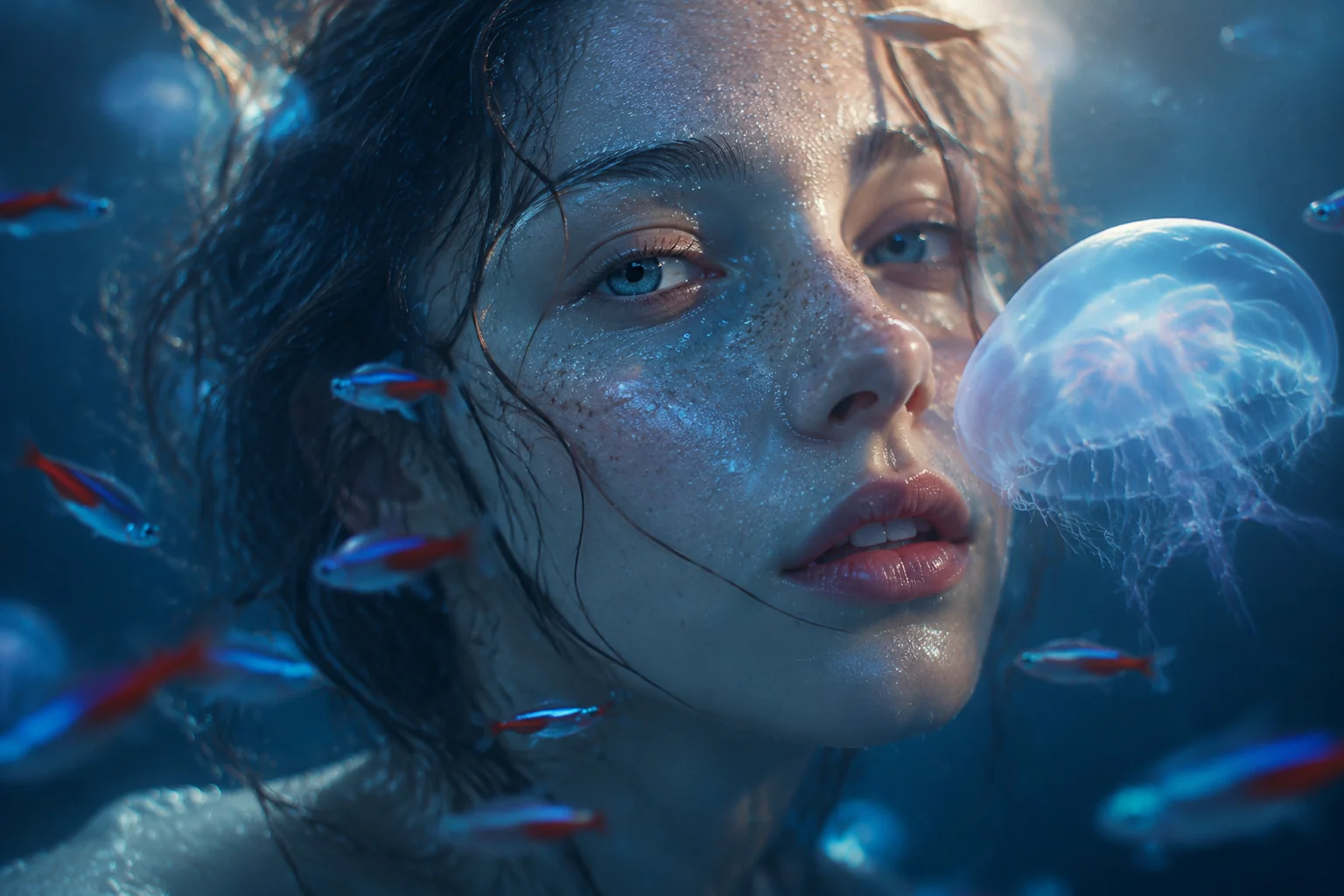
Transform ordinary portraits into immersive underwater scenes with soft caustic light and drifting fish. Ideal for eye-catching TikTok transitions, Reels, Shorts, product reveals, fashion edits, and social media ads that need a dreamy, aquatic mood.

WHAT IT IS
What makes a Aquarium Portrait Filter video work?
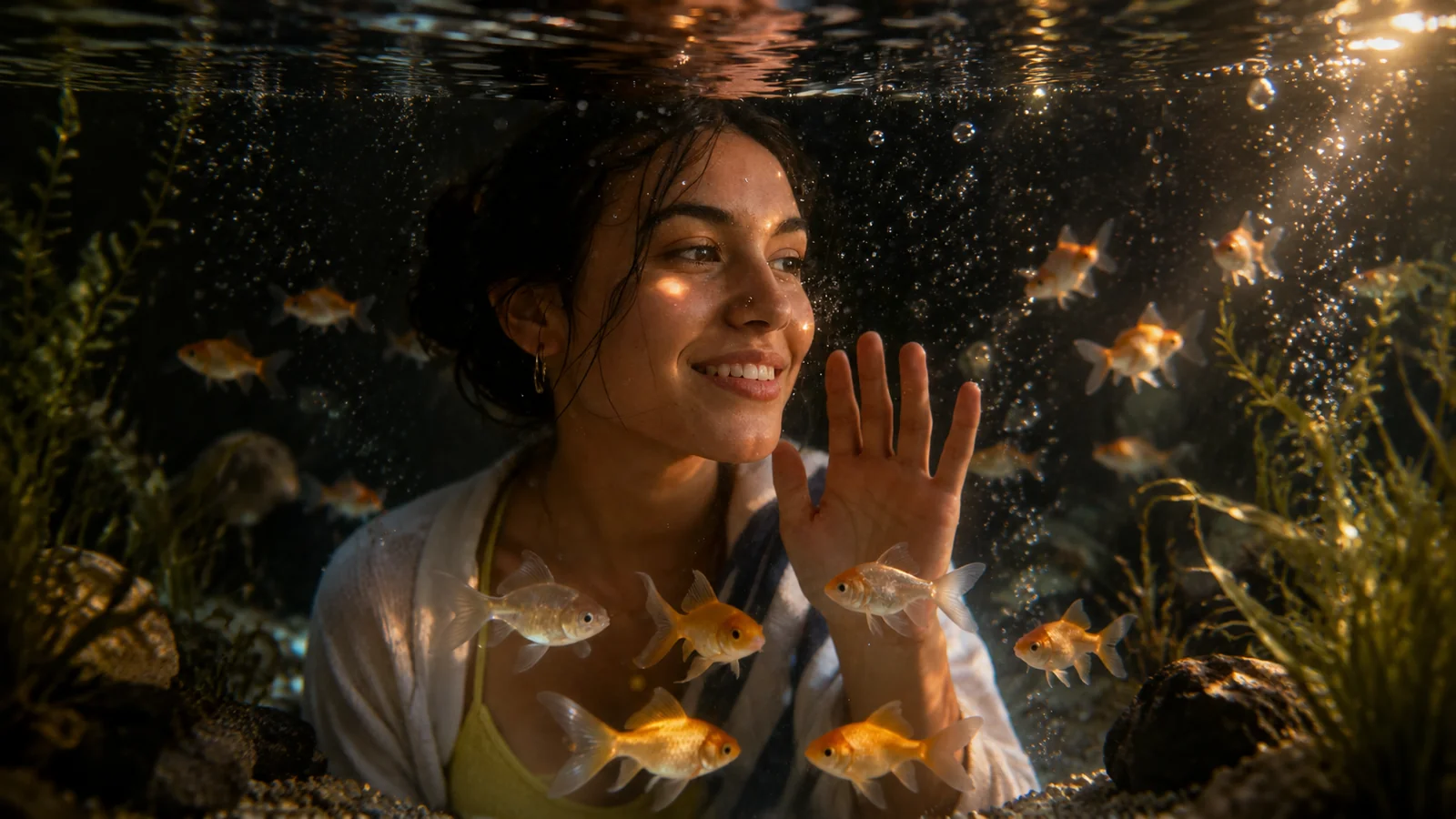
A dreamy blend of drifting fish, caustic light rays, and soft blue-green tones turns any portrait into an immersive underwater scene. The effect relies on layered motion, gentle water optics, and a subject that feels at home in the depths.
A Clear, Front-Facing Portrait
Start with a well-lit, front-facing shot against a simple background. Strong contrast helps the filter separate the subject and place fish naturally around the face and shoulders.
Slow, Floating Subject Motion
Small, fluid head tilts or gentle swaying mimics underwater drift. The filter tracks the face, so restrained movement keeps the fish and light effects exactly where they need to be.
Layered Light and Fish Animation
The effect works by overlaying animated fish, shimmering water caustics, and soft bubbles. Parallax motion between layers creates depth and the feeling of being submerged.
A Scroll-Stopping Dreamscape
The surreal aquarium look grabs attention in fast feeds. It fits fantasy trends, adds intrigue to product teasers, and invites longer watch time on TikTok, Reels, and Shorts.
CREATOR USE CASES
Application Scenarios
See how creators use the Aquarium Portrait Filter to craft immersive aquatic visuals across different content channels.
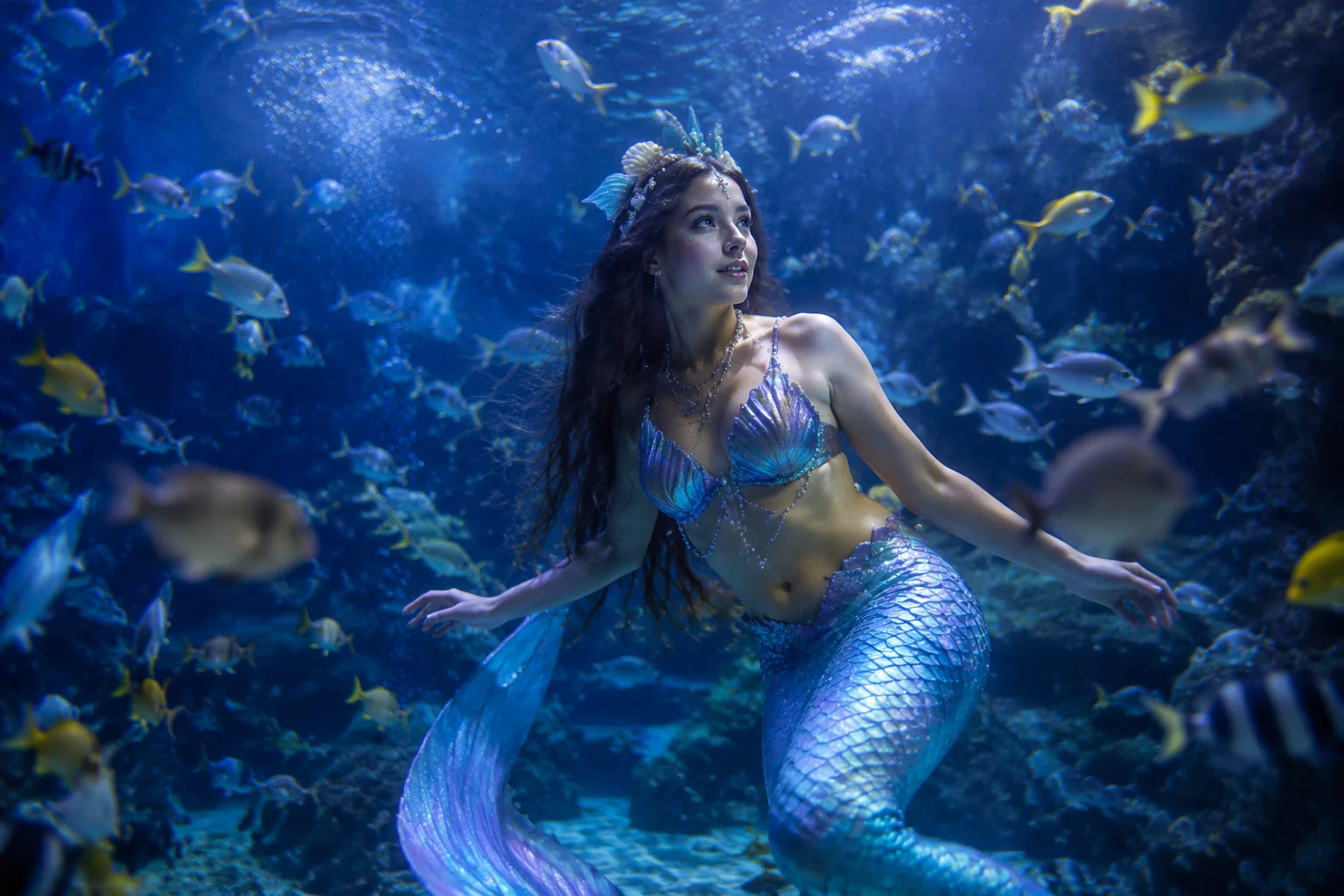
Mermaid & Ocean Fantasy Cosplay
Cosplayers add realistic fish schools and underwater light to transform portraits into mermaid character shoots.
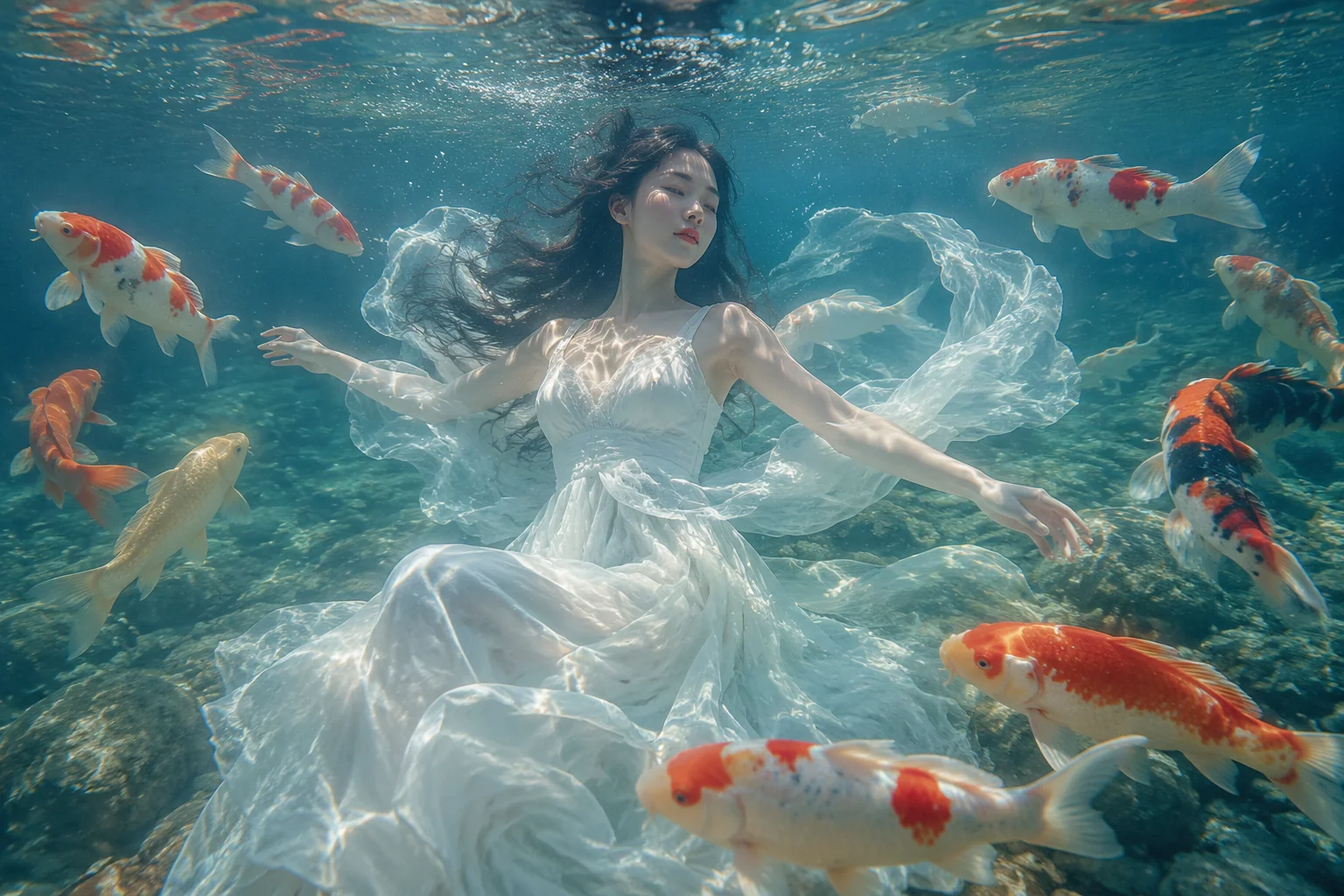
Dreamy Instagram Aesthetic Posts
Lifestyle creators use the filter to produce soft, flowing portraits that stand out in social feeds.
Artistic Portrait Sessions
Photographers apply the filter to offer clients a unique, painterly aquatic portrait experience.
FAQ
Common questions
What is the Aquarium Portrait Filter effect?+
The Aquarium Portrait Filter adds soft water light and fish that appear to circle around the subject, giving photos or videos an underwater portrait feel.
Why is Aquarium Portrait Filter useful for TikTok, Reels, or Shorts?+
It creates a distinctive visual that grabs attention in a fast-scrolling feed, helping short-form content stand out and increase viewer engagement.
Can I create the Aquarium Portrait Filter effect from one uploaded image?+
Yes, most tools that offer this effect let you apply it to a single photo. The filter isolates the subject and blends it into an aquarium-themed scene automatically.
What kind of image works best with the Aquarium Portrait Filter?+
Portraits or images with a clear main subject and decent lighting deliver the most natural result. Strong contrast between the subject and background helps the filter blend water and fish more seamlessly.
Can I use the Aquarium Portrait Filter for product, fashion, travel, or creator content?+
Yes, it works well across content types. It can give product shots a fresh look, add a creative layer to fashion editorials, make travel photos more playful, or help creator posts catch the eye on social media.
Other names for Aquarium Portrait Filter
You might come across this effect under different names depending on what catches your eye first — the drifting fish, the soft underwater glow, or the bubble-filled backdrop. Some people search for it as an underwater portrait filter, while others call it a fish tank photo effect or an aquatic selfie filter. Whatever phrase comes to mind, LazyKiwi makes it easy to transform those ideas into polished, short-video-ready visuals that look like they were filmed inside a dreamy aquarium.
Make an aquarium portrait from any photo
Start from a prompt, upload your own photo, or use a template.