Anime Fusion Filter
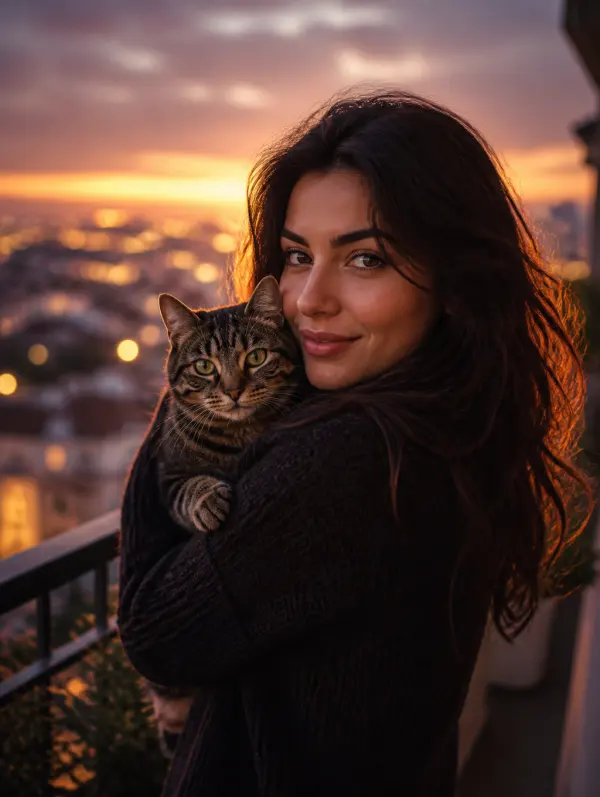
Blend real photography with hand-drawn anime aesthetics. This filter retains natural lighting and expressions while adding soft linework, cel-shading, and character-like stylization. Ideal for TikTok posts, Reels, Shorts, outfit edits, product teasers, and dynamic social content.
WHAT IT IS
What makes a Anime Fusion Filter video work?
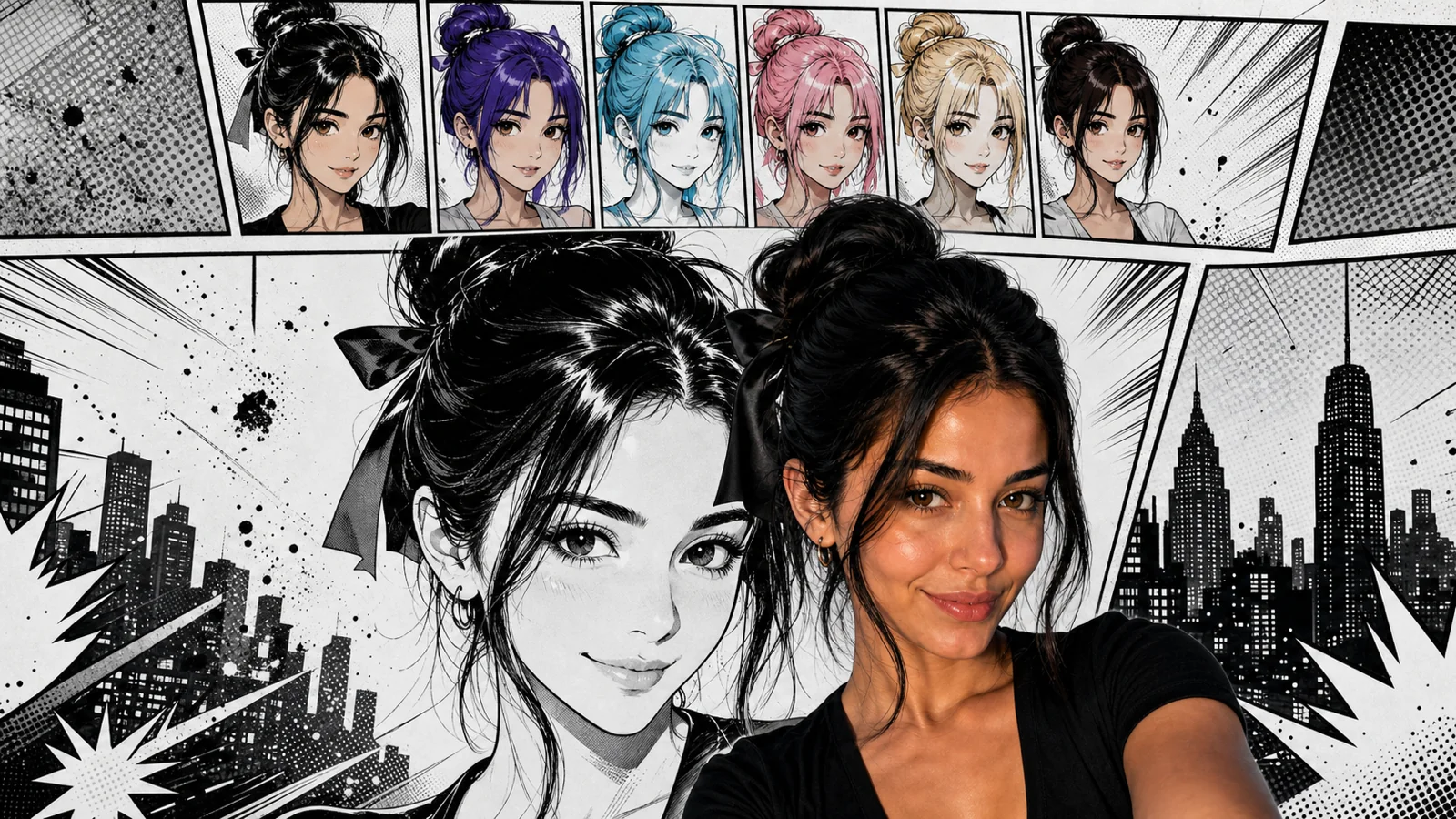
The Anime Fusion Filter blends your real footage with hand-drawn anime styling by intelligently mapping facial features, shading contours, and background elements. It preserves natural expressions while adding clean line art, soft color gradients, and subtle screen tones for a seamless, living painting effect that feels both authentic and stylized.
Best Input Frames: Clear, Front-Lit Portraits
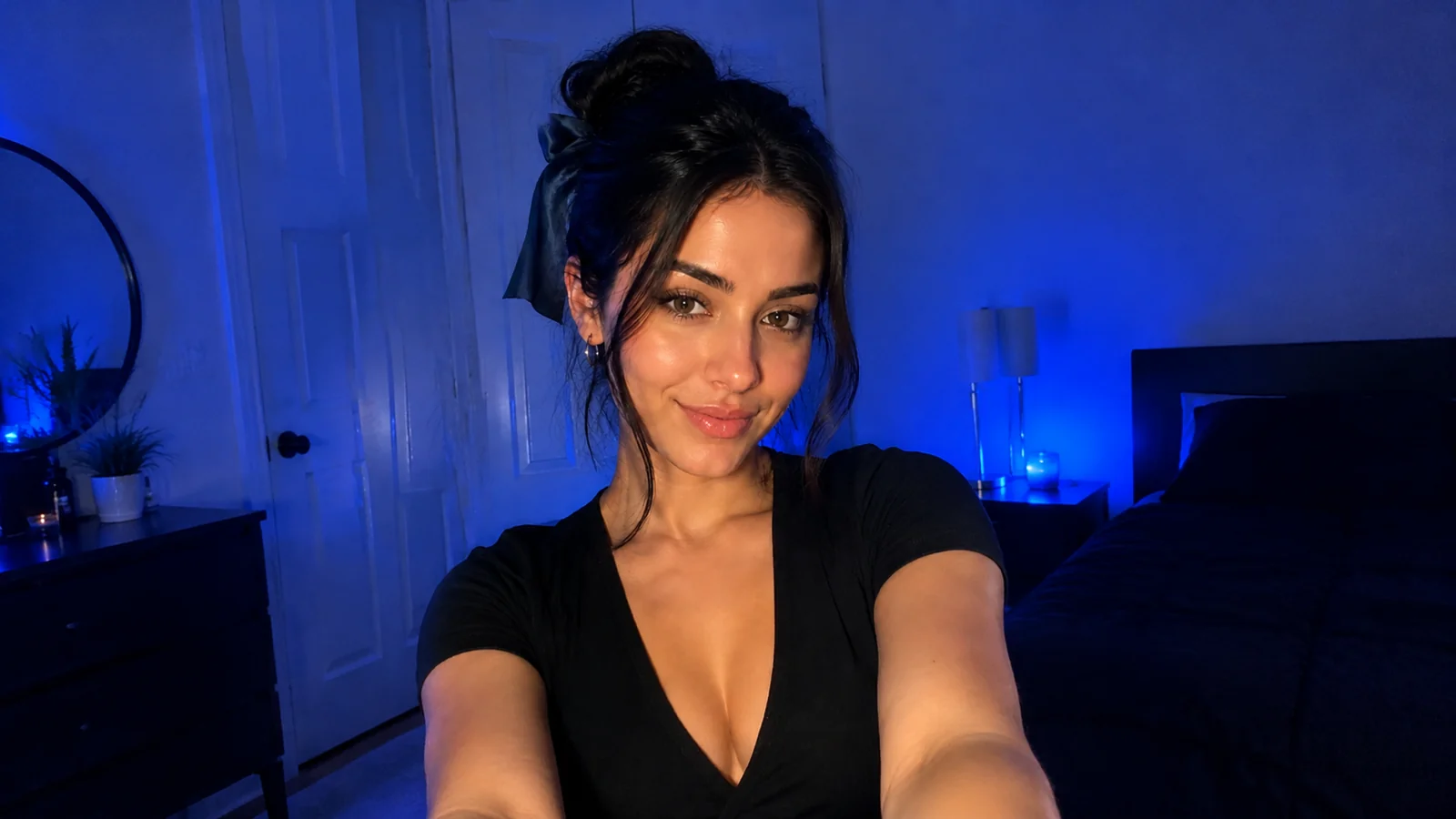
Start with a well-lit front-facing shot where the subject’s face is clearly visible. Avoid busy backgrounds and harsh shadows; even lighting helps the filter track features cleanly.
Steady Subjects, Natural Expressions
Keep the subject relatively still with subtle, natural movements. Sudden motion can break the anime overlay, so slow blinks and gentle head turns work best for consistent styling.
Real-Time Style Mapping & Line Art
The filter dynamically applies anime line work, flat-color shading, and texture filtering frame by frame, preserving facial structure while adding bold, illustrative contours that react to light and motion.
Built for Short-Form Viral Moments
This effect instantly transforms ordinary clips into eye-catching anime loops, perfect for Reels, TikTok trends, and ads. The blend of real and animated worlds hooks viewers in the first second.
CREATOR USE CASES
Application Scenarios
Real creator use cases showing how the Anime Fusion Filter is applied across different channels.
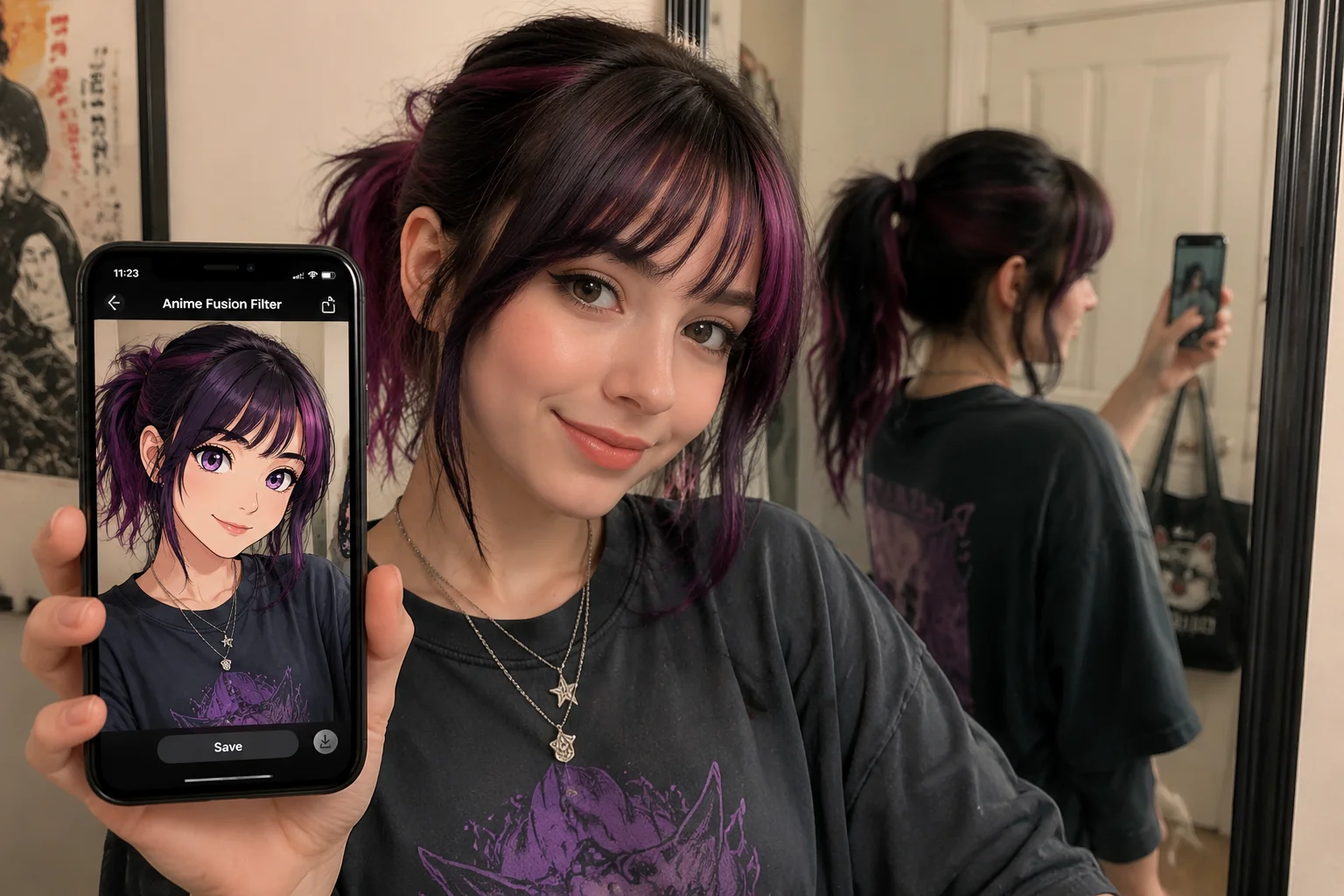
Cosplay Character Previews
See how you'd look as an anime character before committing to a full cosplay outfit.
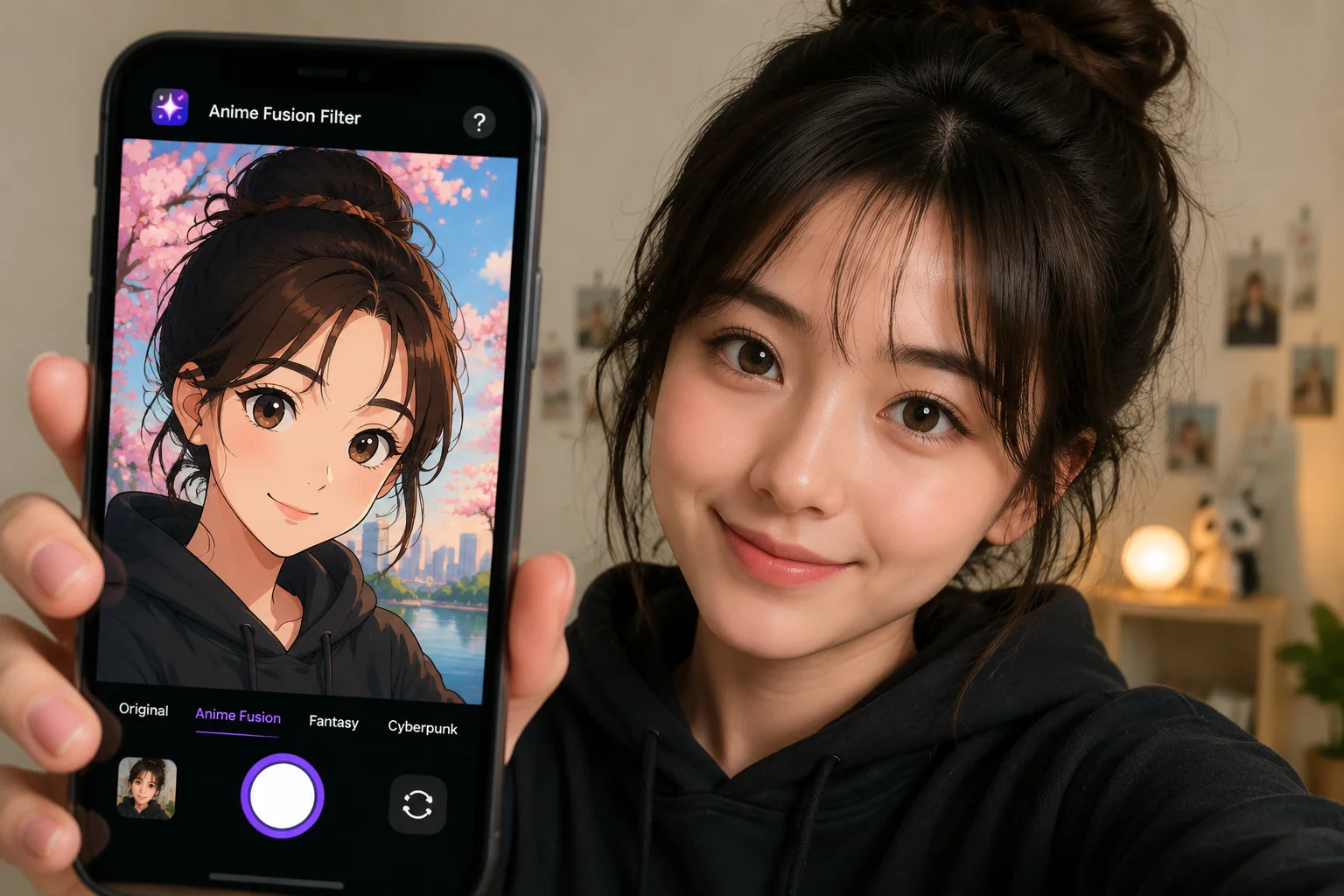
Anime-Style Profile Avatars
Create unique anime avatars for social media profiles that stand out from the crowd.
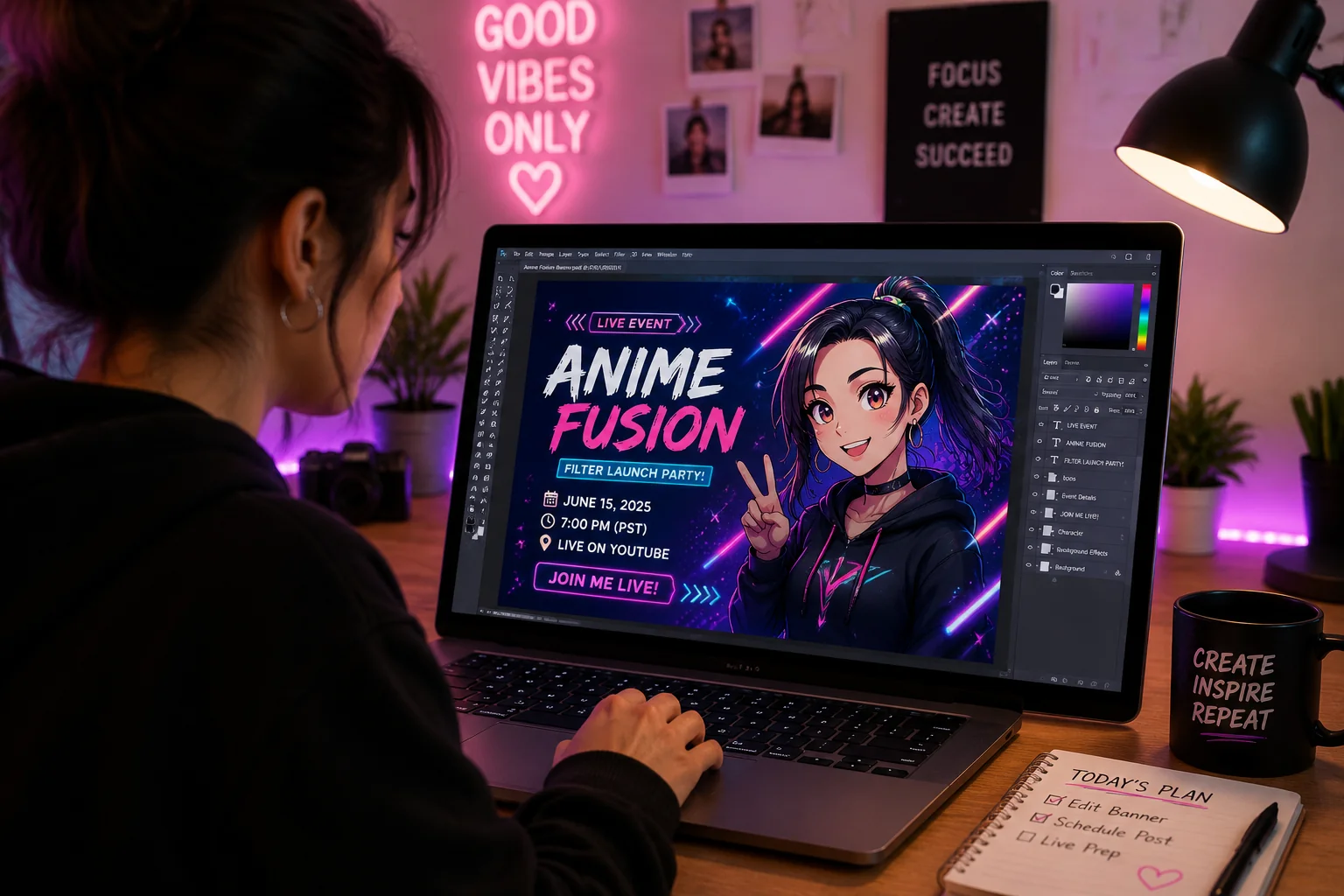
Anime Event Promotional Content
Generate eye-catching promotional posts for anime conventions, themed parties, and fan gatherings.
FAQ
Common questions
What is the Anime Fusion Filter effect?+
It blends a real photo with a hand-drawn anime style, keeping the original subject recognizable while adding soft line art, cel-shaded colors, and a layered 2D look.
Why is Anime Fusion Filter useful for TikTok, Reels, or Shorts?+
The effect creates a distinctive visual style that helps short videos stand out in fast-scrolling feeds, increasing watch time and engagement without needing advanced editing skills.
Can I create Anime Fusion Filter from one uploaded image?+
Yes, the tool processes a single image upload. You choose your photo, apply the fusion, and get the anime-styled result immediately.
What kind of image or video works best?+
Clear, front-facing shots with even lighting and a single main subject produce the most natural fusion. Avoid heavily cluttered backgrounds or extreme low-light shots.
Can I use it for product, fashion, travel, or creator content?+
Yes. The filter adds a playful anime layer to product presentations, outfit photos, travel scenes, and creator content, making the visuals more shareable and memorable on social platforms.
Other names for Anime Fusion Filter
People often search for the Anime Fusion Filter using different phrases, such as 'anime selfie filter', 'cartoon anime effect', or 'anime portrait generator'. With LazyKiwi, you can quickly turn your ideas into eye-catching short-video visuals, no matter what you call the effect.
Turn your photo into anime-style art in seconds
Use a text prompt, upload your own image, or pick a template to get started.