Dim Room Selfie Flash
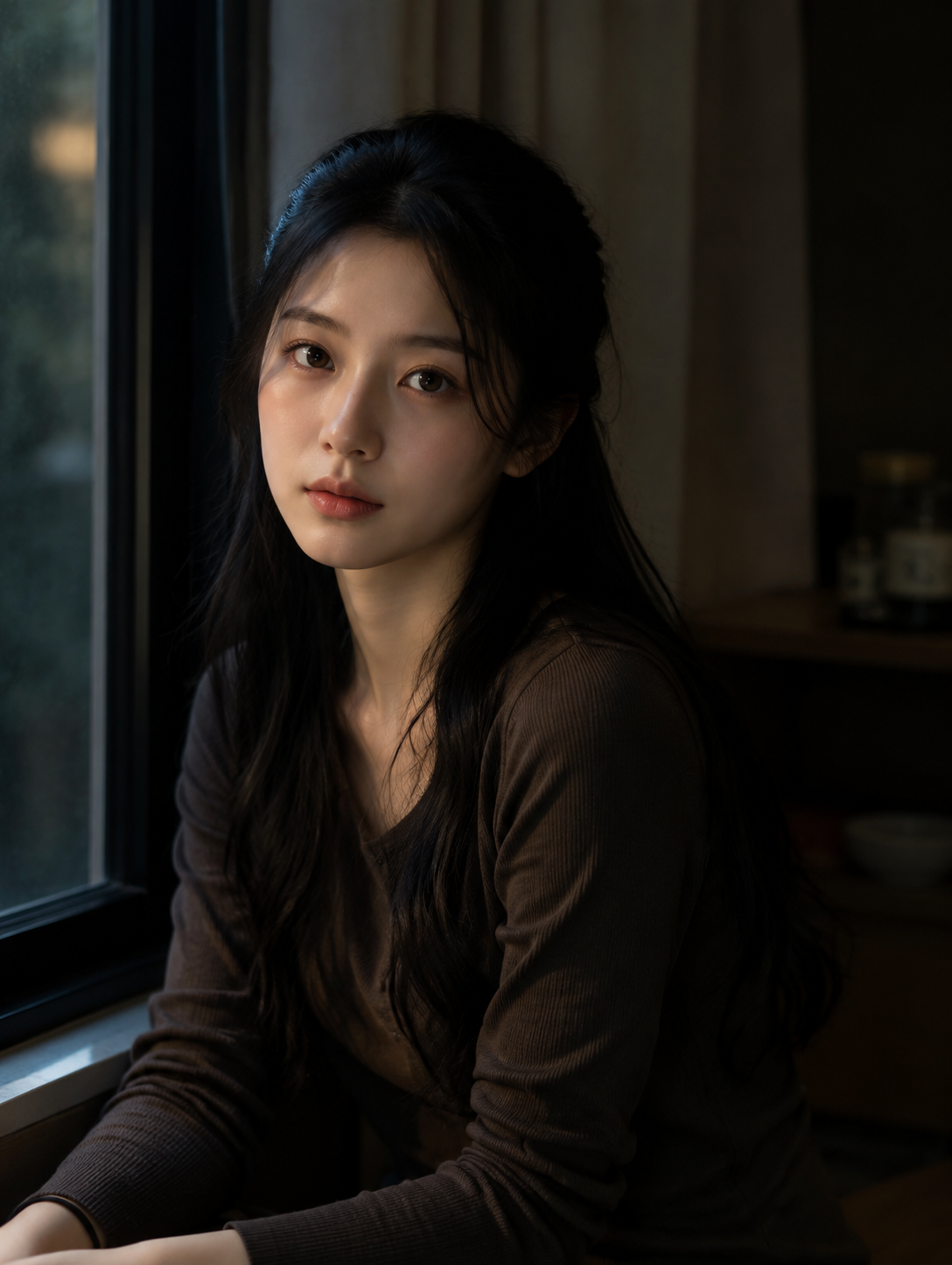
A dark room selfie built from an ordinary daytime photo: the same person sits by a window after dark, lit by a weak flash from the camera side, with the curtain, shelf and window frame sinking into shadow. Face, age and hairstyle stay as uploaded; the top becomes a dark ribbed knit. One photo in, one 3:4 image out.
Dim Room Selfie Flash Template
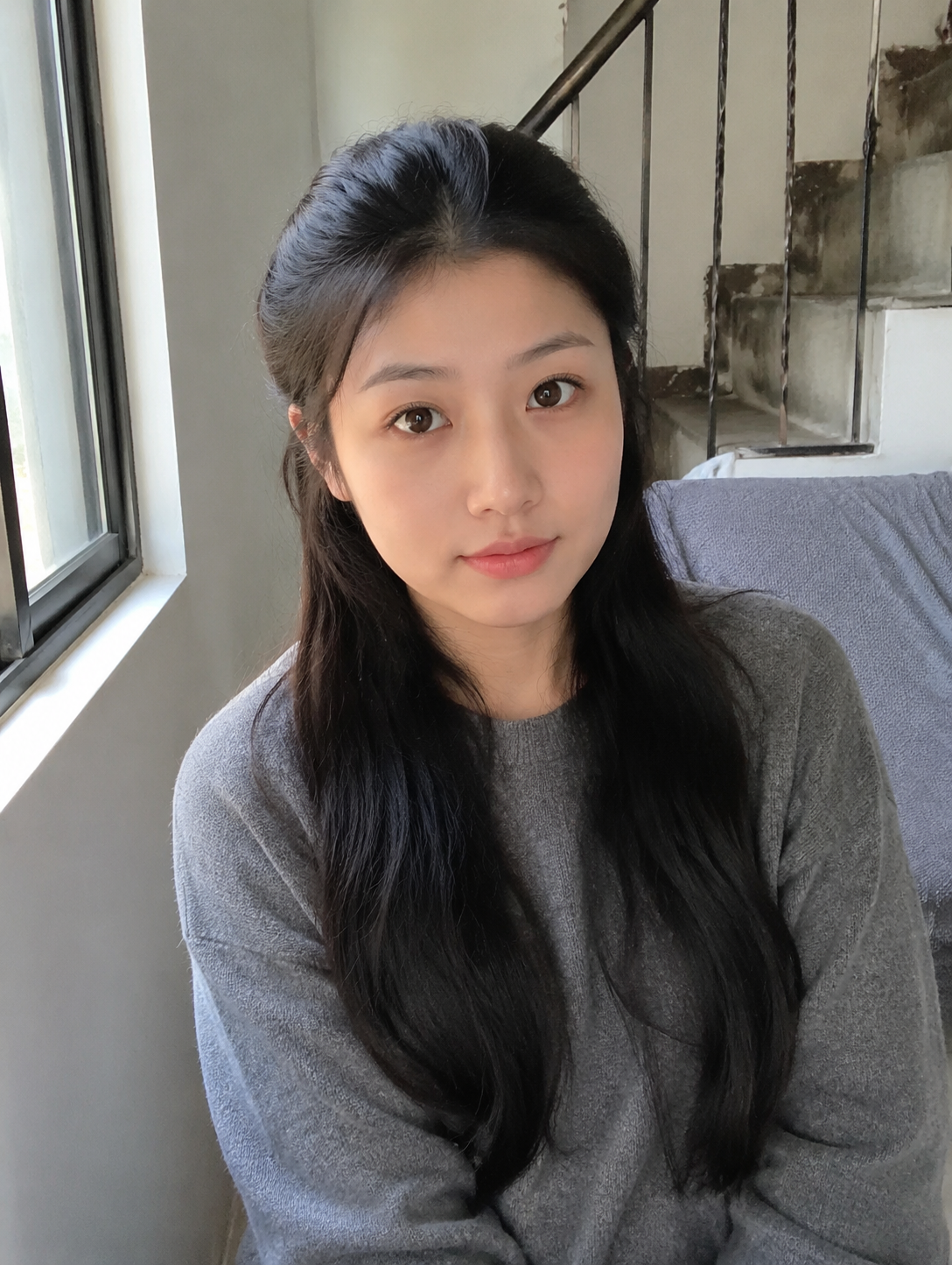
Upload one photo from the chest up with the face clear and unshadowed; a bright daytime shot beside a window is fine, since the template turns the room dark.
WHAT IT IS
A flash selfie in a dark room, from one daytime photo
Dim Room Selfie Flash is a dark room selfie template that takes one photo of a person and returns the same person sitting in a dim room at night, lit by a small flash from the camera position. The engine keeps face, age, skin tone and hairstyle, then rebuilds the room around them. Daylight goes. The window at the left of frame turns to black-blue glass with a faint reflection, the curtain behind falls to a muted brown, and a shelf of glass jars at the right edge is just visible in the gloom. The flash is weak on purpose: it lifts the face and hands, leaves a small catchlight in the eyes, and drops off within a foot so the far shoulder is already half in shadow. In the sample the gray sweater became a dark brown ribbed top, so expect the outfit to be restyled toward the palette. Framing is chest-up and slightly off-axis, rendered at 3:4 in the sample.
- A flash that barely reaches
- The light is a low-power flash from the camera side, not a studio strobe. It brightens the face and the hands, then falls off fast, so the top of the hair and the far shoulder are already dim.
- Night window at the left
- The window in the upload becomes a black-blue pane with a faint reflection of the room; the daylight it used to pour in is gone. Curtain, shelf and jars remain as shapes in the dark, giving depth without pulling focus.
- Same face, half-up hair kept
- Identity, age, skin tone and hairstyle survive the relight; in the sample the half-up black hair and the parting are untouched. Clothing shifts toward dark knits, so the gray sweater came back as a brown ribbed top.
- Chest-up, off-axis framing
- The subject sits slightly turned, hands at the bottom of frame and the head in the upper third. The template drops the arm's-length distortion of a selfie, so the result looks taken on a real camera by a friend.
USE CASES
Three quiet frames that used to need waiting for dark
Each of these normally means turning every light off, propping the phone at the right height and firing the flash at half power until one frame lands.
Late-night study post from a noon photo
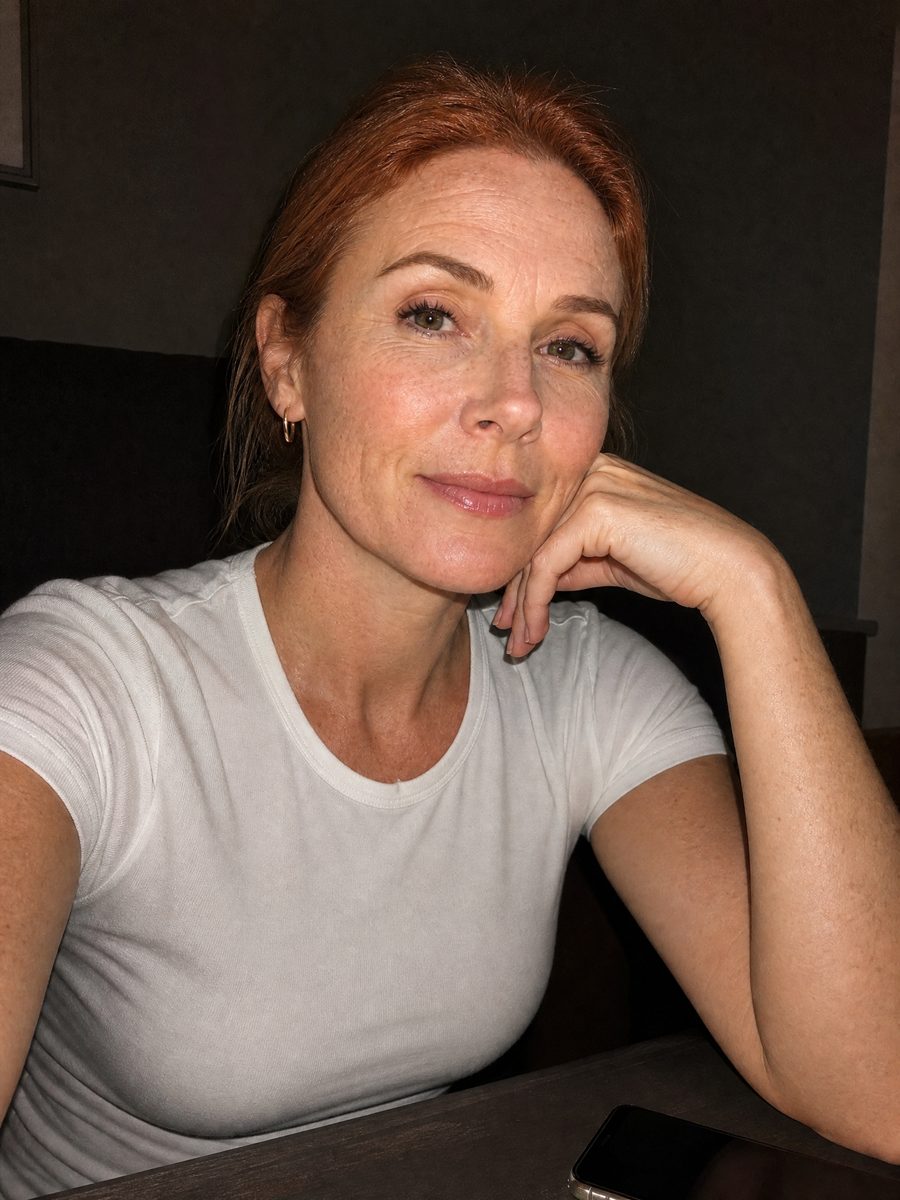
A student has a bright photo by the dorm window at midday and wants something quieter for a 'still up' post. The template returns the same person by a night window, lit by a soft flash, room in shadow, sized for a 9:16 Story.
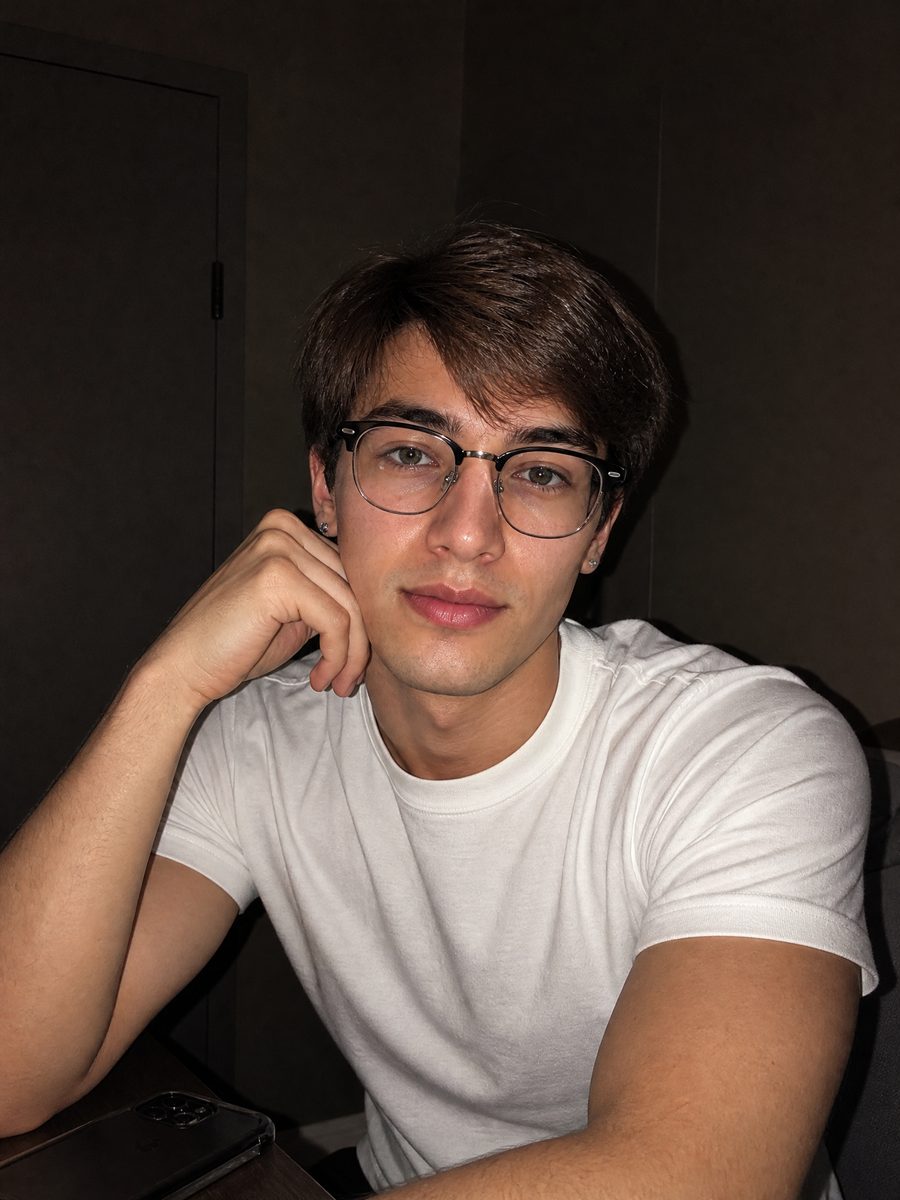
Moody portrait for a podcast cover
A podcast host needs a cover that feels like a conversation after dark. One chest-up photo becomes a moody portrait with a night window, a weak flash on the face and the room dark, cropped to 1:1 for podcast directories.
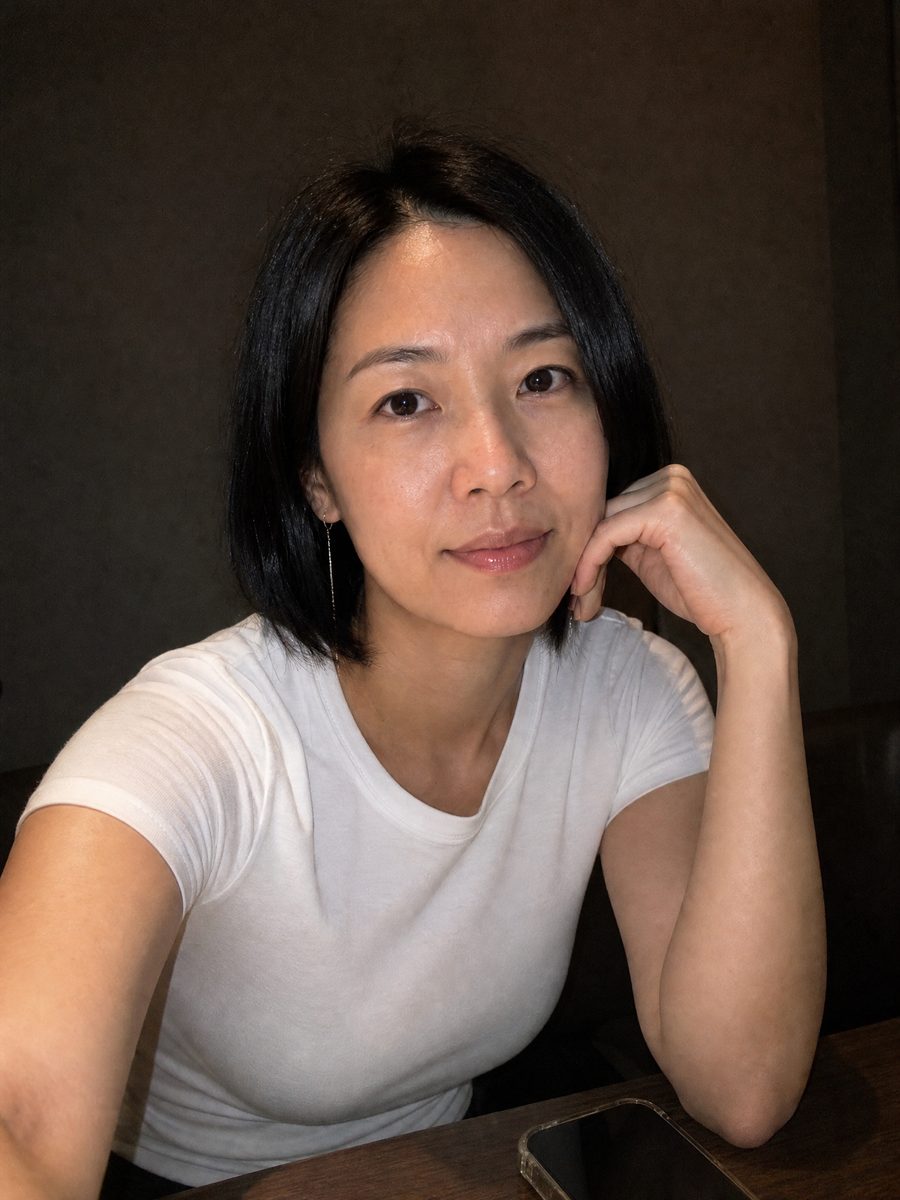
Cover for a lo-fi bedroom release
A bedroom producer wants an EP cover that looks like the room it was made in. One daytime photo becomes a night selfie with a dark window and a flash-lit face, at 1:1 for streaming and 9:16 for the announcement Story.
FAQ
Common questions
What is a dark room selfie?+
A dark room selfie is a self-portrait taken in a room with the lights off or very low, usually with the phone flash or one small lamp as the only source, so the face is lit and everything else falls into shadow. The Dim Room Selfie Flash template recreates that look from any photo, even one taken in full daylight.
What format is the finished image?+
The Dim Room Selfie Flash template returns one still image at the ratio you pick in the workbench: 16:9, 9:16, 1:1, 4:3 or 3:4, with 1:1 as the default. The sample on this page was rendered at 3:4, which crops to 4:5 for a feed post with the window in frame, and to 1:1 for a profile picture.
What photo works best for the flash selfie look?+
A chest-up photo with the face sharp, no hard shadows and the hair visible gives the flash selfie look the most to work with. Bright, flat daylight is fine because the template removes it. Sunglasses, a hand over the mouth or heavy backlight leave the engine guessing at the face.
Dim Room Selfie Flash vs Dark Room Flash Editorial: which one?+
Dim Room Selfie Flash returns one quiet frame: a weak flash, a night window, a dark knit, natural skin tones. Dark Room Flash Editorial returns a 2x2 grid of four frames with a harder direct flash, crisp wall shadows and a warm-versus-cool split. Pick the selfie template for one intimate image and the editorial for a set.
Where do people post a night selfie like this?+
A night selfie from this template posts at 9:16 to Instagram Stories and TikTok photo slides, at 4:5 to the Instagram feed, and at 1:1 as a profile picture on podcast directories or streaming platforms. The dark surround stands out in a bright feed and stays readable at thumbnail size.
Does the template change my clothes or hair?+
Hair is preserved, including the parting and any half-up or tied-back style. Clothing is restyled toward the palette: in the sample a light gray sweater became a dark brown ribbed top, because a pale top would bounce the flash and break the mood. Face, age and skin tone are unchanged.
Other names for Dim Room Selfie Flash
People arrive here from a few different searches. Some type dark room selfie, low light selfie or night selfie and want the mood without waiting for night. Some search for a flash selfie or an ai flash photo and are after the small-flash look. Others search moody portrait or dark aesthetic selfie and expect a filter, then find the template rebuilds the room.
Make a night flash selfie from any daytime photo
Upload one chest-up photo, pick a ratio, get the night flash look. Free credits on signup.