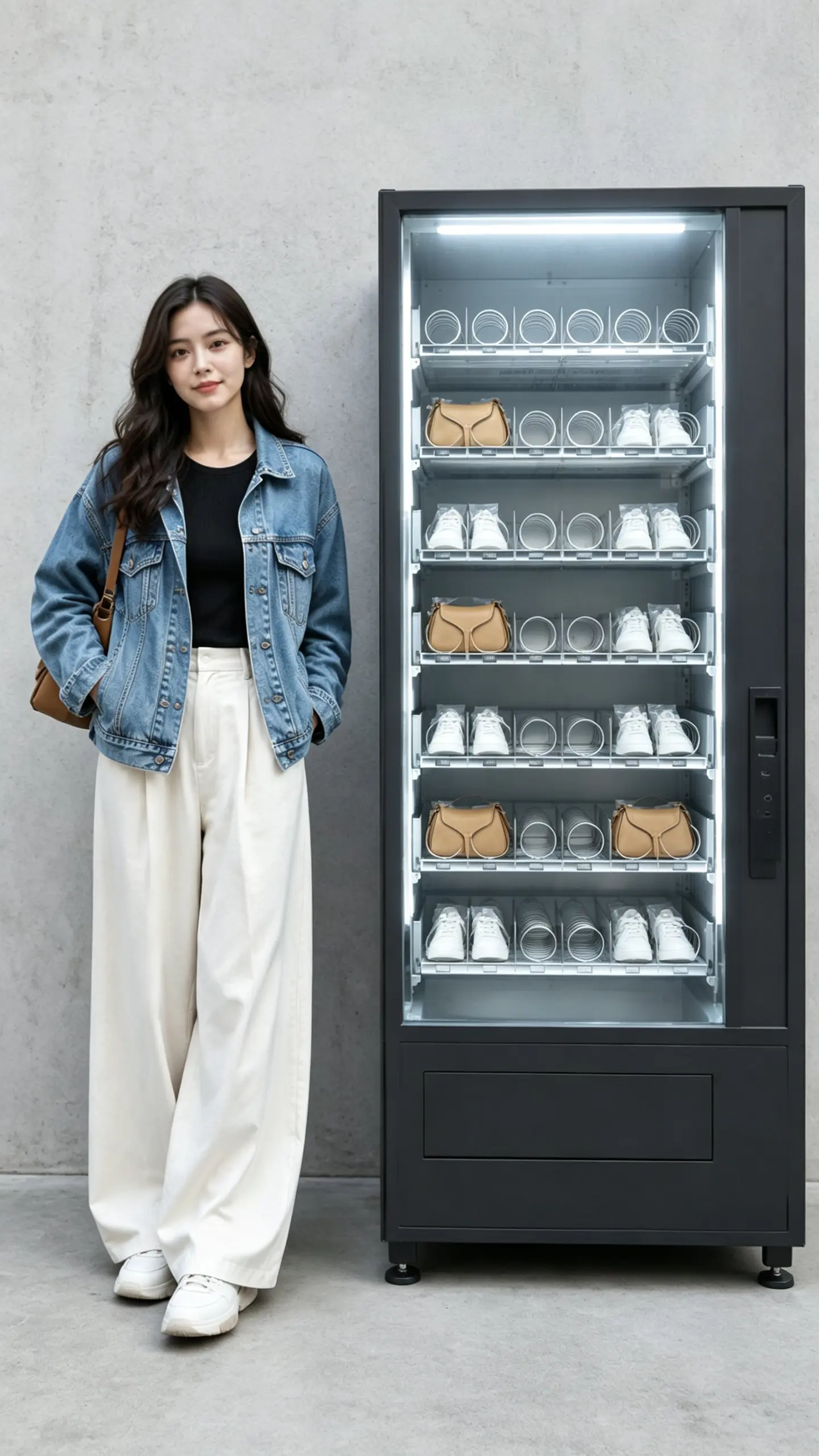
Caricature Generator Free
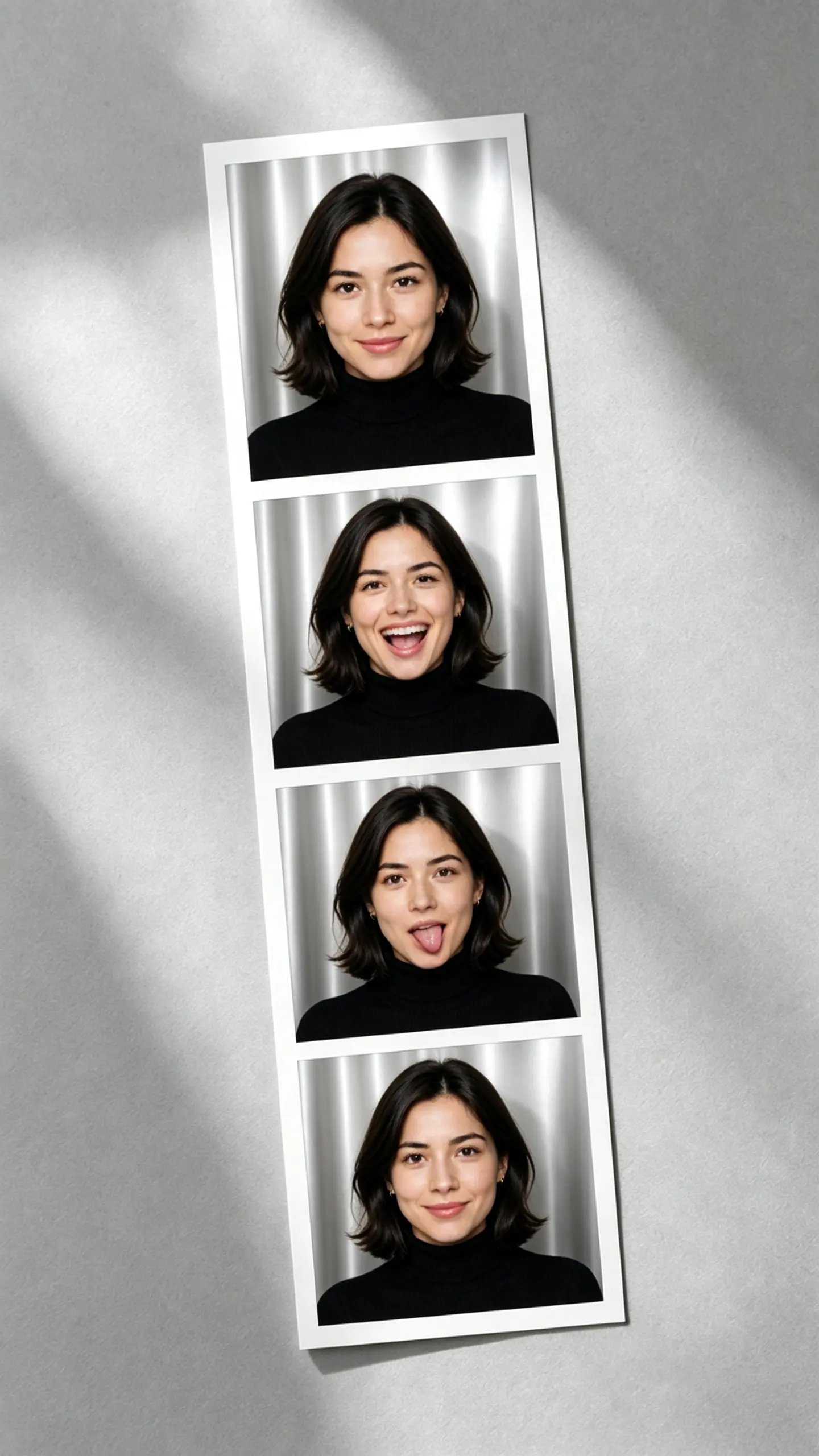
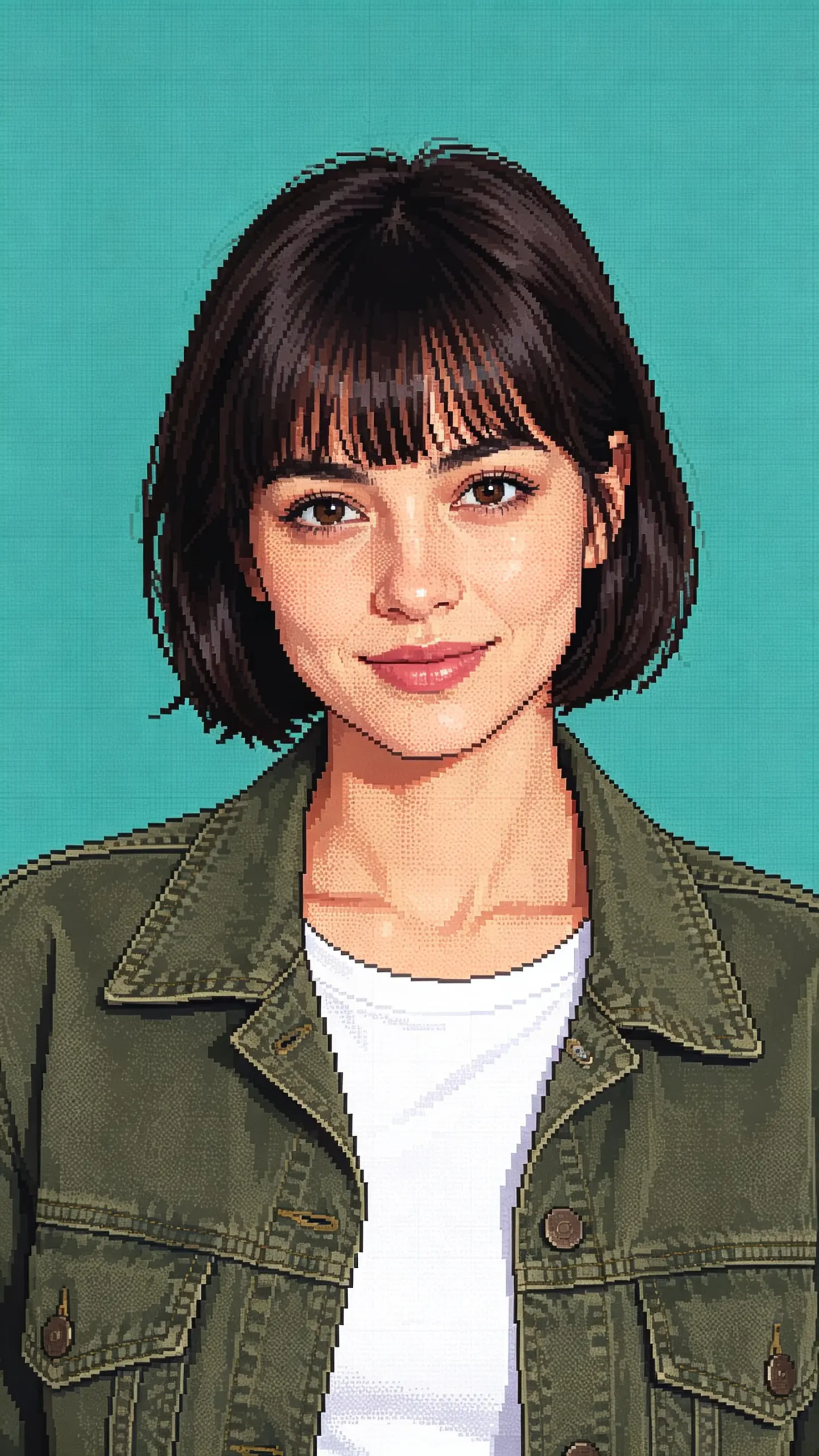
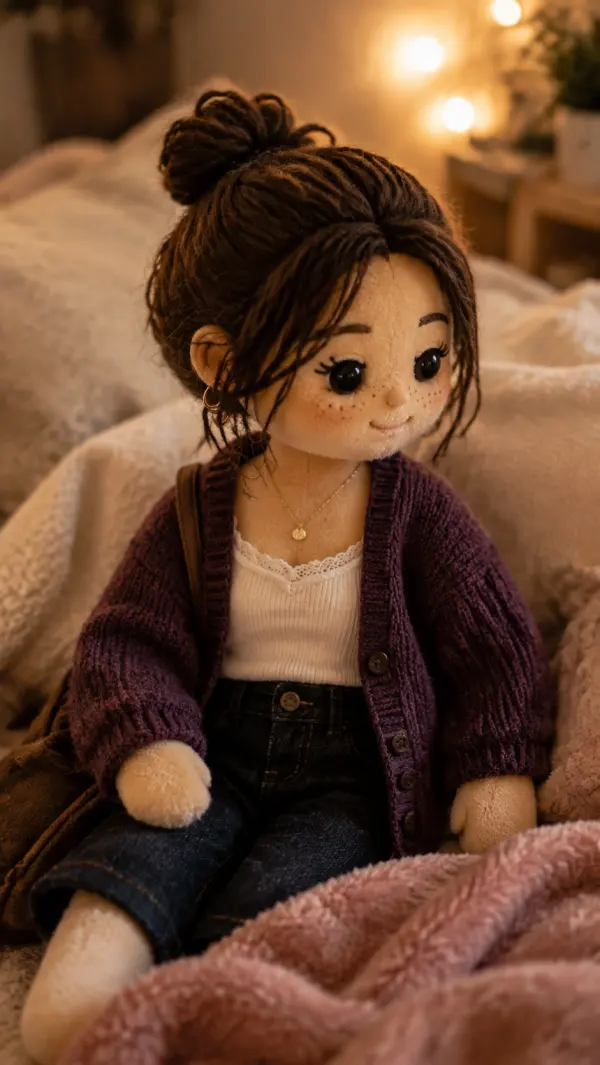
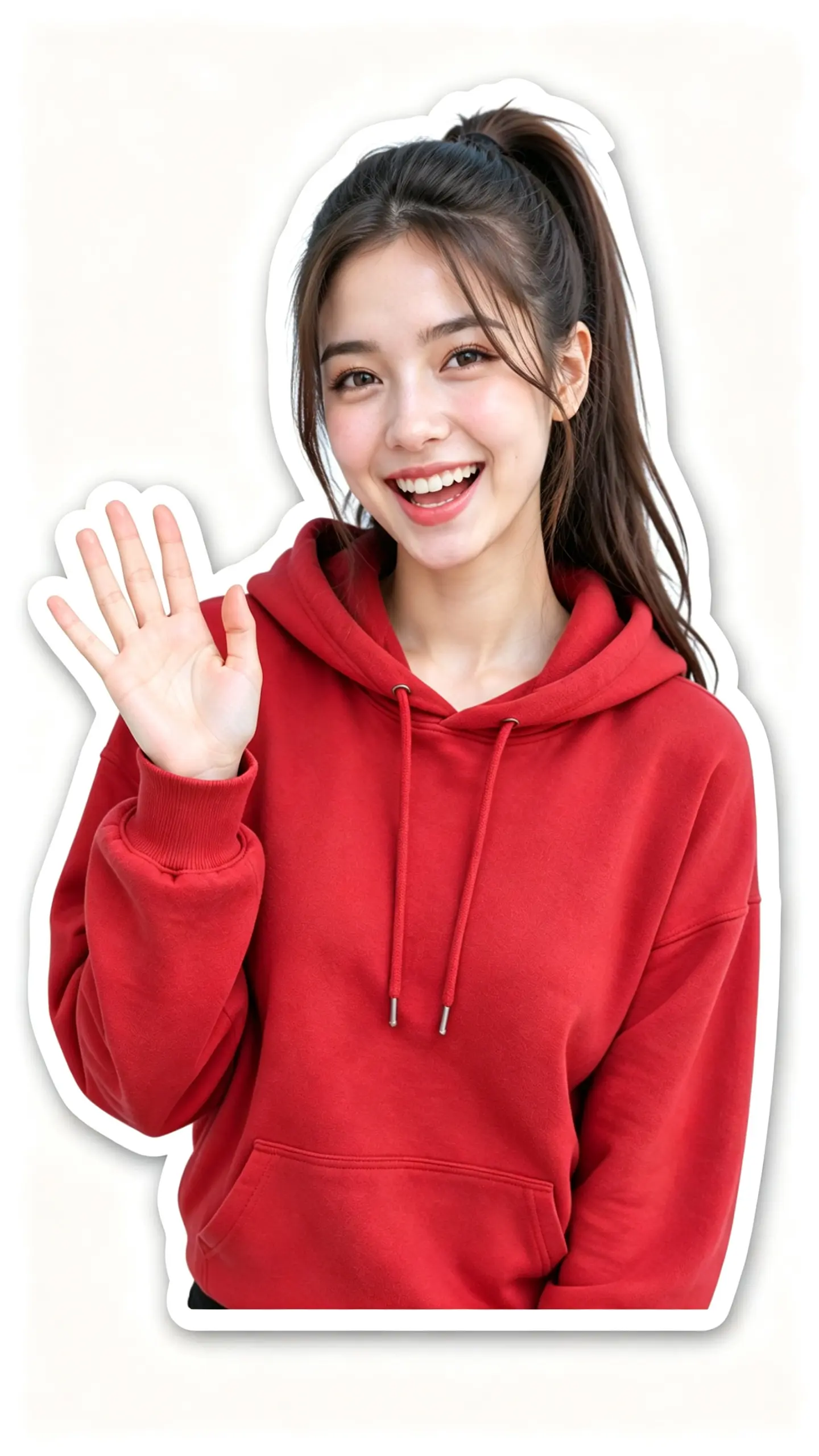
Transform ordinary photos into playful, exaggerated caricature portraits. Perfect for creating unique avatars, adding personality to social media content, or making your Reels, Shorts, and TikTok videos stand out.
WHAT IT IS
What makes a caricature generator free video work?
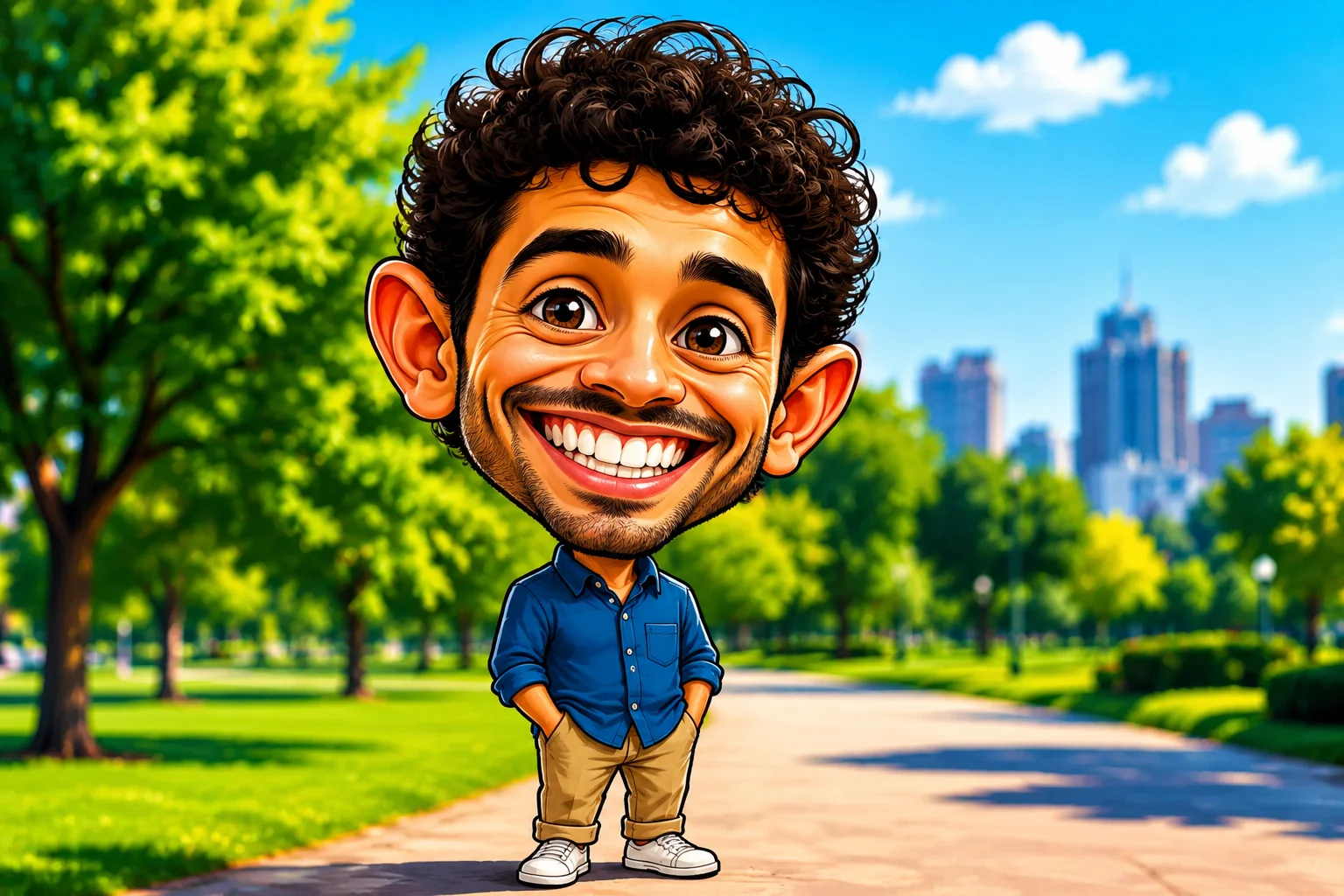
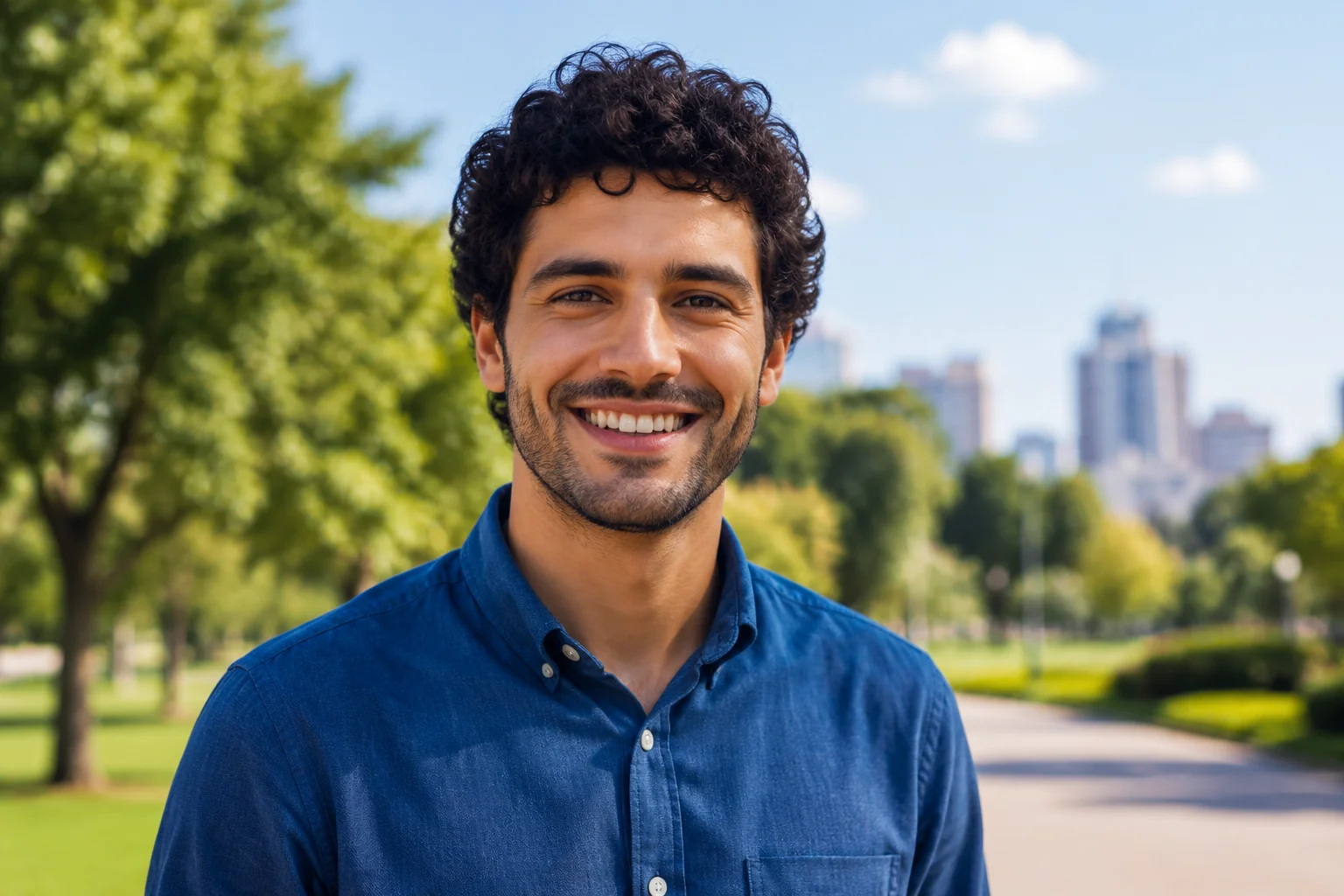
A caricature generator video amplifies a portrait’s most recognizable features—eyes, nose, jawline—using facial detection to create exaggerated yet lifelike distortions. When paired with smooth looping motion, a single photo becomes a short animated clip that feels playful and highly shareable.
High-quality front-facing shot
Use a well-lit, forward-facing portrait with minimal shadows so the tool can accurately map and stretch facial landmarks without artifacts.
Centered face with neutral expression
Keep the face centered and expression relaxed to avoid extreme warping; this ensures the caricature looks recognizably human instead of distorted.
Subtle looping head motion
The effect adds gentle nodding or tilting based on your photo’s head pose, turning a still image into a charming, bobblehead-style animation.
Built for scroll-stopping clips
Short, exaggerated loops stand out in fast-paced feeds, making them ideal for profile intros, reactions, and bite-sized brand storytelling.
CREATOR USE CASES
Application Scenarios
See how creators use the caricature generator free effect in short-form content across three popular real-world formats.
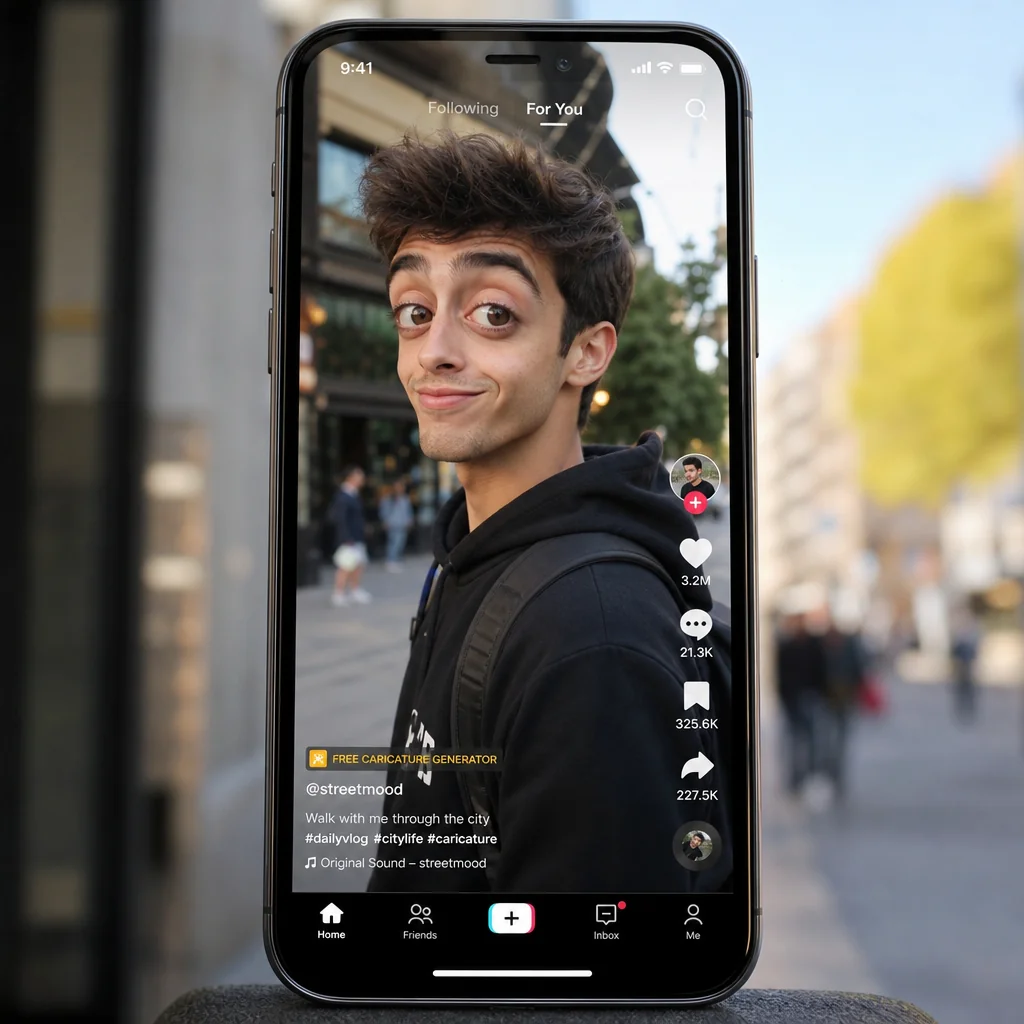
Casual Street Style Highlight
Turn an ordinary sidewalk moment into a stylized face hook that stops the scroll.
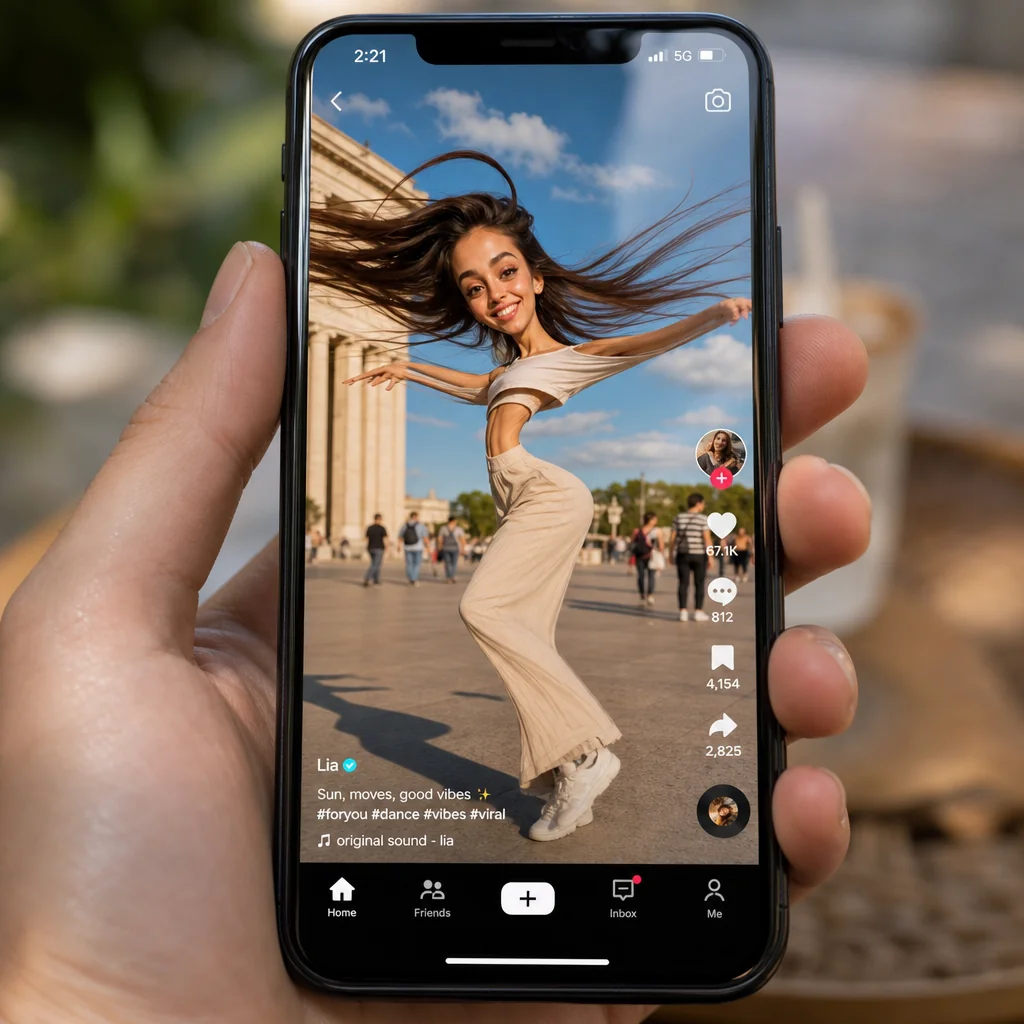
Dance Motion with Expressive Lines
Add distorted motion emphasis around a creator mid-dance for energetic visual rhythm.
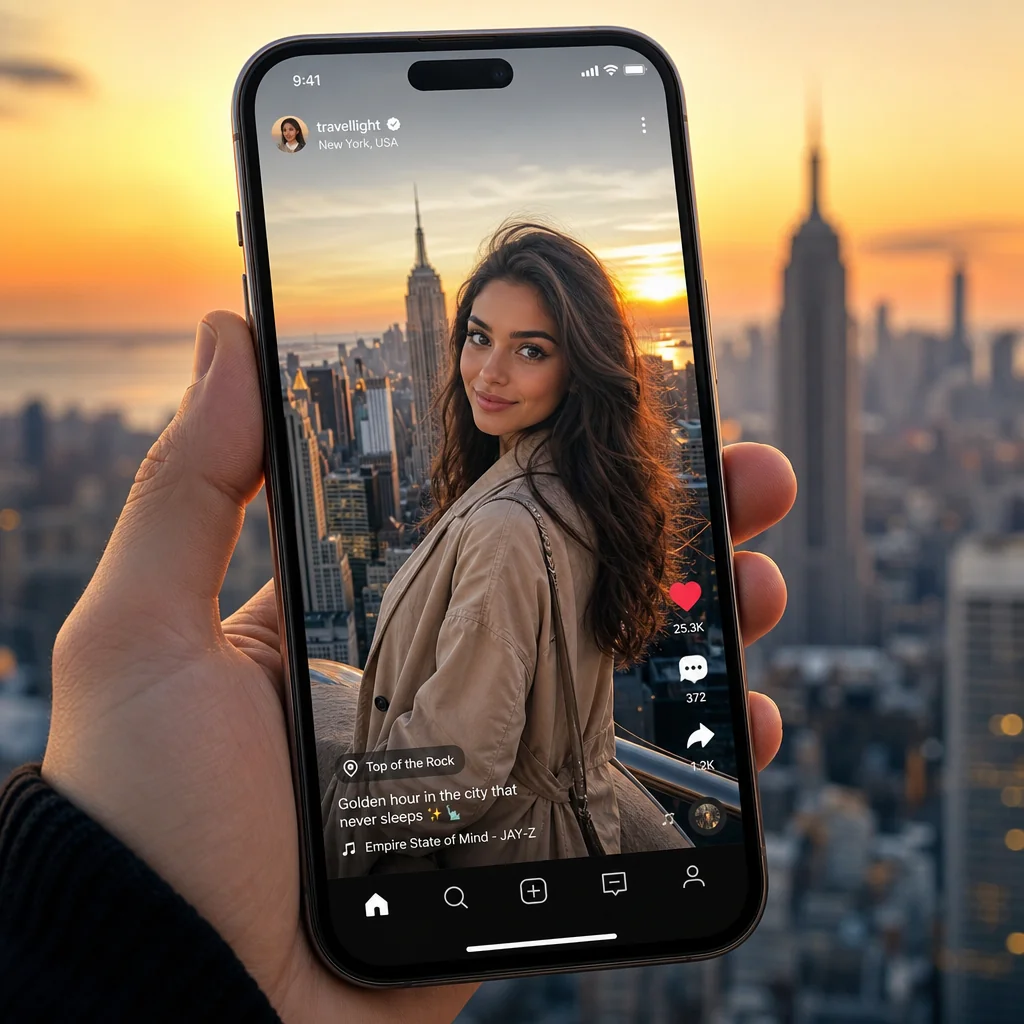
City Viewpoint Outfit Edit
Highlight a travel look against a rooftop skyline using subtle facial exaggeration for editorial style.
FAQ
Common questions
What is the caricature generator free effect?+
The caricature generator free effect is an online tool that turns your photos into cartoon-style caricatures. It exaggerates facial features like eyes, nose, and smile to create a playful, hand-drawn look without any cost.
Can I create a caricature from just one uploaded image?+
Yes, you only need to upload a single clear photo. The tool automatically detects the face and applies the caricature effect instantly with no multiple images or complex setup required.
What kind of image works best for the caricature effect?+
A front-facing portrait with good lighting and a plain background works best. Avoid heavy shadows, blur, or obstructions like sunglasses. The clearer the face, the better the exaggeration results.
Why is the caricature generator free useful for TikTok, Reels, or Shorts?+
Caricature effects grab attention quickly in short-form videos. They add humor and personality, helping your content stand out in feeds. You can use them as profile pictures, reaction clips, or creative transitions to boost engagement.
Can I use this effect for product, fashion, travel, or creator content?+
Absolutely. While it's ideal for personal portraits, you can apply it to social media avatars, fun product promotions, travel selfies, or creator branding. It adds a quirky, memorable twist to any visual content.
Other names for caricature generator free
People often describe this effect in different ways—whether they call it a cartoon portrait maker, a funny face creator, or a free caricature filter. No matter the phrasing, LazyKiwi helps turn those ideas into expressive, short-video-ready visuals that capture a unique, exaggerated charm.
Turn a photo into a bold caricature
Start from a prompt, upload a portrait, or pick a ready-made template.