AI Werewolf Generator
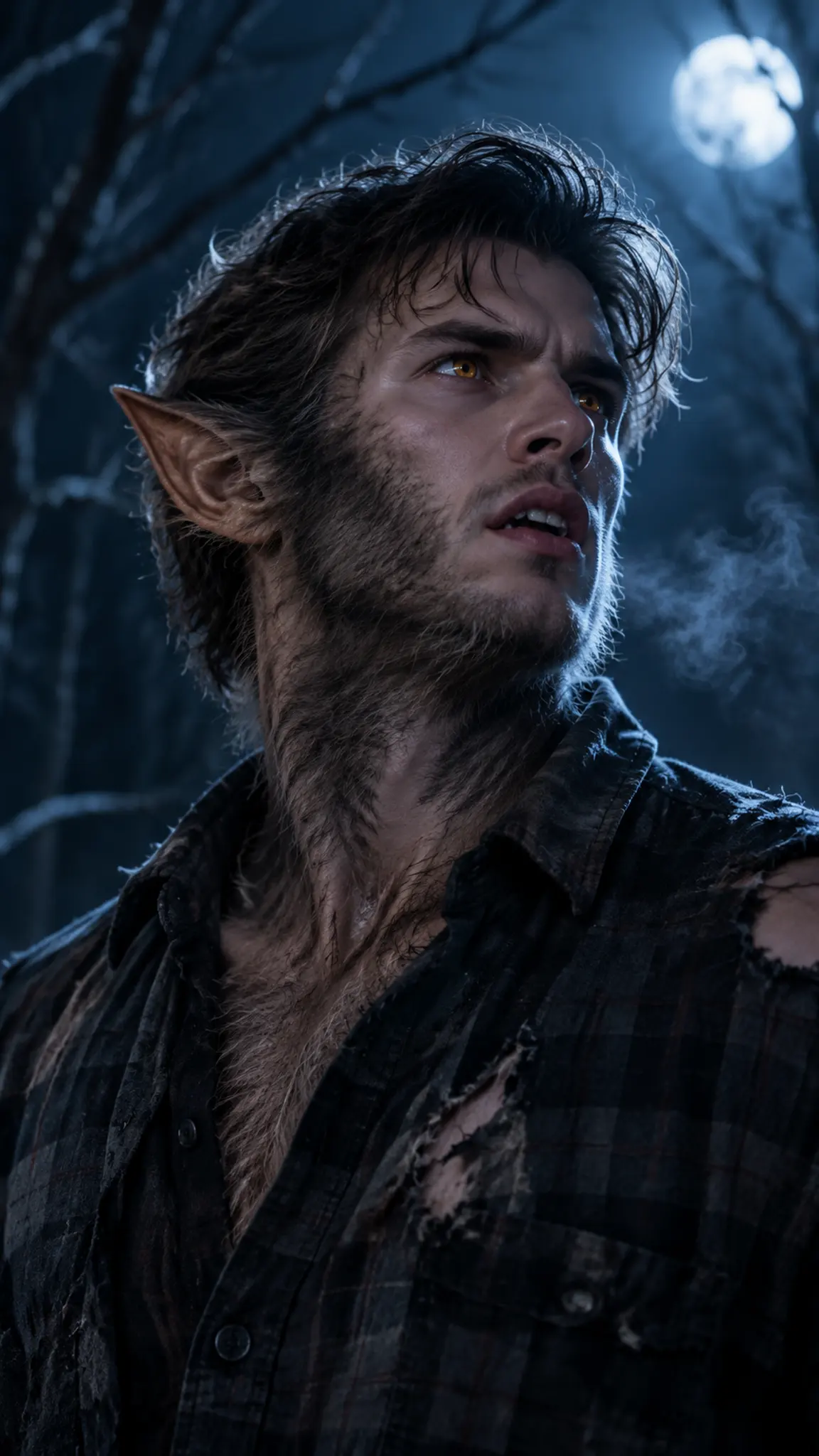
This AI werewolf generator turns one photo into a short transformation video: the jaw lengthens, fur spreads across the cheekbones, the ears rise and the eyes catch the light. The change plays out over a few seconds, and the same upload also runs as a vampire or zombie look for Halloween.
AI Werewolf Generator Template
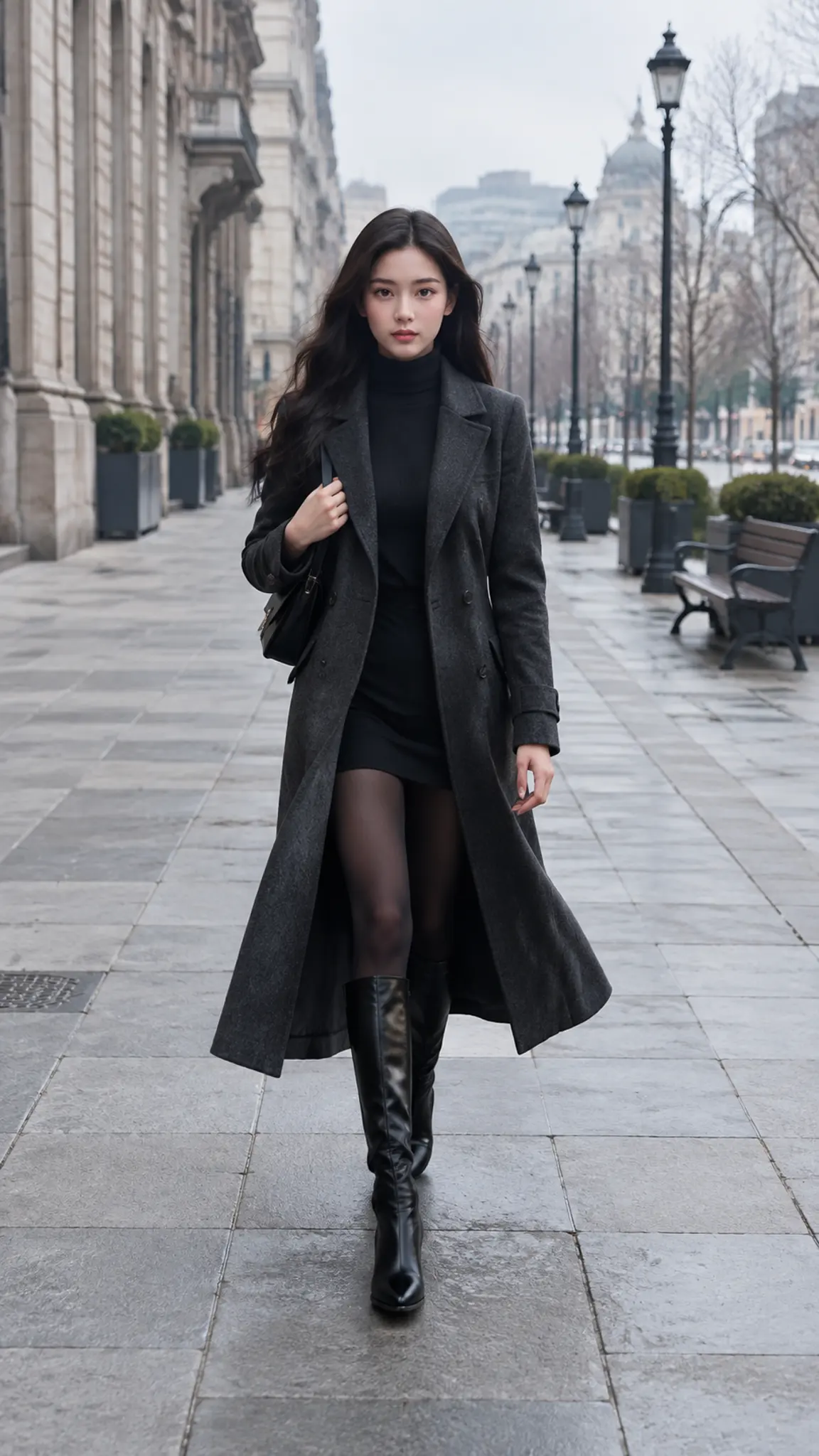
Upload one chest-up photo with the face lit from the front and the neck visible. Masks, heavy face paint and existing costume prosthetics confuse the transformation, start from a clean face.
WHAT IT IS
A transformation with an order to it
Most werewolf filters are a swap: frame one is a person, frame two is a wolf, and the eye reads it as two pictures rather than one event. This template treats the change as a sequence. Fur emerges first along the jaw and the back of the neck where real hair already grows, the brow ridge and nose bridge shift next, the ears move last, and the eyes take their color at the moment the face is already unfamiliar. Skin tone, hairline and the shape of the skull from the upload are carried through so the creature is recognizably built from the person who walked in. Lighting is the part worth planning: a hard side or rim light gives the fur something to catch, while flat daylight flattens it into a texture. If you want the finished monster held for longer rather than the change itself, the start-and-end frame mode on Kling and WAN lets you set your photo as frame one and generate the shift toward a second frame. For a static horror grade on the same face, the horror movie filter is the image-side version, and for a fully different transformation arc there is butterfly goddess transformation.
- Change in stages, not a cut
- Fur, brow, jaw, ears and eyes shift in an order borrowed from practical creature effects. The result is a single continuous event, which reads far better in a feed than a before-and-after flip.
- Built from your own face
- Skull shape, hairline, skin tone and beard pattern from the upload feed into the creature, so friends can still tell who it is. That recognition is most of the joke.
- Night light, on purpose
- Cold rim light, moonlight and shadowed backgrounds are written into the scene because fur only reads as fur when something catches its edges. Flat, evenly lit uploads give the weakest results.
- Vertical for the season
- 9:16 is the default because Halloween content lives in Reels, Shorts and TikTok through October. 16:9 and 1:1 are available for a party invitation or an event screen.
USE CASES
What people make with it in October
Three places a werewolf transformation lands, all of them seasonal.
The Halloween post you did not need a costume for
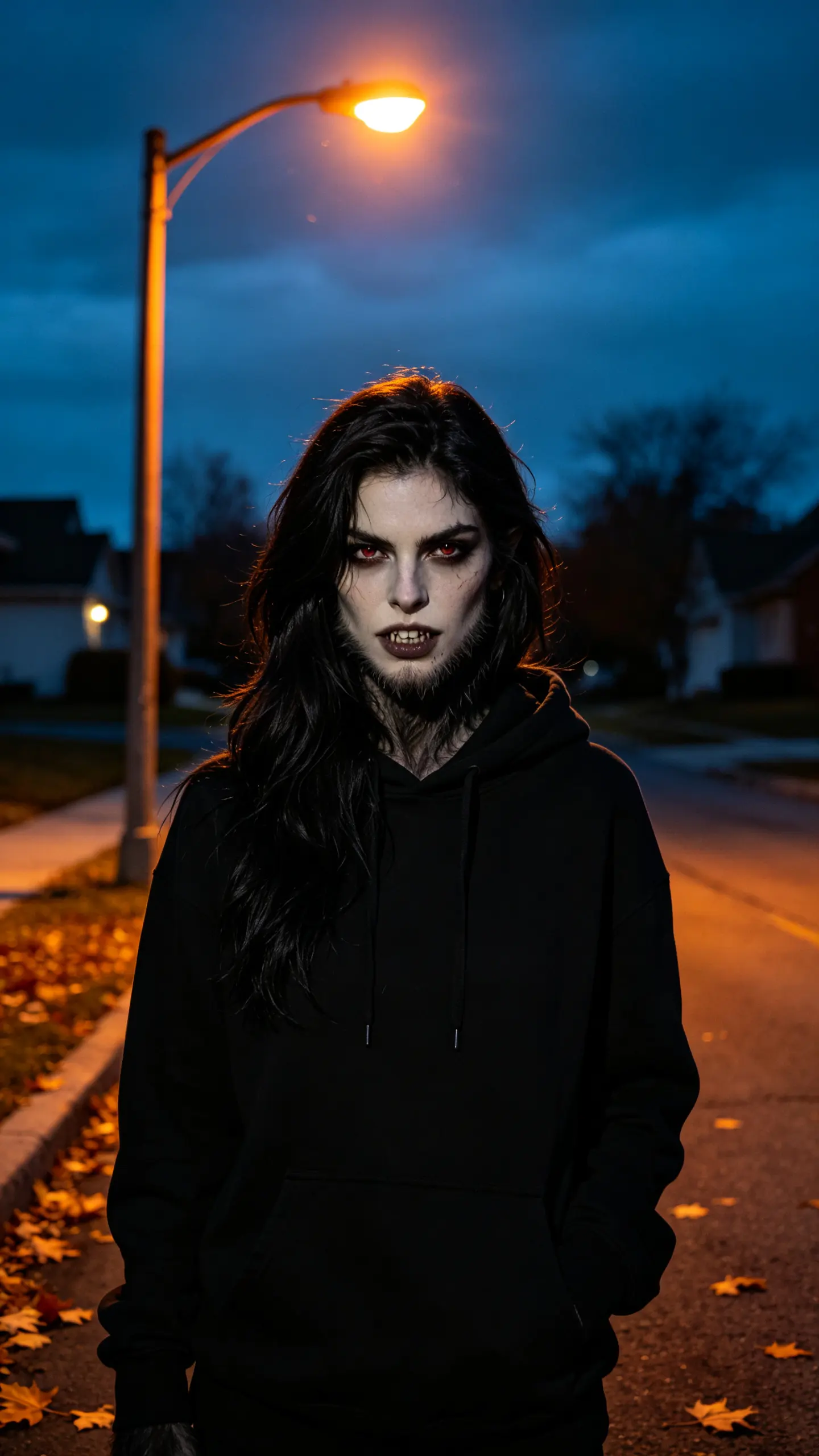
A creator with no budget for prosthetics uploads a selfie taken at night and gets a transformation clip to post in the run-up to Halloween. It sits alongside the vampire and zombie versions as a three-part series from the same photo.
A Halloween party invitation that moves
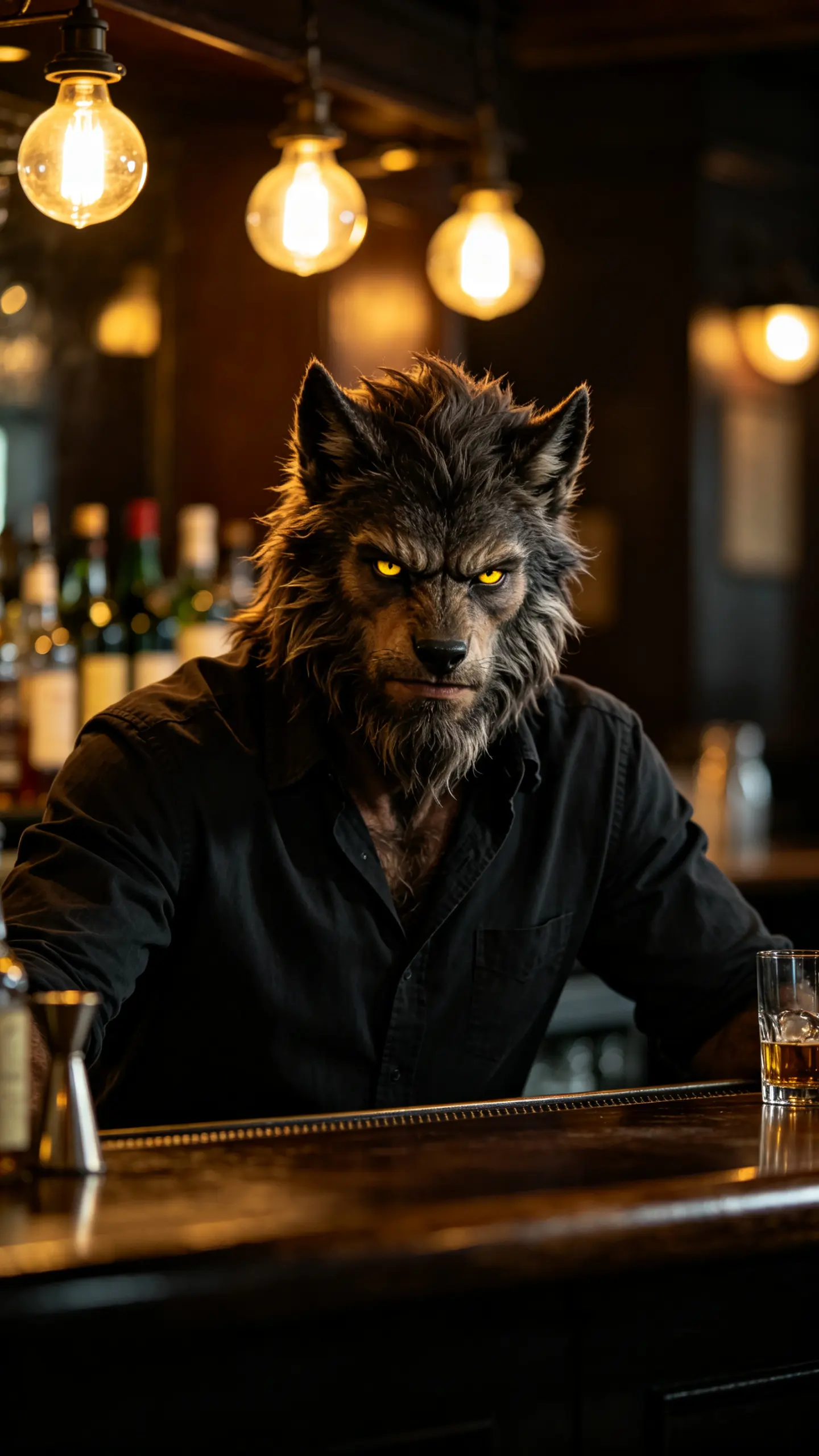
A neighborhood bar or a student society needs an invite for a costume night. A photo of the host becomes a five-second transformation, and the date and address go on top in an editing app afterwards, since the template ships without text.
A character reveal for a game night
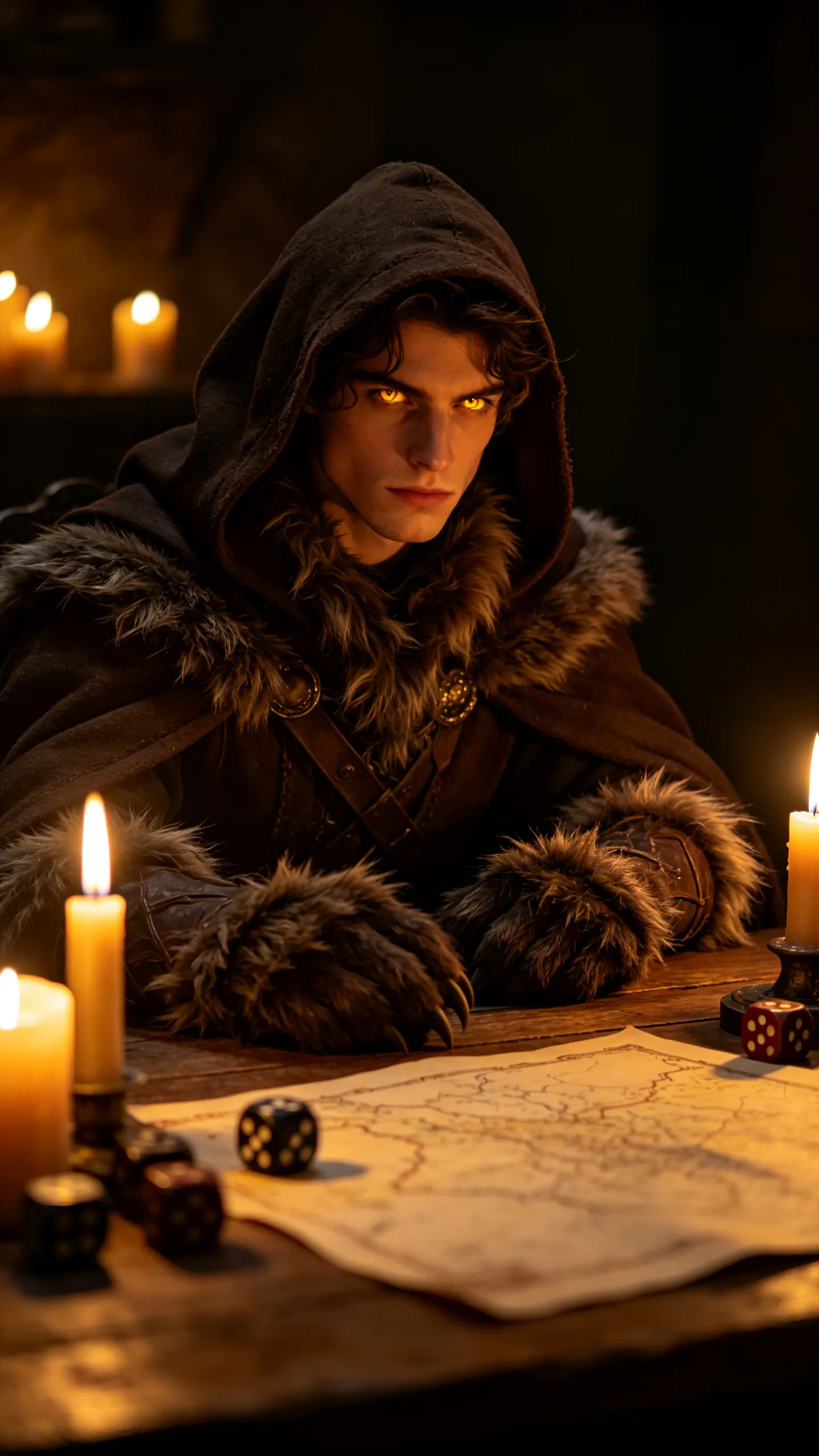
Tabletop groups and cosplay accounts use it to introduce a character sheet with a face attached. One portrait of the player becomes the werewolf the campaign has been describing for six sessions.
FAQ
Common questions
How do I turn myself into a werewolf on video?+
Upload one chest-up photo with your face lit from the front and run this template; the output is a short clip in which the transformation happens on camera. No costume, prosthetics or editing software is involved. A night-time or hard-lit photo gives the best result, because fur needs an edge light to read as fur.
Can it do a vampire or a zombie instead?+
Yes. Vampire and zombie looks come from the same image-to-video route and are often stronger on flat lighting than the werewolf is, since pallor and decay are skin-level changes rather than silhouette changes. The werewolf version is the one that benefits from a full transformation arc, which is why it has its own template.
What does the AI werewolf generator struggle with?+
Full-body shots and running motion. The transformation is written for the head, neck and shoulders, and once the model has to build a whole quadruped body in motion, hands and legs drift. Also avoid photos where you are already wearing a mask, heavy face paint or a costume, the model tries to transform the costume rather than the person underneath.
Is the AI werewolf generator free?+
New accounts start with free credits, and a short werewolf clip is within reach of them. Generating costs credits per clip because the video runs on a paid image-to-video model; you can see current pricing on the pricing page before you spend anything.
What length and aspect ratio should I use for Halloween posts?+
Five seconds at 9:16 is the practical default: the transformation needs about three seconds to complete and one to hold, and vertical is what Reels, Shorts and TikTok reward through October. Most image-to-video models here support 3 to 10 seconds at 720p or 1080p.
Can I do this to a photo of a friend?+
Only with their permission, and never with a photograph of a public figure or a stranger. Werewolf, vampire and zombie treatments change a real face into something monstrous, so consent matters more here than with a color filter. If you want to replace the person in existing footage instead of transforming a still, use character swap.
Other names for the AI werewolf generator
Searches for this land in three shapes. There is the tool name: AI werewolf generator, werewolf filter, werewolf AI. There is the request: become a werewolf, turn yourself into a werewolf, werewolf transformation video. And there is the season, where the same photo is also being run as a vampire filter, a zombie filter or a general Halloween effect. This template covers the werewolf half of that October search wave, and the neighbouring monsters come off the same upload.
Turn one photo into a werewolf transformation
No prosthetics, no costume, no editing app. Ready before October.