
Studio Photoshoot From A Selfie
Turn one clear portrait into a multi-style photoshoot AI result with moody aesthetic glow, soft feminine, and cold minimal looks on one page. Explore lighting, color, and atmosphere while keeping your facial features recognizable. Get a full studio-style AI photoshoot from one selfie. Free AI photoshoot, ready in seconds. Pick a look from the template library. One clear selfie is enough.
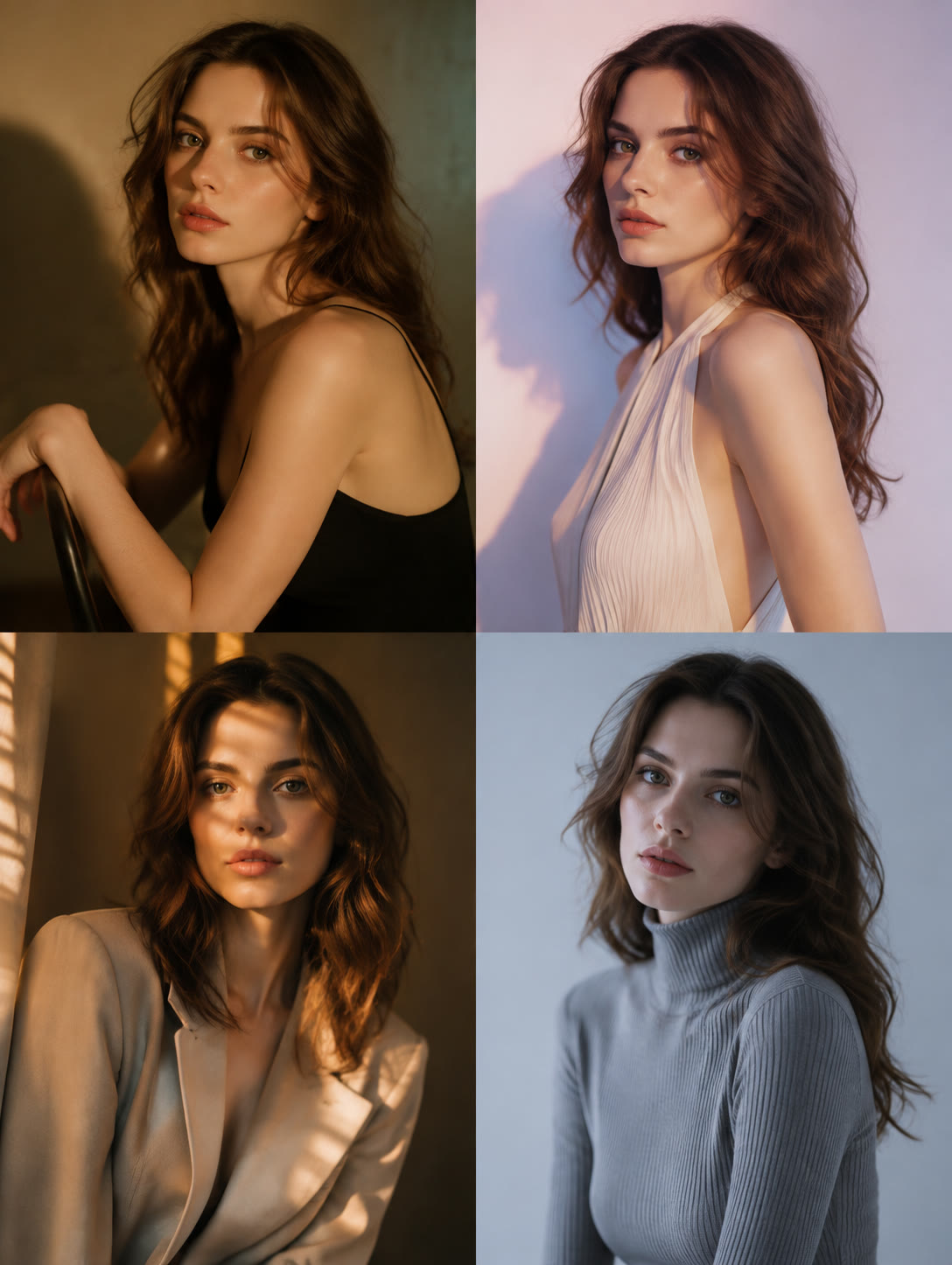
AI Photoshoot Template
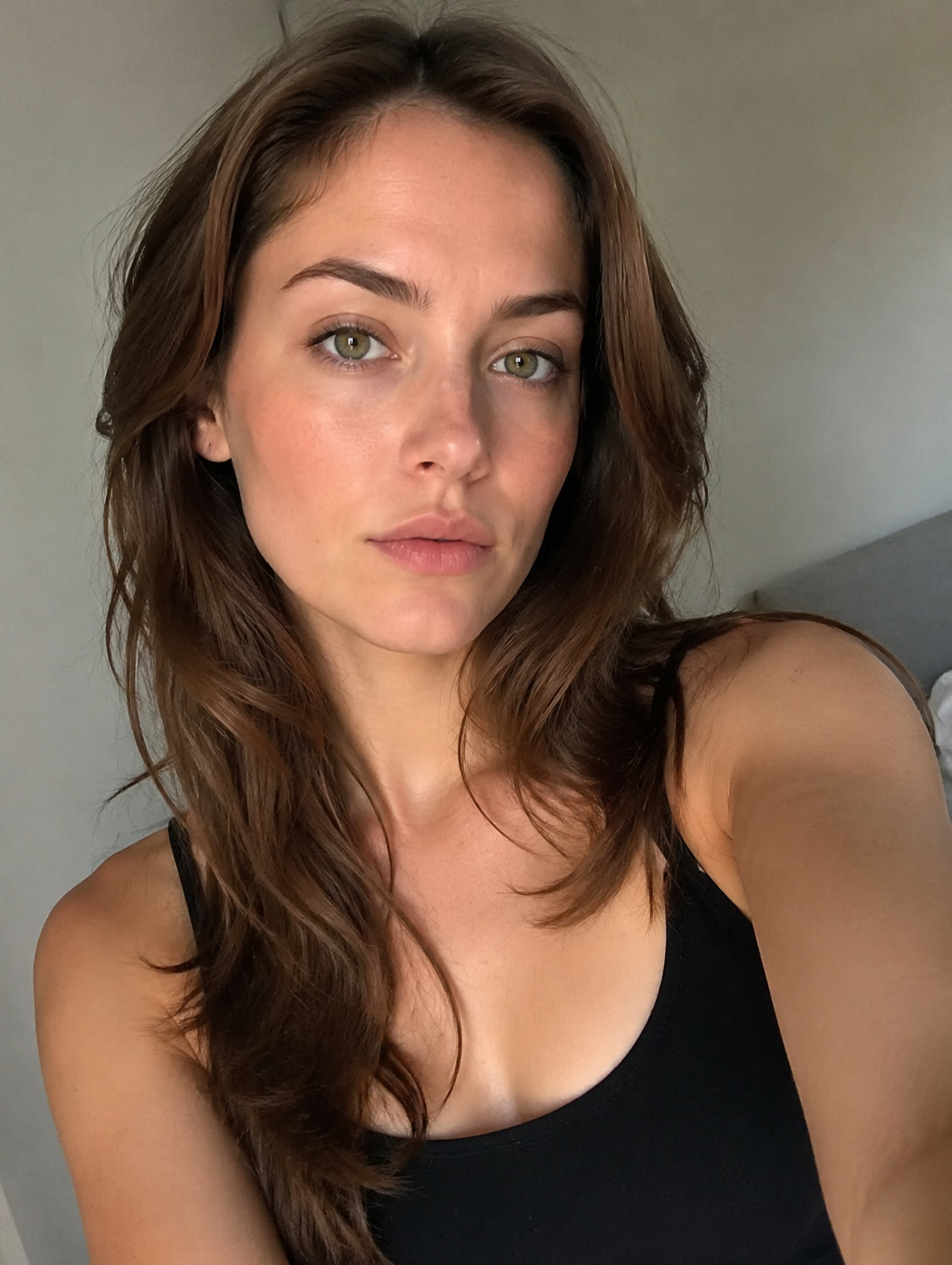
Upload 1 clear person photo with visible facial features.
WHAT IT IS
What Makes an AI Photoshoot Look Real
An AI photoshoot generator restyles a single person photo through coordinated lighting, color grading, wardrobe mood, and portrait composition. This multi-style page lets you compare distinct creative directions without separating each look into a different workflow. A real-looking shoot needs fine skin detail. Follow it with AI Headshot, or browse AI profile-picture tips for inspiration. Pick a look: dark room flash, wet flash close-up, glitter fairycore, mirror phone editorial or white shirt flash.
A Clear Source Portrait
A successful ai photoshoot starts with one sharp, front-facing or lightly angled photo. Visible eyes, balanced light, and an unobstructed face help preserve identity across every style.
Purposeful Lighting
Directional shadows, diffused highlights, and colored edge light define the mood. The moody aesthetic glow style uses richer contrast, while softer options keep facial light gentle and even.
Controlled Color Mood
A consistent palette makes the portrait feel intentional. Warm amber, delicate blush, or cool desaturated tones can transform the atmosphere without relying on elaborate props or themed sets.
Natural Portrait Detail
A practical free AI photoshoot should retain recognizable features, believable skin texture, realistic hair, and coherent clothing details instead of smoothing the subject into an artificial-looking character.
CREATOR USE CASES
Application Scenarios
Use the photoshoot AI template to test three portrait styles from one upload. Each style focuses on lighting and color mood, giving creators a coordinated set of options for profile images, editorial posts, visual concepts, and personal content.
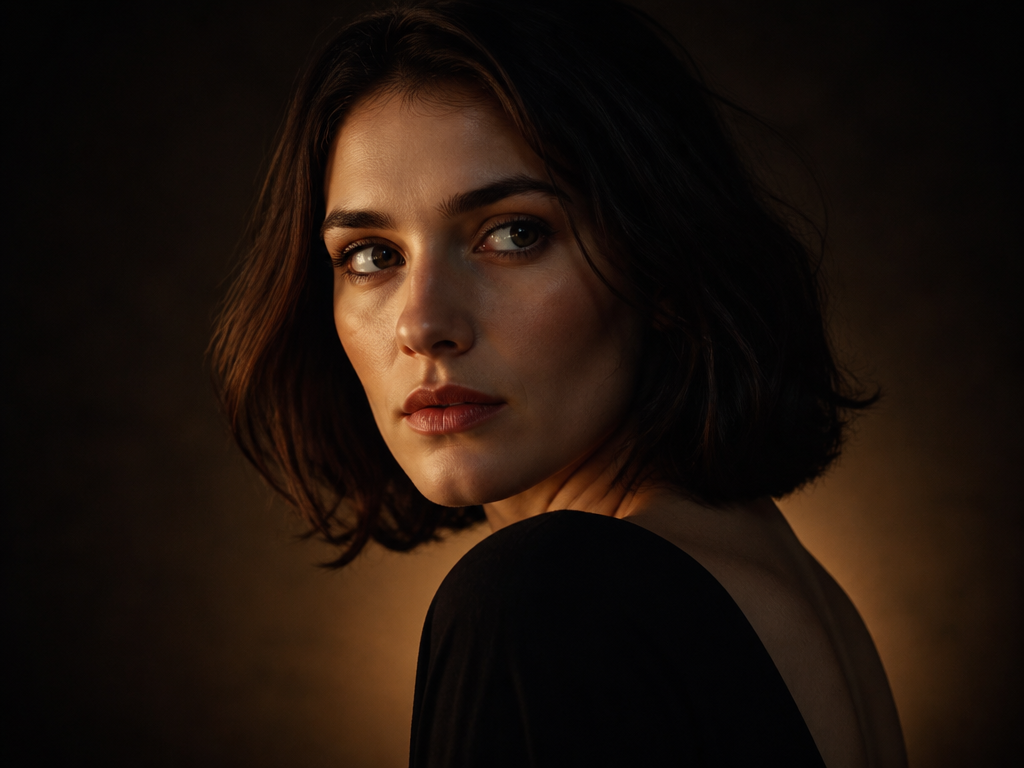
Moody / Aesthetic Glow
Build an atmospheric portrait with deep shadows, warm highlights, and subtle luminous accents. This ai photoshoot generator direction works well for editorial posts, cinematic profile images, and expressive visual storytelling. To explore clothing changes alongside the lighting treatment, use the AI Outfit Generator at /templates/ai-outfit-generator.
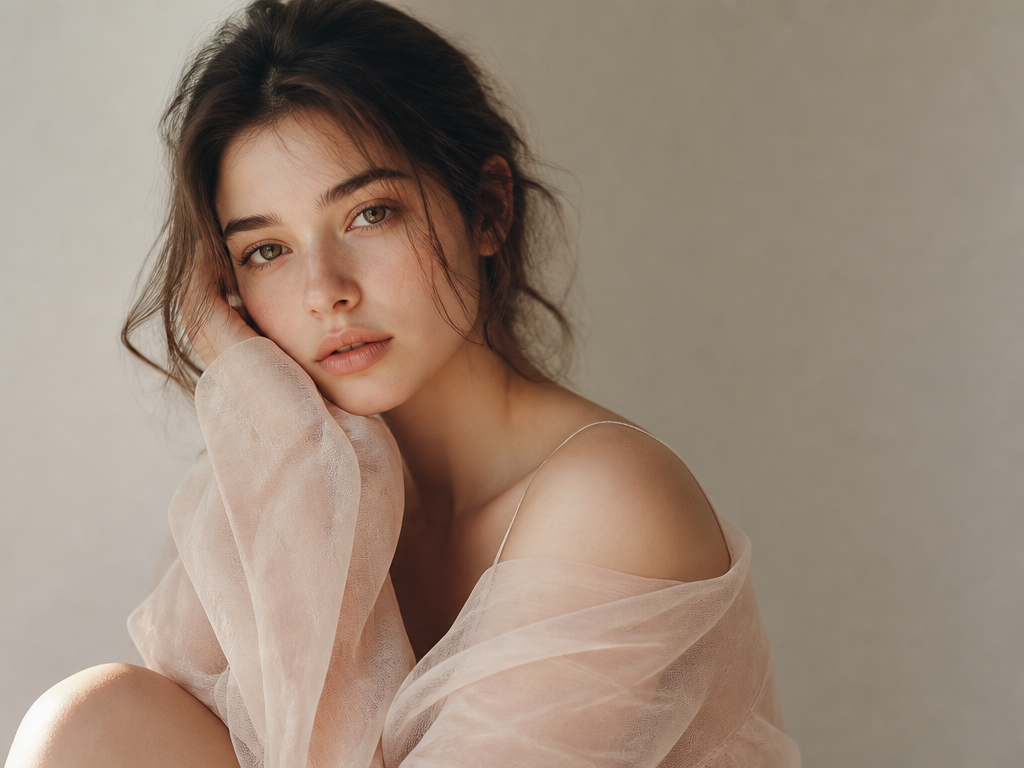
Soft Feminine
Create a gentle portrait with diffused light, low contrast, and blush or cream color accents. The soft feminine style suits polished social posts, personal mood boards, and graceful profile pictures without turning the scene into a themed celebration.
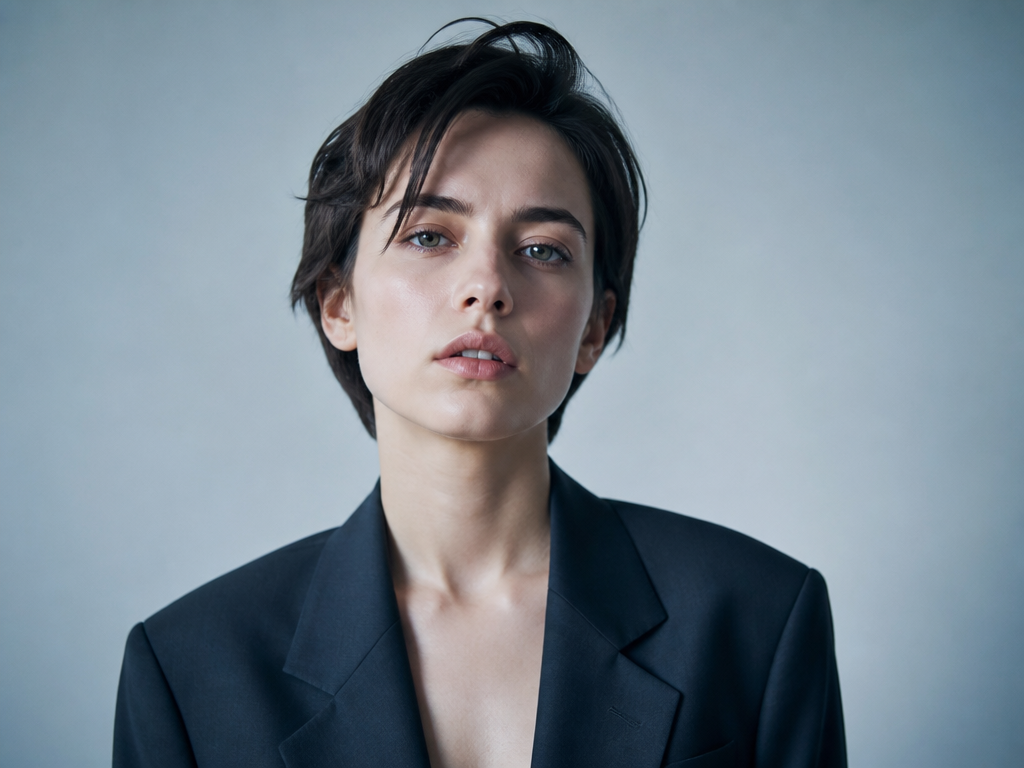
Cold Minimal
Use cool blue-gray tones, crisp light, and restrained styling for a clean contemporary result. This direction creates a distinctive creative portrait rather than a conventional professional headshot. For a more formal identity-focused image, visit AI Headshot at /effects/ai-headshot.
FAQ
Common questions
What is an AI photoshoot?+
An AI photoshoot uses a generative image model to reinterpret an uploaded portrait with new lighting, color grading, styling, and photographic atmosphere. This template produces multiple creative portrait directions from one source image while aiming to retain recognizable facial features.
How to do an AI photoshoot?+
Upload one clear photo with visible facial features, choose a style, and generate the result. Start with an image that has even lighting, sharp focus, and no objects covering the face. Compare the moody aesthetic glow, soft feminine, and cold minimal options on the same page.
How is an AI photoshoot different from an AI headshot?+
An AI photoshoot emphasizes creative lighting, color mood, and editorial styling. A professional headshot is usually more restrained and optimized for formal profiles, resumes, or team pages. For that purpose, use AI Headshot at /effects/ai-headshot.
Can I create several portrait styles from one photo?+
Yes. The workflow is designed as a multi-style experience on one page, so one suitable source portrait can be used to explore moody aesthetic glow, soft feminine, and cold minimal treatments without moving through separate template pages.
Is a free AI photoshoot suitable for outfit experiments?+
It can help you preview the overall relationship between clothing, lighting, and color mood, but fine garment details may vary between generations. For a workflow focused specifically on changing clothes, use the AI Outfit Generator at /templates/ai-outfit-generator.
Is this connected to Google Photoshoot AI?+
No. People may use the phrase google photoshoot ai when searching for AI portrait tools, but this template is an independent creative workflow. It focuses on generating stylized portraits from one uploaded photo and is not presented as a Google product or service.
What other looks can I create alongside a photoshoot?+
A full photoshoot gives you a whole set from one selfie. For a set, line up AI Portrait From Photo and AI Pose Generator.
Other names for an AI Photoshoot
Creators may use these terms when looking for virtual portrait styling, studio-inspired images, or AI-assisted aesthetic photography. AI photoshoot, studio shoot, virtual photoshoot, they all describe a full set of shots from one selfie.
Create an AI Photoshoot From a Photo or Template
Upload a clear portrait and compare moody, soft, and minimal lighting styles in one practical workflow.


