
Change the pose, keep the character.
Upload one image and describe the stance you want — arms crossed, mid-stride, sitting sideways. The AI pose generator moves the body and leaves the face, outfit and style alone.
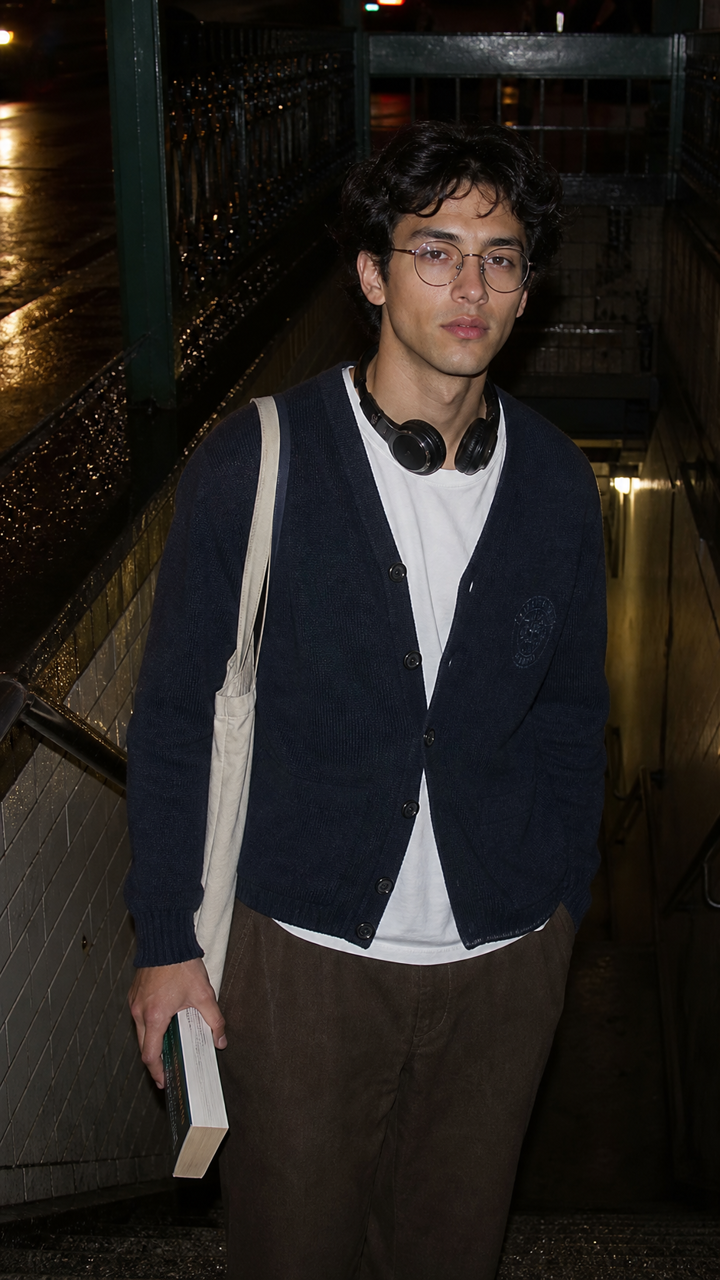 BEFORE
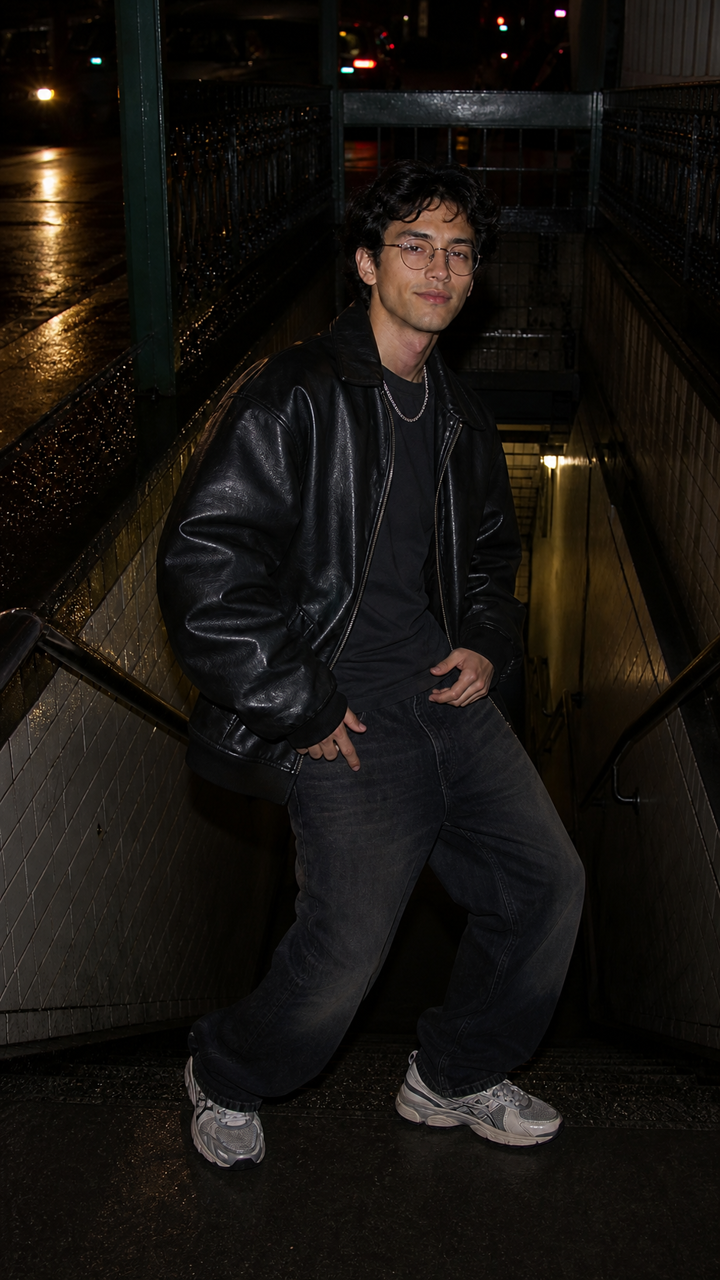 AFTER ✨
What it is
One image, any number of poses.
Reposing usually means another shoot or another sketch. LazyKiwi rebuilds the body from your description while keeping who is in the frame, so a single photo or drawing turns into a whole set of poses.
How it works
Your result in three steps
Upload your image
One photo or illustration with the body — or at least the part you want to move — in frame.
Describe the pose
Type the stance: "hands on hips, head turned left", "sitting cross-legged, looking down".
Generate & download
Review the pose, adjust the wording, then download the version you like.
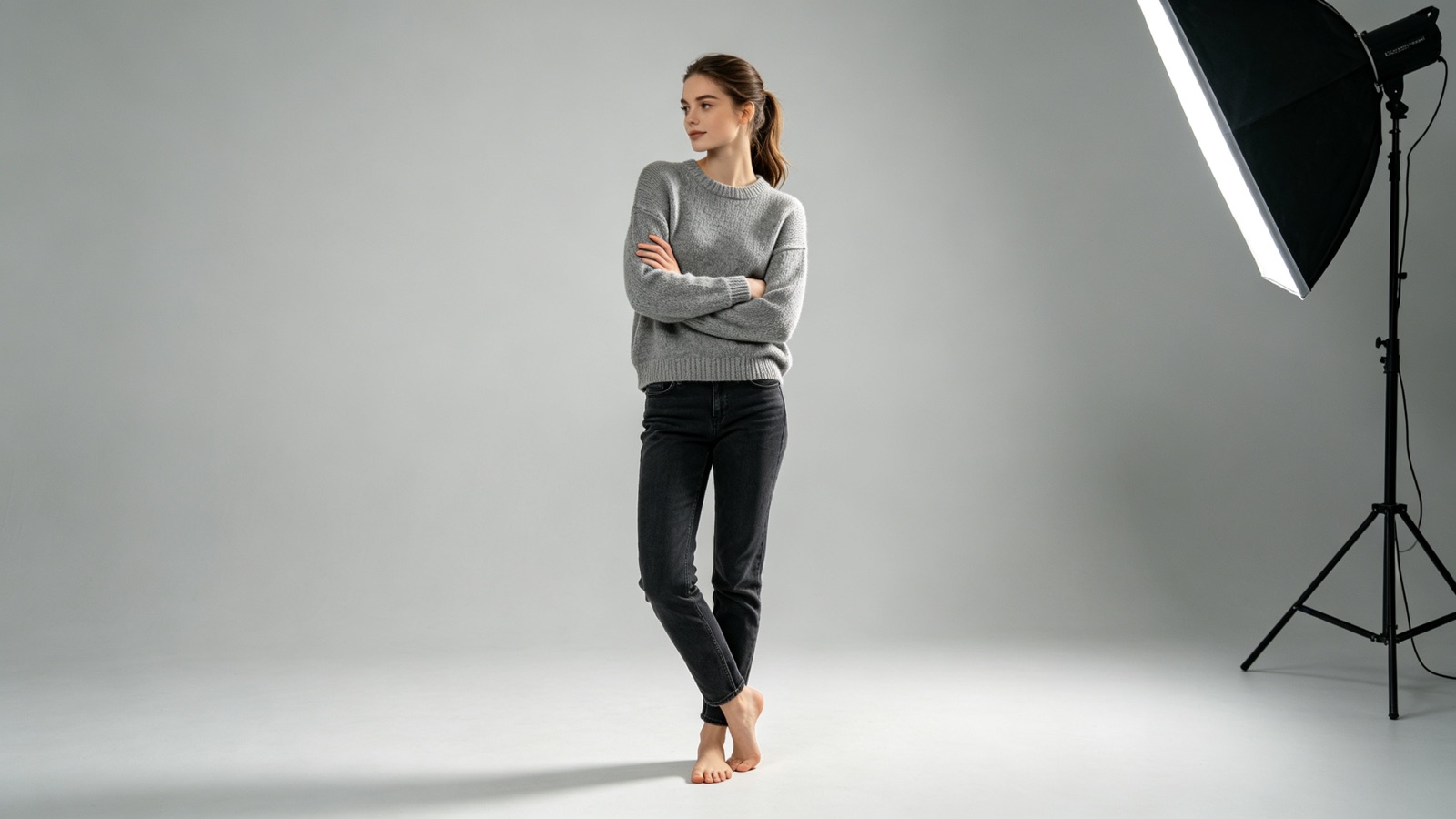
Direct the body part by part
Name the arms, the head, the weight or the whole action. The more specific your description, the closer the pose lands.
- Arms, hands, head, stance
- Action or resting poses
- Refine by rewording
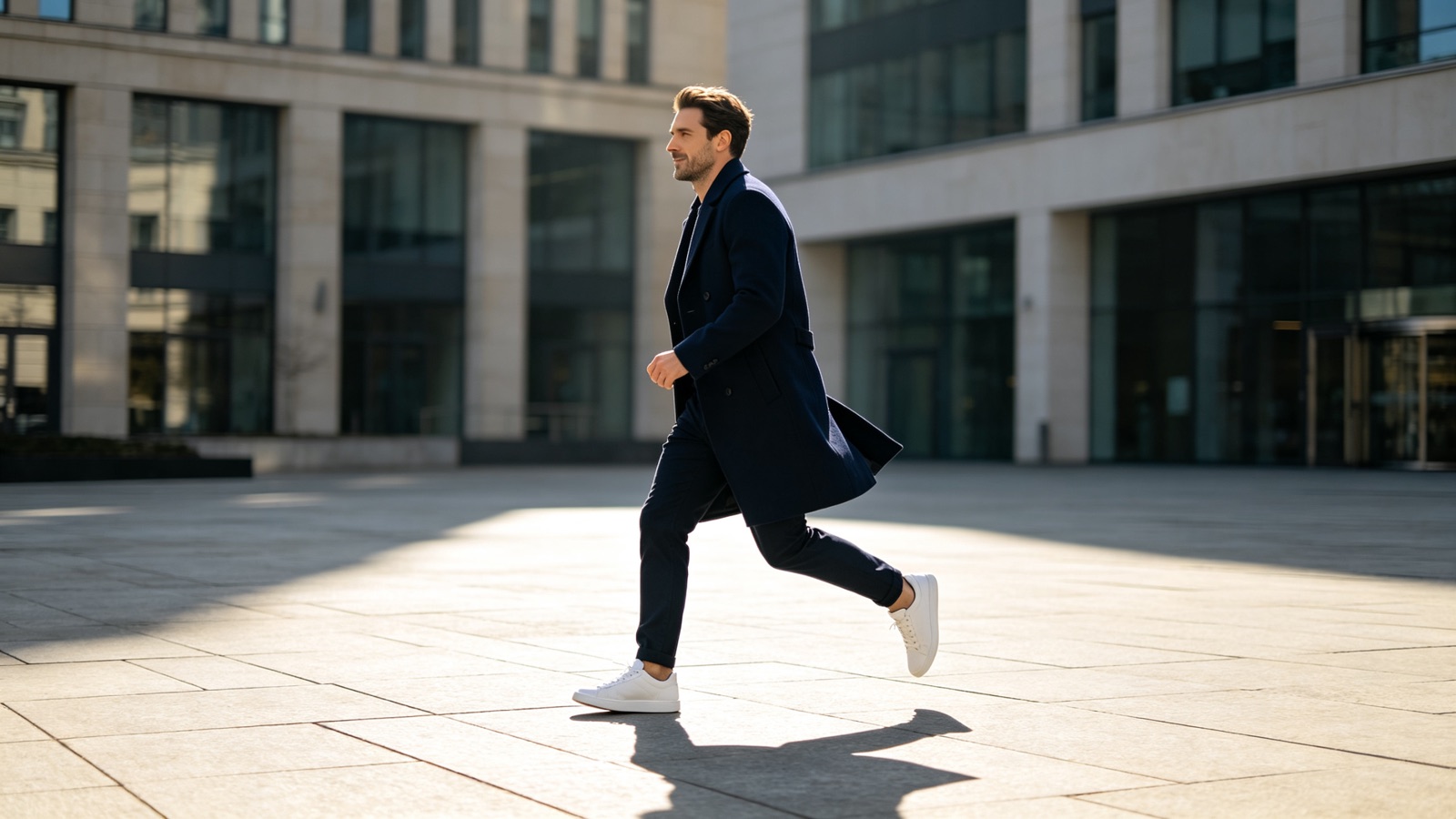
Same person, new stance
Face, hair, clothing and line style carry over between runs, so a set of poses still reads as one character.
- Keeps face and outfit
- Holds the art style
- Good for character sheets
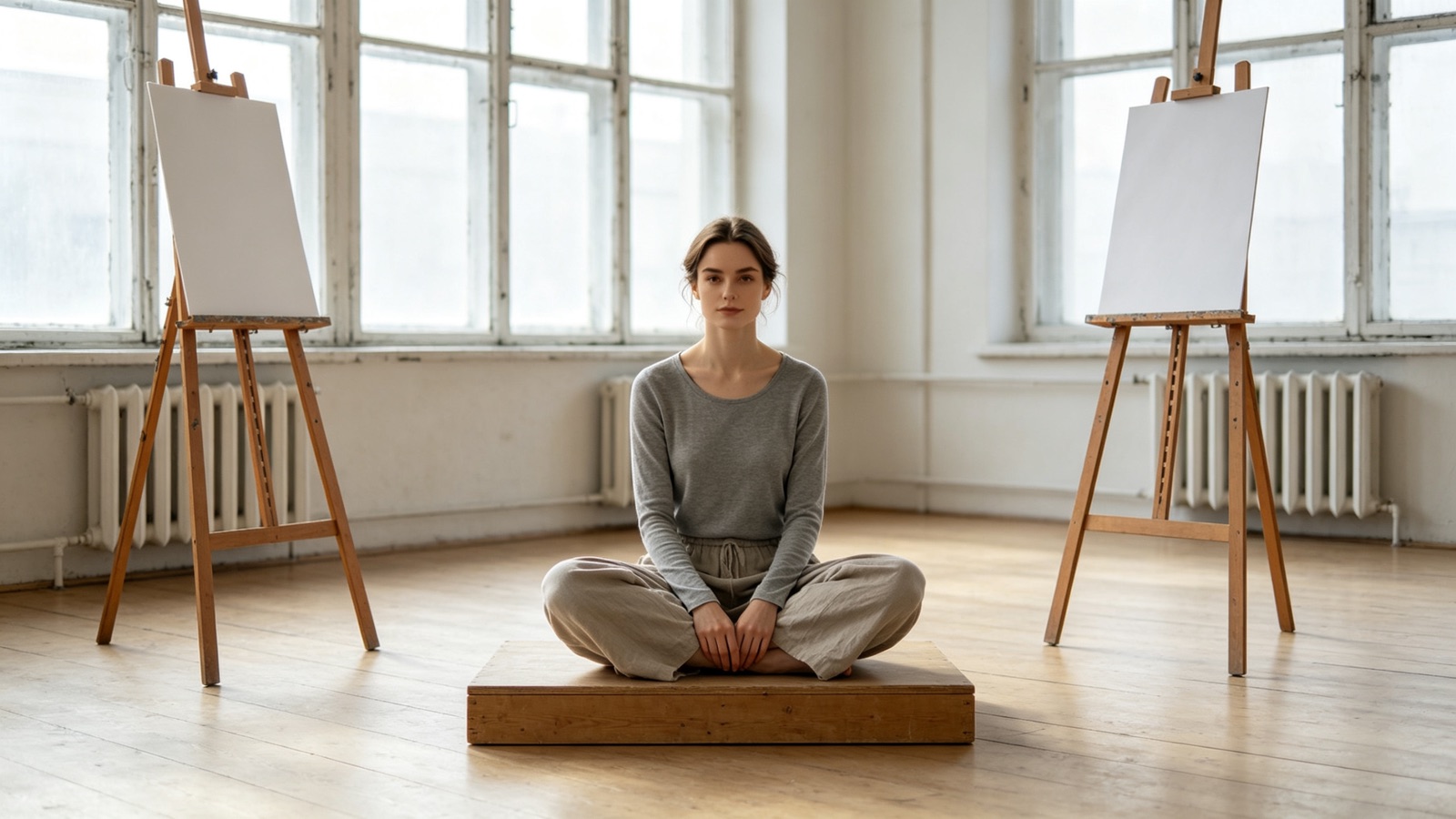
A pose maker for artists
Generate pose references for figure drawing or character posing when there's no model, mannequin or 3D rig within reach.
- Pose reference for drawing
- Works on anime characters
- Endless variations
Why LazyKiwi
Built to keep the person
Seconds per pose
A new stance renders while you are still deciding what the next one should be.
Private by default
Your uploads are processed securely and never sold or shared. What you upload stays yours.
Free to start
Generate your first pose with no card and no subscription.
No rigging required
Skip the 3D pose maker, the wooden mannequin and the hunt for a reference photo.
Anatomy that reads right
Limbs are rebuilt in proportion to your subject, not stretched to fit the description.
Iterate freely
Reword the description and run it again until the pose is the one you pictured.
FAQ
Questions, answered
Is the AI pose generator free?+
Yes. Upload one image and generate a pose for free before choosing a plan.
Does it keep the same face and clothes?+
Yes. Only the body position changes. The face, hair, outfit and style stay as uploaded.
What pose descriptions work best?+
Short and concrete ones. Say where the arms, head and weight go — "leaning on a wall, arms folded, looking right" beats "cool pose".
What happens to my uploads?+
They are sent over an encrypted connection, used only to generate your result, and never sold or shared.
Use cases
Who reposes their images
Illustrators and comic artists
Turn one finished character drawing into the poses a page needs, instead of redrawing the figure from scratch each panel.
Game and character designers
Fill out a character sheet with standing, running and idle poses generated from a single piece of key art.
Online sellers
Show a model in a second stance or from another angle without paying for a whole extra shoot.
More answers
More about generating poses
Can I use the results as drawing references?+
Yes. It works as a pose reference generator for figure drawing and character posing — generate the stance, then sketch from the output.
Does it work on anime and illustrated characters?+
Yes. Illustrations, anime characters and 3D renders repose the same way photos do, and the original line style is kept.
What image works best?+
A full-body image where the limbs are visible and not overlapping. Tight crops and hidden arms give the AI less to work from.
Can I generate several poses from one image?+
Yes. Keep the same upload and change only the description to build a set of poses for a character sheet or a lookbook.
Keep going
Guides for this tool
Couple Photo Poses: 20 That Do Not Look Stiff
Twenty couple photo poses grouped by contact level, height difference and setting, plus the instructions that get two people moving instead of posing.
OpenHow to Look Better in Photos: 5 Things That Work
Angle, posture, light, clothes, edit. Five variables in priority order, what each one is worth, and how to test them one at a time on your own face.
OpenHow to Pose for Pictures: 12 Rules That Work
How to pose for pictures in twelve rules that hold for any body and any camera: weight, angles, hands, chin and breath, plus the seconds before the shutter.
OpenPose Reference Library: 40 Poses by Use Case
Forty poses sorted by the job they do: figure drawing, portrait sessions and product shots, plus how to build reference frames of your own on demand.
OpenGive your subject a new pose.
Upload one image, describe the stance you want, and download the result in seconds.
No credit card · Free to try · Results in seconds