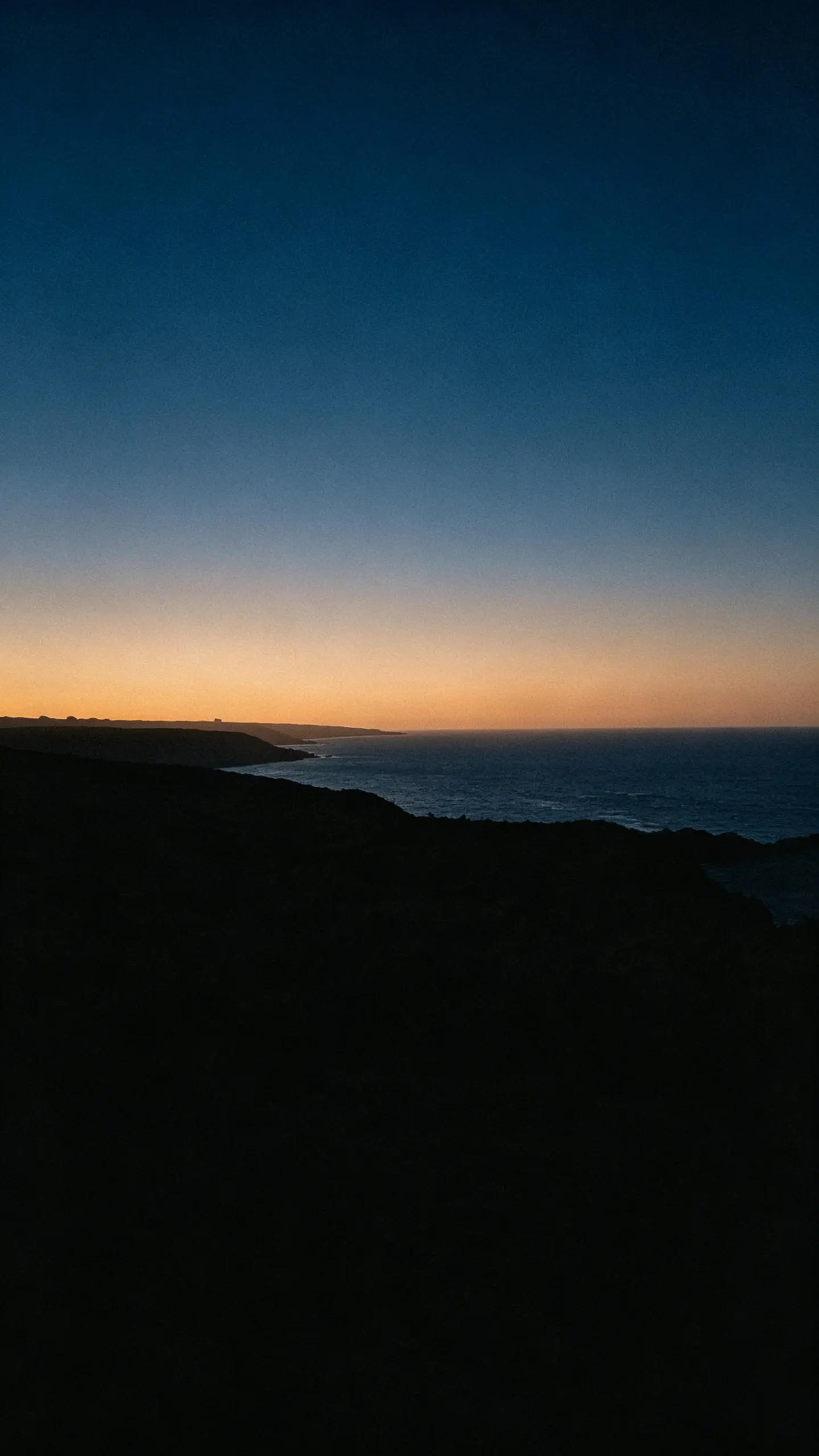
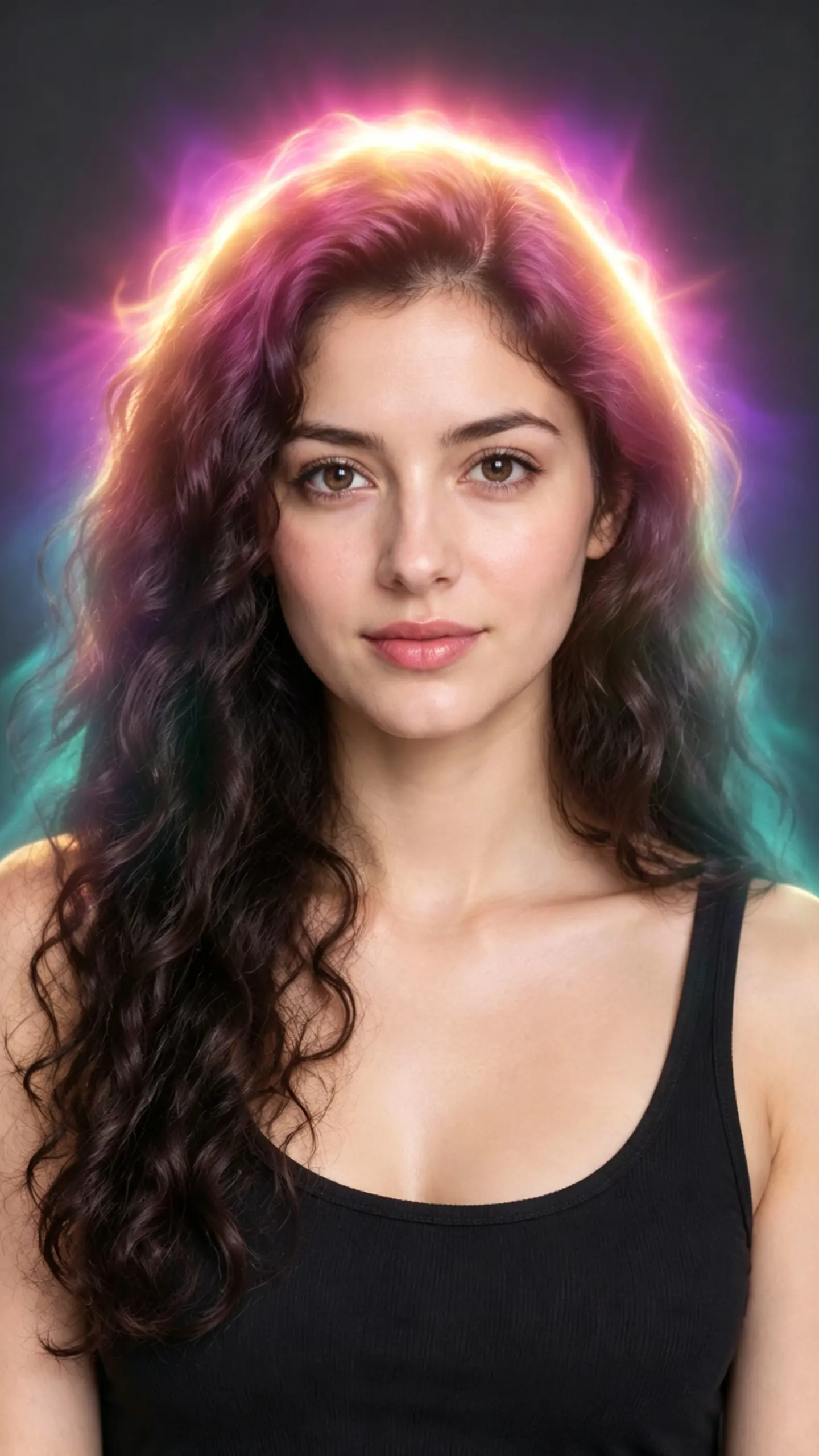
AI Face Filter
See yourself older, bald, with a buzz cut, new hair color or as another gender, from one selfie. Each AI face filter repaints the photo and keeps your face, so the result looks like a real picture of you.
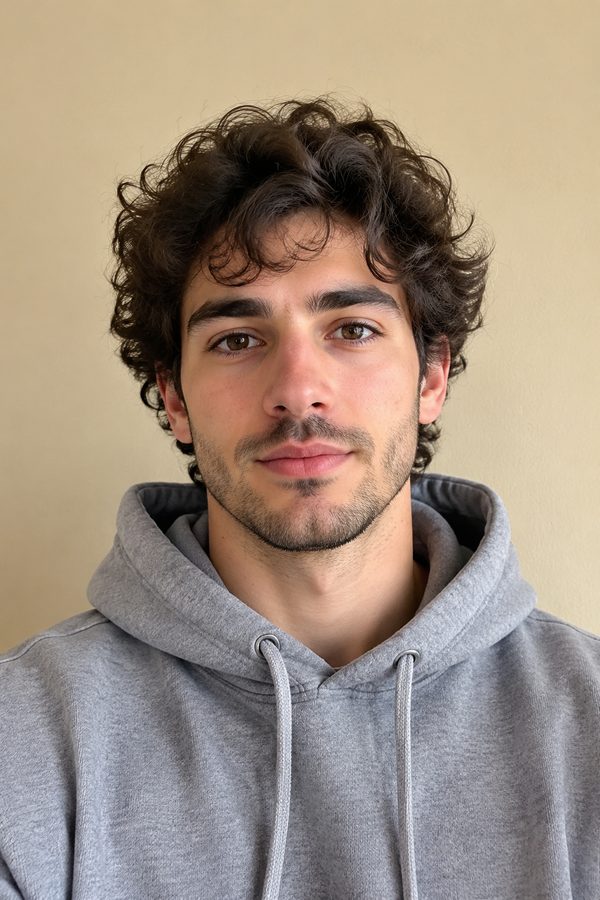
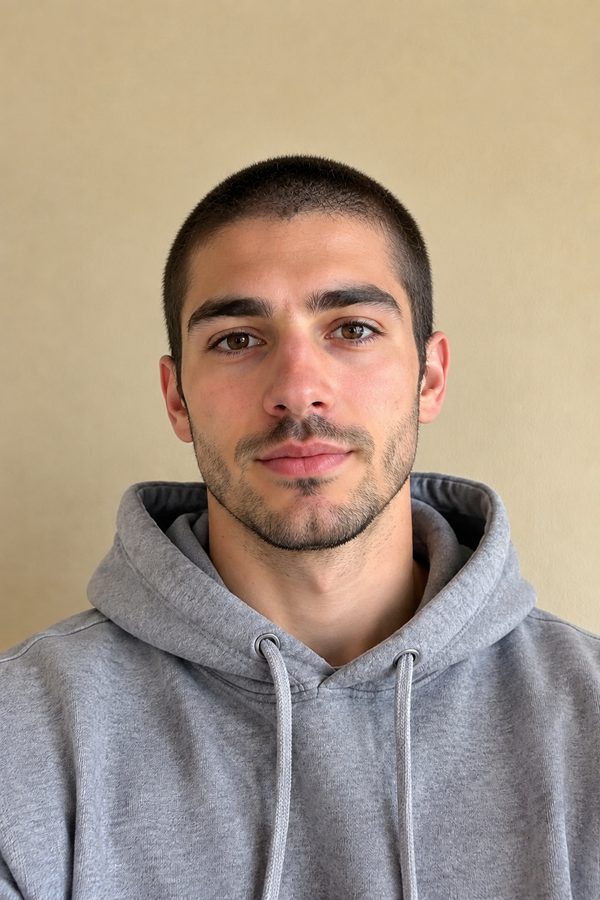
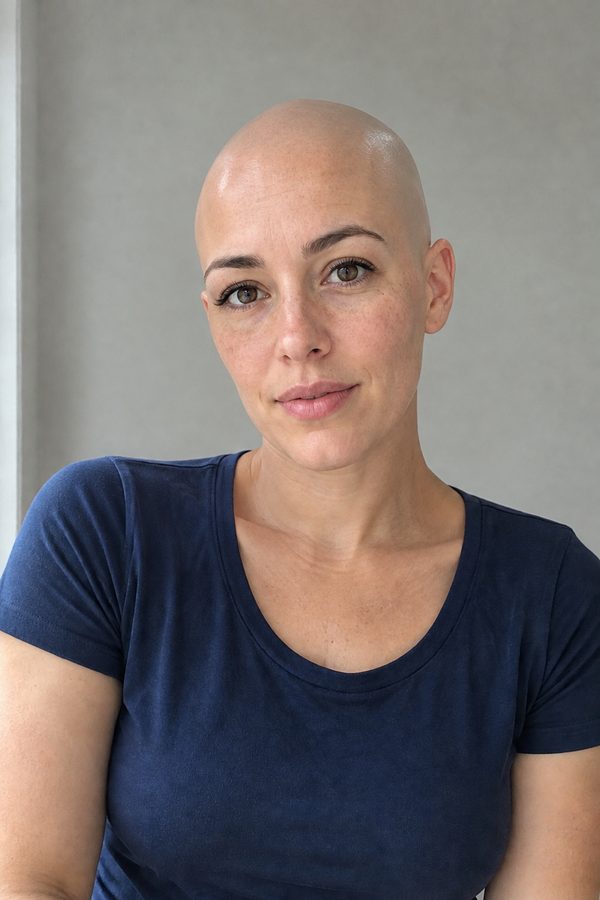
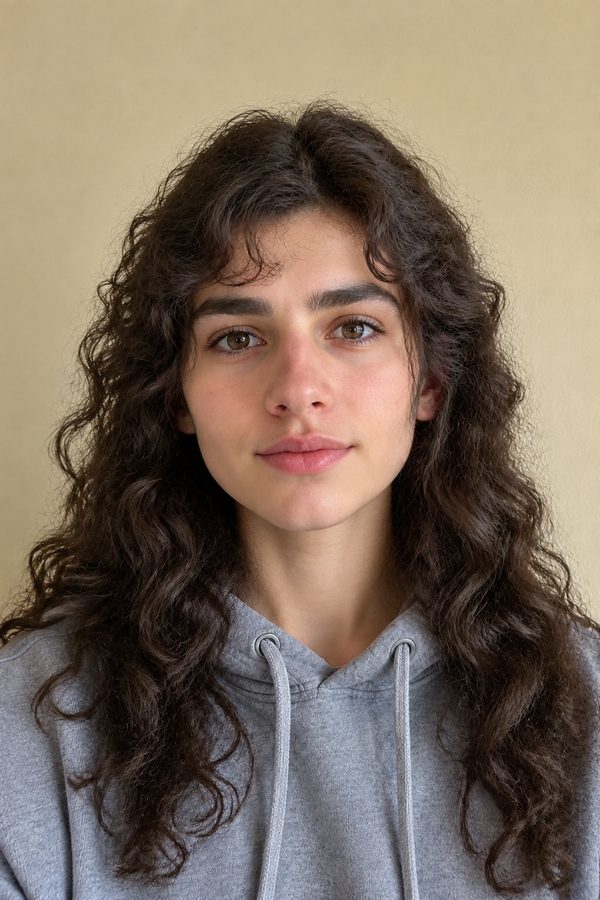
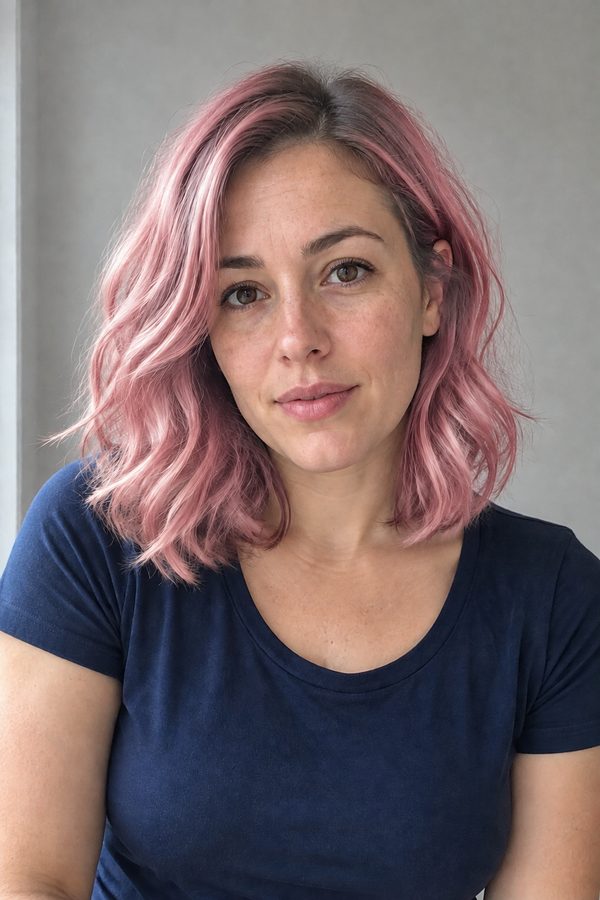
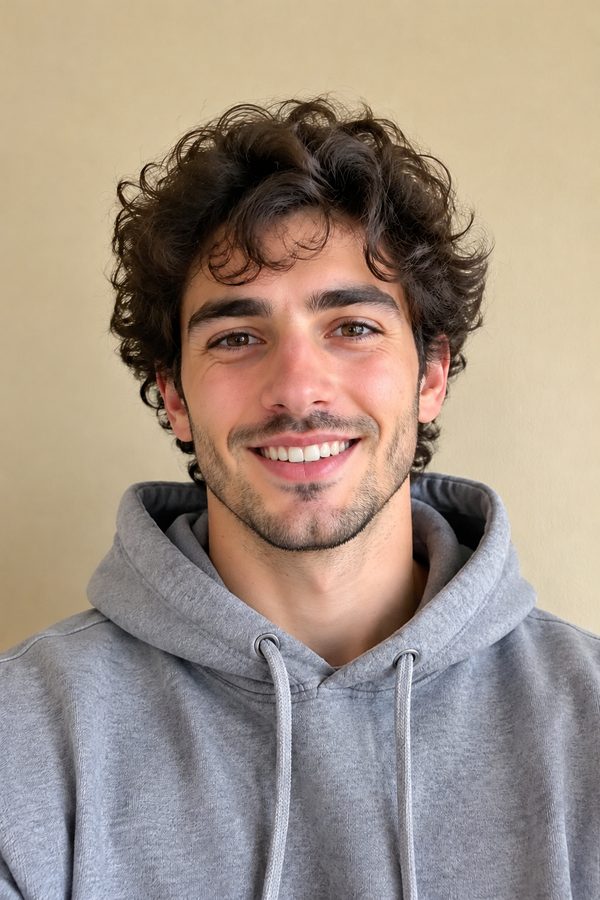
WHAT IT IS
What is an AI face filter?
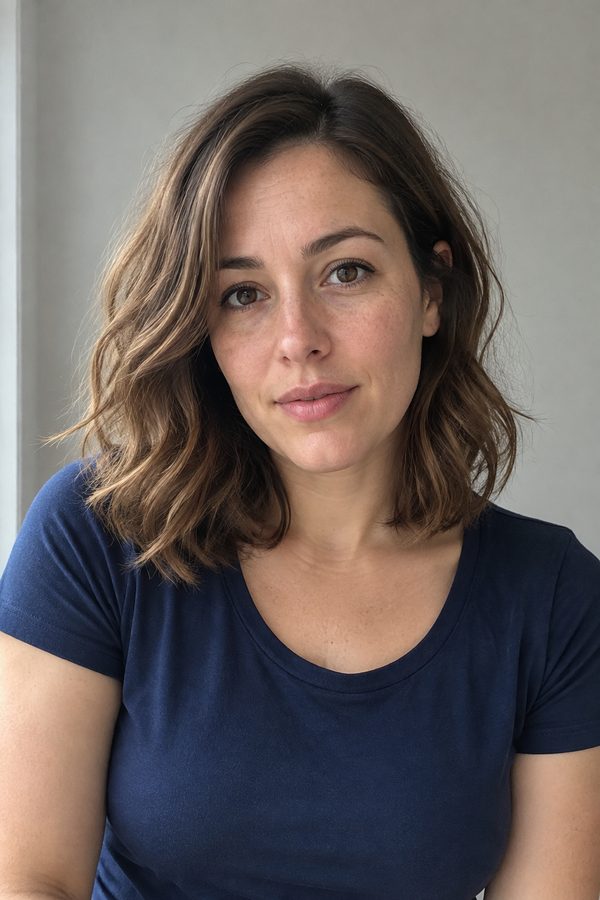
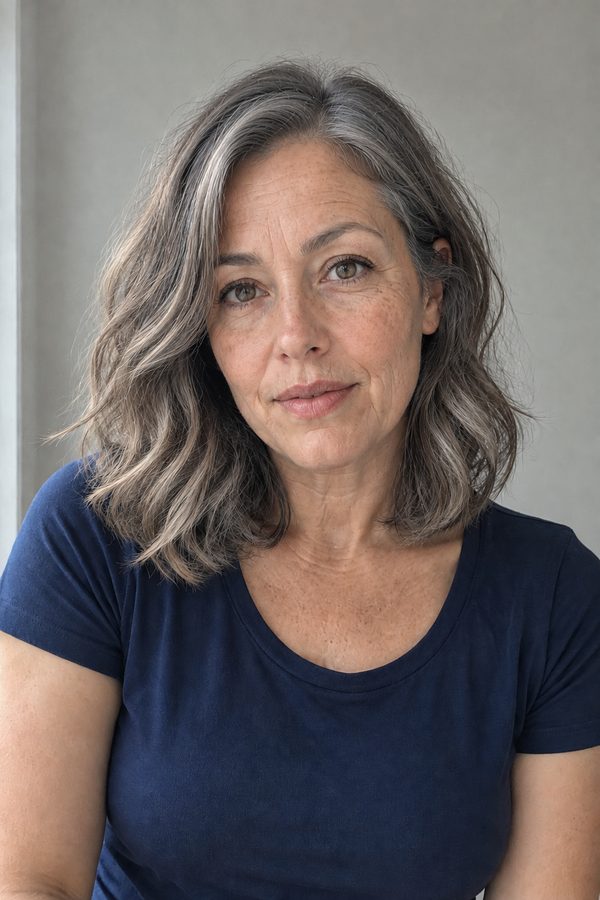
A camera filter draws a mask on top of your face while you hold the phone. An AI face filter takes a still photo and regenerates it: the hair is actually gone or grown, the skin is actually older, the light on the new hairline matches the room. Your face, clothes and background stay, which is why the results above read as real photos.
- One selfie, many filters
- The same front-facing photo works for every filter on this page. Try the age filter, then bald, then a new hair color, without re-shooting.
- Your face stays yours
- Eyes, nose, freckles and expression carry over, so friends recognise you in the result instead of a generic AI face.
- Realistic, not a sticker
- Scalp shading, gray roots, stubble and wrinkles are painted into the photo with the original lighting, not layered on top.
- A filter for each question
- Would a buzz cut suit me? What will I look like at 65? Pink or copper? Each one has its own filter below, so you get the answer in one try.
How to use an AI face filter
All the filters work the same way.
- 1
Pick a filter
Open Image Tools in the workbench and choose the filter: Bald Filter, Buzz Cut Filter, Gender Swap, Hair Color Changer, Eye Color Changer or AI Hairstyle Changer.
- 2
Upload a clear selfie
Front-facing, well lit, no sunglasses or hats. Chest-up framing like the samples on this page gives the cleanest result.
- 3
Generate and compare
Download the result, or run the same photo through another filter and put them side by side.
Every AI face filter on LazyKiwi
Each filter has its own page with more examples and tips.
Age filter
See yourself in your 70s, with gray hair and mature skin on the same face. Open the AI age filter.
Bald filter
Preview a shaved head before you commit, scalp shading included. Open the bald filter.
Buzz cut filter
Try a short even buzz cut on your own head shape. Open the buzz cut filter.
Gender swap
See yourself as another gender with your features kept. Open gender swap.
Hair color changer
Pastel pink, copper, platinum or silver on your current cut. Open the hair color changer.
Eye color changer
Green, hazel, amber or violet, with natural iris detail. Open the eye color changer.
Hairstyle changer
Bob, curtain bangs, braids or an undercut on your face. Open the AI hairstyle changer.
Smile, beard and more
Add a natural smile with the smile filter, grow or shave facial hair with the beard filter and beardless filter, or try bangs and braces.
Which selfies work best with AI face filters?
The filter can only keep the face it can see.
Face the camera
A straight-on photo keeps both eyes and the hairline visible, which matters most for bald, buzz cut and age filters.
Soft, even light
Window light beats a flash. Hard shadows across the face can carry over as odd skin texture.
Nothing covering the head
Take off hats, hoods and sunglasses. The filter cannot guess a hairline it cannot see.
Only faces that agreed
Use your own photo or one of someone who said yes. Do not run filters on strangers or public figures.
FAQ
AI face filter FAQ
Are the AI face filters free?+
You can start free: new accounts get free credits, and the cost of each image is shown before you generate.
How is an AI face filter different from a Snapchat or Instagram filter?+
Camera filters overlay a live mask on video. AI face filters regenerate a still photo, so the change is part of the picture: real-looking scalp, gray hair, new hair color with the original lighting.
Will I still look like me?+
Yes. The filters keep your facial features, expression, clothes and background and change only what the filter is for. Front-facing, well-lit selfies keep the likeness best.
Which AI face filter should I try first?+
The age filter and the bald filter are the most shared. If you are planning a real haircut or color, use the buzz cut filter or the hair color changer on a recent selfie.
Can I use AI face filters on a video?+
These filters work on photos. To move a filtered photo, open it in the image to video generator.
Can I use the same photo for several filters?+
Yes. The samples on this page each come from one photo per person run through different filters.
Are my photos used to train models?+
See LazyKiwi's privacy policy for how uploads are stored and handled.
Other names for AI face filters
The same tools are searched under several names.
One selfie. Every filter.
Older, bald, buzz cut, pink hair or another gender, with your face kept.