Smile Filter
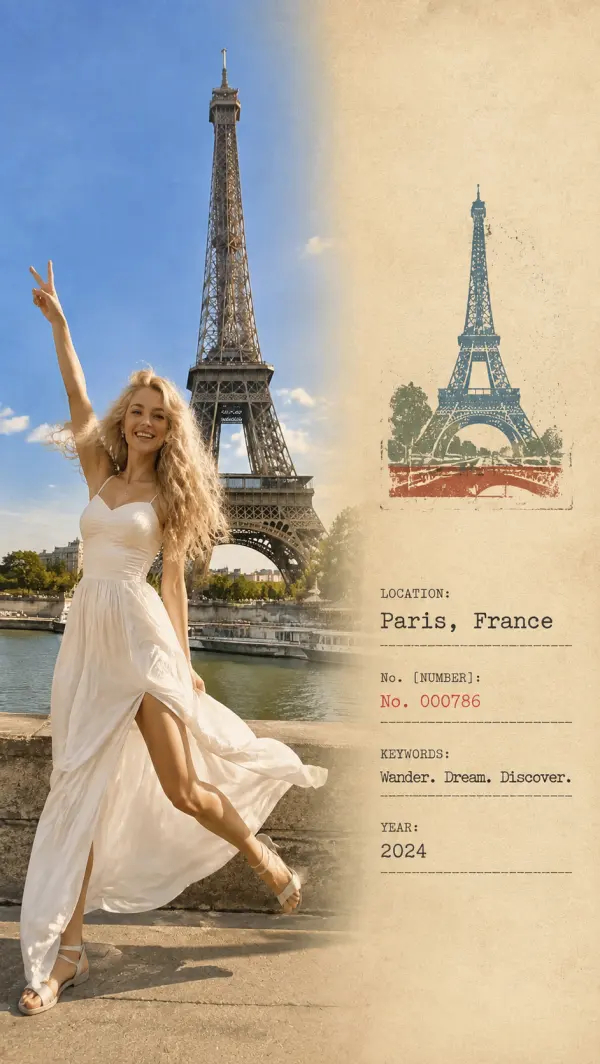
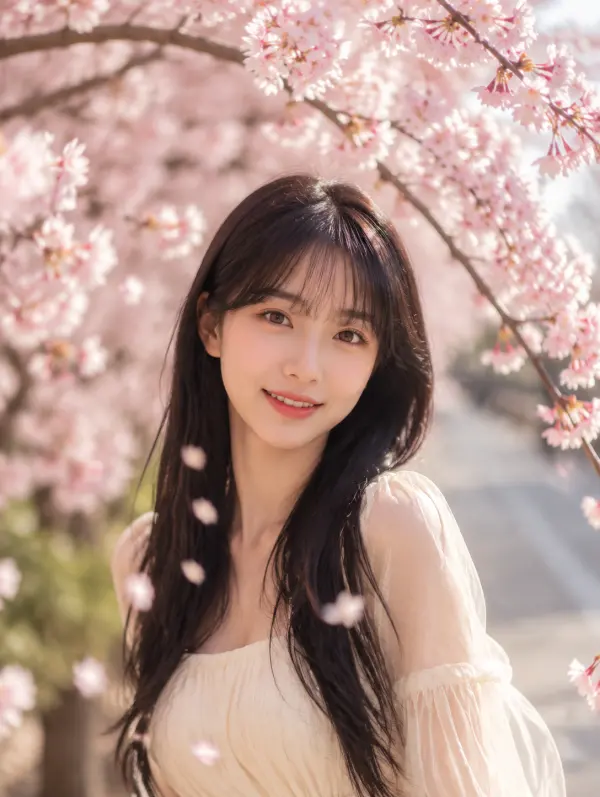
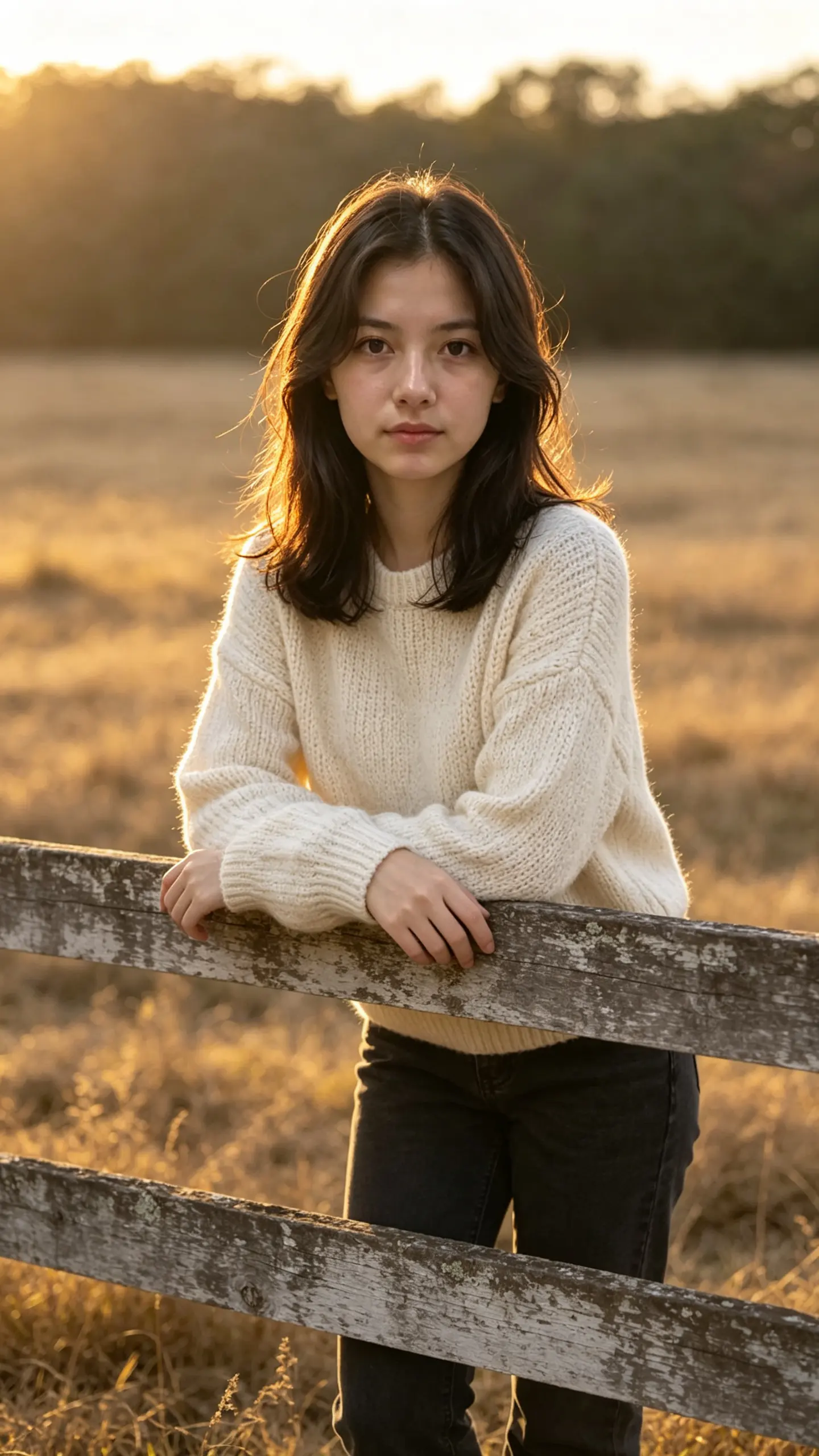
This smile filter changes the expression in a still photo: a flat or closed-mouth face becomes a natural smile, with the cheeks raised and the outer corners of the eyes creased rather than just the mouth pulled wider. Everything else in the frame stays where it was.
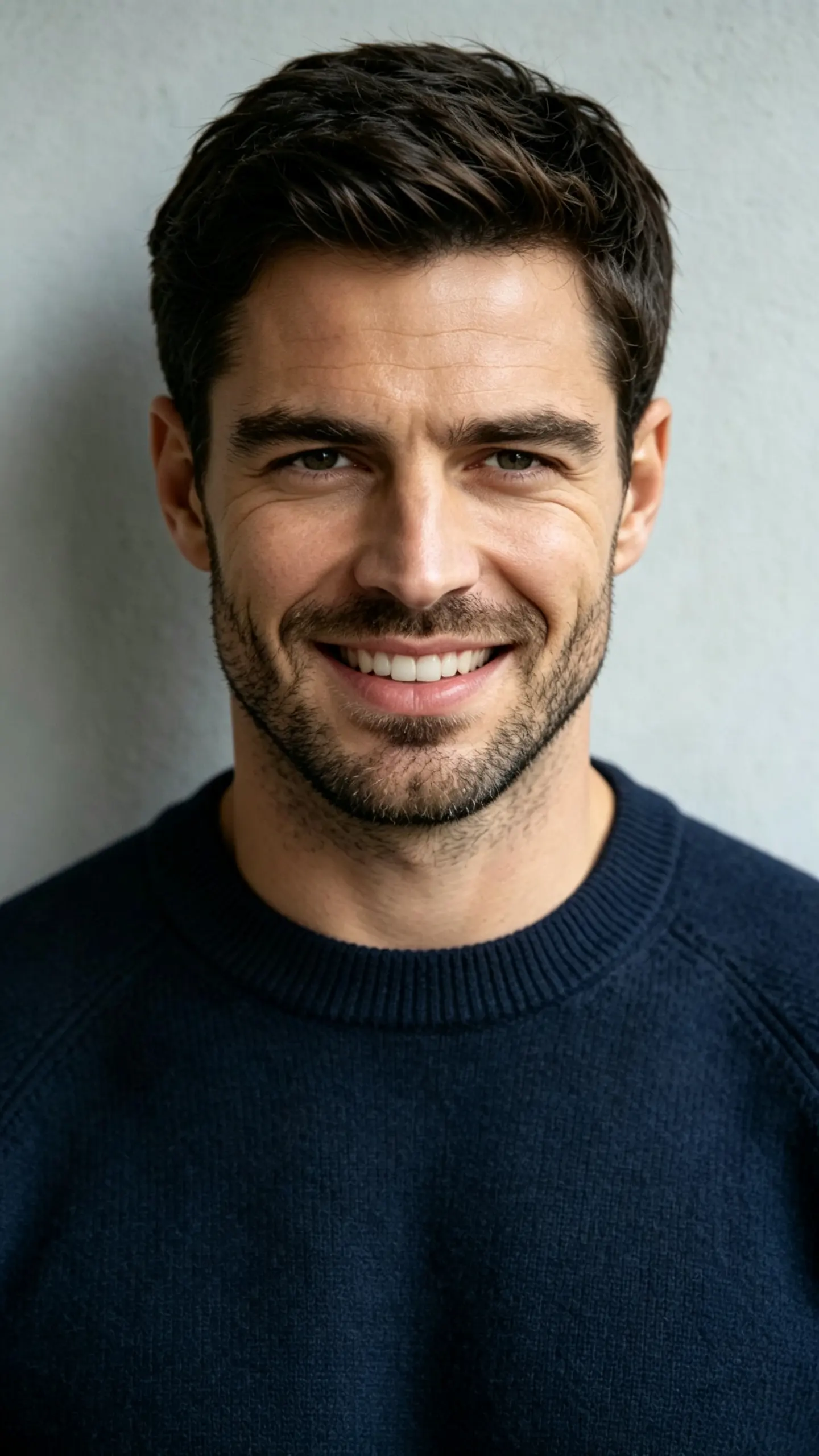
Smile Filter Template
Upload one photo with the face front-facing, in focus and reasonably large in the frame. The mouth region is repainted, so a shot where the mouth is clearly visible and not covered by a hand, a mask or a microphone gives the template the most to work with.
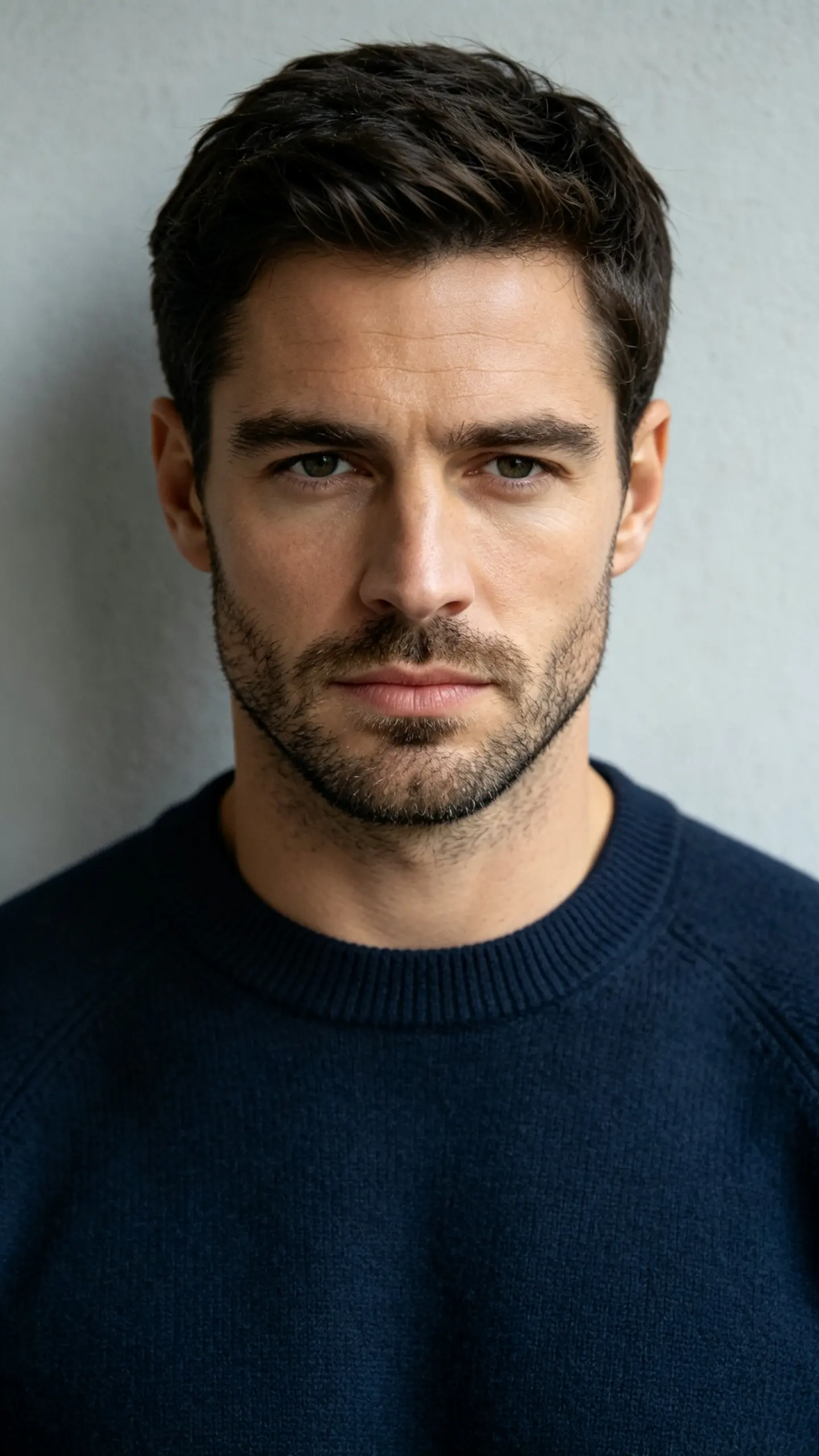
WHAT IT IS
Why most smile filters look wrong
A real smile is not a mouth shape. Two muscle groups move: the zygomaticus major pulls the corners of the mouth up and back, and the orbicularis oculi raises the cheeks and crinkles the skin at the outer corners of the eyes. Anatomists call the version with both a Duchenne smile, after the nineteenth-century physician who mapped it, and everyone recognizes the version without it on sight, even if they cannot name what is wrong. That is the whole problem with cheap smile filters: they widen the mouth, leave the eyes untouched, and produce a face that reads as a mask. This template moves the cheeks and the eye corners along with the mouth, keeps the rest of the frame fixed, and returns one still image at the ratio you choose in the workbench.
- Eyes move with the mouth
- The cheeks lift, the eye openings narrow slightly and creases appear at the outer corners. Skip that and you get a widened mouth on a blank face, which is the single most common failure of expression editing and the reason those results look uncanny.
- Nothing else in the frame changes
- Pose, hands, background, clothing, lighting direction and skin texture stay as shot. The edit is confined to the face, so a group photo comes back as the same group photo with one expression fixed, not as a regenerated scene that resembles it.
- Closed mouth or teeth
- A closed-lip smile is the safer choice and the more common one in professional headshots. An open smile shows teeth, and those teeth are generated, so they will be plausible rather than yours. Choose closed if the photo is going anywhere the difference would be noticed.
- Works on old and scanned photos
- Portrait conventions before the 1920s called for a neutral face, partly because exposures were long and partly because a broad smile read as undignified. That is why so many family photographs show relatives looking stern who were not.
USE CASES
Photos worth fixing rather than reshooting
Three situations where the moment is gone and the expression is the only problem.
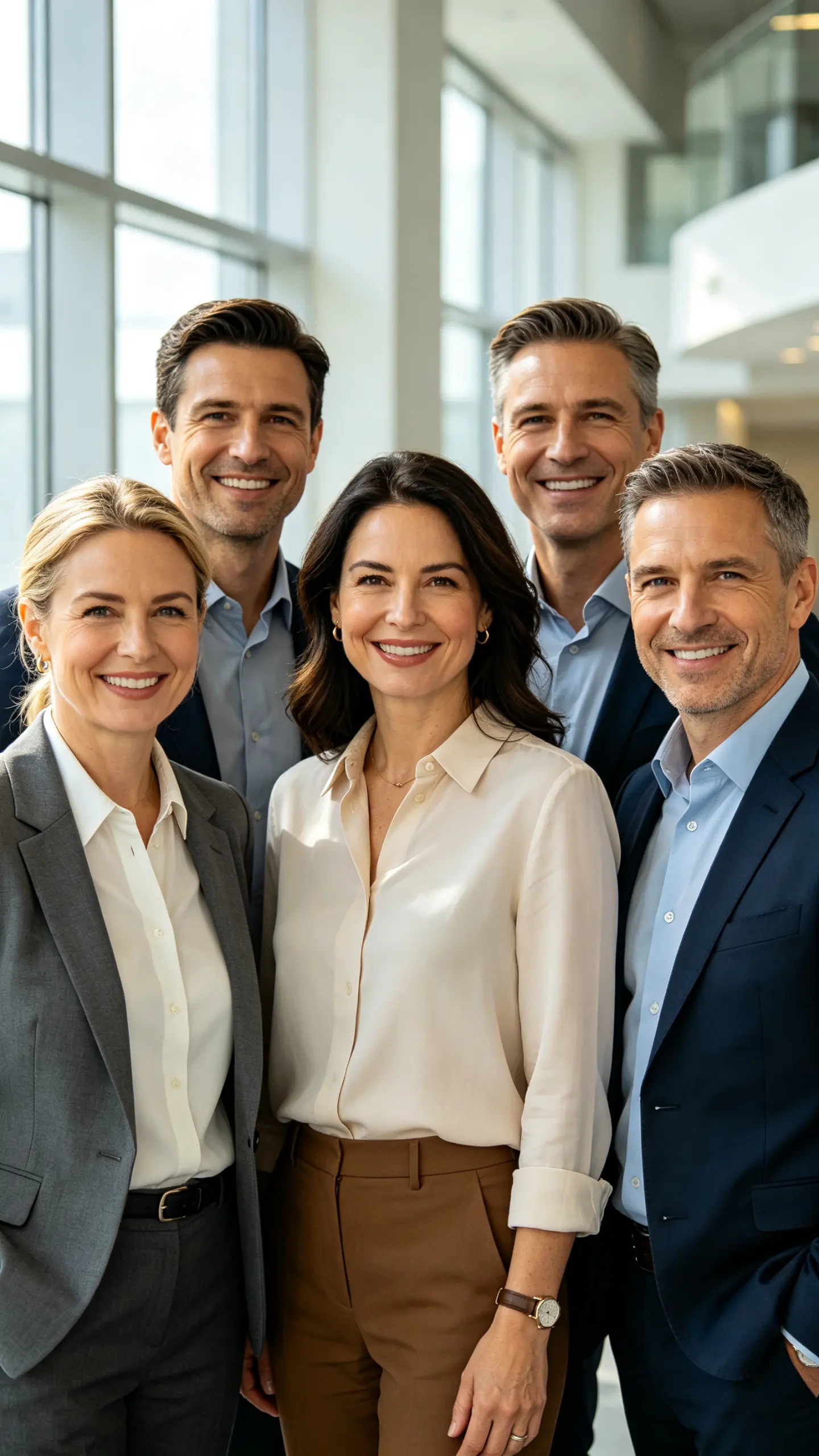
The group shot with one flat face
Everyone is in focus, the light is good, the event is over, and one person in the back row was mid-sentence. Fixing that one expression saves the whole frame, and because nothing else is touched the rest of the group is untouched too.
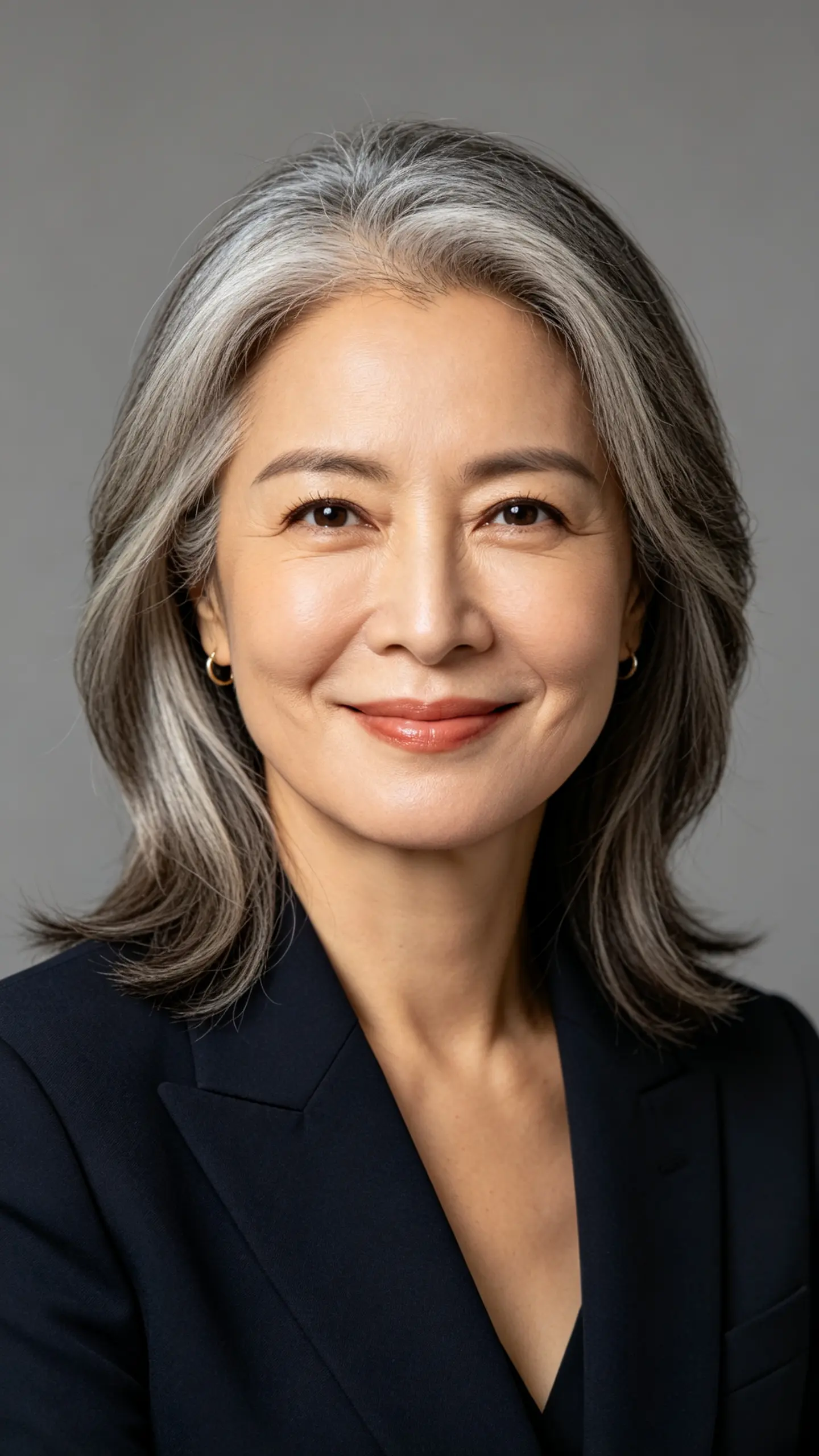
A headshot that came back too serious
Plenty of people freeze in front of a camera and end up with a profile photo that reads as cold. A closed-lip smile added to an otherwise good headshot is a smaller change than rebooking a photographer, and it keeps the lighting you already paid for.
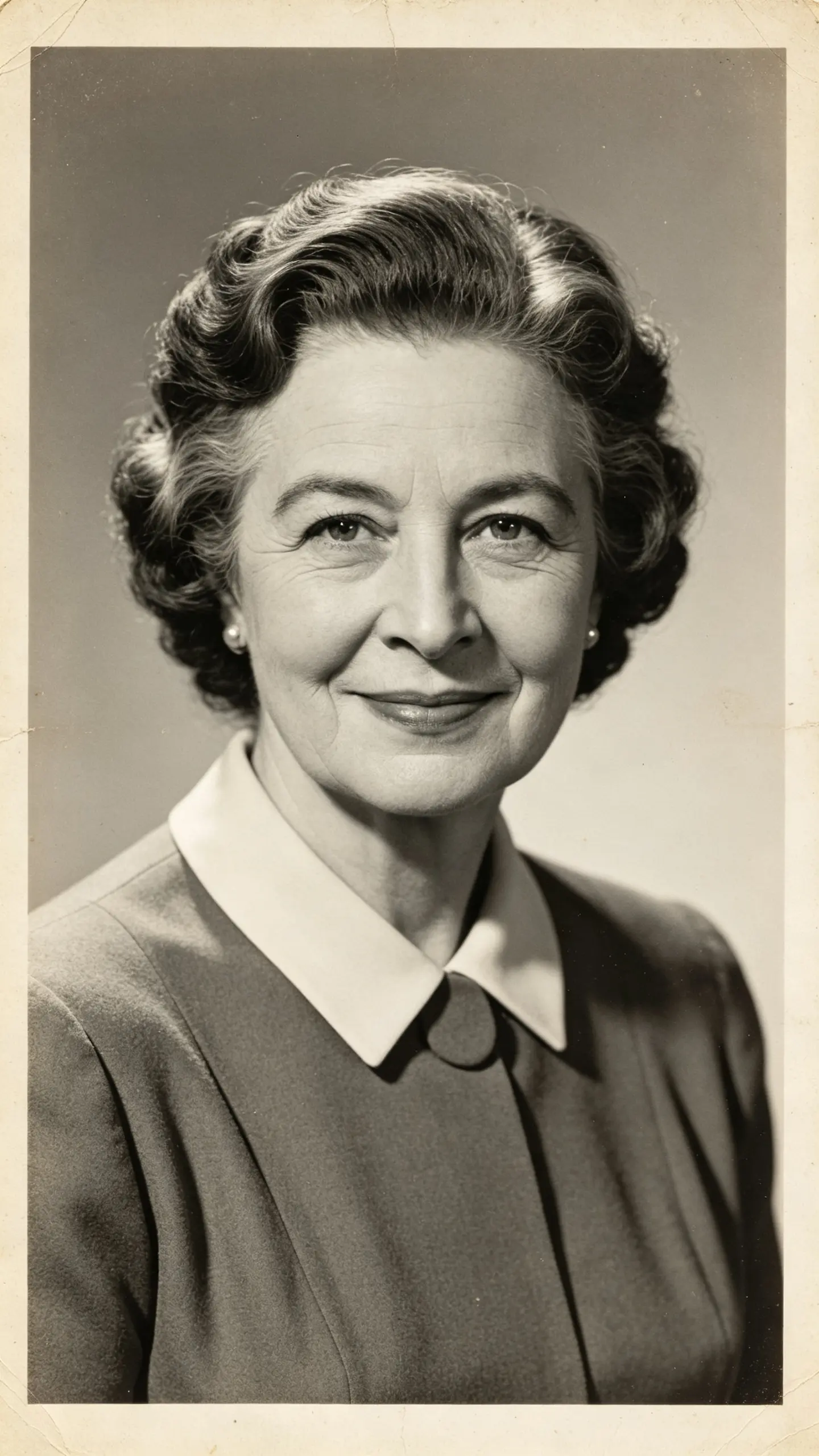
A stern face in a family archive
Scanned prints from the middle of the last century are full of relatives who look severe because that is what portrait convention asked for. Adding a small, believable smile to a grandparent's photograph is a common request, and a closed-lip version is the one that stays honest.
FAQ
Common questions
What is a smile filter?+
A smile filter changes a neutral or closed-mouth expression in a photograph into a smile. A good one moves the cheeks and the outer eye corners as well as the mouth, because a smile that only involves the lips is what people read as fake. This template edits the face region of an uploaded still and leaves the pose, background and lighting untouched.
Will the teeth look like my teeth?+
No, and this is the clearest limit of the template. If you choose an open smile, the teeth are generated: the shape, spacing and shade will be plausible for your face but they are not your dentition. For anything where that matters, a passport photo, a dating profile, a professional headshot, use a closed-lip smile, which changes only the lip line and the cheeks and stays truthful.
Can I add a smile to a group photo?+
Yes. Because the edit is confined to the face and everything else in the frame is preserved, a group photo comes back with the same people in the same positions. Faces that are small in the frame, turned away or partly hidden behind someone else are the ones that will not work; a face needs to be reasonably large and front-facing for the result to hold up.
Is there a video version of the smile effect?+
Yes, and it answers a different question. AI Smile animates the change, so a still photo becomes a short clip of the person breaking into a smile, which is what people usually want for a memorial slideshow or a social post. This page is the still version: one photo in, one photo out, same frame.
What does it struggle with?+
Profiles and steep angles, faces that are small or soft in the frame, mouths partly covered by a hand or a glass, and photos that have already been heavily smoothed by a beauty filter, since there is little skin texture left to blend the new mouth into. Strong lipstick edges and dense beards around the mouth can also shift slightly, because that area is repainted.
What else can I fix in the same photo?+
Expression is usually not the only issue with a photo worth saving. Photo Restoration handles scratches, fading and low resolution on scanned prints, and AI Photo Editor covers the general edits, cropping, color and removing something distracting, that a single-purpose filter does not.
Other names for the smile filter
The searches split by what people want changed. Smile filter, ai smile and smile generator want the expression itself. Make someone smile in a photo and add smile to photo describe the job in plain words. Change expression ai and face expression editor come from people who want a wider set of expressions and land here first. All of them describe the same edit: the same face and the same frame, with the mouth, cheeks and eyes moved into a smile.
Add the smile the moment missed
Cheeks and eyes move too, and the rest of the photo stays as shot.