
Moody In-car Night Portrait
Use the ai car photo editor to turn one person, vehicle, or in-car image into a polished automotive lifestyle photo. Shape window light reflections, create a night dusk aesthetic, and produce everything from confident car-owner flex shots to moody in-car portraits. Turn a photo into a moody, cinematic in-car portrait with night-dusk light and window reflections. Free AI photo effect for TikTok, Reels and Shorts. Try it now in LazyKiwi AI image generator.
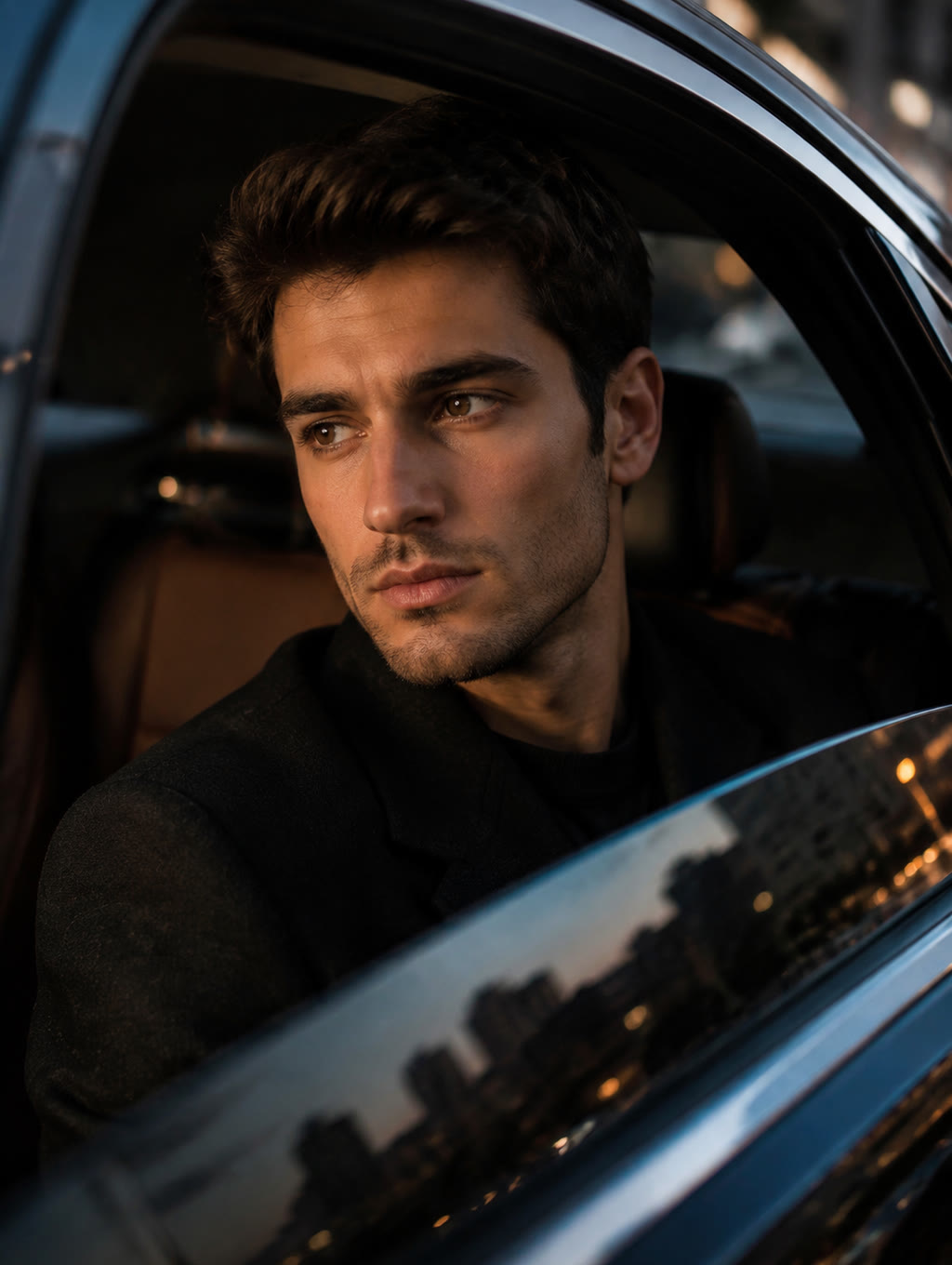
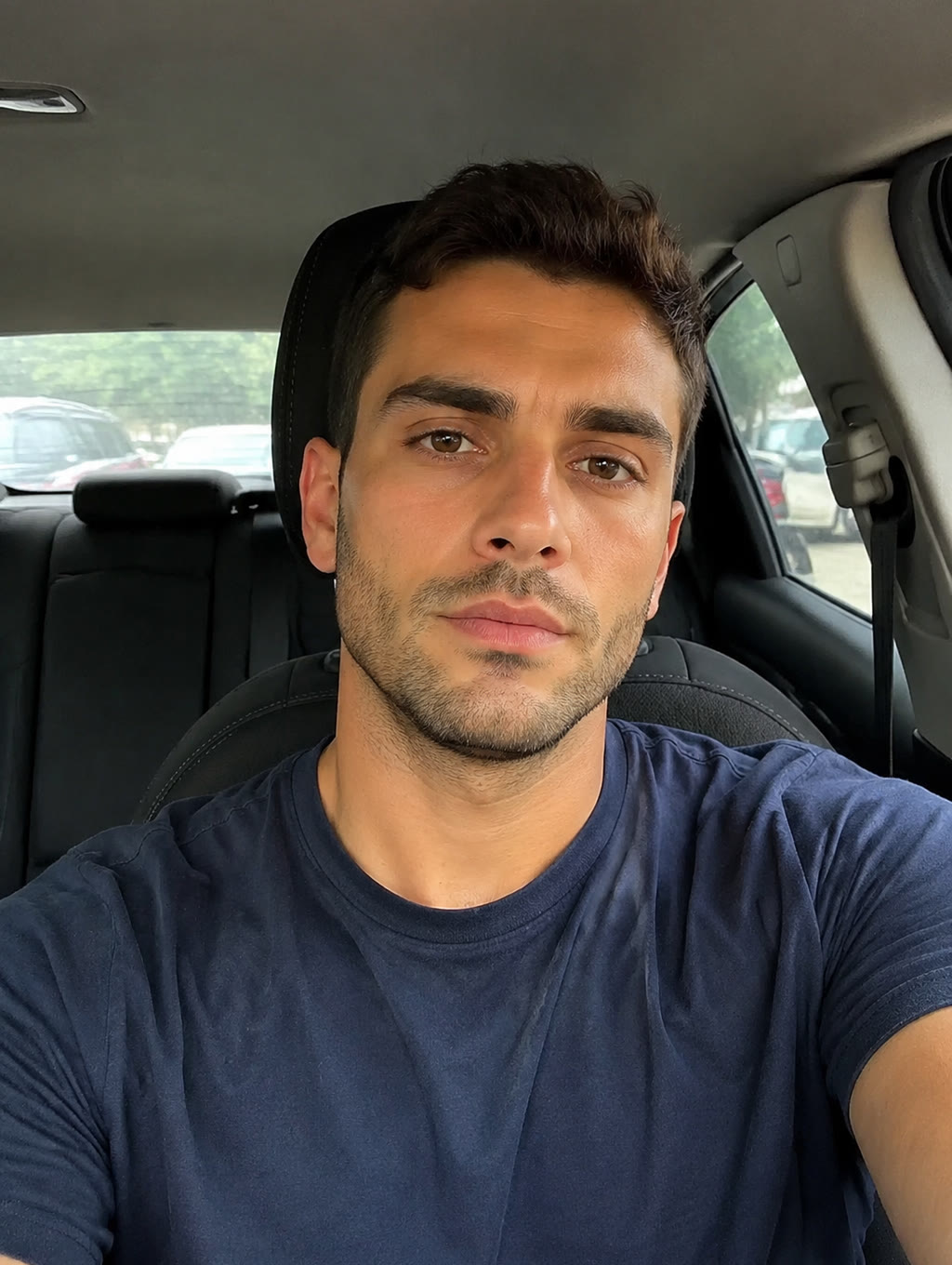
WHAT IT IS
What Gives the In-Car Portrait Its Mood
A clear photo with visible window or dashboard light works best. Try Car Window Phone Glow next, or read AI profile-picture tips for extra tips.
A clear starting subject
Upload a sharp person or vehicle photo with visible features and minimal obstruction. This gives the AI photo editor car workflow enough information to preserve identity, body shape, paintwork, and important interior details.
Window light and reflections
Side-window light defines the face while reflections add depth and atmosphere. The car AI photo editor works best when glass highlights feel layered without hiding the subject or making the cabin look artificial.
A consistent night or dusk palette
Deep blue shadows, warm streetlights, and restrained neon accents support the night dusk aesthetic. Keeping the color temperature consistent helps car AI photos look like one photographed moment rather than a collection of unrelated effects.
A focused scene prompt
A useful ai car photo editor prompt identifies the camera angle, location, lighting, reflections, and intended mood. Add practical details such as wet pavement, sunset backlight, soft leather texture, or a low-angle exterior composition.
CREATOR USE CASES
Application Scenarios
Create automotive images for personal profiles, creator posts, vehicle showcases, and lifestyle portfolios. The same workflow supports car-owner and portrait use cases while keeping lighting, reflections, and vehicle context visually consistent.
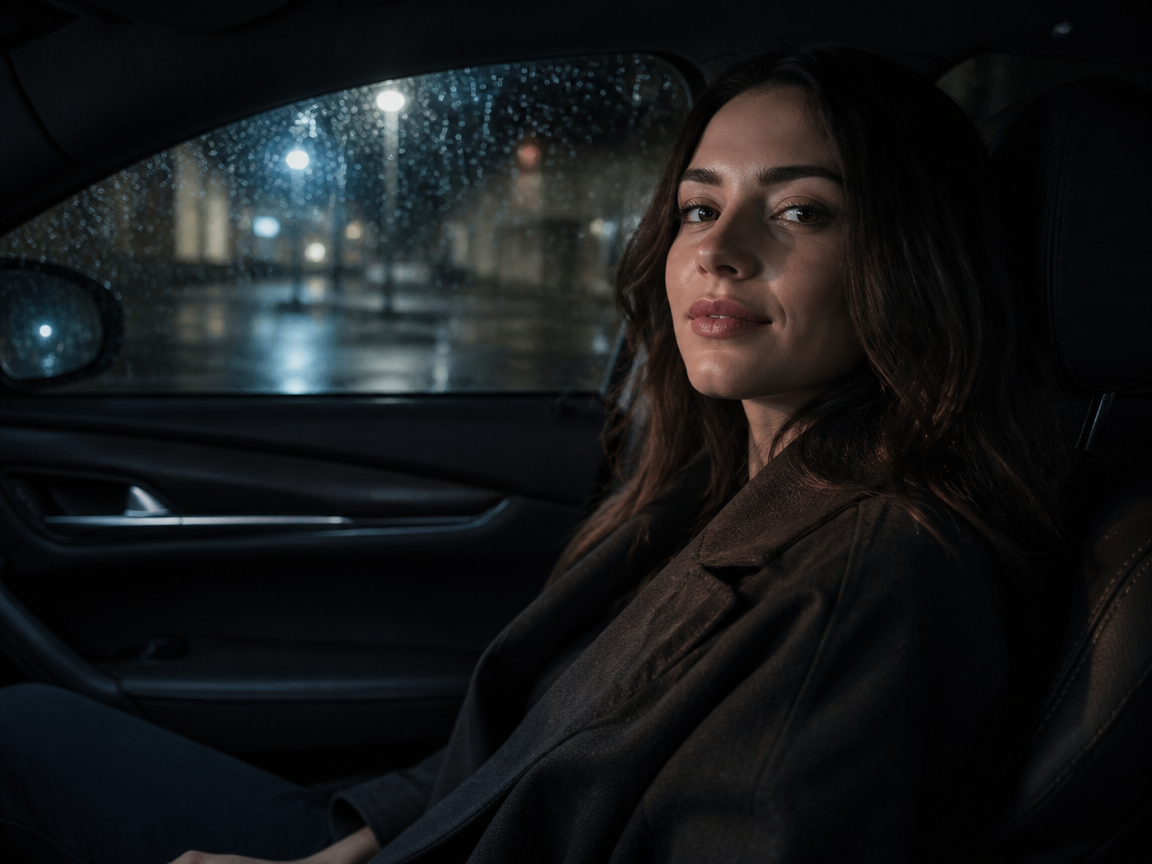
Night In-Car Aesthetic Portrait
Turn a casual cabin snapshot into a cinematic portrait shaped by dashboard glow, passing streetlights, and window light reflections. It is a practical choice for creators who search “ai my car photo” and want a subject-led result. For a broader portrait setup, explore AI Photoshoot at /templates/ai-photoshoot.
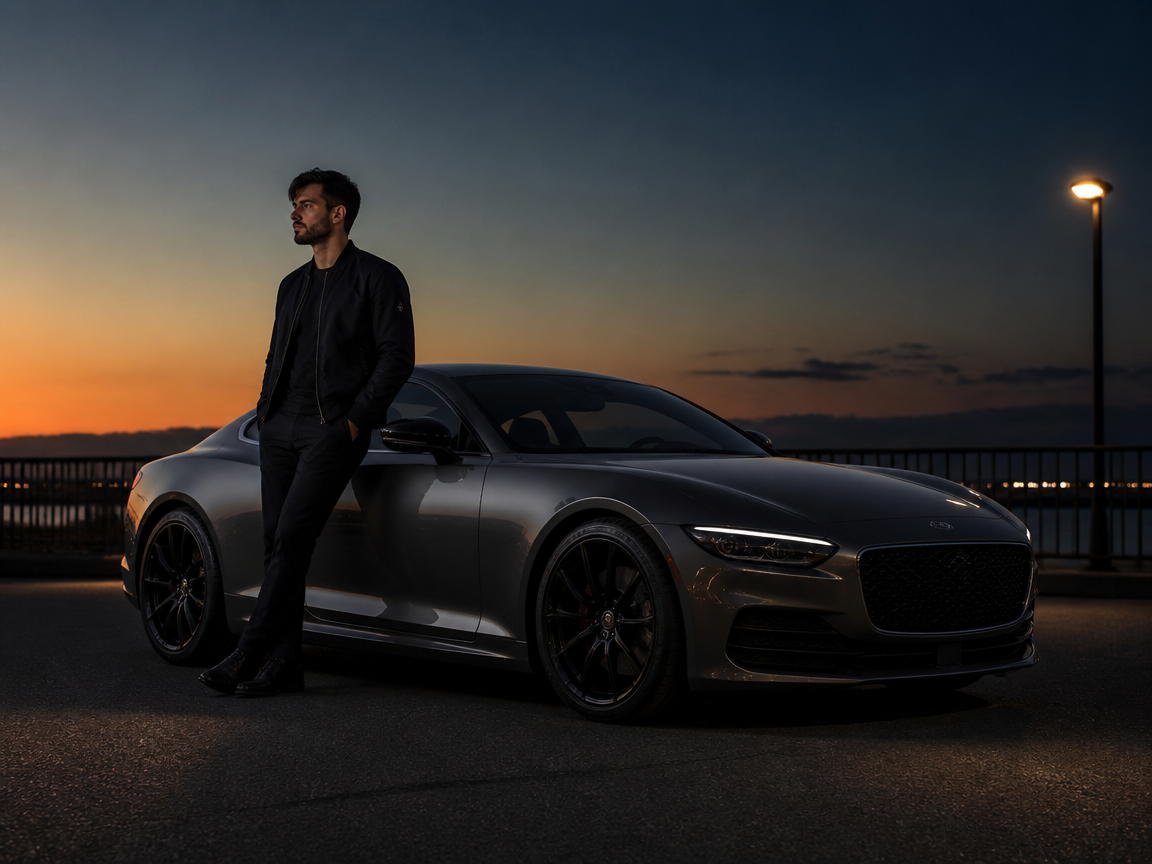
Dusk Car Exterior Flex Shot
Build a confident car-owner image with a low camera angle, clean paint reflections, and the last warm light of sunset. This car ai photo editor setup keeps both the owner and vehicle prominent while adding a polished night dusk aesthetic. For brighter urban color, see Night City Scene at /templates/neon-photo-effect.
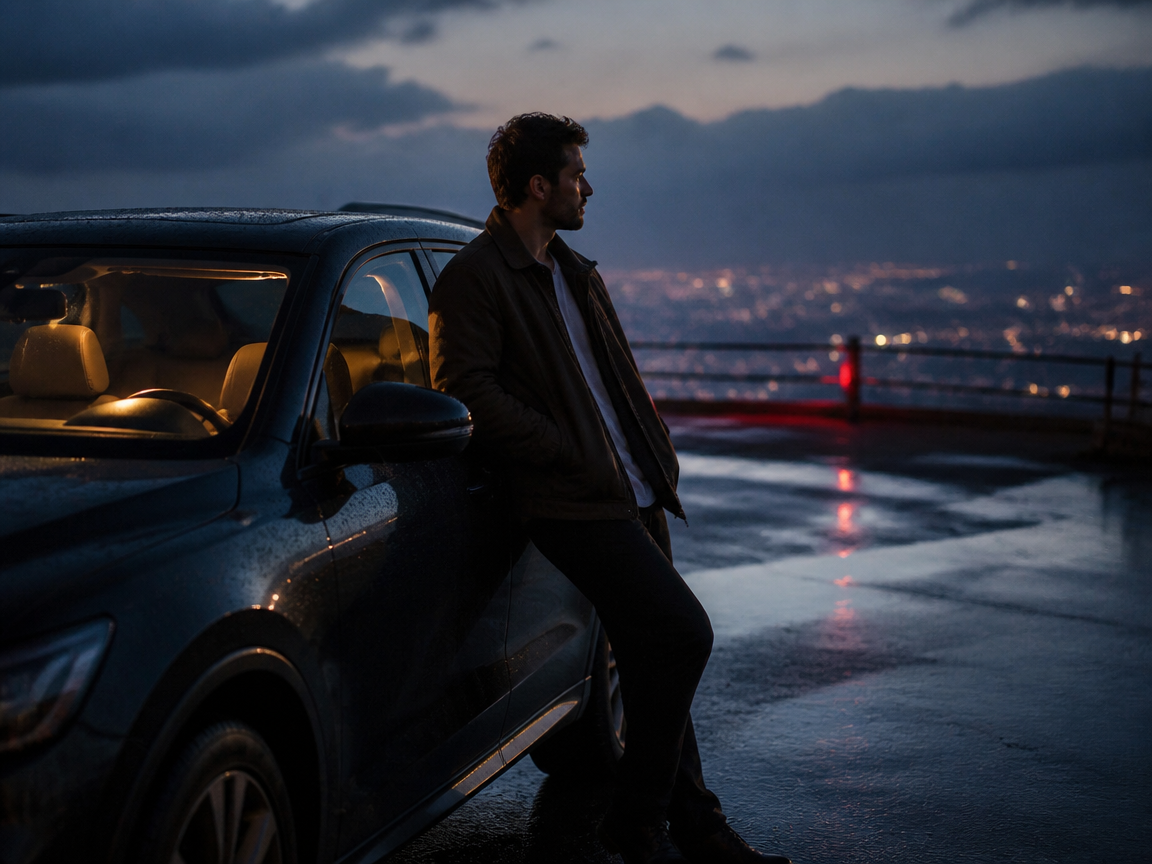
Moody Automotive Lifestyle Photo
Create an editorial scene around a parked vehicle, roadside stop, garage, or city overlook. An ai car photo editor can refine mood and composition while maintaining a believable connection between person, car, and environment. If the source is small or soft, use Photo Upscale at /tools/photo-upscale before publishing.
FAQ
Common questions
What is an AI car photo editor?+
An ai car photo editor uses a source image and a guided visual prompt to create or restyle automotive photos. It can adjust the setting, lighting, reflections, color palette, and composition while keeping the person or vehicle as the main subject.
Can I enhance my car photos with AI?+
Yes. You can improve atmosphere, lighting balance, background styling, and perceived detail with an AI car photo enhancer workflow. Start with a clear image, describe the intended scene precisely, and use Photo Upscale at /tools/photo-upscale if the finished image needs larger output dimensions.
Does it work for in-car portraits?+
Yes. An AI car interior photo works especially well when the face is visible and the source has usable window or dashboard light. Specify the seat position, viewing angle, glass reflections, cabin material, and night or dusk color palette for a more believable in-car portrait.
How do I write an AI car photo editor prompt?+
A practical ai car photo editor prompt should state the subject, vehicle context, camera angle, time of day, lighting direction, reflection style, and mood. For example, request a close passenger-side portrait at blue hour with soft dashboard light, realistic window reflections, natural skin texture, and a dark leather cabin.
Can I use it for both car-owner shots and portrait photos?+
Yes. For a car-owner flex shot, ask for a wider or low-angle composition that clearly shows the vehicle. For a portrait, prioritize the face, cabin light, and window reflections. You can also try the broader AI Photoshoot workflow at /templates/ai-photoshoot or add an urban night treatment with /templates/neon-photo-effect.
Is there an AI car photo editor free option?+
Availability of an ai car photo editor free option depends on the current plan, credits, and usage limits shown when you create. Prepare one clear source image first so you can test the composition efficiently before generating additional variations.
What kind of car photo is this?+
It creates moody, cinematic in-car and automotive portraits, all night-dusk light, window reflections, and lifestyle mood. It pairs nicely with AI Photoshoot, or try AI Portrait From Photo for contrast.
Other names for this AI car editing workflow
Creators may use these names when looking for tools that generate, enhance, or restyle automotive portraits and vehicle photos. AI car photo, in-car aesthetic portrait, moody automotive photo, they all describe the same cinematic night-dusk car look.
Create AI Car Photos From a Frame, Clip, or Template
Upload one person, vehicle, or in-car photo and build a polished automotive scene with controlled reflections, dusk color, and creator-ready composition.


