AI Cat Filter
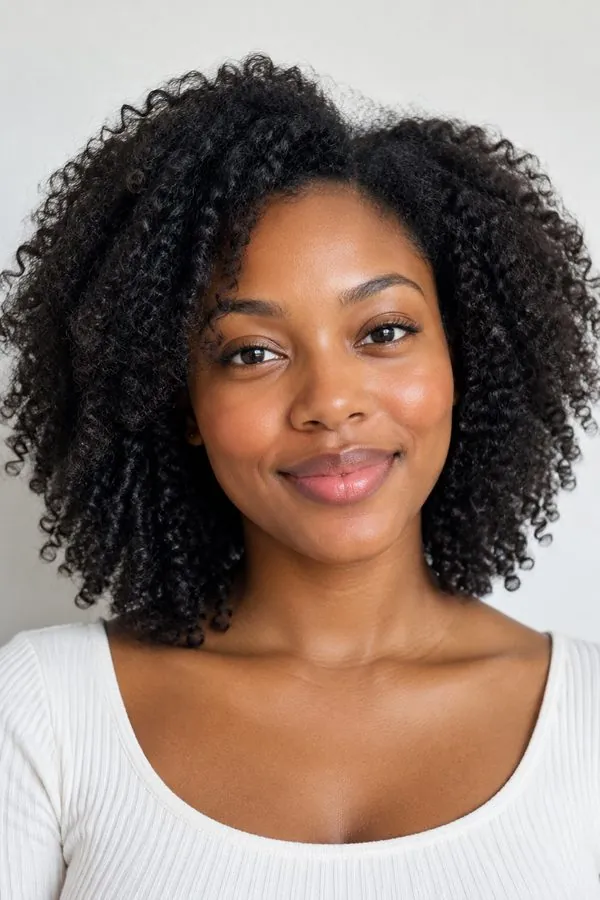
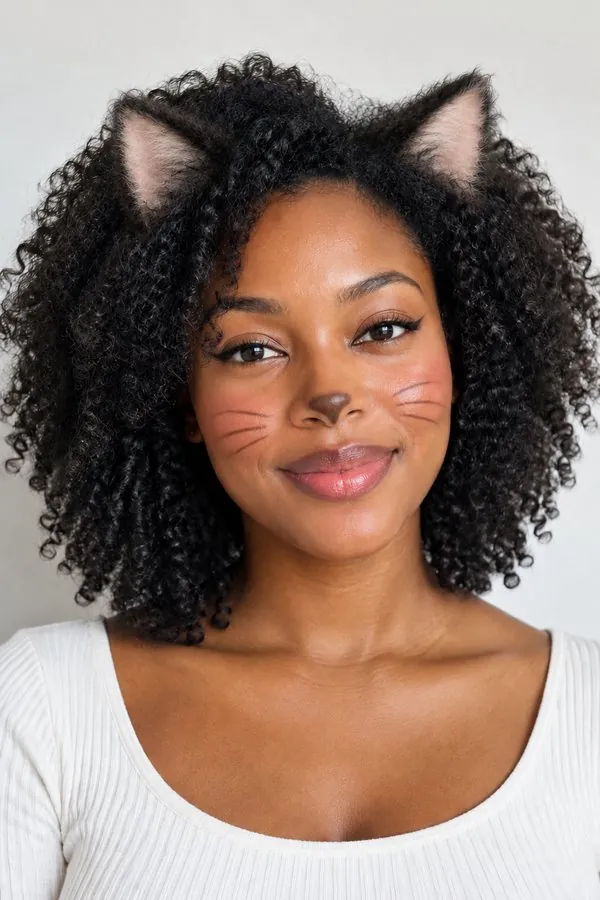
Give your selfie soft cat ears and cat makeup that look real, while you still look exactly like you.



WHAT IT IS
A cat filter that looks like a real photo
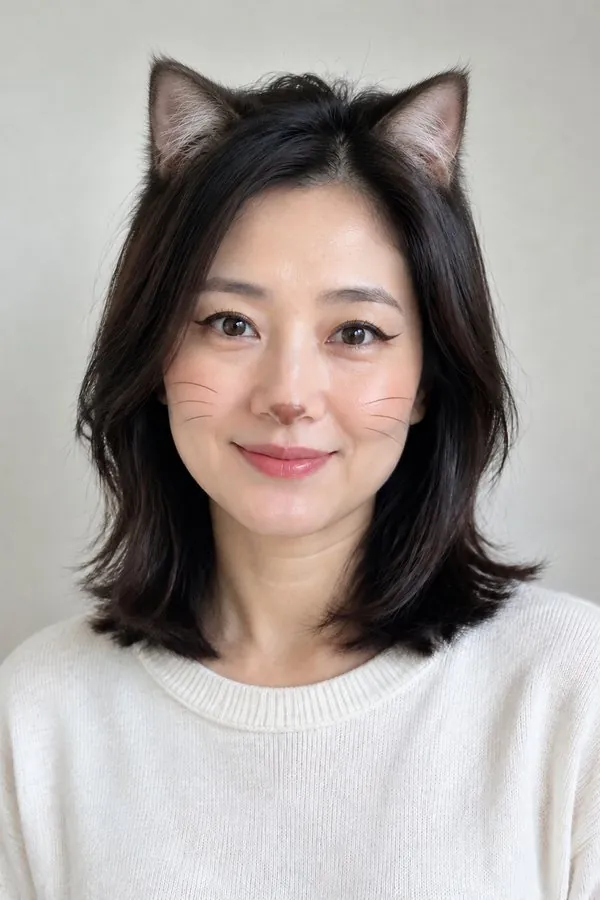
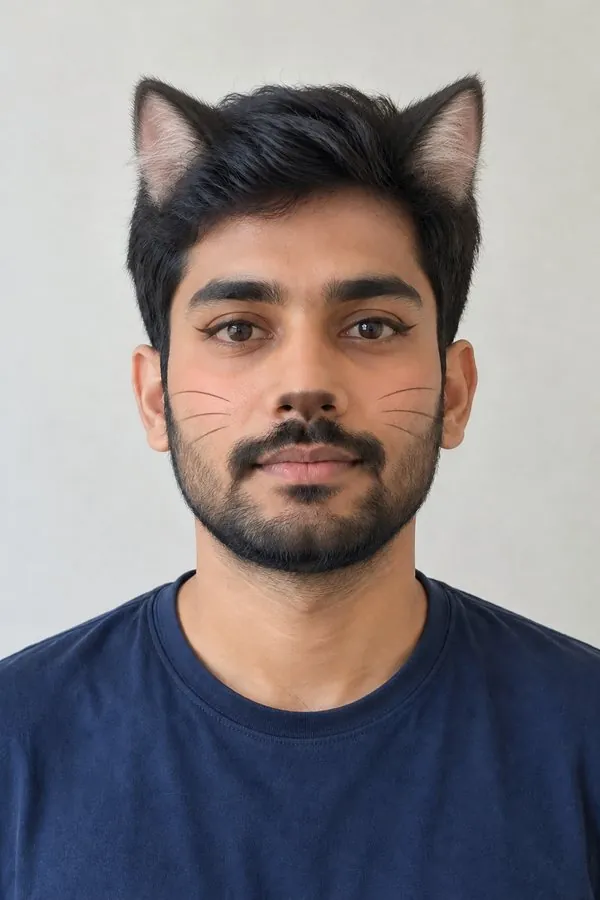
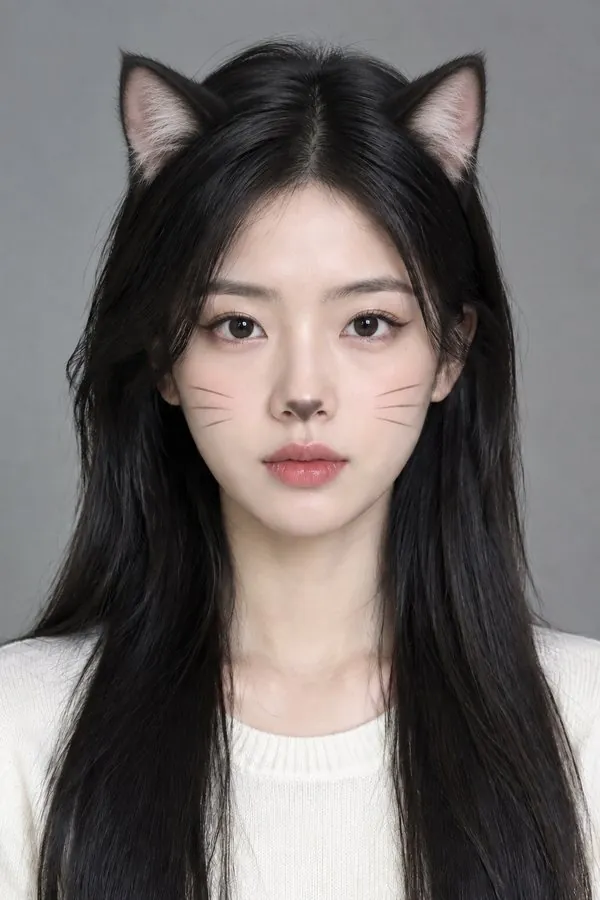
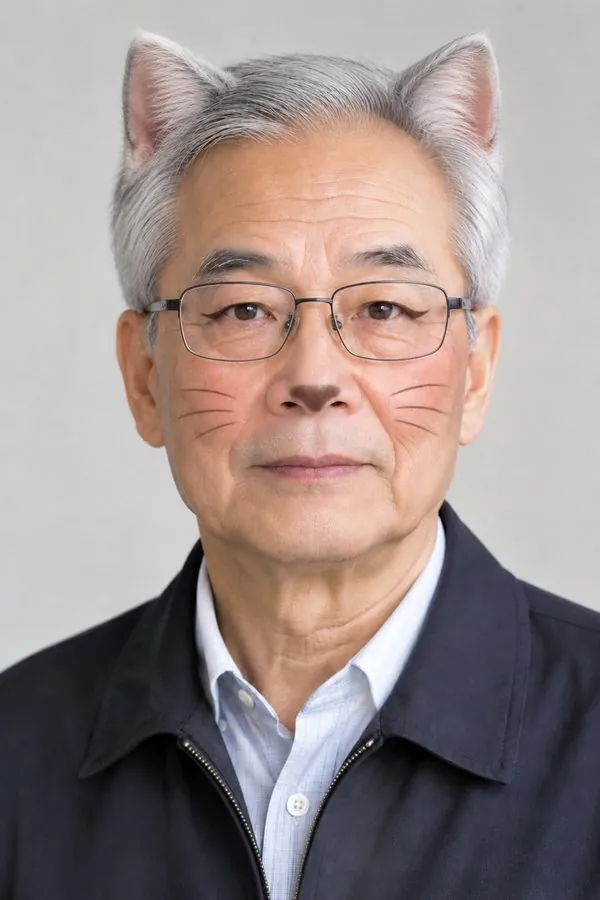
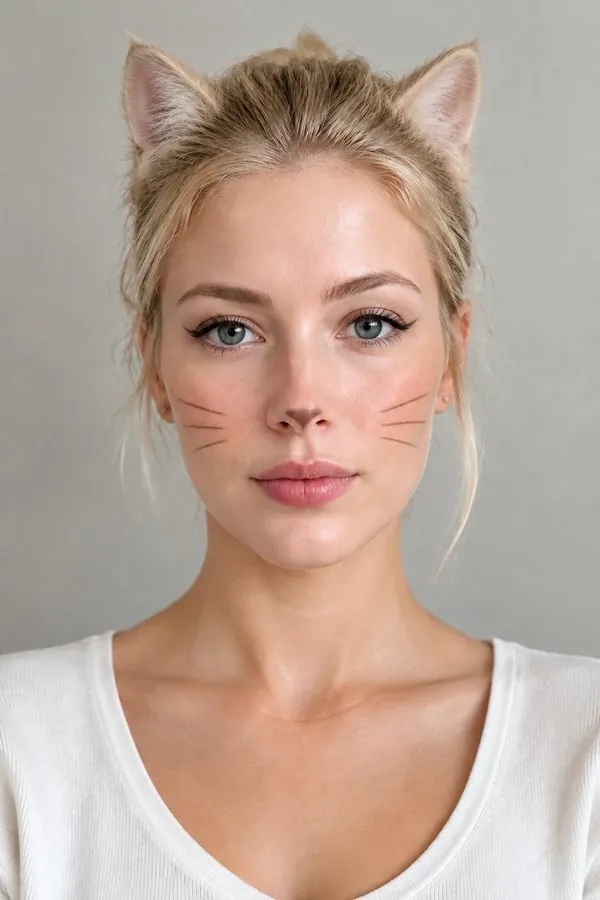
Most cat filters stick cartoon ears on top of a live camera. This one repaints the photo: the ears grow out of your own hair in your own hair color, the light in the room falls on them, and the cat makeup sits on your skin like real liner. Your face, clothes and background stay as they were.
- Ears that match your hair
- Dark hair gets dark ears, blonde gets blonde, with soft fur and a pale inner ear.
- Cat makeup, not a mask
- Winged feline liner, a softly darkened nose tip and thin whiskers, kept subtle on bare faces.
- Still you
- Same face, same eyes, same expression. No fur on the face, no animal nose, no slit pupils.
- Works on anyone
- Women, men, any age or hairstyle; the ears and makeup adapt to the face in the photo.
What goes in, what comes out
- Input
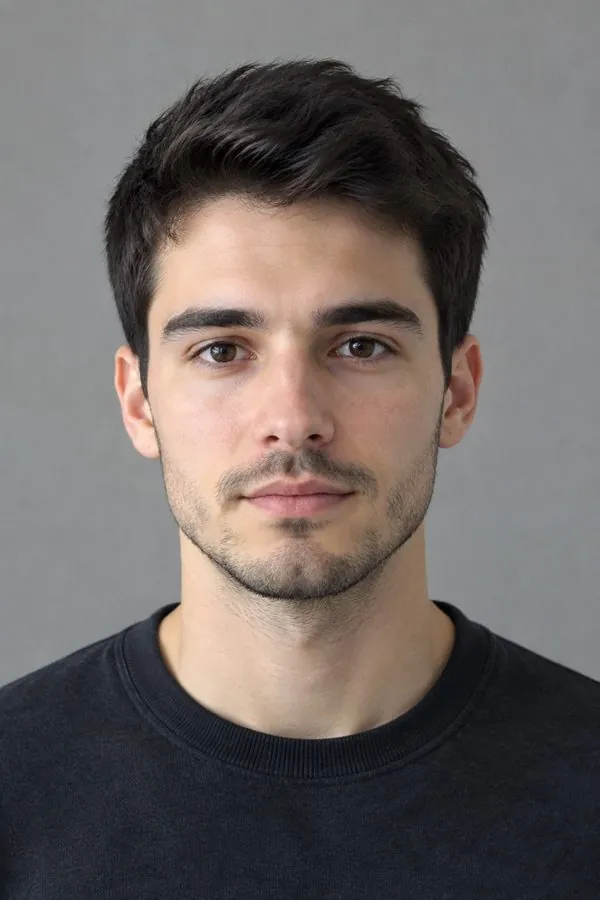
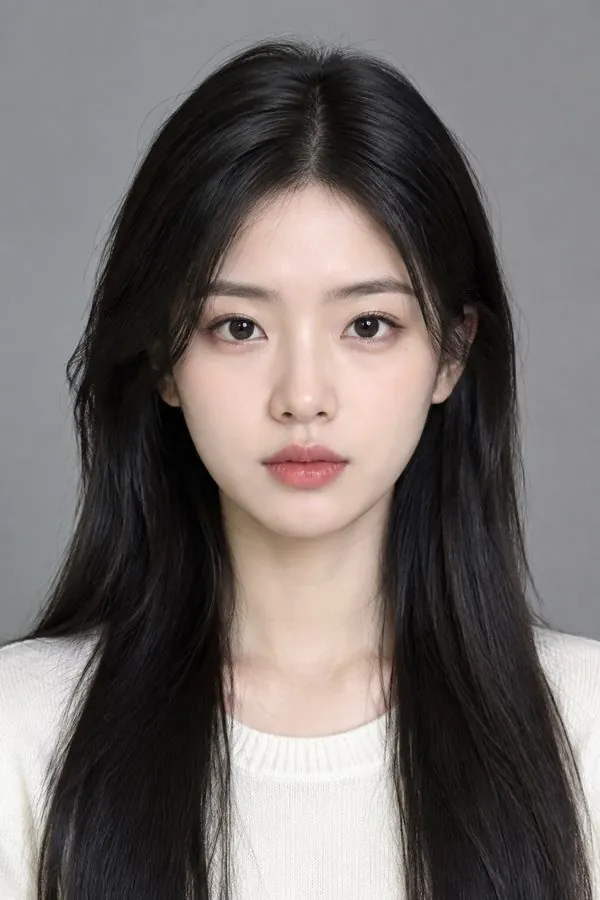
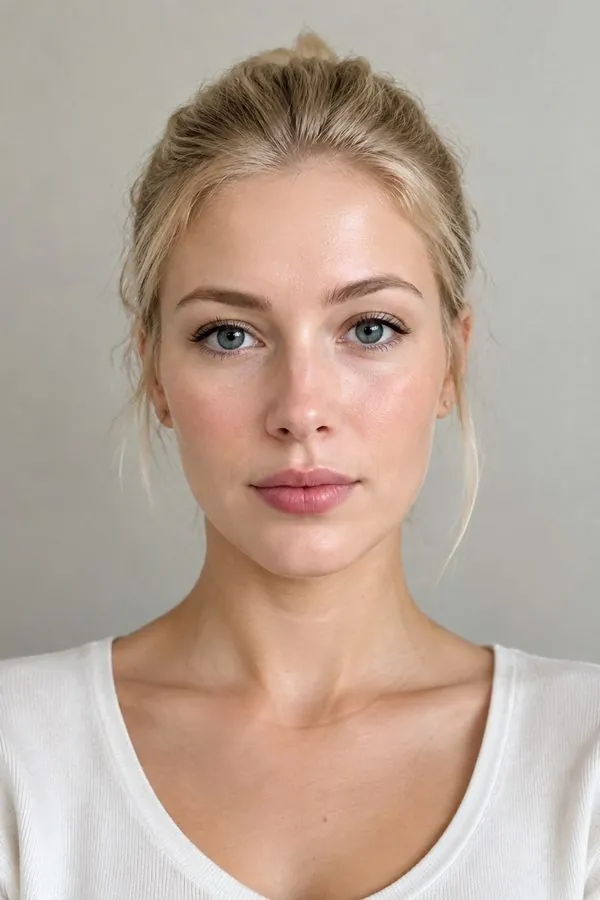
One selfie or portrait
front-facing with the top of the head in frame.
- Output
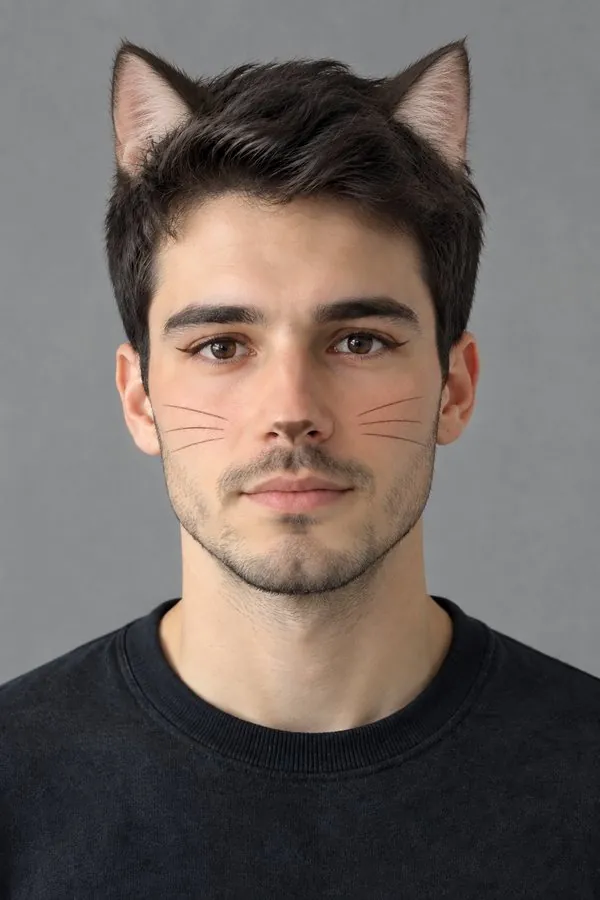
The same photo with cat ears and cat makeup
ready to post or set as a profile picture.
- Keeps
Your face, hair, clothes and background
only the cat details are added.
- Your note
Change the look in plain words
for example white ears, stronger makeup or no whiskers.
How to use the cat filter
It takes one photo.
- 1
Upload a selfie
Pick a clear, well-lit photo where the top of your head is visible so the ears have room.
- 2
Add a note if you like
Ask for a different ear color, bolder liner or no whiskers; leave it blank for the natural look.
- 3
Generate and share
Download the result and post it, or use it as a matching cat profile picture with a friend.
Cat filter ideas
Ways people use the look.
Profile picture
A cat-ear version of your usual photo stands out without looking like a sticker.
Halloween look test
Preview cat makeup on your own face before you buy liner and a headband.
Matching pictures
Run the filter on your photo and a friend's for a pair of matching cat profile pictures.
Just for fun
Send it to the group chat and see who notices it is not a real photo.
FAQ
Cat filter FAQ
How do I get the cat filter on a photo?+
Upload a selfie to the Cat Filter template and generate. The ears and cat makeup are painted into the photo, so there is no need to hold the camera still for a live filter.
Will I still look like myself?+
Yes. The template keeps your face, eyes, expression, hair, clothes and background, and adds only the ears and makeup.
Can I change the ear color?+
By default the ears match your hair. Add a note such as "white cat ears" or "ginger ears" to choose another color.
Does it work on men and older people?+
Yes. The ears and makeup adapt to the face in the photo, and the makeup stays light on faces without makeup.
Is the cat filter free?+
You can start free: new accounts get free credits, and the cost of each image is shown before you generate.
Can I use it on a pet?+
This template is made for people. For your pet, try the custom pet portrait template.
Other names for the cat filter
People search for the same thing under several names.