
Turn a Photo Into a Painting
Your photo comes back as a real-looking oil painting, brushstrokes and canvas included, with the same faces, pose and scene.







WHAT IT IS
A painting of your photo, not a filter on top of it
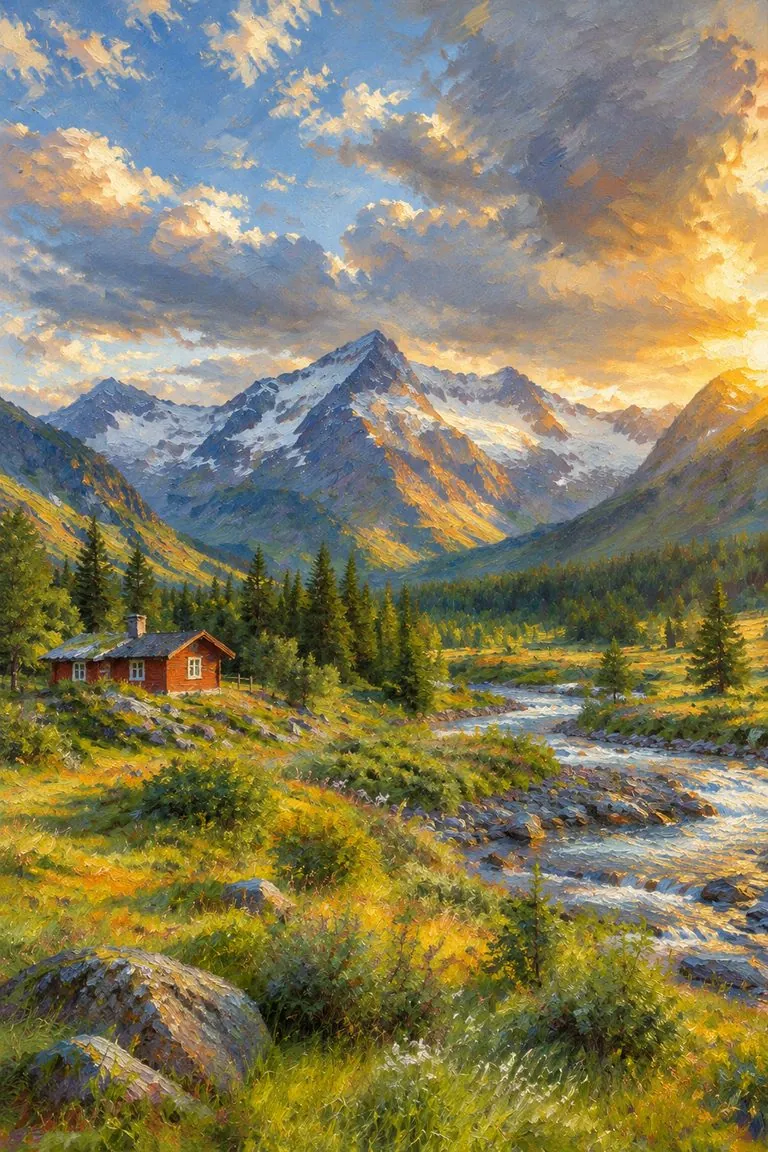
A filter smears the pixels and keeps the photo underneath. This template repaints the picture: skin, hair and sky are rebuilt from brushstrokes, the highlights get thick paint, the shadows stay thin, and the canvas weave shows through. What it keeps is what makes the photo yours: the people, their faces and the way the shot was framed.
- Same picture, new medium
- Composition, pose, clothing and background stay where they were. Only the medium changes.
- Faces you still recognise
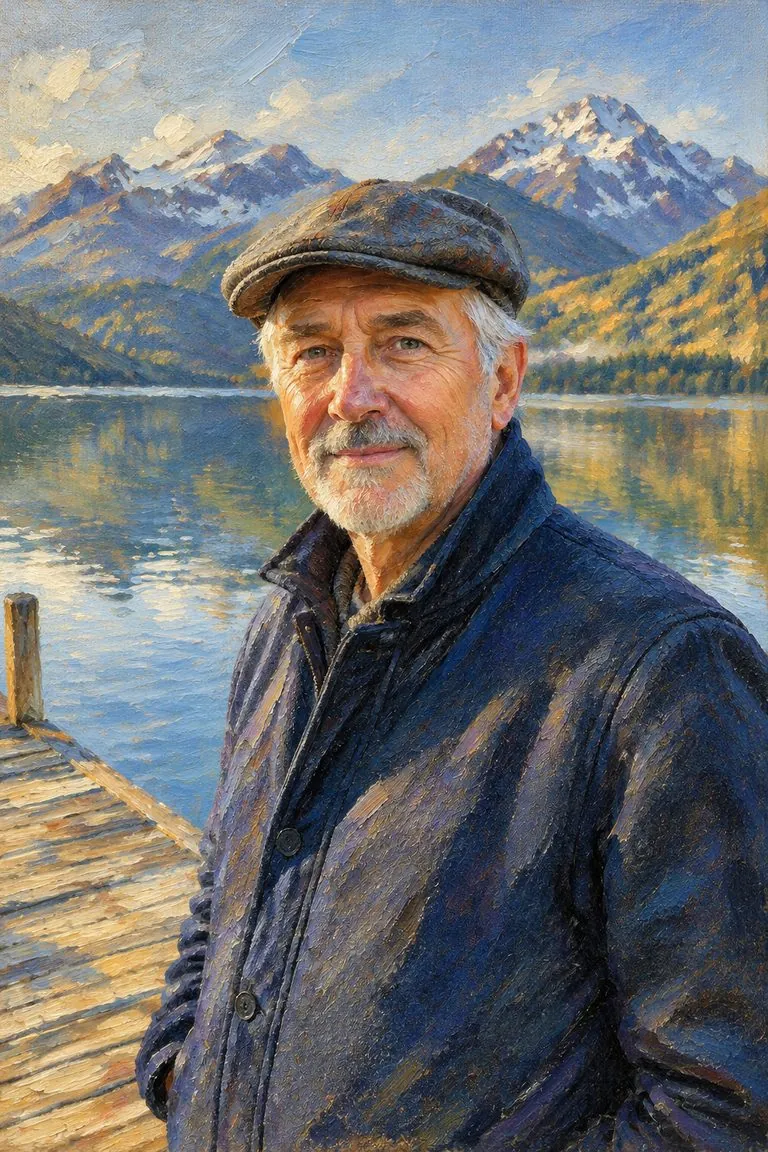
- Likeness is kept through face shape, eyes and expression, so a portrait reads as the same person, painted.
- Brushstrokes you can see
- Directional strokes, impasto highlights and canvas texture, the details that make a print look like a painting on the wall.
- Any photo, any painting style
- Portraits, couples, groups, pets and landscapes. Add a style such as impressionist or palette knife if you want one.
What you get
- Upload
One photo
a portrait, a couple, a group, a pet or a landscape
- Keeps
The people and the scene
faces, pose, clothing, composition and background
- Style
Classic oil on canvas
or name impressionist, palette knife or loose modern
- Output
A painting ready to download
for a print, a gift or a profile picture
How to turn a photo into a painting
One photo is all it takes.
- 1
Upload a photo
A sharp photo with good light works best. Faces should be clearly visible if it is a portrait.
- 2
Pick a style, or leave it
Leave the note empty for a classic oil painting, or write a style such as "impressionist" or "palette knife".
- 3
Download the painting
Save it, print it on canvas, or run the same photo through watercolor to compare.
Painting styles to try
Write one of these in the note. The picture stays the same; the hand changes.
Classic oil
The default: warm underpainting, thick highlights and soft background edges, like a commissioned portrait.
Impressionist
Broken dabs of light color and shimmering skies. Good for gardens, beaches and landscapes.
Palette knife
Flat, chunky slabs of paint with sharp ridges. Strong on city streets and night lights.
Expressive swirls
Bold swirling strokes in the sky and grass, for a dramatic post-impressionist look. Try it on pets.
FAQ
Photo to painting FAQ
How do I turn a photo into a painting?+
Upload the photo to this template and generate. It returns the same picture repainted as an oil painting; add a style in the note if you want something other than classic oil.
Will the painting still look like me?+
Yes, that is the point of the template. It keeps face shape, eyes, expression and pose, and repaints the skin and hair with brushstrokes, so friends recognise you in the painting.
Does it work with pets and landscapes?+
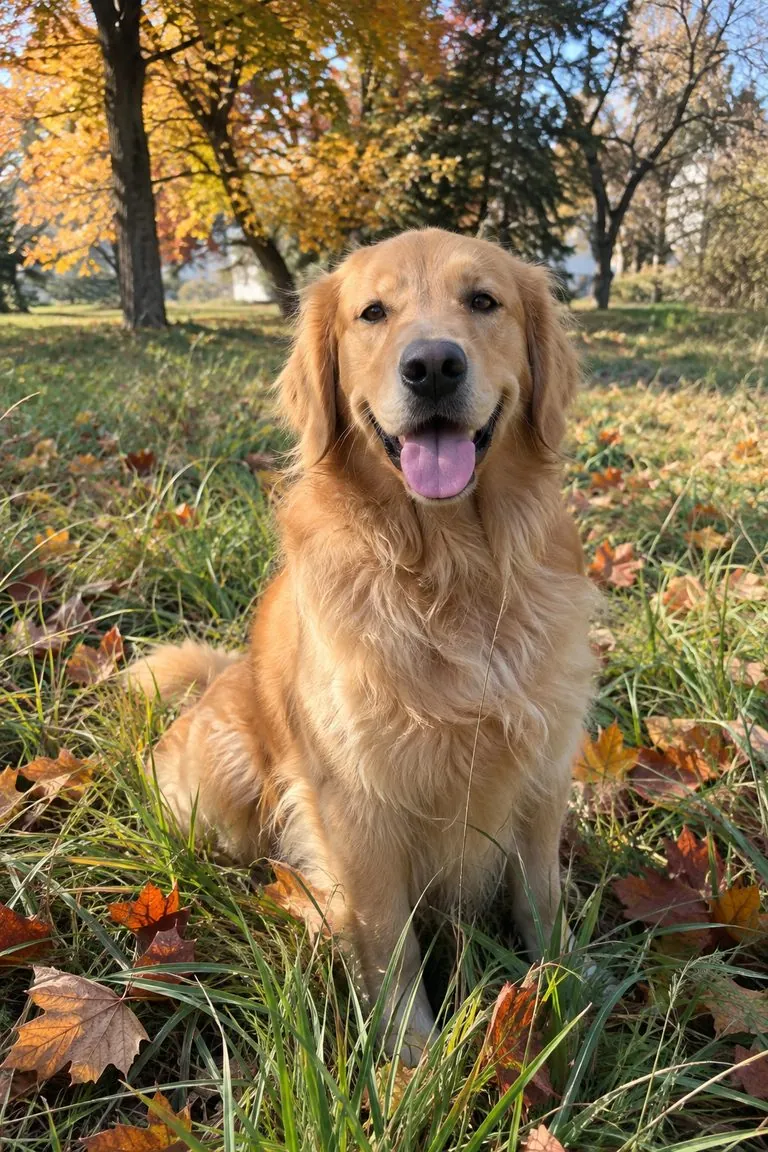
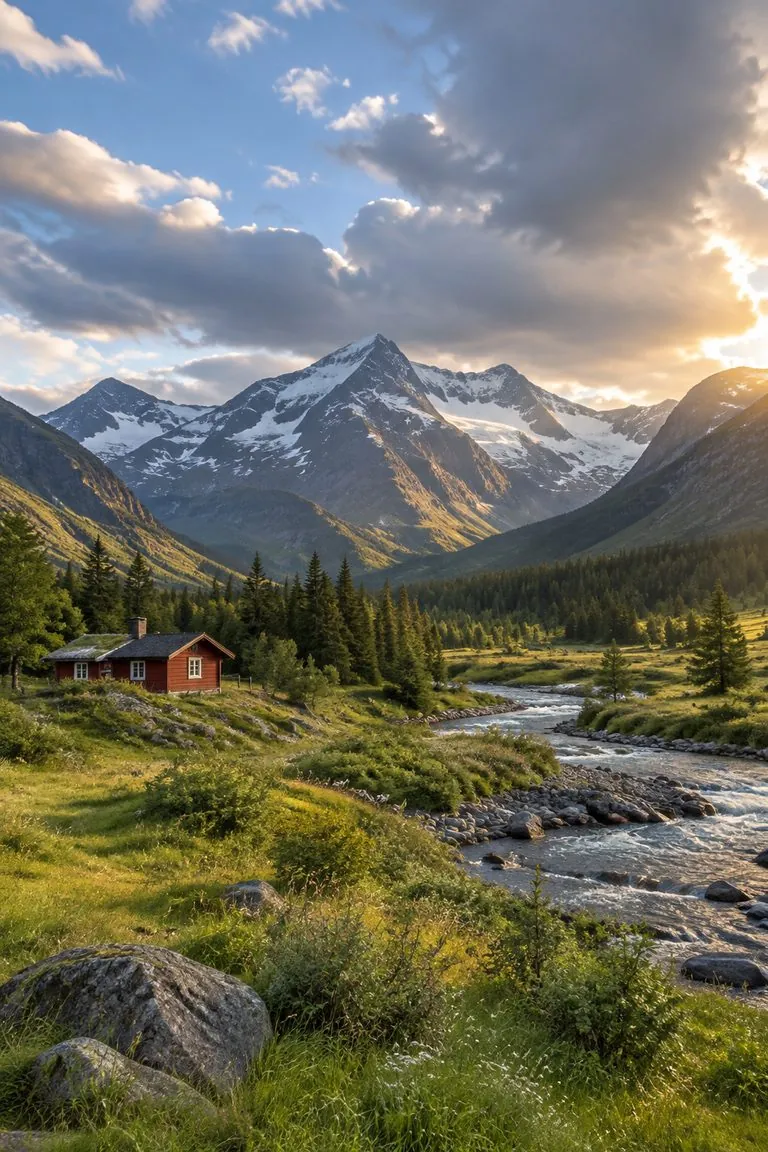
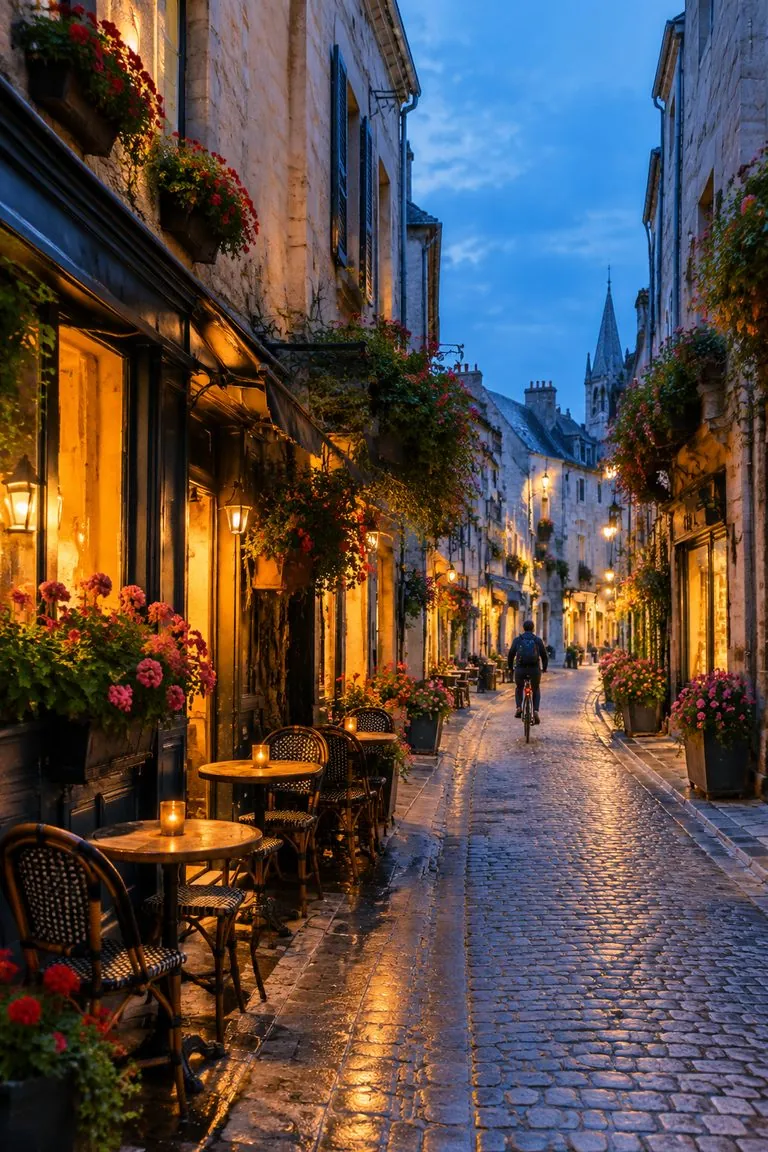
Yes. The dog, mountain valley and street on this page went through the same template. Animals keep their markings and landscapes keep their layout.
Can I turn a photo into a watercolor instead?+
Yes. Use photo to watercolor for soft washes on white paper; it uses the same photo and keeps the same composition.
Can I print the painting?+
Yes. Download the image and print it on canvas or paper. For large prints, start from a sharp, well-lit photo.
Is it free?+
You can start free: new accounts get free credits, and the cost of each image is shown before you generate.
Does the result have a watermark or signature?+
No. The template asks for no frame, signature, text or watermark, so you get just the painting.
Other names for turning a photo into a painting
The same request is searched under several names.


