
Turn Photo Into Watercolor
Your photo comes back as a soft hand-painted watercolor, light washes on white paper, with the same faces and scene.




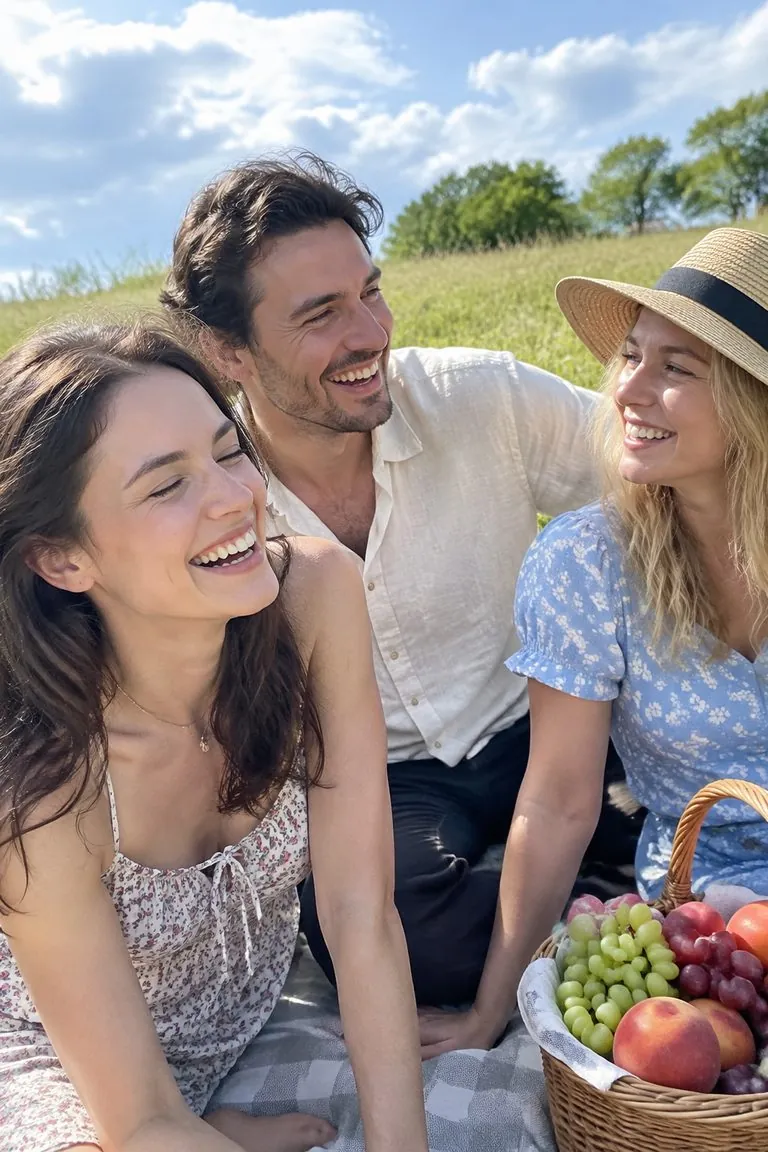


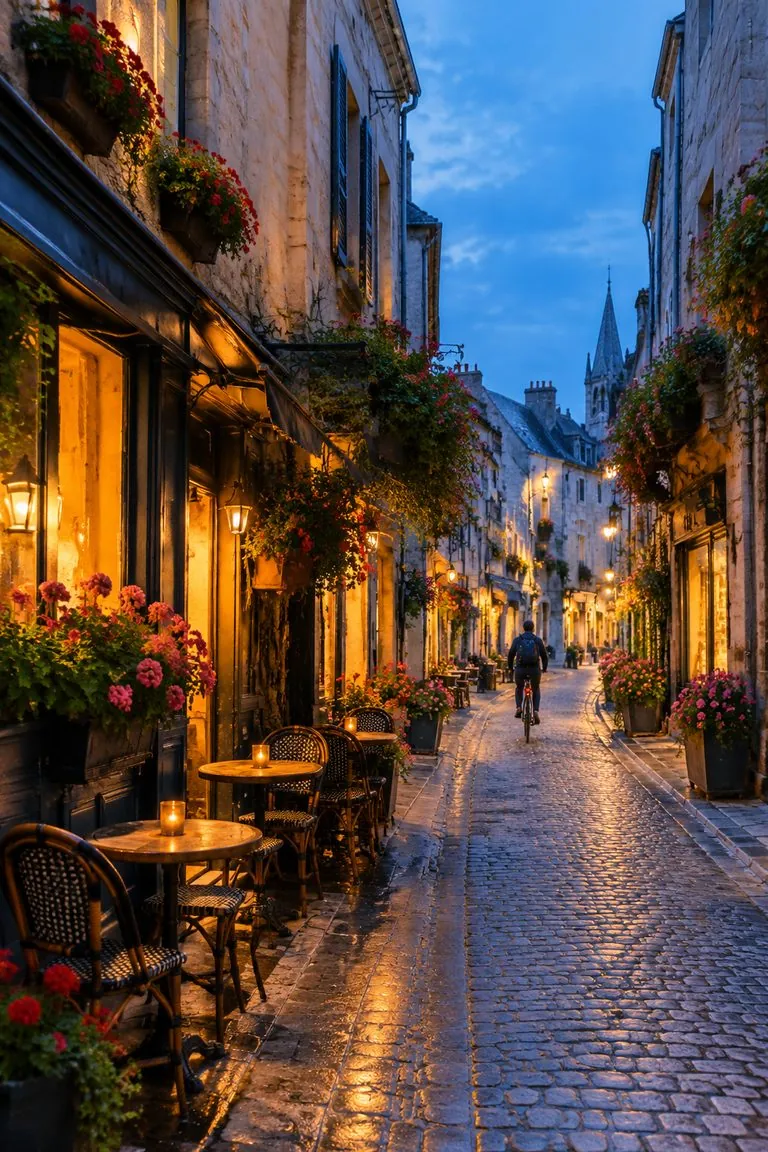

WHAT IT IS
Watercolor that keeps the picture
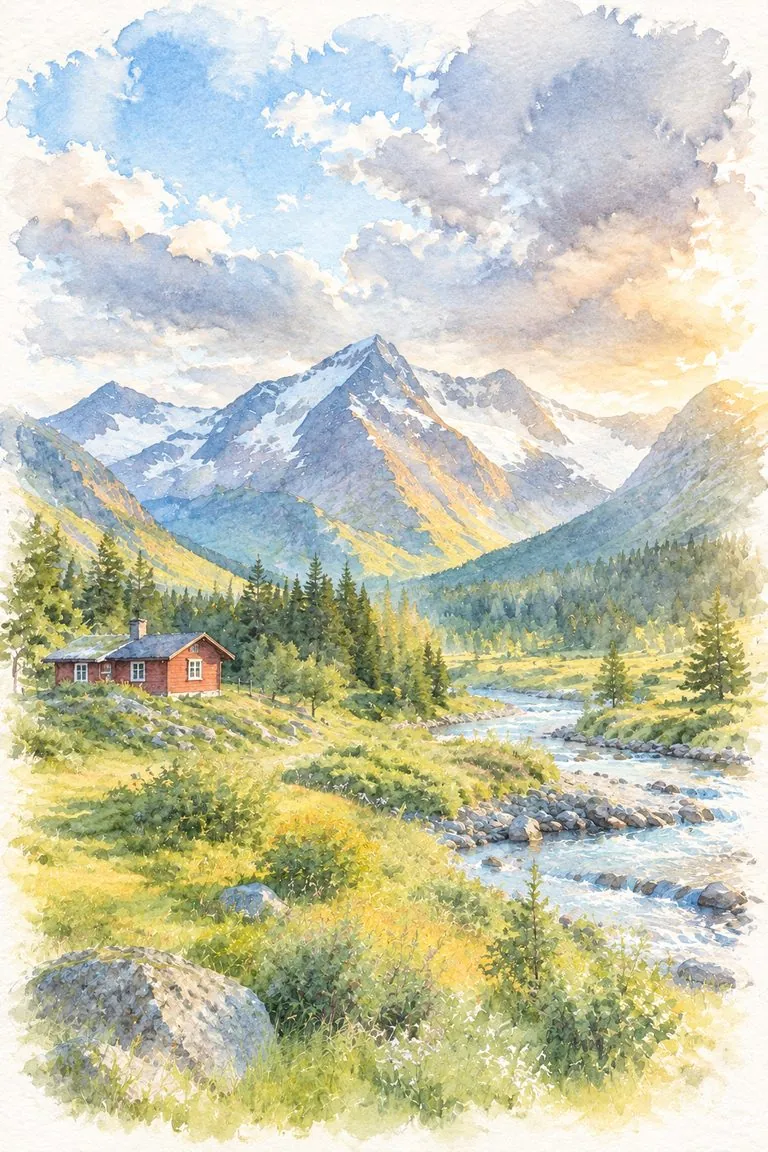
Most watercolor effects blur a photo and add paper texture. This template repaints it: skies become wet blooms, the brightest parts are left as white paper, hair turns into loose washes and the edges fade out into the page. The people, the pose and the place stay as they were in your photo.
- Light and airy
- Transparent layered washes in the photo's own colors, never muddy or heavy.
- Faces stay recognisable
- A few precise small-brush marks keep eyes, smile and face shape, so a portrait is still the person.
- White-paper edges
- The painting fades into untouched paper at the borders, the way a real watercolor sits on the sheet.
- Good for gifts
- Couples, pets, travel shots and family photos make soft prints, cards and keepsakes.
What you get
- Upload
One photo
a portrait, a couple, a pet, a street or a landscape
- Keeps
The people and the scene
faces, pose, clothing colors and composition
- Style
Soft washes on white paper
or ask for ink lines for an urban sketch
- Output
A watercolor ready to download
for a print, a card or a wedding gift
How to turn a photo into watercolor
One photo, one click.
- 1
Upload a photo
Bright, well-lit photos give the cleanest washes. Clear faces work best for portraits.
- 2
Add a note if you like
Leave it empty for soft washes, or write "loose urban sketch with ink lines" for a travel-journal look.
- 3
Download the watercolor
Print it on textured paper, or compare with an oil painting of the same photo.
Photos that make great watercolors
Bright light and simple backgrounds give the softest result.
Couples and weddings
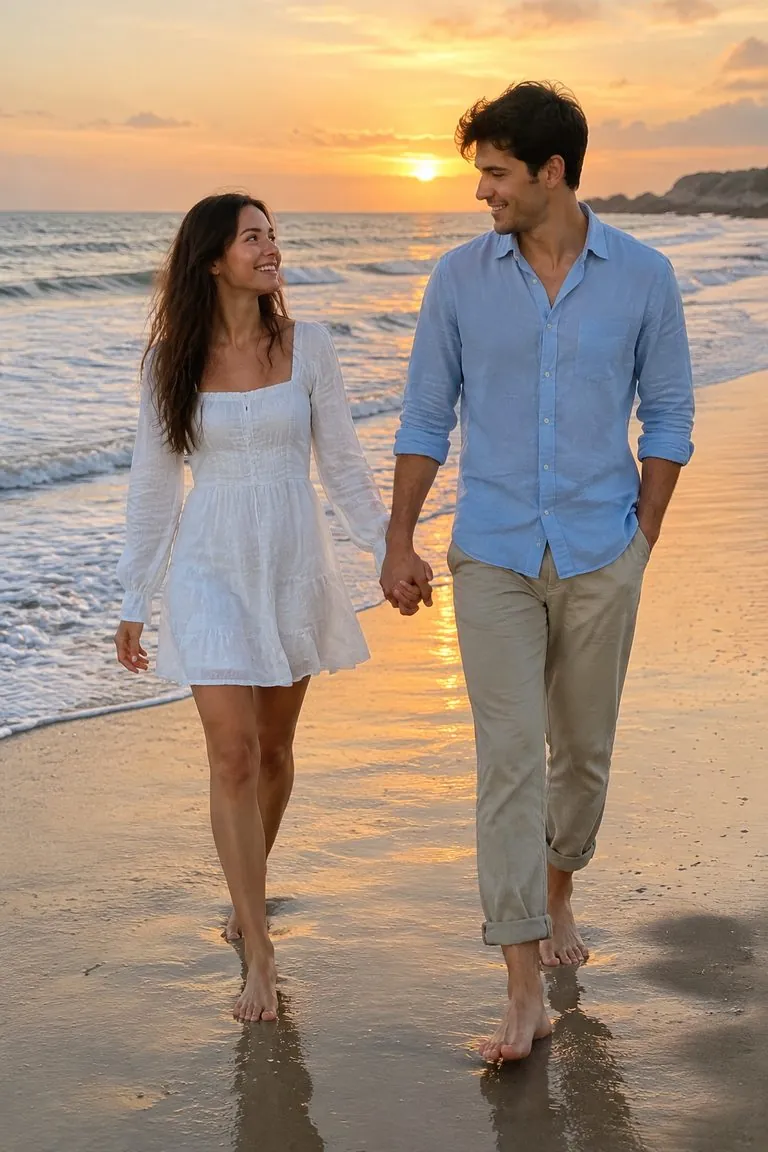
A beach walk or a first look becomes a soft keepsake print or card.
Pets
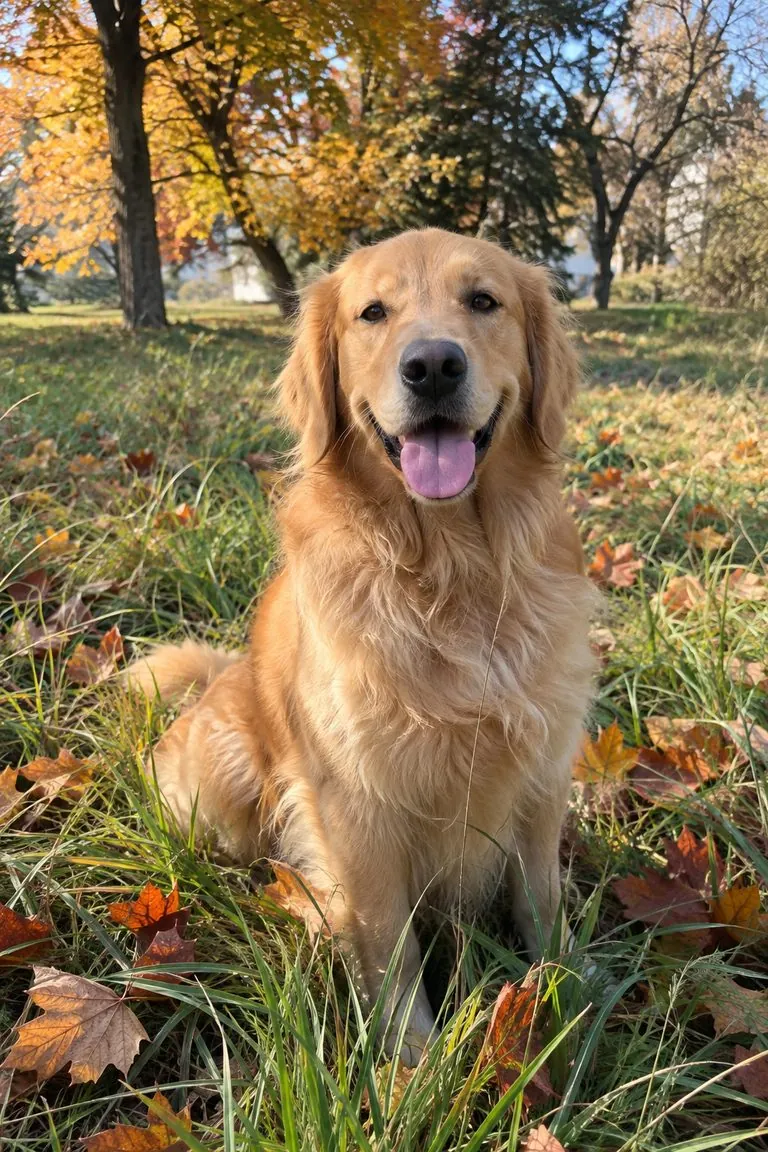
Fur turns into loose layered washes while the eyes stay sharp.
Travel photos
Streets and landmarks with ink lines read like a page from a sketchbook.
Gardens and landscapes
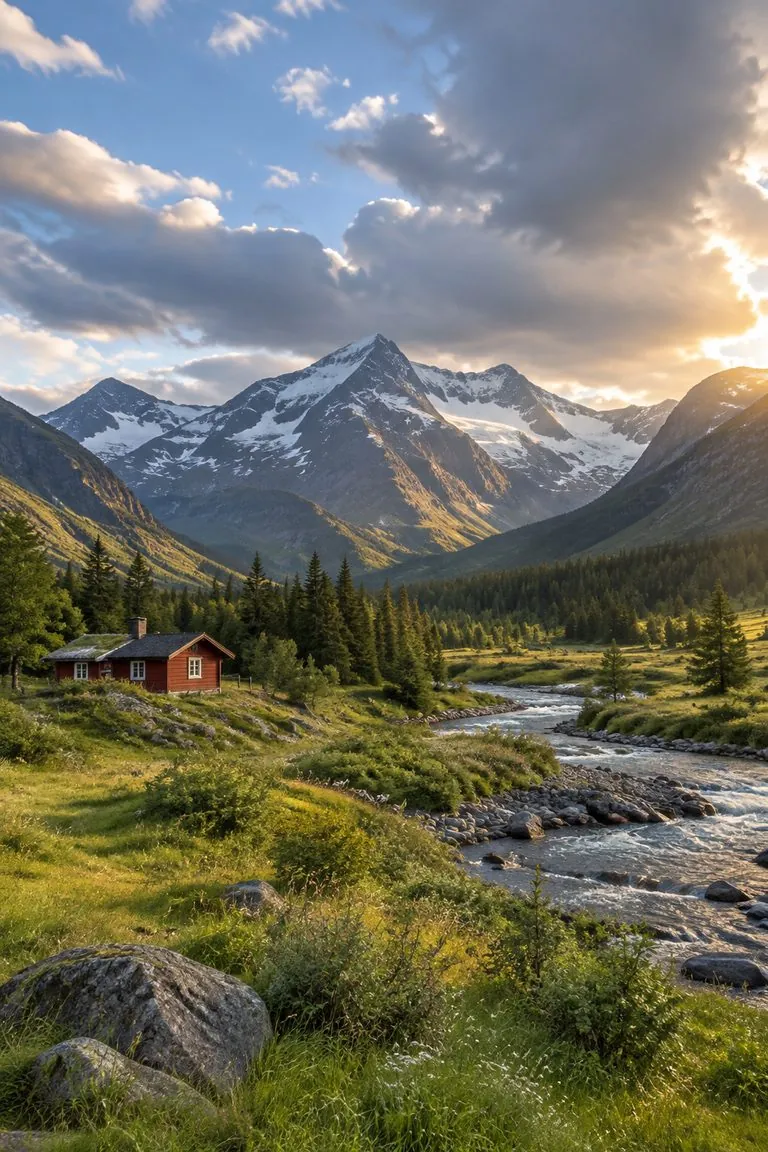
Skies bloom, flowers glow, and the edges fade into the paper.
FAQ
Photo to watercolor FAQ
How do I turn a photo into a watercolor?+
Upload the photo to this template and generate. You get the same picture repainted with transparent washes on white paper.
Will people still be recognisable?+
Yes. The template keeps face shape, eyes, expression and pose, and paints faces with finer brushwork than the background.
Can I add ink lines?+
Yes. Write "loose urban sketch with ink lines" in the note, as in the street example on this page.
What is the difference from the painting template?+
Photo to painting gives thick oil paint on canvas; this one gives light, transparent watercolor on paper. Both keep your photo's composition.
Is it free?+
You can start free: new accounts get free credits, and the cost of each image is shown before you generate.
Is there a watermark?+
No. The template asks for no frame, signature, text or watermark.
Other names for turning a photo into watercolor
The same request is searched under several names.
Soft, hand-painted, still your photo.
Couples, pets, travel and gardens.


