
Free AI Birthday Photoshoot
Turn one person photo into an ai birthday photoshoot with a complete birthday scene featuring cake, balloons, streamers, and polished celebration portrait styling. Create a festive birthday photoshoot from one photo. Free to start, ready to share as a post or a story.
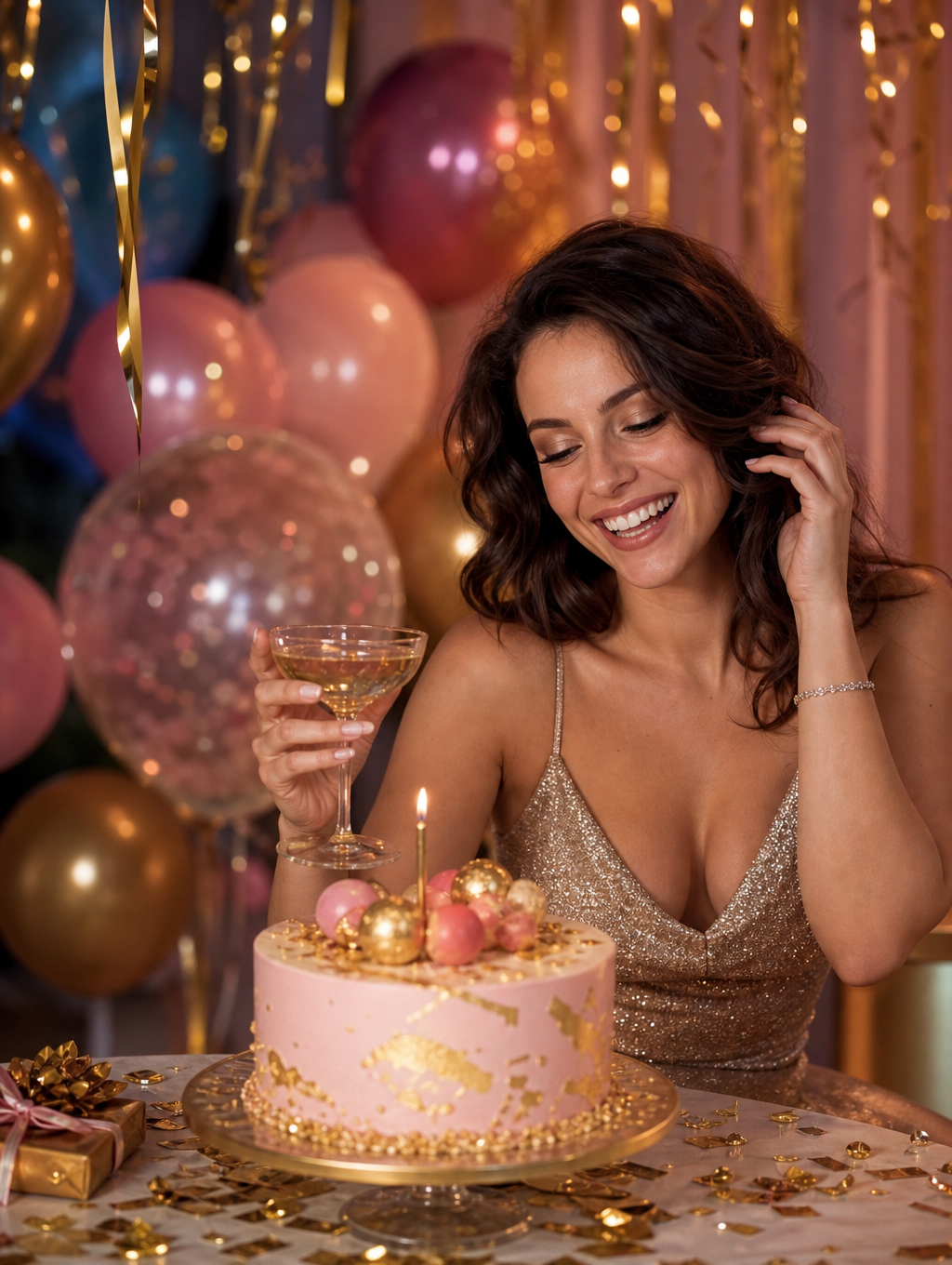
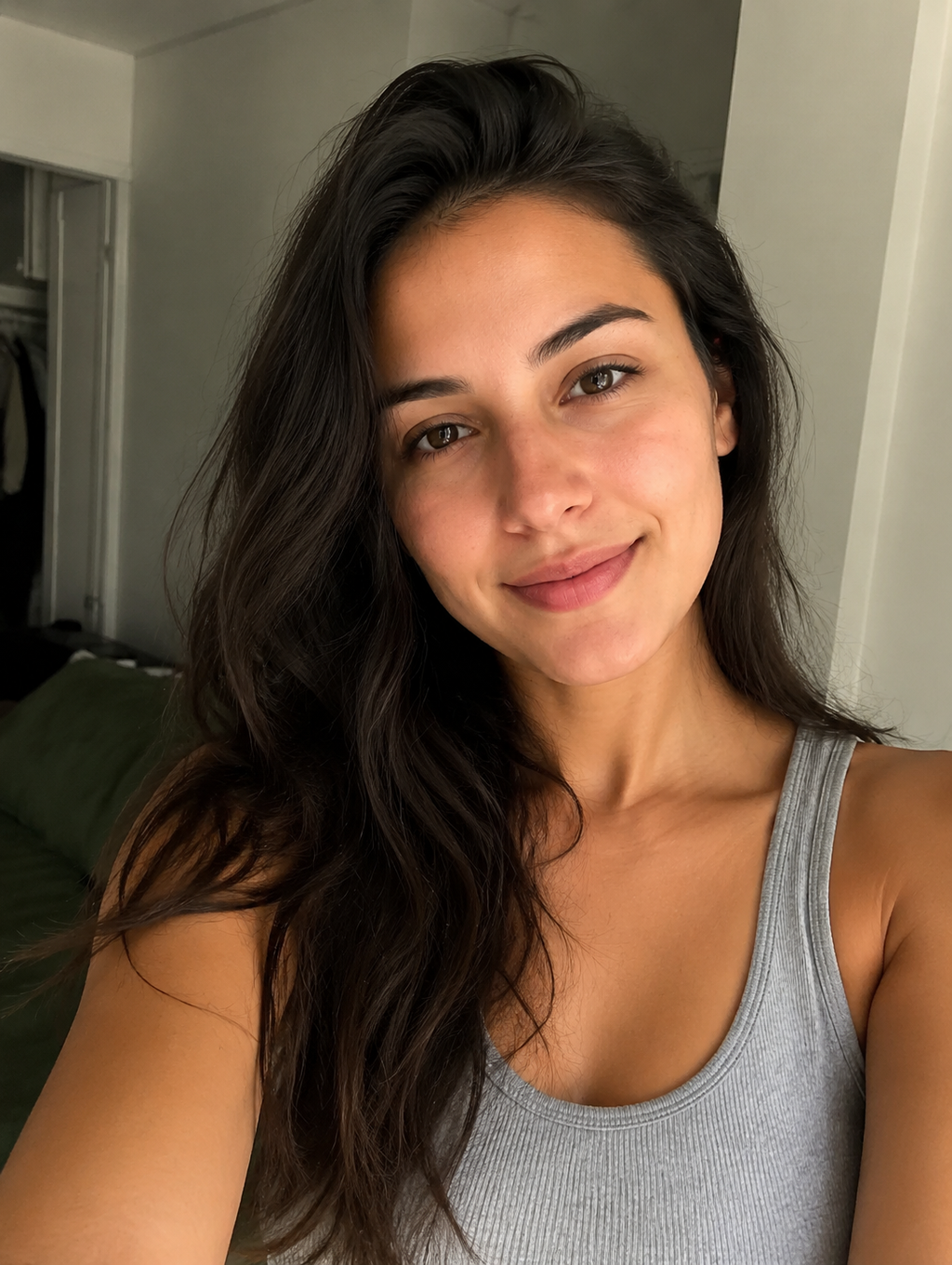
WHAT IT IS
What Makes a Birthday Shoot Feel Festive
An ai birthday photoshoot builds a recognizable celebration set around your subject rather than only changing lighting or mood. The birthday photoshoot ai generator uses one clear portrait to create a cohesive scene with party props, coordinated color, and natural composition. A festive set wants clean detail. Follow it with Car Window Phone Glow, or browse one photo, a week of content for inspiration. Try it in the AI Birthday Photoshoot template.
A clear source portrait
A front-facing or three-quarter photo with visible facial features helps the result preserve the subject while adapting pose, wardrobe, and framing.
Birthday scene details
Cake, balloons, candles, confetti, and streamers make the image read immediately as a birthday celebration rather than a general studio portrait.
A focused scene direction
An ai birthday photoshoot prompt works best when it specifies the party setting, color palette, cake style, wardrobe, and desired portrait framing.
Celebration-first styling
This format is distinct from a style photoshoot because the birthday environment and celebratory story are as important as the lighting treatment.
CREATOR USE CASES
Application Scenarios
Create birthday portraits for social posts, invitations, profile updates, or keepsakes without arranging a physical party set.
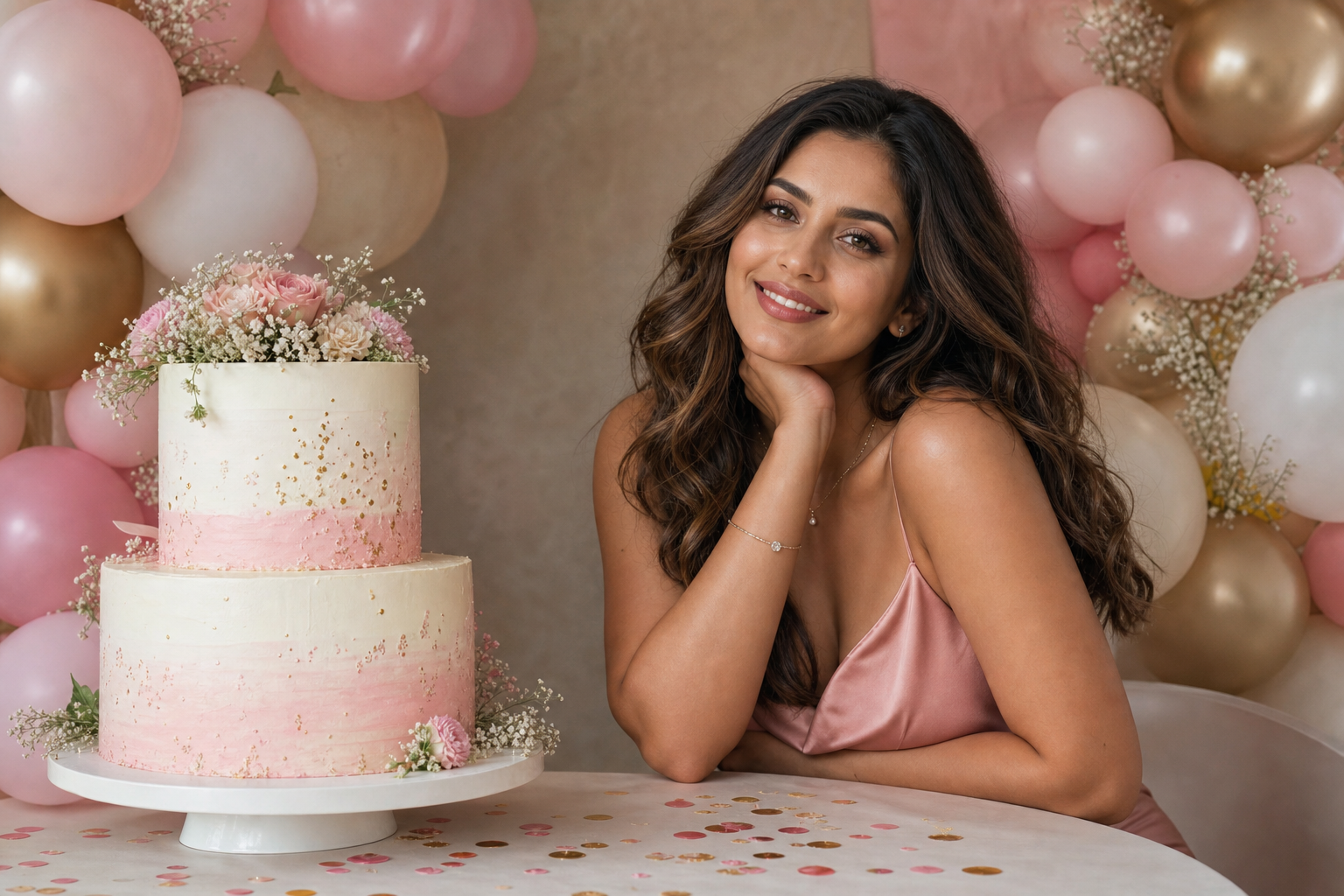
Cake and Balloons Birthday Set
Build a birthday AI photoshoot around a decorated cake, coordinated balloons, candles, and studio-quality portrait lighting. For a scene-neutral fashion or lighting transformation, explore AI Photoshoot /templates/ai-photoshoot.
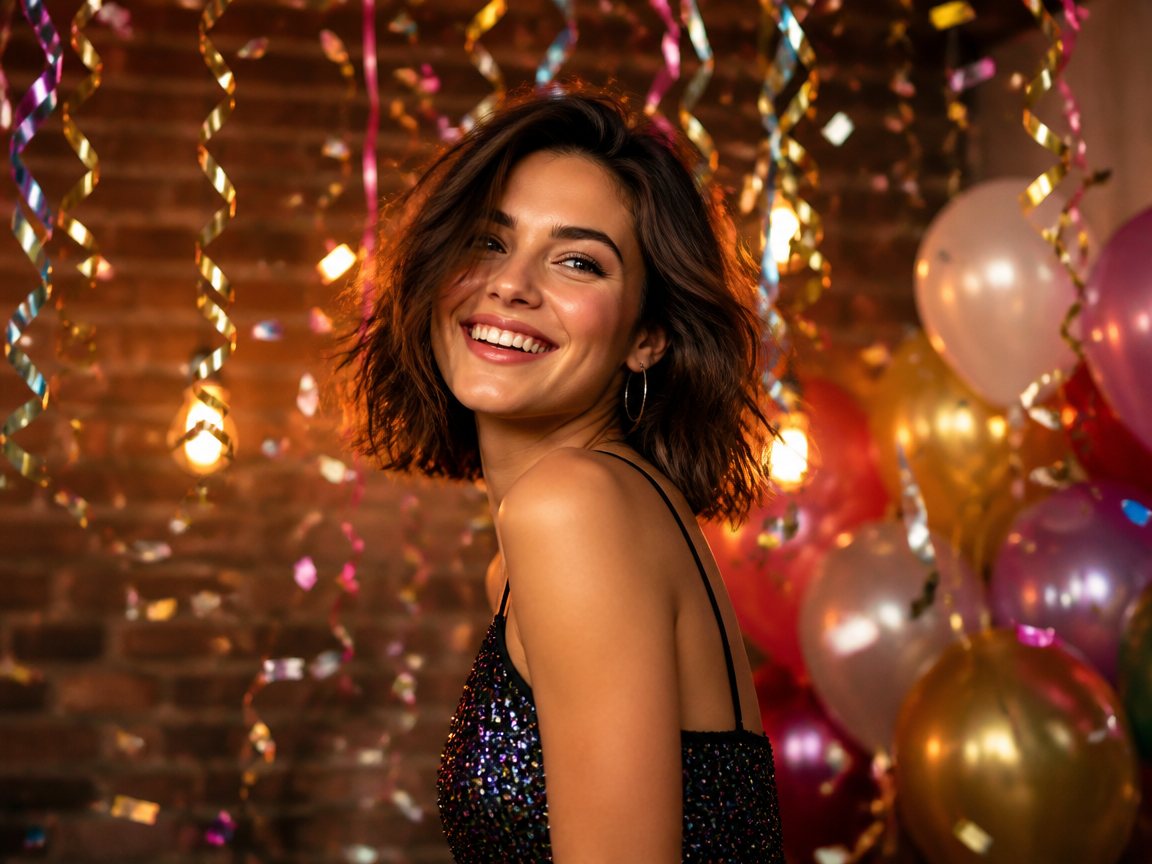
Party Streamers Celebration Portrait
Create a lively celebration portrait with metallic streamers, confetti, balloons, and expressive party energy. For a more dramatic falling-cash scene, try Money Rain at /effects/money-rain.
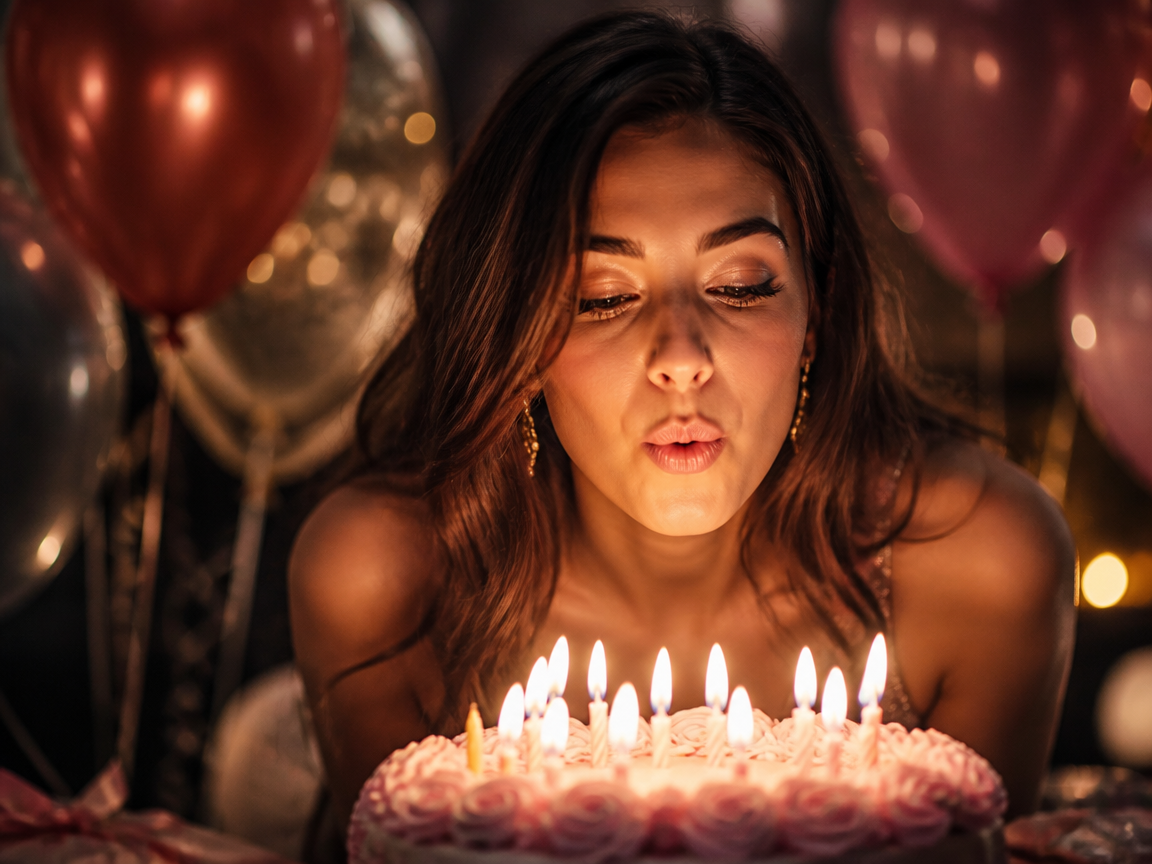
AI Cake Photoshoot Moment
Center the composition on a cake-cutting or candle moment for a personal birthday post, invitation image, or keepsake.
FAQ
Common questions
What is an AI birthday photoshoot?+
It is an image template that turns a person photo into a birthday scene with cake, balloons, streamers, candles, and coordinated celebration styling. The result is designed to look like a planned birthday portrait session.
How is it different from a regular AI photoshoot?+
A regular AI photoshoot usually focuses on fashion, lighting, location, or mood. This template builds an explicit birthday environment around the subject. For broader portrait styling without required party props, use /templates/ai-photoshoot.
Can I get a free AI birthday photoshoot look?+
You can start with the available creation option and preview the generated birthday look before deciding how to use the result. Availability, generation limits, and export options may depend on the current plan.
What photo should I upload?+
Upload one clear person photo with the face visible, even lighting, and minimal obstruction. A chest-up or full-body portrait works well, while heavy blur, sunglasses, cropped facial features, or multiple people can reduce consistency.
Can I customize the cake and party theme?+
Yes. Describe the preferred cake design, balloon colors, streamers, wardrobe, background, and lighting in your ai birthday photoshoot prompt. Keep the direction focused so the scene remains visually coherent.
Can I create other celebration effects?+
Yes. Use Money Rain at /effects/money-rain for a dramatic falling-cash composition.
What goes with a birthday shoot?+
A festive birthday set is great for cards and posts. For a set, line up Dark Room Flash Editorial and Dim Room Selfie Flash.
Other names for an AI Birthday Photoshoot
Creators may use these names when referring to birthday portrait generation, party-scene editing, or cake-centered celebration imagery. Birthday shoot, party photoshoot, cake-and-balloons set, whatever the tag, it's a festive birthday shoot.
Create Your AI Birthday Photoshoot From One Photo
Upload one person photo and place the subject in a polished birthday scene with cake, balloons, streamers, and celebration-ready portrait styling.


